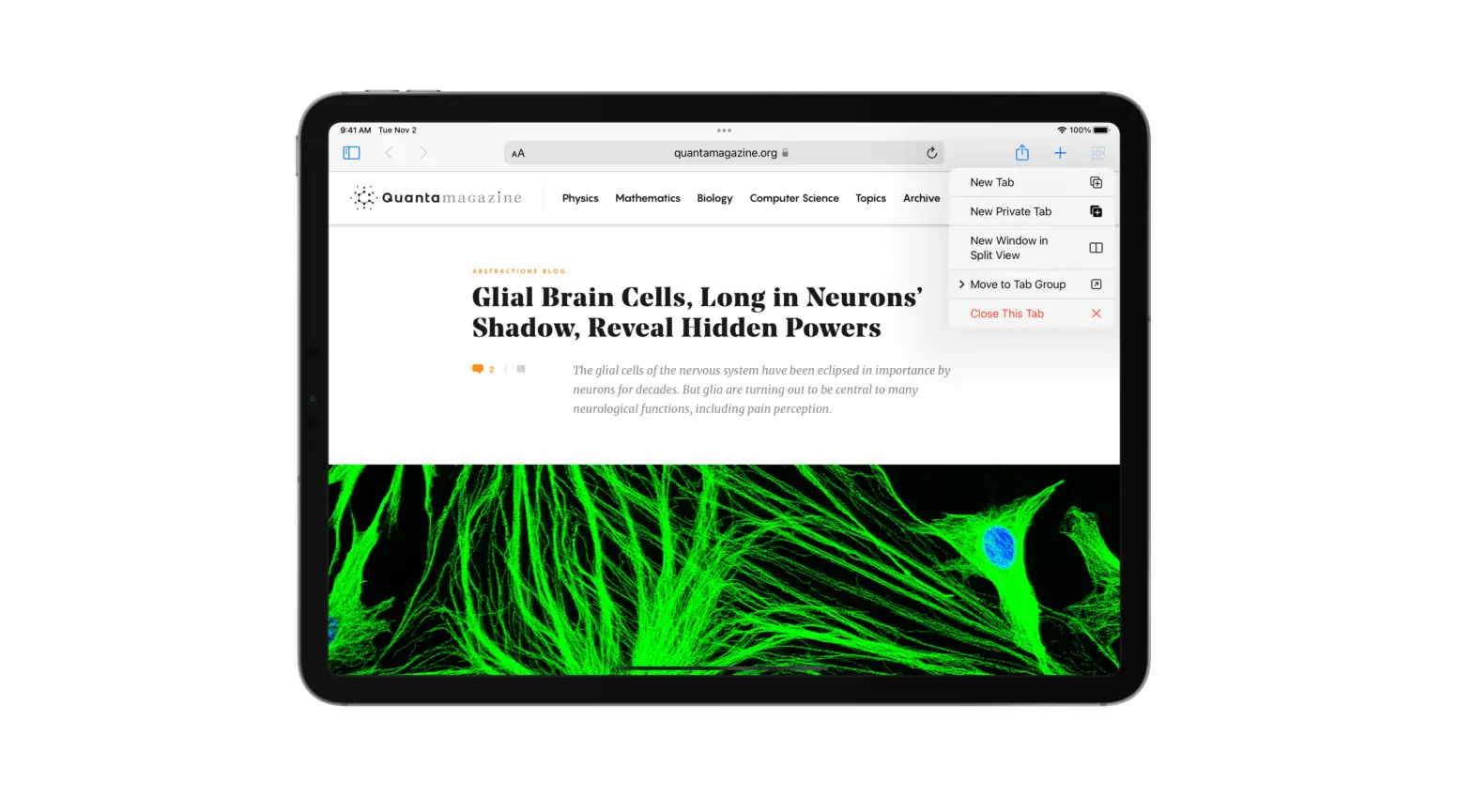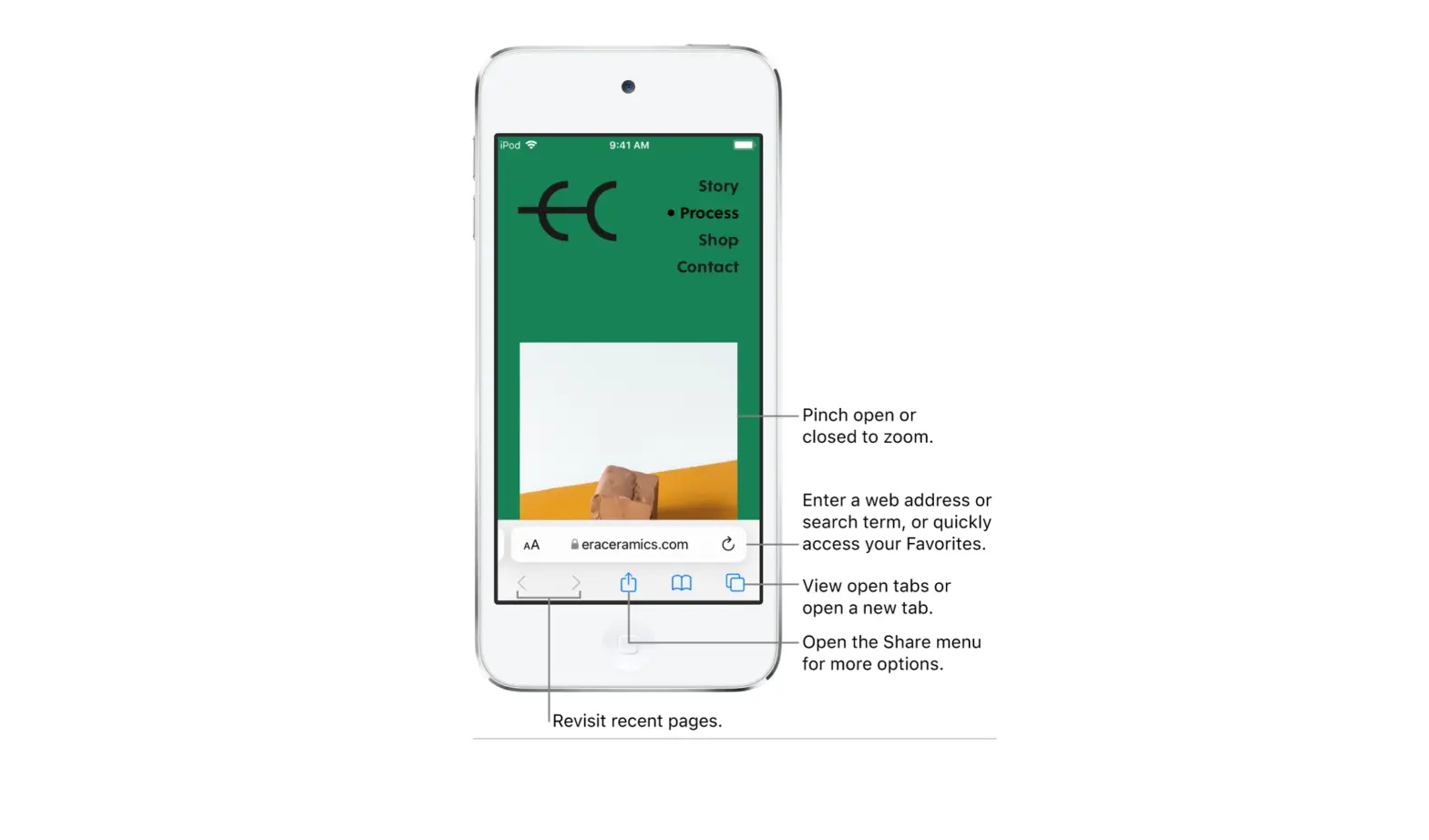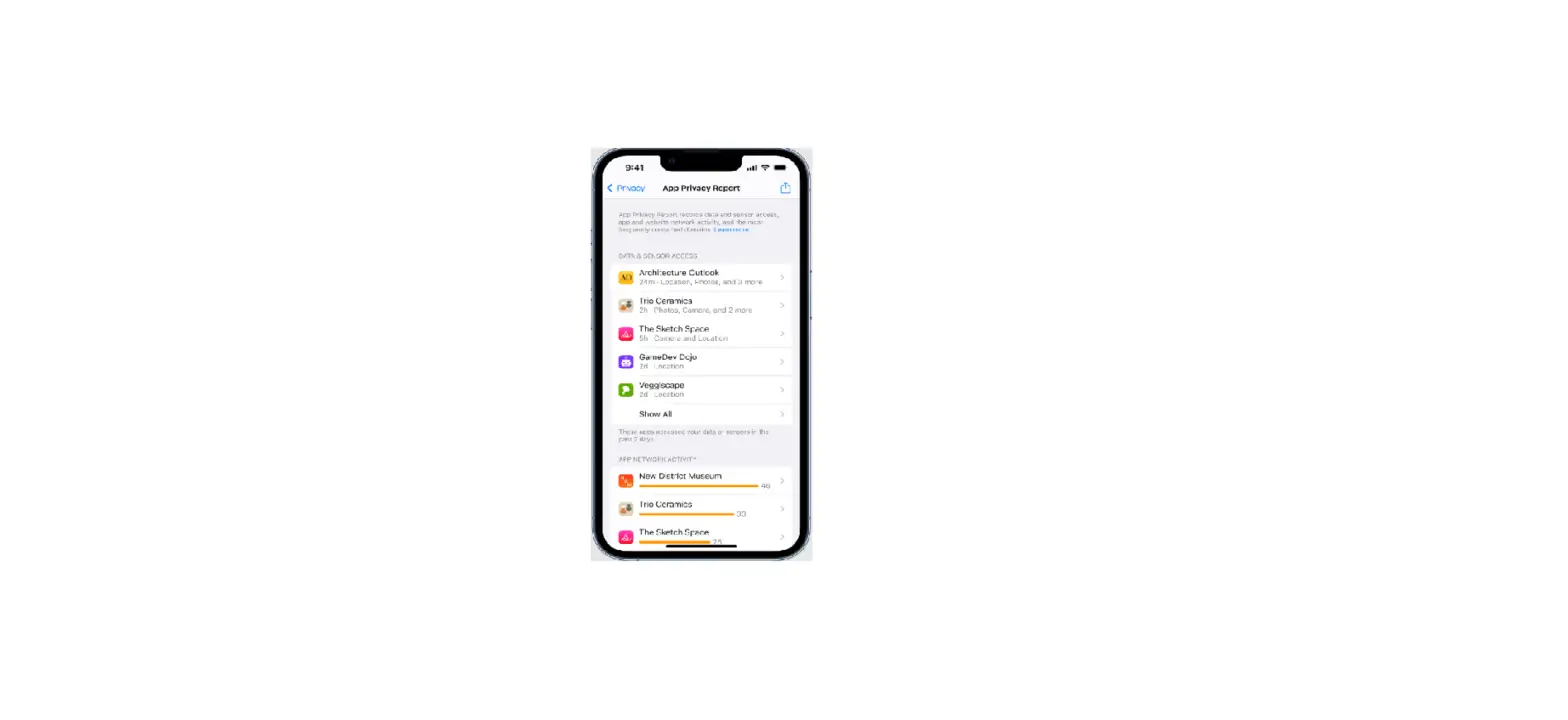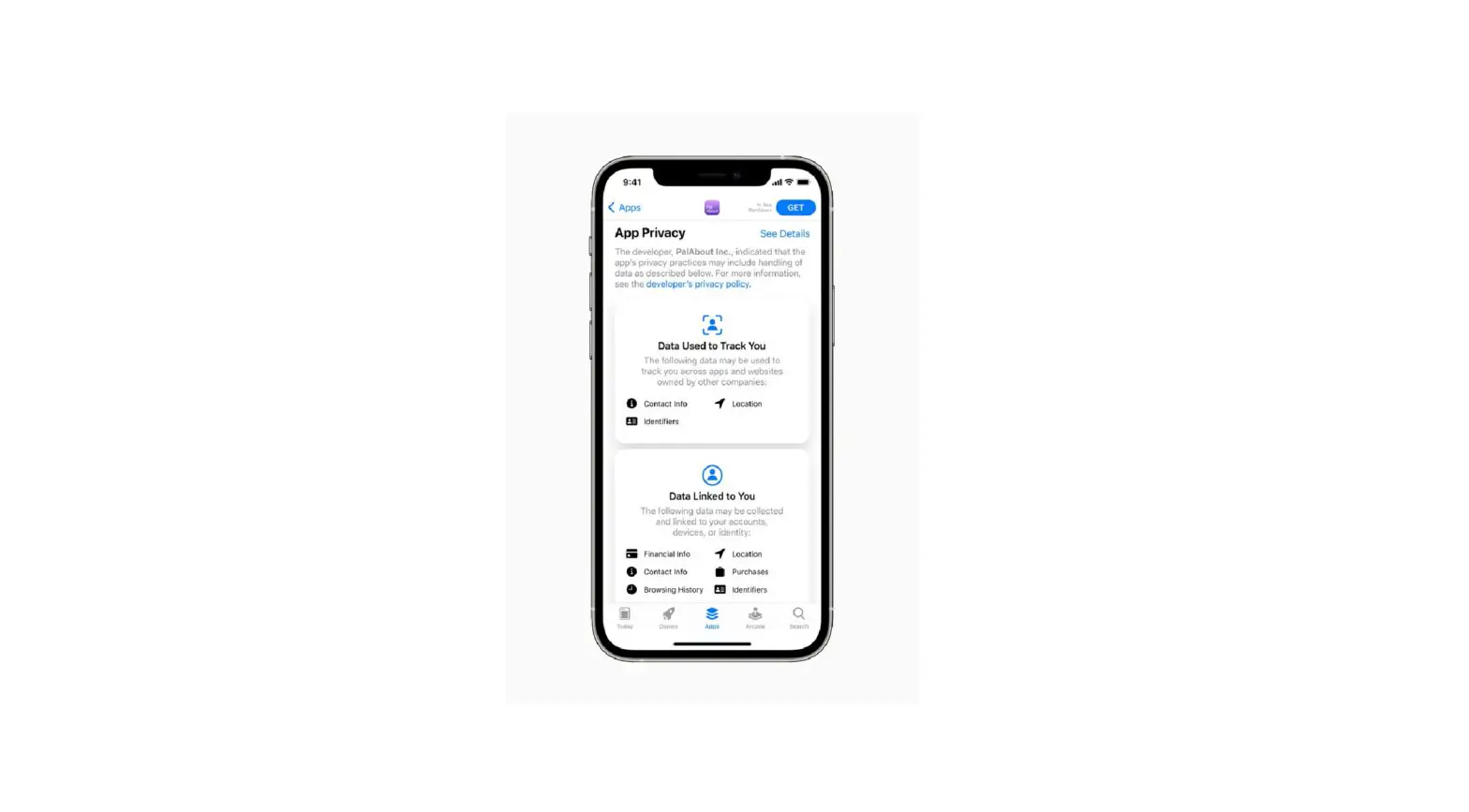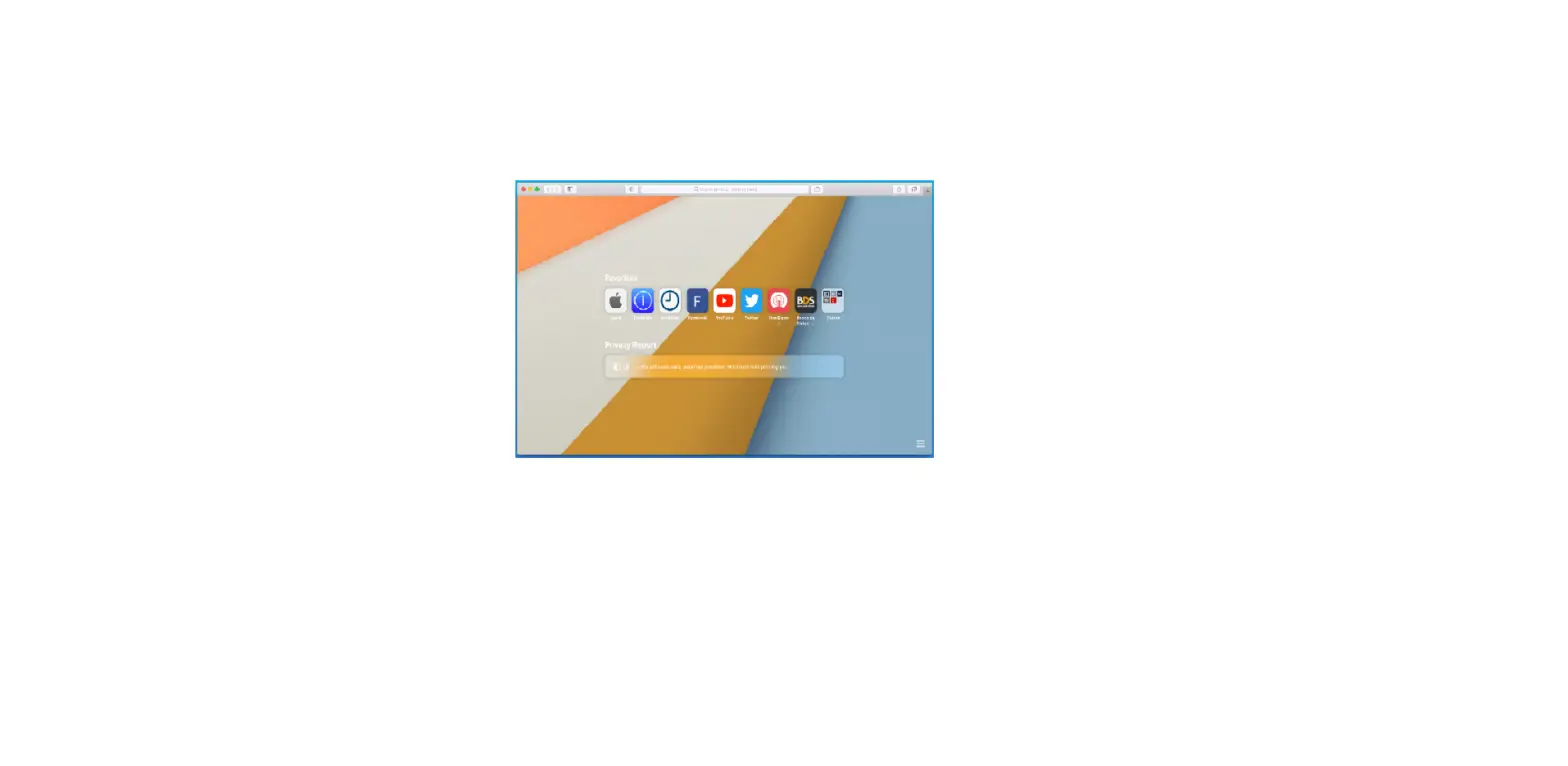
Safari helps prevent trackers from following you across websites. You can review the Privacy Report to see a summary of trackers that have been encountered and prevented by Intelligent Tracking Prevention on the current webpage you’re visiting. You can also review and adjust Safari settings to keep your browsing activities private from others who use the same device, and help protect yourself from malicious websites.
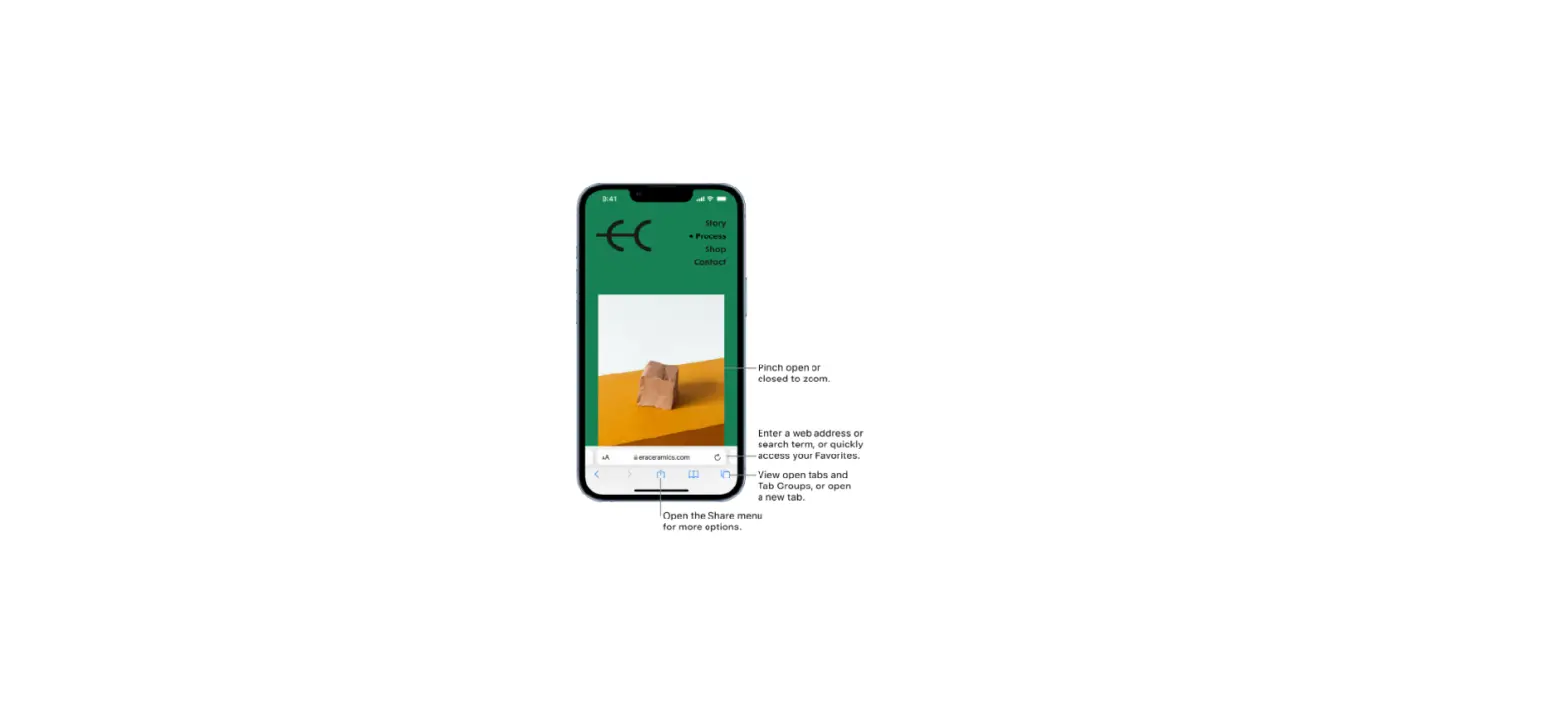
To view the Privacy Report, tap  on the left side of the search field, then tap Privacy Report
  .
.