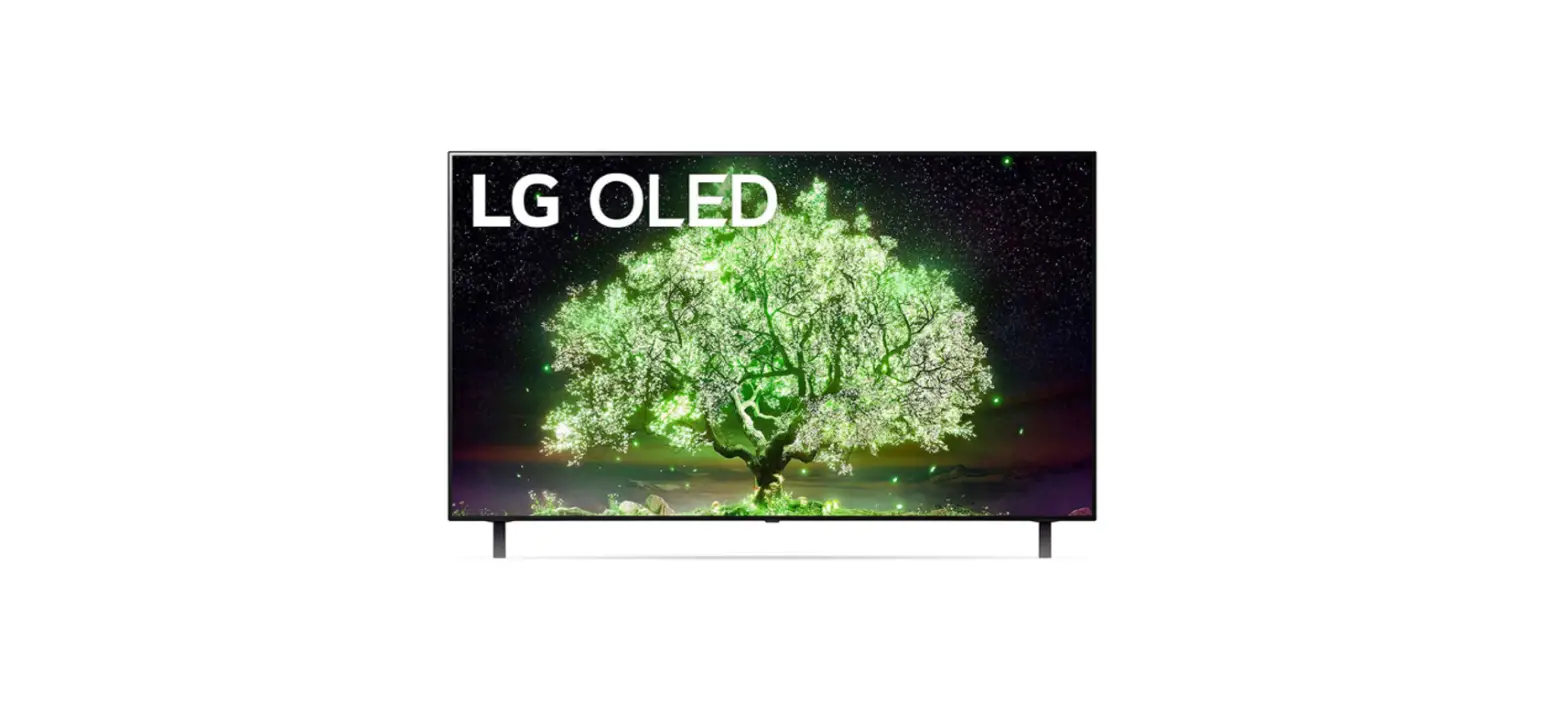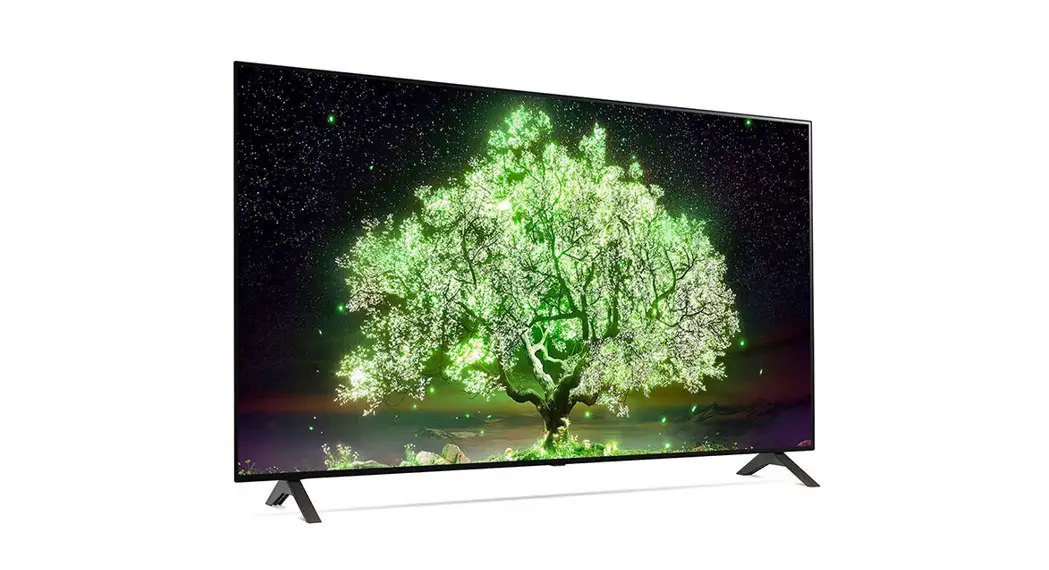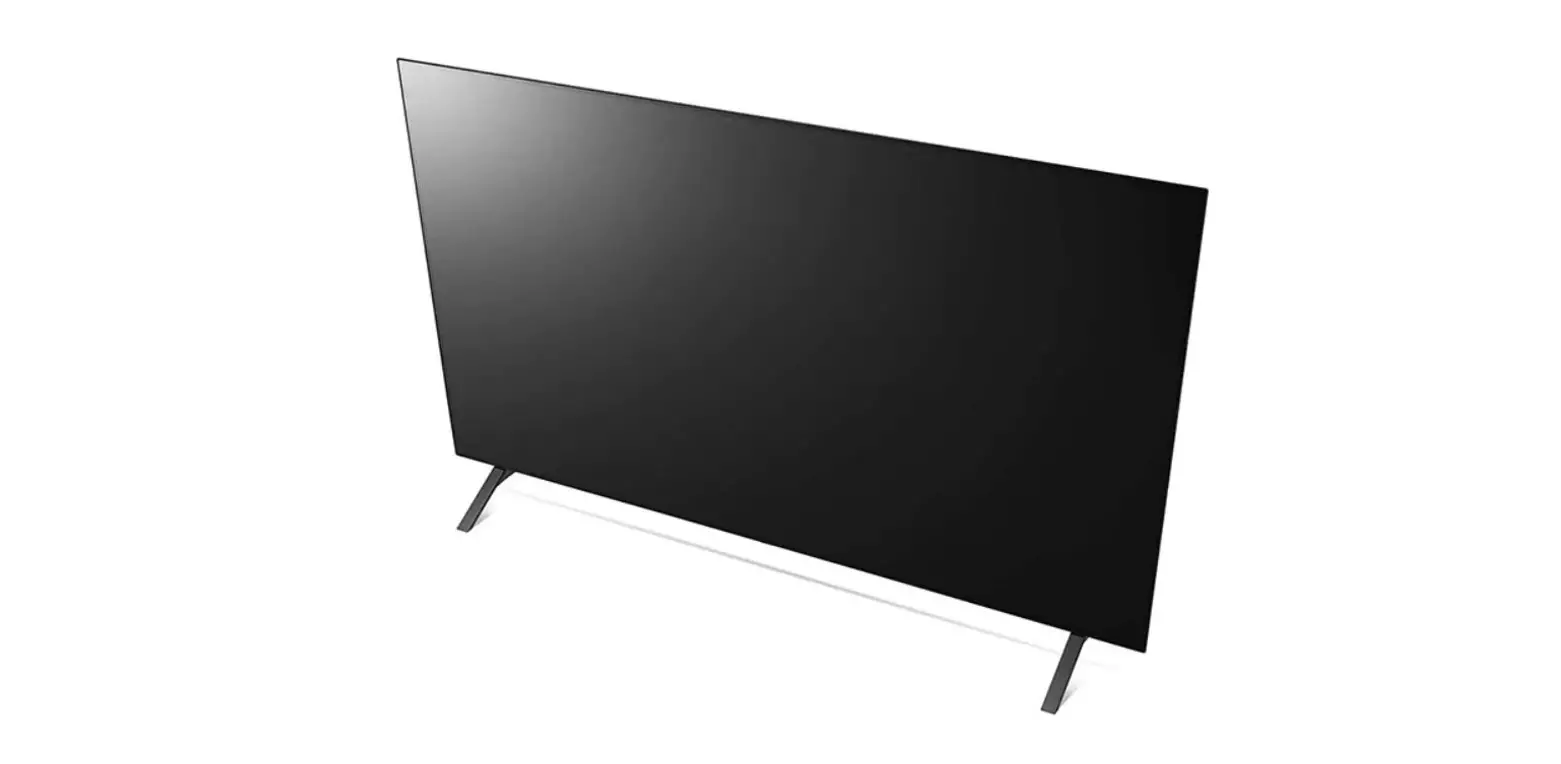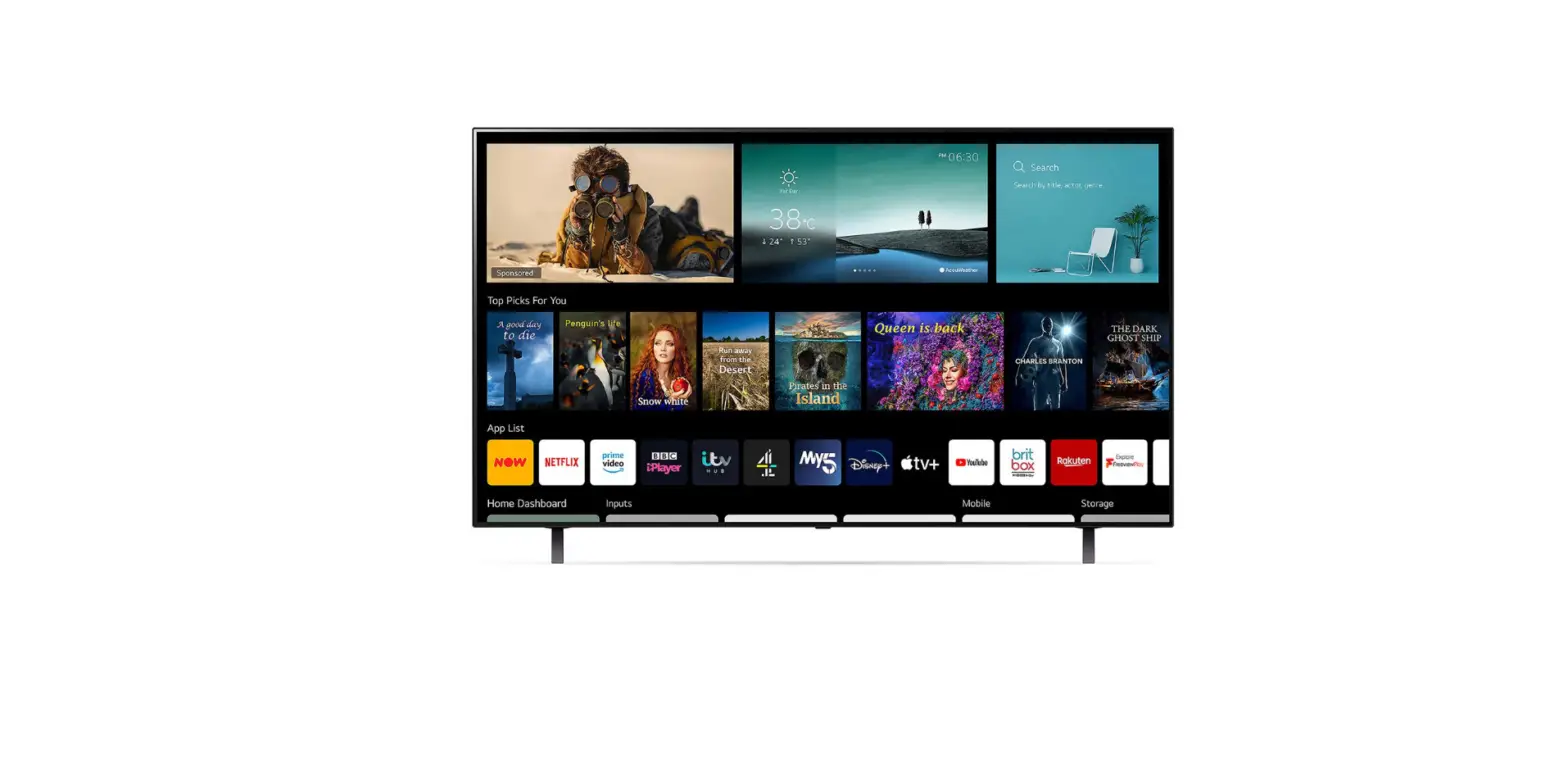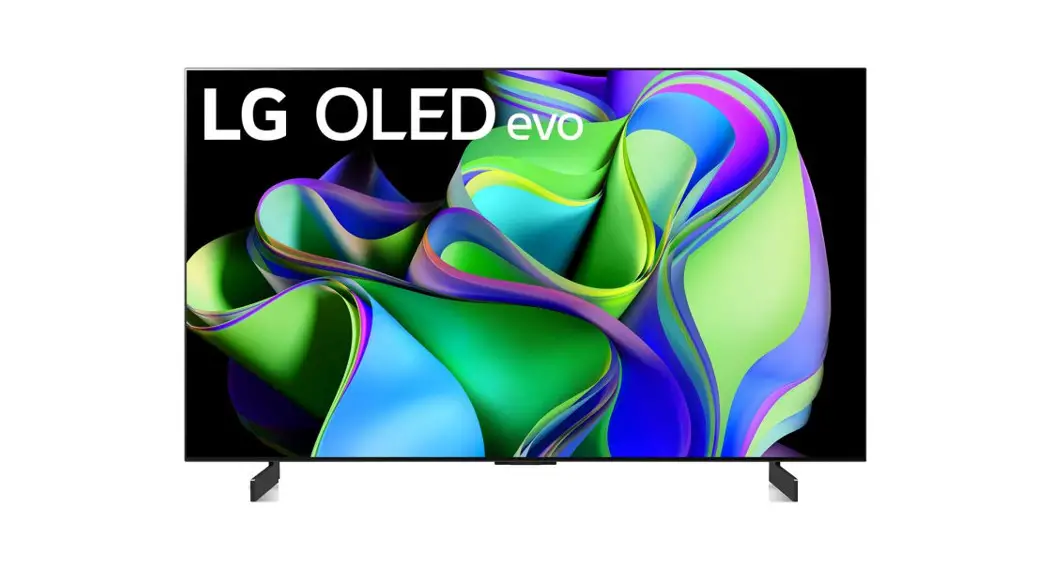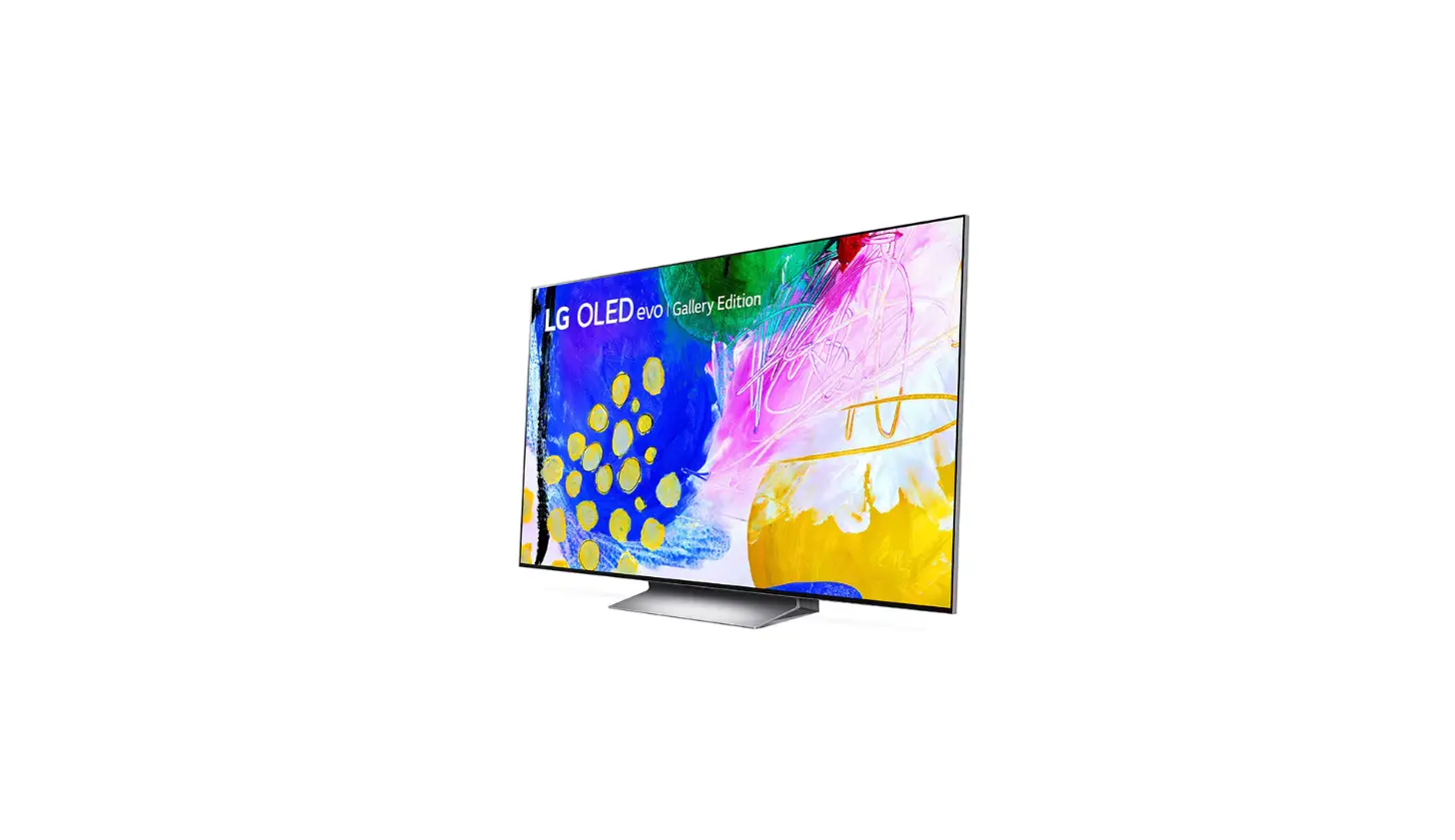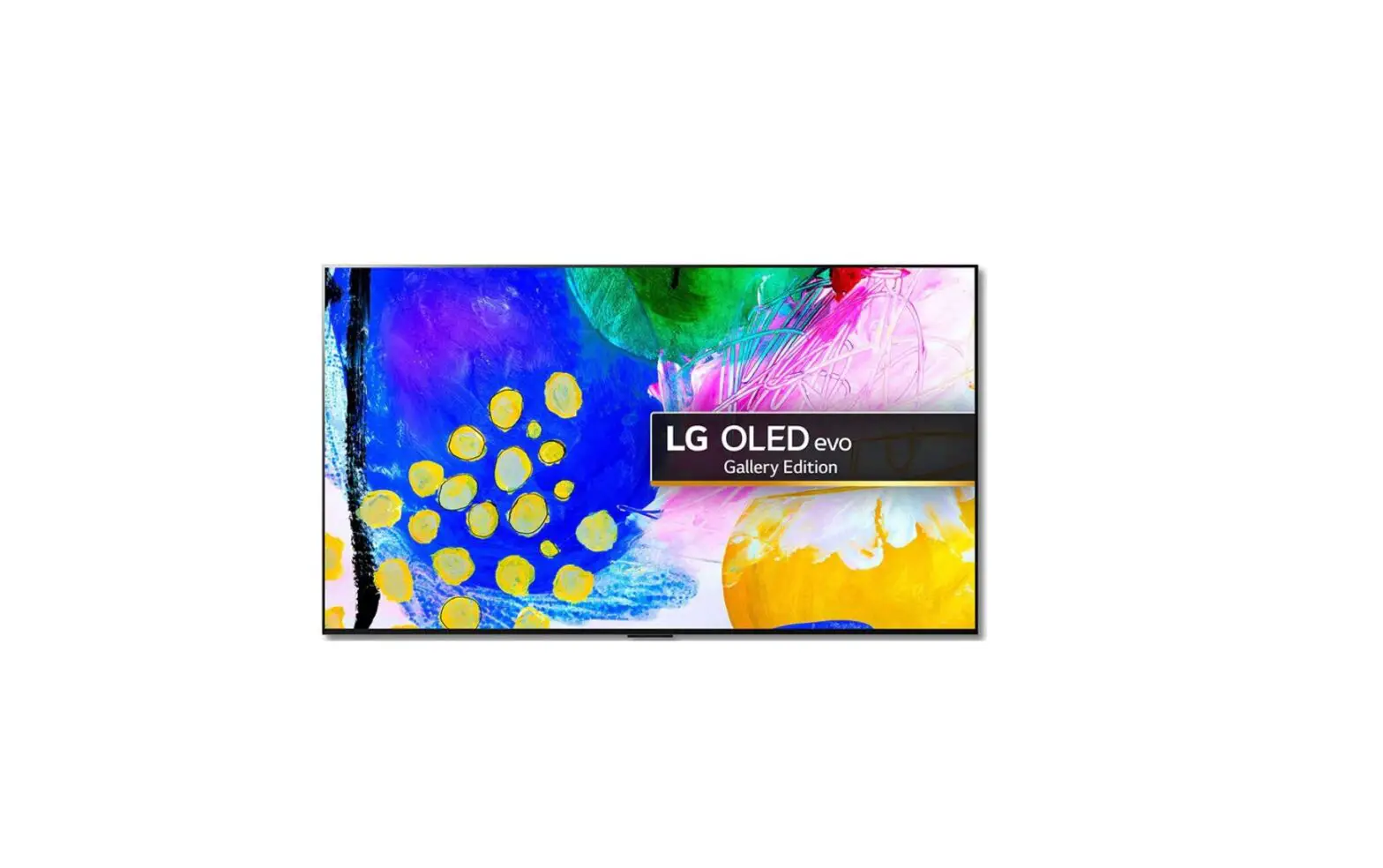

LG OLED83G36LA.AEU 83 Inch 4K Ultra HD Smart TV

OLED TV – Product Information and Usage Instructions
Product Information
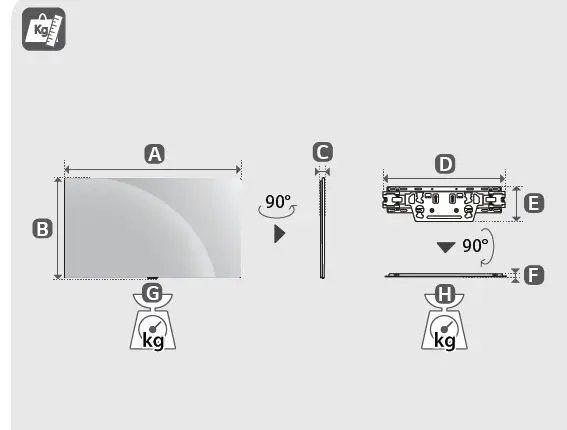
The OLED TV models available are OLED55G3*, OLED65G3*, OLED77G3*, and OLED83G3*. The product dimensions and weight for each model are as follows:
| Model | Dimensions (mm) | Weight (kg) |
|---|---|---|
| OLED55G33LA | 1222 x 703 x 27.2 | 17.8 |
| OLED55G36LA | 452 x 129 x 13 | 1.2 |
| OLED55G39LA | NA | NA |
| OLED55G3RLA | NA | NA |
| OLED65G33LA | 1441 x 826 x 24.3 | 23.9 |
| OLED65G36LA | 452 x 129 x 13 | 1.2 |
| OLED65G39LA | NA | NA |
| OLED65G3RLA | NA | NA |
| OLED77G33LA | 1712 x 982 x 24.8 | 36.8 |
| OLED77G36LA | 452 x 129 x 13 | 1.2 |
| OLED77G39LA | NA | NA |
| OLED77G3RLA | NA | NA |
| OLED83G33LA | 1847 x 1057 x 28 | 40.9 |
| OLED83G36LA | 452 x 129 x 13 | 1.2 |
| OLED83G39LA | NA | NA |
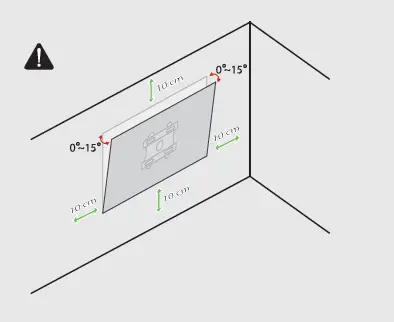
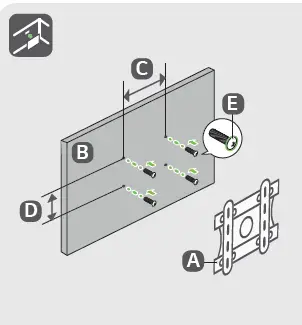
The TV can be mounted on the wall using OLW480B, OLW480B, OLW480B, or LSW440B brackets. The VESA mount pattern for each model is as follows:
| Model | VESA Mount Pattern (mm) |
|---|---|
| OLED55G3* | 300 x 200 M6 |
| OLED65G3* | 300 x 300 M6 |
| OLED77G3* | 300 x 300 M6 |
| OLED83G3* | 400 x 400 M6 |
Product Usage Instructions
Before using the TV, read the user manual carefully. To setup the TV, follow these steps:
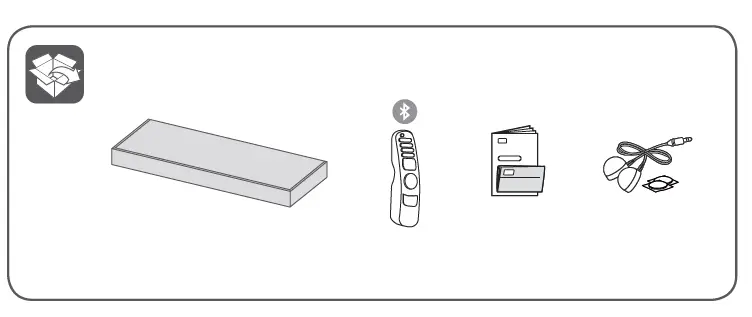
- Unpack the TV and check if all the accessories are included.
- Attach the stand or wall mount bracket to the TV following the instructions in the user manual.
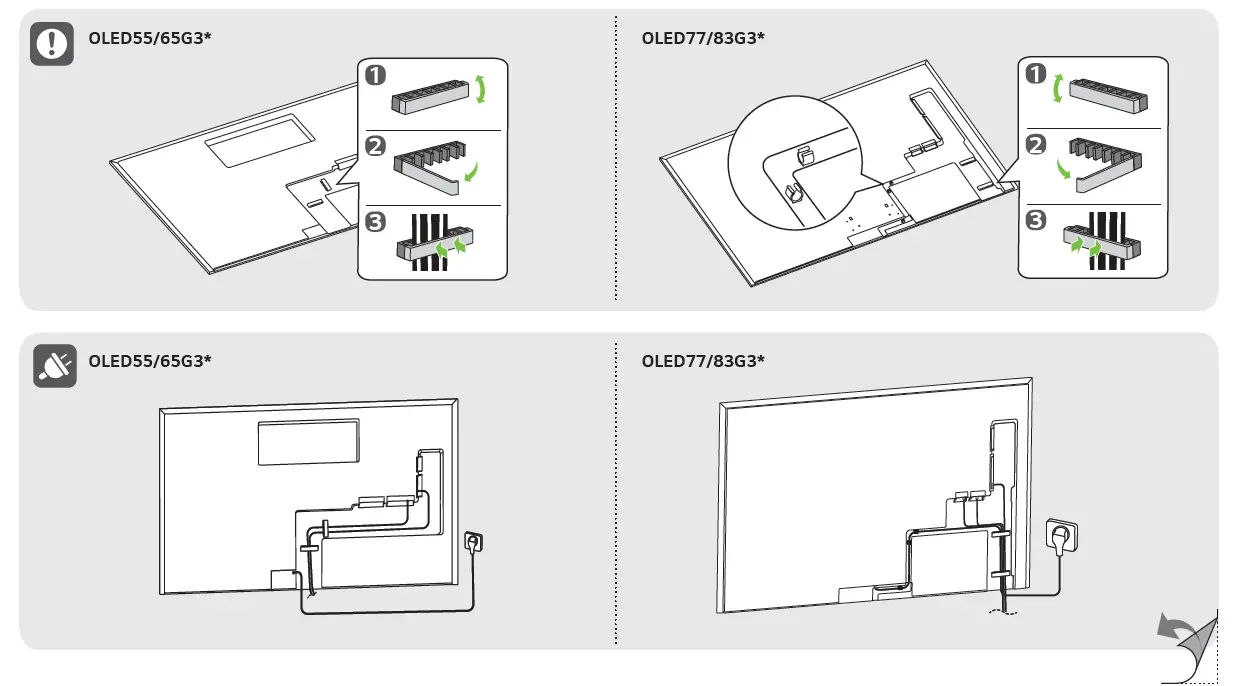
- Connect the power cord to the TV and plug it into a power outlet.
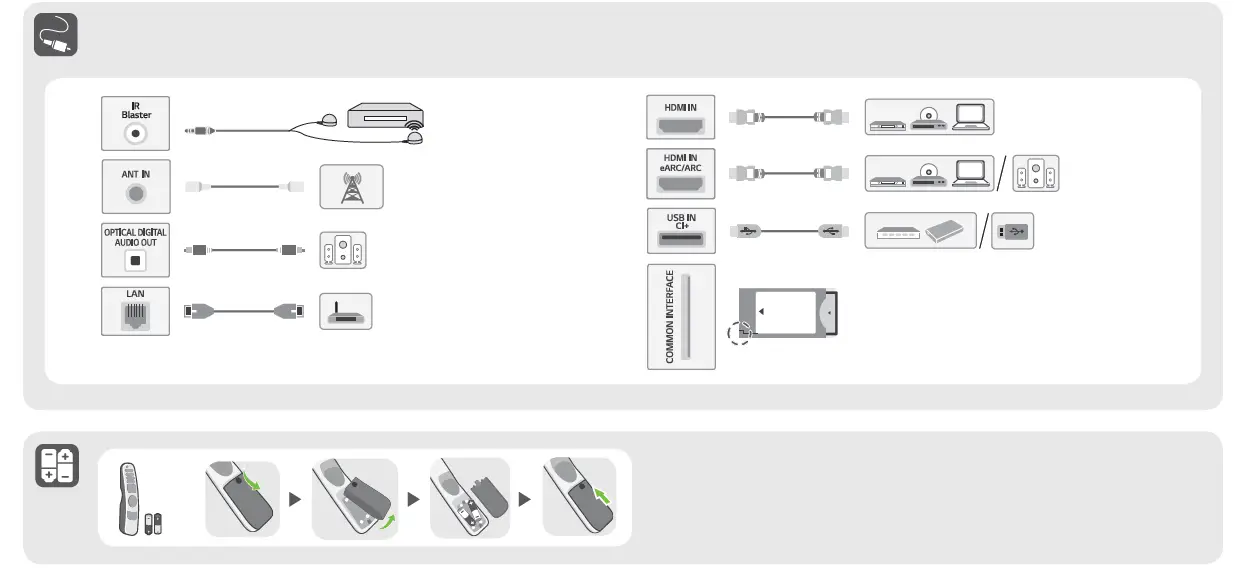
- Connect your cable box, gaming console, or other devices to the TV using HDMI or other compatible cables.
- Turn on the TV and follow the on-screen instructions to complete the setup process.
The TV comes with multiple features and settings that can be customized according to your preferences. Use the remote control to access the settings and adjust the picture, sound, and other features. Refer to the user manual for detailed instructions on how to use each feature and setting.
For any technical issues or assistance, refer to the troubleshooting section in the user manual or contact customer support.

Tools Required
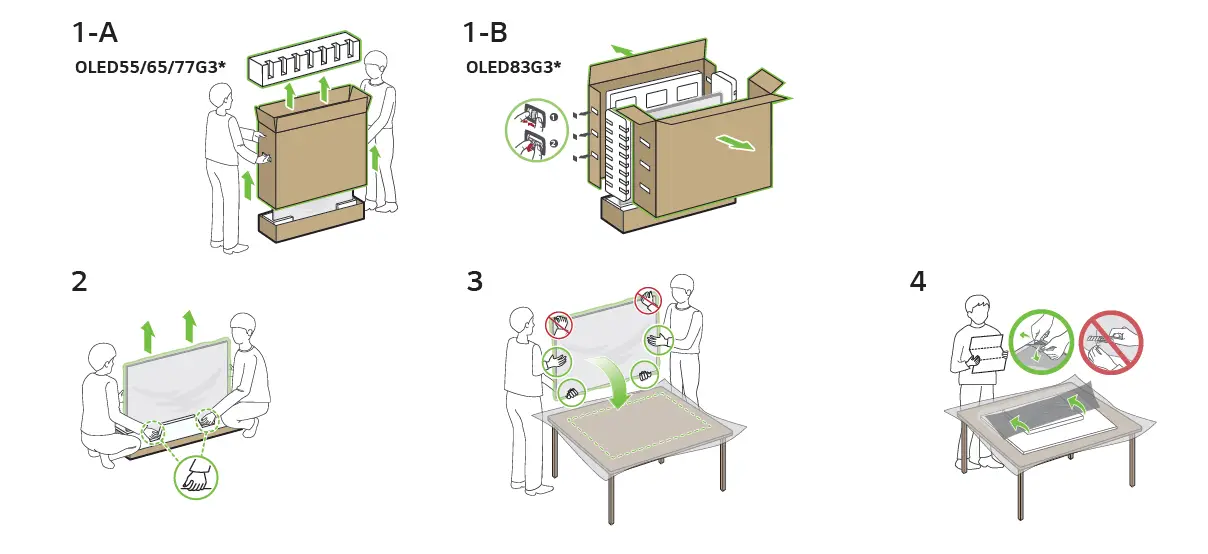
Assembly Instruction
| A | B | C | D | E | F | G | H | |
| (mm) | (kg) | |||||||
| OLED55G33LA OLED55G36LA OLED55G39LA OLED55G3RLA | 1222 | 703 | 27.2 | 452 | 129 | 13 | 17.8 | 1.2 |
| OLED65G33LA OLED65G36LA OLED65G39LA OLED65G3RLA | 1441 | 826 | 24.3 | 452 | 129 | 13 | 23.9 | 1.2 |
| OLED77G33LA OLED77G36LA OLED77G39LA OLED77G3RLA | 1712 | 982 | 24.8 | 452 | 129 | 13 | 36.8 | 1.2 |
| OLED83G33LA OLED83G36LA OLED83G39LA | 1847 | 1057 | 28 | 452 | 129 | 13 | 40.9 | 1.2 |
| A | B | C D (mm) | E |
| OLW480B | OLED55G3* | 300 x 200 | M6 |
| OLW480B | OLED65G3* | 300 x 300 | M6 |
| OLW480B | OLED77G3* | 300 x 300 | M6 |
| LSW440B | OLED83G3* | 400 x 400 | M6 |