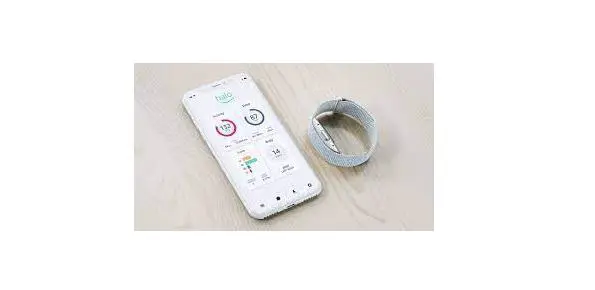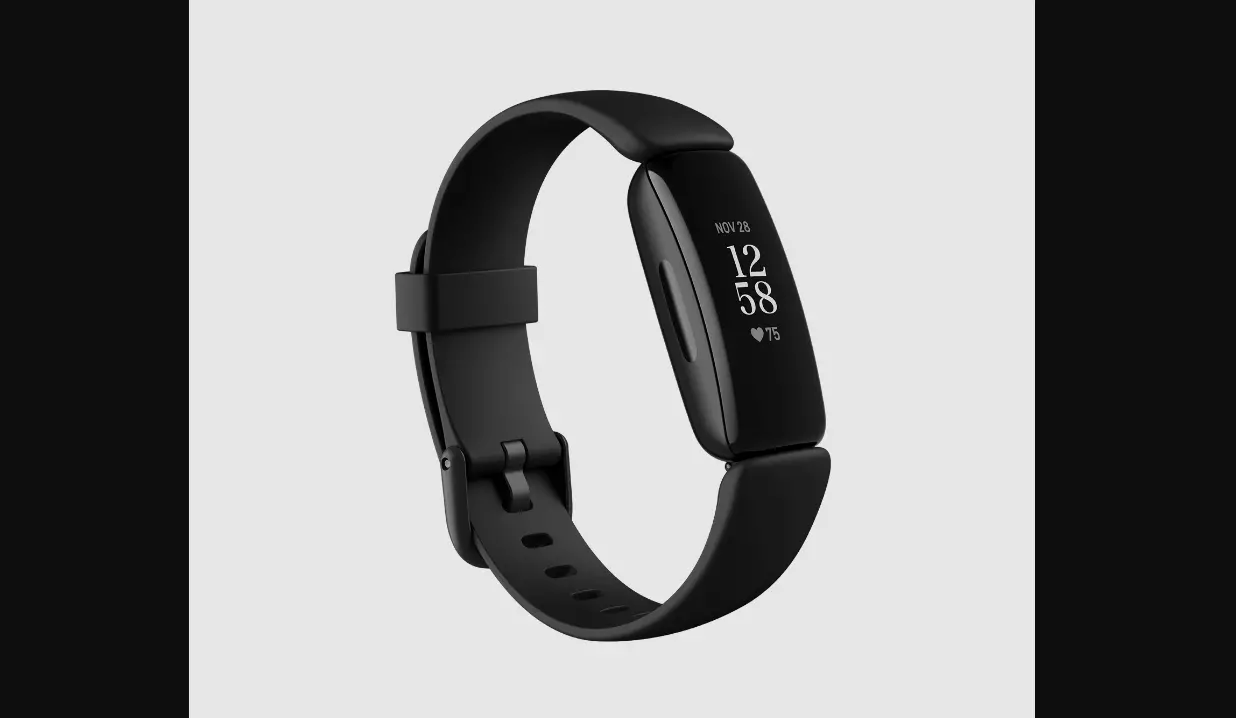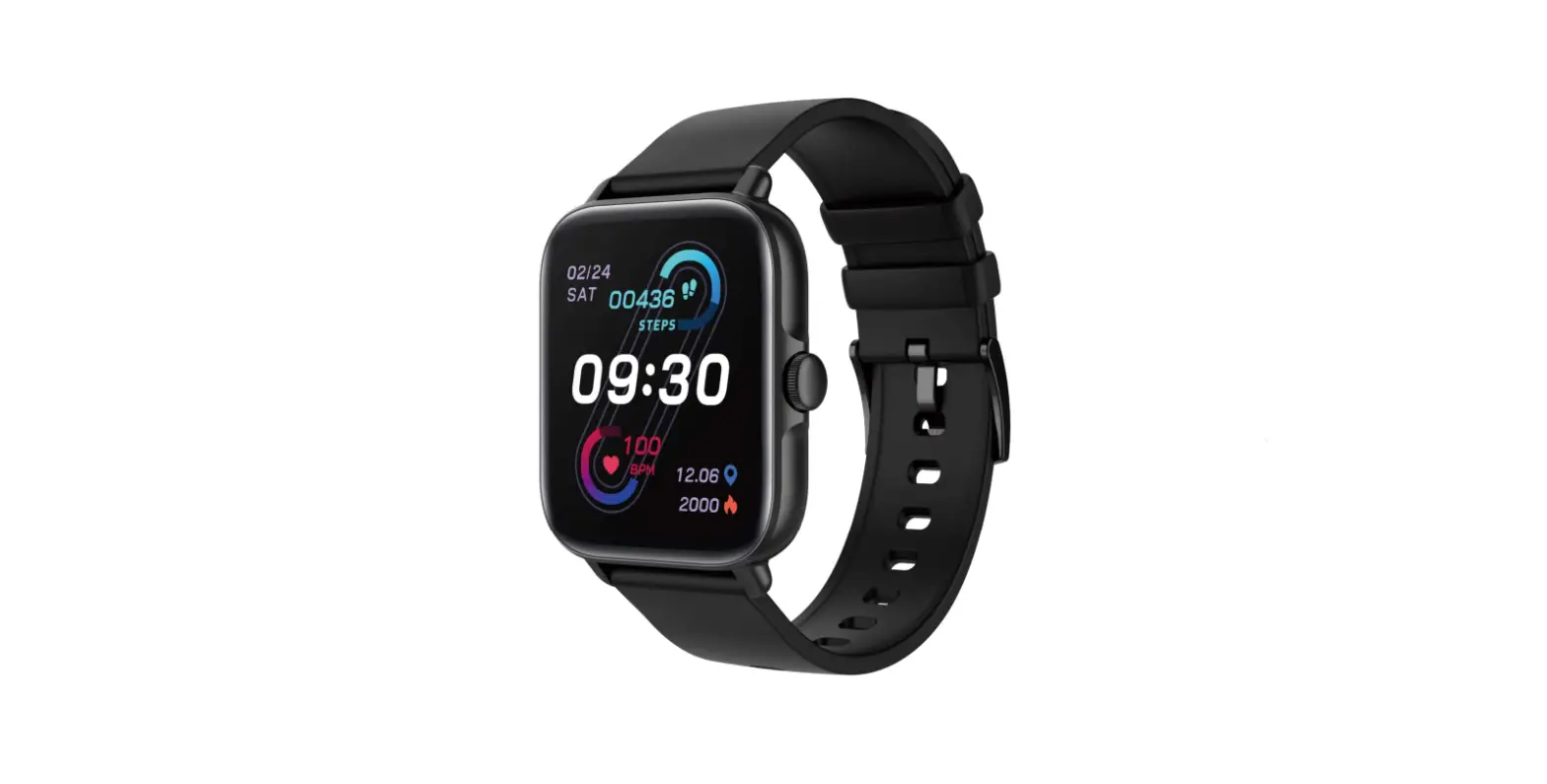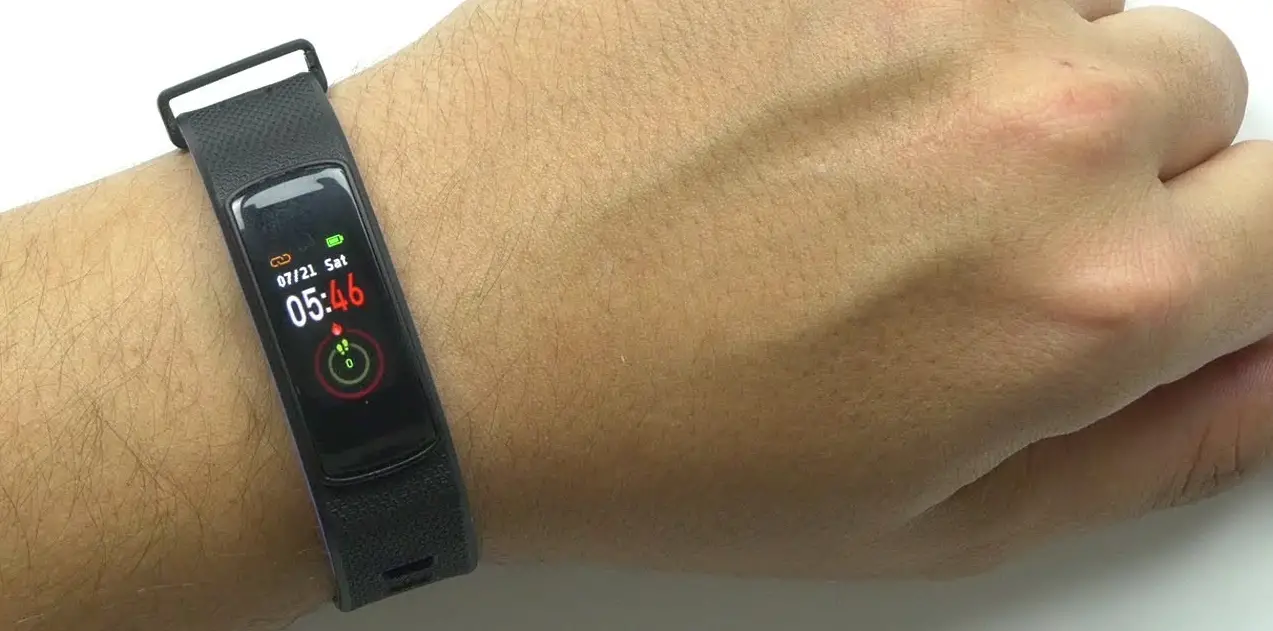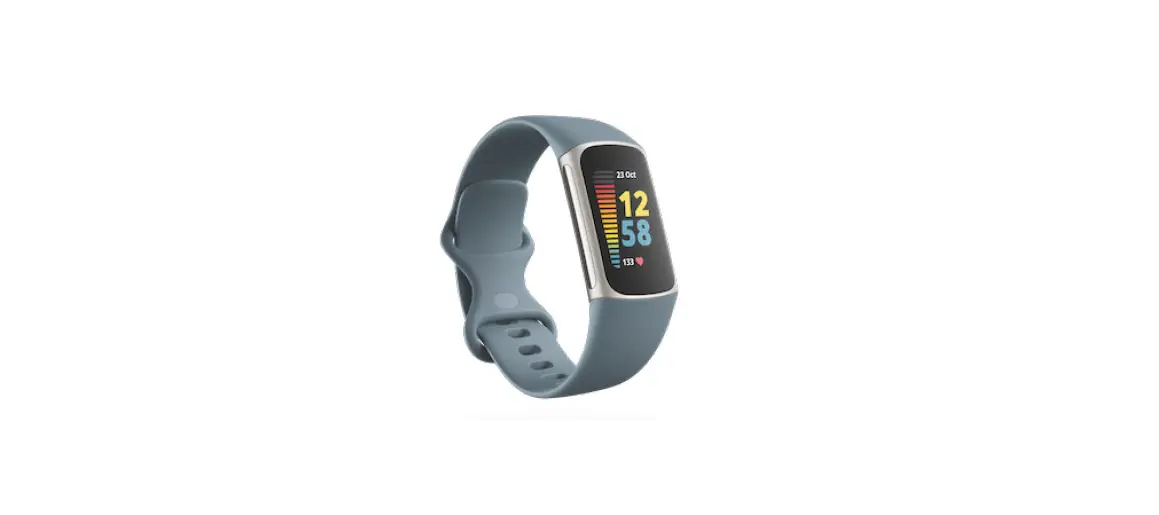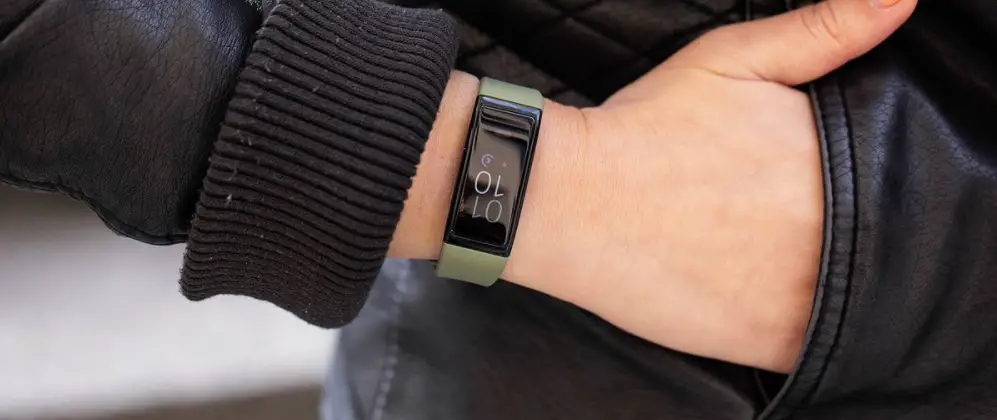

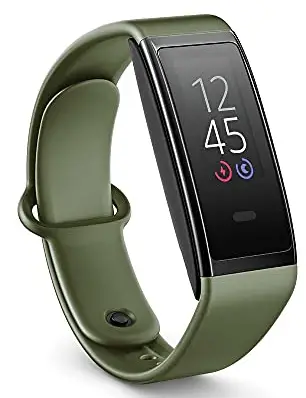
amazon B78C5E Halo View Fitness Tracker
Quick Start Guide [Draft]
Model: B78C5E
- Enable Bluetooth on your smartphone.
- Plug in your charger and put your device in the clip.
- Download the app on your smartphone and follow the instructions to set up your device.
- Fist pump (optional).
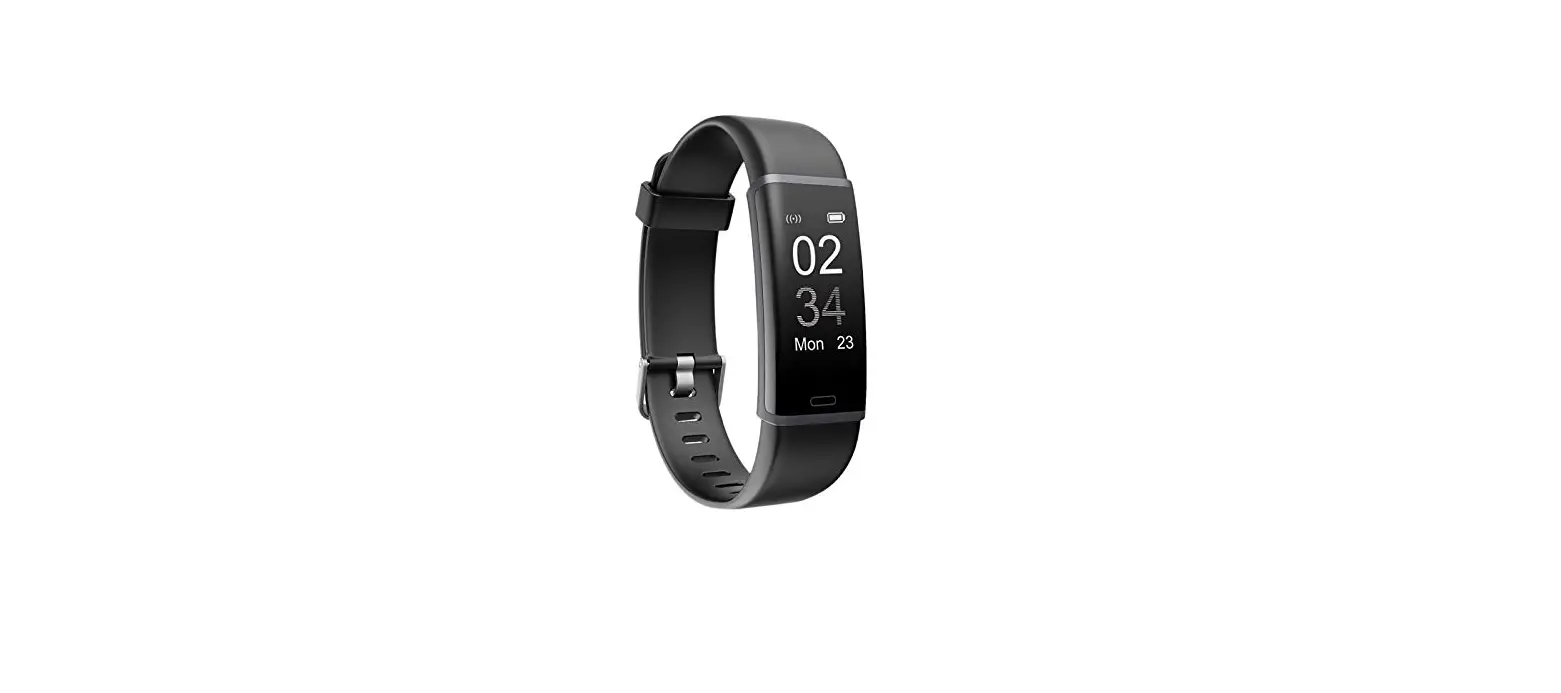
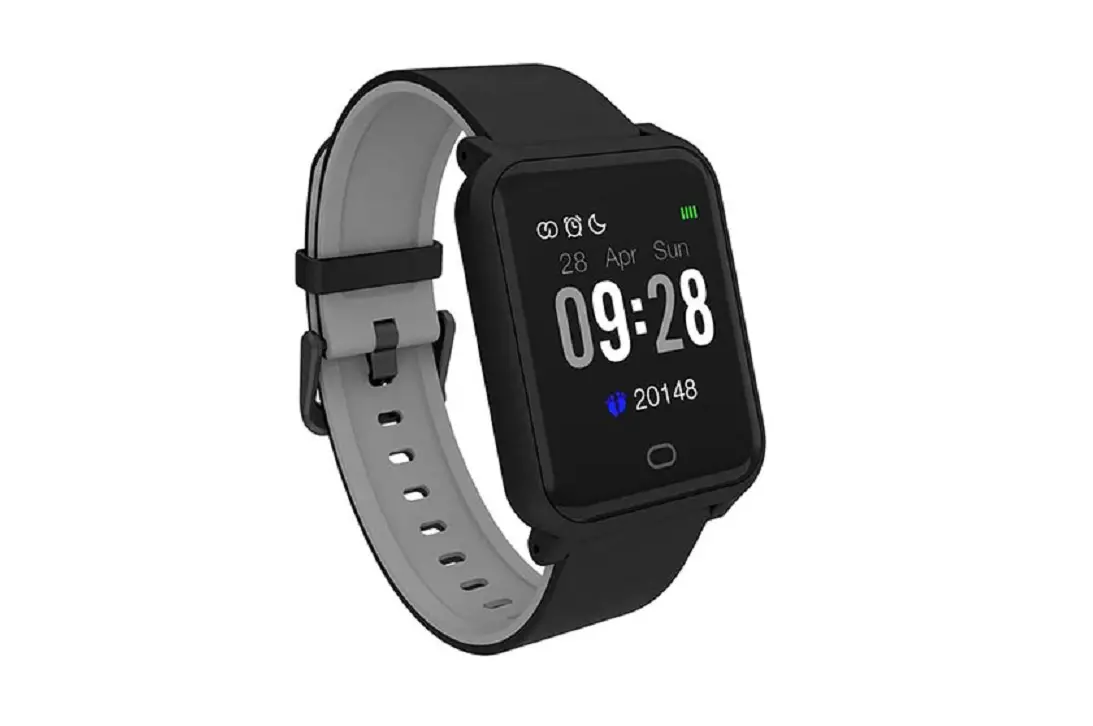
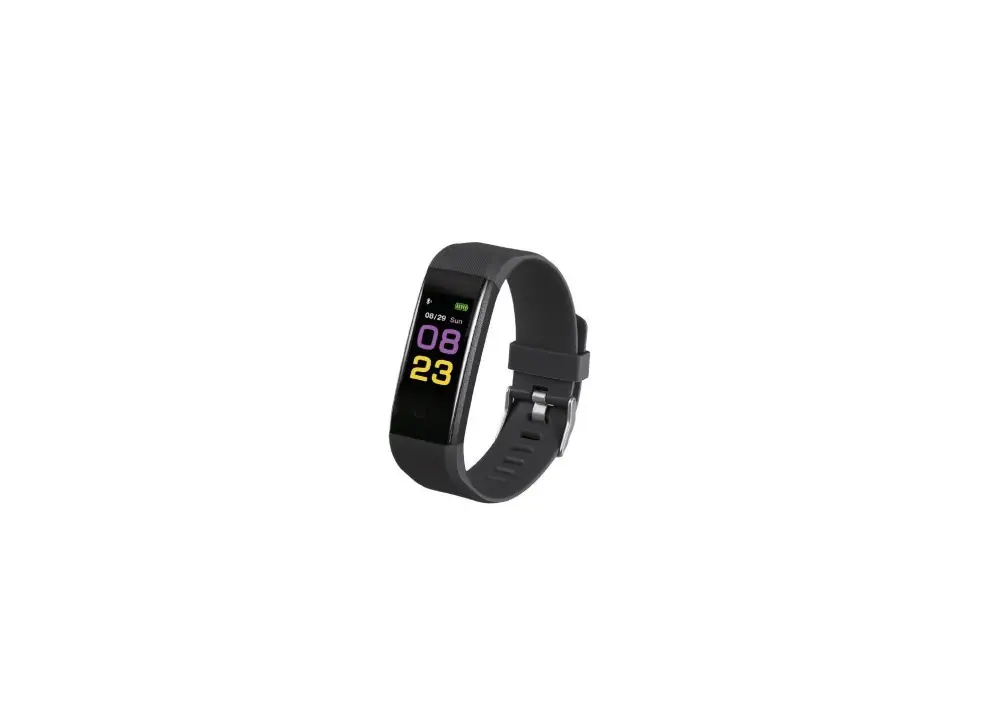
- Swipe left/right to cycle through your current health stats.
- Swipe up/down to access settings, your more detailed health data, and tools like alarms, timers, exercise tracking, and more.
- Tap the home button at the bottom to wake the or go back.
Additional Safety & Compliance Informascreention
Additional safety, compliance, care, recycling and other important information regarding your device can be found in the device app under Settings > Legal.