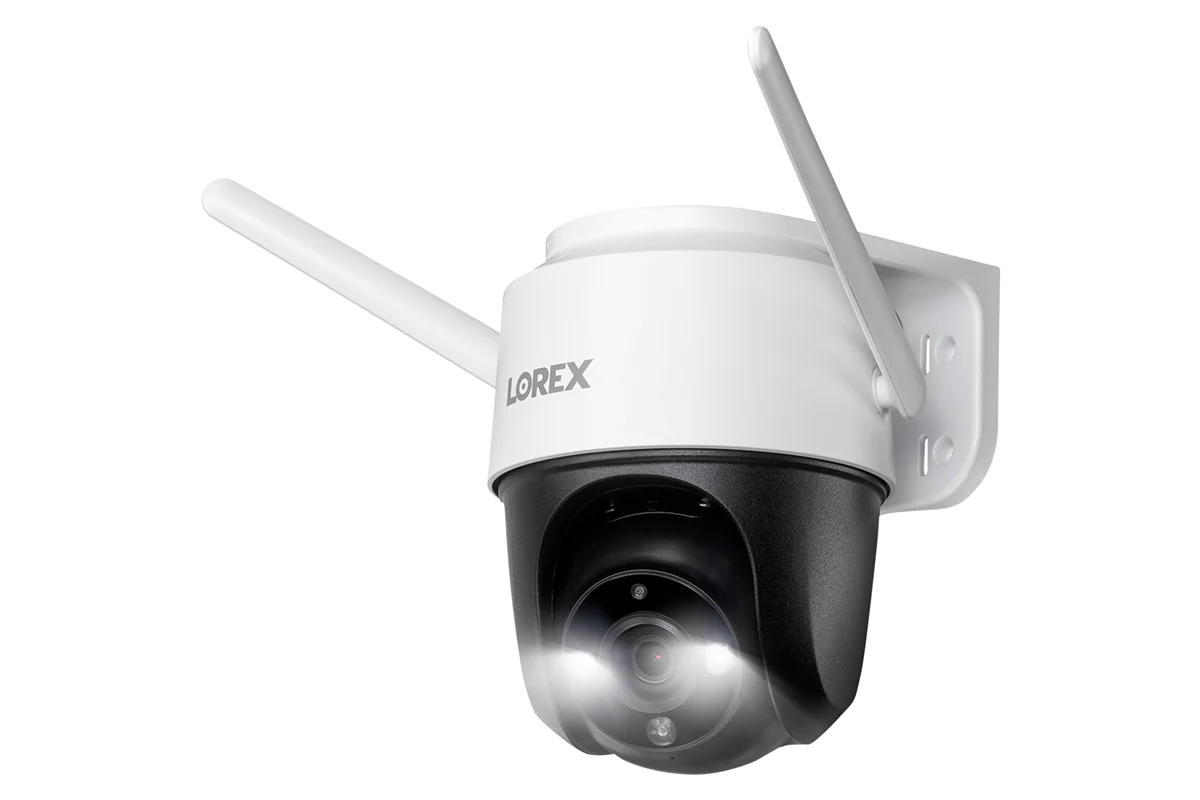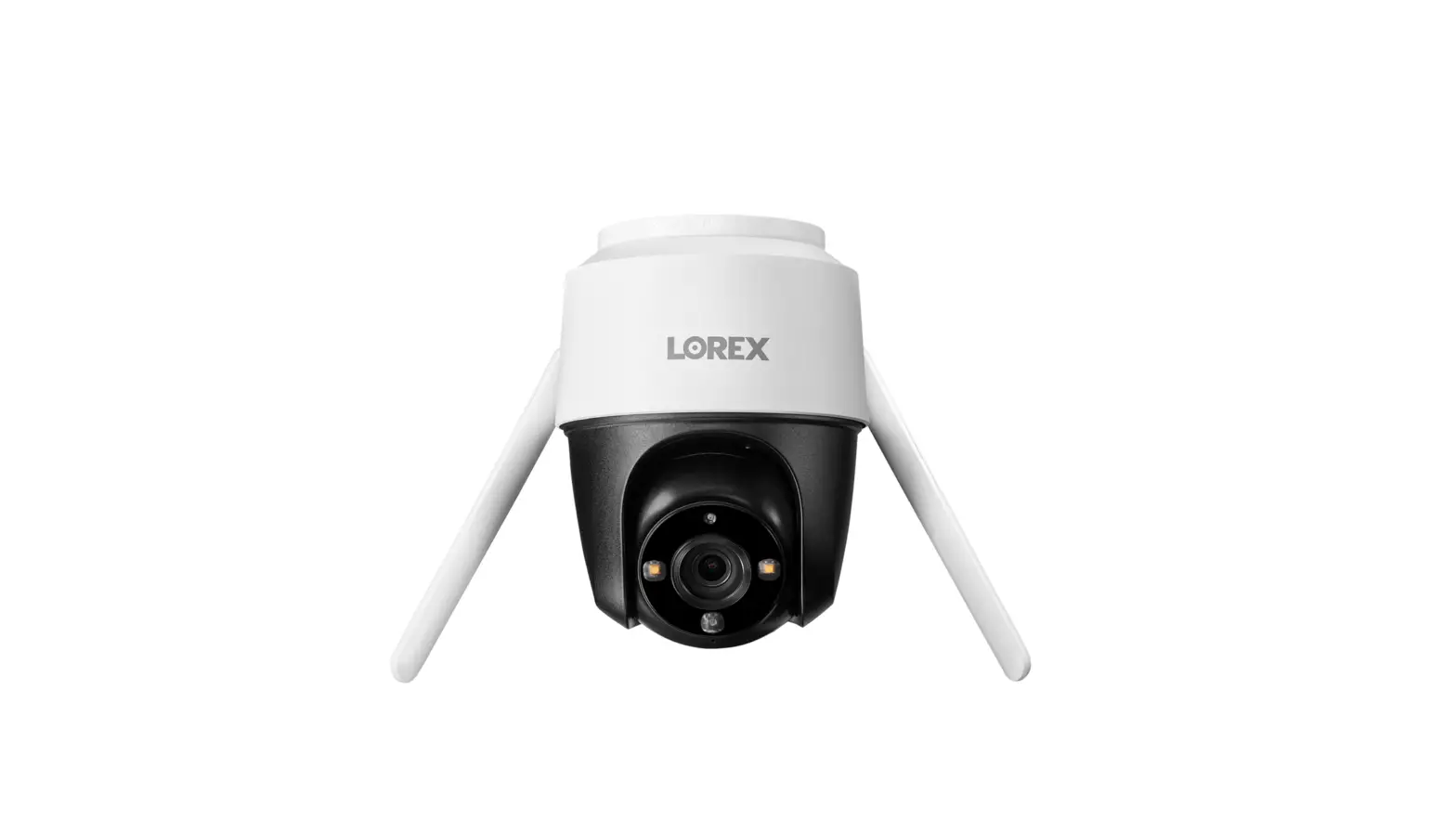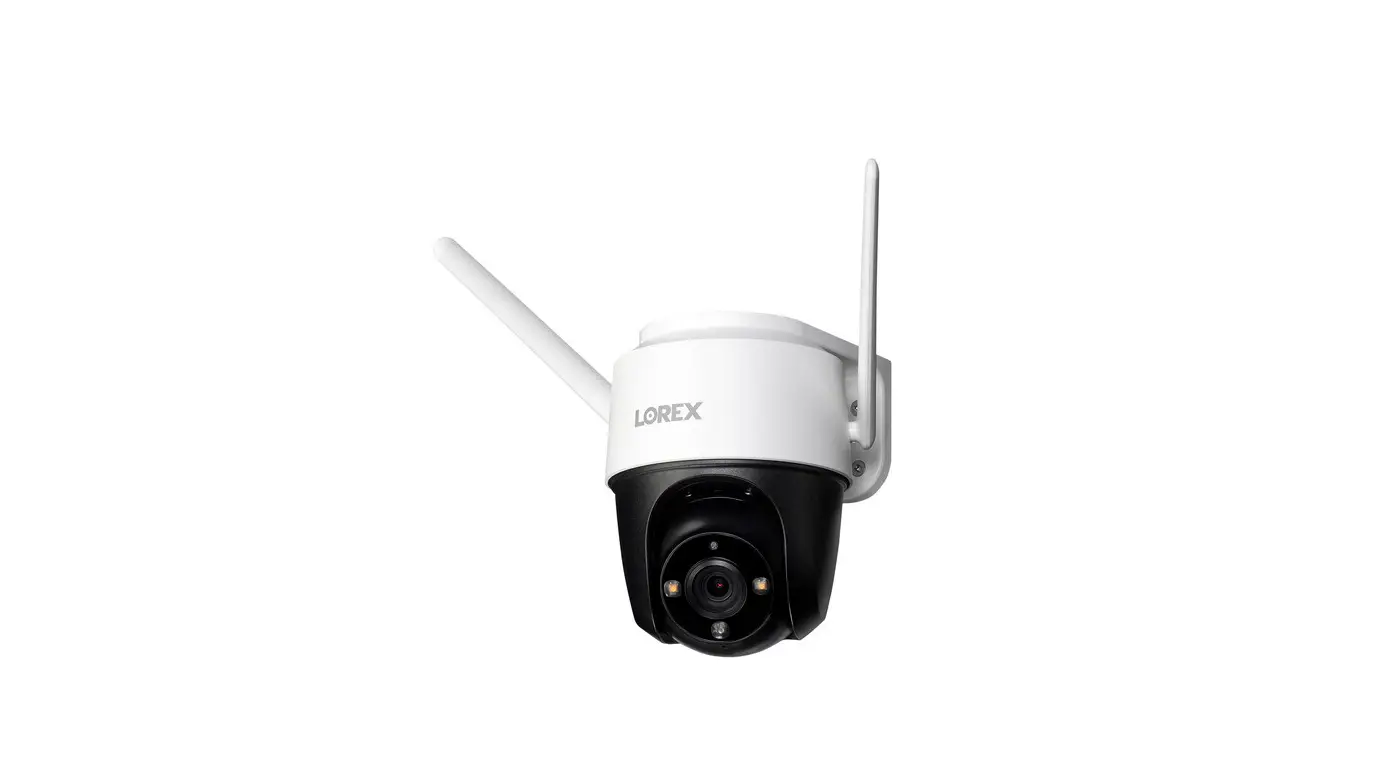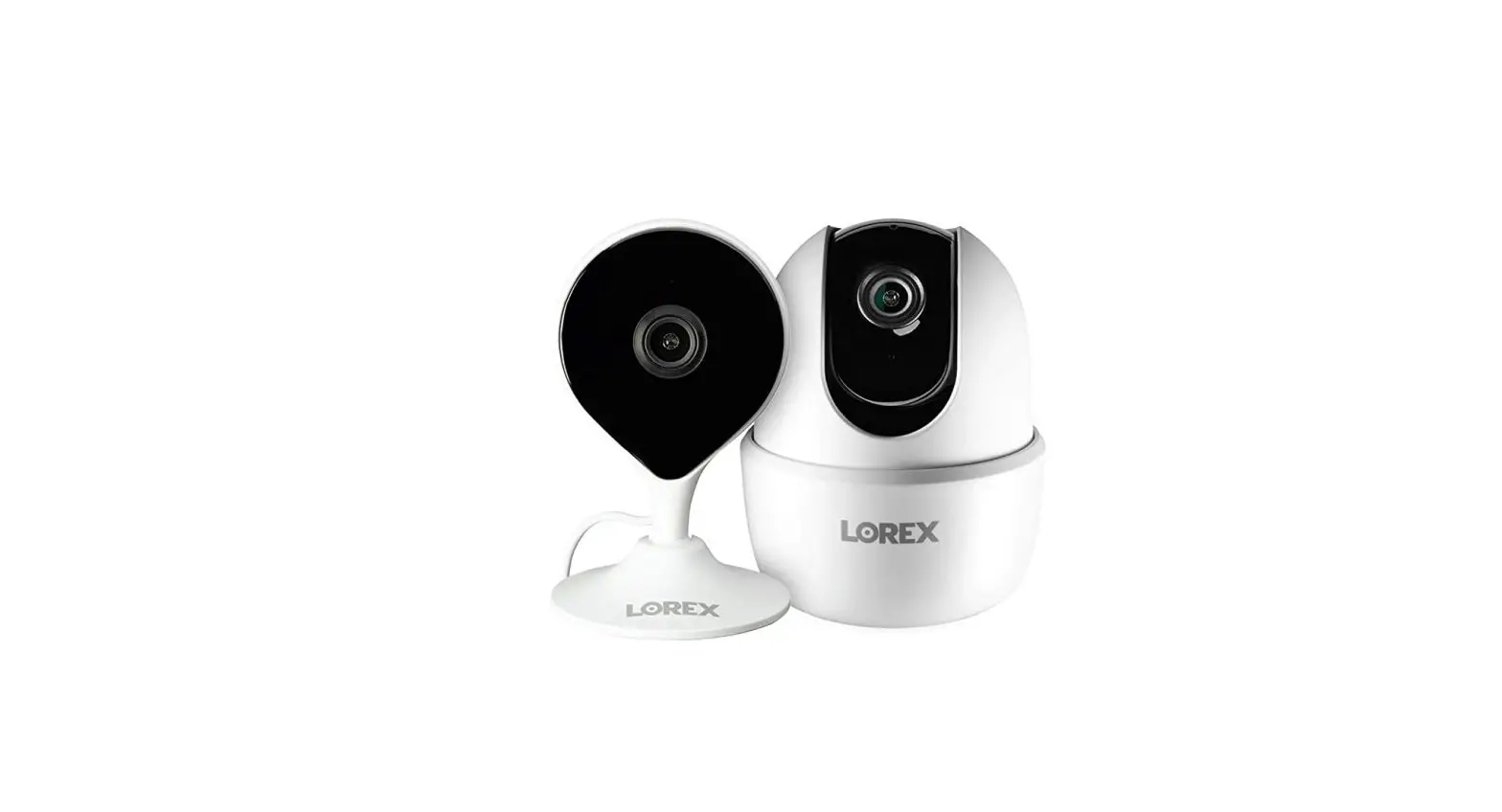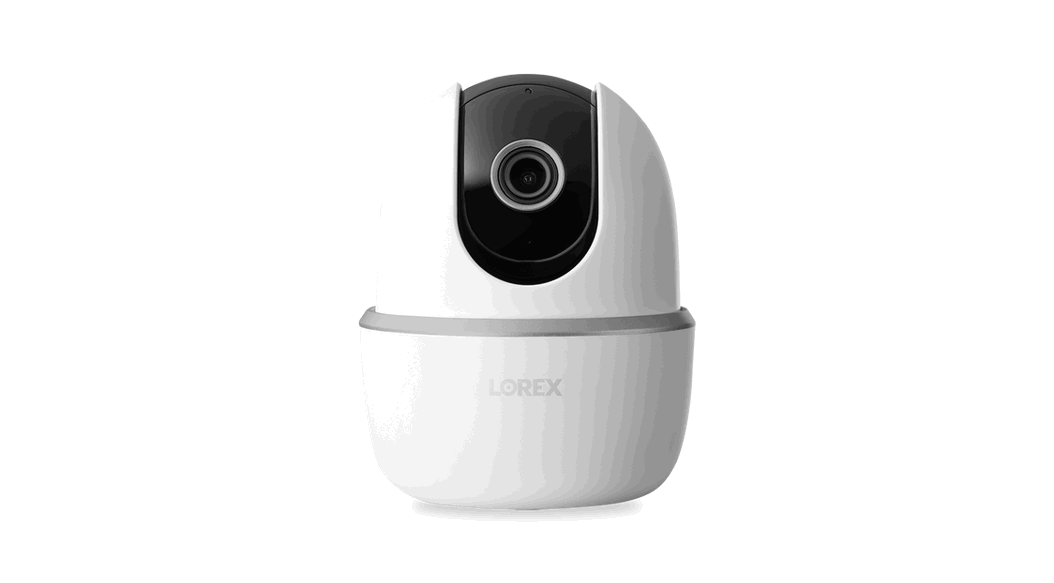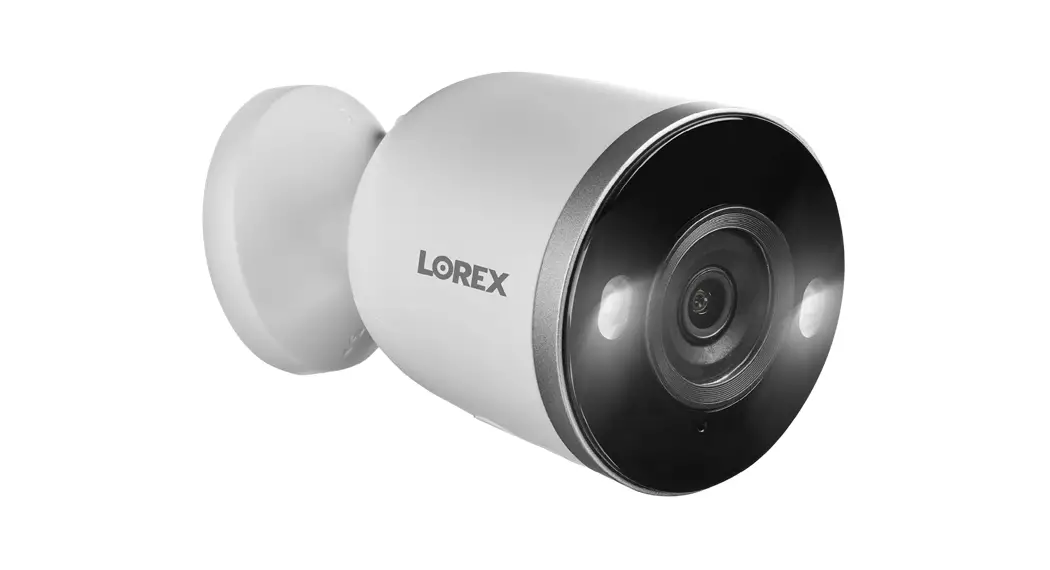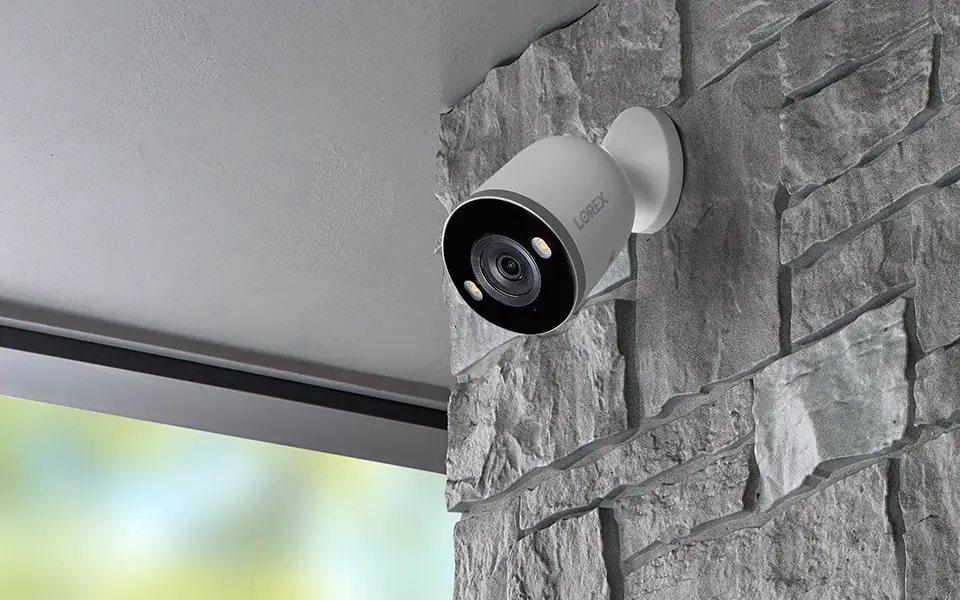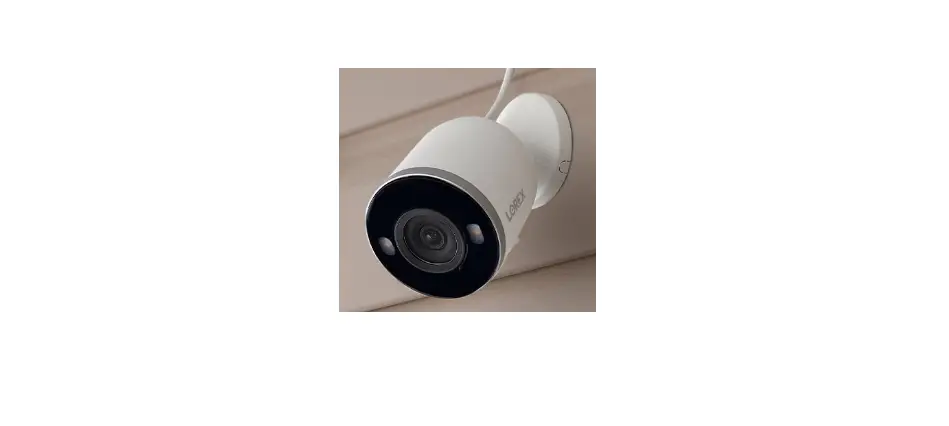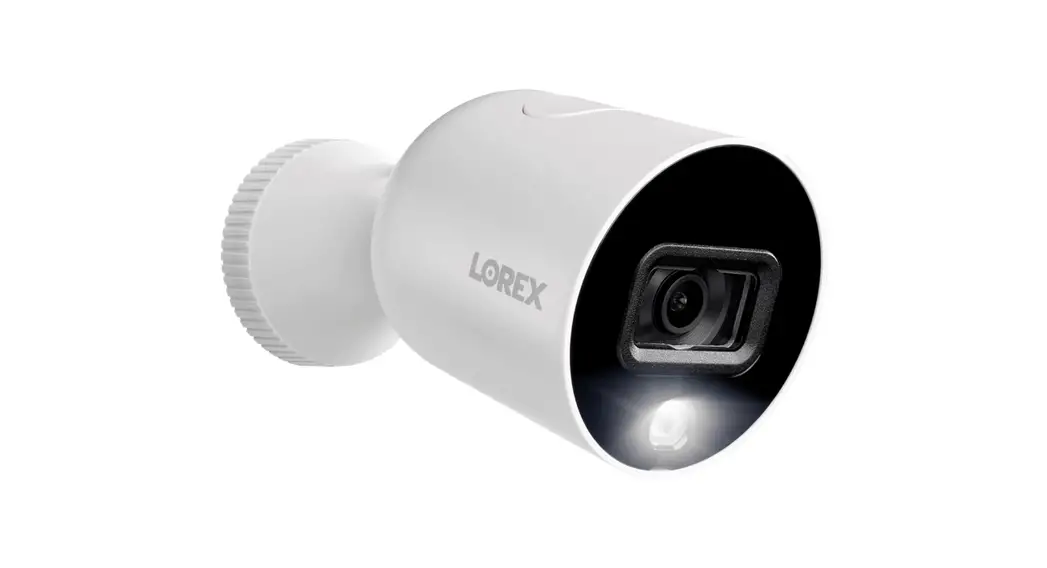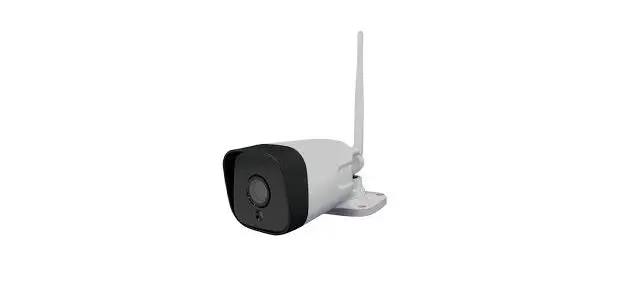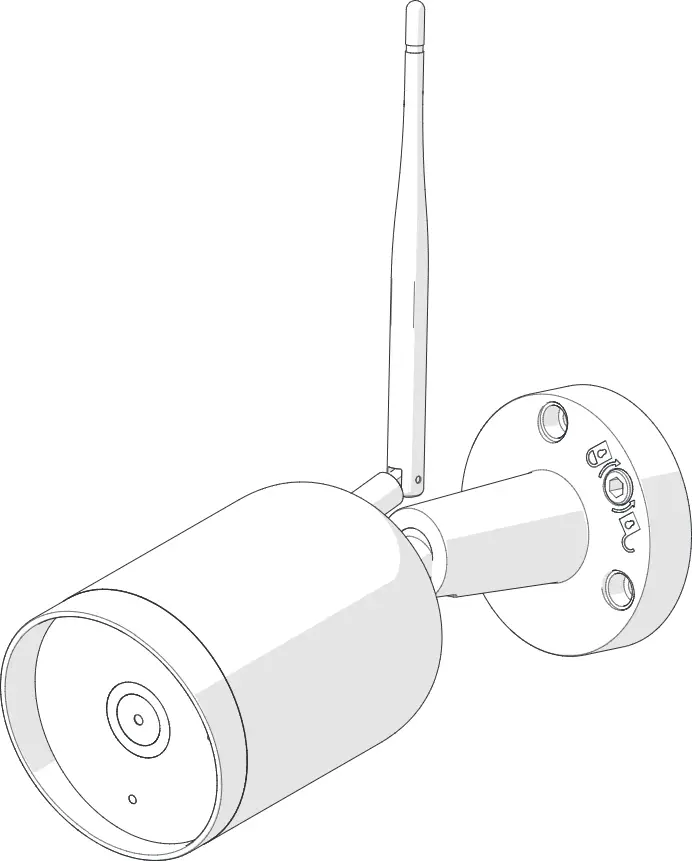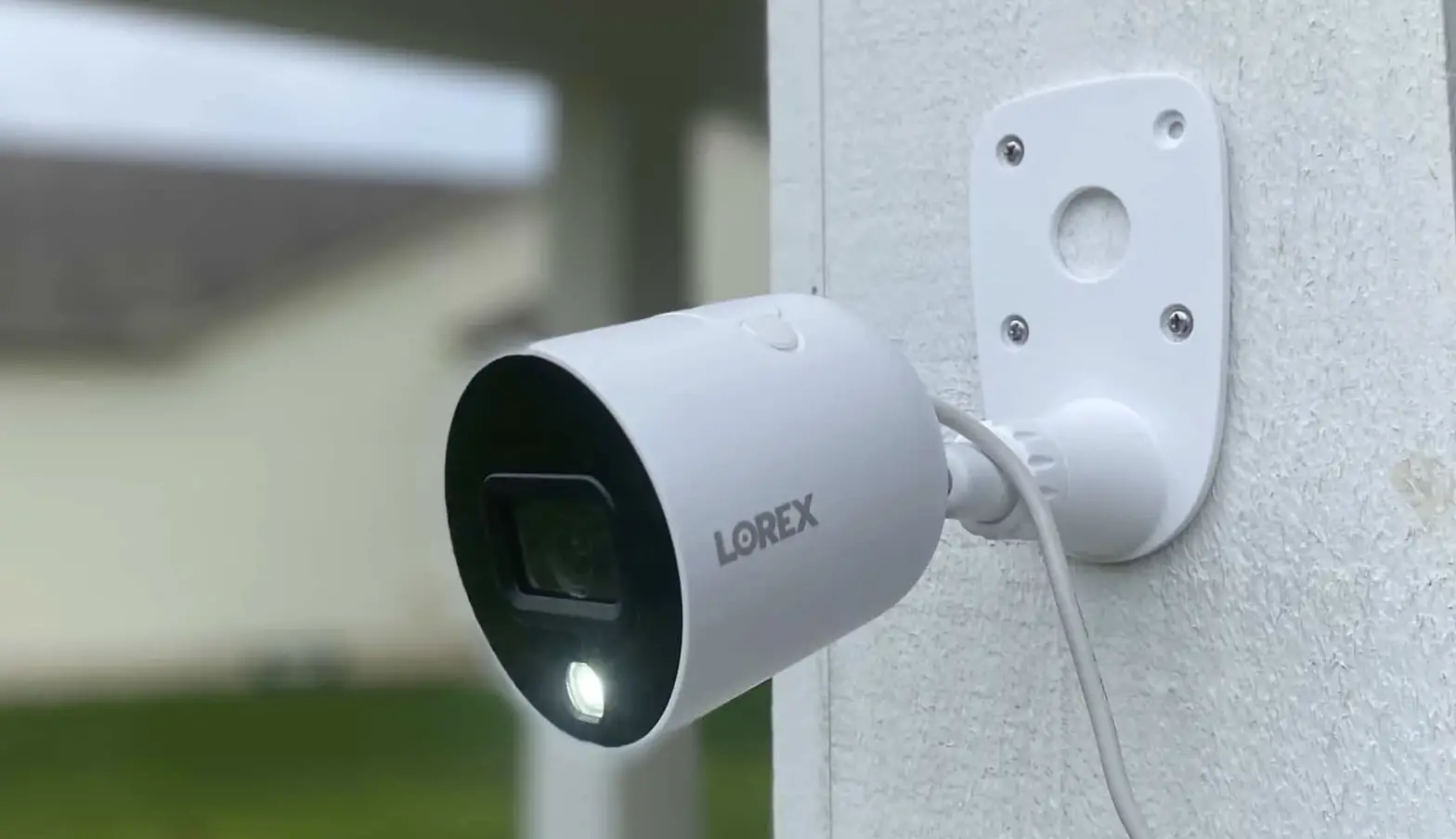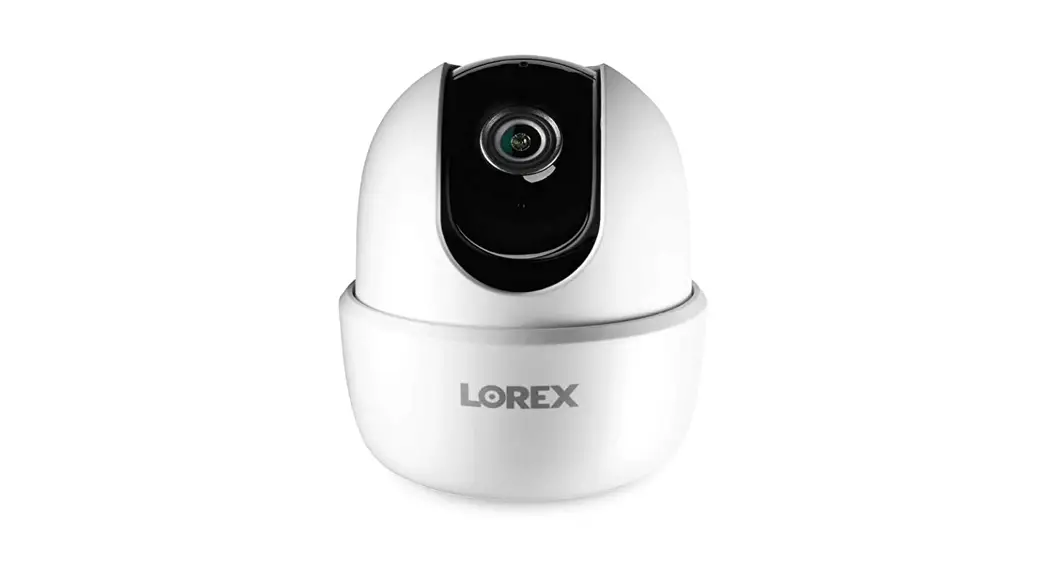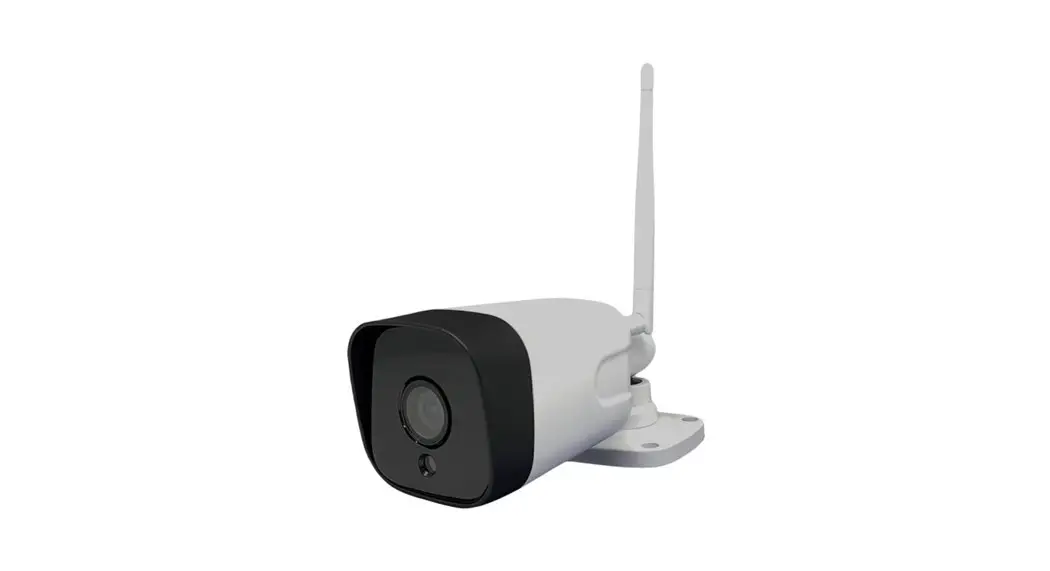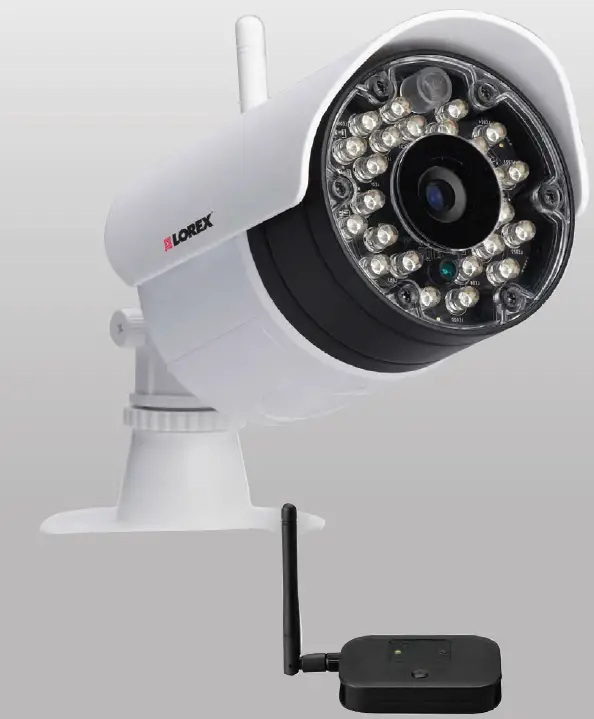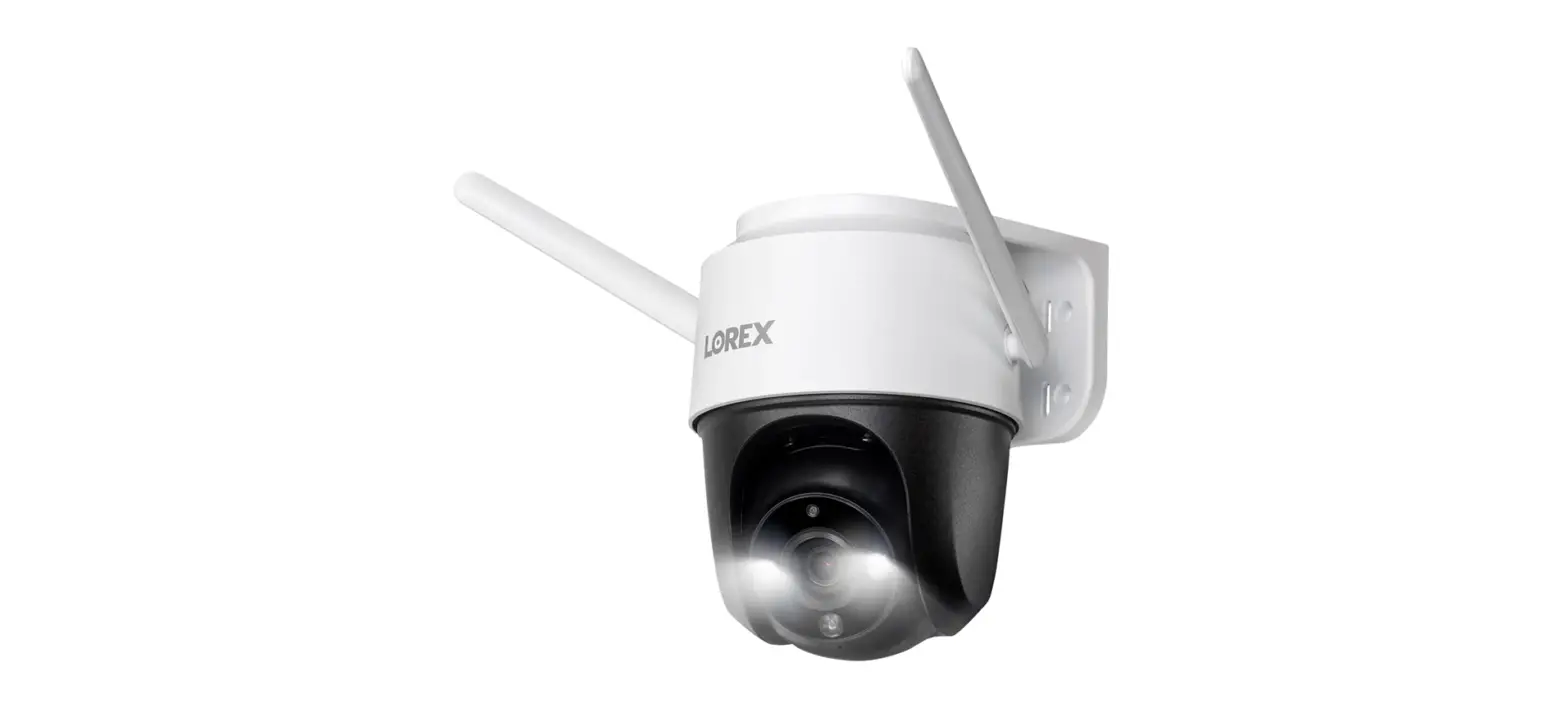

LOREX F461AQ 2K Outdoor Wi-Fi Camera
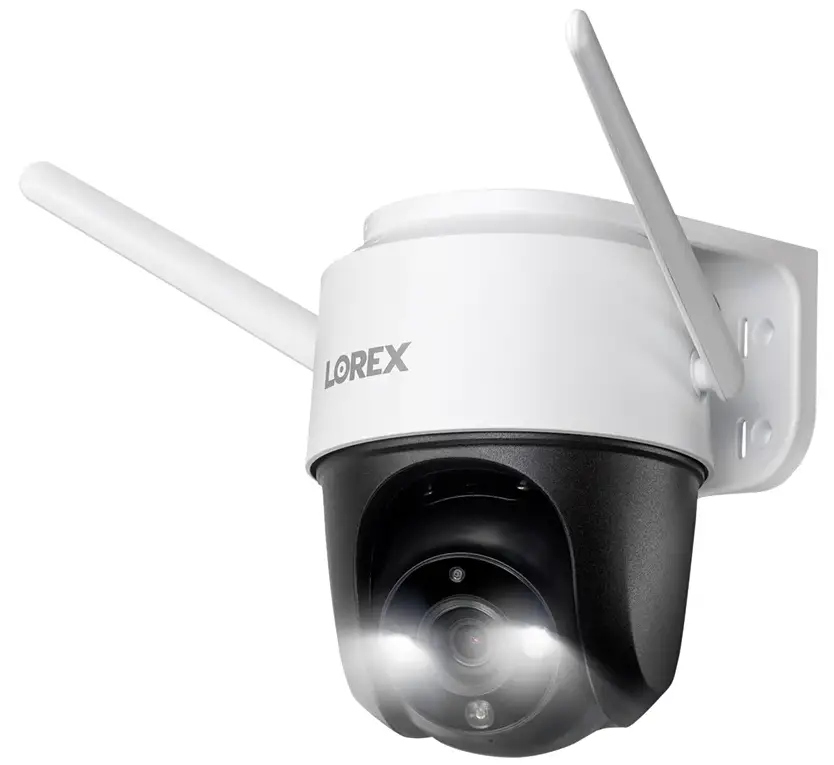
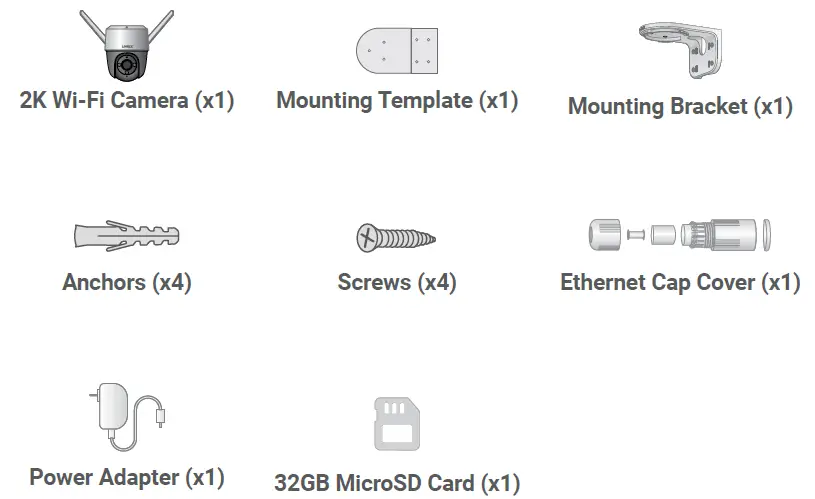
Package Contents
Tools Needed
- Drill
- Screwdriver
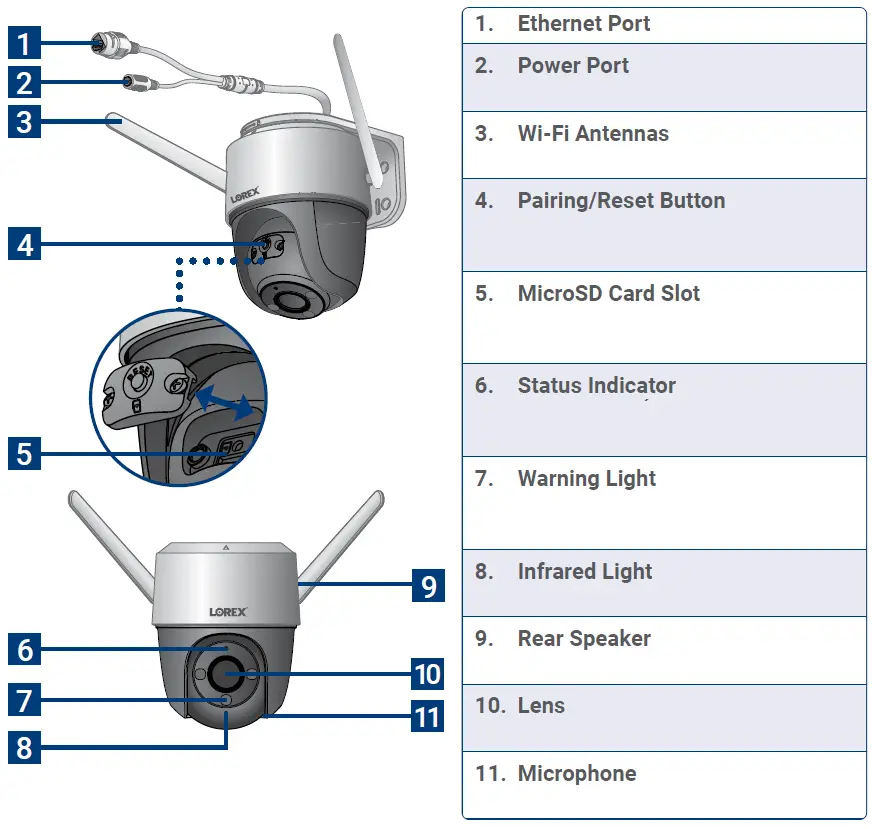
Overview
Status Indicator
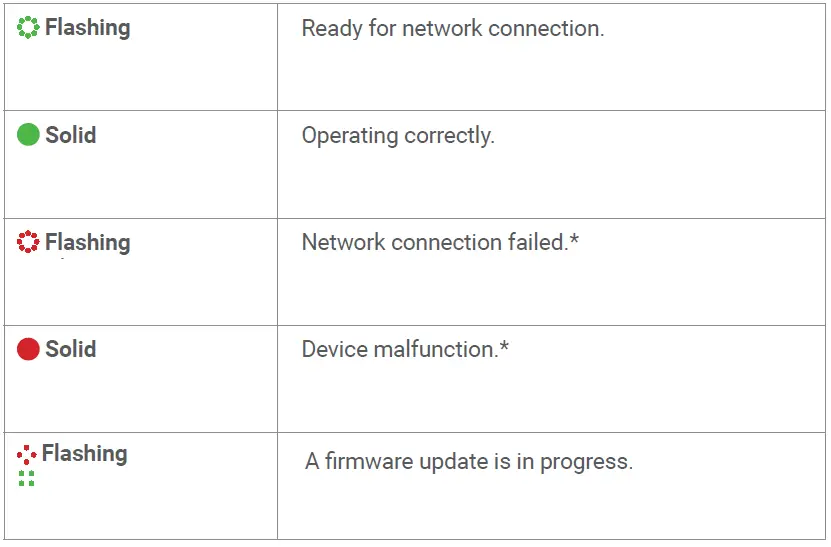
Try resetting the device by holding down the reset button.
Setup
- Download

- Tap + in the app to add the device.
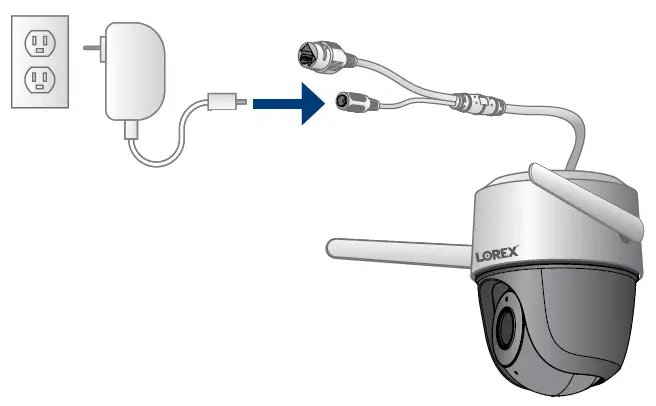
- Plug in the power adapter and connect it to the device.

- Follow the in-app instructions to complete the setup.

Need help?

- Download product guides
- Watch how-to-videos
- Find related troubleshooting tips & FAQs
Register your product
Please see our full Terms of Service and Limited Hardware Warranty Policy at: lorex.com/pages/warranty.
Copyright © 2021 Lorex Technology Inc
As our products are subject to continuous improvement, Lorex reserves the right to modify product design, specifications, and prices, without notice and without incurring any obligation. E&OE. All rights reserved.
FCC STATEMENT
This device complies with part 15 of the FCC Rules. Operation is subject to the following two conditions: (1) This device may not cause harmful interference, and (2) This device must accept any interference received, including interference that may cause undesired operation.
 Lorex Technical Support | LOREX Support
 Lorex Limited Warranty - Exceptions, Obligations | Lorex