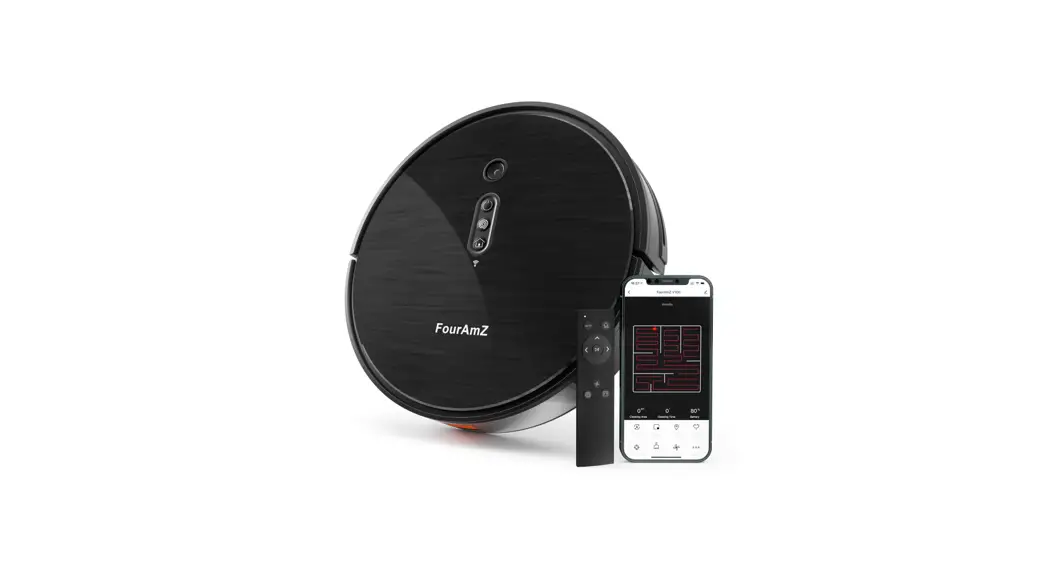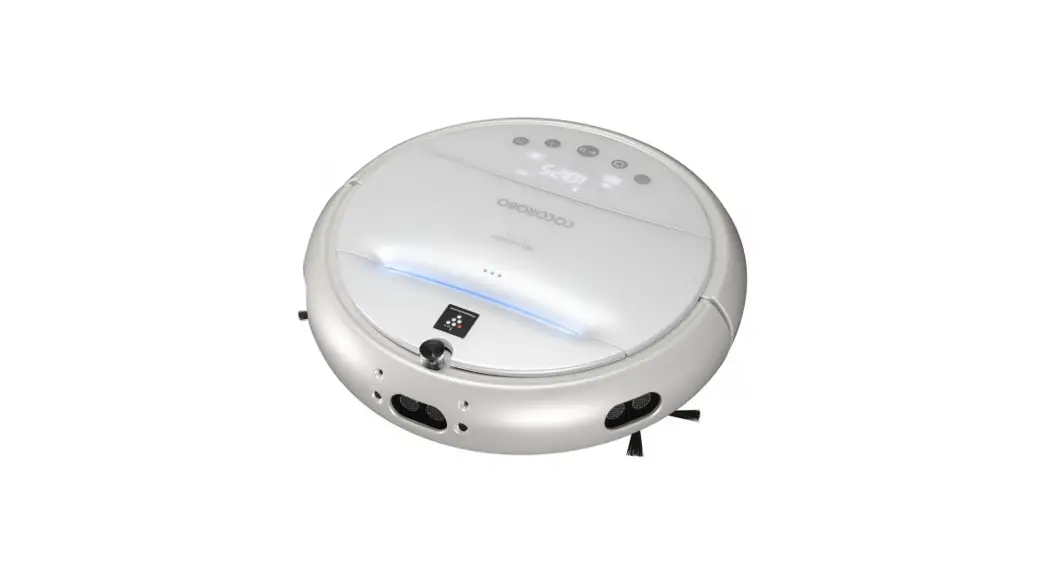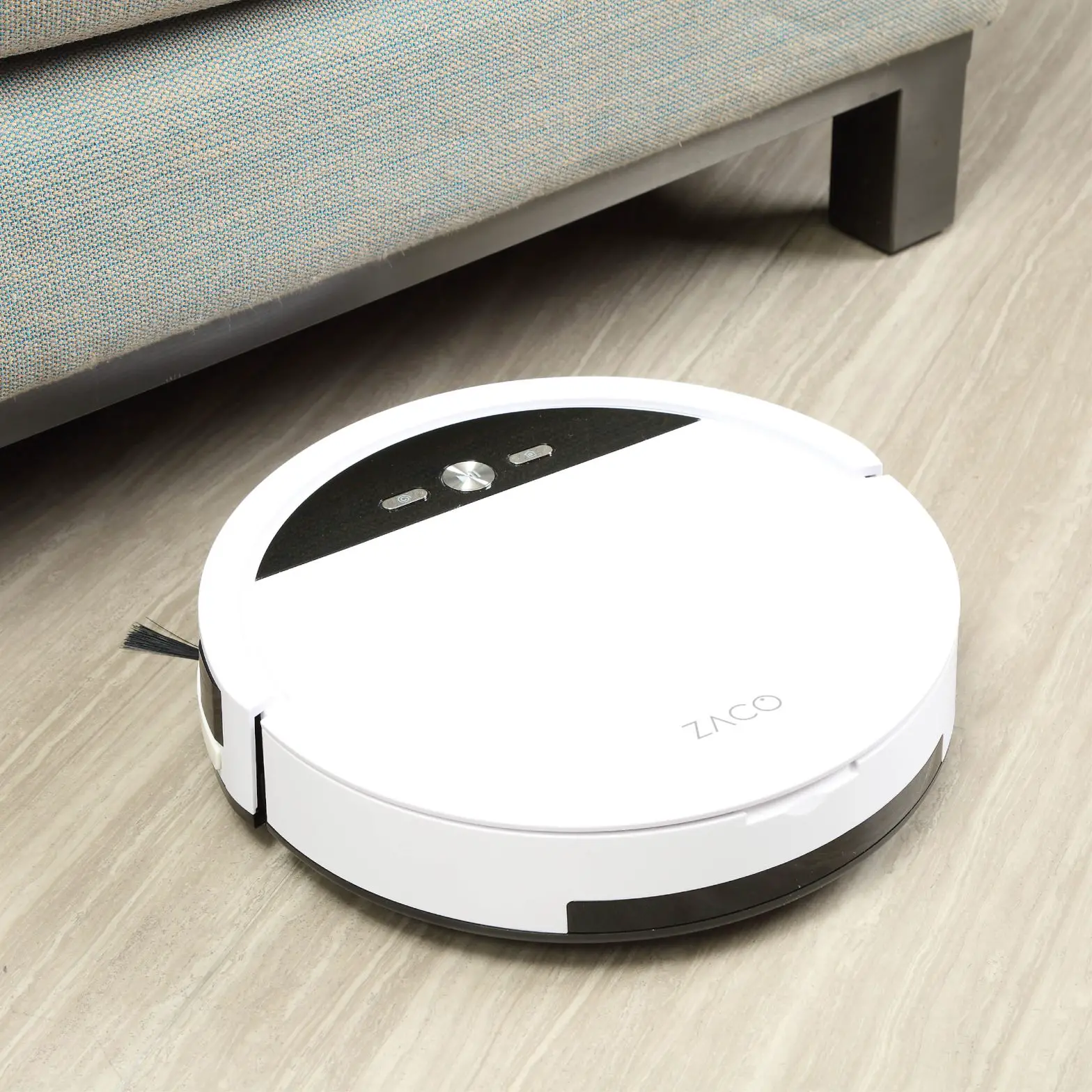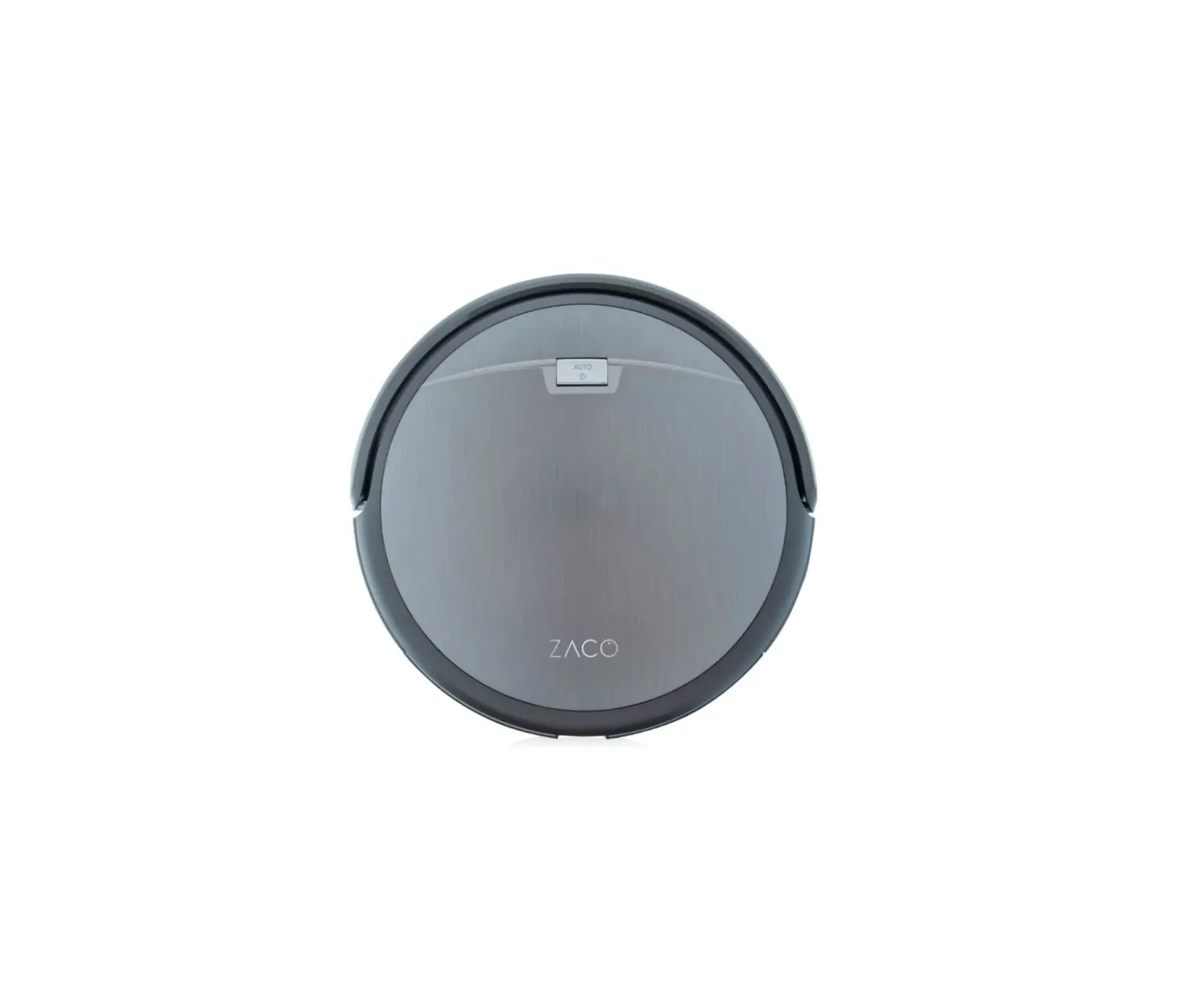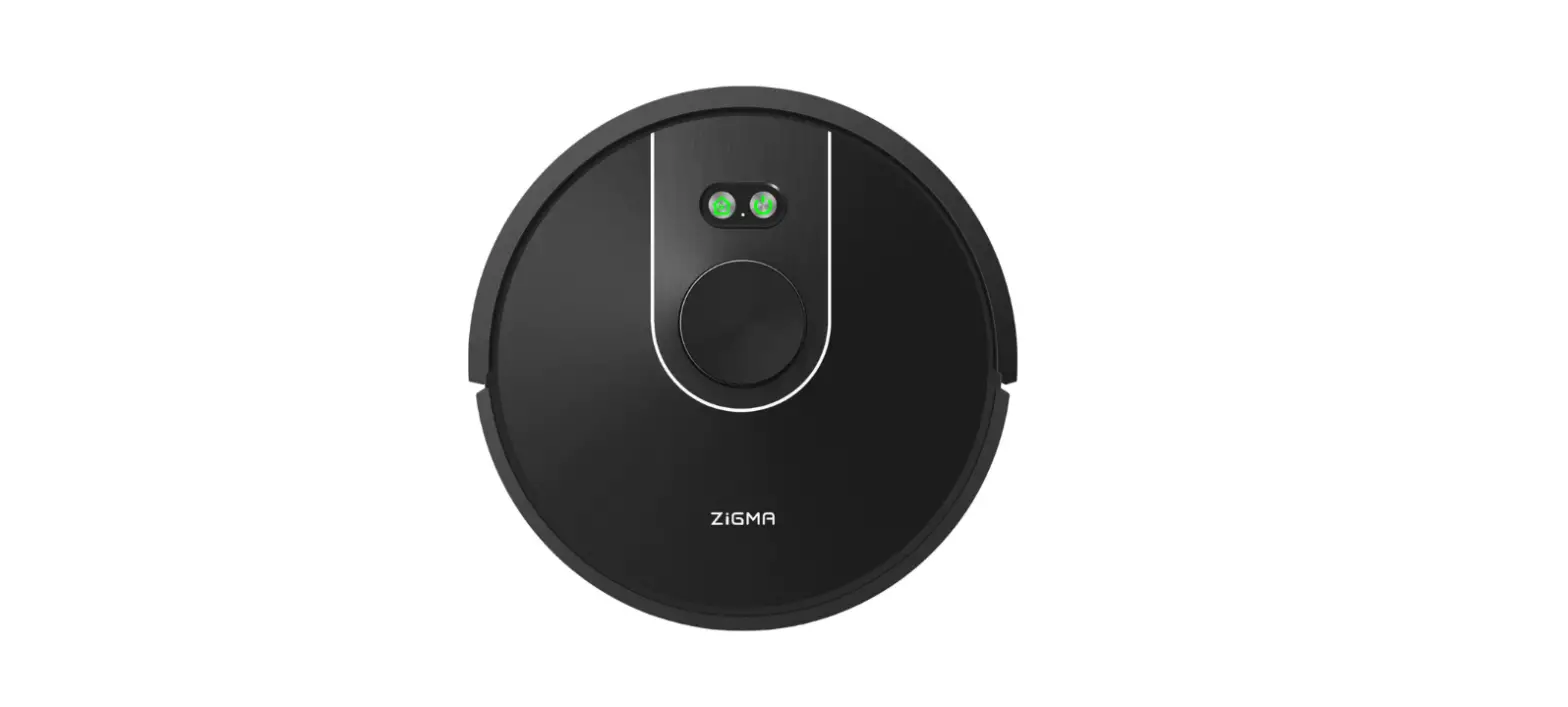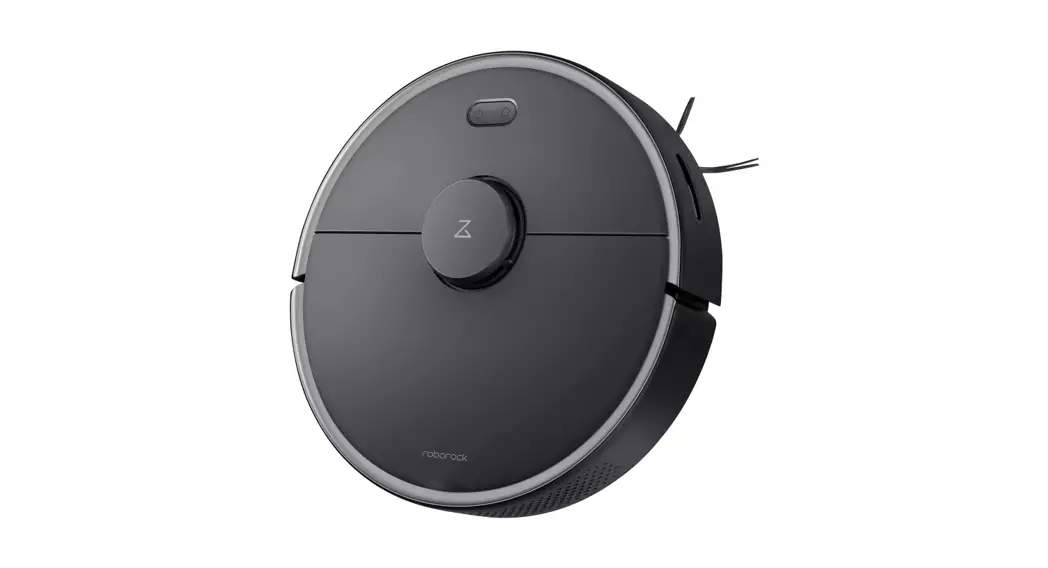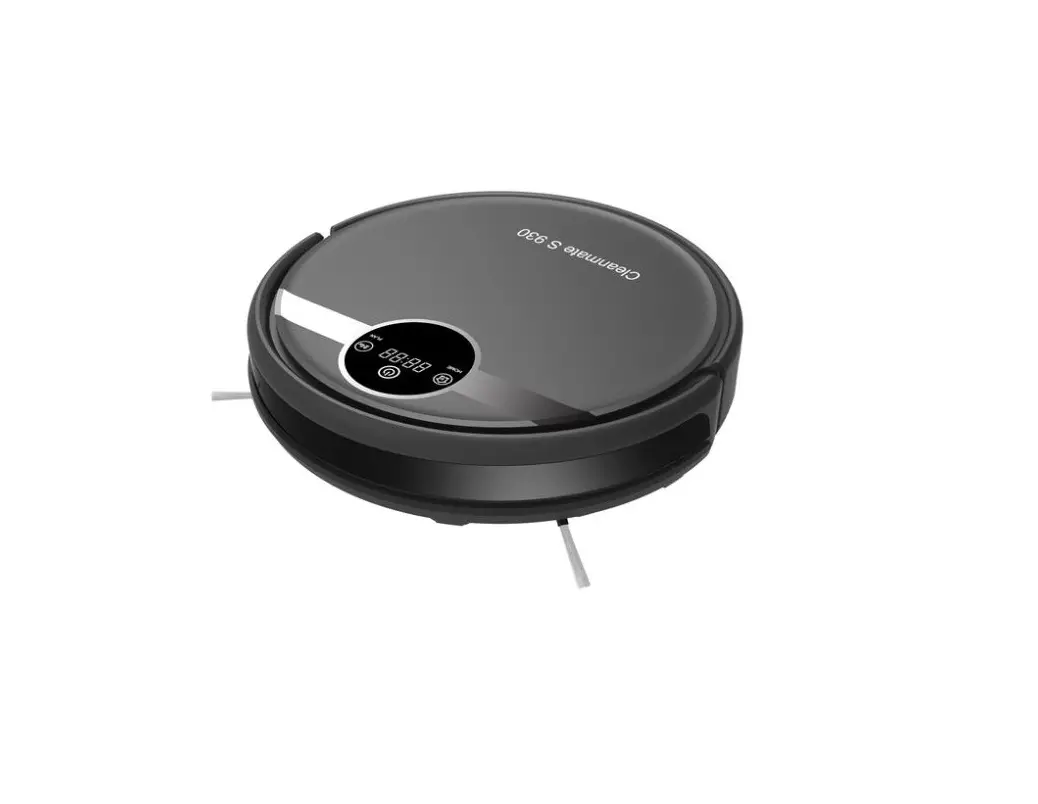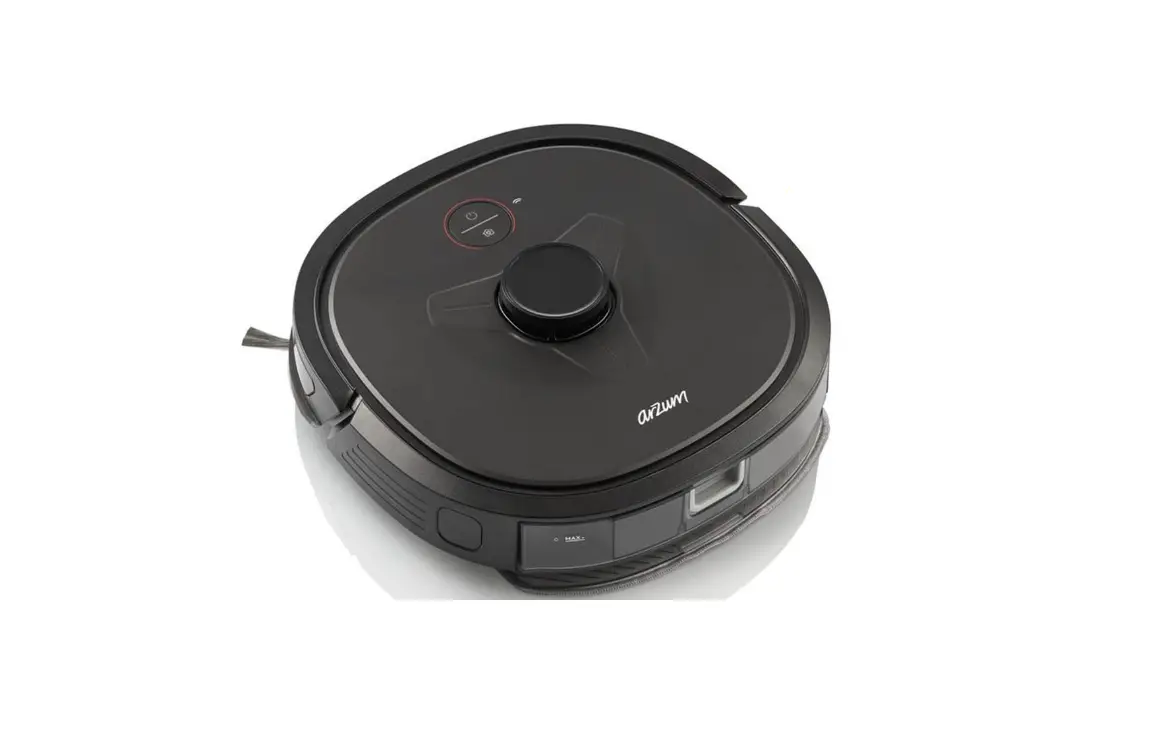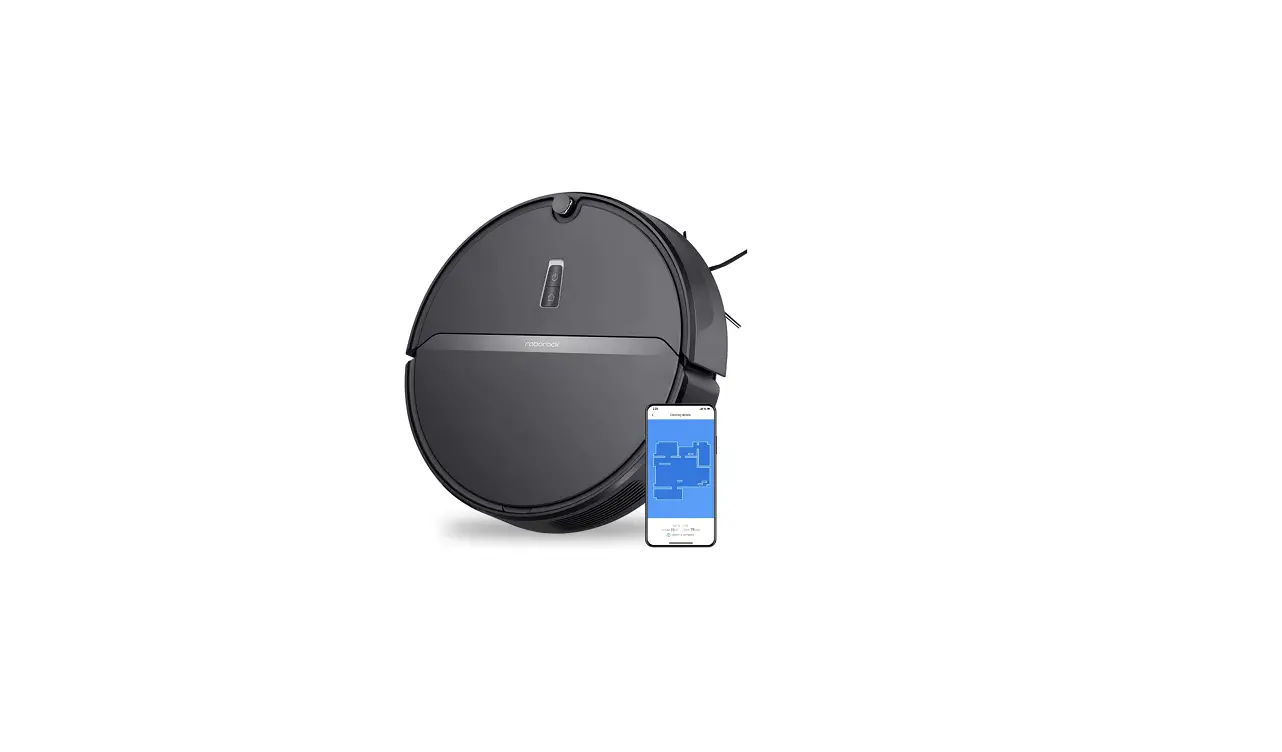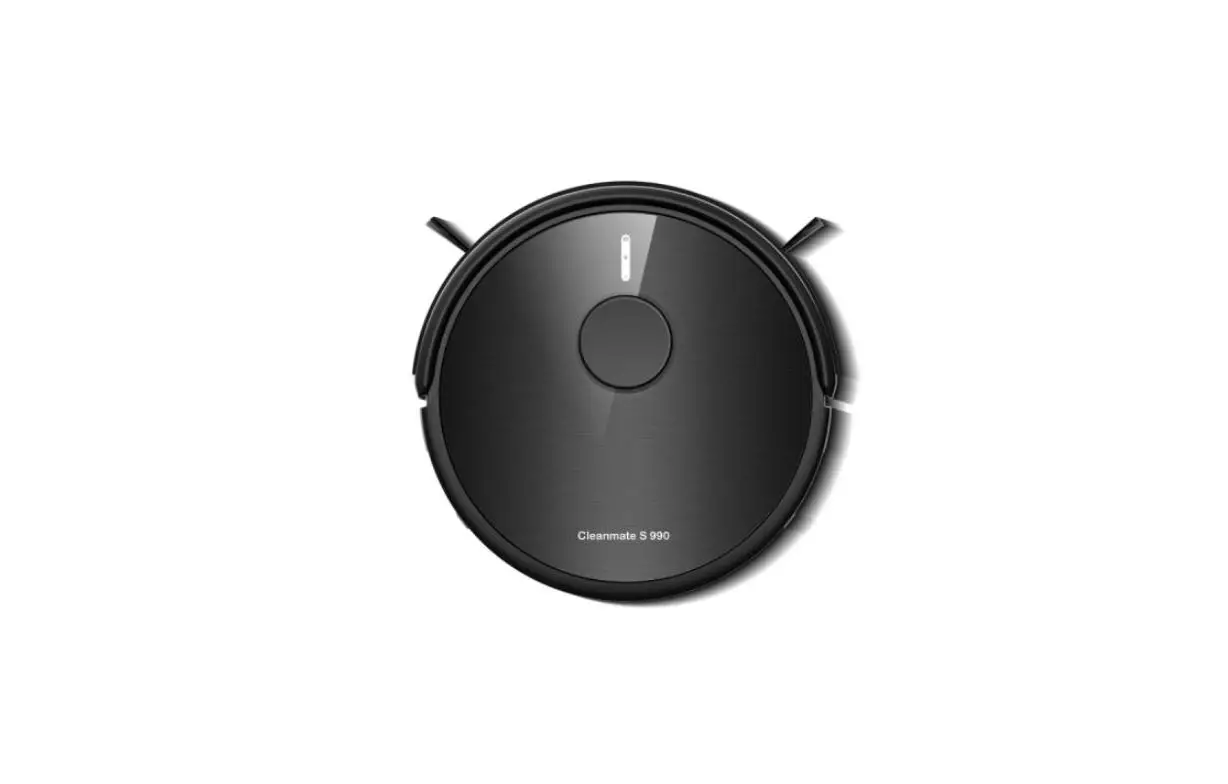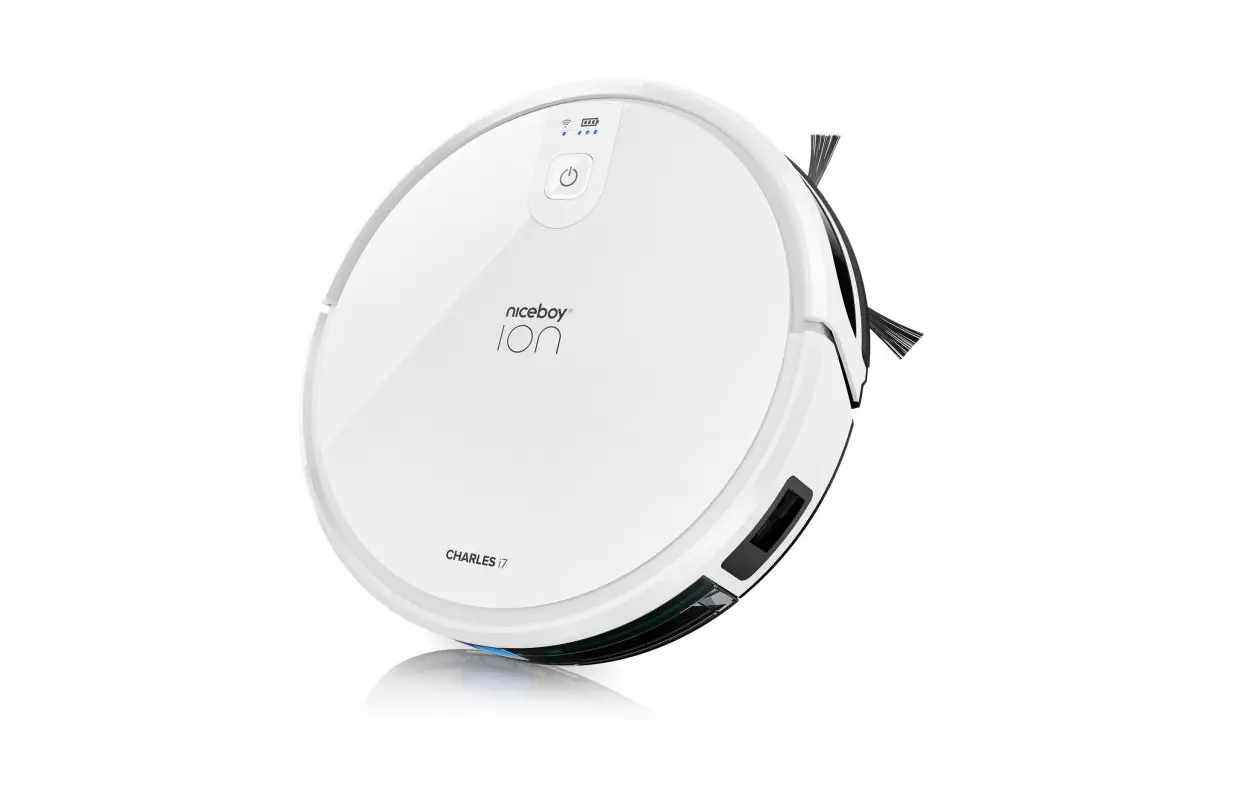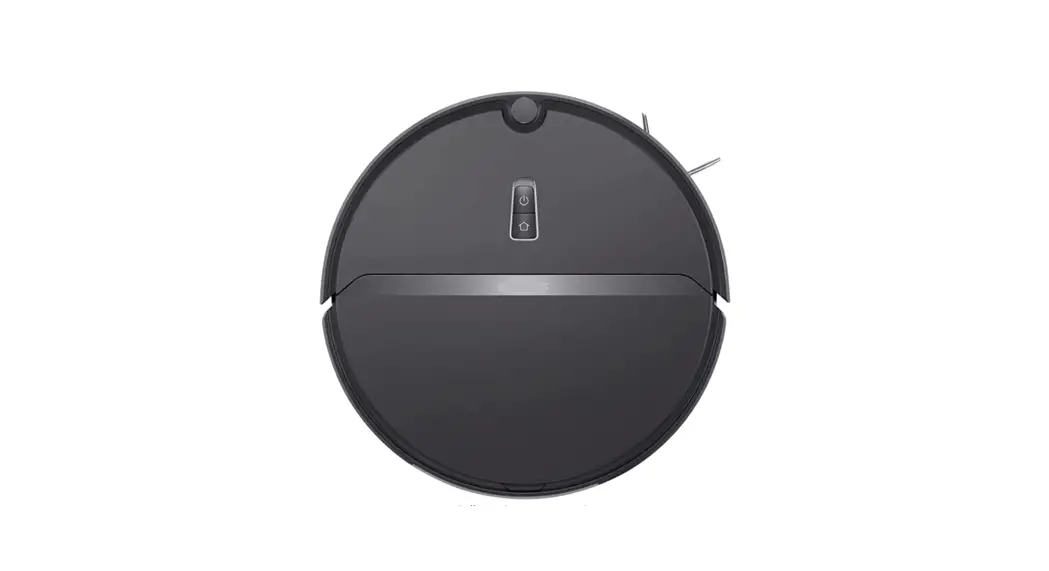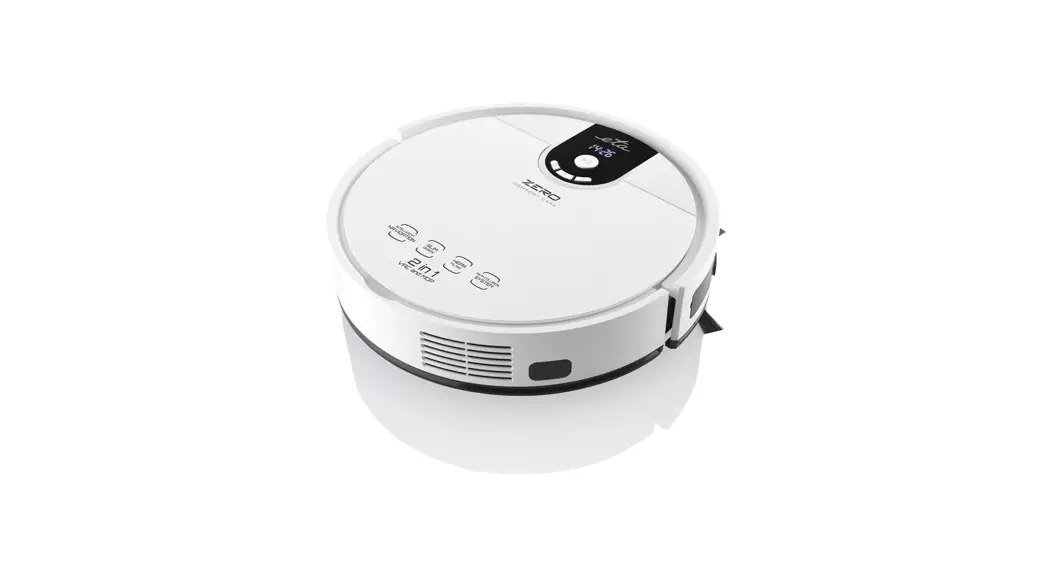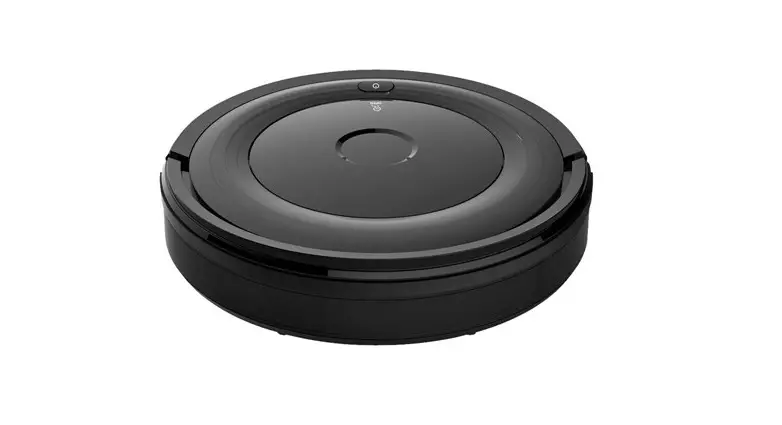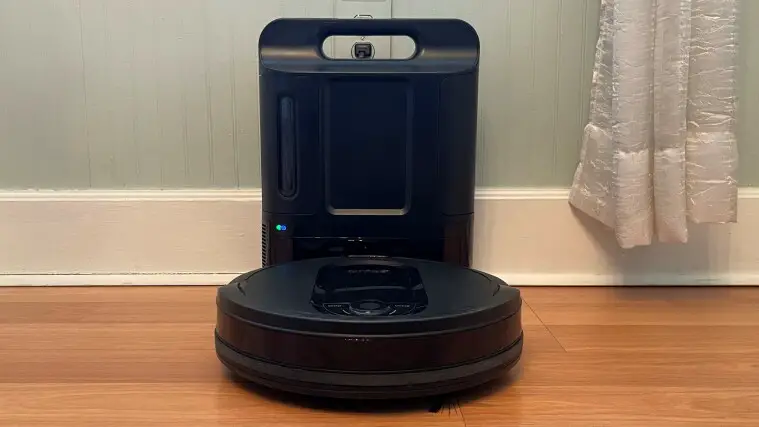
 Robot Vacuum Cleaner
User Manual
Important Safety Instructions
WARNING: TO REDUCE THE RISK OF INJURY OR DAMAGE, READ THE FOLLOWING SAFETY PRECAUTIONS WHEN SETTING UP , USING AND MAINTAINING YOUR ROBOT.
- CAUTION
- This product is designed for indoor floor cleaning only, do not use it outdoors(such as on an open-ended terrace), on any surface other than the ground(such as a sofa),
or in any commercial or industrial environment. - Do not use this product on elevated surfaces without barriers such as the floor of a loft, an open-ended terrace, or on top of furniture.
- Do not use the product when the ambient temperature is higher than 104°F(40°C), lower than 39°F(4°C), or if there are liquids or tacky substances on the floor.
- Before using the product, move wires off the ground or place them to the side to prevent them being pulled on by the cleaner.
- To prevent blocking the product and to avoid damage to valuables, remove light-weight items(such as plastic bags)and fragile objects(such as vases)from the floor before cleaning.
- Children should be supervised to ensure that they do not play with the appliance.
- This product is not intended for use by persons(including children)with reduced physical, sensory or mental capabilities, or lack of experience and knowledge, unless they have
been given supervision or instruction concerning use of the product by a person responsible for their safety. - This product can be used by children aged from 8 years and above and persons with reduced physical, sensory or mental capabilities or lack of experience and knowledge
if they have been given supervision or instruction concerning use of the product in a safe way and understand the hazards involved. Children shall not play with the product. - Cleaning and user maintenance shall not be made by children without supervision(EU).
- Keep the main brush cleaning tools out of reach of children.
- Do not place any object(including children and pets)on the product, whether it is in operation or not.
- Keep hair, loose clothing, fingers, and all parts of the body away from openings and moving parts.
- Do not use the product on burning objects(such as cigarette butts).
- Do not use the product on high pile carpets(product effectiveness may also be reduced on dark carpets).
- Do not use the product to clean hard or sharp objects(such as decoration wastes, glass and nails).
- Do not carry the product by using the main unit cover, or collision buffer.
- The product must be switched and the plug must be removed from socket-outlet before cleaning or maintaining the product.
- Do not use wet cloth or liquids for cleaning the product.
- Do not use the mopping module on carpets.
- Use the product according to the manual, any loss or damage caused from improper use will be borne by the user.
- This product contains batteries that are only replaceable by skilled persons.
Battery and Charging
- Do not charge non-rechargeable batteries.
- For the purposes of recharging the battery, only use the detachable supply unit 360 robot provided with this product.
- Do not dismantle, repair or modify the battery or charging dock.
- Keep the charging dock away from heat(such as heating vents).
- The battery must be removed from the appliance before it is scrapped.
- The product must be disconnected from the power supply when removing the battery.
- The battery must be disposed of safely. Do not discard waste batteries, leaving them with a professional recycling organization.
- Do not wipe or clean the charger prongs with wet cloth or wet hands.
- If the power cord is damaged, stop using it immediately. It must be replaced by the manufacturer, service agent, or similarly qualified persons to avoid a hazard.
Product Introduction
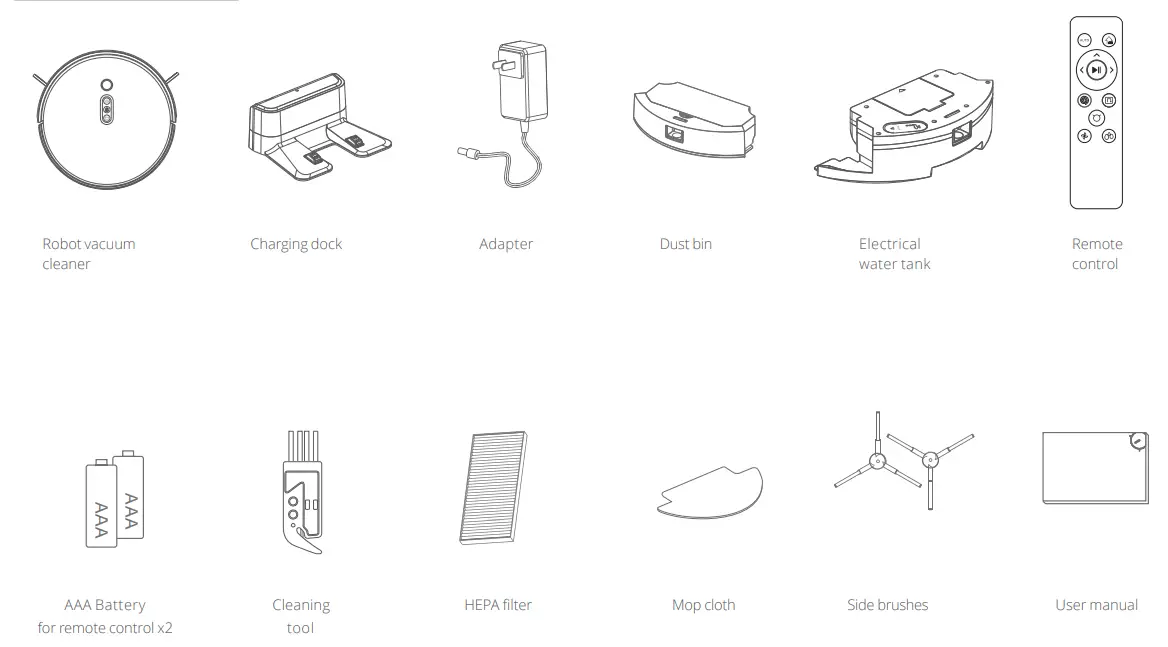
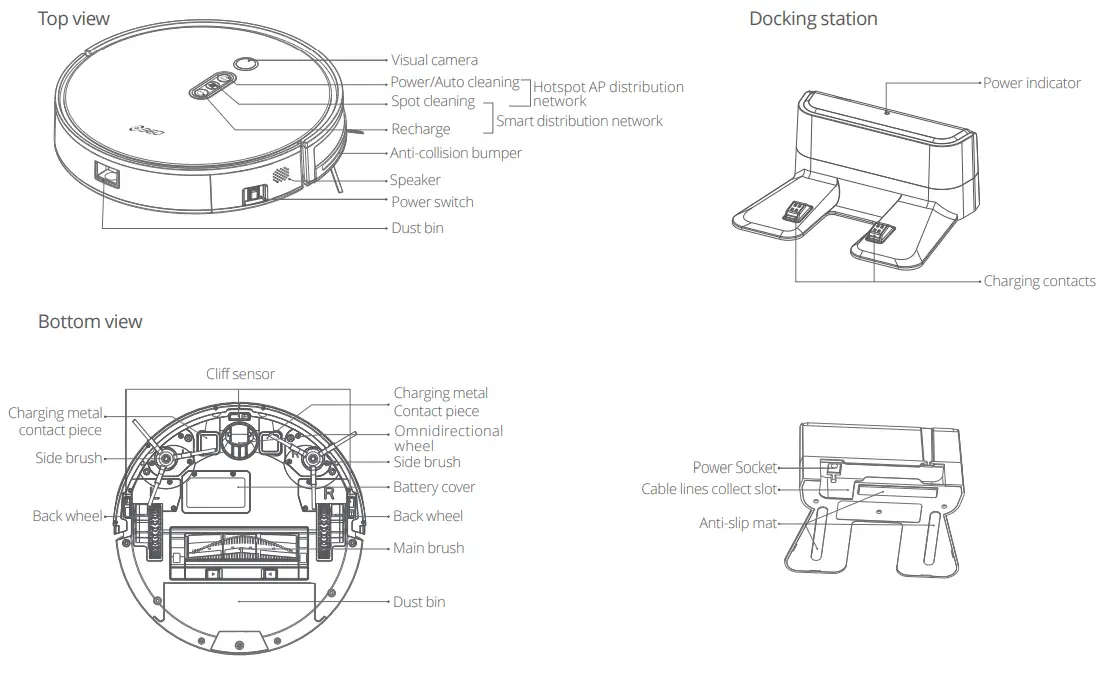
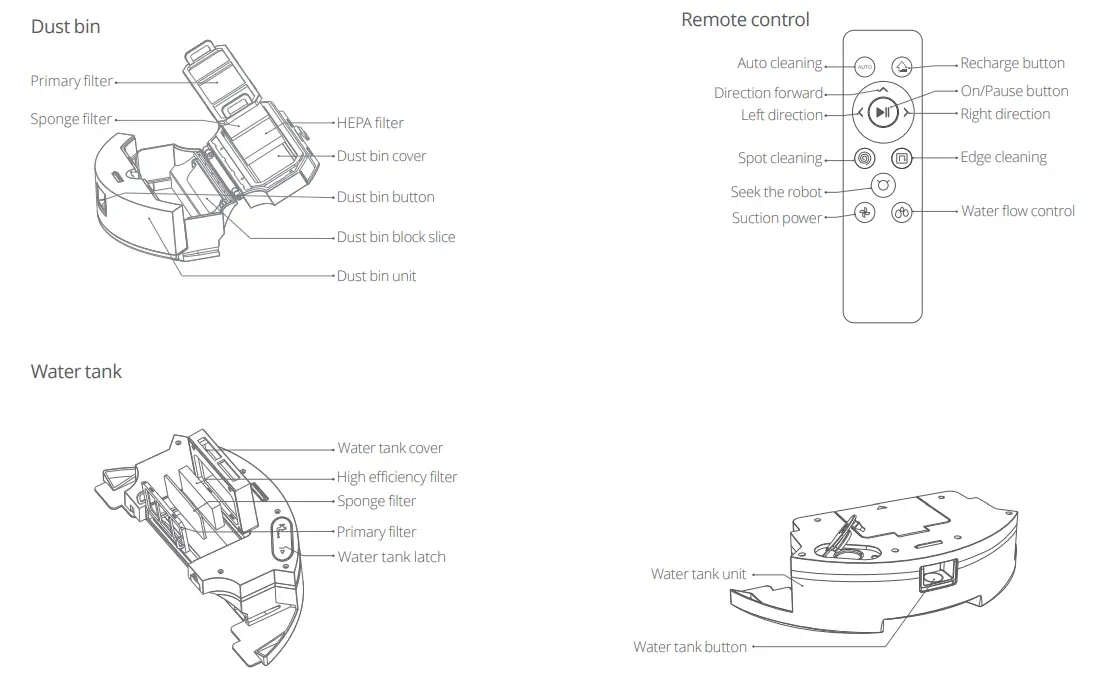
Installation Using the robot
- Remove the EVA foam on each side.

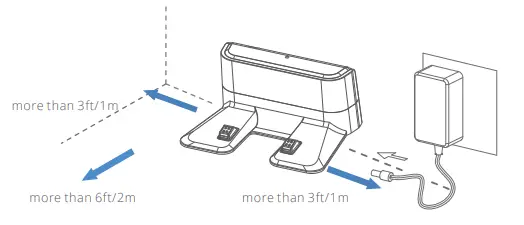
- Place the charging dock against the wall on a flat surface and plug it into the power socket.

Note:
• The charging dock should have more than 1.0m(3.0ft) of clearance on each side, and more than 2.0m(6.0ft)in the front.
• If the power cable is vertical to the ground, it may be caught by the robot, causing the charging dock to be disconnected.
• The charging dock indicator is on when the charging dock is electrified, and off when the robot is charging. - Turn the robot over to install the side brushes.
 Install the side brushes
Install the side brushes on both sides of the roller at the bottom of the main unit. Pick up the side brushes with your hands and aim at the hole of the side brush installed on the base(note that the square column and the square hole correspond to each other), press it down to hear a “click” sound, indicating that the side brush is installed in place.
- Power and charge
1. Auto: After cleaning, the robot will automatically return to the charging dock to charge.
2. Manual: In Pause mode, press the button to send the robot back to the charging dock.
3. Recharge by remote control.
Note:
1. The battery is fully charged to prolong the battery life. 5 hours charging time for the first time.
2. Please keep charging dock power on, or the robot can not find the charging dock.Recharge Button”  ” Indication in Charging
Charging Status Indicator of Recharge Button” ”Low power/Back to charge Blue light off Charging Blue light Charging completed Flashing blue - Power on/off/Pause
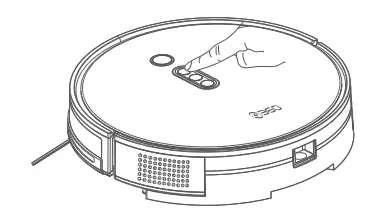
1.Turn on the main power switch “ I ” is turned on, ”o ” is turned off. 2. Press
  to start cleaning(Start up the default ”zig-zag ” auto cleaning mode)
3. Press thebutton again to stop cleaning(The robot is in standby mode)
4. The robot is not working if leaving dock station The robot will be in standby mode.
If the robot does not work for a long time, please disconnect the power. - Water tank
1. Open the water tank, fill it with water, and close it tightly. 2. Install the mop cloth.
 3. Install water tank.
 4. Start mopping.
 Note:
Note:
After finishing mopping, please empty the water tank.
Take off the mop and clean it.
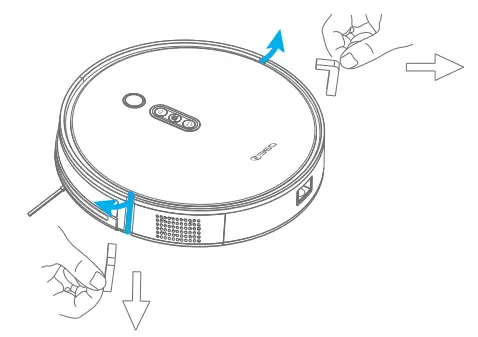
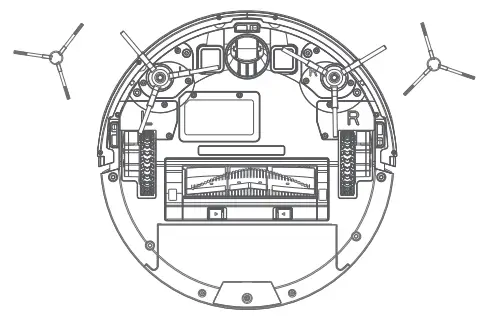 Install the side brushes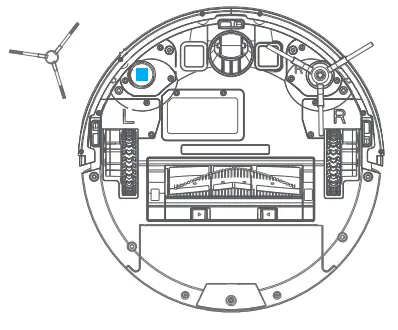
 ” Indication in Charging
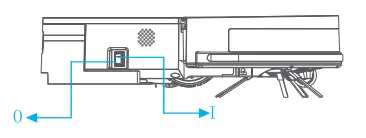 2. Press
  to start cleaning(Start up the default ”zig-zag ” auto cleaning mode)
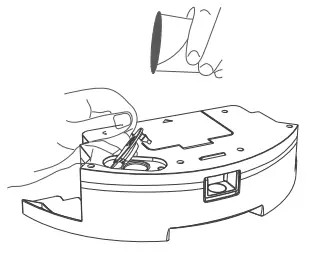 2. Install the mop cloth.
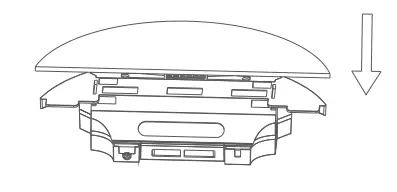 3. Install water tank.
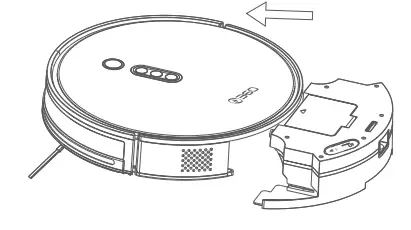 4. Start mopping.
 Note:
Note:Note:
- It is recommended that all are vacuumed at least three times before the mopping session to reduce excessive dirt build up on the mop.
- Do not put detergent, disinfectants, perfume, or other chemicals in the water tank.
- Remove the mopping module after mopping, empty residual water and clean the mop cloth to prevent mildew or unpleasant odors.
- Remove the mopping module if not mopping.
Instructions for use
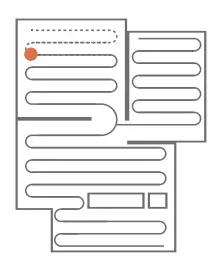
Auto Cleaning
The robot defaults auto cleaning mode after power on. Zig-zag cleaning.
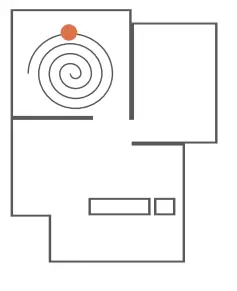
Spot Cleaning
Applicable for garbage concentrated area. The robot cleans in a spiral shaped in designated area. After cleanup, the robot will return to the center of square.
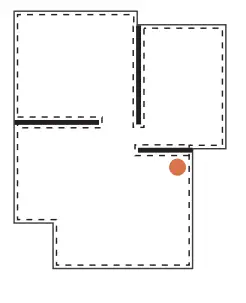
Edge Cleaning
The robot cleans around the wall edge.
Schedule Cleaning
Use the app to set start times for scheduled cleanups.
The default cleaning mode is auto cleaning.
App Instruction
Download the mobile phone App
Method 1 :Search for “Botslab” in Google Play or App Store and download it. Method 2 :Scan the QR code below by using mobile phone camera or any QR code scanner App to download the Botslab App.
 https://www.botslab.com/superappdownload.html
Add your Robot on the App
- Please refer to the network configuration instruction in the box to let the App find your Robot.
- Then follow the instructions on the App step by step to bind the Robot to your account.
Note:
- Please check out further operation instructions in “My – My Service” on the App and do not hesitate to contact us if you have any if you have any questions or comments.
Maintenance
Dust bin and filter cleaning
It is recommended to clean the dust bin and filter in time.
A. Pull out the dust bin by pressing the button on the back of robot.
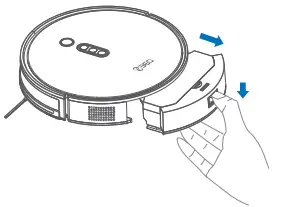
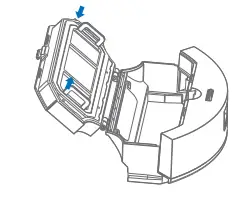
B. Press and hold the button on the dust bin to open the dust bin and take out the garbage.
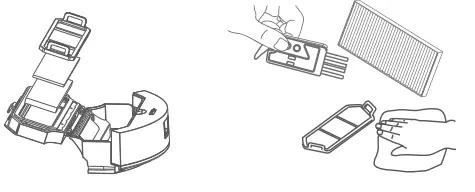
C. Take off the filter and filter foam from the inside of the dust bin, and clean it with a brush or cloth.
Note:
- Filter life time is 24 months. It is recommended to wash it by water per 15-30 days.
- After washing, recommended to dry. Do not squeeze, Do not expose to the sun.
Main brush assembling and cleaning
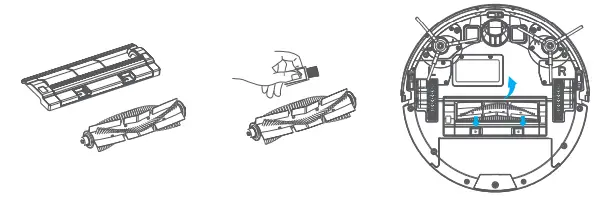
Side brush cleaning
A. Use a brush cleaning tool to cut off the entangled debris.
B. Use a clean cloth to clean the side brush.
Note: Side brush replacement every 3-6 months is recommended to maintain cleaning quality.
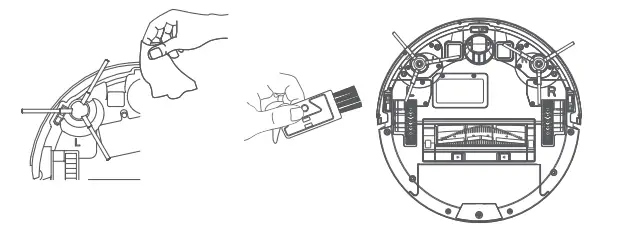
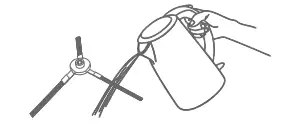
C. When the side brush can not be used, please remove the damaged side brush and replace it in time.
Note: Cleaning water must be lower than 60 degree celsius.
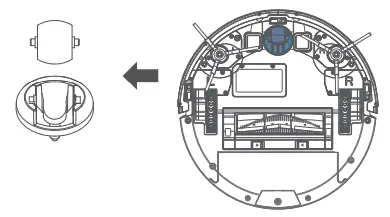
Omnidirectional wheel cleaning
- Turn the robot over.
- Pull out the wheel upwards.
- Reinstall after cleaning and press firmly.
- Rinse the axle and the wheel with water to remove any hair and dirt.
- Dry and reinstall the wheel then press it back in place.
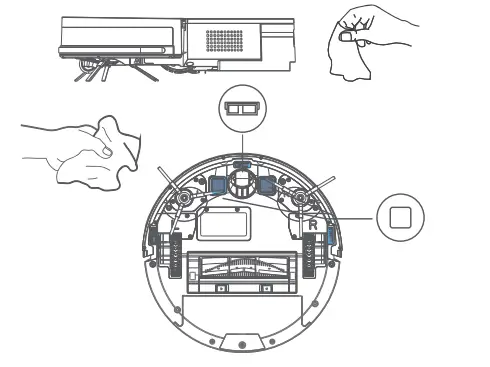
Robot sensor and cleaning
Use a soft dry cloth to clean the sensors.
Note: Do not touch the sensors directly with liquids such as water and thinner.
Specifications
| Main unit | |
| Name | v100 |
| Dimensions | 320*320*76mm |
| Product weight | 2.9Kg |
| Battery capacity | Minimum capacity: 2500mAh, 36Wh Standard capacity: 2550mAh, 36.72Wh |
| Rated voltage | 14.4V |
| Rated power | 32W |
| Charging dock | |
| Name | V100 |
| Dimensions | 183*140*76mm |
| Rated power | 19W |
| Rated output | 19W |
| Wireless Parameter | |
| Frequency band & signal transmission | WiFi, 2.4 GHz; 20 dBm |
Troubleshooting
| Error | Solution |
| The main brush is tangled up | Please clean the roller brush |
| The side brush is tangled up | Please clean the side brush |
| A wheel is abnormal and the robot jammed | Please check the driving wheels |
| The dust bin abnormal installation | Please install the dust bin |
| Abnormal cliff sensor / dirty cliff sensor | Please wipe the cliff sensors |
| The robot is stuck | Please clean any obstacle around it |
| The bumper is stuck | Please check the front bumper |
| The robot is suspended | Please put the robot back on the ground |
FAQs
| Problem | Solution |
| Unable to connect to WiFi | WiFi is disabled, Reset the WiFi and try again. WiFi signal is poor, Make sure that the robot is in an area with good Wifi signal reception only powered on, long time press the device’s spot cleaning button and recharge button and can enter smart network connection. Only 2.4G network is supported. |
| Unable to install the App | IOS 9.0, Android 5.0 and above systems, can download and use APP . |
| Unable to charge | If the charging dock is not receiving power, check that both ends of the power cable are properly connected. If contact is poor, clean the contact areas of the charging dock and the robot. power is restored when the power indicator light turns on. |
| Difficult to recharge | There are too many obstacles near the charging dock. Move it to an open area. The robot is too far from the charging dock. Place it closer and retry. |
| Poor cleaning ability | It is recommended to clean up the ground debris first. If there is a part missing to clean, the robot will automatically schedule to clean it. |
| The robot is jammed | The robot will actively try various methods to get rid of jams. Or it is recommended to help manually. |
| Noise during cleaning | The main brush, side brush, or main wheels may be jammed. Turn off the robot and clean them. If the omnidirectional wheel is jammed, remove it for cleaning. |
| Pure suction power | The dust bin is full and needs emptying. The filter is blocked and needs cleaning. The main brush is jammed and needs cleaning. Let the filter foam to air dry. |
Information on disposal and recycling The symbol means that this product must be disposed of separately from normal household waste at the end of its useful life. Please note that it is your responsibility to dispose of electronic equipment at recycling centers to help conserve natural resources.
Product parameter
Name and content of hazardous substances in the product
| Name | Parts | |||||
| Lead (Pb) | Mercury(Hg) | Mercury(Cd) | Hexavalent Chromium (Cr(vI)) | Polybrominated Biphenyls (PBB) | Polybrominated tnn Diphenyl Ethers„\ | |
| Circuit | X | 0 | 0 | 0 | 0 | 0 |
| Metal Parts | 0 | 0 | 0 | 0 | 0 | 0 |
| Plastic Casing | 0 | 0 | 0 | 0 | 0 | 0 |
| Battery | 0 | 0 | 0 | 0 | 0 | 0 |
| Other Parts | 0 | 0 | 0 | 0 | 0 | 0 |
| This form is compiled in accordance with the regulations of 5 J/T 11364. 0 Means that the content of the hazardous substance in all homogeneous materials of the part is below the limit requirement specified in GB/T 26572. X Means that the hazardous substance at least in a certain homogeneous material of the part exceeds the limit requirement of GB/T 26572.  | ||||||
After-sales Service
Warranty Content
| Name | Warranty Content | Warranty Period |
| Main unit | Robot (includes build-in battery) | 1 year |
| Accessories | Charging dock, power adapter | 1 year |
| Consumables | Brush roll, side brush, brush frame, filter, cleaning tool, dust bin, water tank, mop pad |
* Warranty may vary between countries, please refer to the local laws and seller’s information.
Exclusions and Limitations
- The product is repaired without permission, wrongly used, crashed, neglected, misused, gotten wet, or damaged in an accident, modified, unauthorized accessories are used.
- Warranty period expires.
- Damage is caused by force majeure.
- Defects of product and accessories caused by the owner or user.
FCC Warning
This equipment has been tested and found to comply with the limits for a Class B digital device, pursuant to part 15 of the FCC Rules. These limits are designed to provide reasonable protection against harmful interference in a residential installation. This equipment generates, uses and can radiate radio frequency energy and, if not installed and used in accordance with the instructions, may cause harmful interference to radio communica-tions. However, there is no guarantee that interference will not occur in a particular installation. If this equipment does cause harmful interference to radio or television reception, which can be determined by turning the equipment off and on, the user is encouraged to try to correct the interference by one or more of the following measures:
- Reorient or relocate the receiving antenna.
- Increase the separation between the equipment and receiver.
- Connect the equipment into an outlet on a circuit different from that to which the receiver is connected.
- Consult the dealer or an experienced radio/TV technician for help.
Caution: Any changes or modifications to this device not explicitly approved by manufacturer could void your authority to operate this equipment. This device complies with part 15 of the FCC Rules. Operation is subject to the following two conditions: (1) This device may not cause harmful interference, and (2) this device must accept any interference received, including interference that may cause undesired operation. FCC RF Radiation Exposure Statement Caution: To maintain compliance with the FCC’s RF exposure guidelines, place the product at least 20cm from nearby persons.