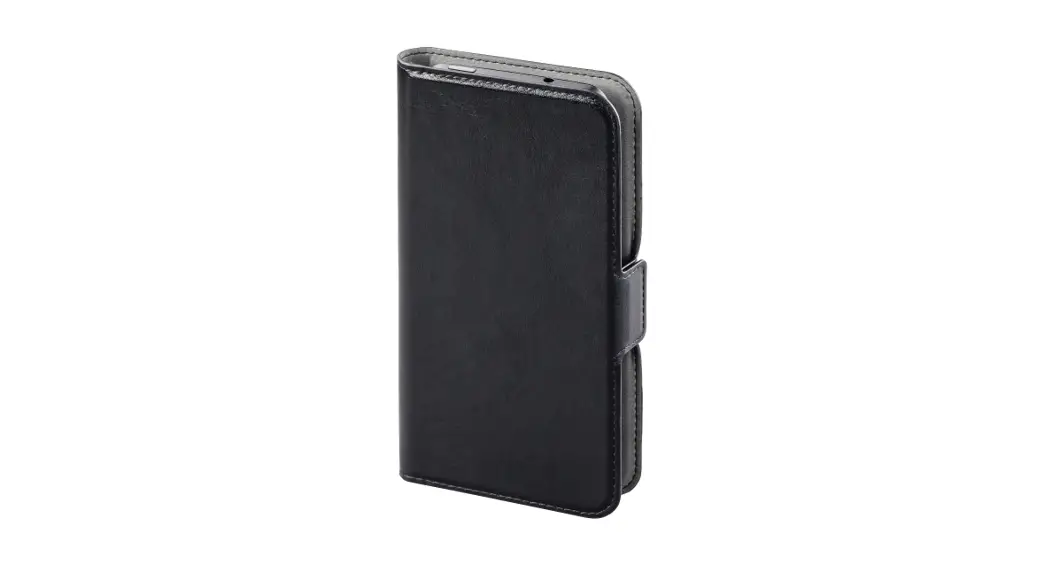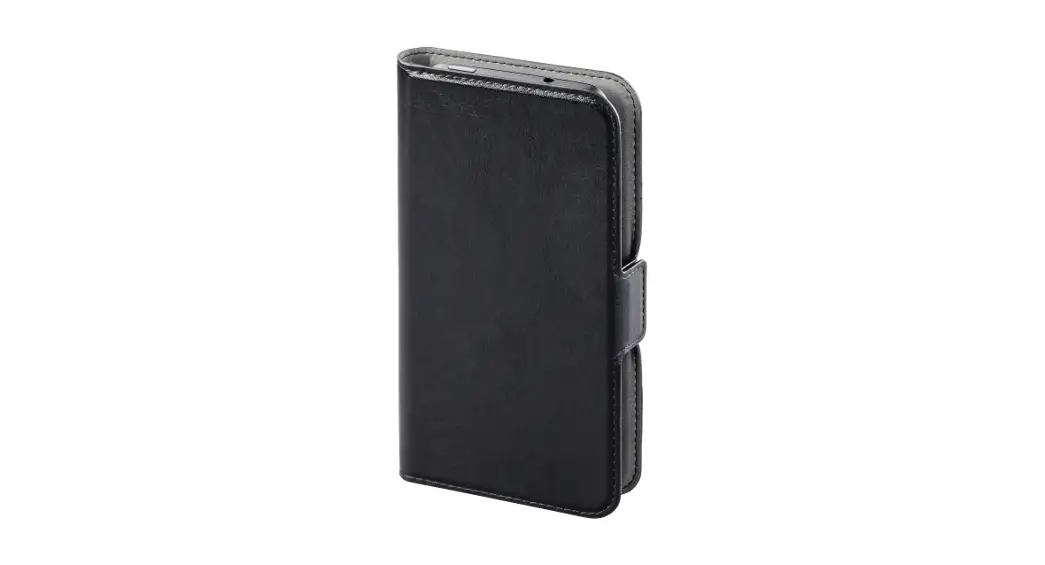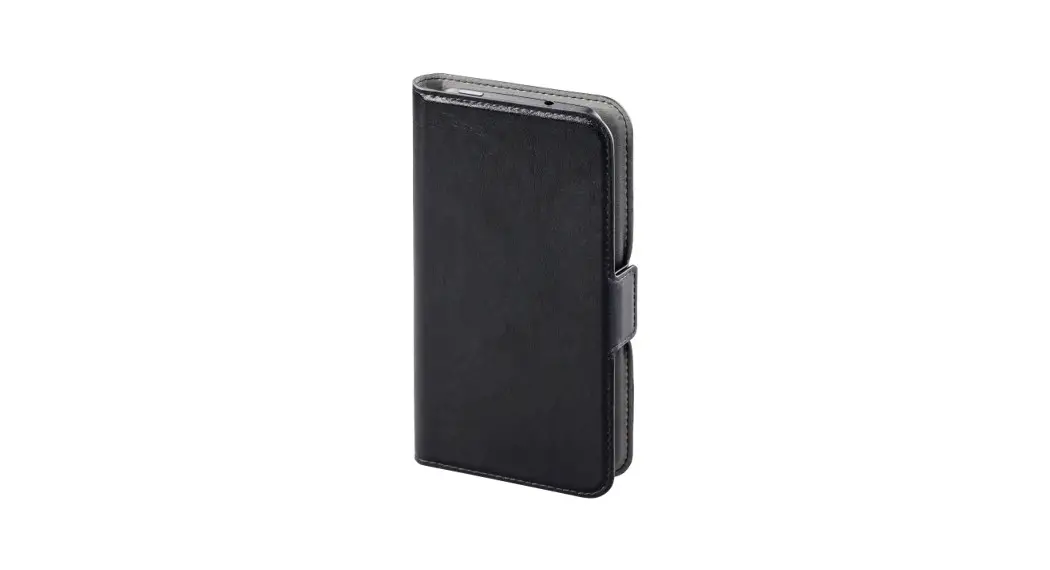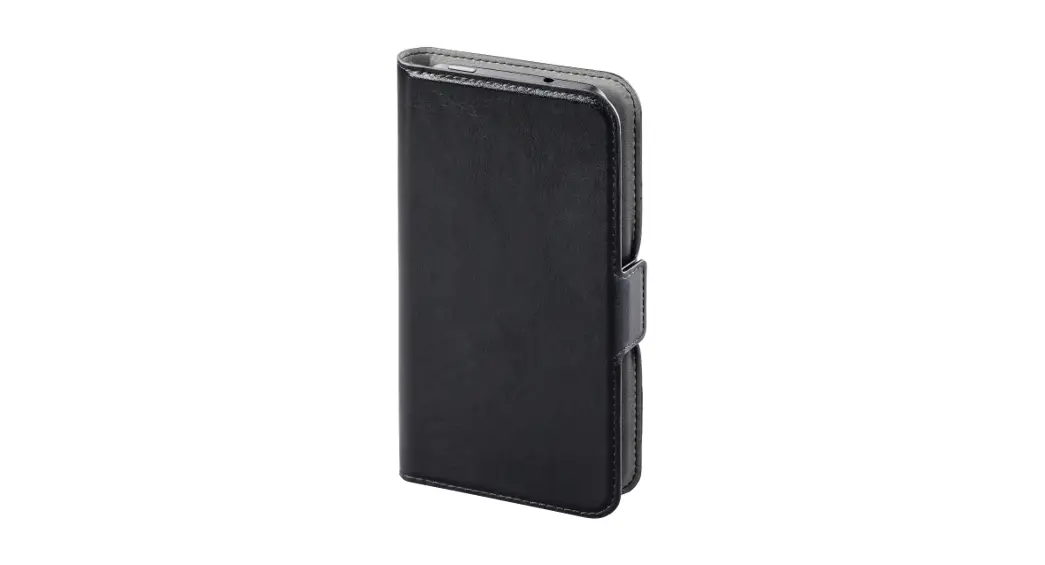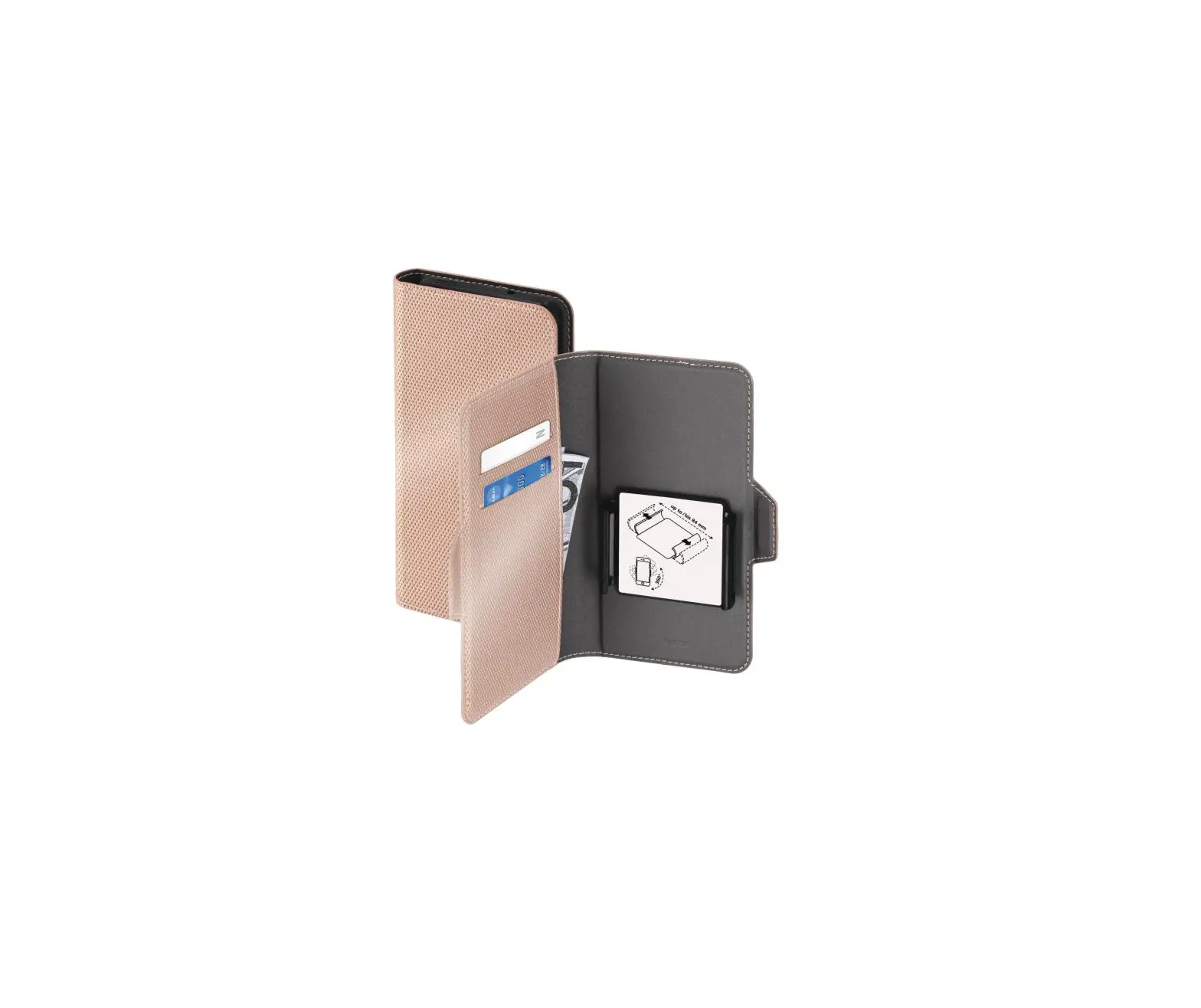
hama 00196776 Booklet Smart Move Metallic XXL Essential
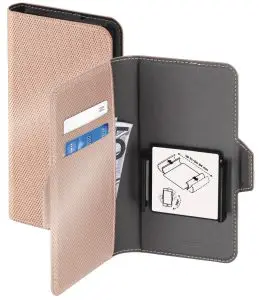
Operating instruction
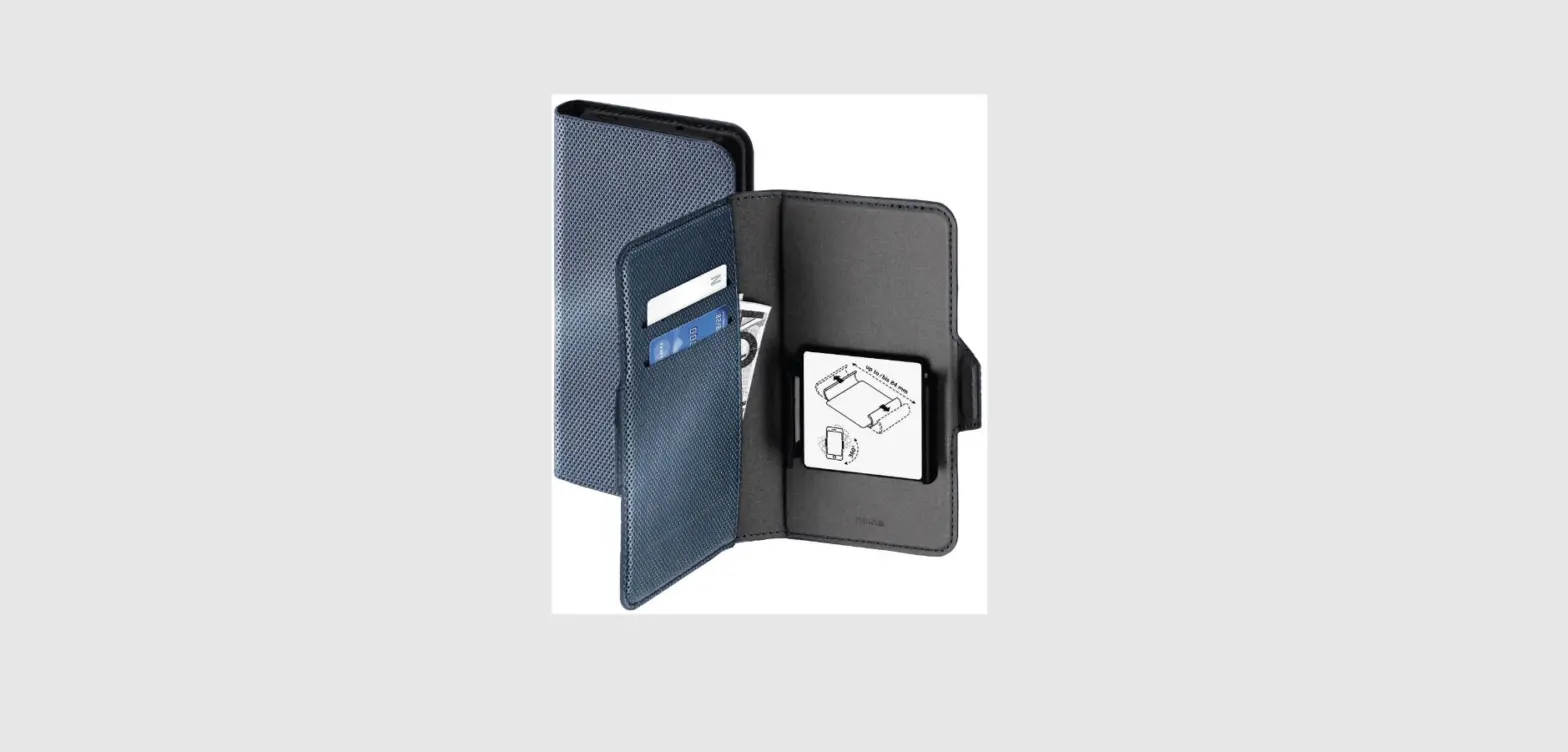
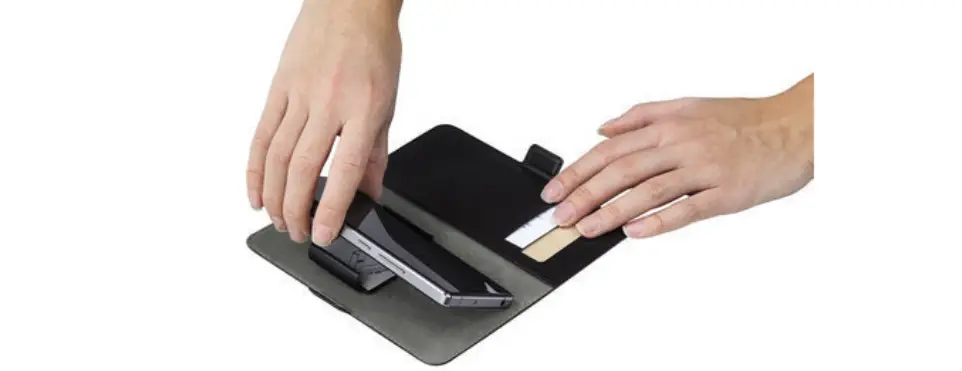
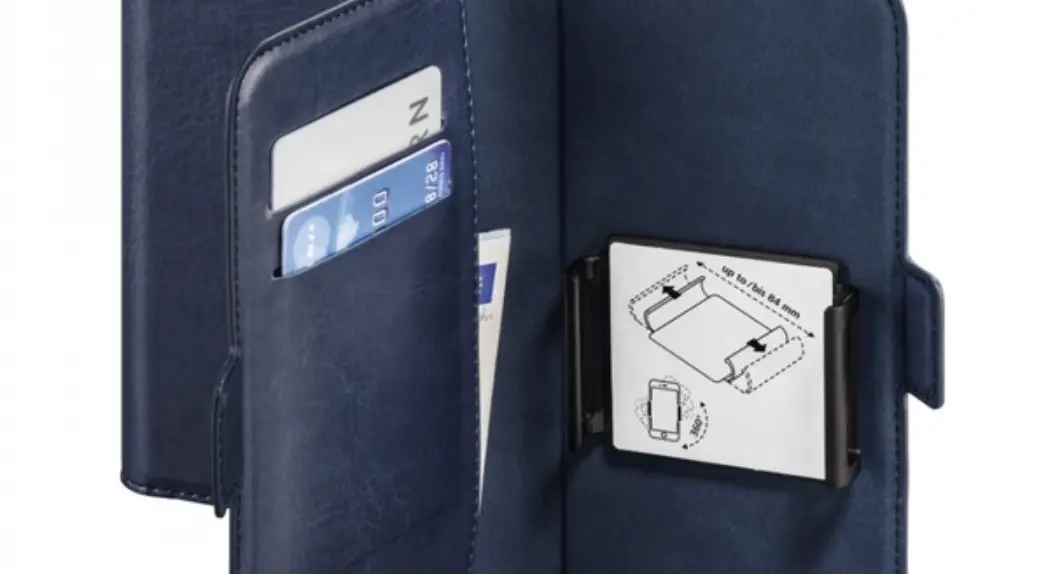
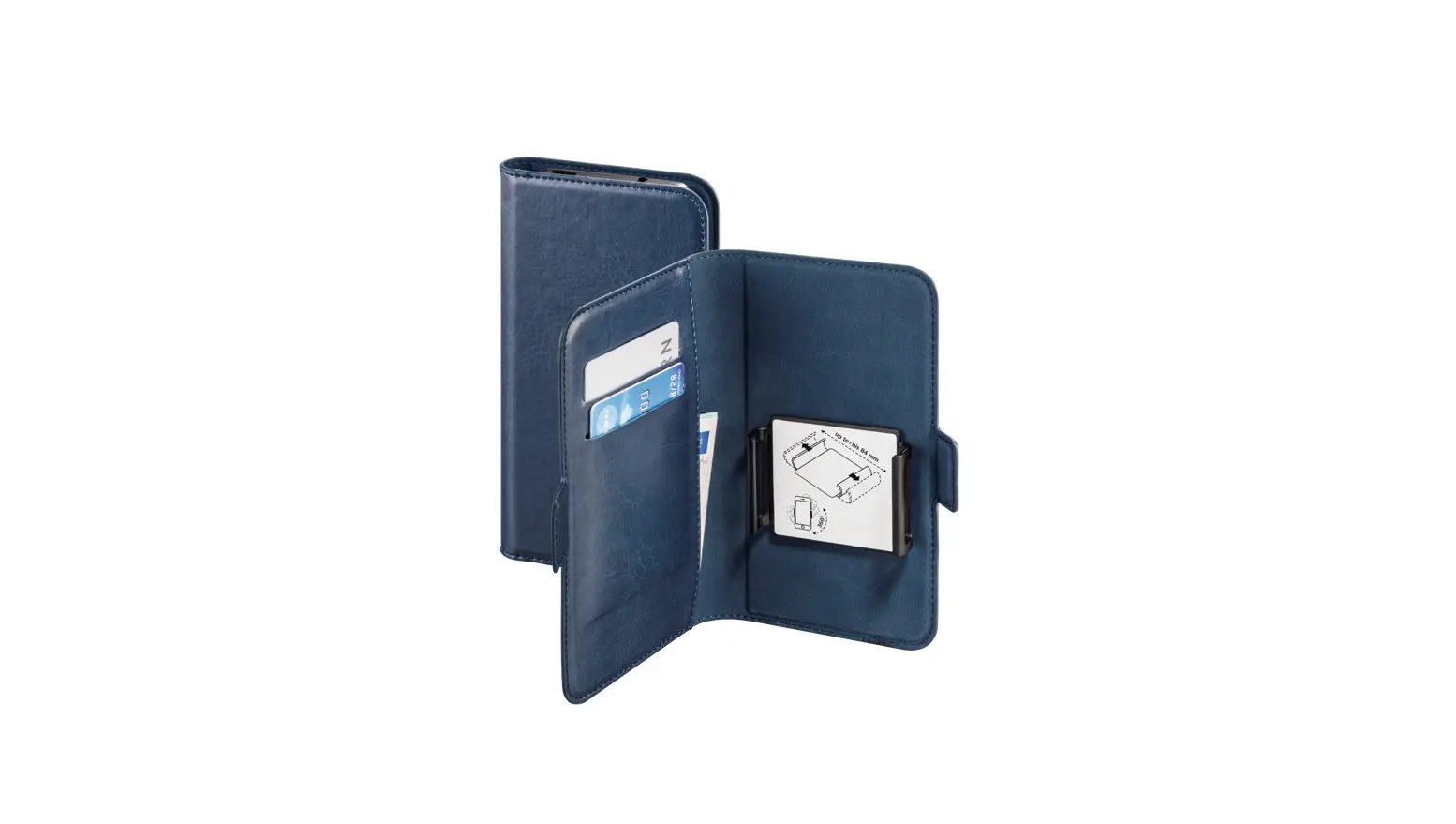
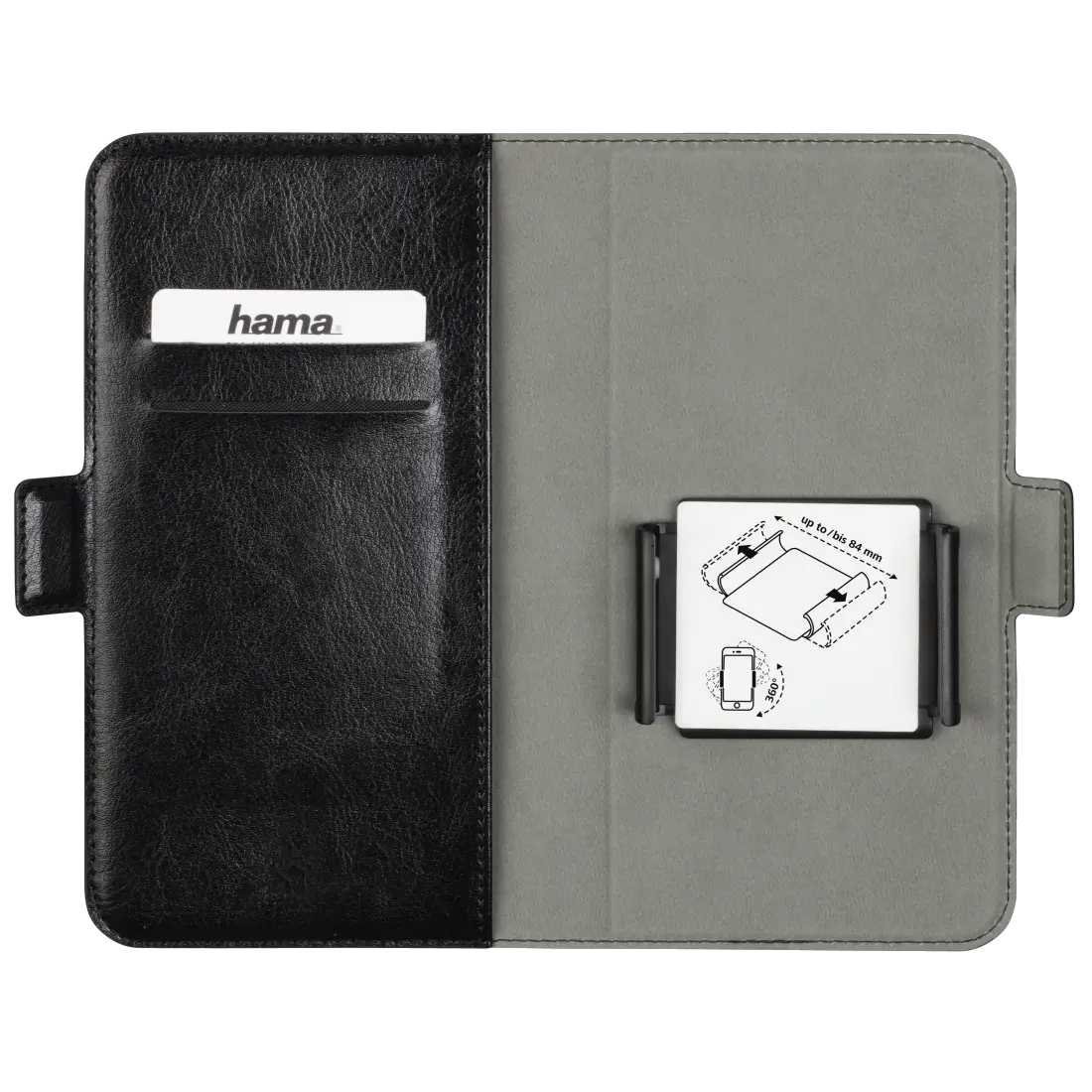
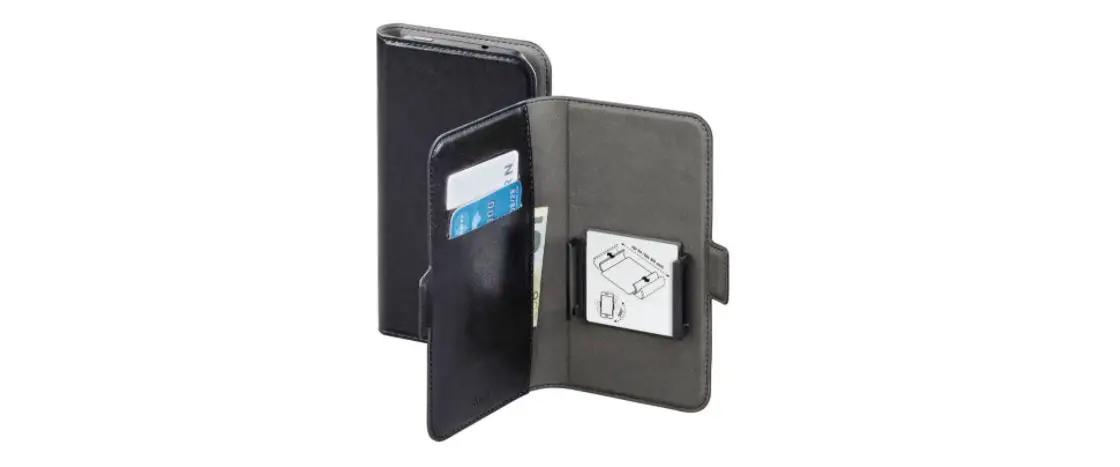
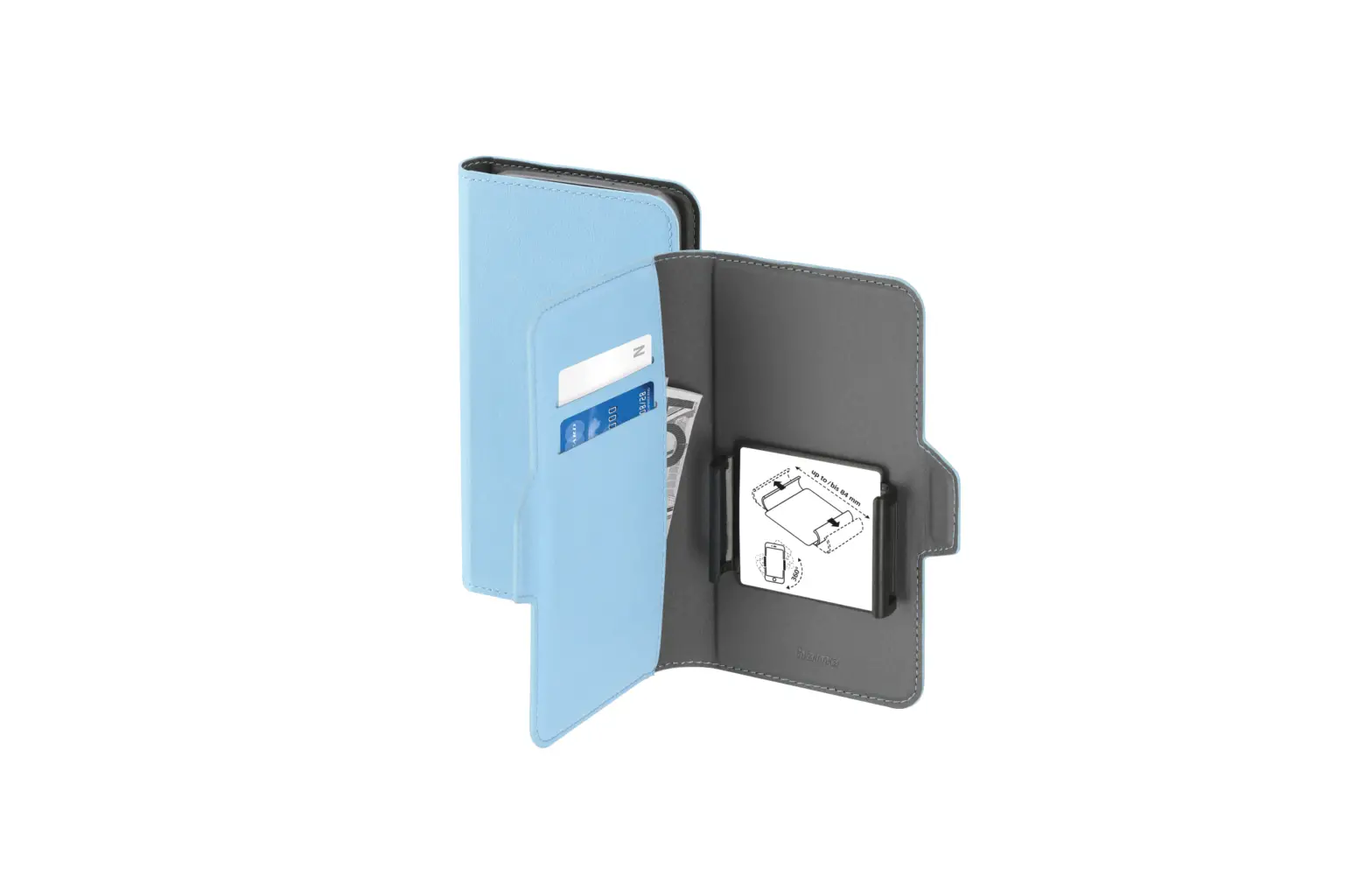
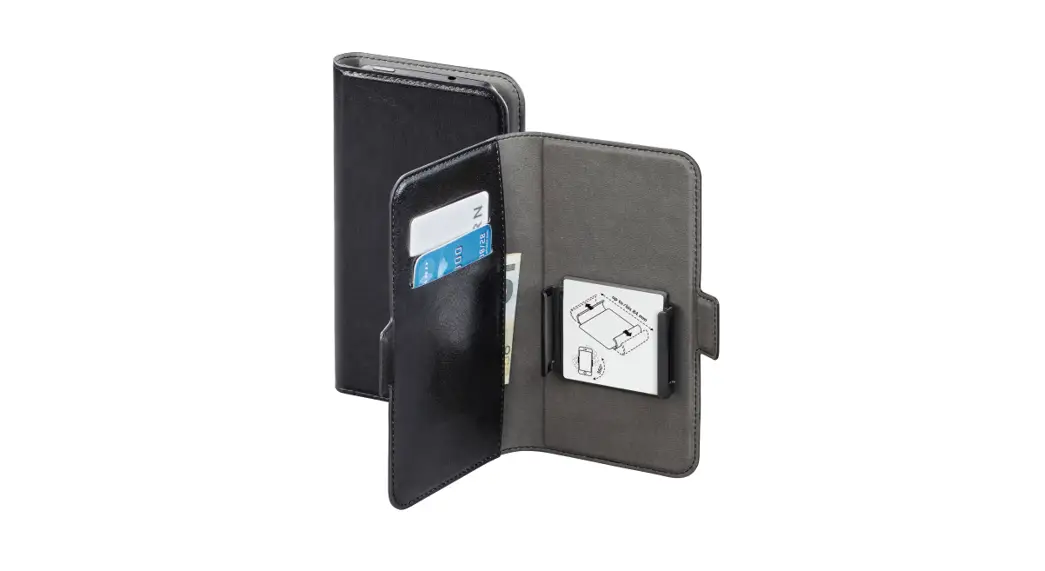
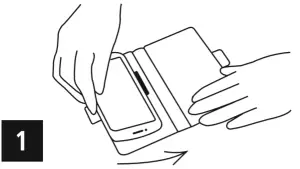
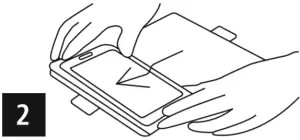
- Insert the left side of your phone into the spring-loaded flexible bracket.

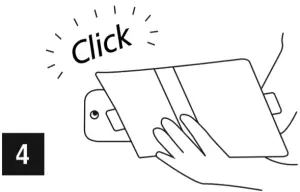
- With your smartphone, push this bracket to the left until the phone clips into it on the right sid e as well. Ensure that your smartphone is firmly seated in the bracket.

- &
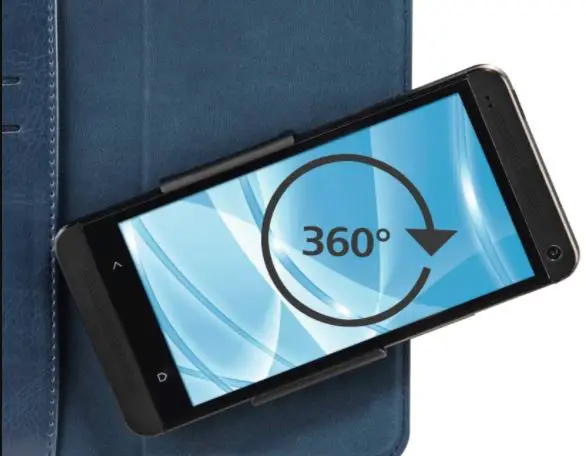
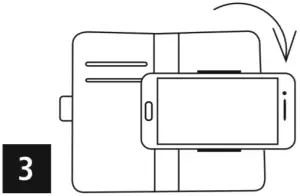
- To take photos, turn your smartphone 90 degrees clockwise.


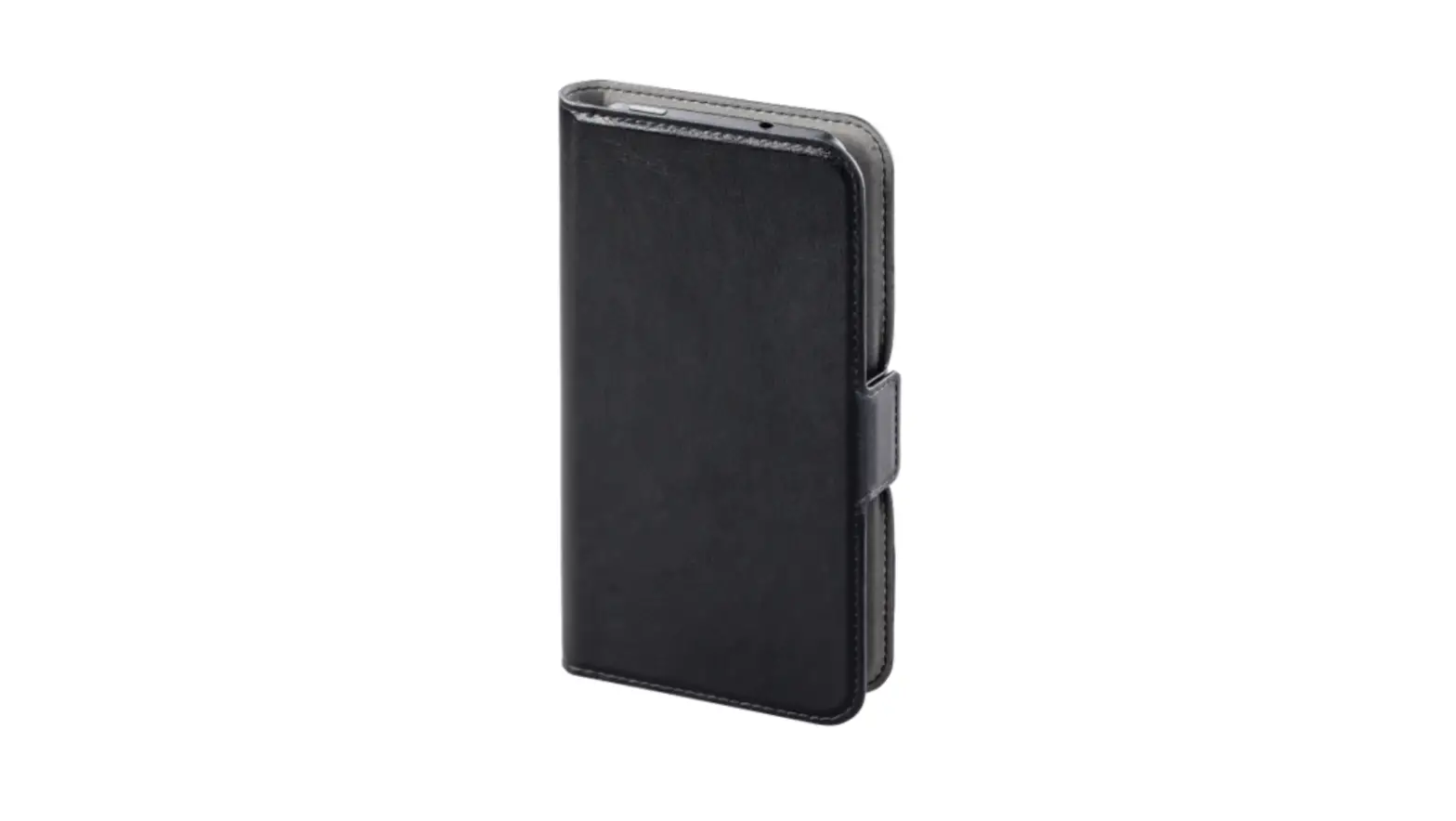
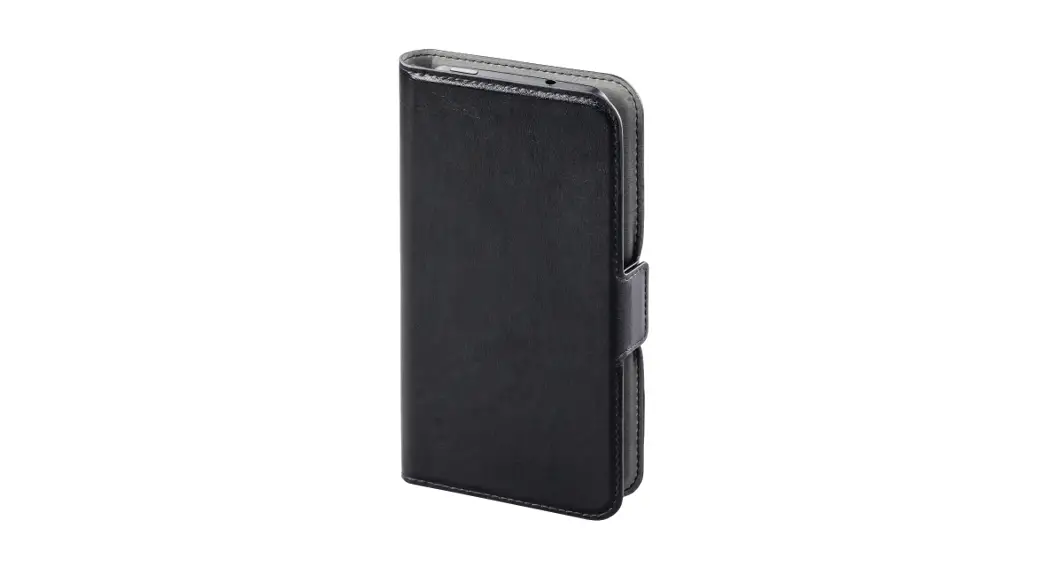
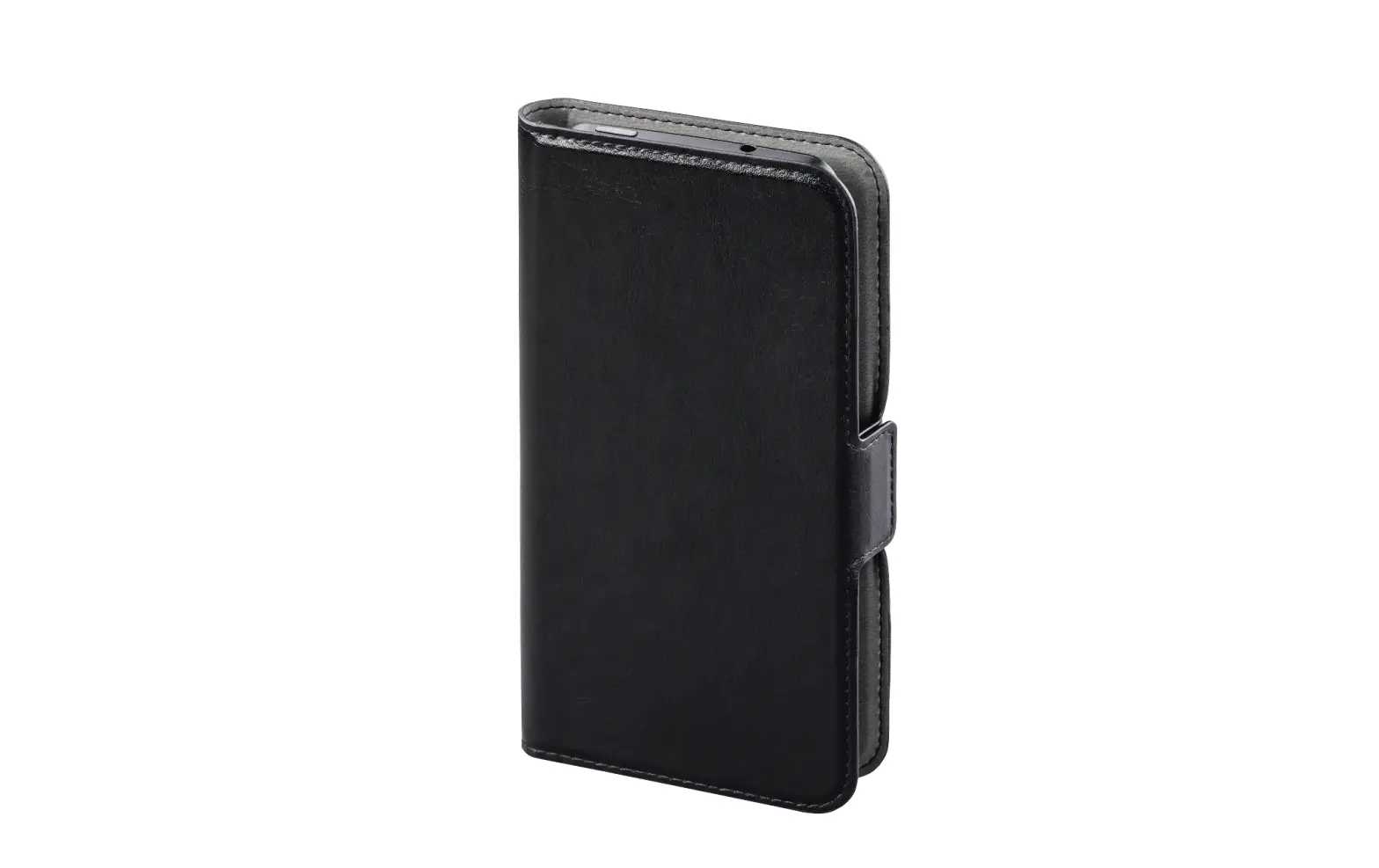
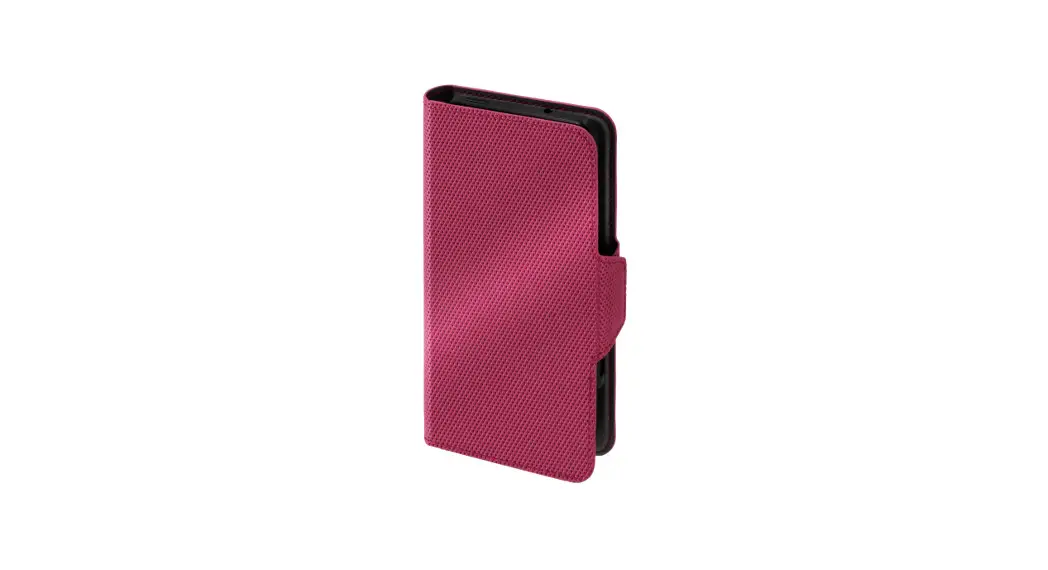
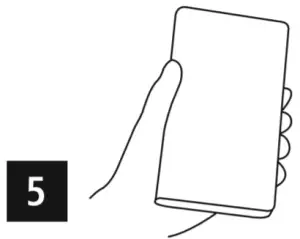
- The front cover provides protection against abrasion, scratches and dust.


Do not store EC- or other magnetic strip cards near the magnetic catch or in the inner pocket of the mobile phone wallet. The data on the strip can be damaged or erased.
Hama GmbH & Co KG
86652 Monheim/ Germany