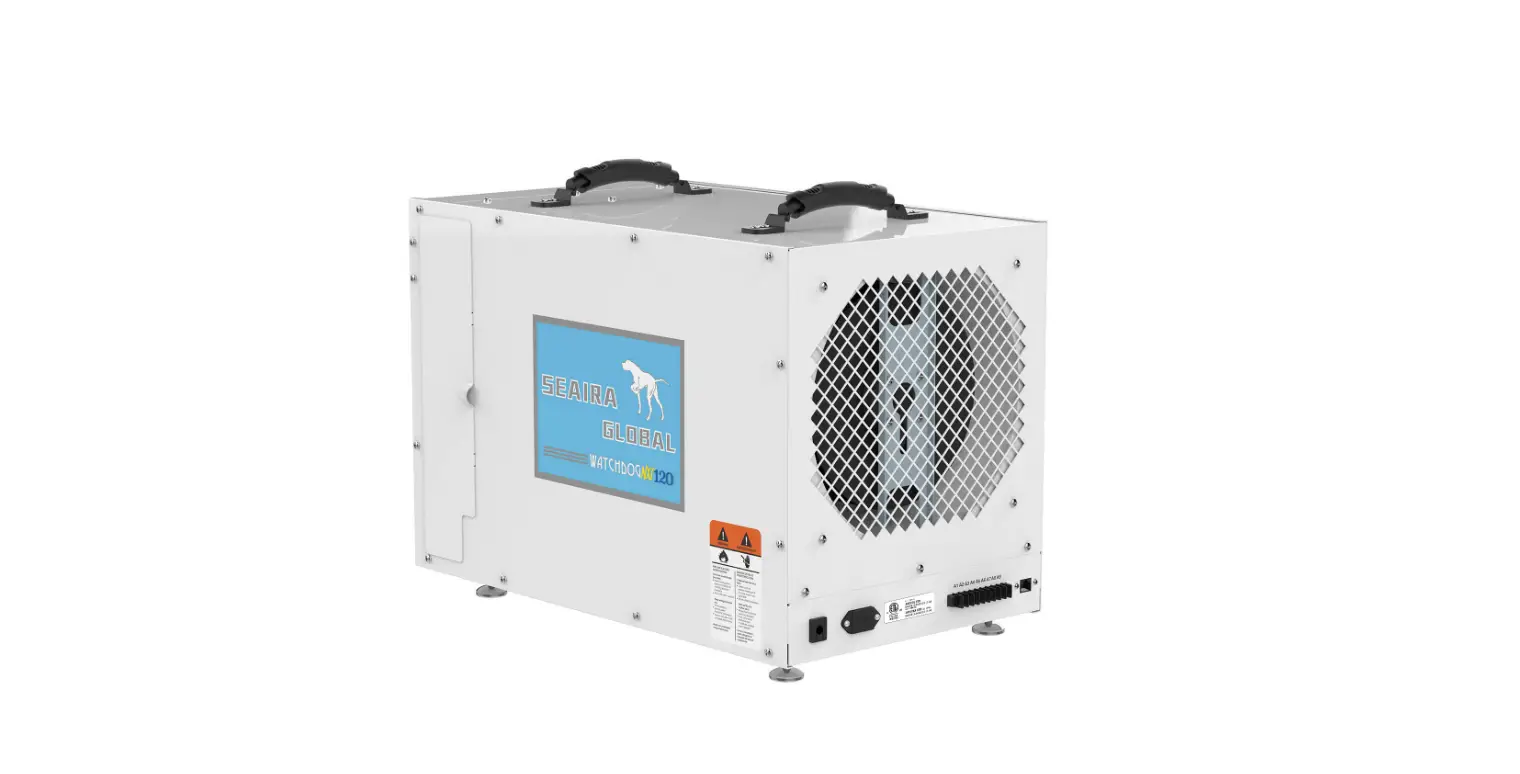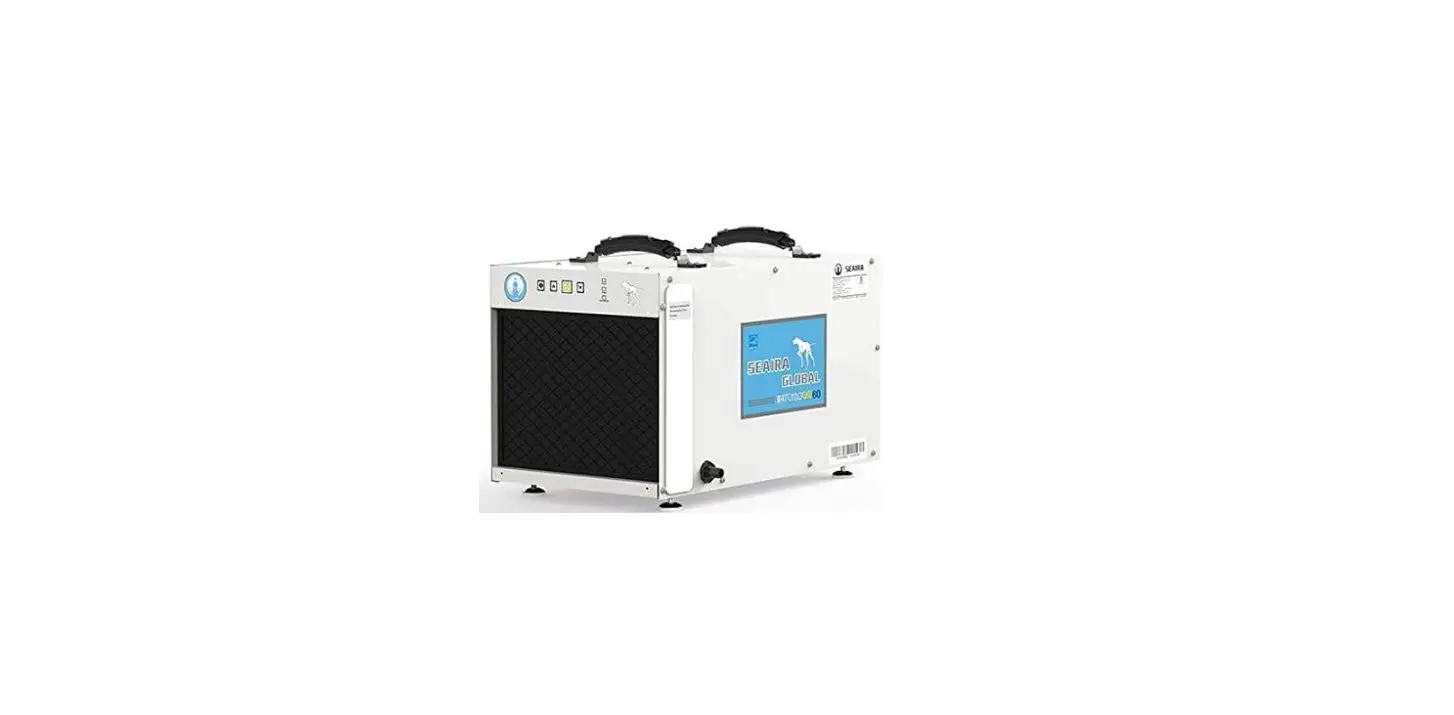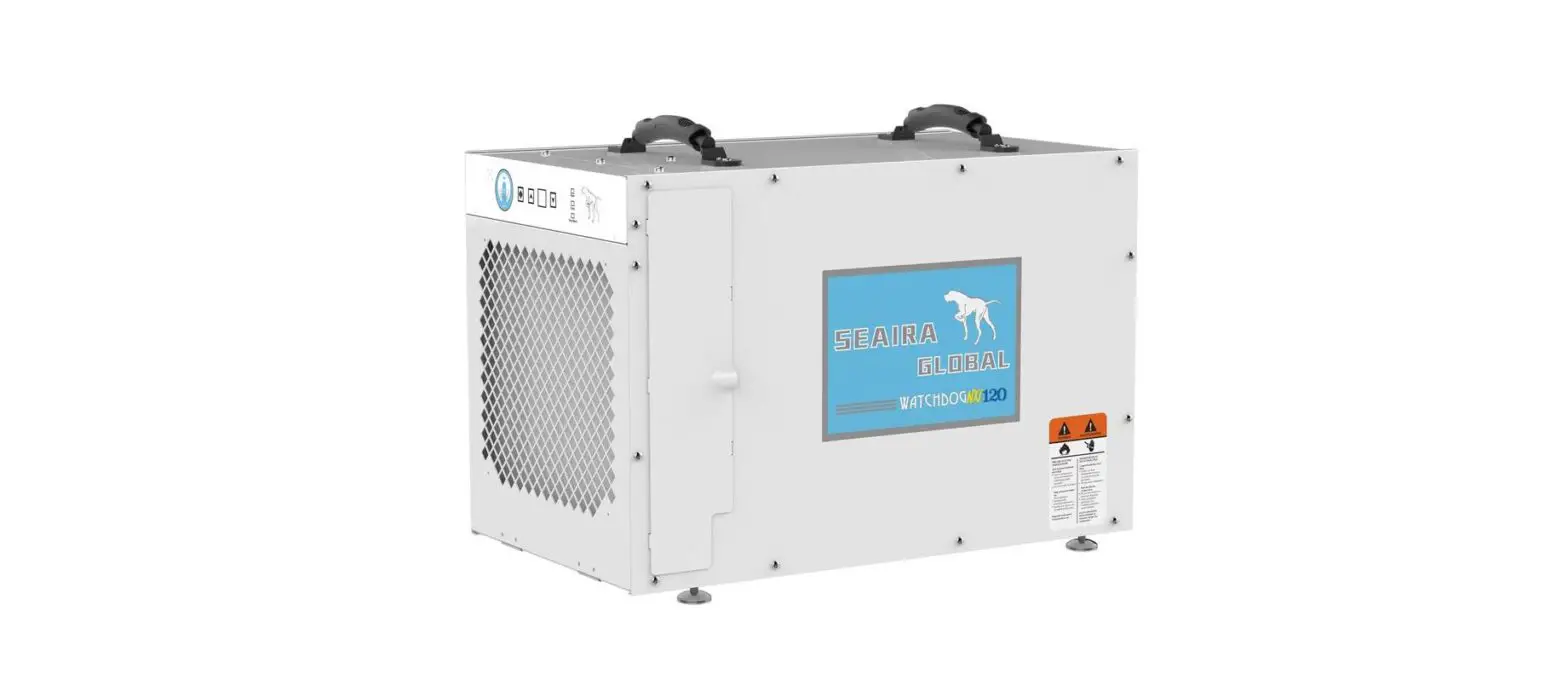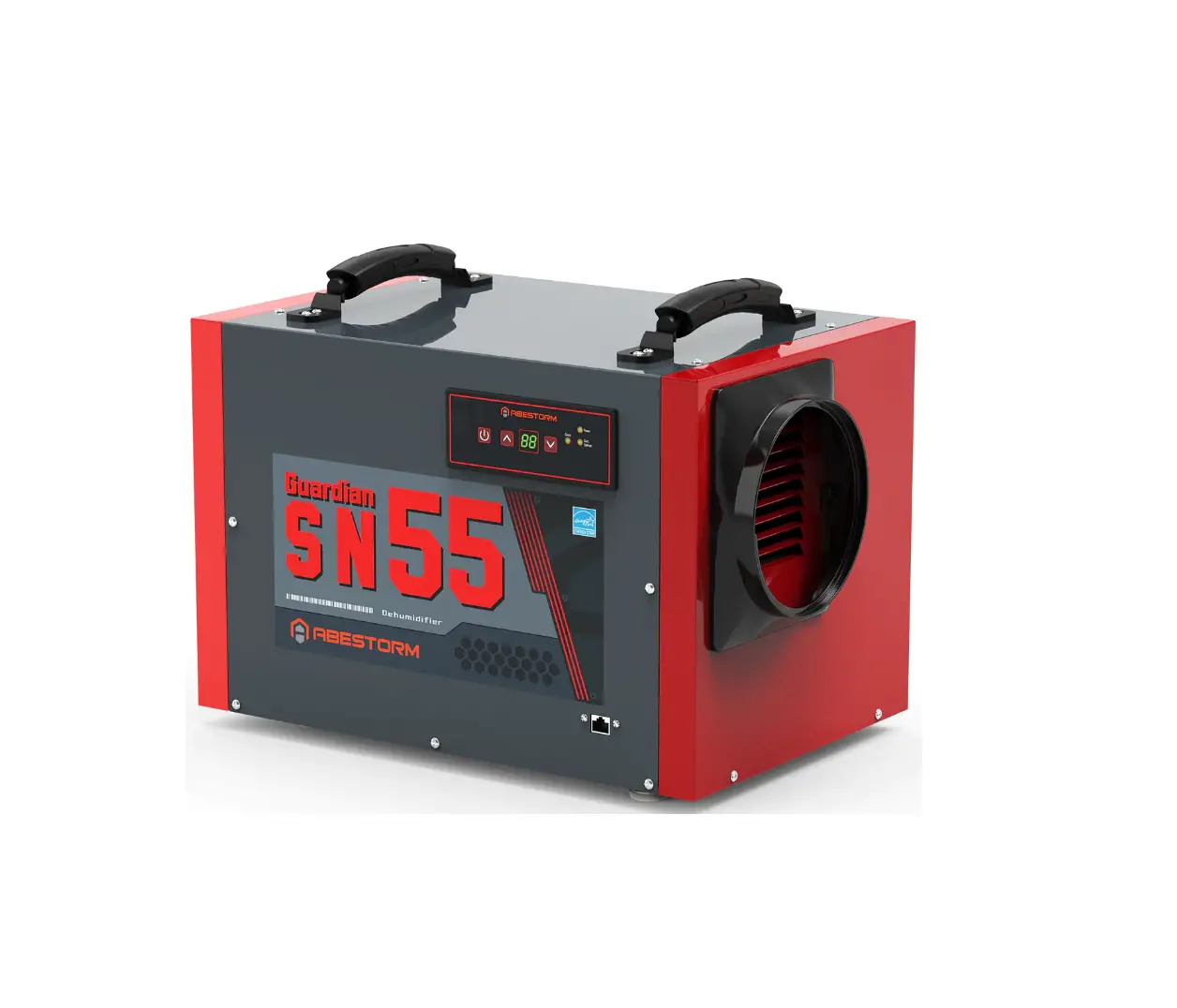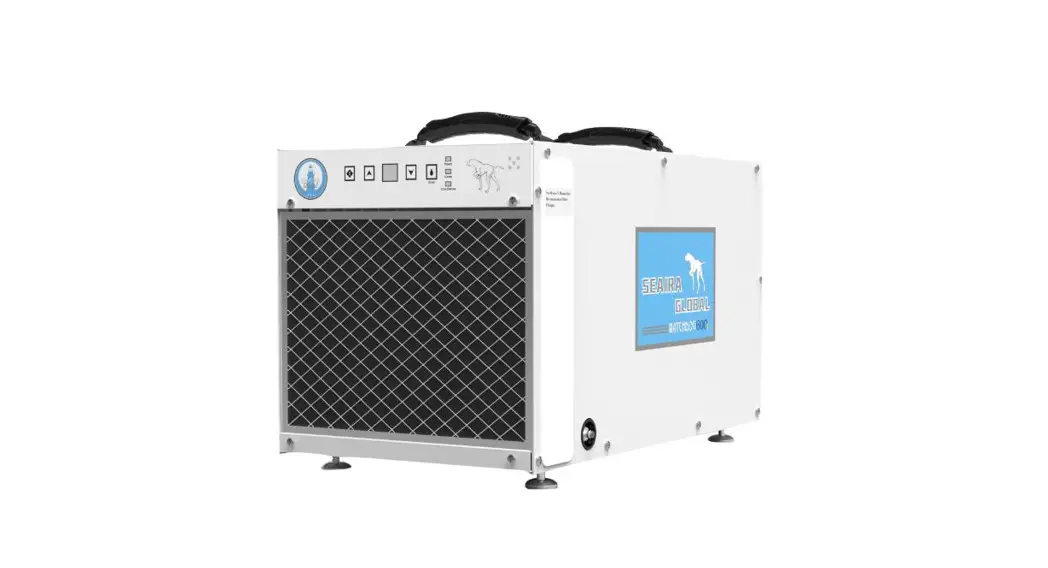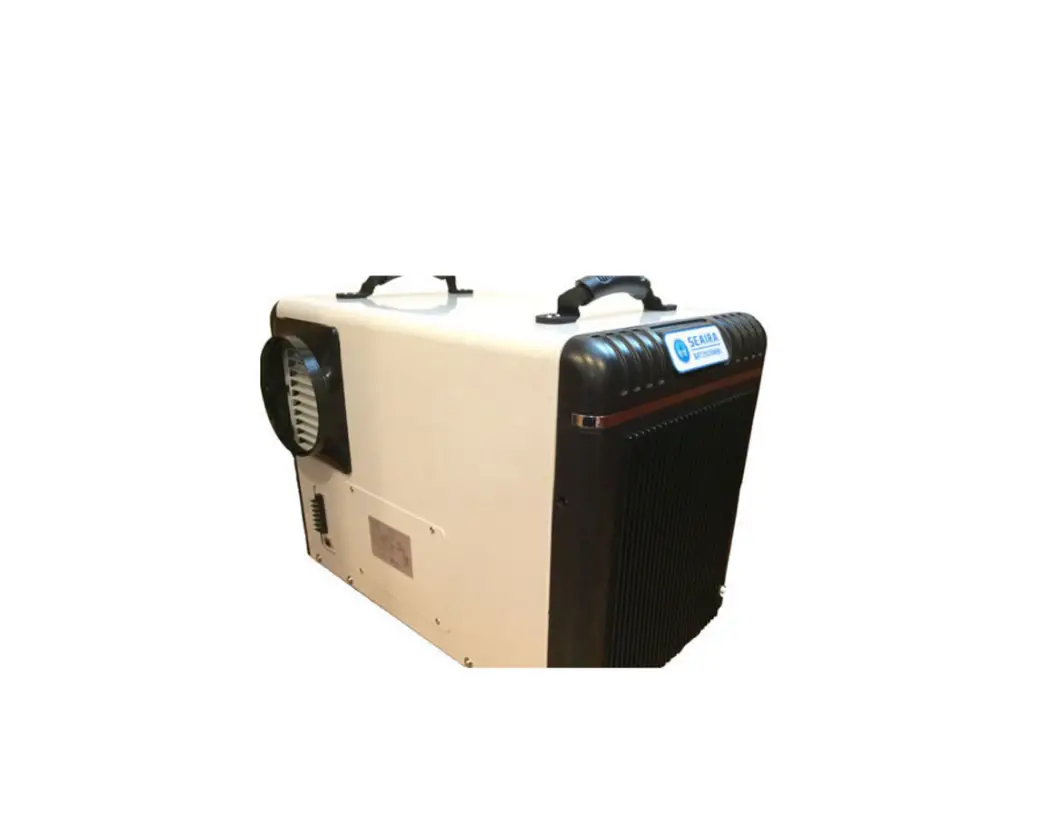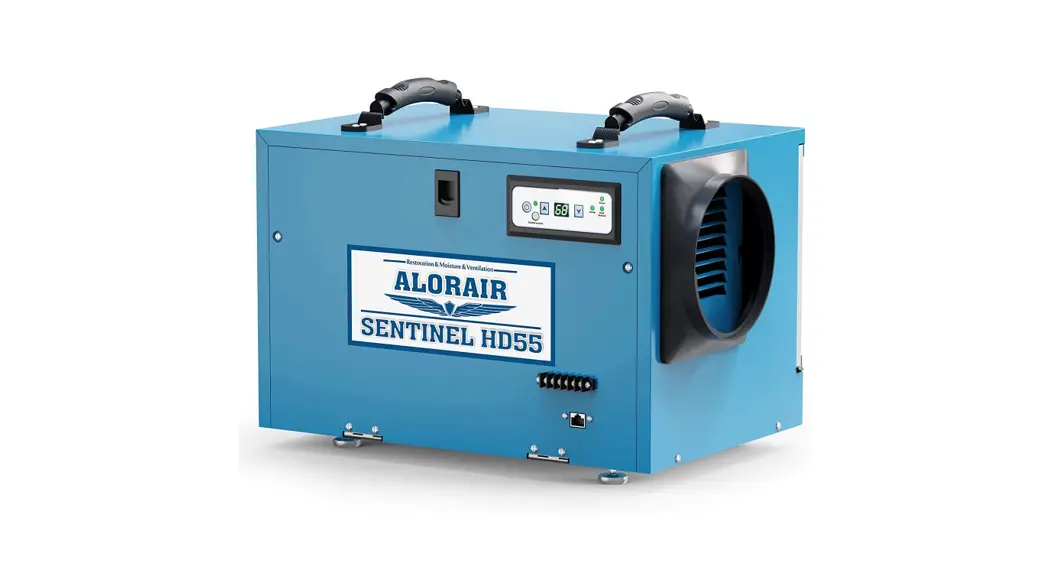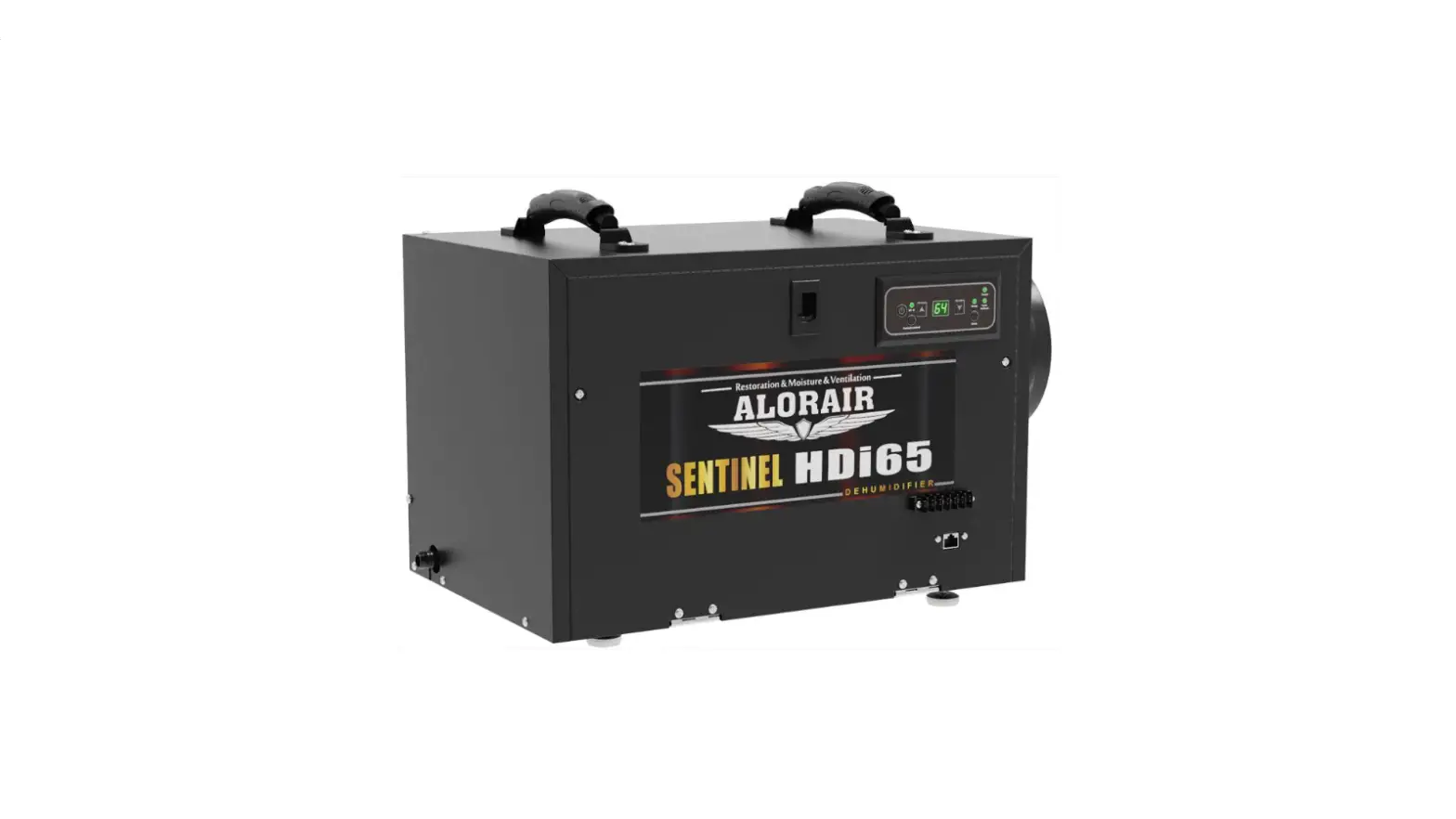

WATCHDOG NXT600c Crawl Space Dehumidifier
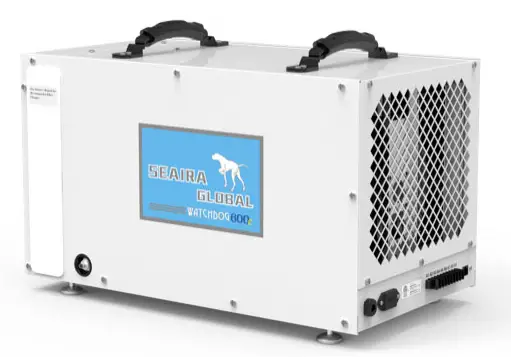
How to Remove the Side Panels
Tools:
- Phillips Head Screwdriver
– OR- - #2 Phillips Drill (Optional)
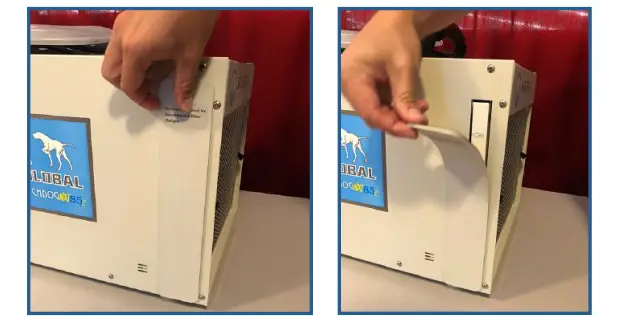
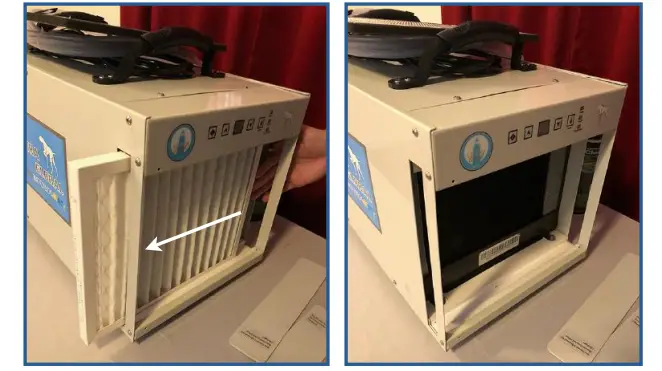
- Lift off the magnetic strip and set aside.

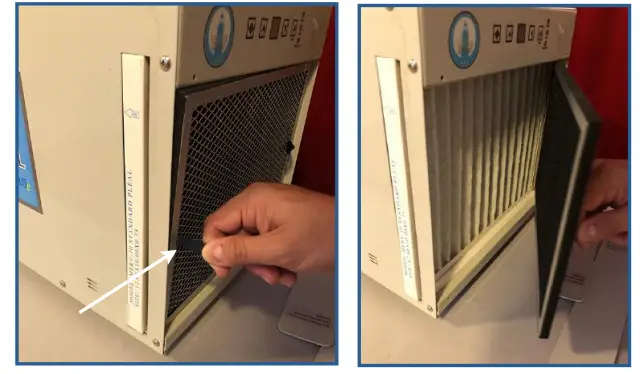
- Pull on one of the black tabs to remove the prefilter.

- Slide out the MERV-10 filter (the MERV-10 filter comes standard on the unit but you may also have a carbon or HEPA filter).

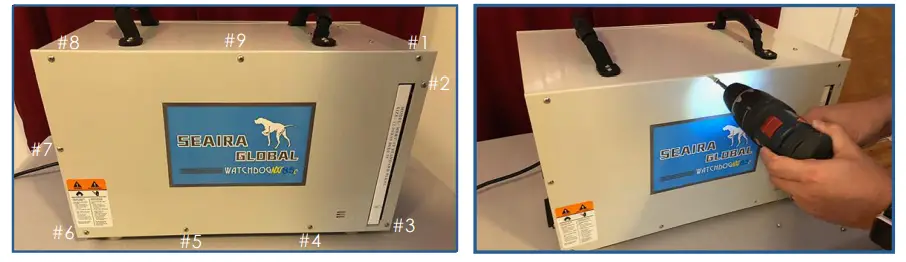
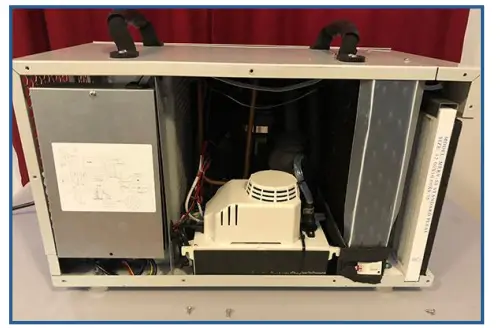
- Remove the screws holding the side panel in place.

- Lift off the side panel. Repeat on the other side, if necessary.

Seaira Global
14021 NC Highway 50
Surf City, NC 28445
www.seairaglobal.com
 Seaira Global | Crawl Space Dehumidifiers