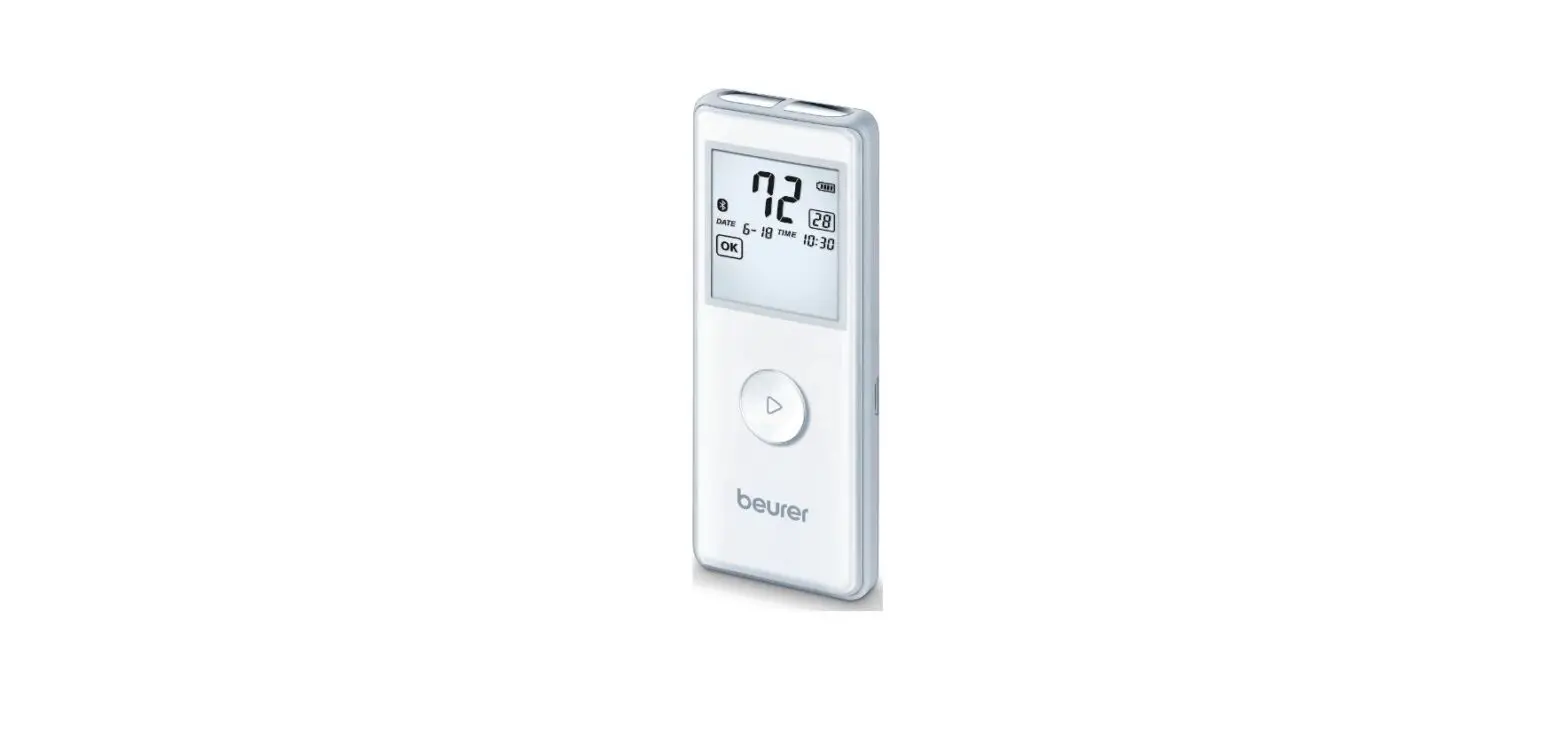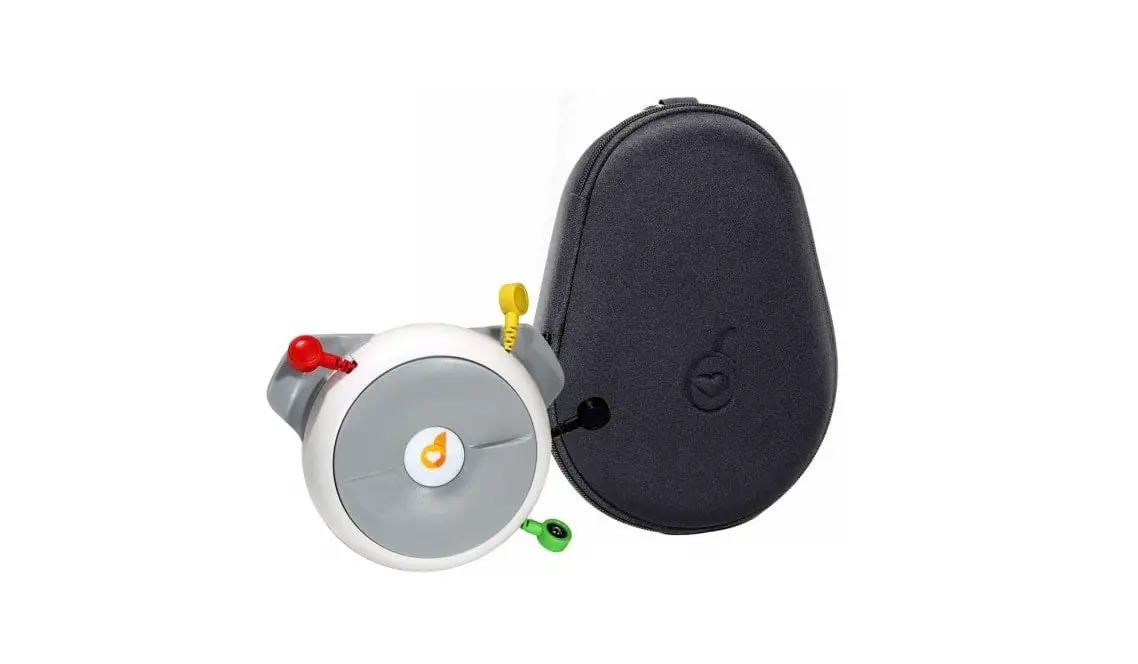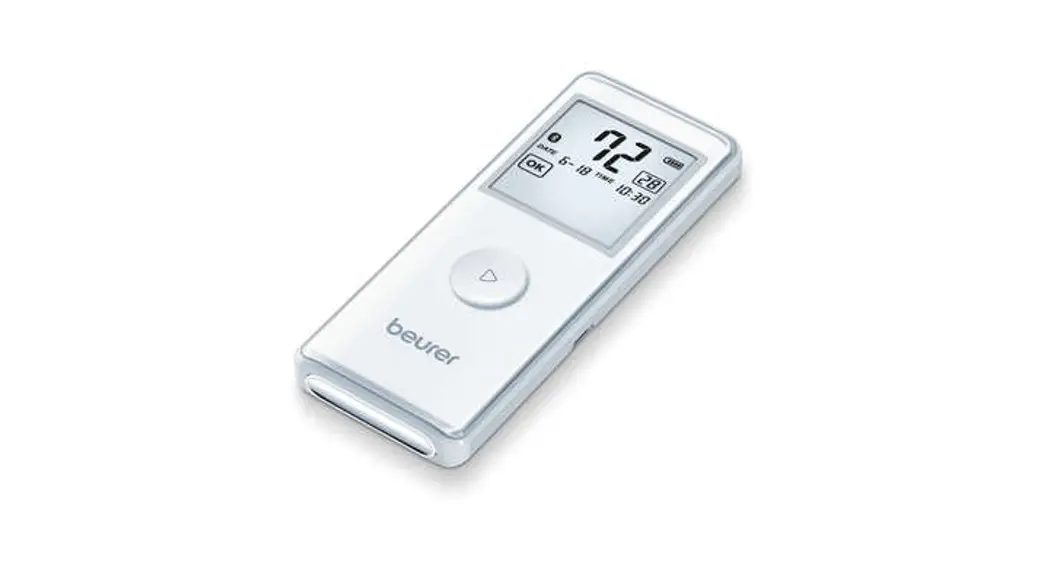

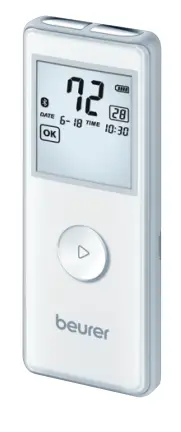
ME 90


Quick start guide
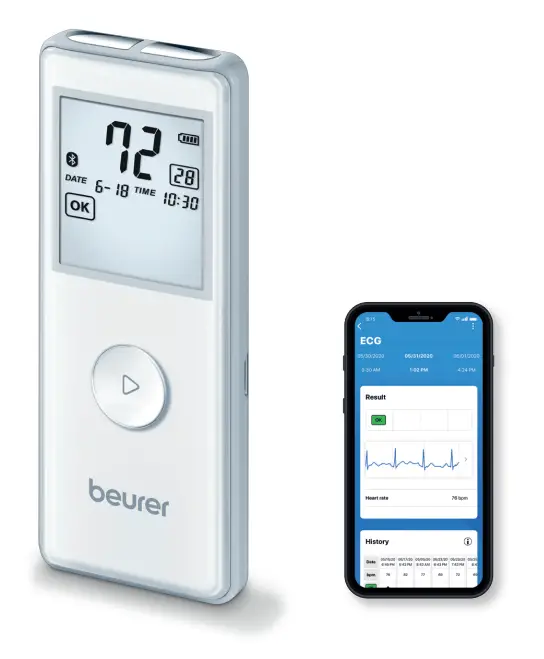
 Always read the comprehensive instructions for use before using the device for the first time
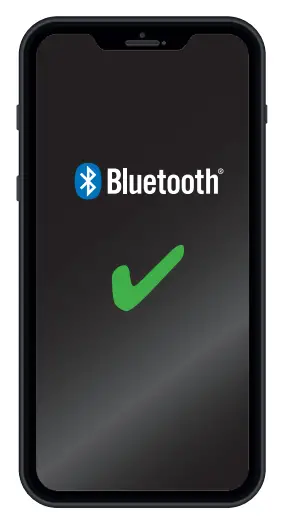
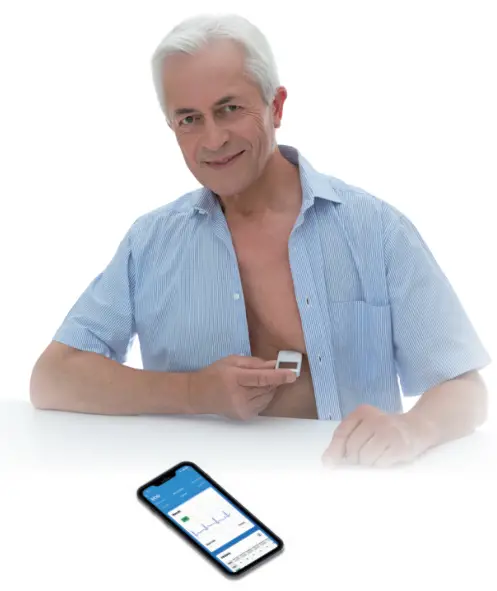
- Activate Bluetooth ® in the smartphone settings

- Install “beurer HealthManager Pro” from the Apple App Store or Google Play.

- Start the app and follow the instructions.

- Select ME 90 in the app.
- Bluetooth® is always activated.
- The data is transferred automatically after the end of recording The app must be active to allow data transfers.
The Bluetooth®
word mark and logos are registered trademarks owned by Bluetooth SIG, Inc. and any use of such marks by Beurer GmbH is under license. Other trademarks and trade names are those of their respective owners.
Apple and the Apple logo are trademarks of Apple Inc., registered in the U.S. and other countries. App Store is a service mark of Apple Inc., registered in the U.S. and other
countries.
Google Play and the Google Play logo are trademarks of Google LLC.
Android is a trademark of Google LLC.
 Beurer GmbH
89077 Ulm, Germany
www.beurer.com
www.beurer-gesundheitsratgeber.com
www.beurer-healthguide.com
https://www.beurer.com/verwaltung/redirect.php?hash=4216e1501838325
List of supported smartphones/tablets
454.15_ME90_2022-01-24_02_QSG_BEU
 Health Manager
 Beurer Gesundheitsratgeber
 Beurer GmbH