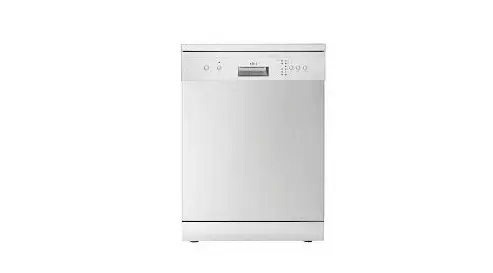
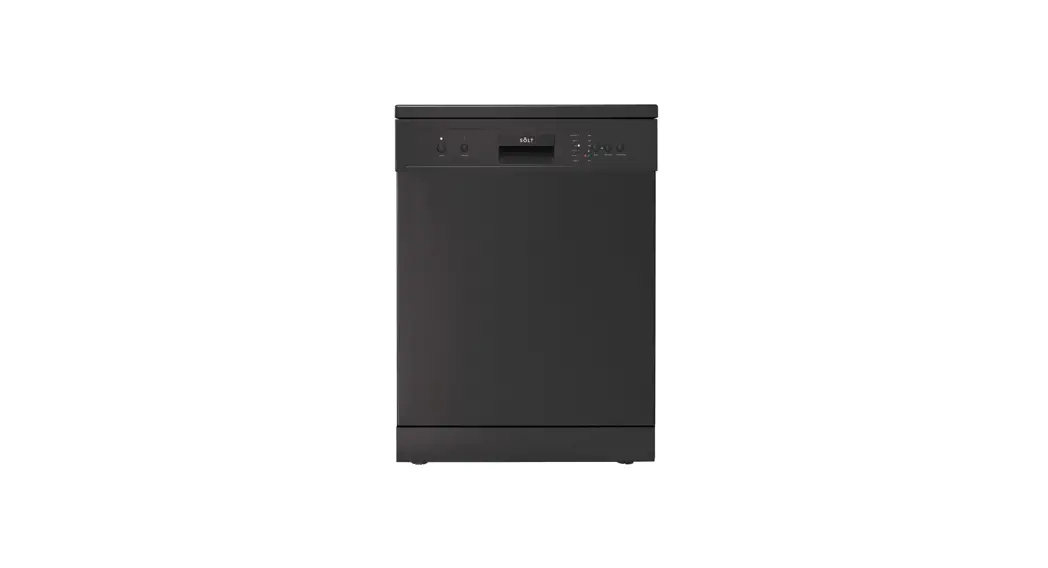
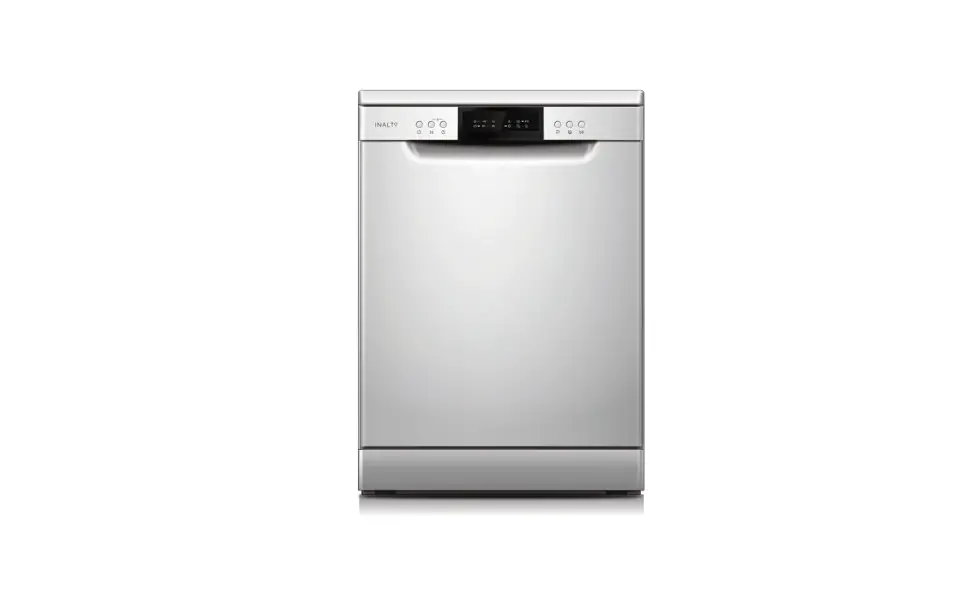
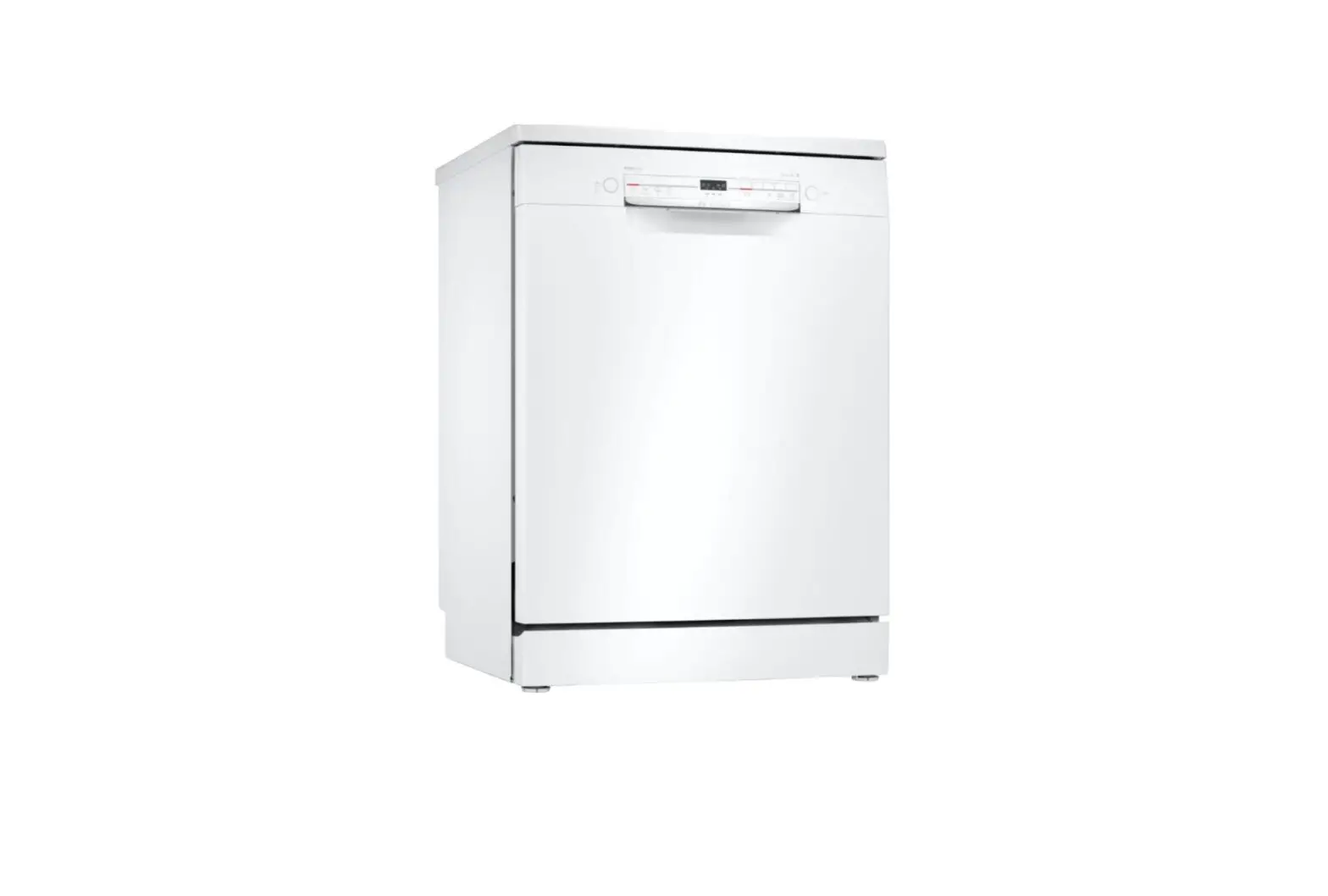
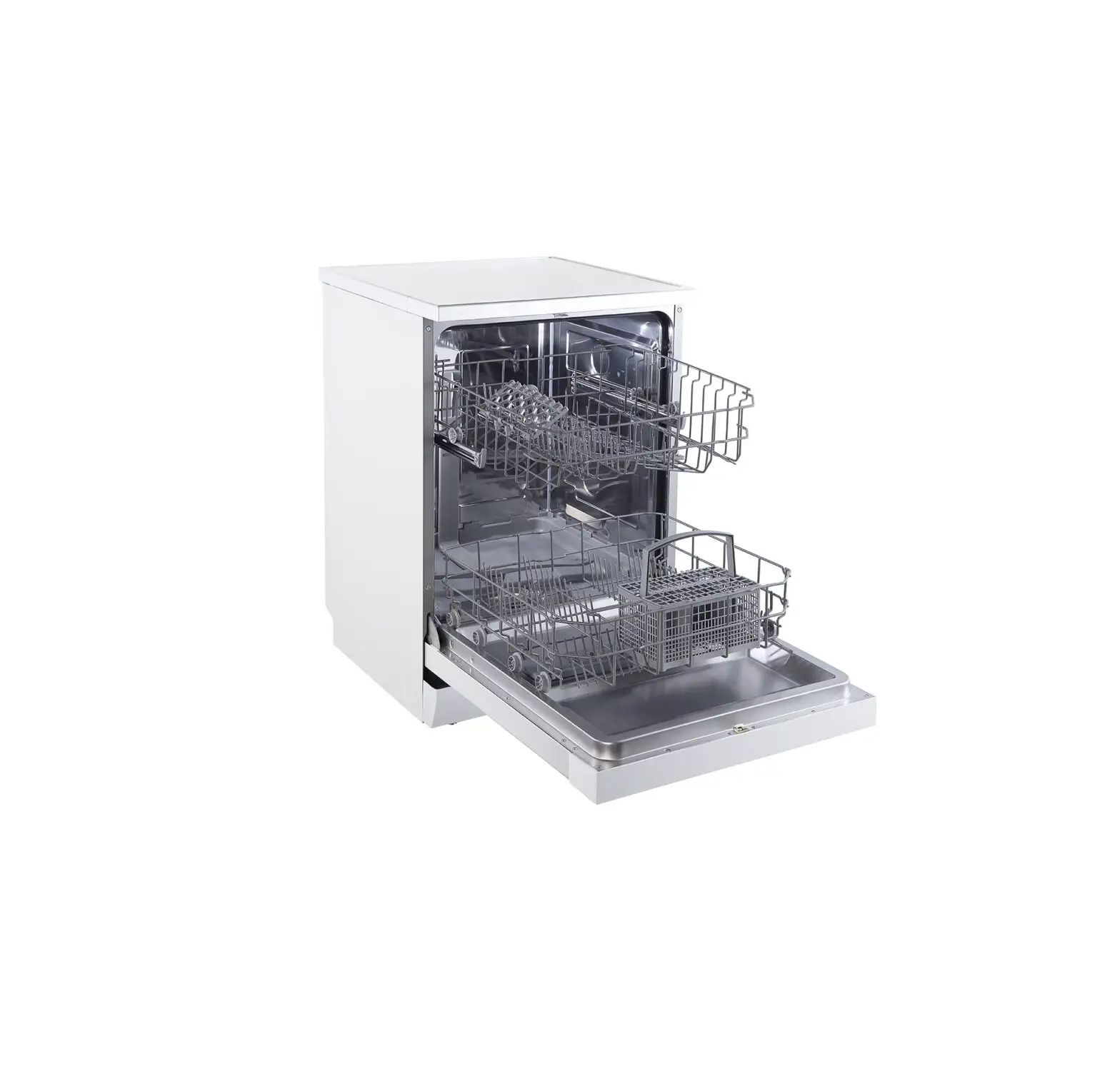
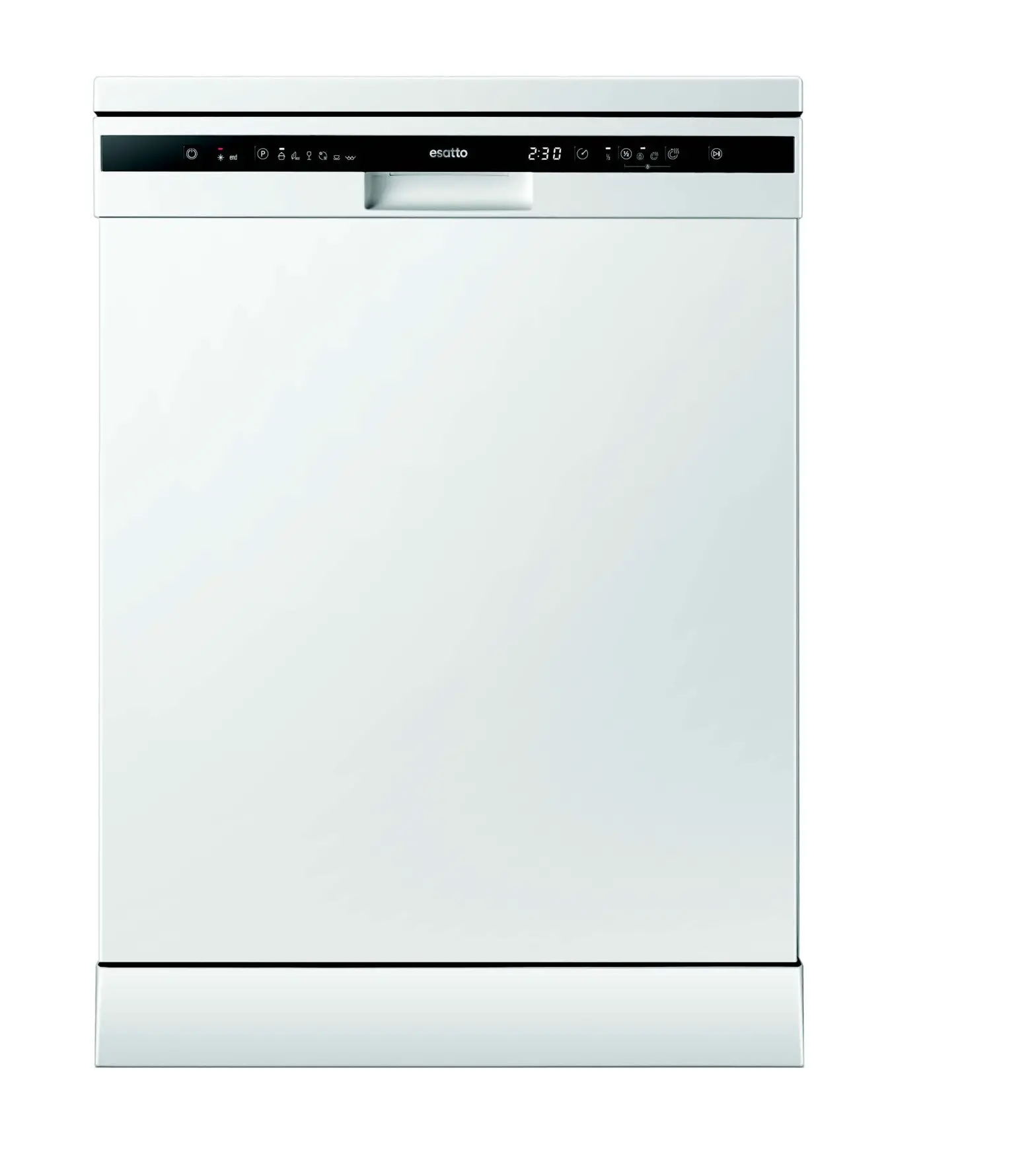
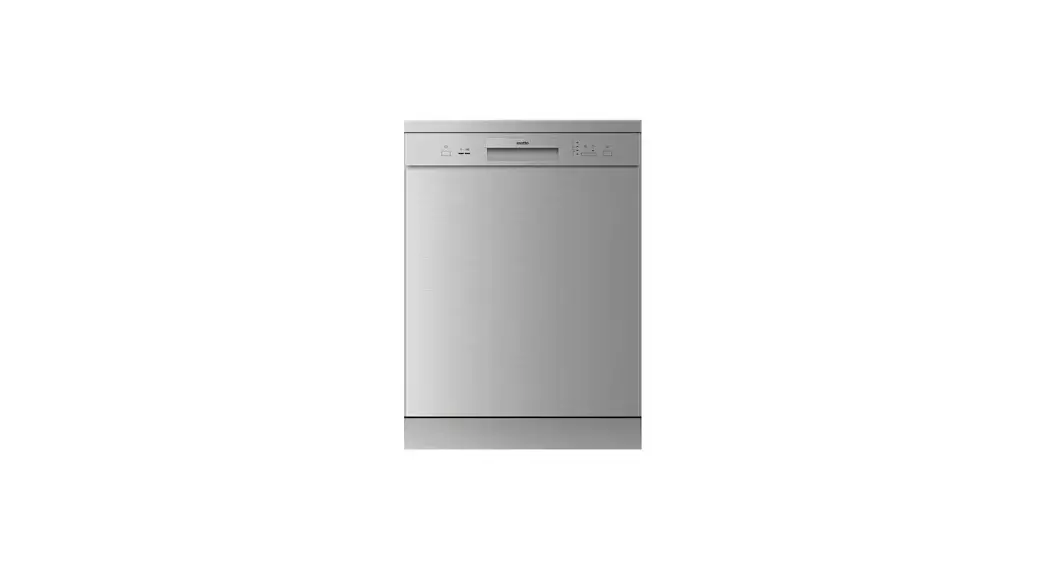
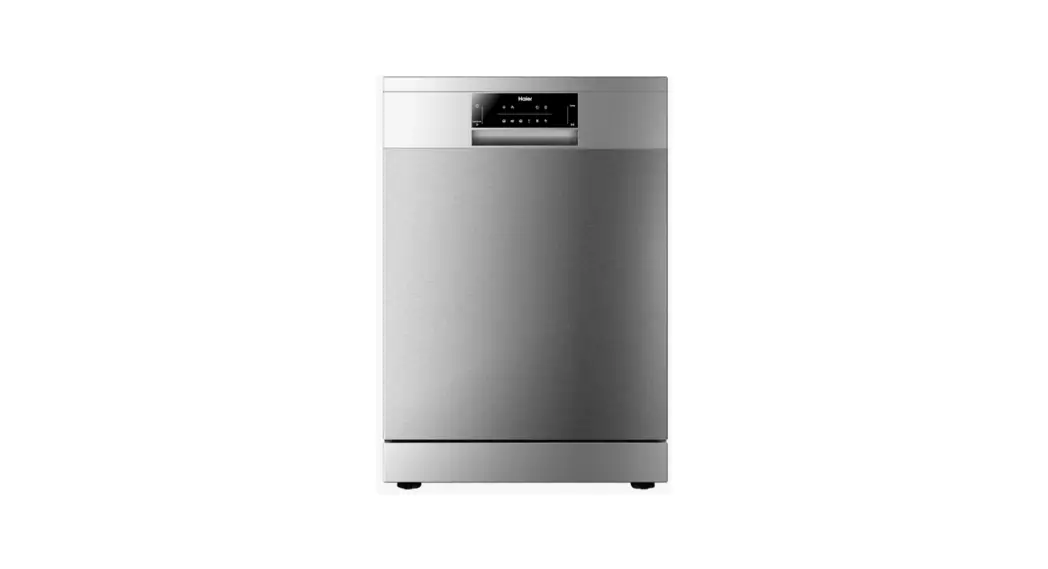
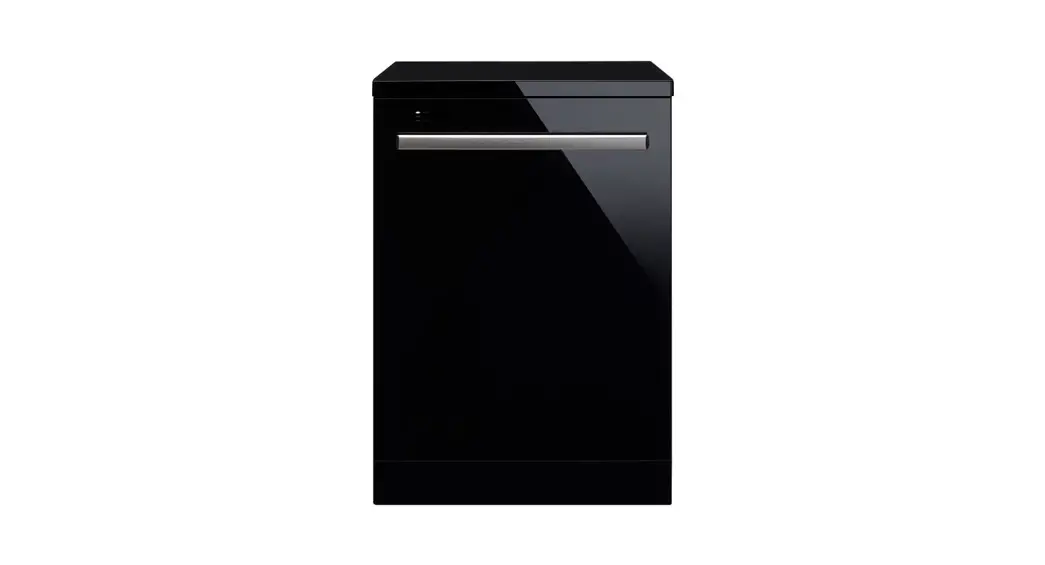
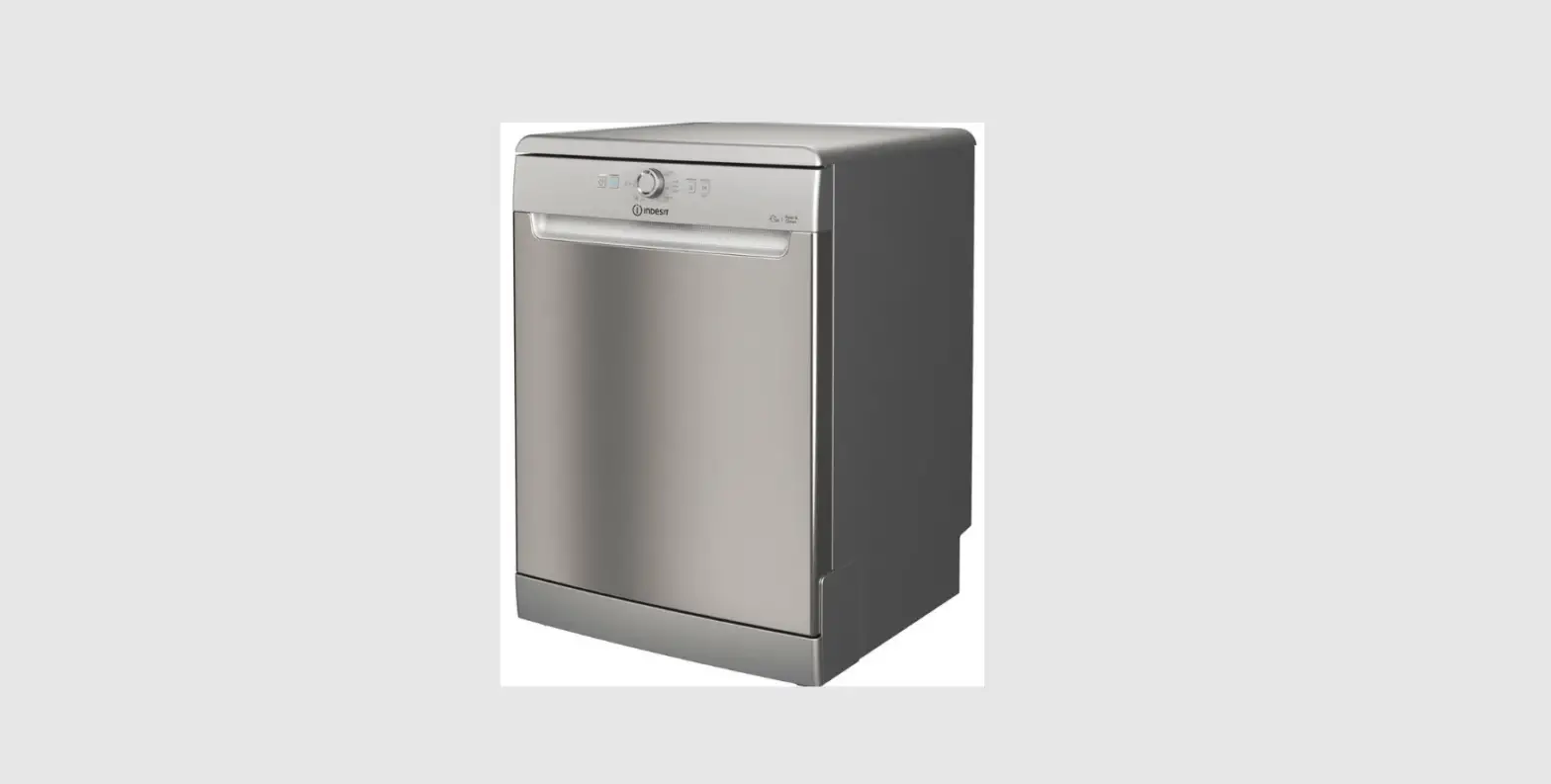
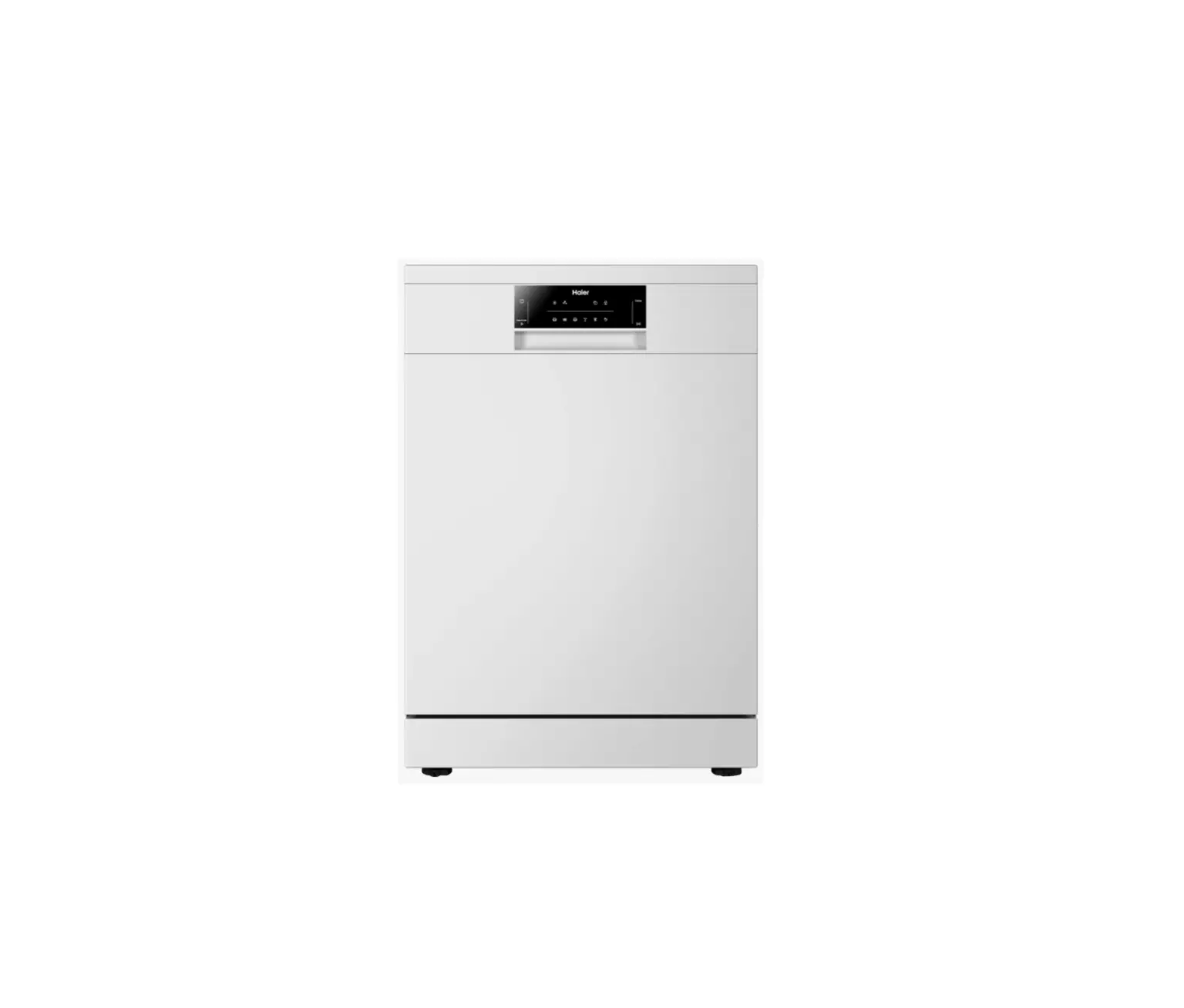
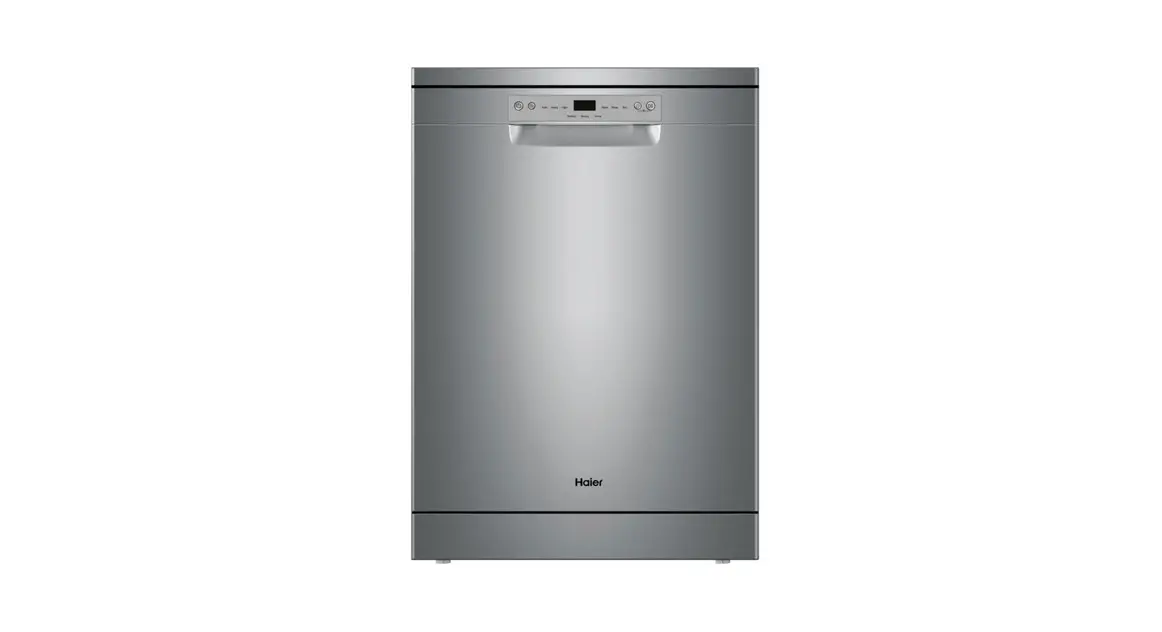
GGSDW6012B 60cm Freestanding Dishwasher
Product Information
The 60cm Freestanding Dishwasher is a versatile appliance
designed to efficiently clean your dishes. It comes with various
features and washing programs to suit different types of loads. The
dishwasher model mentioned in this manual is GGSDW6012B.
The Control Panel
The control panel of the dishwasher consists of several buttons
and indicators:
- Power: Press this button to turn on the
dishwasher. The screen will light up. - Extra Dry: Choose this function to run an
additional drying cycle for your load. - Delay: Press this button to set a delay time
for the dishwasher. The corresponding indicator (8) will be lit.
Press it multiple times to select the desired delay time. - Child Lock: Press and hold the Delay button
and Program button simultaneously for 3 seconds to lock or unlock
the buttons on the control panel. The corresponding indicator (9)
will be lit when the child lock is activated. - Program: Use this button to select the
appropriate washing program. The selected program indicator (8)
will be lit. Press it multiple times to cycle through the available
programs. - Start/Pause: Press this button to start the
selected washing program or pause it while the dishwasher is in
operation. - Delay Time Indicator: These lights indicate
the selected delay time: 3, 6, or 9 hours.
Program Indicators
The dishwasher offers the following washing programs:
- Intensive: Suitable for heavily soiled
crockery, such as pots, pans, casserole dishes, and dishes with
dried food residue. - Heavy: Designed for heavily soiled loads,
including pots, plates, glasses, and lightly soiled pans. - ECO: A standard daily cycle for pots, plates,
glasses, and lightly soiled pans. - Glass: Specifically for lightly soiled
crockery and glassware. - 90 Minutes: Provides a quick wash for lightly
soiled plates and pans. - Rapid: A shorter wash option for lightly
soiled loads that do not require drying.
Warning Indicators
The dishwasher has the following warning indicators:
- Child Lock: This indicator signals that the
child lock feature is activated. - Rinse Aid Low: Indicates that the dishwasher
is low on rinse aid and needs a refill. - Program End: Signals that the selected program
has completed.
Contact Information
If you need further assistance or information, please call 1300
11 43 57 or visit the website www.solt.house.
Product Usage Instructions
- Ensure that the dishwasher is properly connected to the power
supply and water source. - Load your dishes into the dishwasher, following the recommended
loading guidelines provided in the user manual. - Add the appropriate amount of dishwasher detergent to the
detergent dispenser. - Select the desired washing program by pressing the Program
button multiple times until the corresponding indicator is
lit. - If desired, press the Extra Dry button to activate an
additional drying cycle. - To set a delay time, press the Delay button and use it to
select the desired delay time. The corresponding indicator will be
lit. - If you want to lock or unlock the control panel buttons, press
and hold the Delay button and Program button simultaneously for 3
seconds. - Press the Power button to turn on the dishwasher.
- Press the Start/Pause button to start the selected washing
program. You can also use this button to pause the dishwasher
during operation. - Observe the Delay Time Indicator to check the remaining delay
time, if applicable. - Once the program is complete, the Program End indicator will
light up. Open the dishwasher carefully and unload your clean
dishes.
Note: For more detailed instructions and information, refer to
the complete user manual provided with your dishwasher.
60cm Freestanding Dishwasher Quick Start Guide
Tips for Using & Operating Your Dishwasher Models: GGSDW6012B
Quick Start Guide Using Your Dishwasher…
THE CONTROL PANEL
8
7
1
2
9
345
6
1 Power Press this button to turn on your dishwasher, the screen lights up.
2 Extra Dry Choose this function to run an extra drying cycle to your load.
3 Delay Press the button to set the delay time. When pressing this button, corresponding indicator (8) will be lit. Press it multiple times to select the delay time.
4 Child Lock To lock or unlock the buttons on the control panel, press and hold the Delay button and Program button for 3 seconds simultaneously. When pressing this button, corresponding indicator (9) will be lit.
5 Program Select the appropriate washing program, the selected program indicator (8) will be lit. Press it multiple times to select the program you wish to use.
6 Start/Pause To start the selected washing program or pause it when the dishwasher is working.
7 Delay Time Indicator These lights indicates the selected delay time: either 3, 6 or 9 hours.
8 Program Indicators
Intensive For heaviest soiled crockery, such as pots, pans, casserole dishes and dishes that have been sitting with dried food on them for a while.
Heavy For heavily soiled loads, such as pots, plates, glasses and lightly soiled pans.
ECO For your standard daily cycle, such as pots, plates, glasses and lightly soiled pans.
Glass For lightly soiled crockery and glassware.
90 Minutes For lightly soiled plates and pans that need a quick wash.
Rapid A shorter wash for lightly soiled loads that do not need drying. 9 Warning Indicators
Signals the child lock is on.
Signals the dishwasher is low on rinse aid and requires a refill.
Signals the program has ended.
For more information please call 1300 11 43 57
W W W.SOLT.HOUSE
ESSENTIALS FOR LIFE