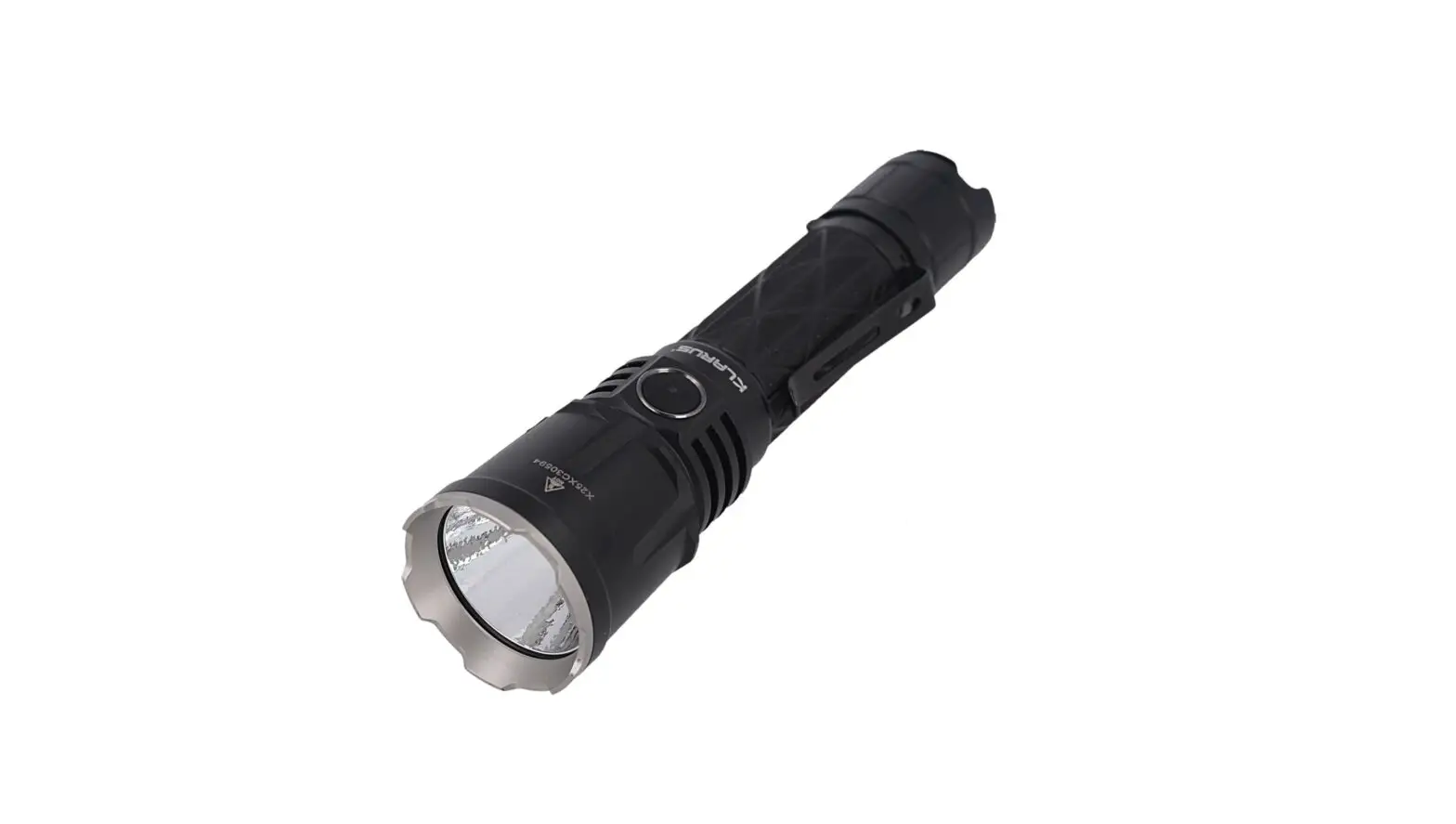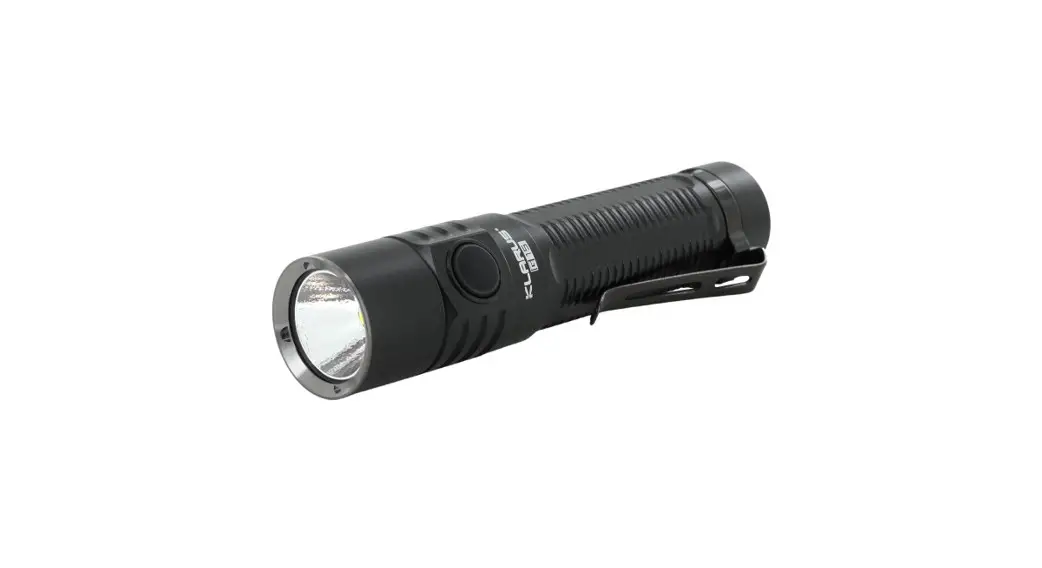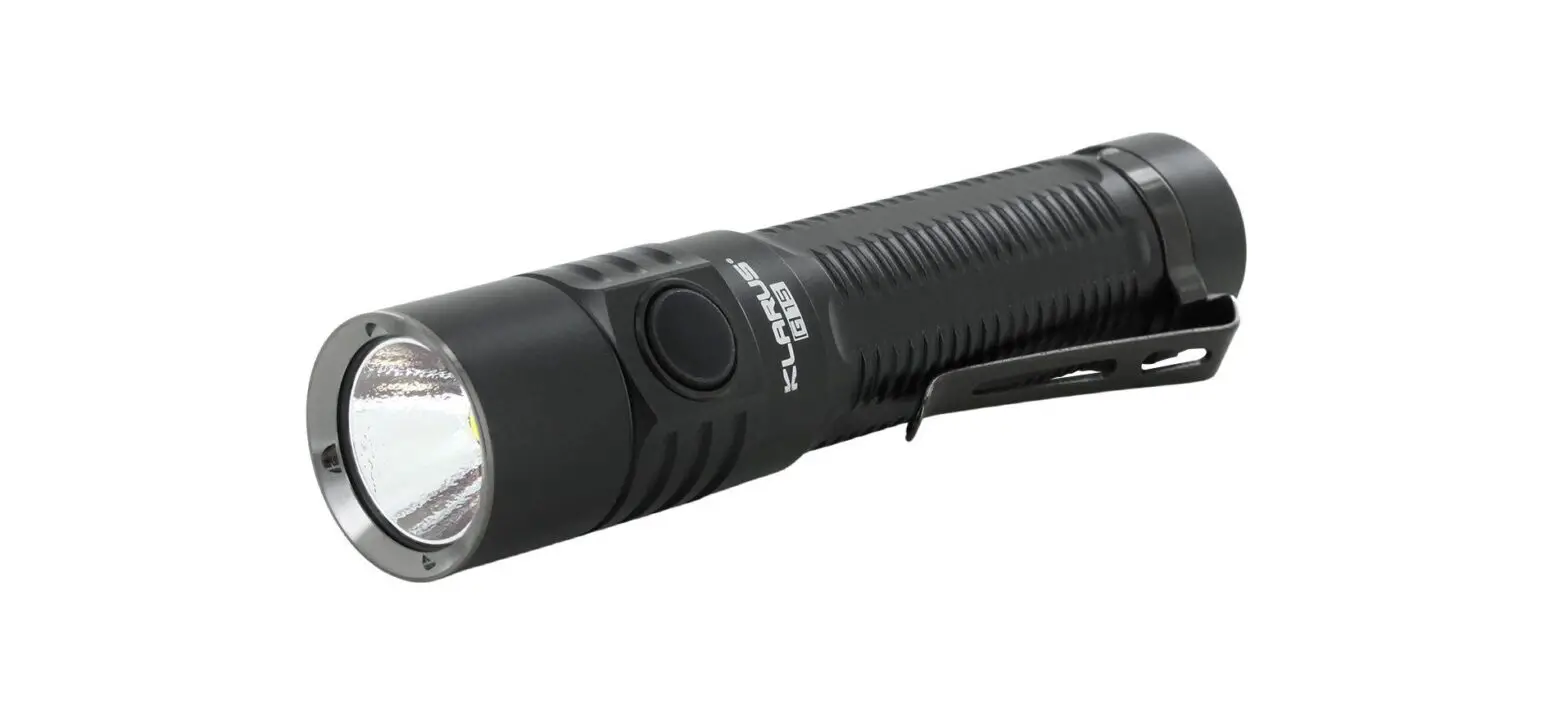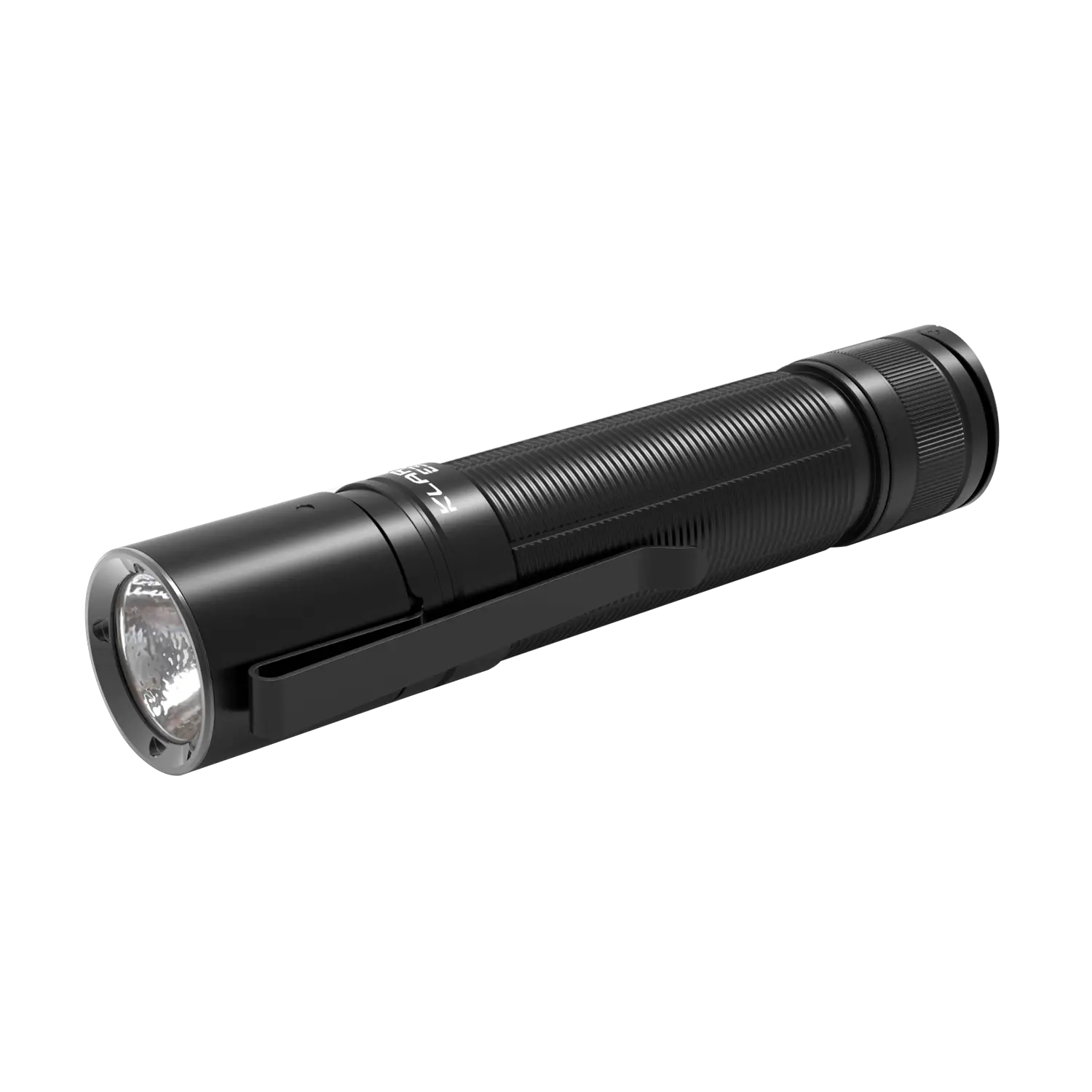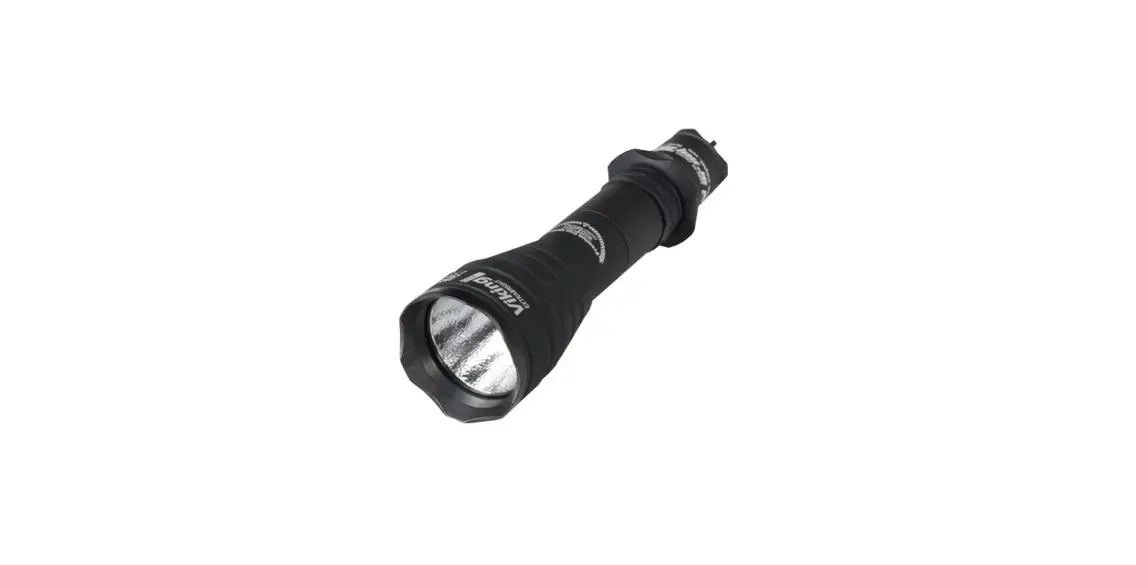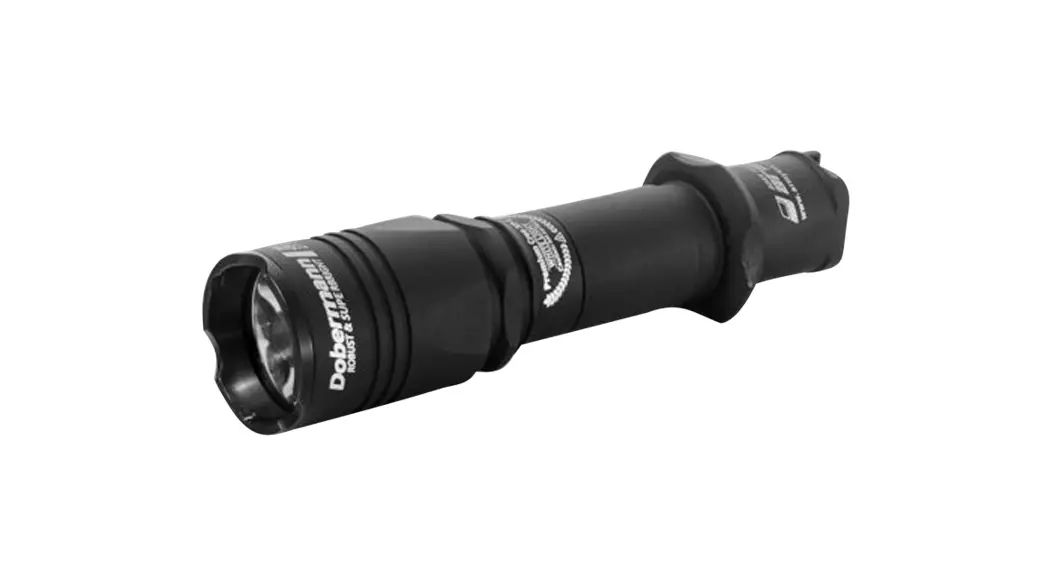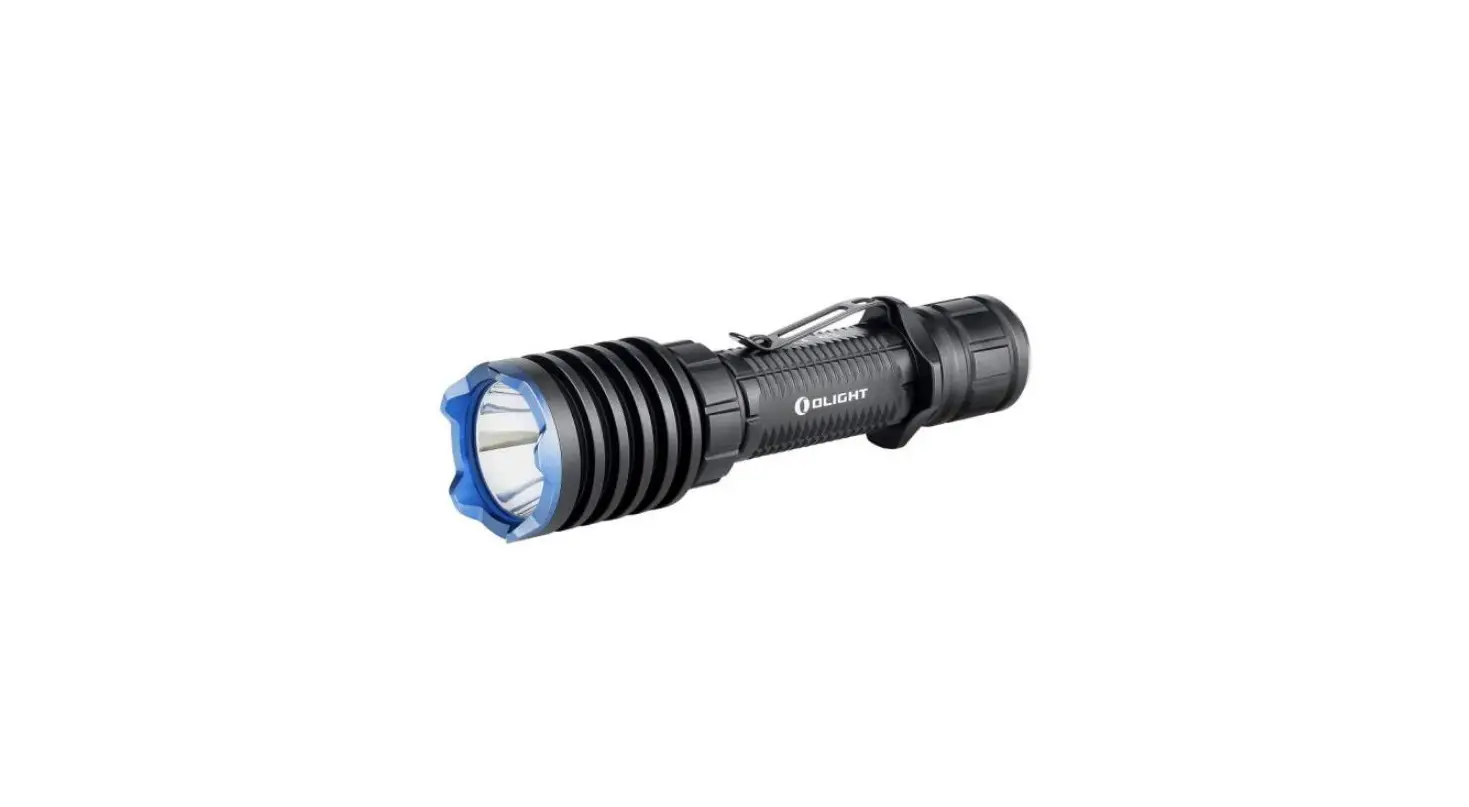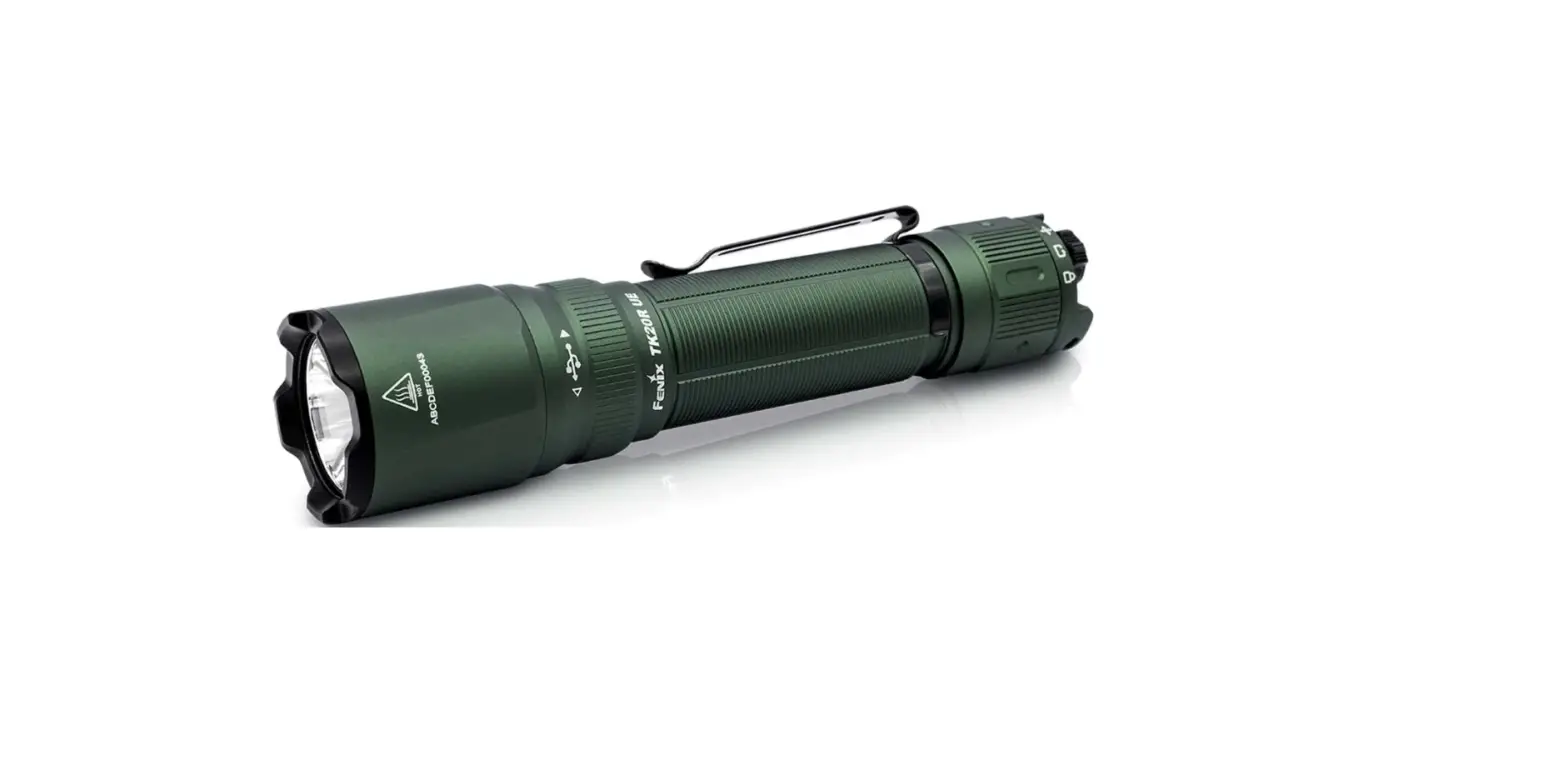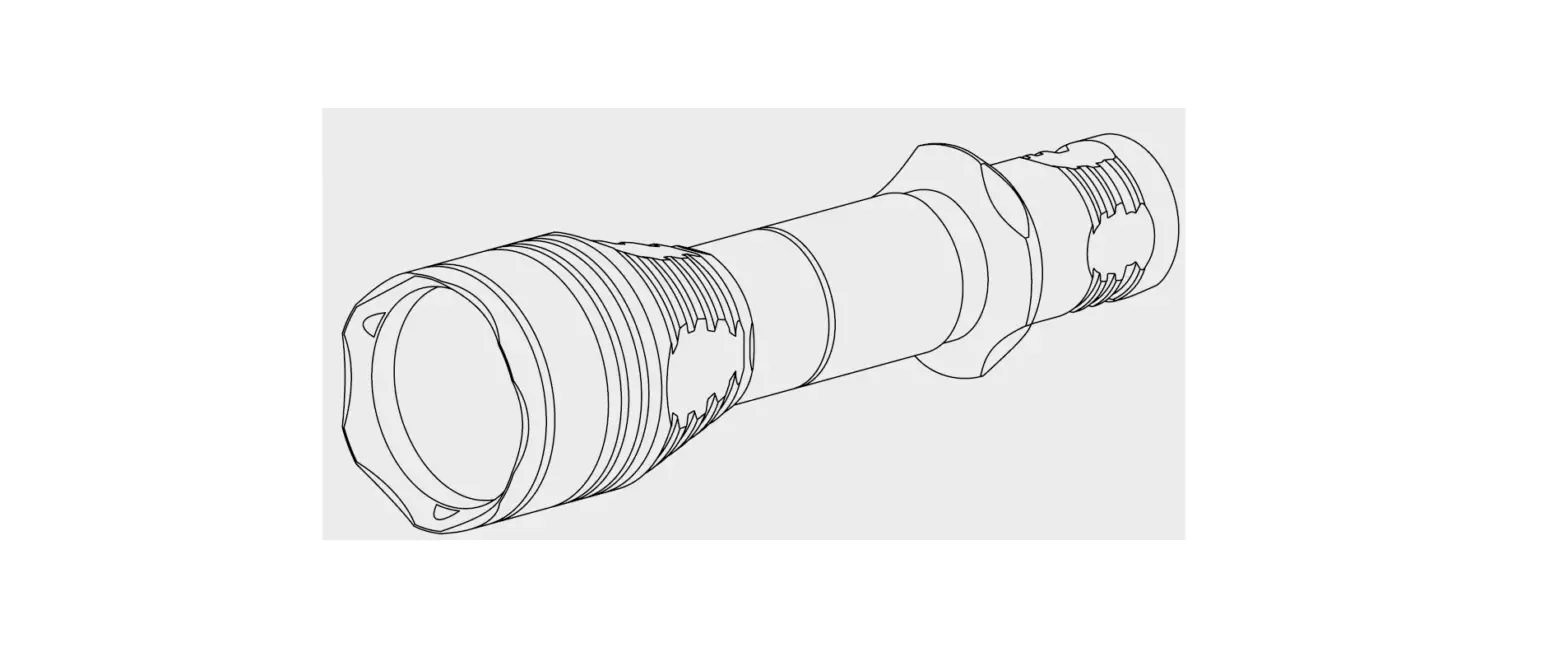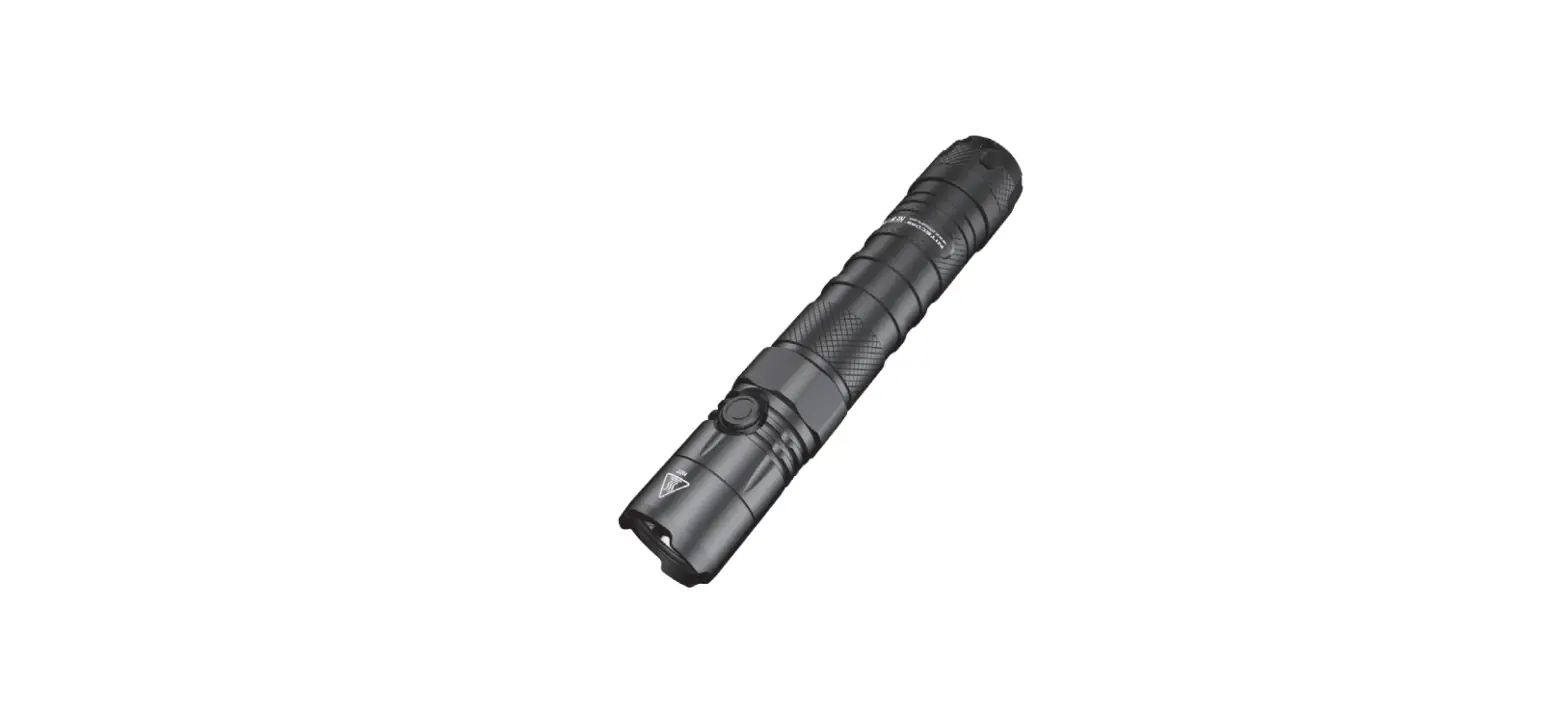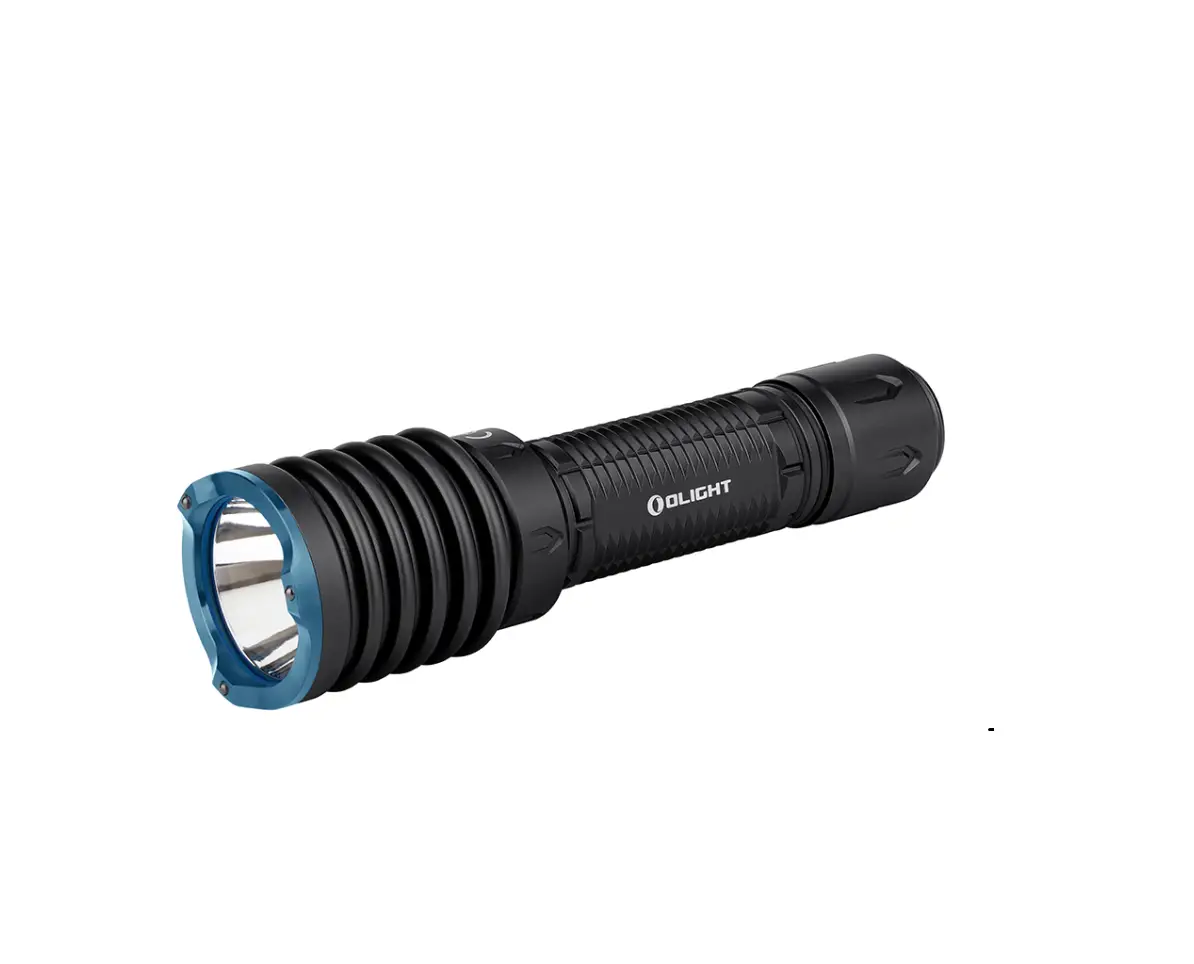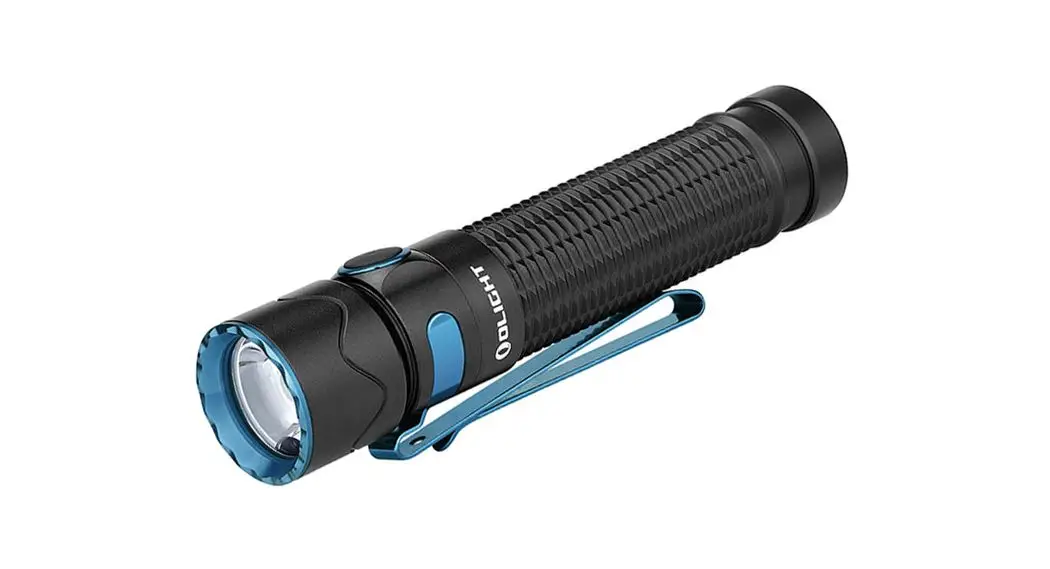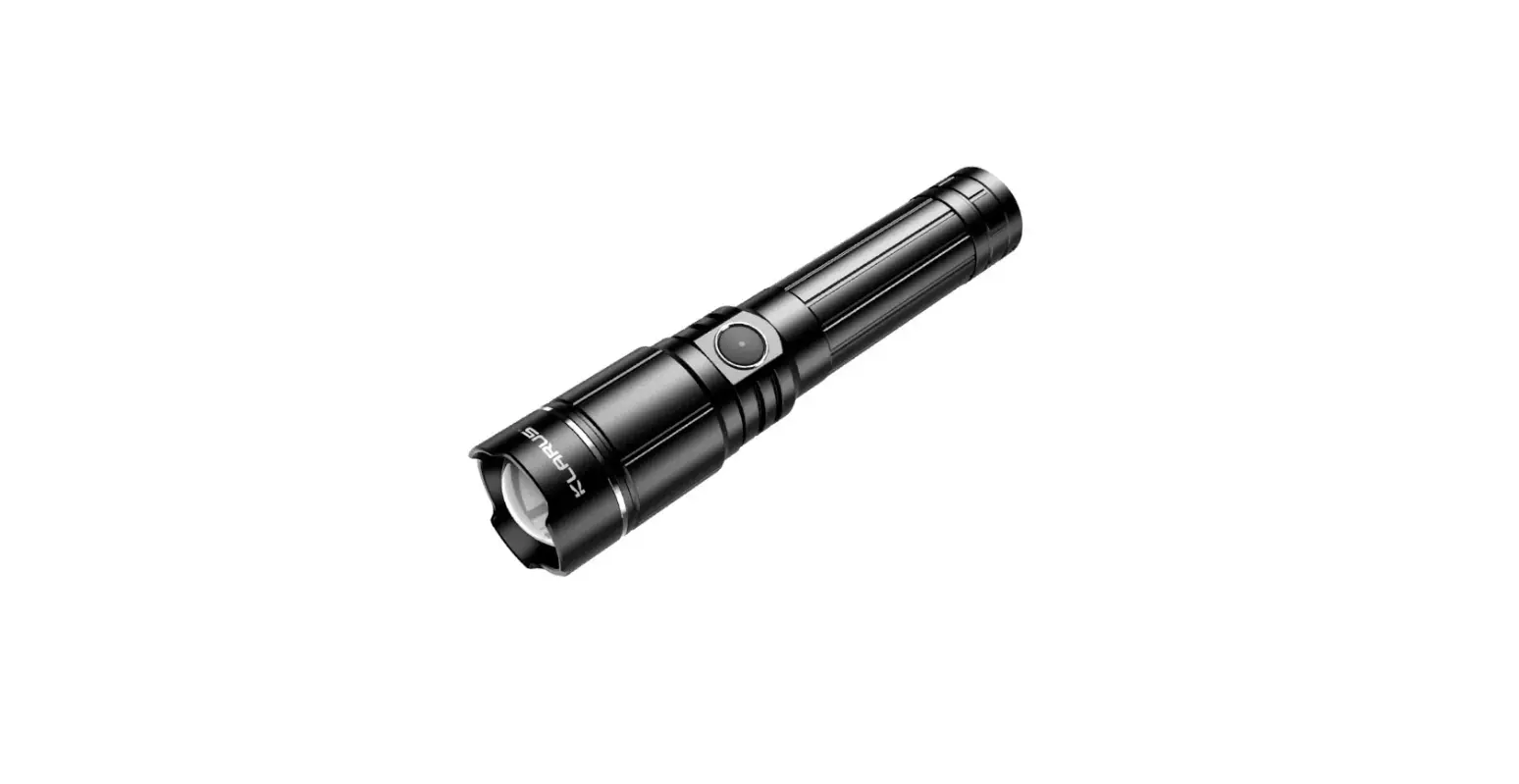
 KLARUS XT11GT Pro Tactical Extreme Output Flashlight
 KLARUS XT11GT Pro Tactical Extreme Output Flashlight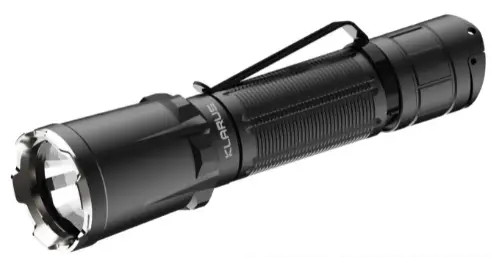
Specifications
- Model: XT11GT Pro
- Dimensions: Φ35mm(1.38″) x Φ25.4mm(1″) x 139.7mm(5.5″) LED: Luminus SST-70-WCS-H50 R4
- Output: 3300LM
- Working Voltage: 2.8V-6.4V
- Charge Current: 5V/1A
- Charge Time: 4h
- Compatible Batteries: 1 x 18650 or 2 x CR123A Waterproof: IPX8
- Weight: 121.1g (4.27oz) (w/o battery)
- Warranty: 5 Years
Package
| Product | QTY | Product | QTY |
| Flashlight | 1 | Battery | 1 |
| Charging Cable | 1 | Holster | 1 |
| Clip | 1 | Lanyard | 1 |
| Waterproof O Ring | 1 | User Manual | 1 |
ANSI
| Mode Specification | Turbo | High | Medium | Low | Strobe | SOS | |
| 18GT-IMR31 Battery | |||||||
| ANSI lumens(LM) | 3300 | 1200 | 200 | 10 | 3300 | 200 | |
| Runtime(h) | 1.8 | 4 | 12 | 120 | 4 | 32 | |
| Beam intensity(cd) | 29440 | 10400 | 1940 | 64 | \ | \ | |
| Beam distance(m) | 410 | 240 | 100 | 20 | \ | \ | |
| 2*CR123A Battery | |||||||
| ANSI lumens(LM) | \ | 1200 | 400 | 60 | 1200 | \ | |
| Runtime(h) | \ | 1 | 1.5 | 16 | 2 | \ | |
| Beam intensity(cd) | \ | 10400 | 4200 | 900 | \ | \ | |
| Beam distance(m) | \ | 240 | 130 | 60 | \ | \ | |
| Impact Resistance | 1.2m | ||||||
| Waterproof | IPX8 | ||||||
Note: The above data has been measured in accordance with international flashlight testing standards ANSI/NEMA FL1 using one KLARUS 18650 3100mAh battery under laboratory conditions. The data may vary slightly during actual use due to battery type, individual usage habits and environmental factors.
How to use
User Setting Change (Factory Default Setting: #1 Tactical Setting) When the light is OFF, click and hold the MODE switch for 5 seconds, when the indicator flashing red/green, then click the Primary switch without releasing the MODE switch at the same time.
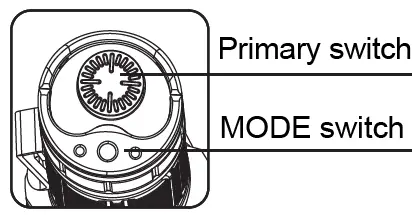
User Setting Operations
User Setting #1: Tactical Setting ON/OFF Primary Switch: click to turn ON in TURBO mode, click again to turn OFF. MODE Switch: click to enter STROBE, click and hold for 2 seconds to keep STROBE. Change Brightness Level MODE Switch: when ON, click to cycle through modes TURBO (3300LM) → HIGH (1200LM) → MEDIUM (200LM) → LOW (10LM)
User Setting #2: Outdoor Setting ON/OFF Primary Switch: click to turn ON in TURBO mode, click again to turn OFF. MODE Switch: click to enter LOW, click and hold for 1 second to keep LOW.
Change Brightness Level MODE Switch: when ON, click to cycle through modes TURBO (3300LM) → HIGH (1200LM) → MEDIUM (200LM) → LOW (10LM)
Lockout/Unlock
Unscrew the tailcap by half-turn to cut off the circuit, screw it back to unlock. (Recommend to lockout the flashlight when it is stored, carried or transported for a long period of time).
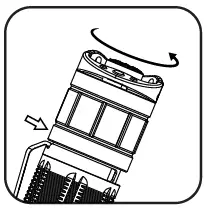
Intelligent Thermal Protection System (ITS)
When the flashlight is in Turbo mode, brightness will be automatically adjusted according to the temperature of the flashlight body to protect the LED and internal ensure safety and stability.
Battery Capacity Indicator
After power-on, the indicator will flash for 5 seconds.
- Green, 70%-100% capacity remaining.
- Orange, 30%-70% capacity remaining.
- Red, less than 30% capacity remaining.
- Red flashing, less than 10% capacity remaining.
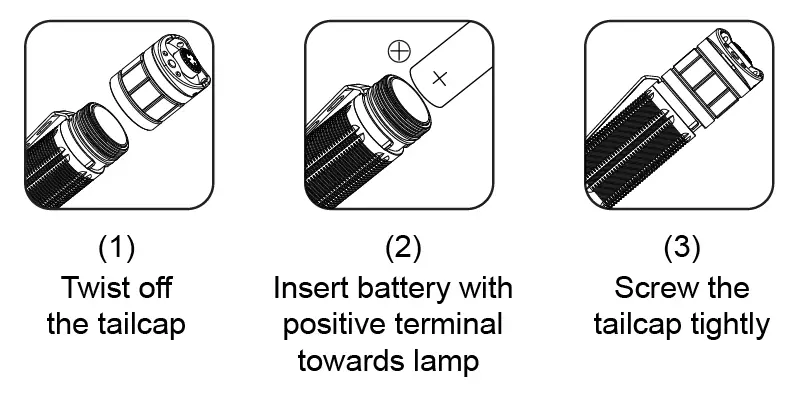
Battery Installation
Recharging
XT11GT Pro uses Type-C USB charging, and is compatible with any USB Type-C cable, wall charger or car charger. Charging Indicator:
Red: Charging in progress
Green: Charging complete
Yellow Flashing: Battery problem (battery inserted not 18650 battery or battery orientation reversed or battery destroyed)
Note: please charge the battery when its capacity is low otherwise the flashlight is not able to change brightness level or brightness will become dark.
 BrightGuy Flashlights, Headlamps, Work Lights, Police Flashlights
 首页 - KLARUS凯瑞兹 - 战术双开关手电开创者
 Home - KLARUS Lighting Technology Co.,Ltd