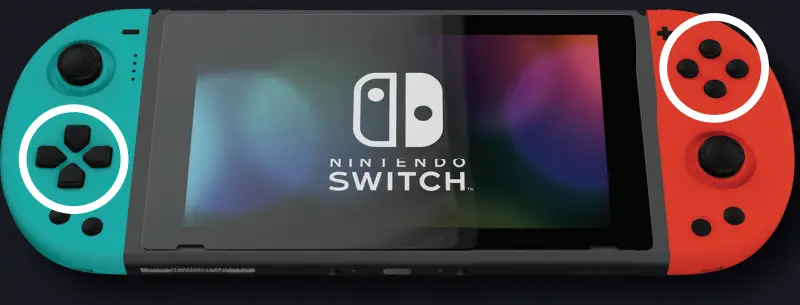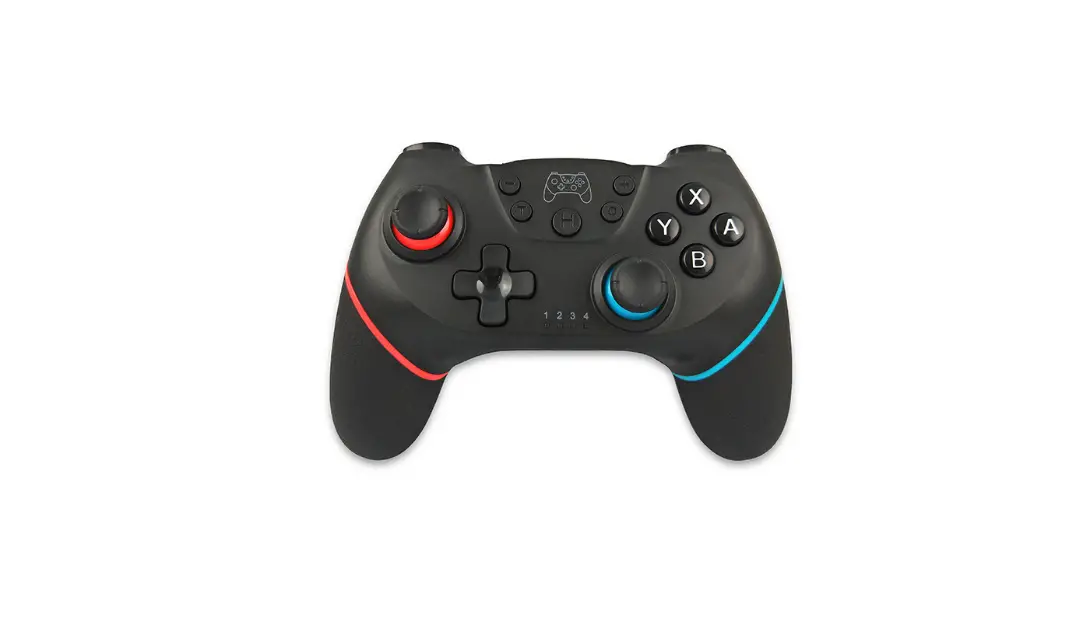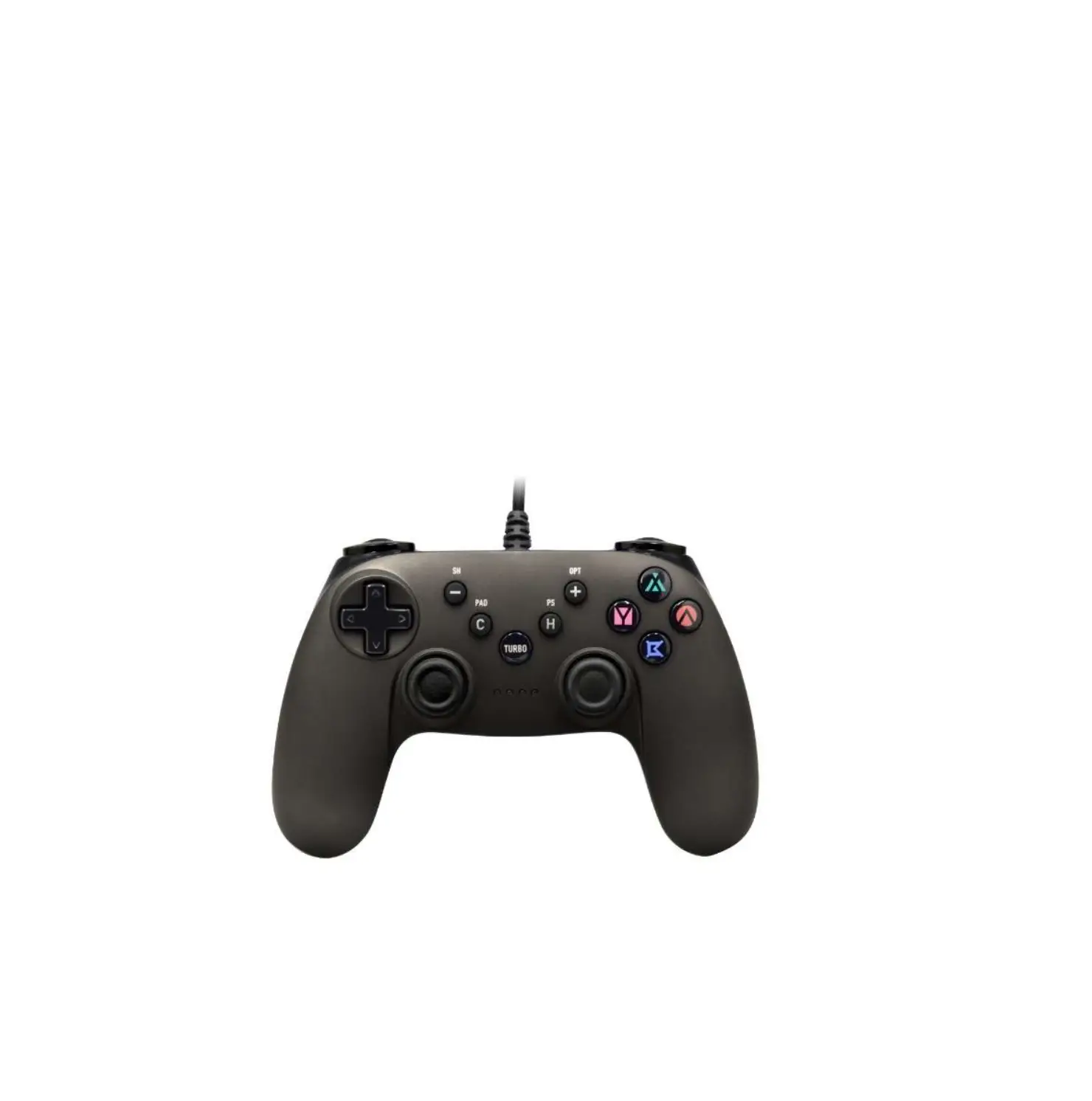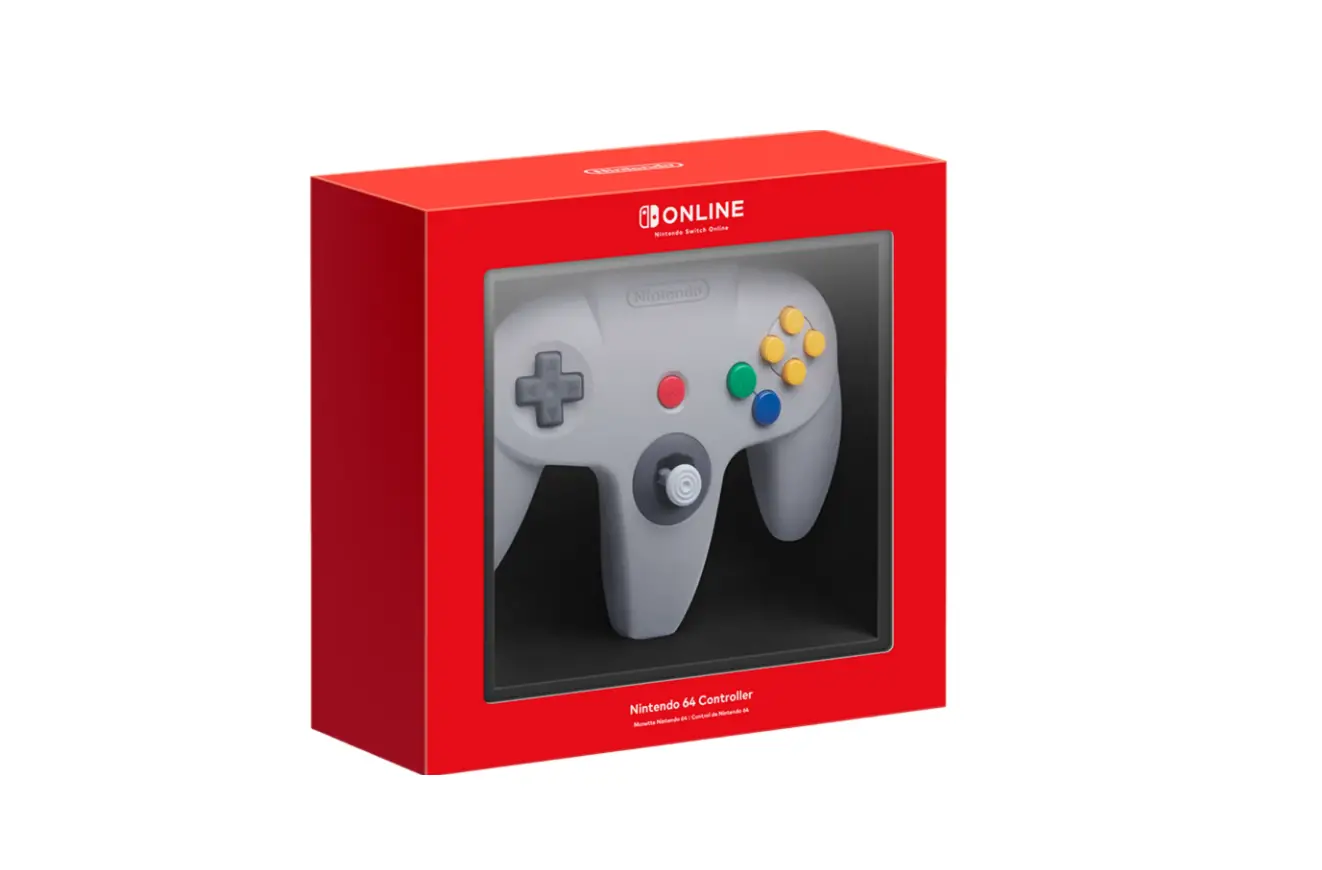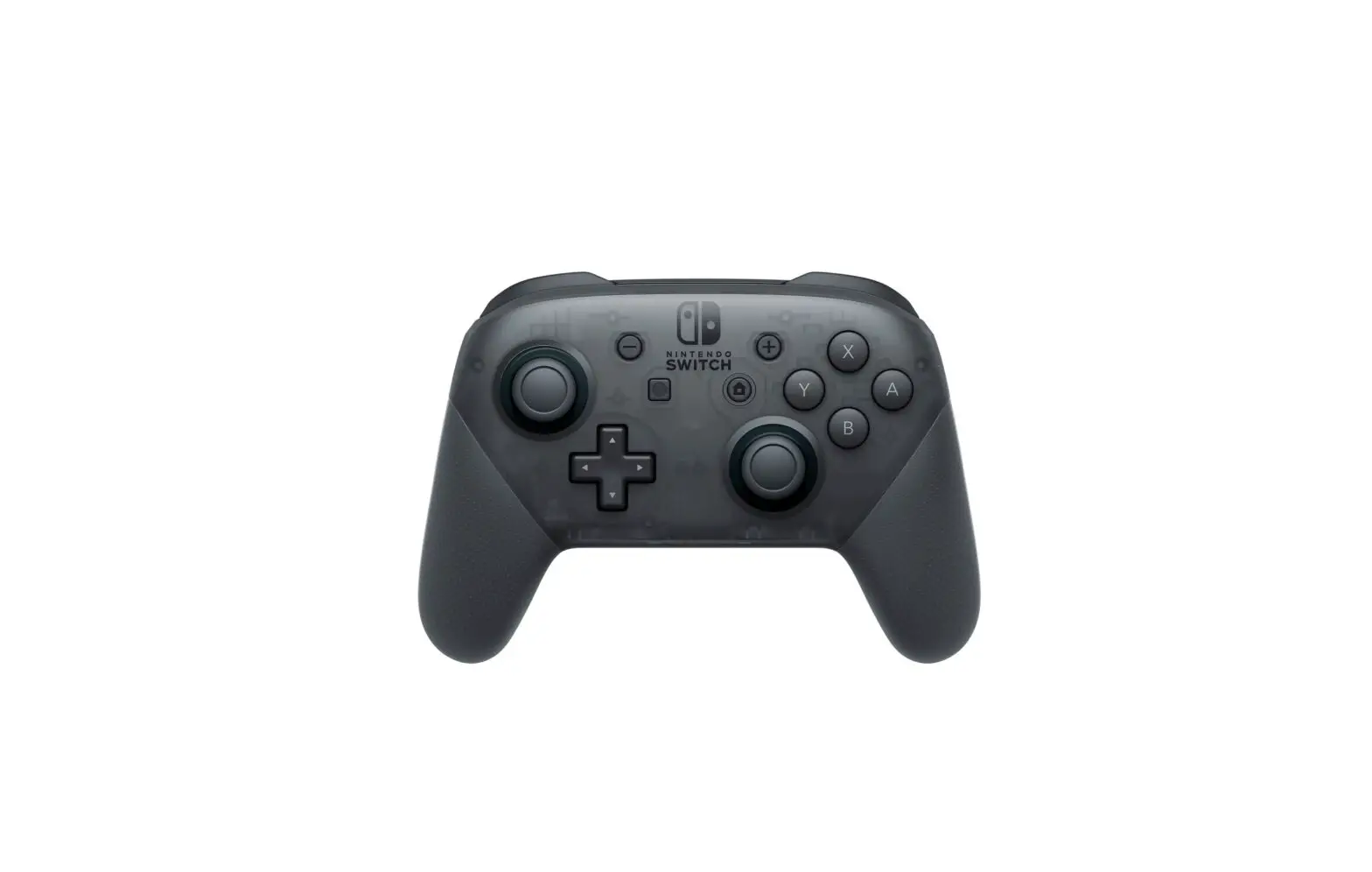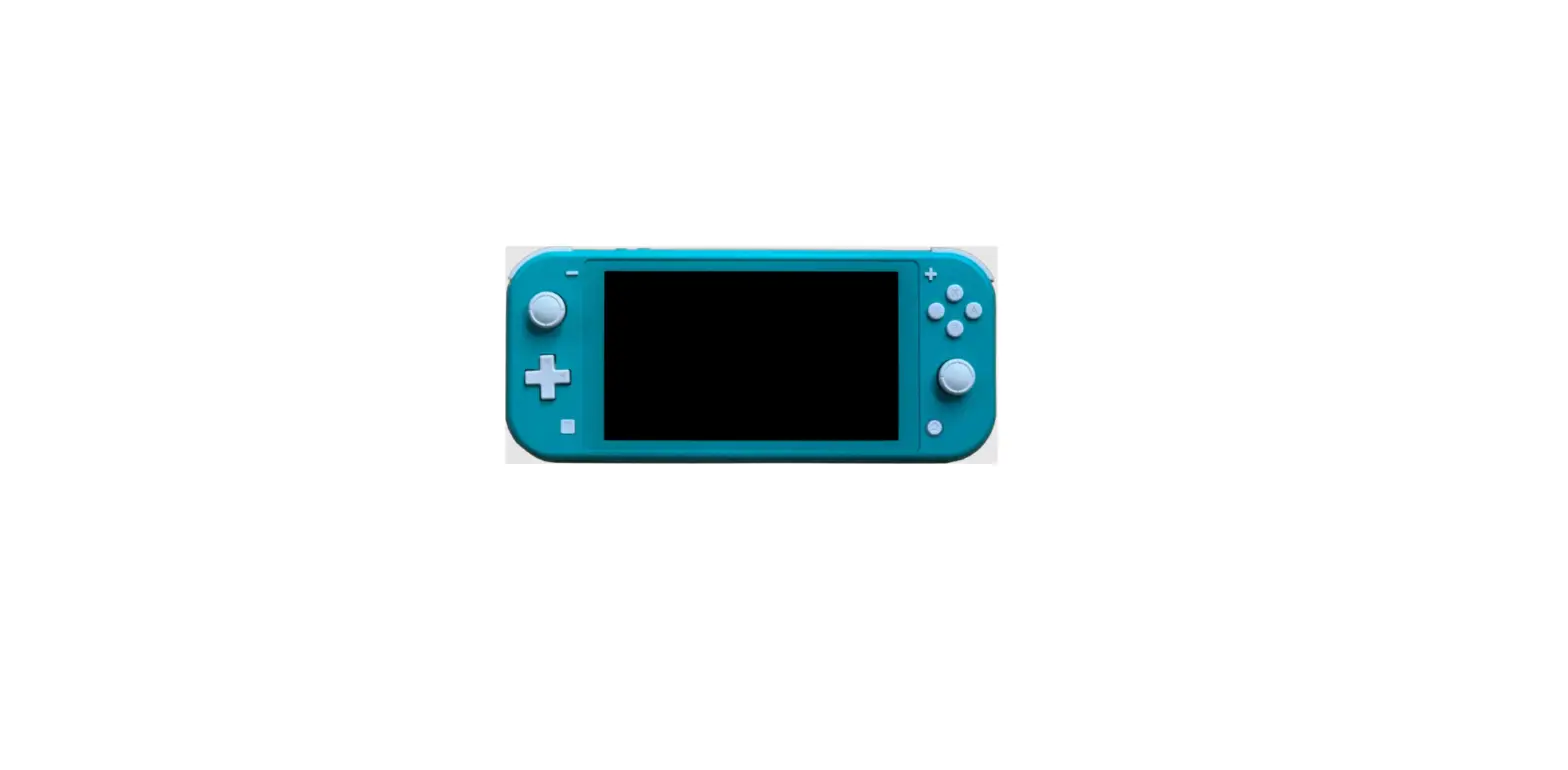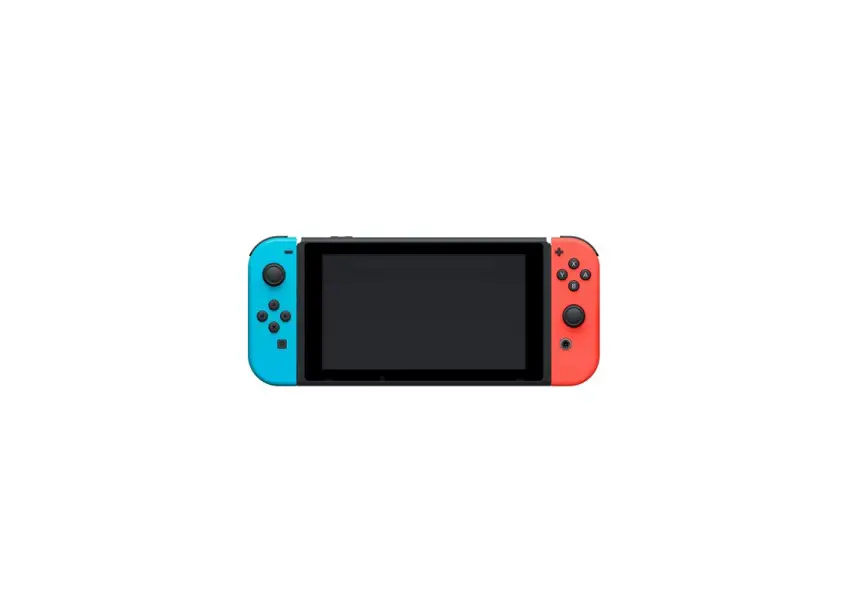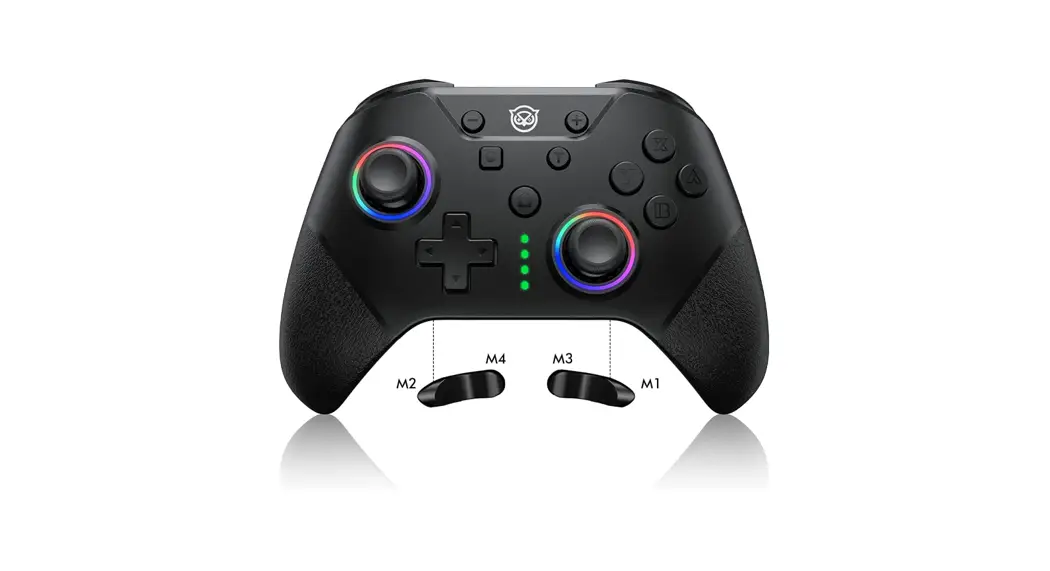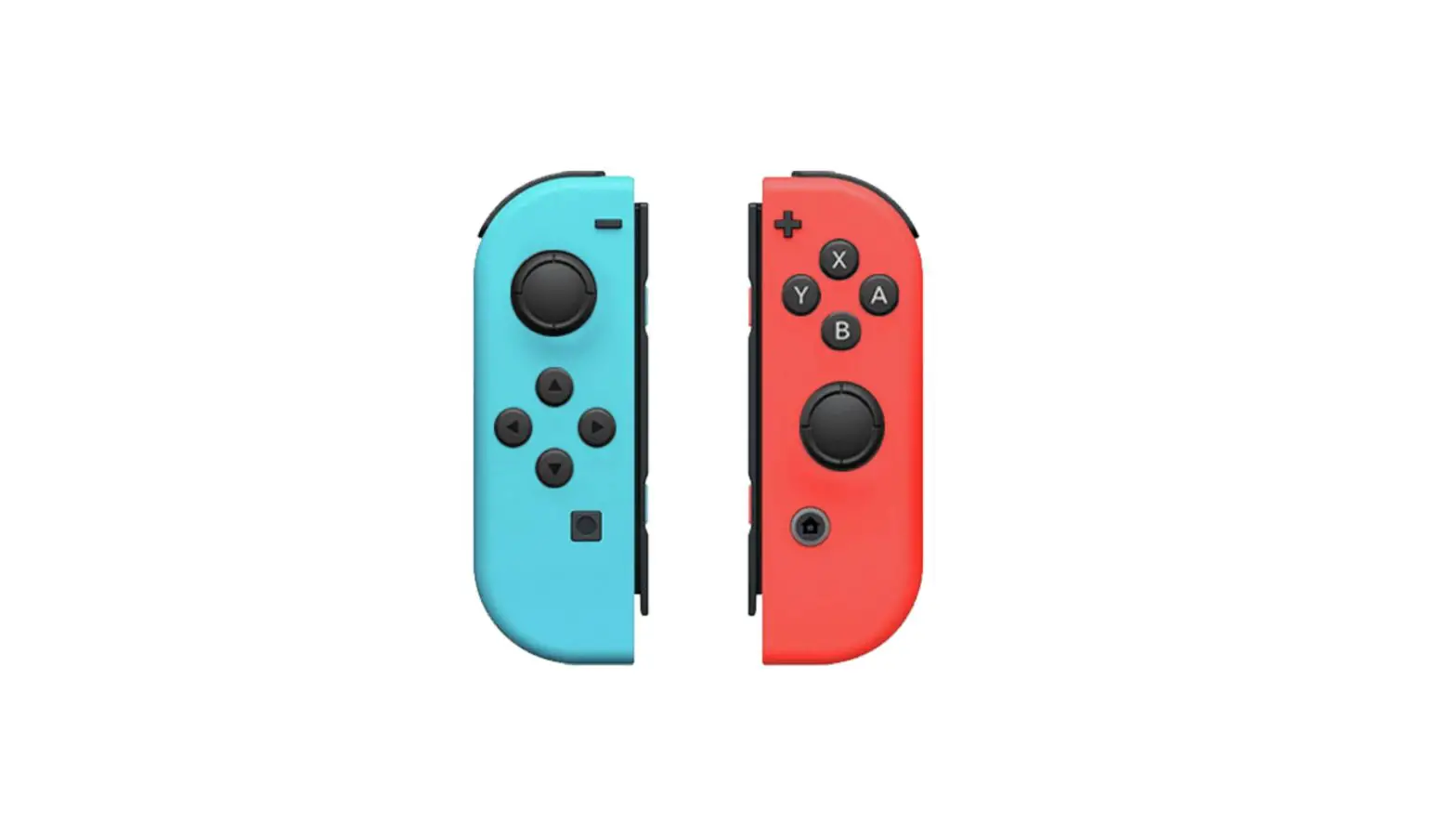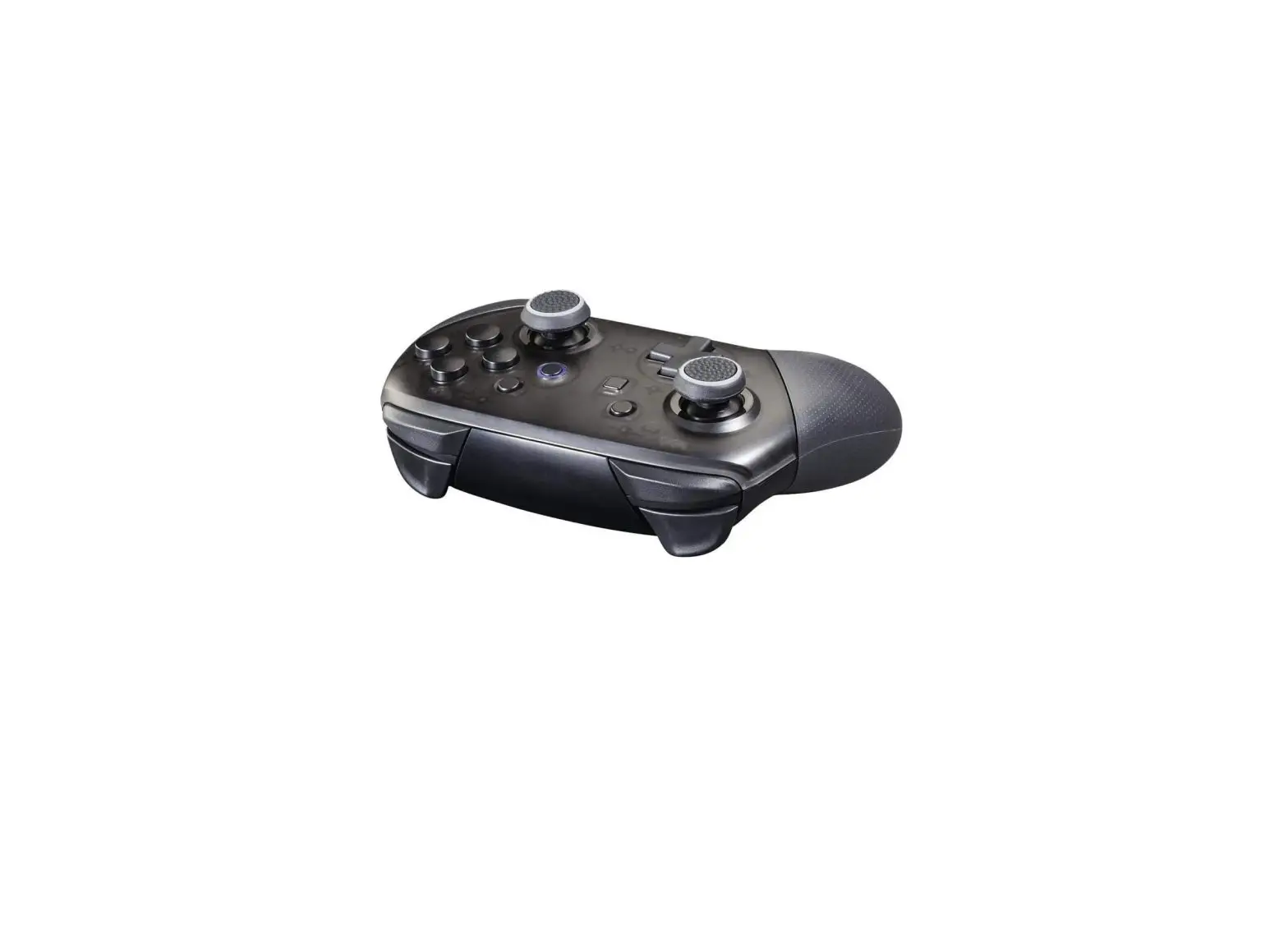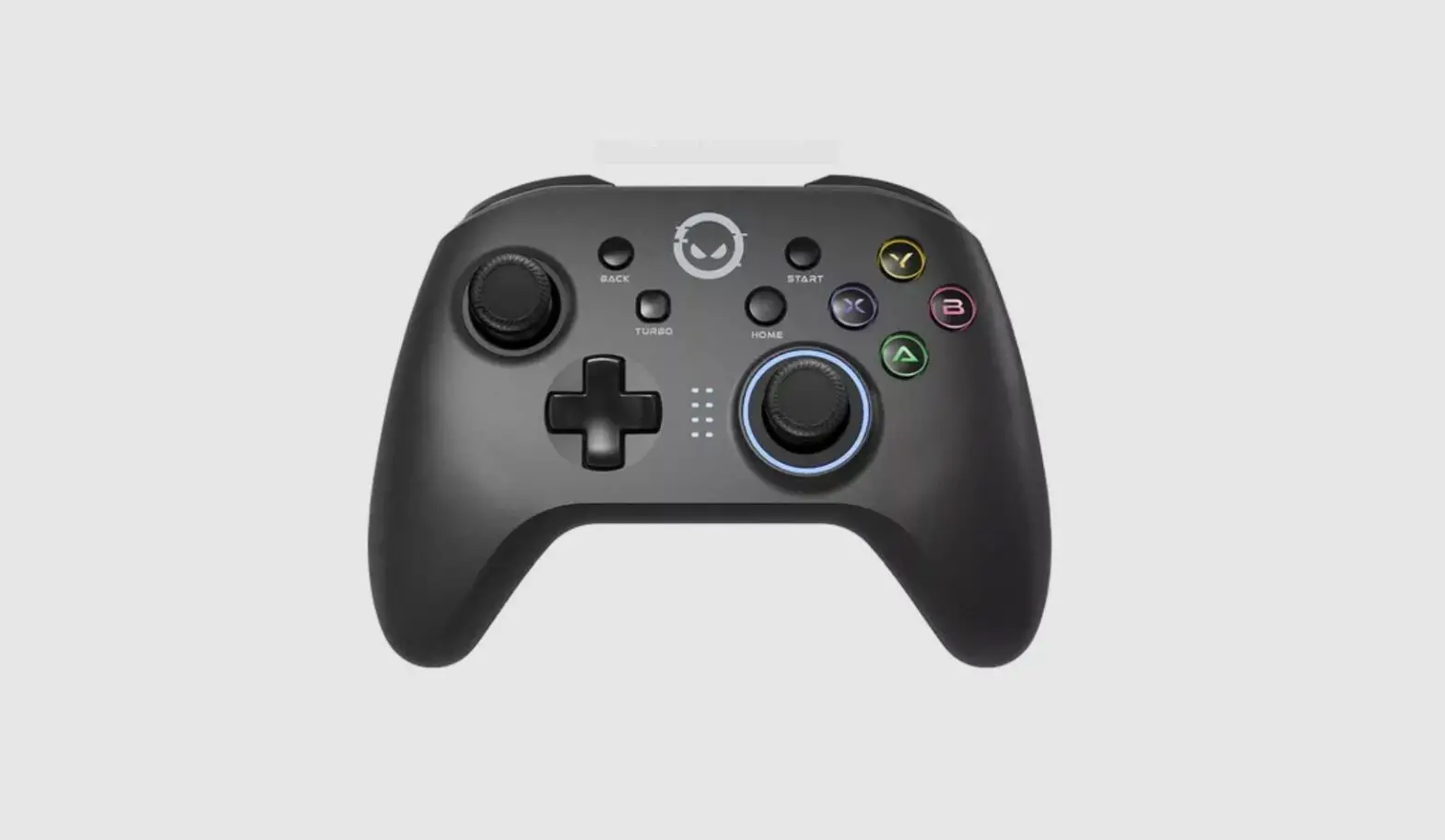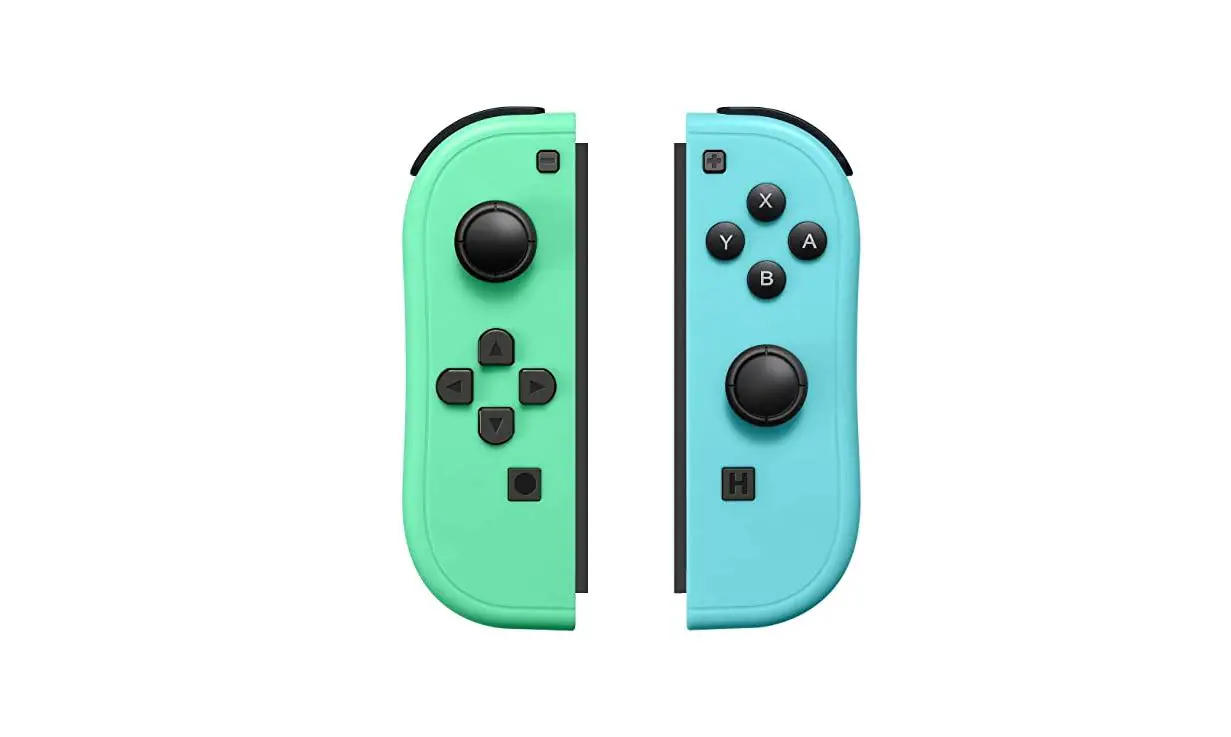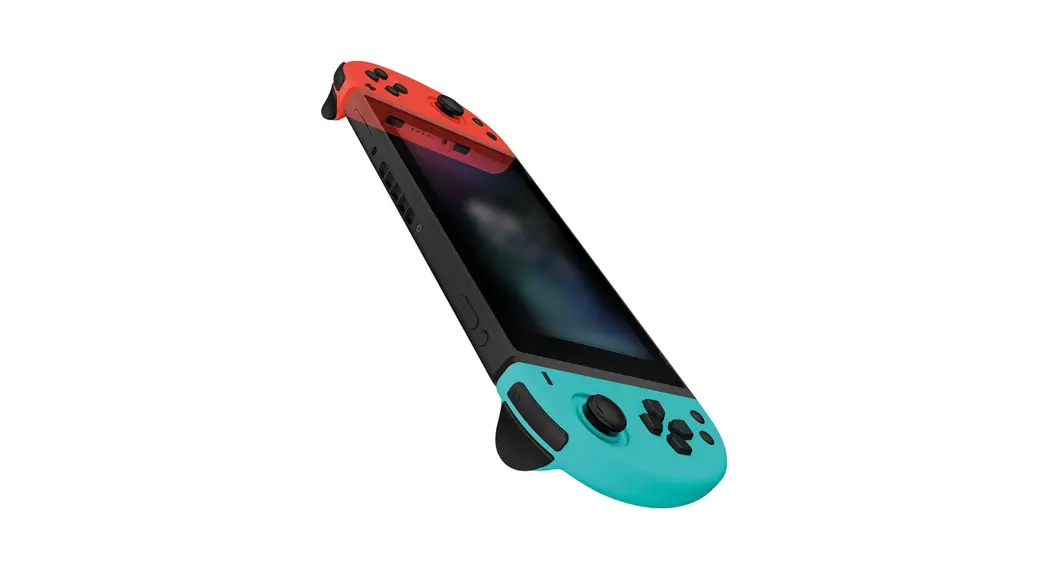
 JC-20 Nintendo Switch Controller
Instructions
Charging & Pairing your JC-20
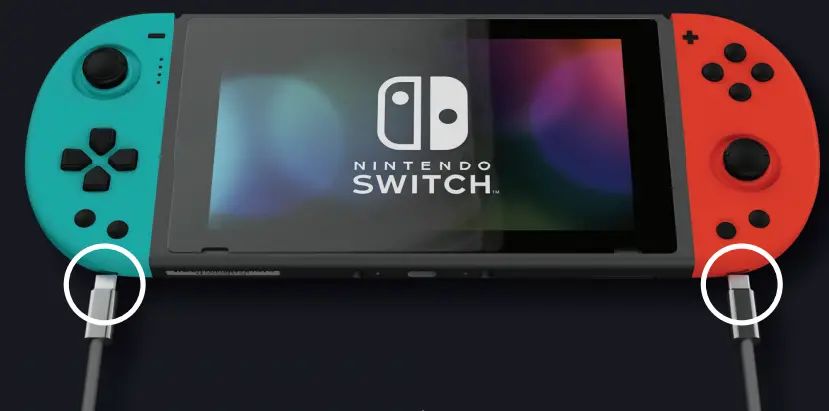
- Fully charge your JC-20s via the dual USB-C cable provided

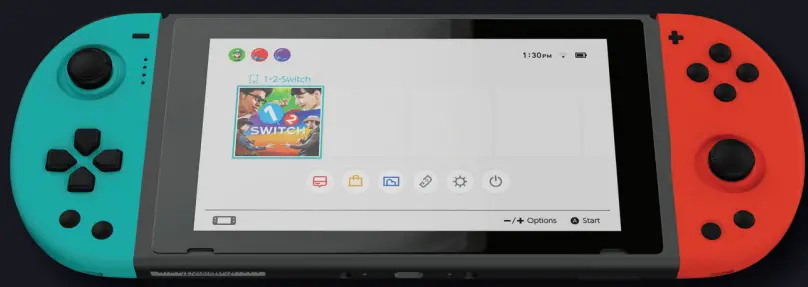
- Navigate to controllers menu on Switch dashboard

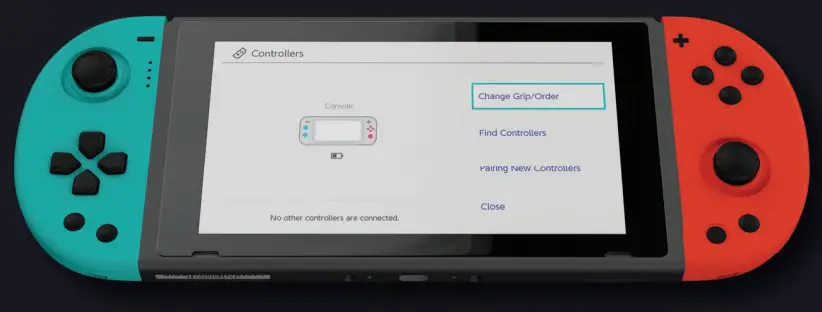
- Select `Grip/Order’

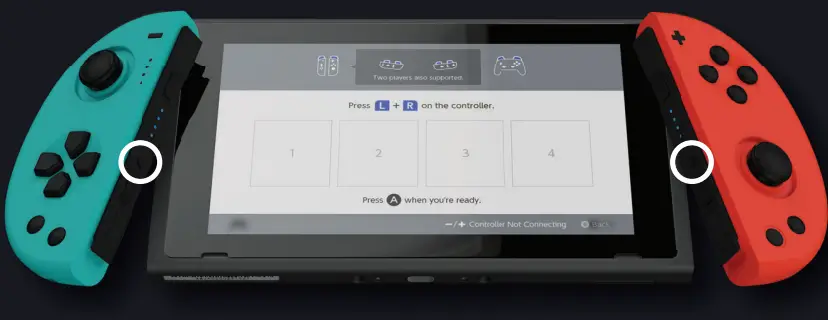
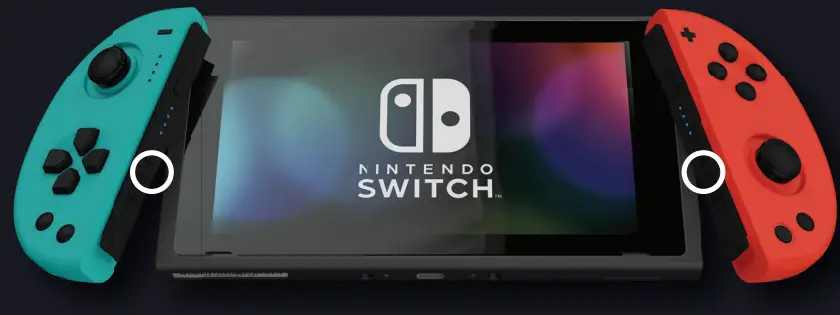
- Press and hold the pair button on the JC20 rail for 5 seconds, until the LED’s cycle

- To re-connect in future use, press any button once to turn the JC-20 on. It will automatically re-pair to your Switch.

- To turn the JC-20 off, press the pair button once

- After 15 seconds the JC20 will make a Bluetooth connection.