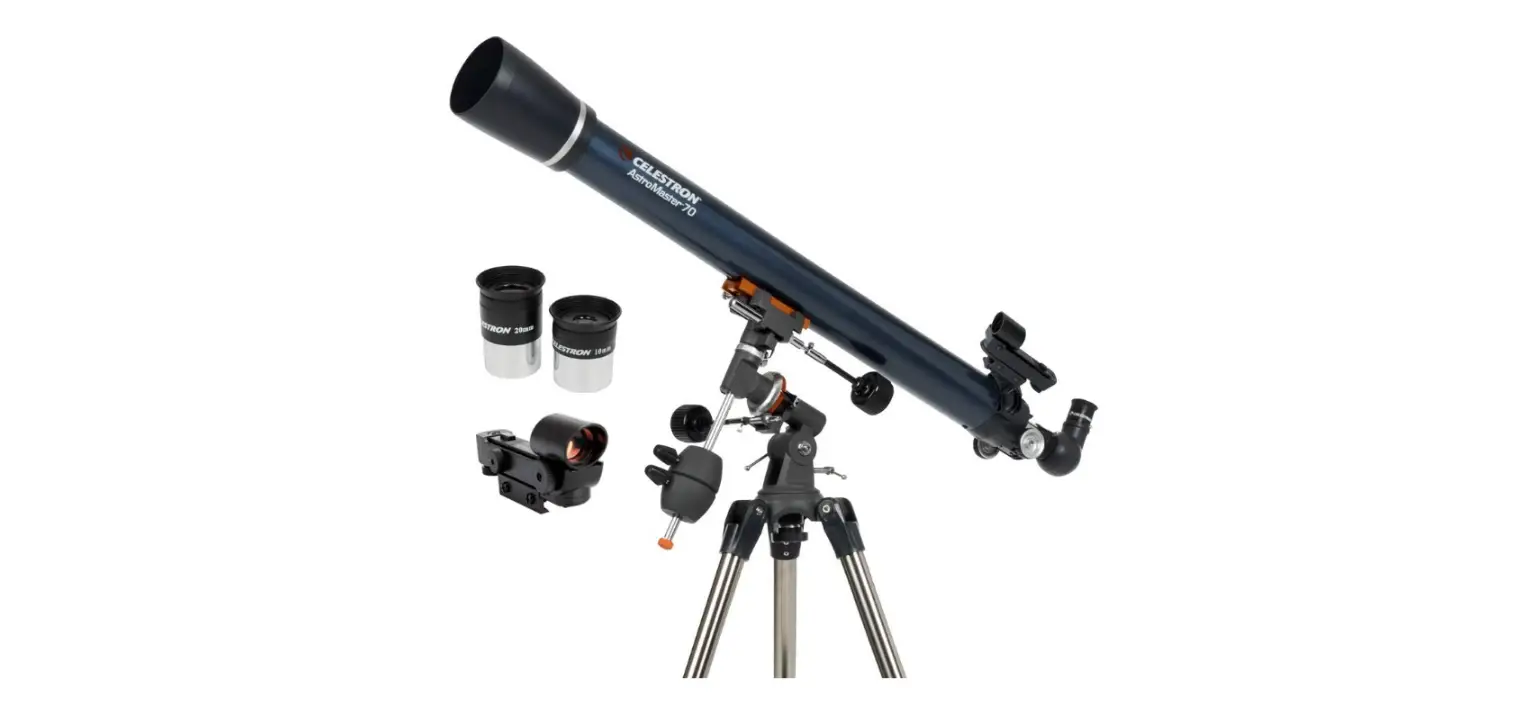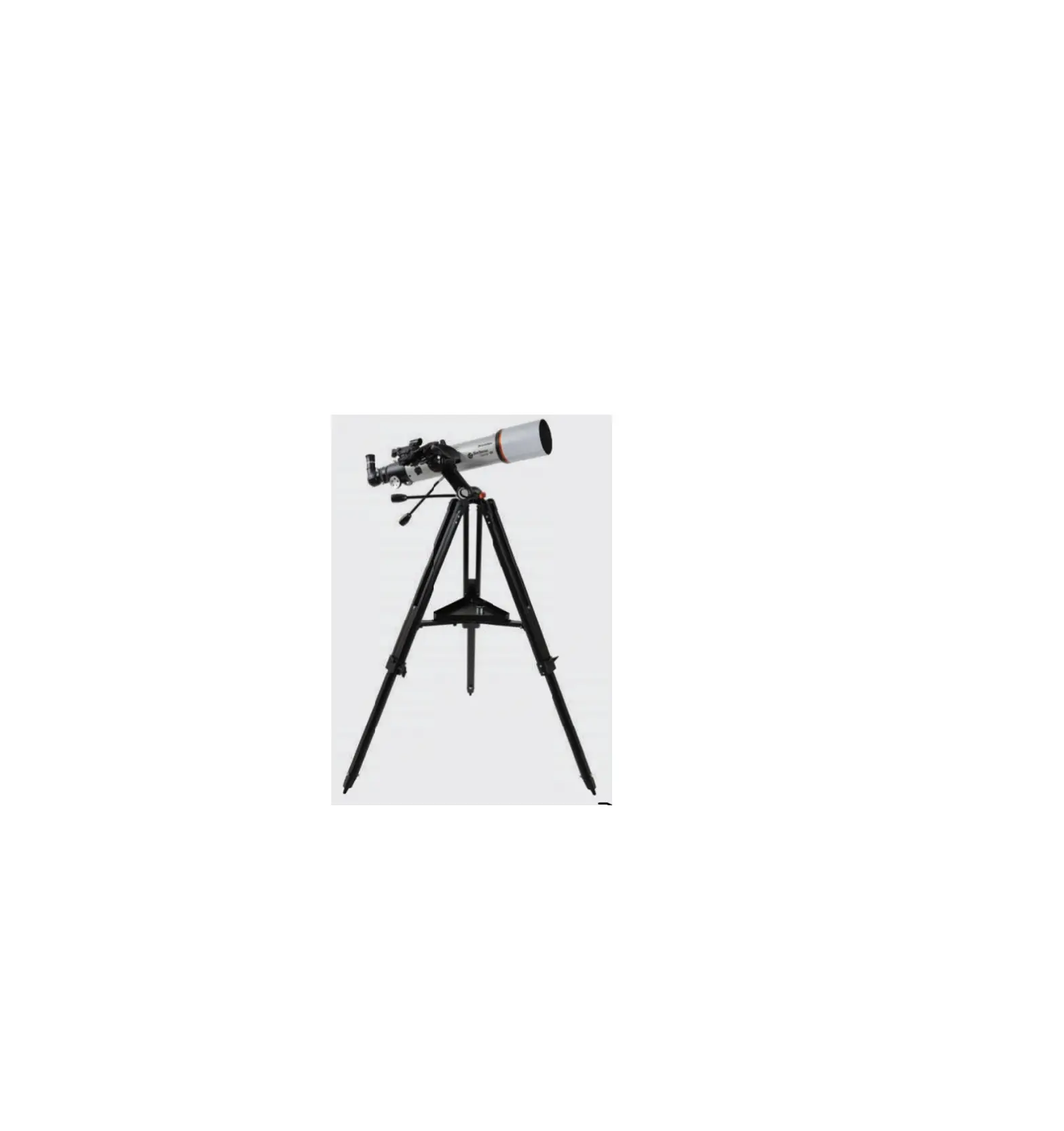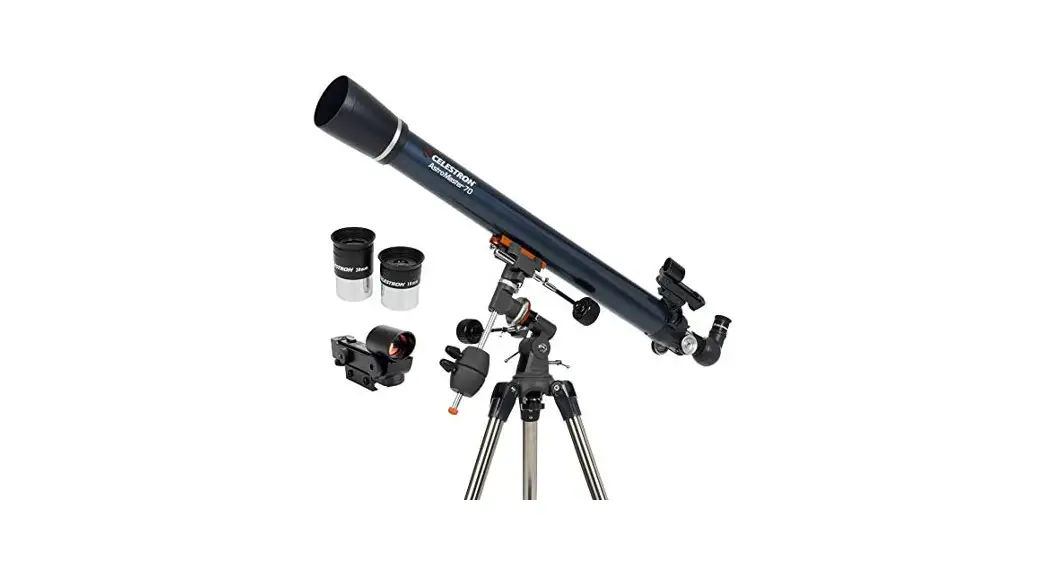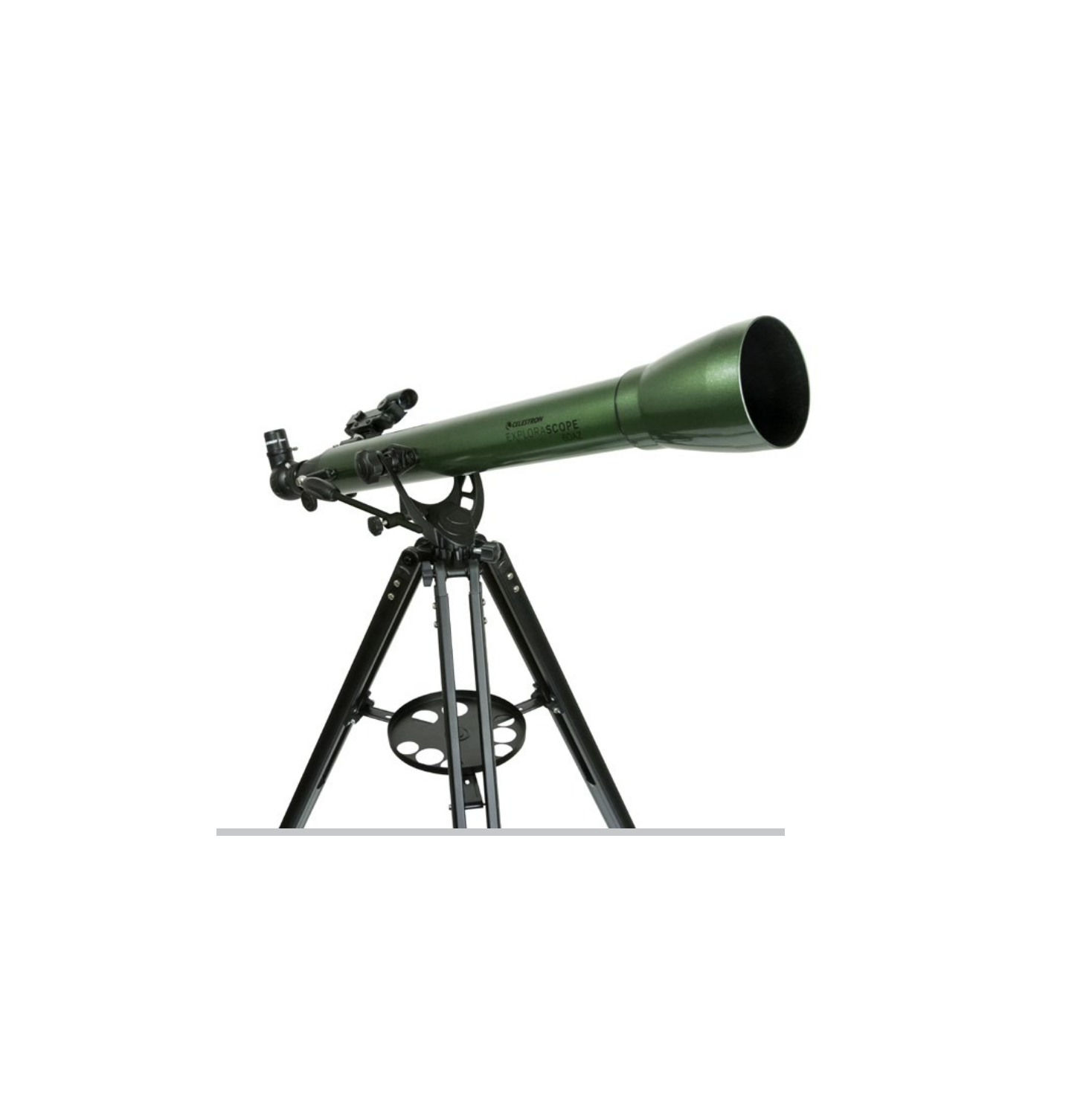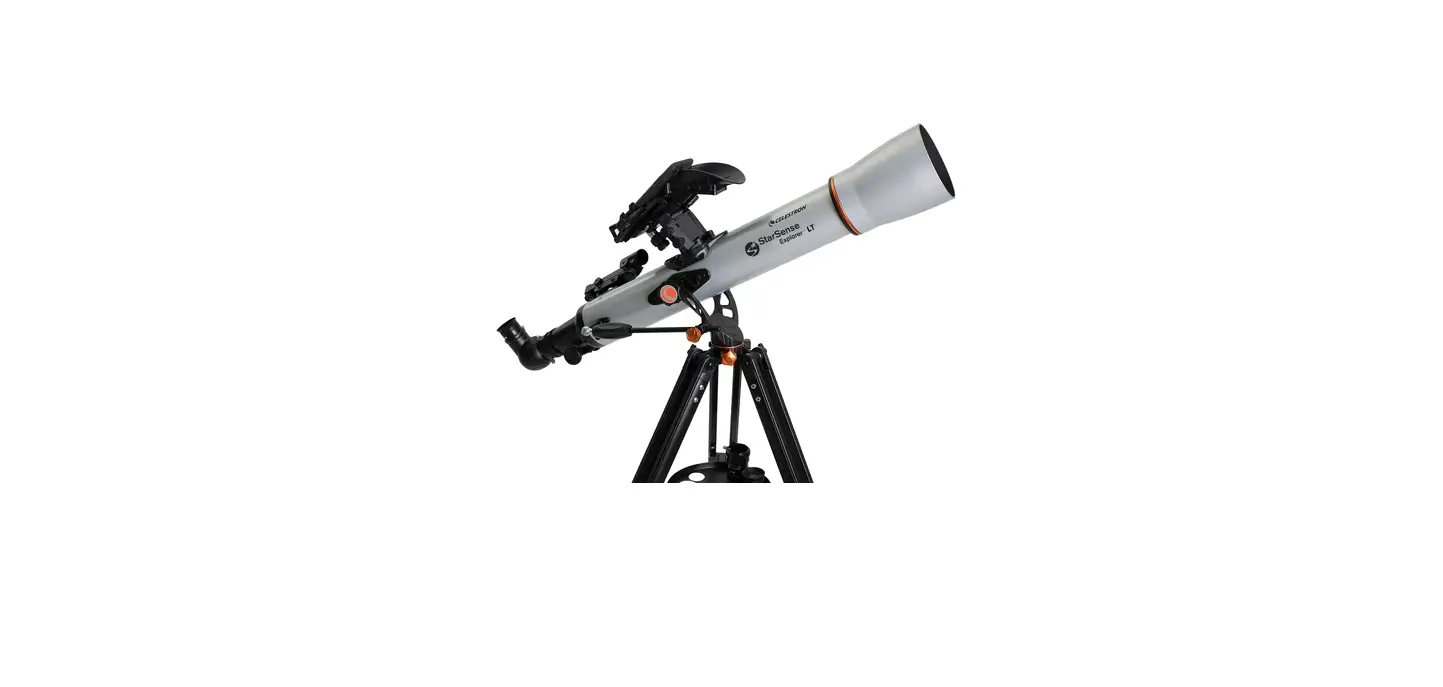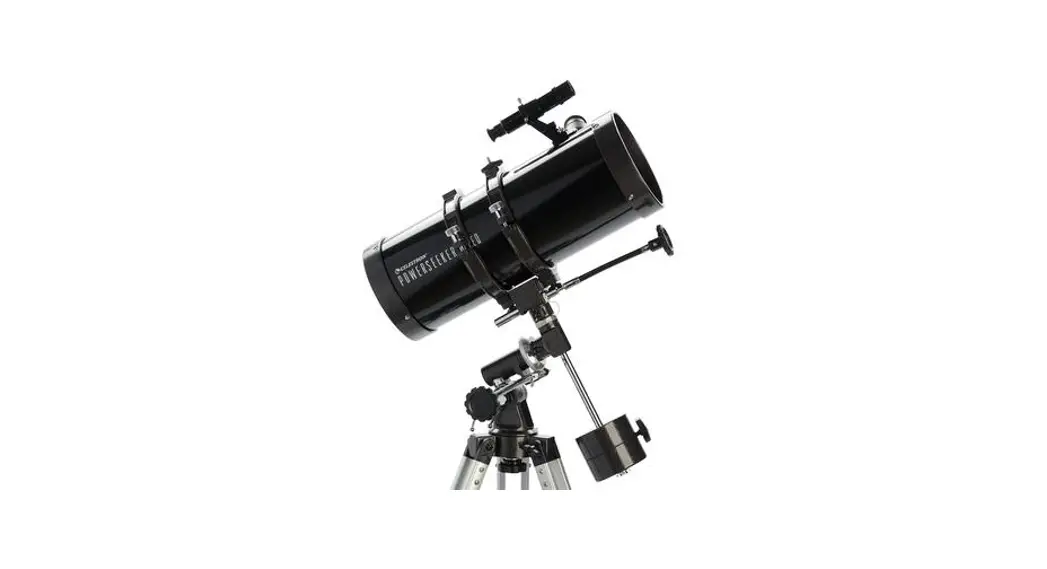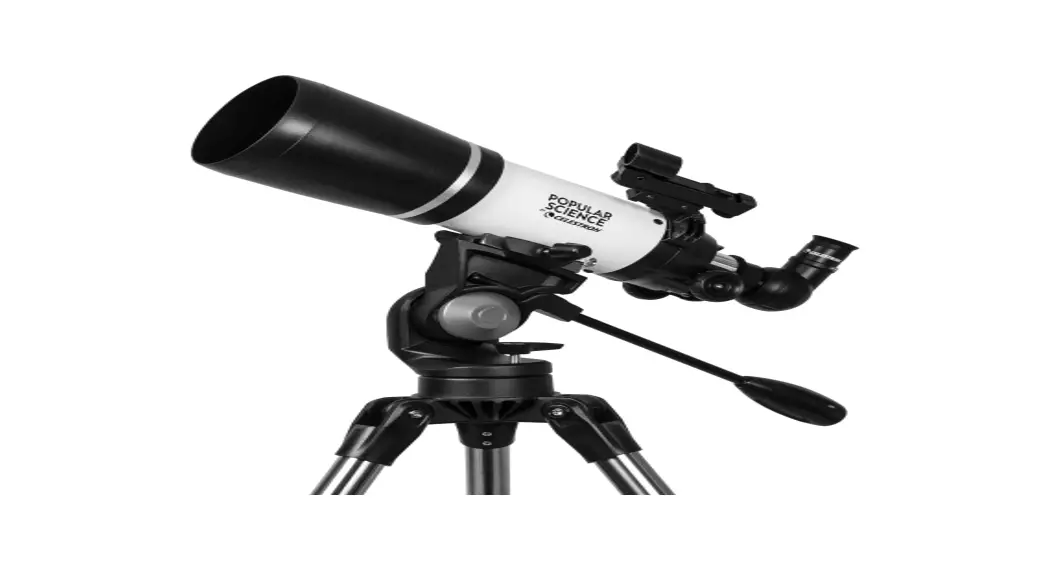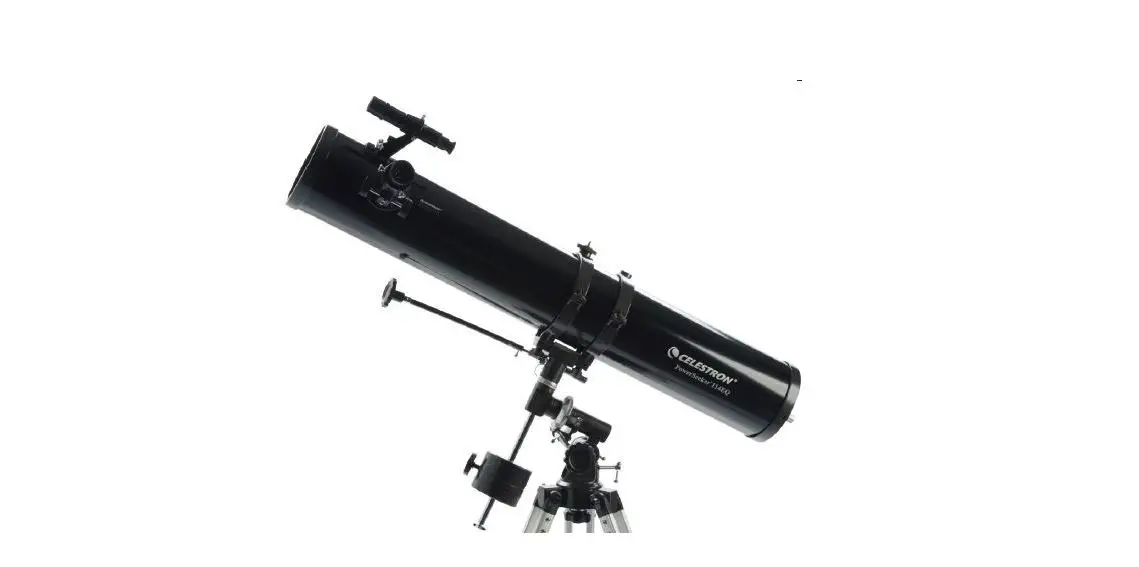
 DS Powerseeker Refractor Telescope
User Guide
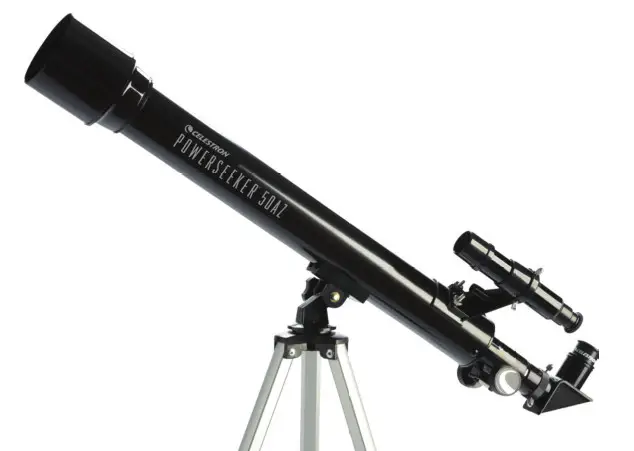
Powerseeker Refractor Telescope
 | ||
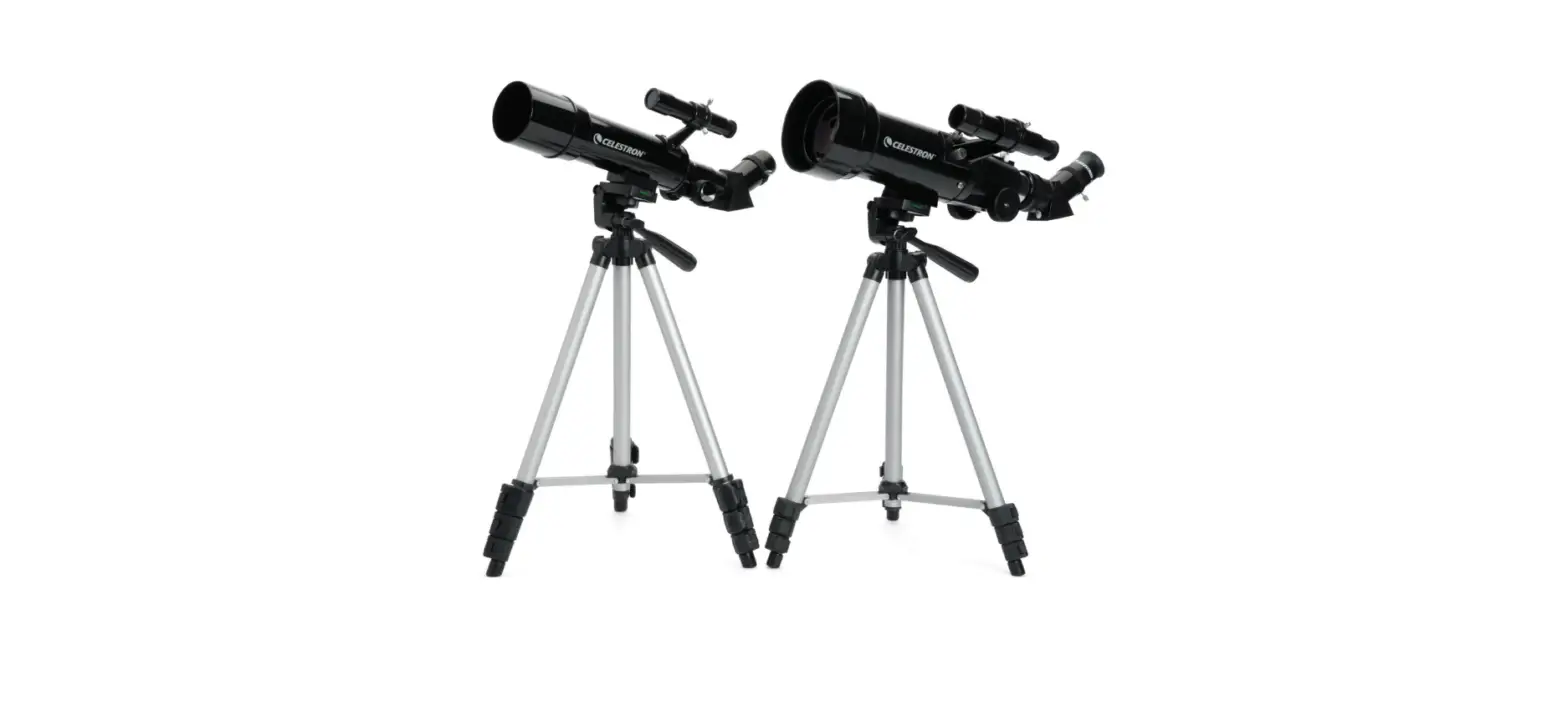
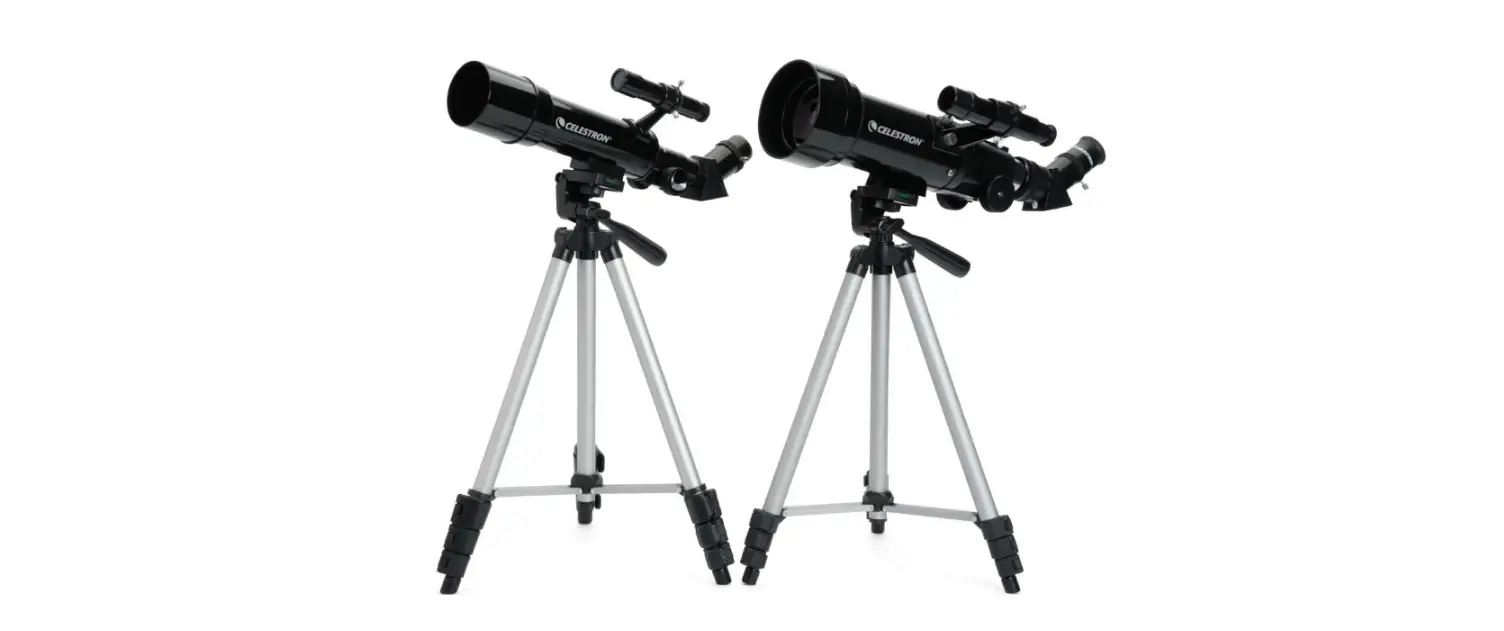
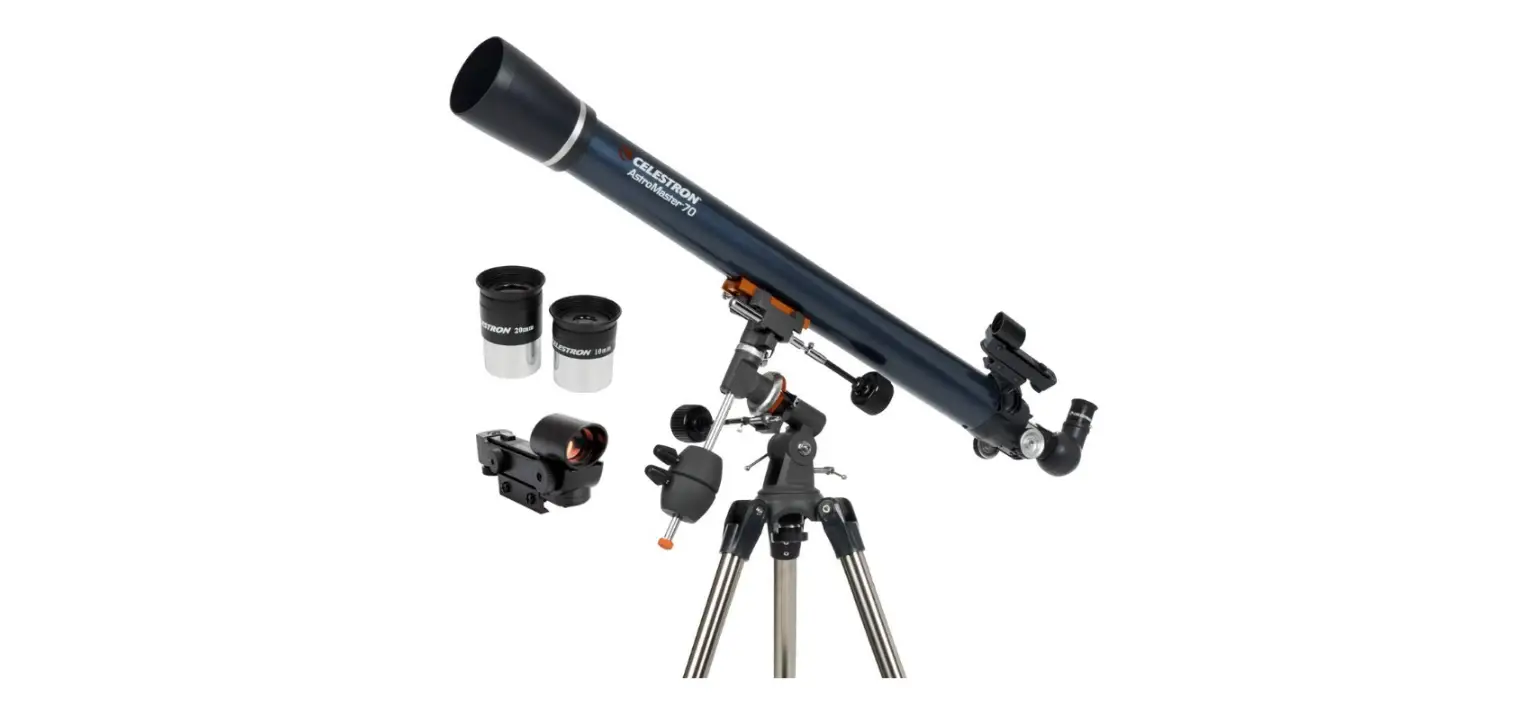
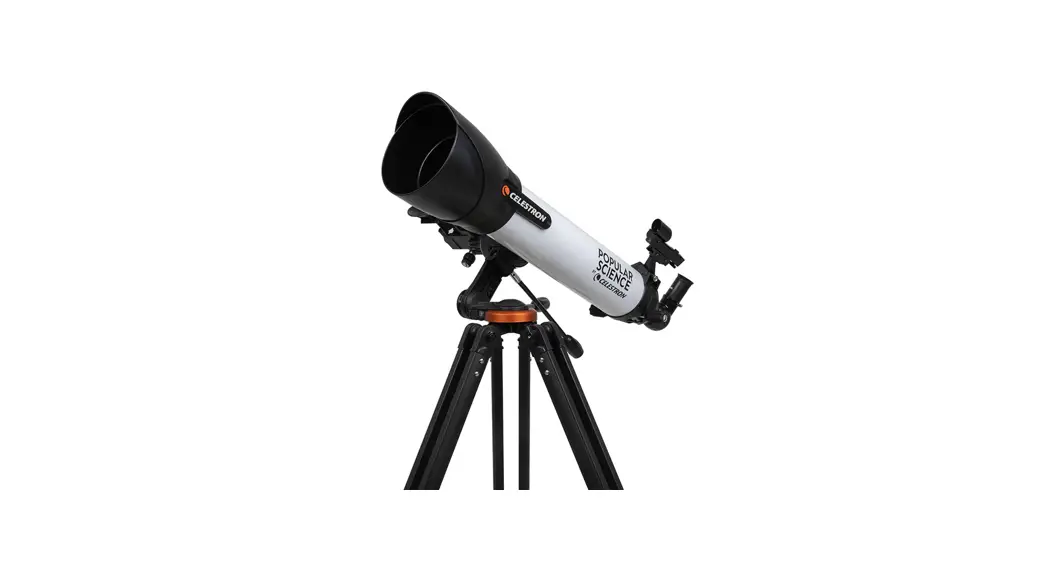
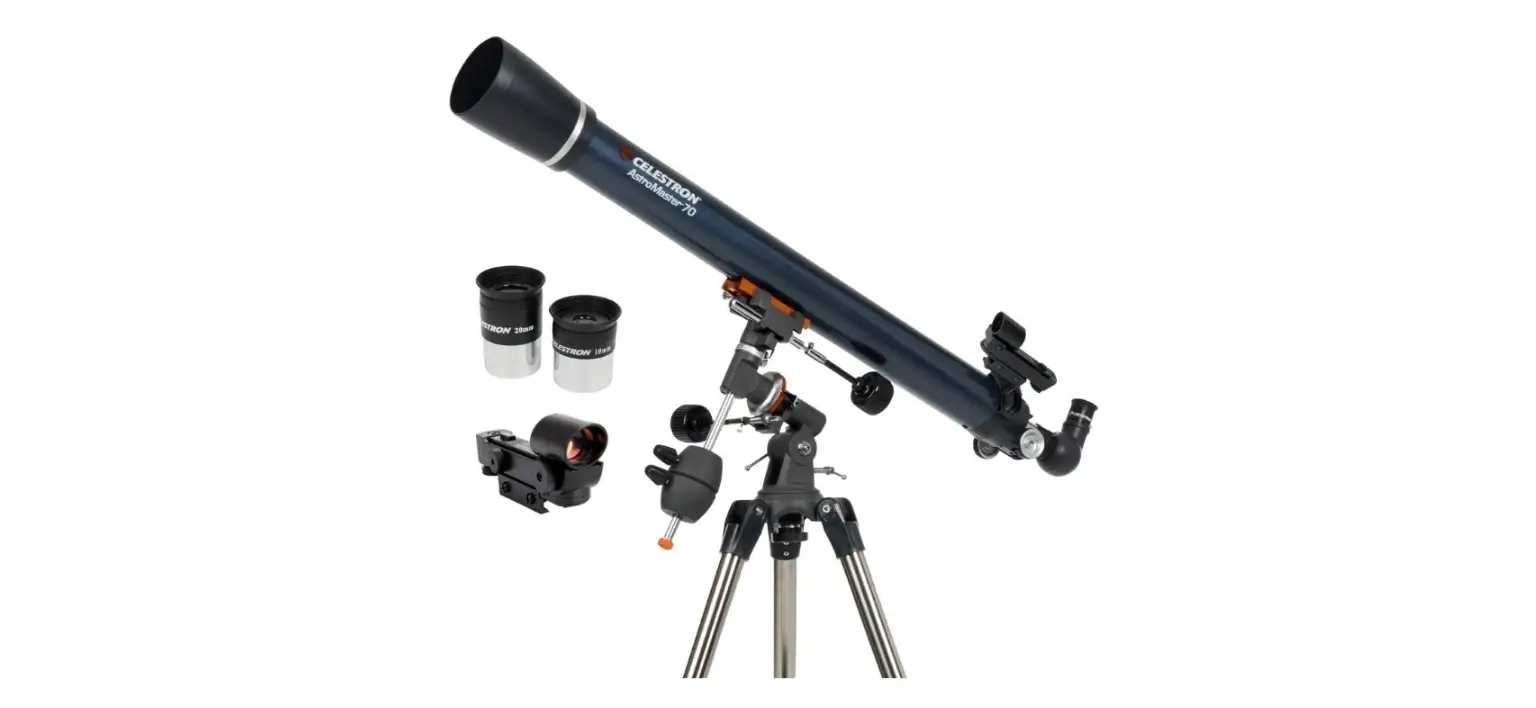
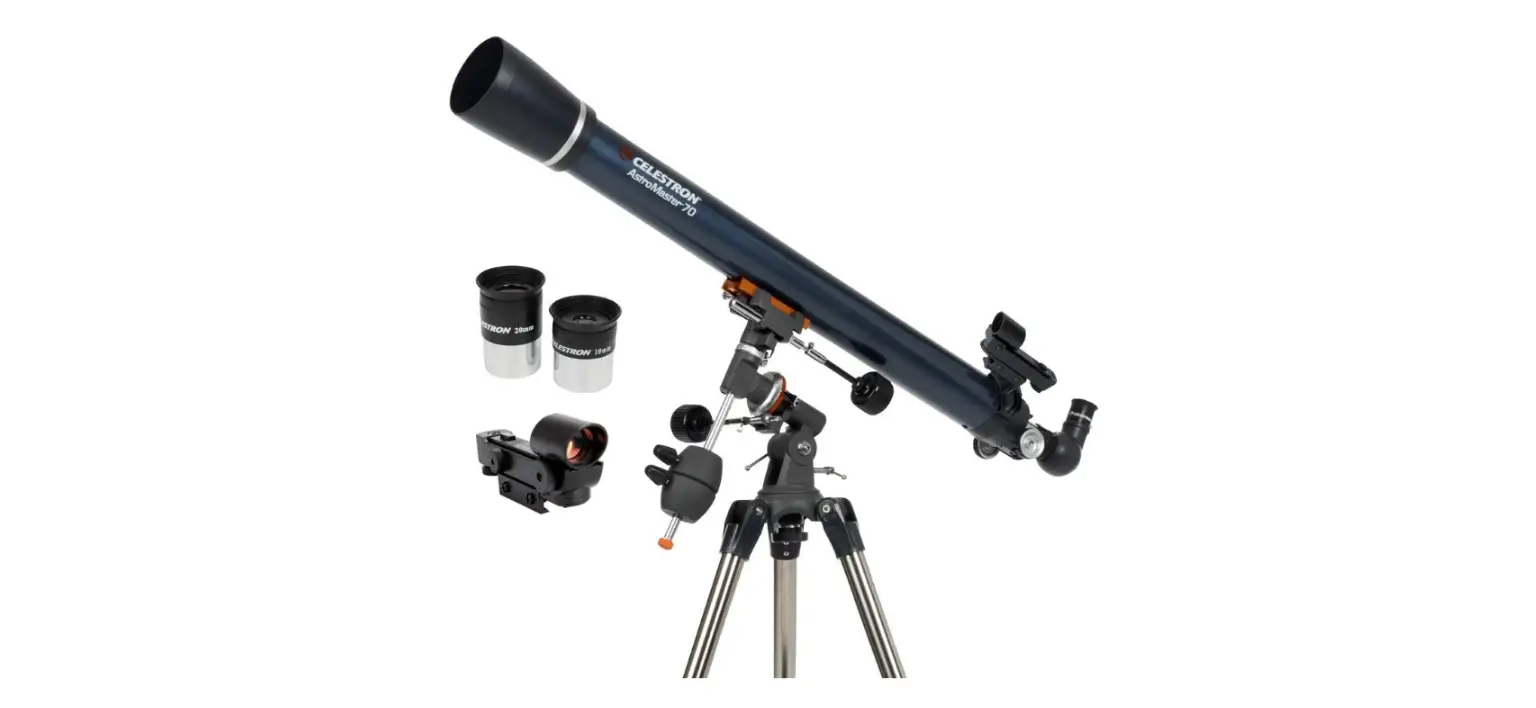
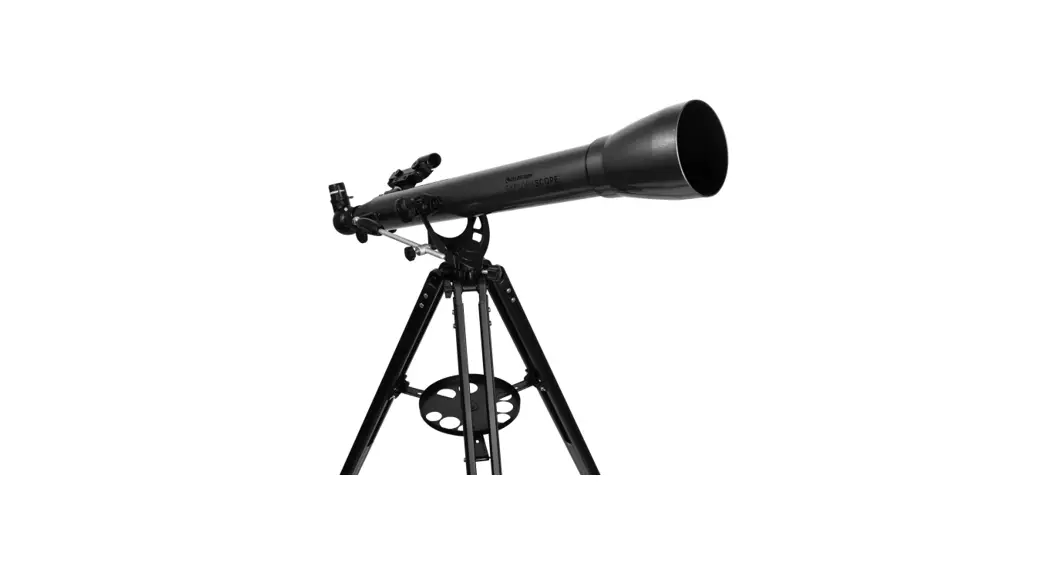
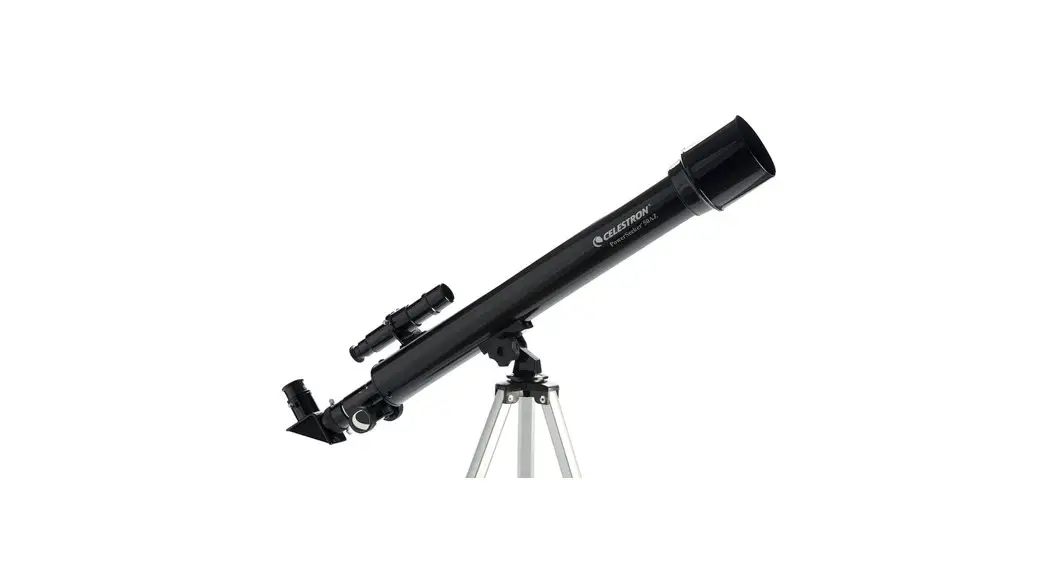
Unpack your telescope and verify that all parts are present. Your PowerSeeker 50AZ includes: optical ube w/ lens shade attached; tripod with center upport bracket and accessory tray; three yepieces; a 3x Barlow lens, star diagonal, inderscope with bracket, and a 1.5x image erecting eyepiece. | To set up the tripod, spread the legs outward until they are fully extended and push down center leg brace. | Extend the center portion of each of the three tripod legs down about 6 to 12 inches. Flip the tightening lever inward on each leg to secure the extended leg in place. |
 | ||
| Check to ensure that all three legs are the same height once extended to provide a level platform for the telescope. | To mount the accessory tray, remove the fastener from the lower support bracket. | Place accessory tray on lower support bracket and then tighten fastener. |
 | ||
| Remove the threaded bolt from the underside of the telescope tube. | Line up the hole in the mount with the holes on the underside of the optical tube as shown above. | Replace the threaded bolt to secure the optical tube to the mount. |
 | ||
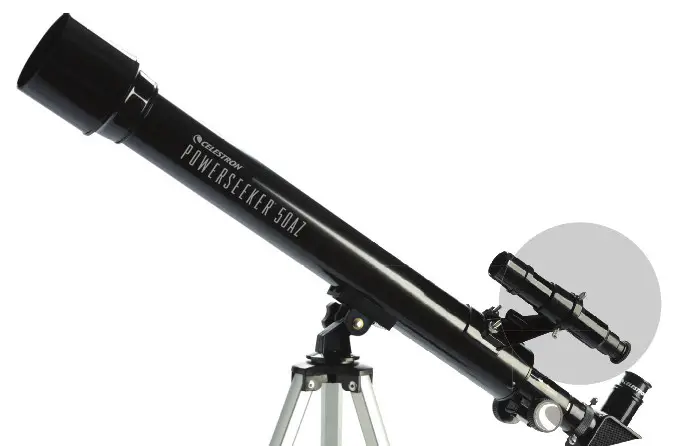
| Properly assembled the optical tube should appear as pictured above. | Remove the knurled fi nderscope nuts from the optical tube. | Orient the fi nderscope so that it is facing towards the front of the tube. Place the finderscope over the screws as shown. |
 | ||
| Replace the knurled nuts to secure in place and remove the lens covers. | Loosen the set screws on the focuser and remove the plastic cap. | Insert the diagonal into the focuser and tighten the set screws to secure in place. Remove the plastic cap on the diagonal. |
 | ||
| Place the 20mm eyepiece into the barrel of the diagonal as shown above. Tighten the set screw to secure in place. | Remove the lens cap from the front of the telescope. | To observe, look through the eyepiece as shown above. Focus the image by turning the knobs below the focuser. |
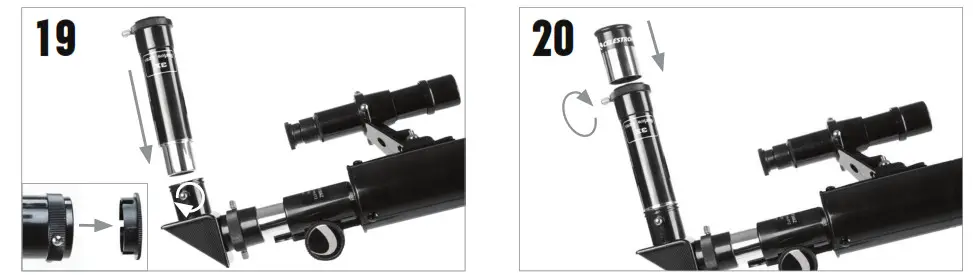 | |
| For additional magnifi cation, you can use the included 3x Barlow lens. Place the Barlow lens in the focuser in place of the eyepiece. Remove the cap from the Barlow lens. | Insert the barrel of the 20mm eyepiece into the Barlow lens and tighten the screws to secure it in place. |
ALIGNING THE FINDERSCOPE
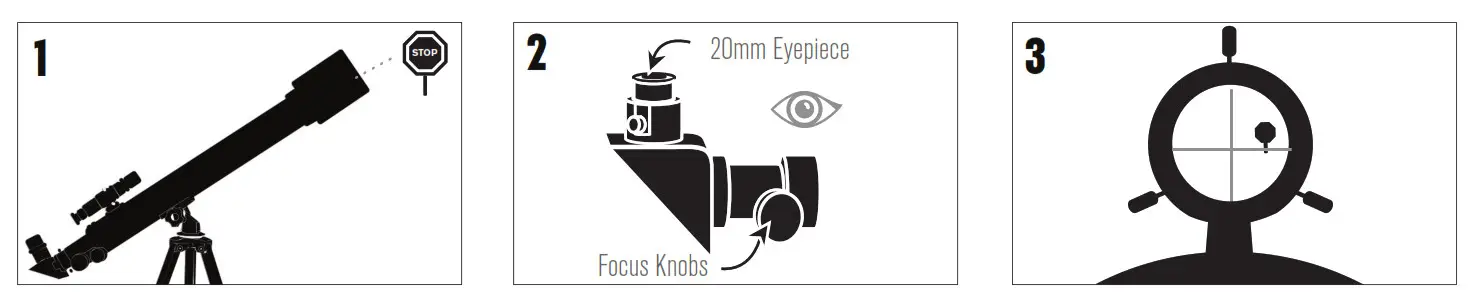 | ||
CHOOSE A TARGET | CENTER THE TARGET IN THE EYEPIECE Look through the telescope using your lower powered 20mm eyepiece. Move the telescope until the object you chose lies in the center of the view. If the image is blurry, gently turn the focus knobs on either side of the telescope until it comes into sharp focus. NOTE: The image in your telescope may appear inverted. This is perfectly normal in an astronomical telescope. | LOOK THROUGH FINDERSCOPOnce the object is centered in your 20mm eyepiece, look through the |
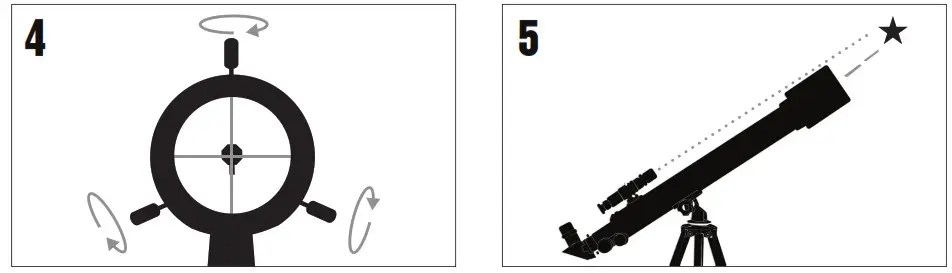 | |
| ADJUST THE FINDERSCOPE Without moving the telescope, use the three finger knobs surrounding in the fi derscope bracket to move the fi nder around until the crosshair appears over the same object you are observing in the telescope’s 20mm eyepiece. | YOUR FINDERSCOPE IS NOW ALIGNED! It should not require realignment unless it is bumped or dropped. |
TIP: Try adjusting one screw at a time. Loosen one screw by half a turn and tighten another by the same amount to ensure the fi nderscope is securely held in place.
YOUR FIRST NIGHT OUT
THE MOON
The best and easiest target for you to try to view fi rst is the Moon. Try observing the Moon at different points in its phase cycle. The best time to view the Moon is from two days after a New Moon up to a few days before a Full Moon. During this period, you will be able to see the most detail in the craters and lunar mountain ranges.

 | ||
| With the Moon visible in the sky, set up your telescope with the 20mm eyepiece installed. | Move the telescope so that it is roughly pointing toward the Moon. | Look through the fi nderscope and locate the crosshair eticle. Continue moving the telescope until the crosshair appears over the Moon. |
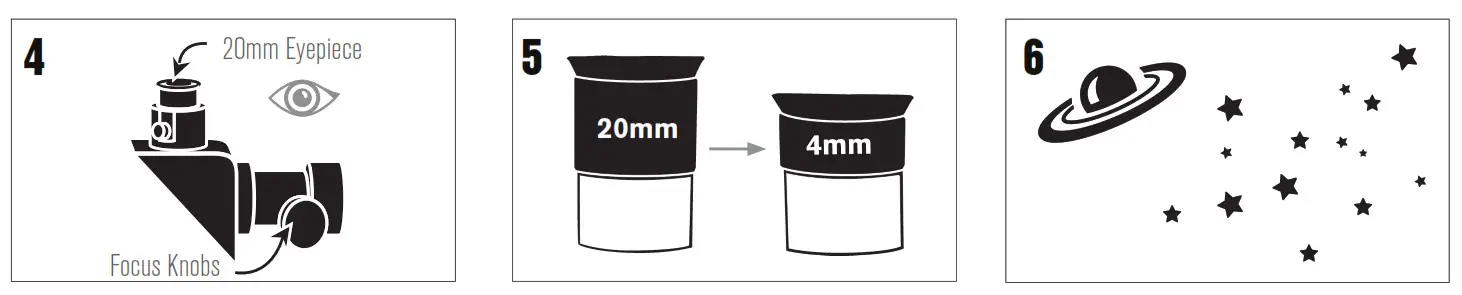 | ||
| Look through the telescope’s 20mm eyepiece. Gently turn the focus knobs to adjust the sharpness of the image. | CONGRATULATIONS! YOU HAVE NOW OBSERVED YOUR FIRST CELESTIAL OBJECT! | You can view many other celestial objects, such as planets, star clusters and nebulae using this same technique if you know where to fi nd them in the night sky. |
To get a closer view of the Moon, loosen the set screws on the focuser and remove the 20mm eyepiece. Replace it with your 4mm eyepiece and tighten the set screws to secure it in place. The 4mm eyepiece will give you signifi cantly more magnifi cation, making the Moon appear much larger.
NOTE: You may need to adjust the focus knobs when you change eyepieces, so make sure you are getting the sharpest image possible.
Celestron’s free SkyPortal app for iOS and Android can help you locate and identify a wide array of celestial objects quickly and easily.
 SOLAR WARNING
 SOLAR WARNING
- Never look directly at the Sun with the naked eye or with a telescope unless you have the proper solar fi lter. Permanent and irreversible eye damage may result.
- Never use your telescope to project an image of the Sun onto any surface. Internal heat build-up can damage the telescope and any accessories attached to it.
- Never use an eyepiece solar fi lter or a Herschel wedge. Internal heat build-up inside the telescope can cause these devices to crack or break, allowing unfi ltered sunlight
to pass through to the eye. - Do not leave the telescope unsupervised, especially when children or adults unfamiliar with the correct operating procedures of your telescope are present.
For more information on this product or to download the instruction manual, please visit the respective product page on celestron.com
©2022 Celestron. Celestron and Symbol are trademarks of Celestron, LLC. All rights reserved. Celestron.com2835 Columbia Street, Torrance, CA 90503 USA
NEED ASSISTANCE?
CONTACT CELESTRON TECHNICAL SUPPORT
celestron.com/pages/technical-support
Printed in China
 Celestron - Telescopes, Telescope Accessories, Outdoor and Scientific Products