 XIM641183-2A – 2/20
Kitchen
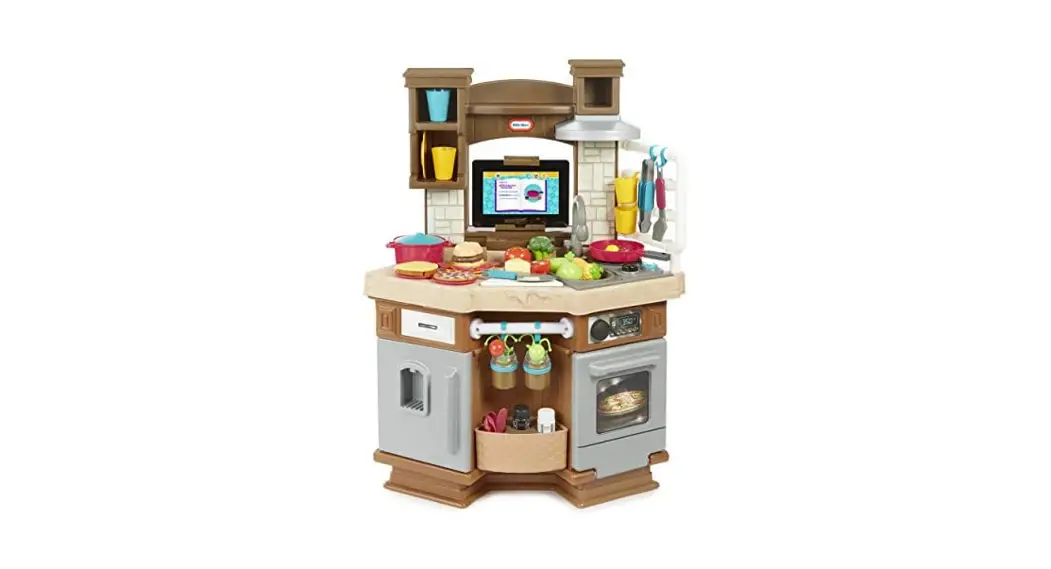
Parent Guide & Instructions
The Cook ‘n Learn Smart Kitchen™ will launch and run on all Android devices 4.3 or higher and all Apple devices running iOS7 and above. Devices must support Bluetooth LE for the app to sync with the kitchen. For a complete list of compatible devices, please go to littletikes.com/cooknlearnkitchen
 http://littletikes.com/smartkitchen
Get started!
Download the app to your tablet/mobile device by scanning the QR code or going to littletikes.com/cooknlearnkitchen
Important! Make sure your tablet/mobile device is fully charged and has a working internet connection. Be sure your kitchen has a fresh set of batteries.
To sync the kitchen with the app
Turn on your tablet/mobile device
- Be sure that the tablet/mobile device’s Bluetooth feature is turned on.
- Launch the Cook ‘n Learn Smart Kitchen™ App. The “connecting” screen appears while connecting to the kitchen (see fig.1).
- Push the “Connect” button
 located on the countertop. A green light will flash while it is searching for your tablet/mobile device.
 - When connecting screen disappears, and the green light stops blinking, you’re connected!
 located on the countertop. A green light will flash while it is searching for your tablet/mobile device.
Update the firmware on your new kitchen
Important! Do not turn off the power to the kitchen or close the app during the update process.
- Once connected, open the app and tap the Gear icon
 on the title screen and enter the numbers shown on the screen.
 - Tap “Check for updates” to locate the newest version.
- Tap “Download Firmware” to download to your tablet/mobile device. Once downloaded, tap “Install Now” to update the firmware on the kitchen (the above downloads may take a few minutes).
- The kitchen will automatically disconnect when the update finishes. Turn off the kitchen, then turn it back on and reconnect to the app. Firmware has been successfully updated.
 on the title screen and enter the numbers shown on the screen.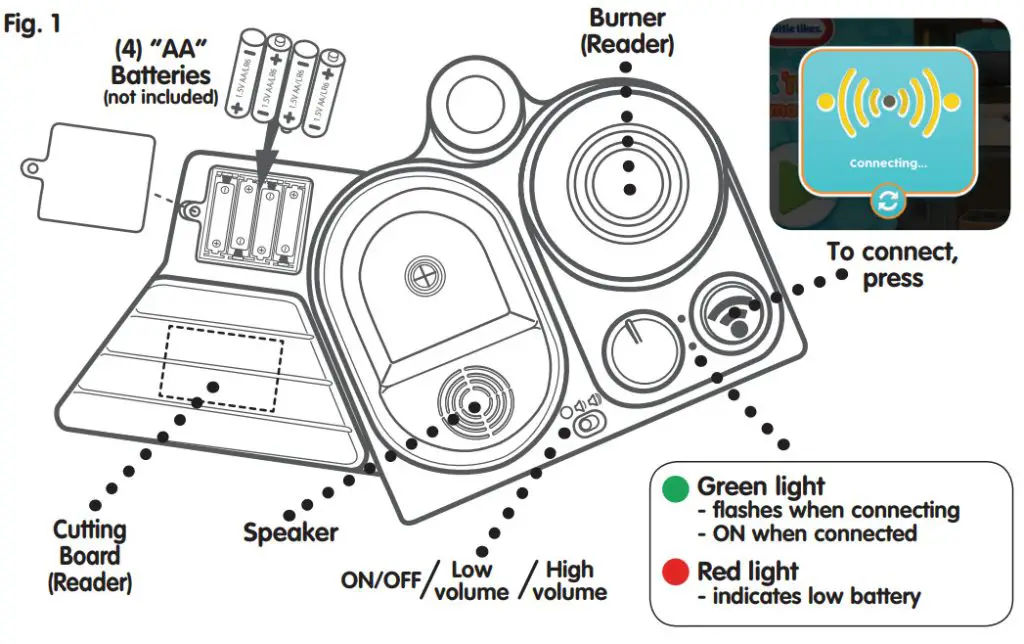
Troubleshooting
| The kitchen does not turn ON or does not respond | • Make sure batteries are correctly installed • Remove batteries and put them back in • Install new batteries |
| Kitchen behaves erratically | • Remove batteries and put them back in • Install new batteries |
| App not syncing or screen freezes | • Close out of the app. Turn kitchen OFF, then ON, reconnect with app |
| App not recognizing an object | • Check to be sure it is an item with an RFID chip • Be sure the item is placed correctly on the burner or cutting board |
 |  |
App Play
Remember to sync the kitchen with the app every time you play!
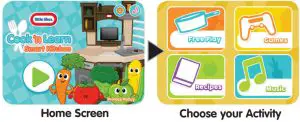
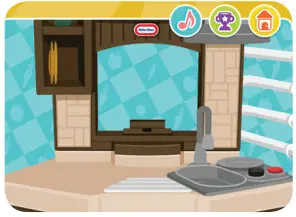 | Free Play As kids engage in traditional role-play, the app recognizes and responds to the items they are using with fun animation, encouraging phrases, and interesting food facts. |
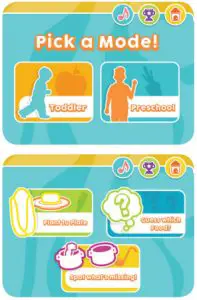 | Games There are both Toddler or Preschool modes and three different games to play in the app. • Plant to Plate – Follow the steps shown on the app by getting your food from plant to plate before time is up! • Spot What’s Missing – Compare two kitchen pictures on the app to spot what’s missing. Then place the missing items on the cutting board to see if you are correct! • Guess Which Food? – The app’s host gives clues to help you guess the food he’s thinking of. Once you think you’ve got it, the app will tell you’ve gotten it right! |
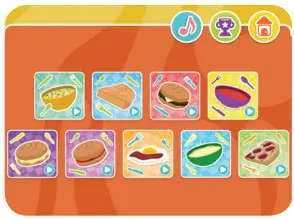 | Recipes Open the app’s recipe book and follow the steps to make one of many delicious meals! |
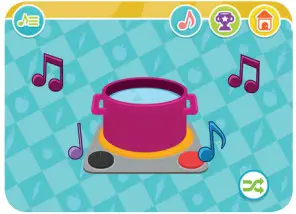 | Music Choose from classic nursery tunes, each with special written lyrics that teach letters, numbers, and how different plants grow and become food! |
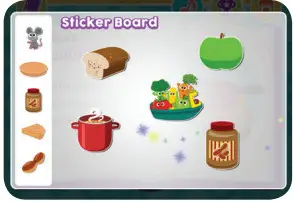 | Reward Fun! Keep track of your progress with fun stickers and trophies! |
The Farmer Plant Some Seeds The farmer plants some seeds The seeds grow into food The food goes on our plate And now our song is done Have You Seen the Frying Pan? Have you seen the frying pan, Yes, I’ve seen the frying pan, Have you seen the chopping knife, Yes, I’ve seen the chopping knife, Have you seen the vegetables, Yes, I’ve seen the vegetables, ABC A B C D E F G… H I J K… L M N O P… Q R S… T U V… W X Y and Z! I like that it’s good for me! | Here We Go Making Food Here we go making food All in the kitchen tonight Stir with your right hand in Stir with your left hand in Ten Yummy Treats One yummy, two yummy, three yummy treats to eat. Ten yummy, nine yummy, eight yummy treats to eat. Wash, Wash, Wash Your Plate Wash, wash, wash your plate These 7 lines are sung like the first one: Wash, wash, wash your pot Into the Garden! Let’s grow some veggies and fruit First, we’ll rake away the weeds Let’s grow some veggies and fruit Lots of suns are what they need Let’s grow some veggies and fruit | I’m Cookin’ A Stew I’m cookin’ a stew I’m adding some apples and some tomatoes I’m adding some corn and broccoli too A little dash of salt Next, I grab the ladle I Love to Eat I love to eat tomatoes! I love to eat apples! I love to eat broccoli! I love to eat corn! I love to eat carrots! I love to eat hamburgers! I love to eat cheese! I love to eat pizza! I love to eat eggs! I love to eat pie! |