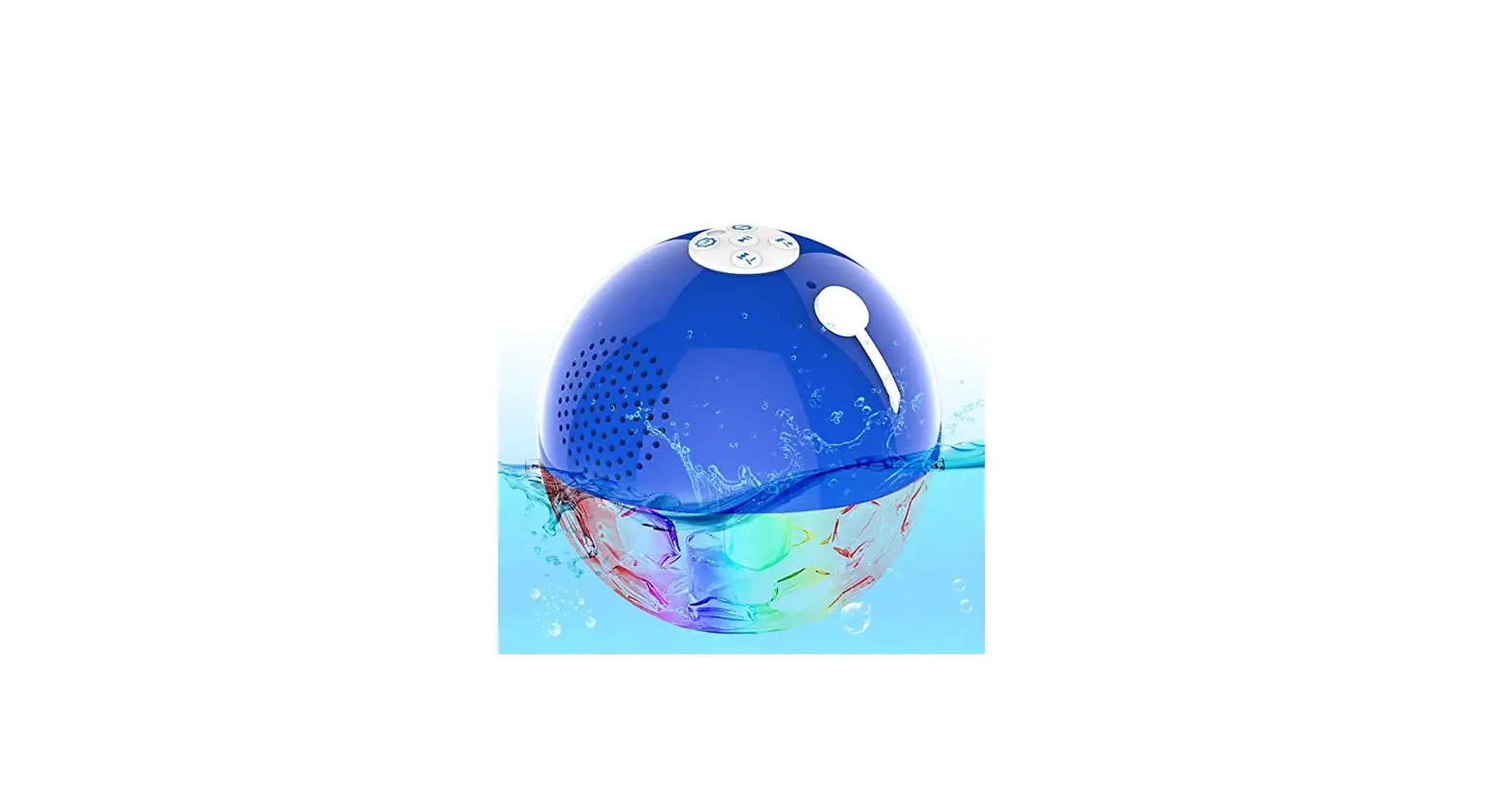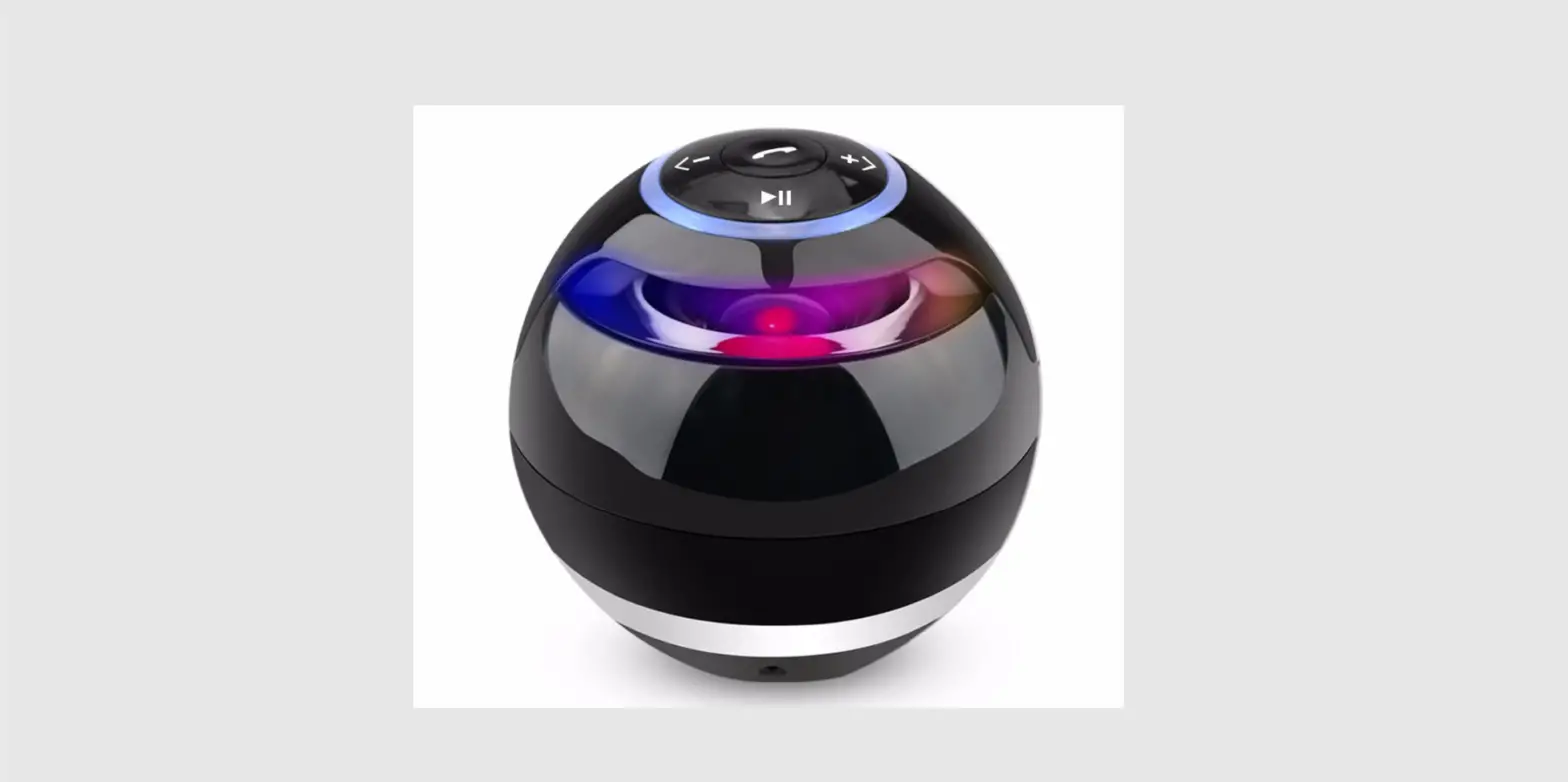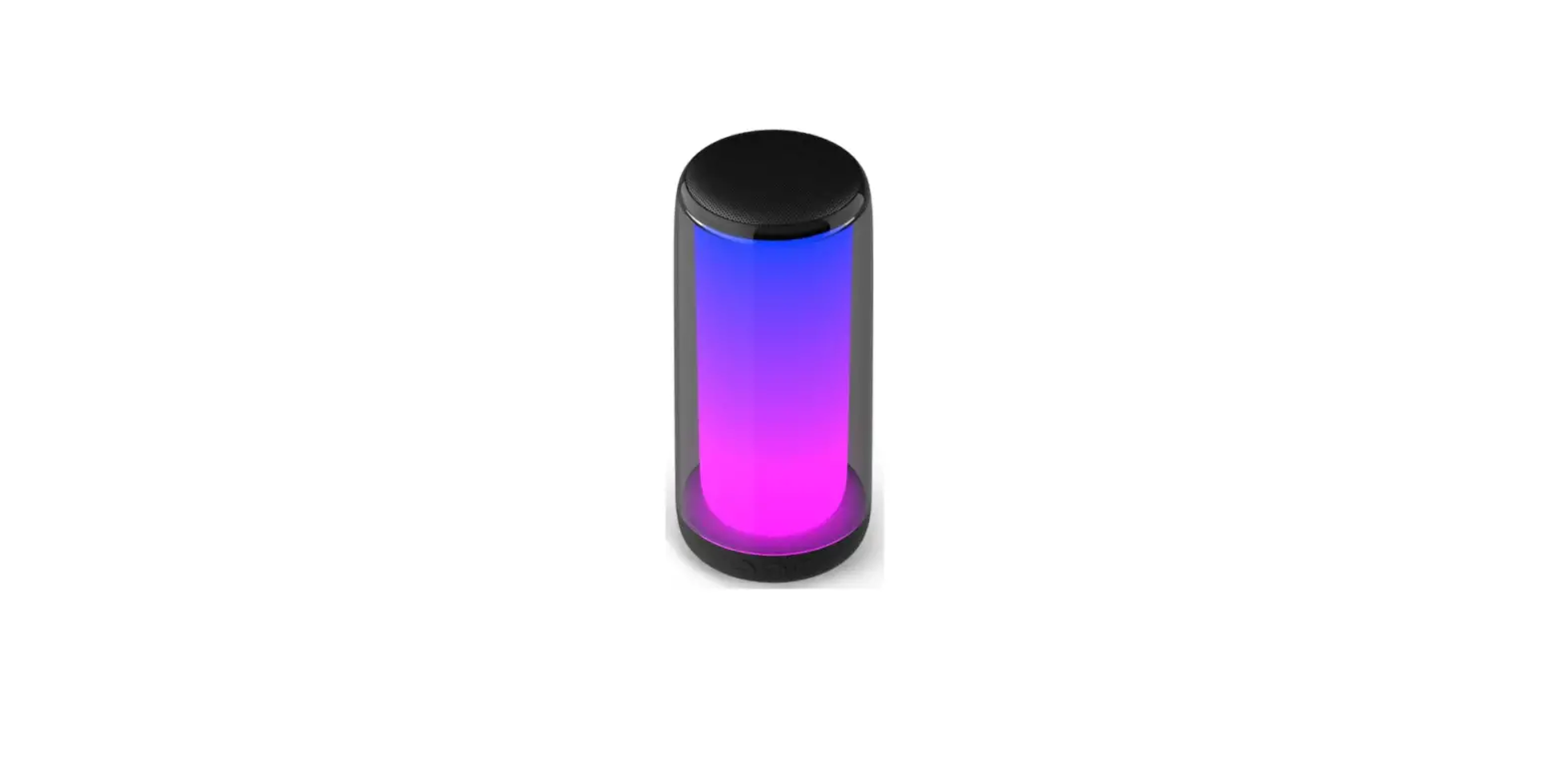

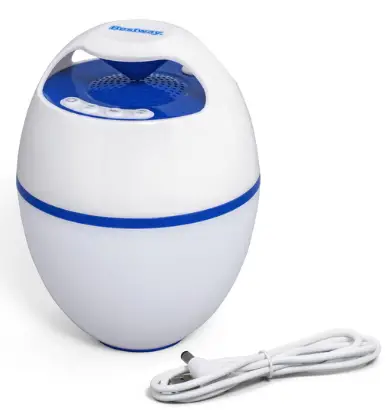
Bestway 58700 Floating LED Bluetooth Speaker
WARNING
READ AND FOLLOW ALL INSTRUCTIONS SAVE THESE INSTRUCTIONS The light source/battery of this luminaire is not replaceable; when the light source/battery reaches its end of life the whole luminaire shall be replaced. The power source should meet limited power source or PS2 requirements according to IEC 62368-1. Please take attention that changes or modification not expressly approved by the party responsible for compliance could void the user’s authority to operate the equipment. This equipment complies with IC RSS-102 radiation exposure limits set forth for an uncontrolled environment. This equipment should be installed and operated with minimum distance 20cm between the radiator & your body.
DISPOSAL
Electrical products should not be disposed of with household waste. Please recycle where facilities exist. Check with your local authority or retailer for recycling advice.
WHATS IN THE BOX
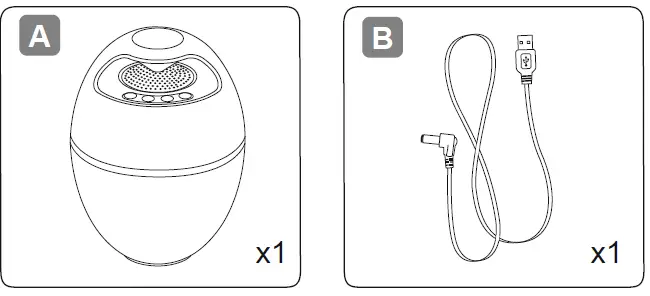 ©2022 Bestway Inflatables & Material Corp.
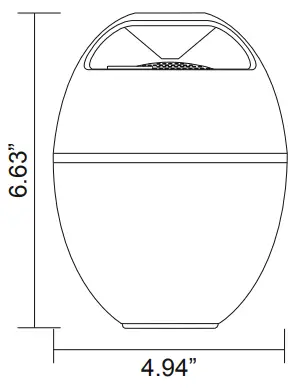
DIMENSIONS
PRODUCT SPECIFICATIONS
| Bluetooth version | V5.1, compatible V4.2 and V2.1+ED |
| Battery capacity | 2500mAH lithium battery 3.7V |
| Working hours | MAX: 6 hrs |
| Frequency | 2402MHz-2480MHz |
| Protocol | A2DP/AVRCP/HFP/SPP/GAT |
| Communication distance | 10-15 meters (32.8-49.2 ft.) |
| Speaker | Mono mixing output 4Ω6W, high- fidelity waterproof speaker (Φ57mm) |
| Dimensions | 4.94’’ x 4.94’’ x 6.63’’ |
| LED light | Yellow, Green, Red, Blue |
| LED mode | 8 modes |
| Waterproof | IP67 |
| Max. ambient | 50°C |
| Max RF output power: | <10dBm |
CHARGING
Connect the included USB cord to the USB port and plug it into a 5V USB outlet and the DC jack to the CT602. During charging, the LED indicator light will remain red. When the battery is full, the LED indicator will turn green. Hold down the multifunction button for 3 seconds to power on. Wait until the blue light flashes, then open the bluetooth mode on your smartphone and select “CT602” to pair the device. It’s now paired. You can broadcast your music! If not, start again or relaunch the CT602.
NOTE:
- Use the included cable and respect the voltage!
- Please charge before use.
- Before inserting the charger, dry the charging port
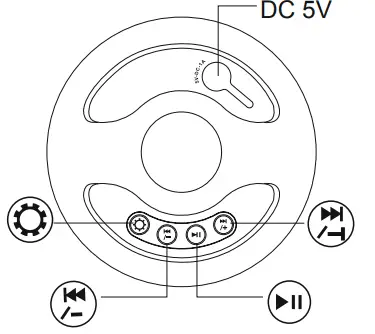
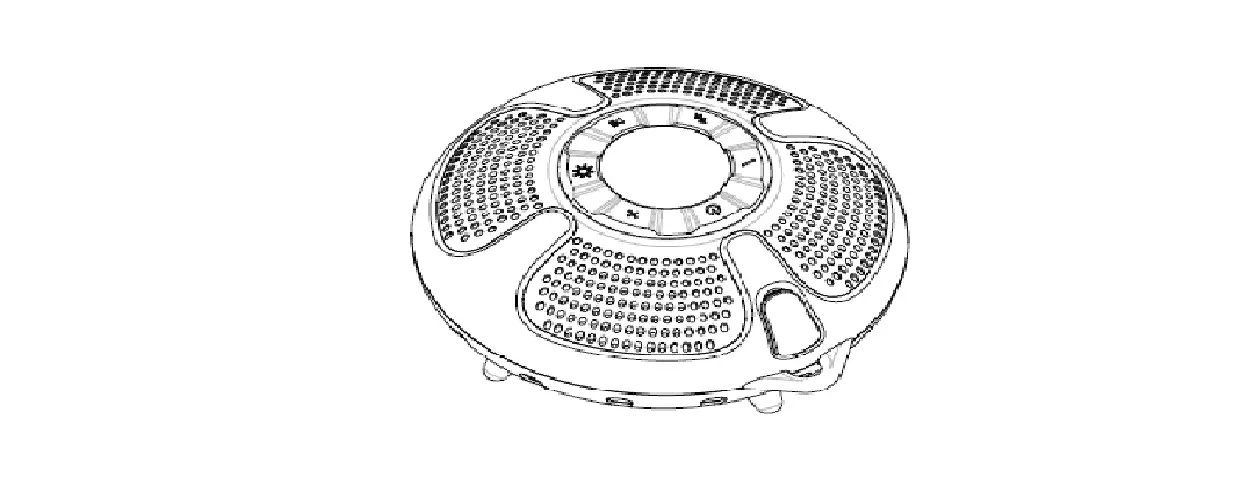
 Multifunction Button:
- Hold the button down for 3 seconds to power on, and hold again for 3 seconds to power off.
- When playing music, press this button to pause music, and press again to continue playing music.
- When a call is incoming, press the button to answer the phone, and push again to hang up the call.
 “Volume – and Previous” Button:
Press the button to play the previous track, and hold the button down to reduce the volume.
 “Volume + and Next” Button:
Press the button to play the next track, and hold the button down to increase the volume.
 Light Mode Button:
- Press to switch through the different LED modes.
- Hold down the light button for 5 seconds to remove Bluetooth pairing.
BLUETOOTH PAIRING SETTINGS
Hold down the multifunction button for 3 seconds to power on. Wait until the blue light flashes, then open the bluetooth mode on your smartphone and select “CT602” to pair the device. It’s now paired. You can broadcast your music! If not, start again or relaunch the CT602.
©2022 Bestway Inflatables & Material Corp. Bestway Inflatables & Material Corp., Shanghai, China Manufactured, distributed and represented in the European Union by Bestway Europe S.p.a., Via Resistenza, 5, 20098 San Giuliano Milanese (Milano), Italy www.bestwaycorp.com
 Home Page