 MIEGO Charge One Wireless Charger
 MIEGO Charge One Wireless Charger
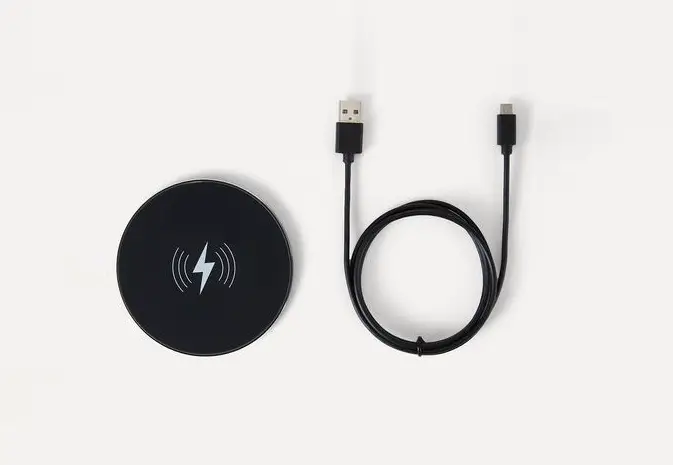
SETTING UP YOUR MIIEGO CHARGE ONE
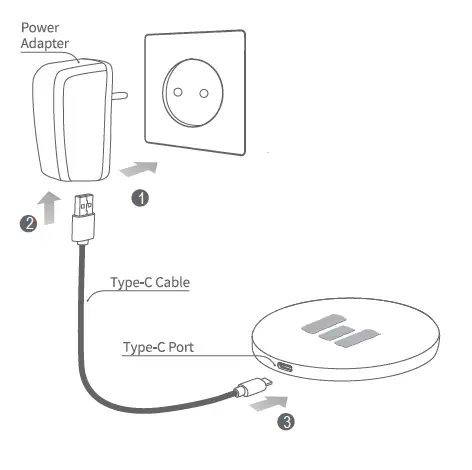
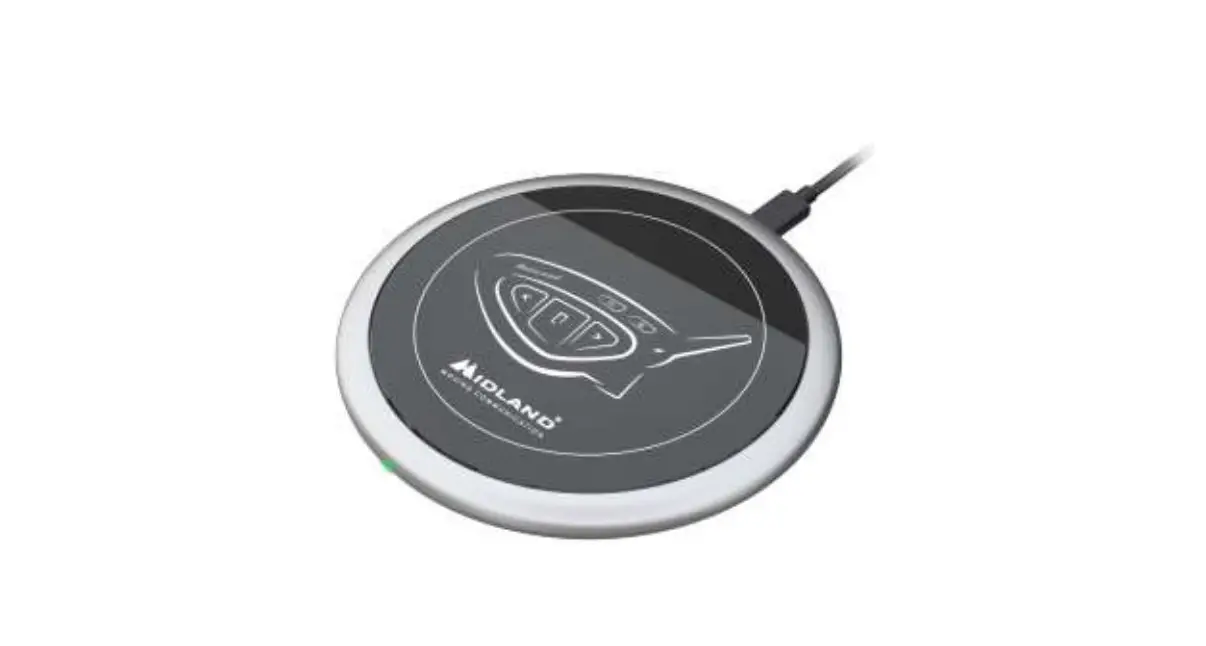
- Connect the power adapter (not included) to a power outlet.
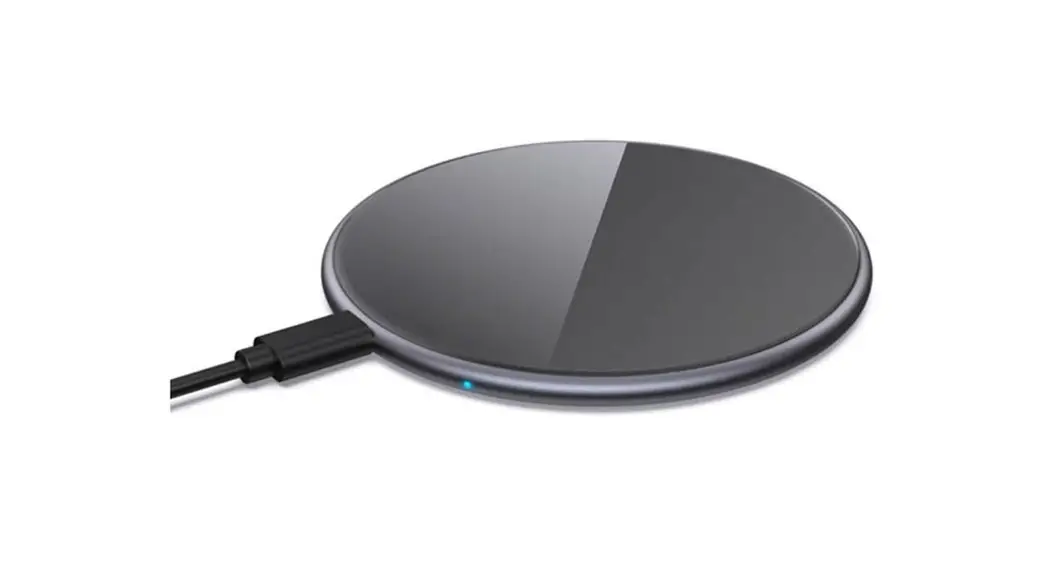
- Connect the power adapter to your CHARGE ONE using a USB Type-C cable.
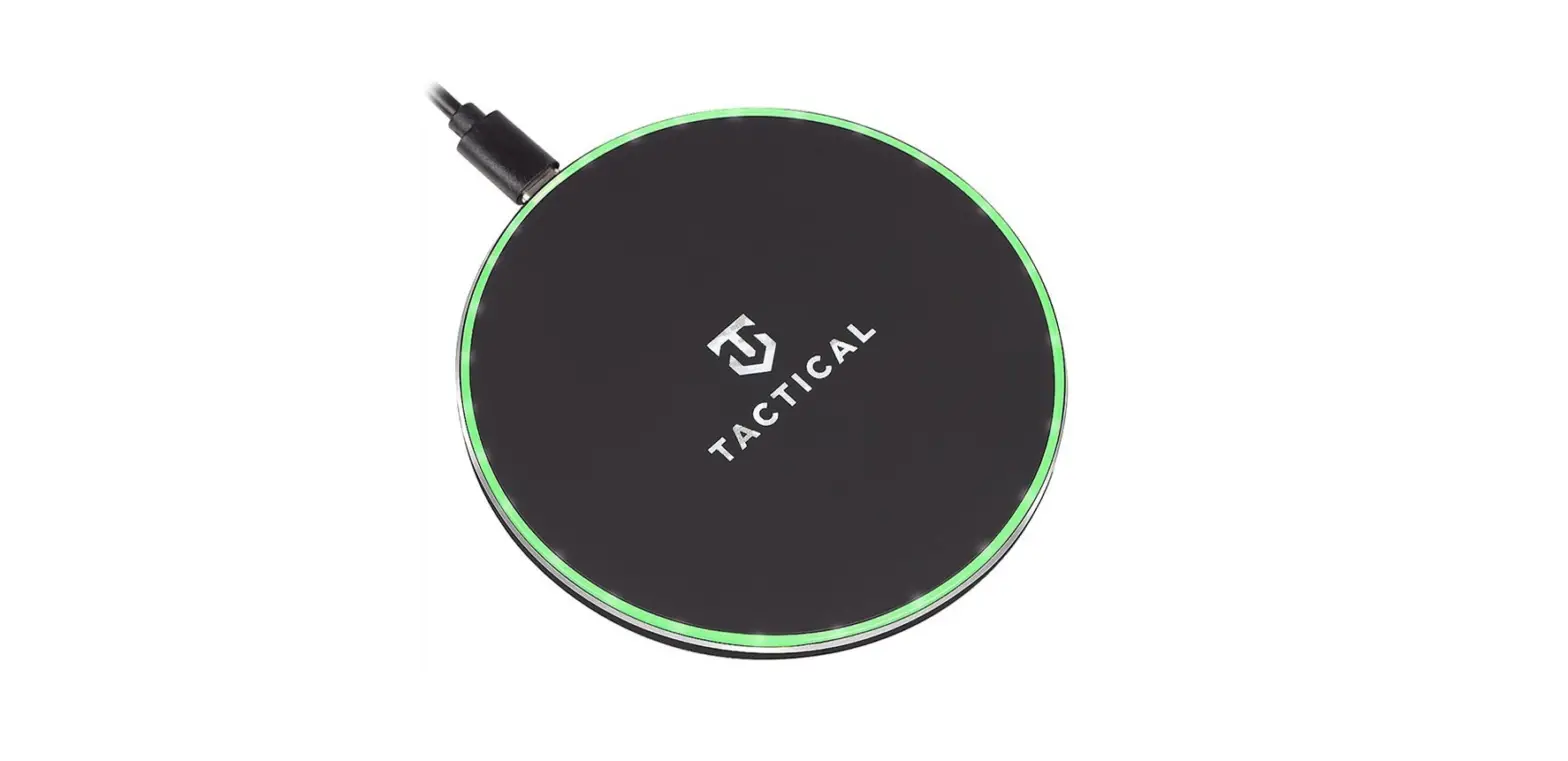
- The standby indicator will light up in green upon connection.
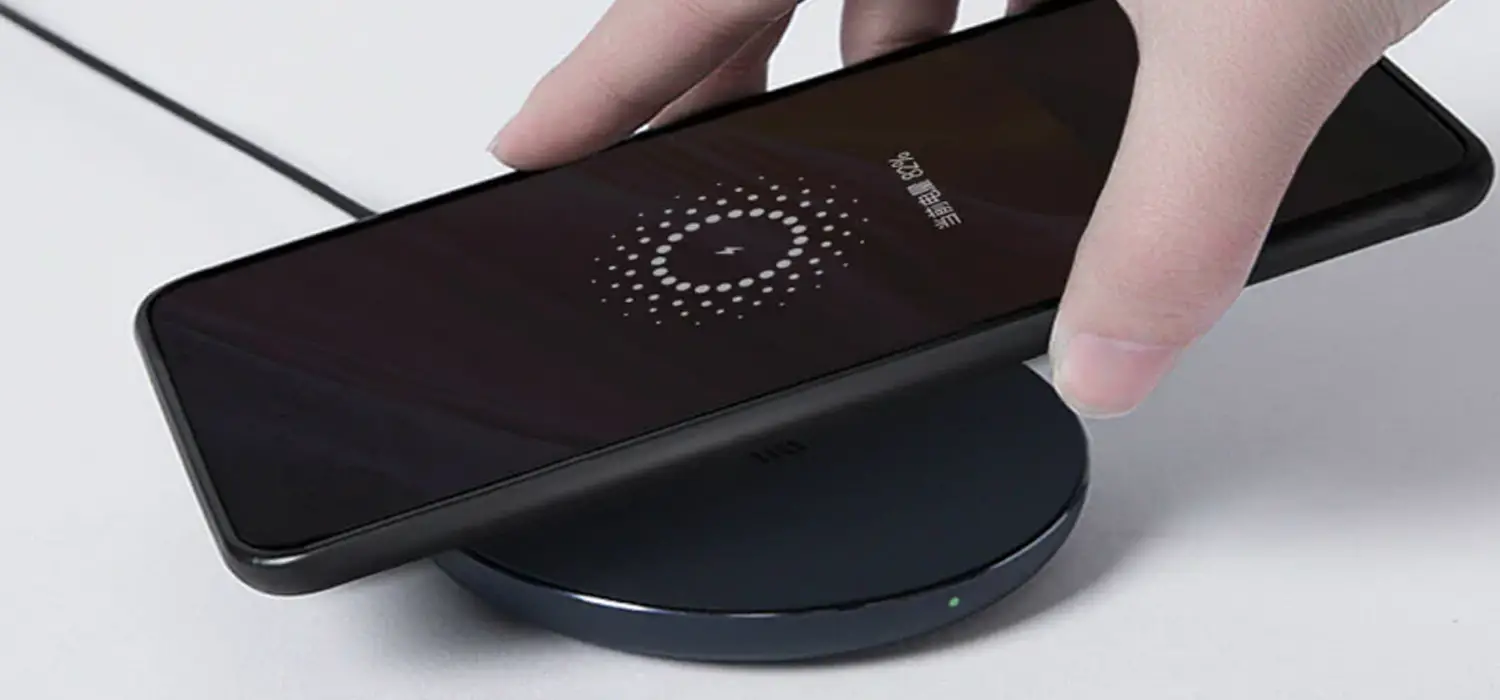
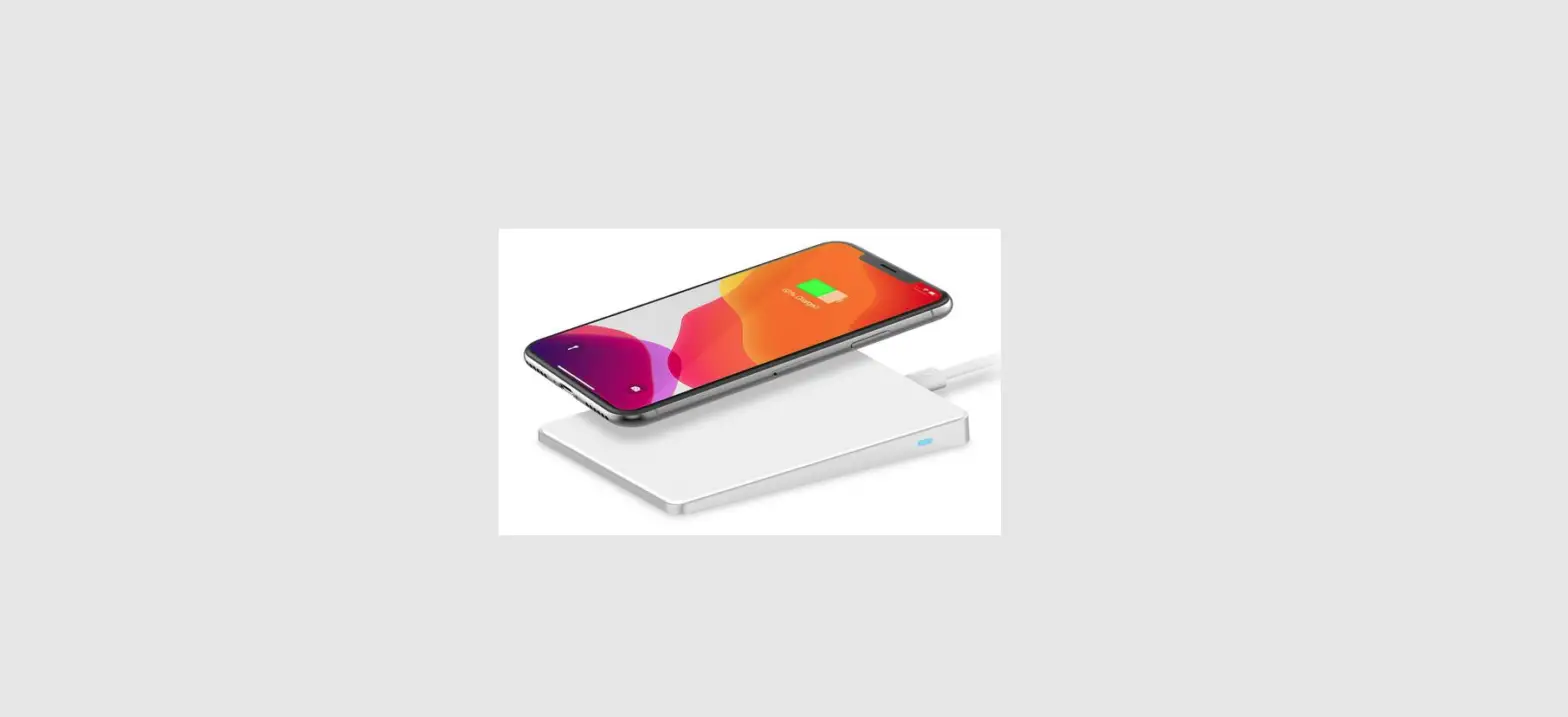
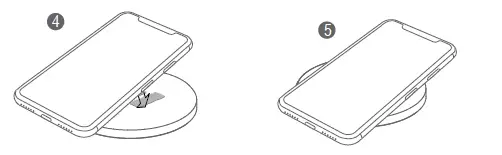
- Place your Qi-enabled device on the CHARGE ONE Please note that removing your phone’s case/cover may be necessary to ensure a proper charging connection.
- The indicator light will light up in blue to let you know it’s charging.

SPECIFICATIONS
- Input: 5V DC, 2A // 9V DC, 1,67A
- Operating Frequency: 110~205kHz
- Dimensions: Ø99 x 10mm
- Maximum Charging Distance: 10mm
CARE, MAINTENANCE, & SAFETY
- Please retain this Quick Start Guide for future reference.
- The product is for indoor use only and is not a toy.
- Do not drop.
- Do not disassemble and do not expose to fire or water.
- Do not use in severely hot, humid, or corrosive environments
- Keep away from magnetic stripe and chip cards (ID, bank cards, etc.)
- To avoid potential interference, please keep a distance of 20 cm or more from implantable medical devices at all times. (Pacemakers, cochlear implants, etc.)Model No.:
CHARGE ONE, 14001 Designed in Denmark. Produced in China.
MIIEGO A/S Sintrupvej 2 8220 Brabrand
Denmark tel: +45 70 277 887
 MIIEGO - Active Lifestyle Audio