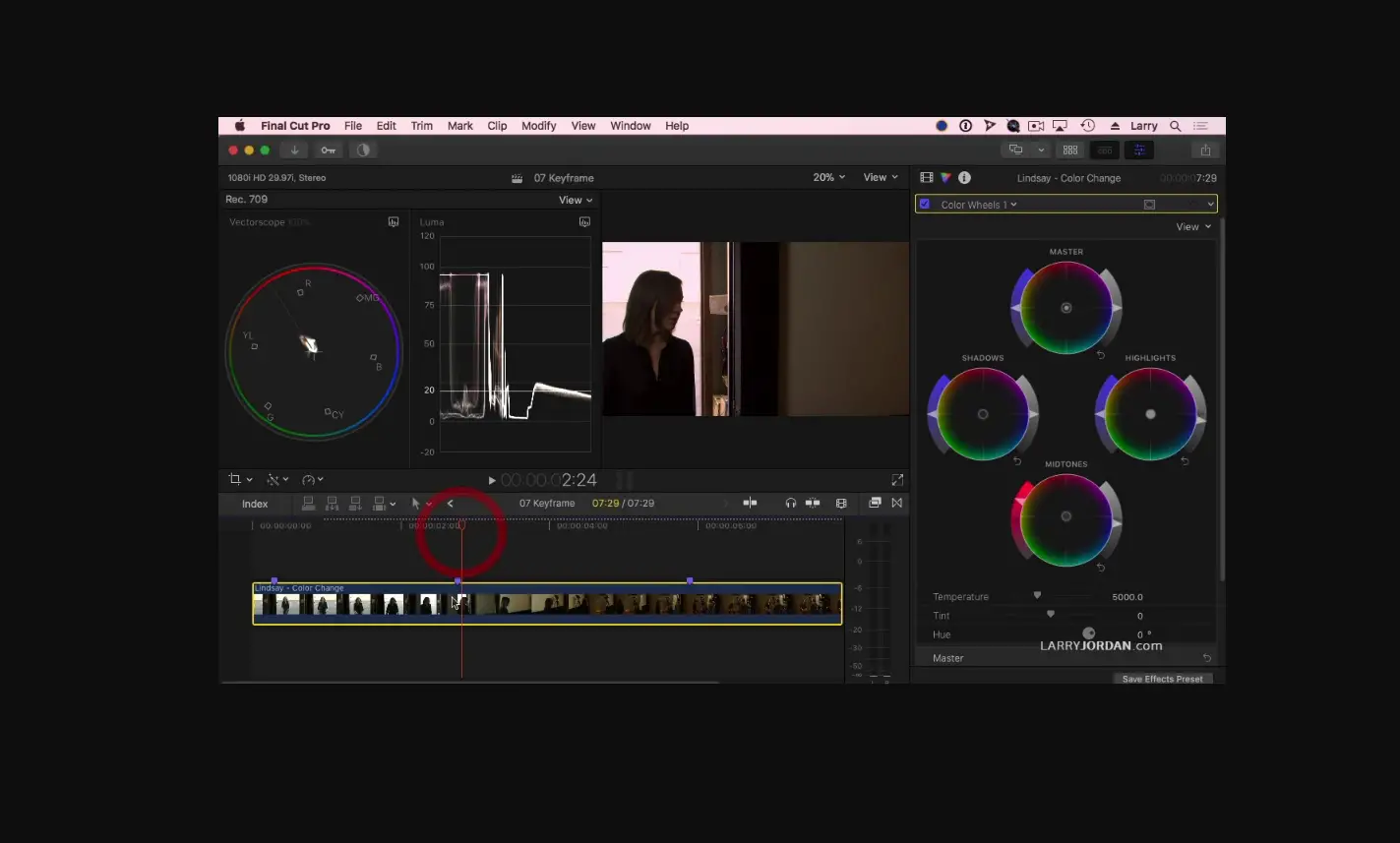
If your Final Cut Pro video appears to have a color shift when viewed in QuickTime Player
If HDR video recorded with an iPhone 12 has extreme contrasts between scenes, you’ll see a color shift.
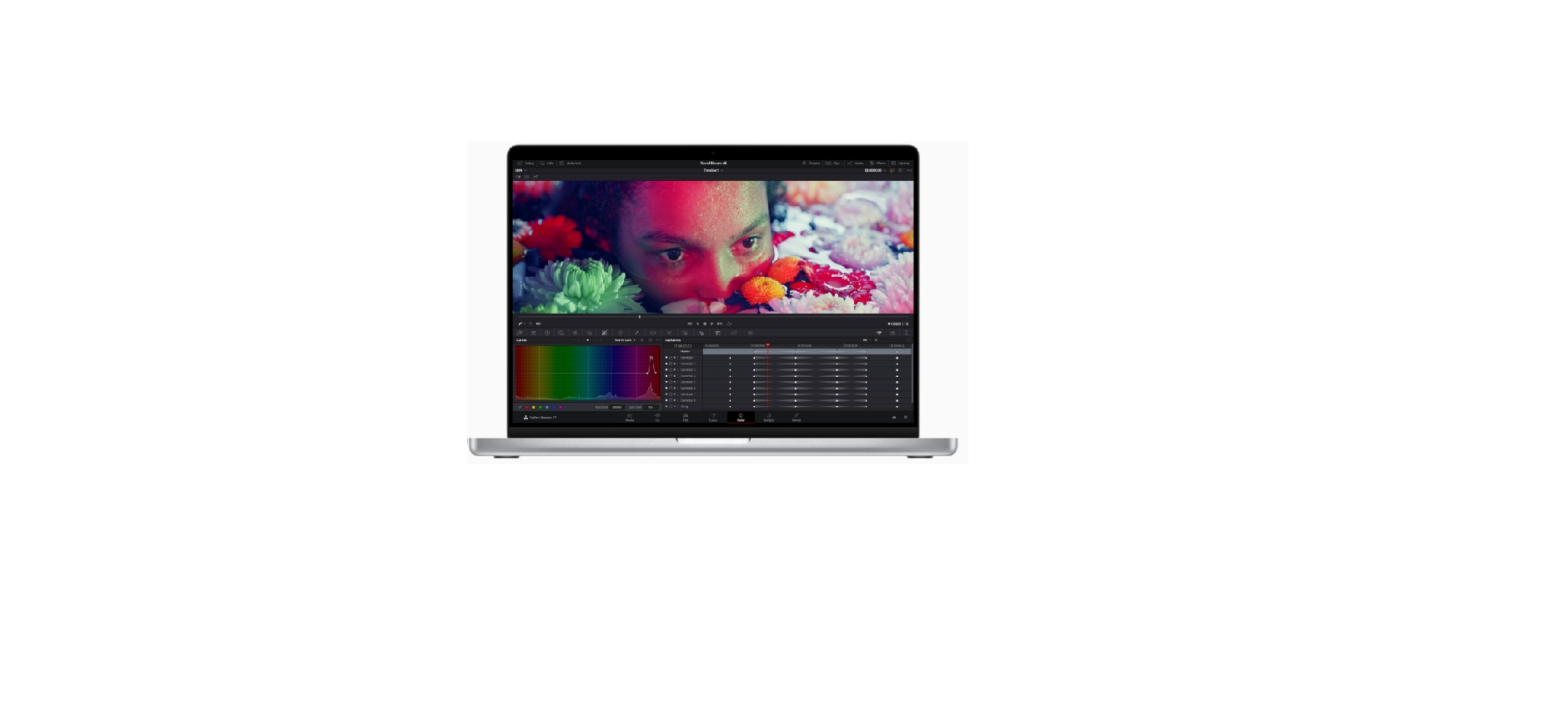
When you share a video that includes Dolby Vision HDR media recorded with an iPhone 12 from Final Cut Pro to Apple devices, it might appear to have a color shift when viewed in QuickTime Player. This can happen if your media has extreme contrast between scenes.
To improve the look of your project when viewed in QuickTime Player—for a quality control review of a project for example—export the media as a Master File, then choose an HLG color space when setting share options.
Published Date: