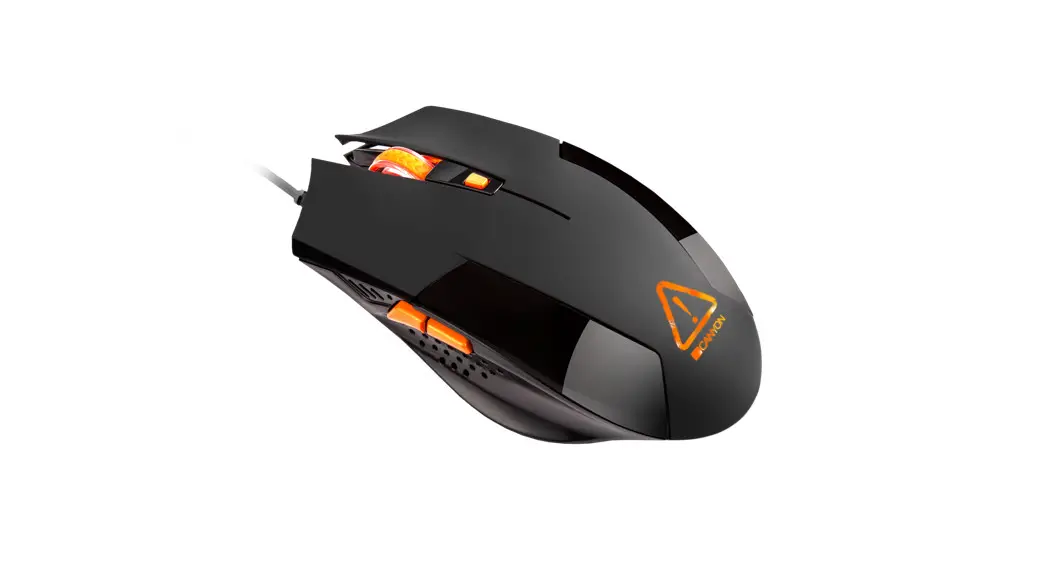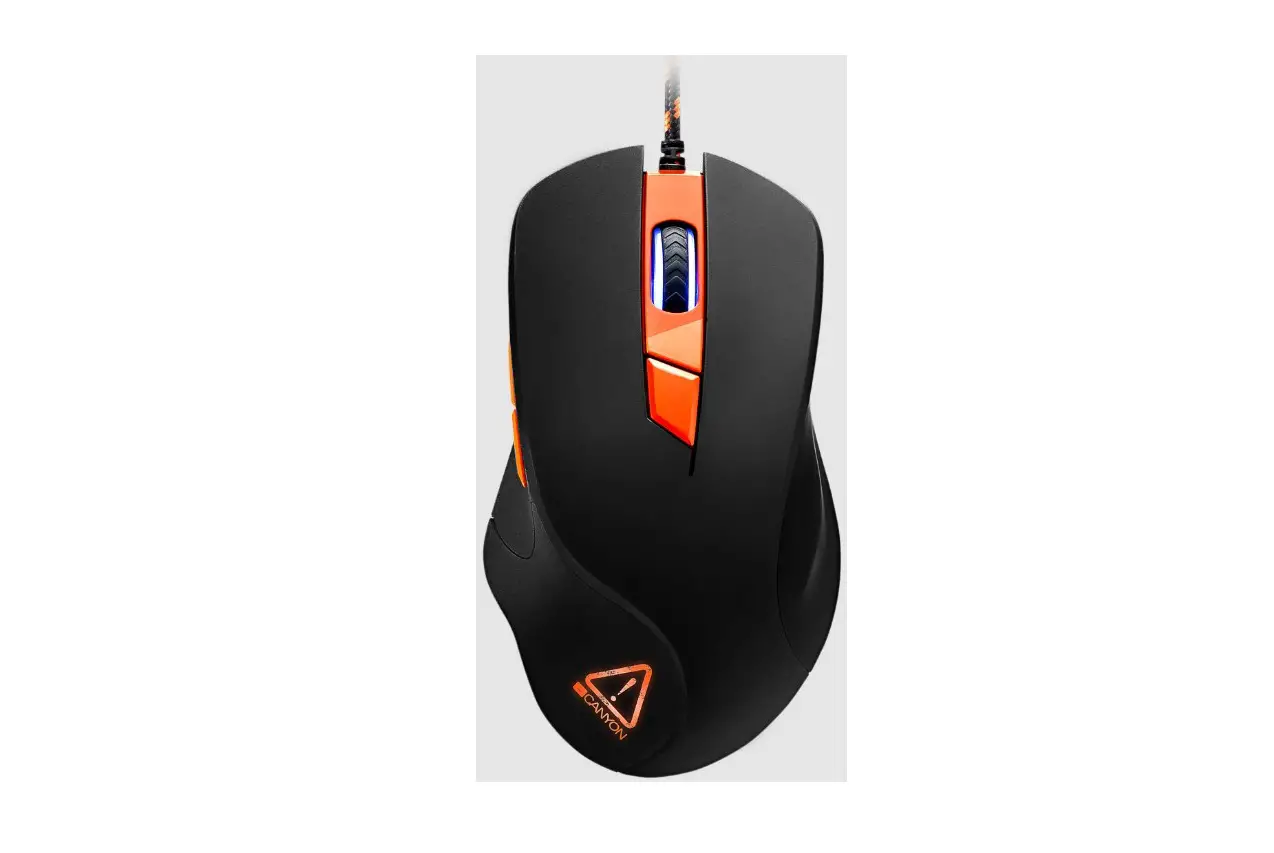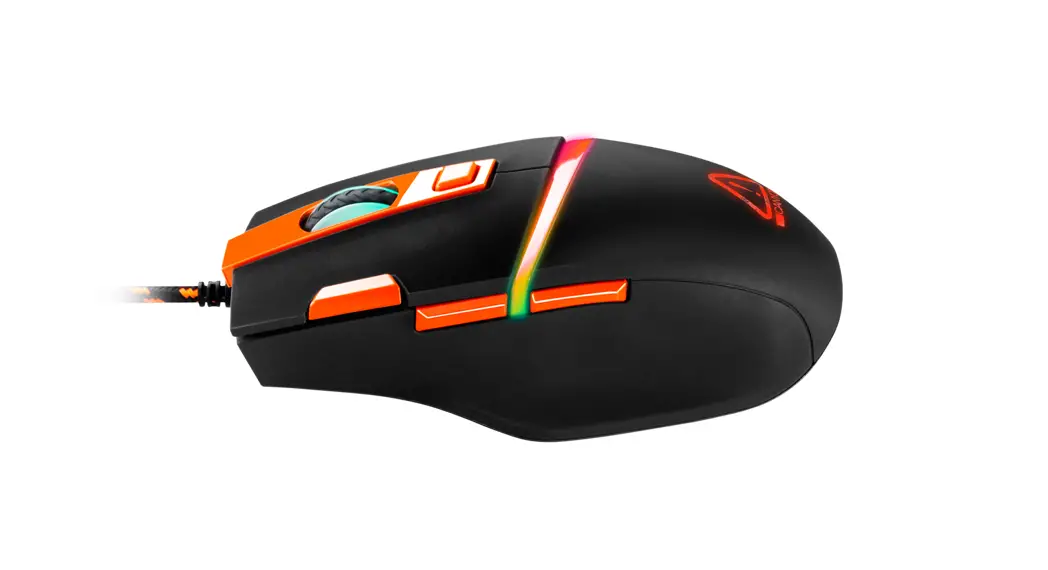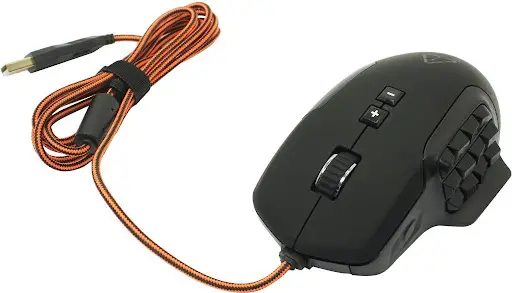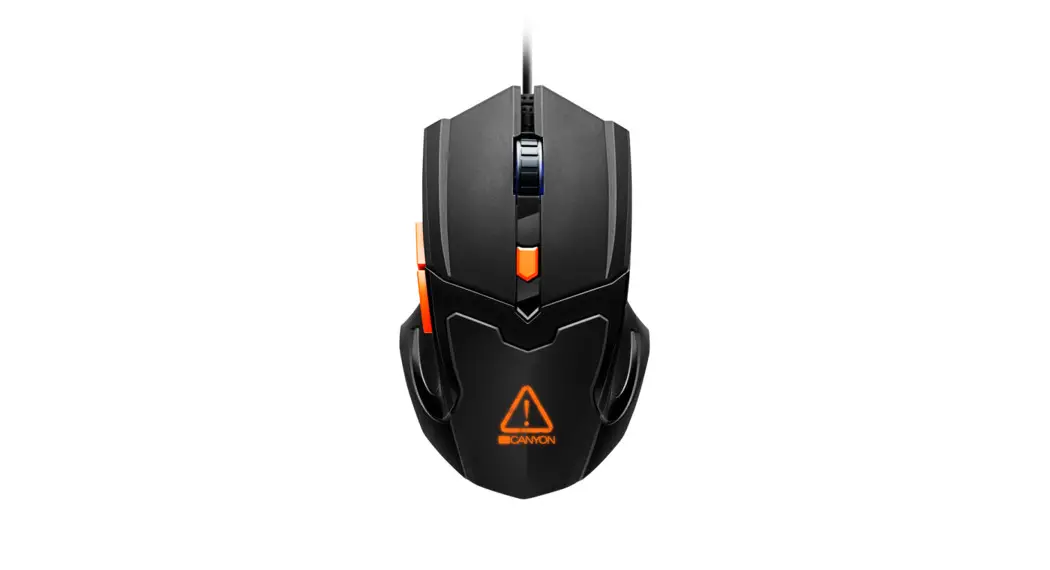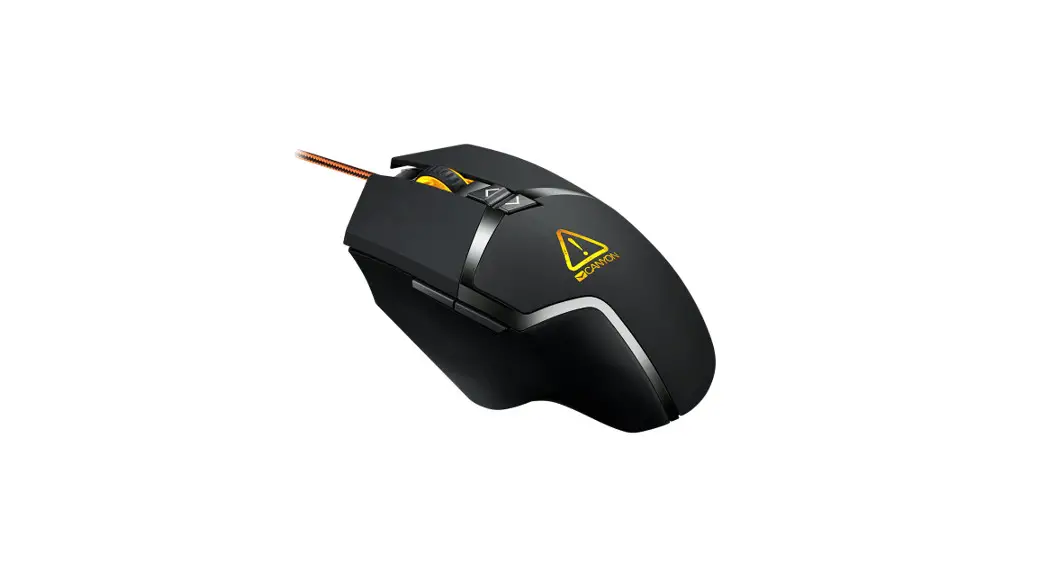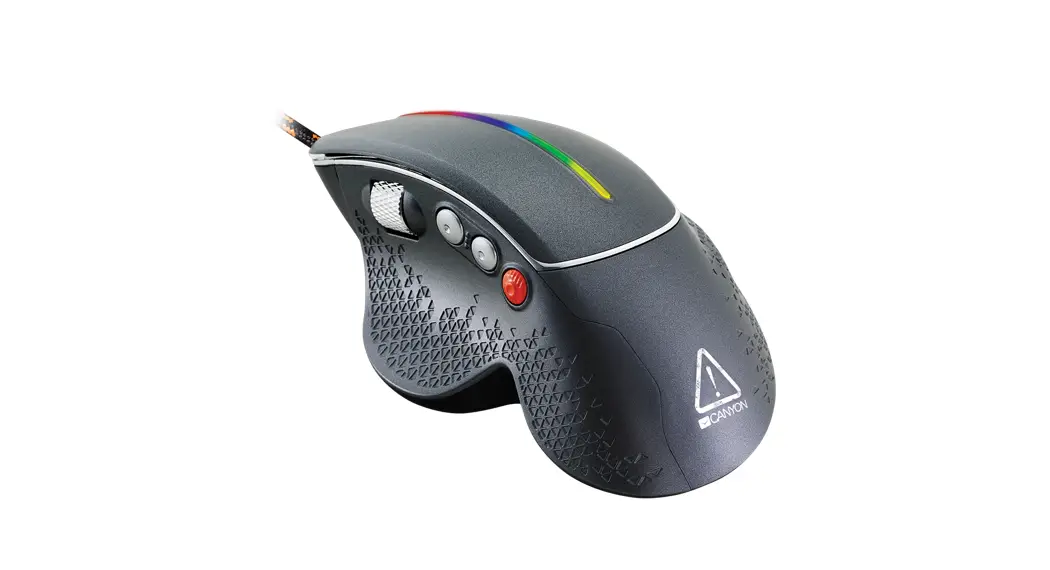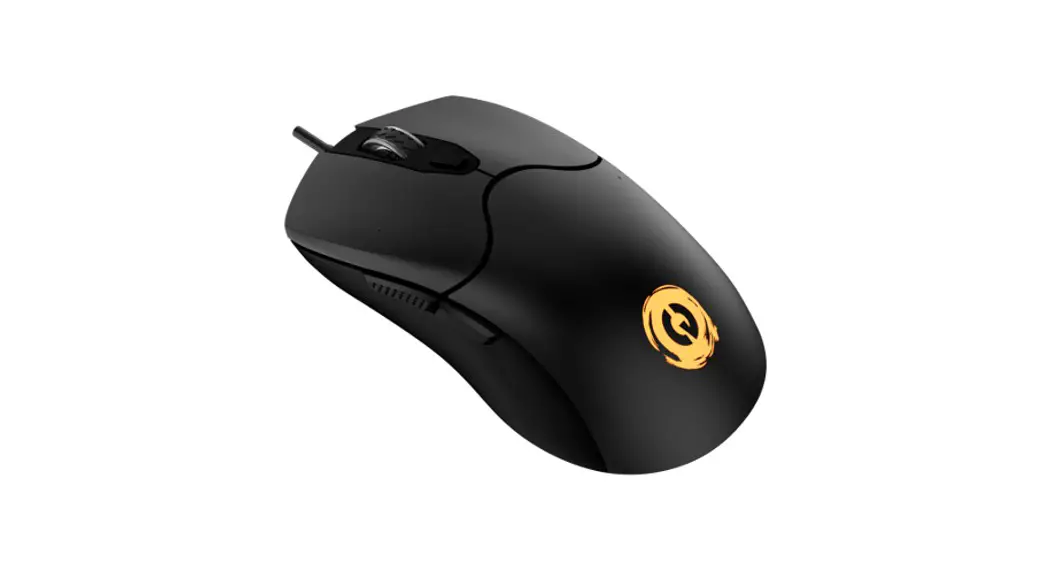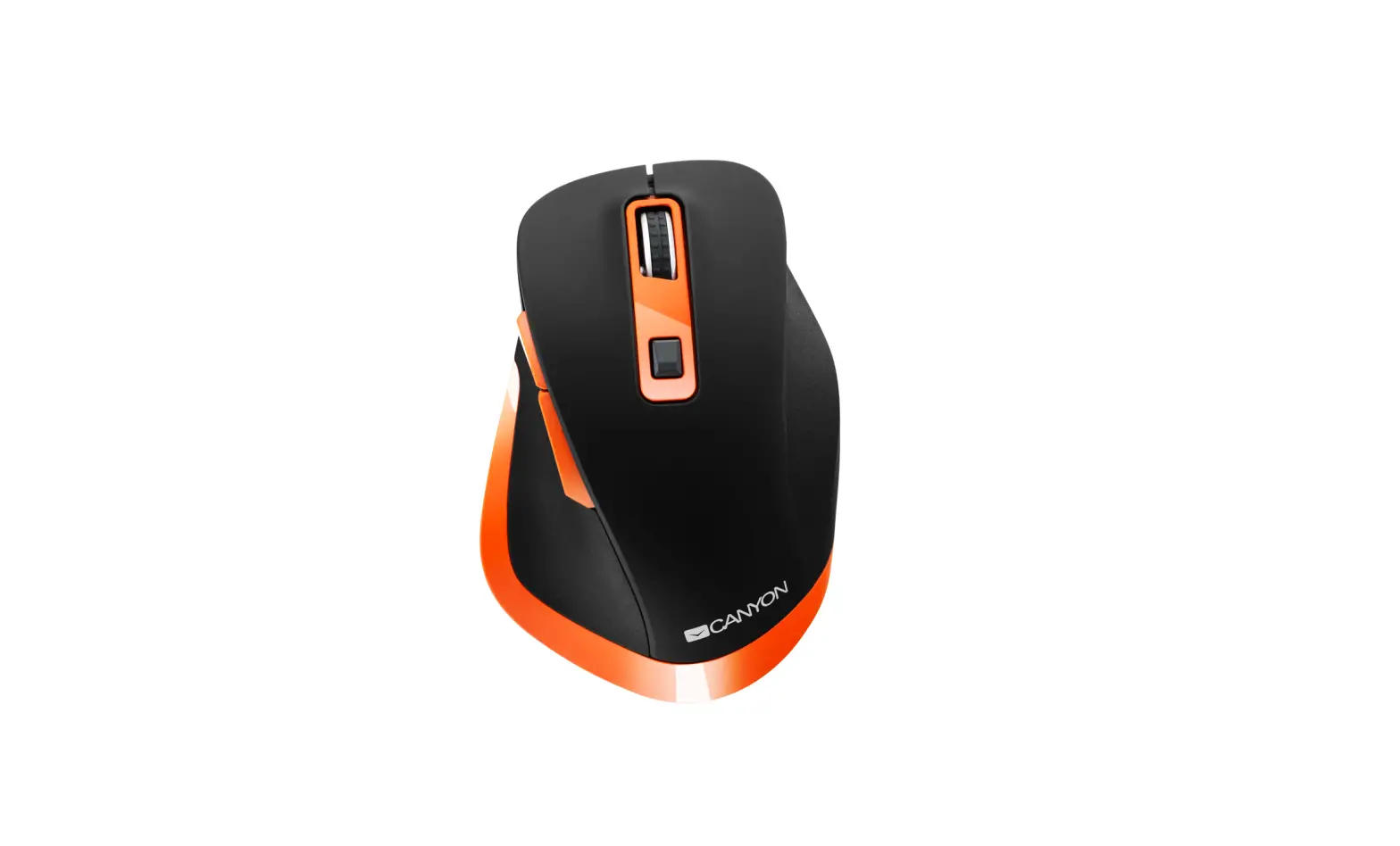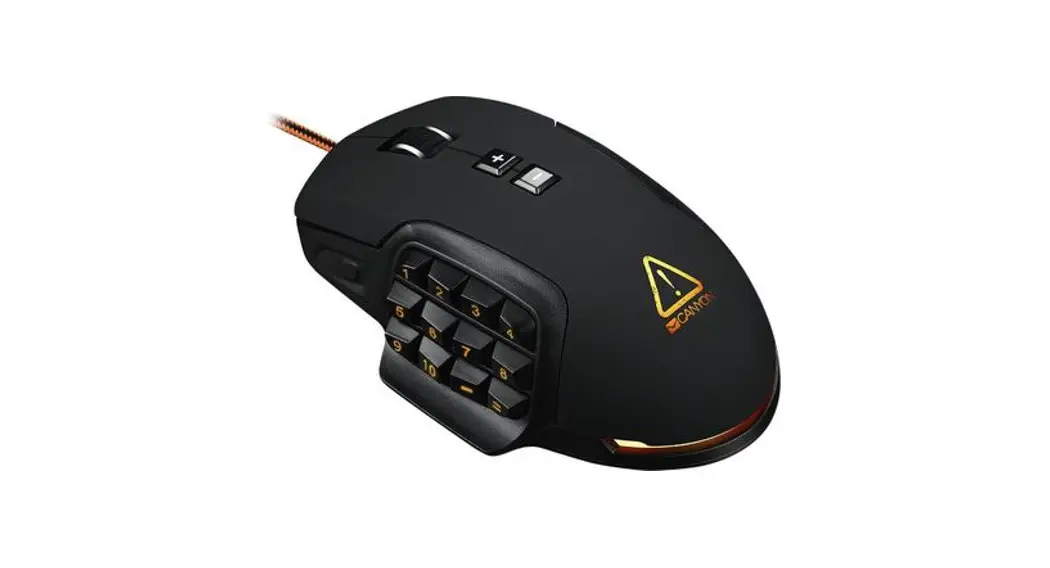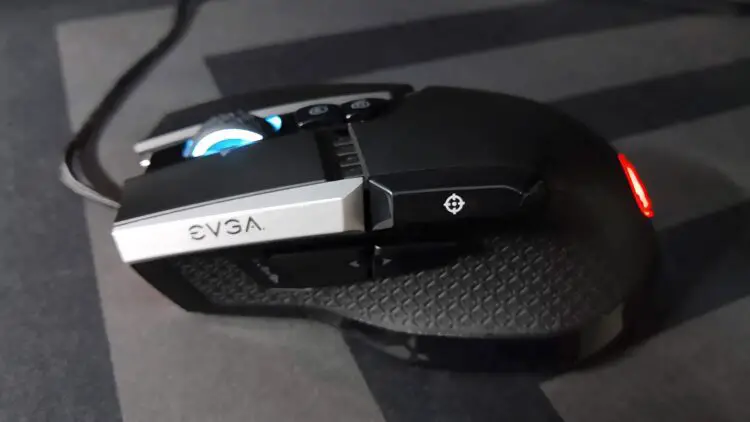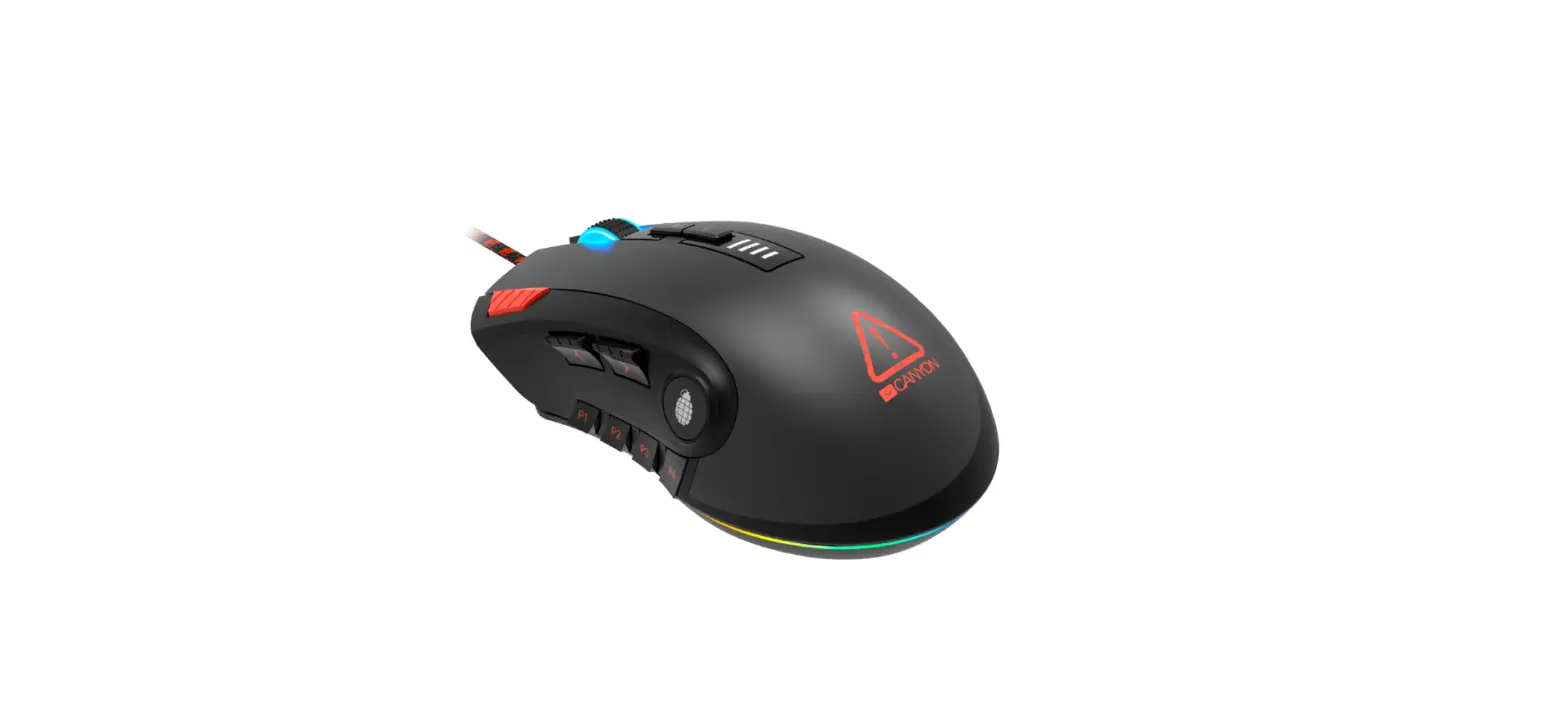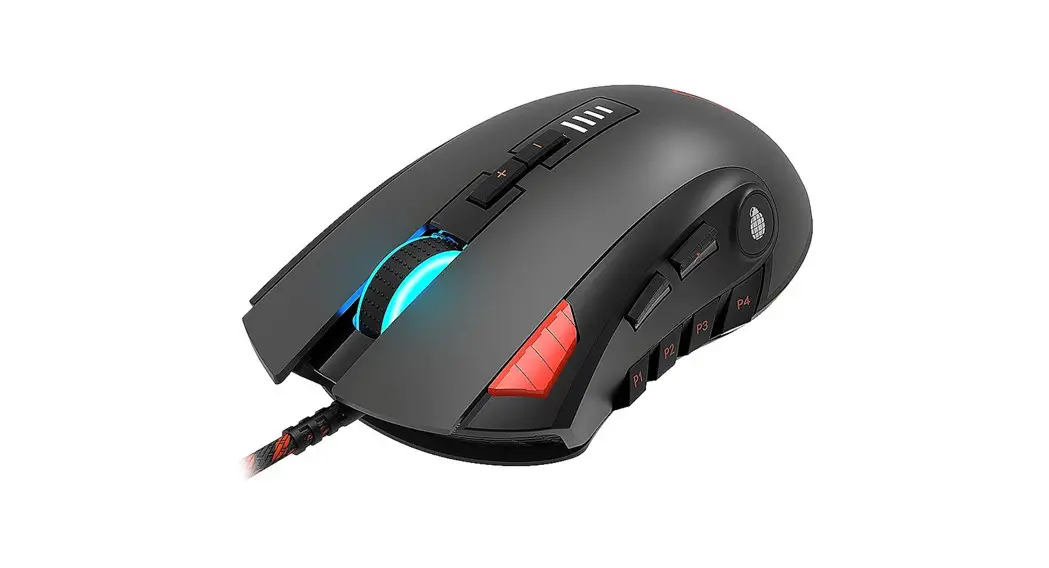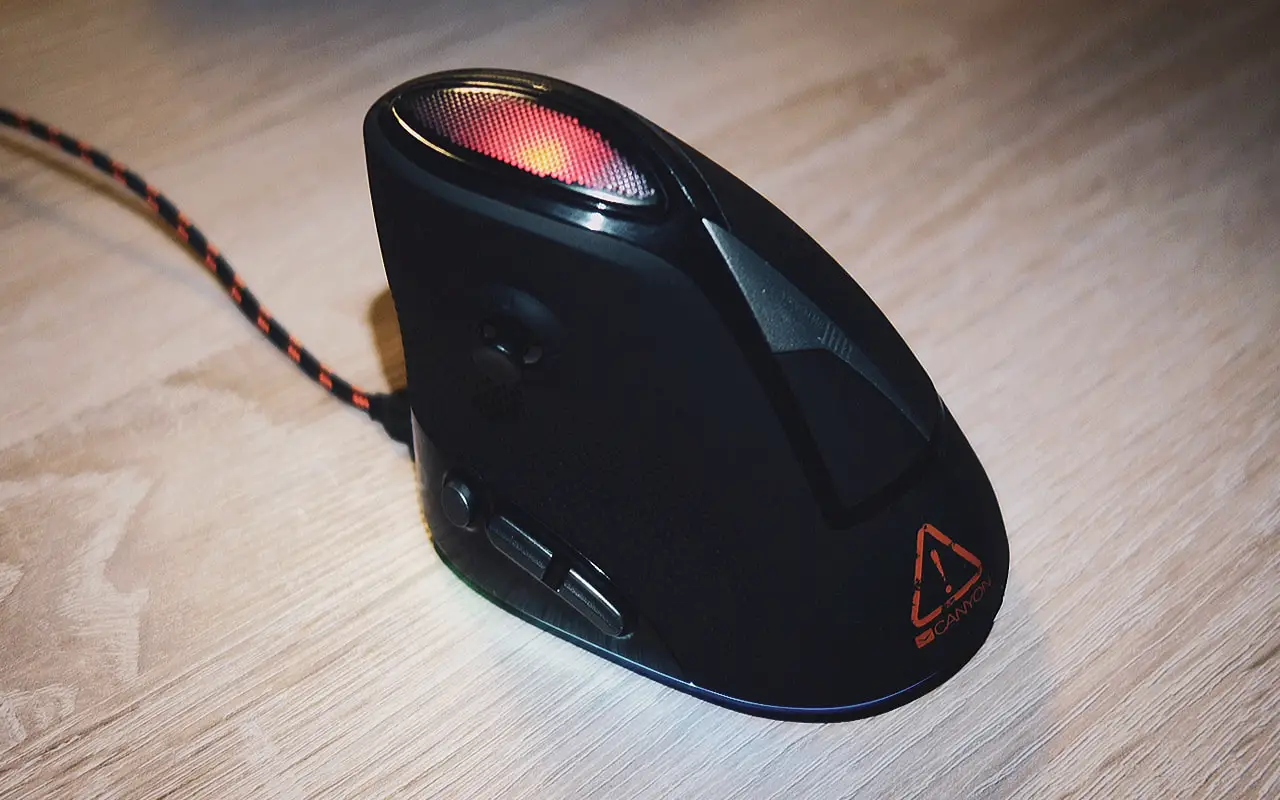
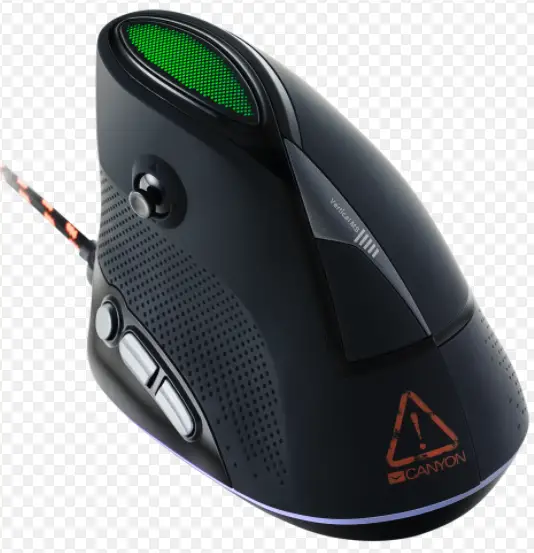
CANYON CND-SGM14RGB Emisat Vertical Gaming Mouse
Dear customer!
Congratulations for purchasing high quality CANYON product.
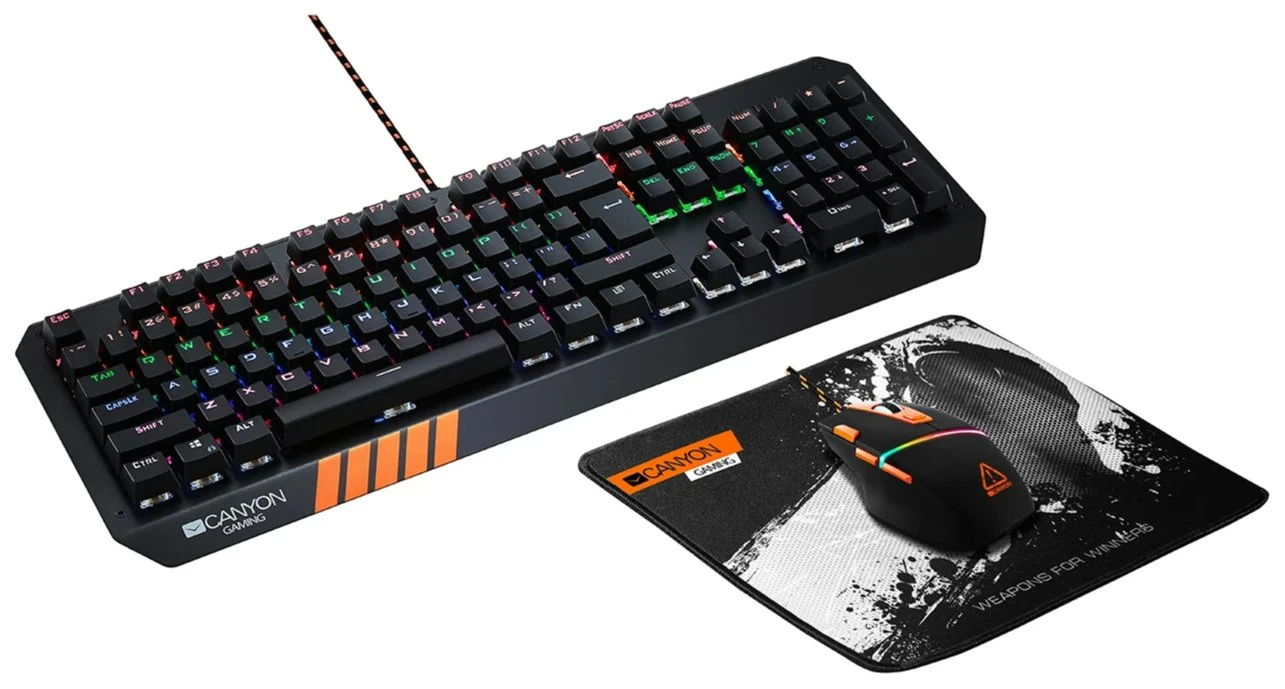
We are happy to present you our gaming accessories, which are the combination of new technology and fresh design.
Our own design bureau implements the latest trends in the technical design of gaming products, while our scrupulous quality control system ensures a long lifetime of CANYON products. To take full advantage of this product, we recom-mend that you read this manual completely.
www.gaming.canyon.eu
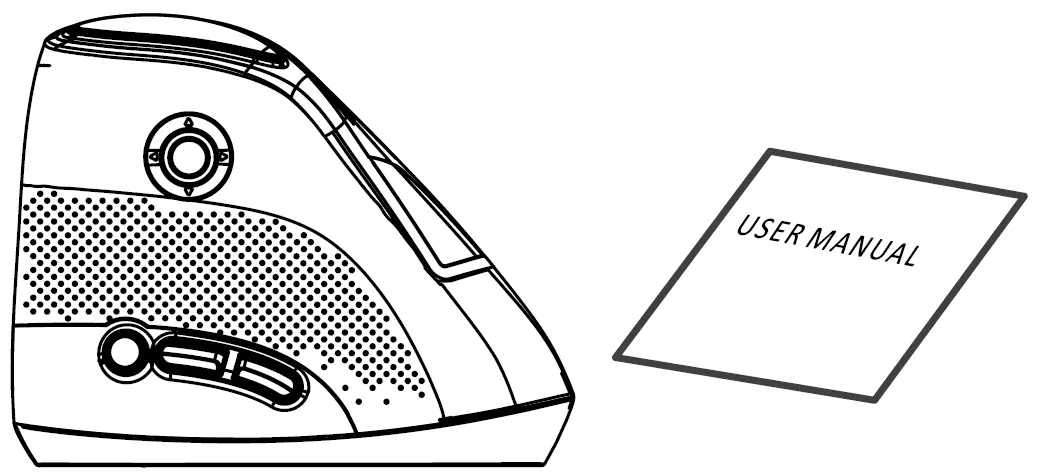
Package contents
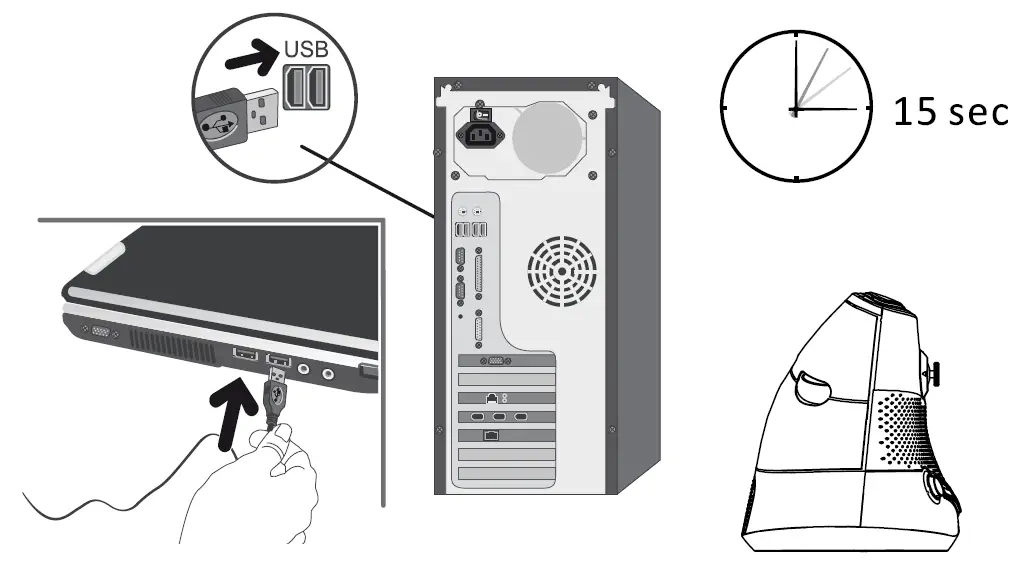
Connection
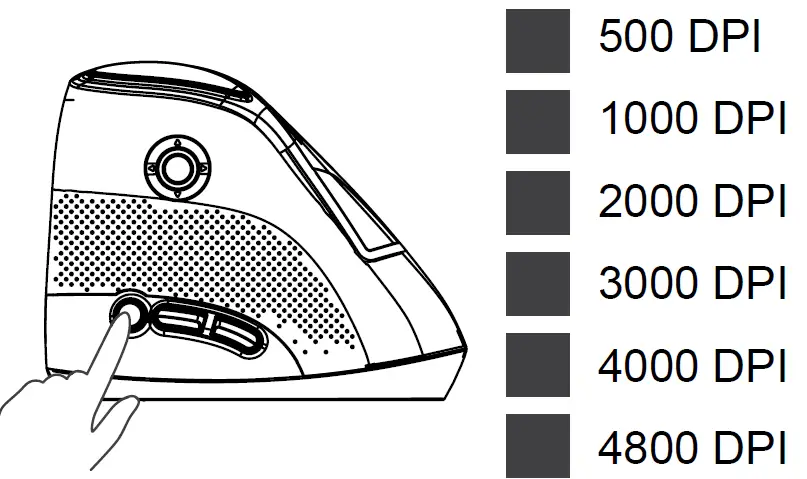
Available DPI Settings
Compatibility
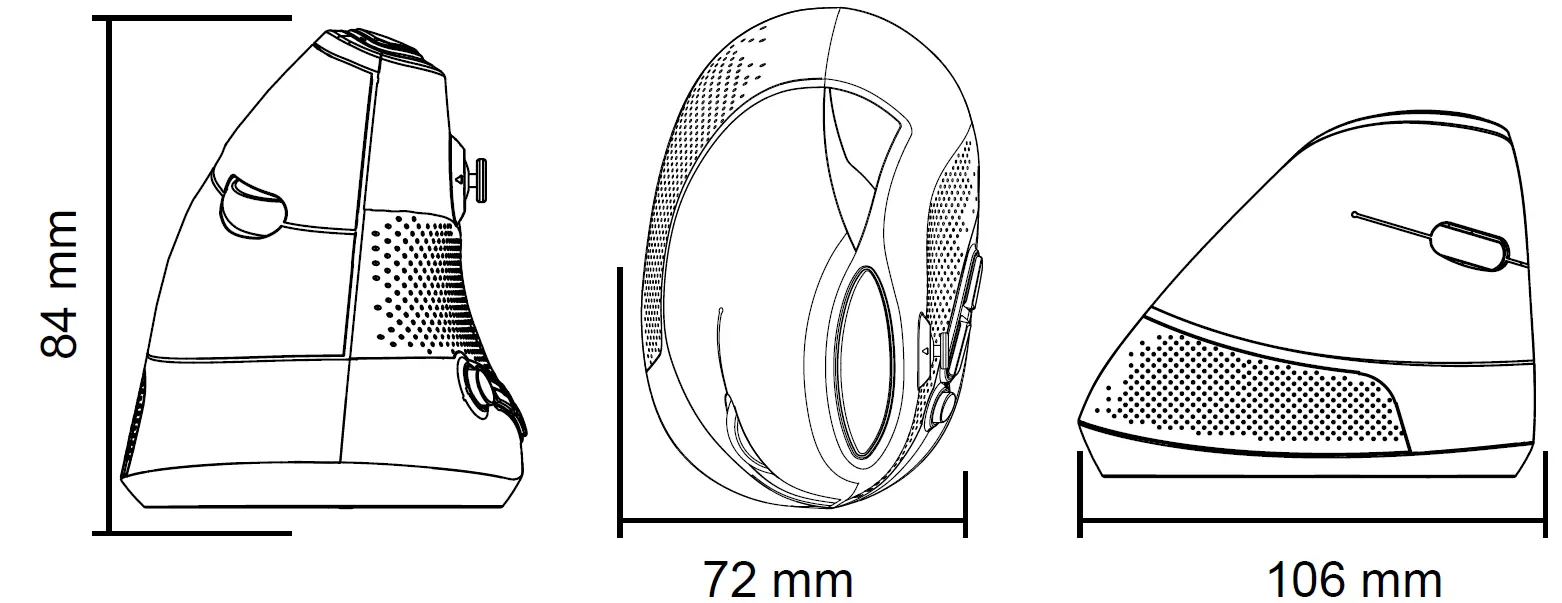
Physical Characteristics
Driver: http://canyon.eu/drivers-and-manuals/
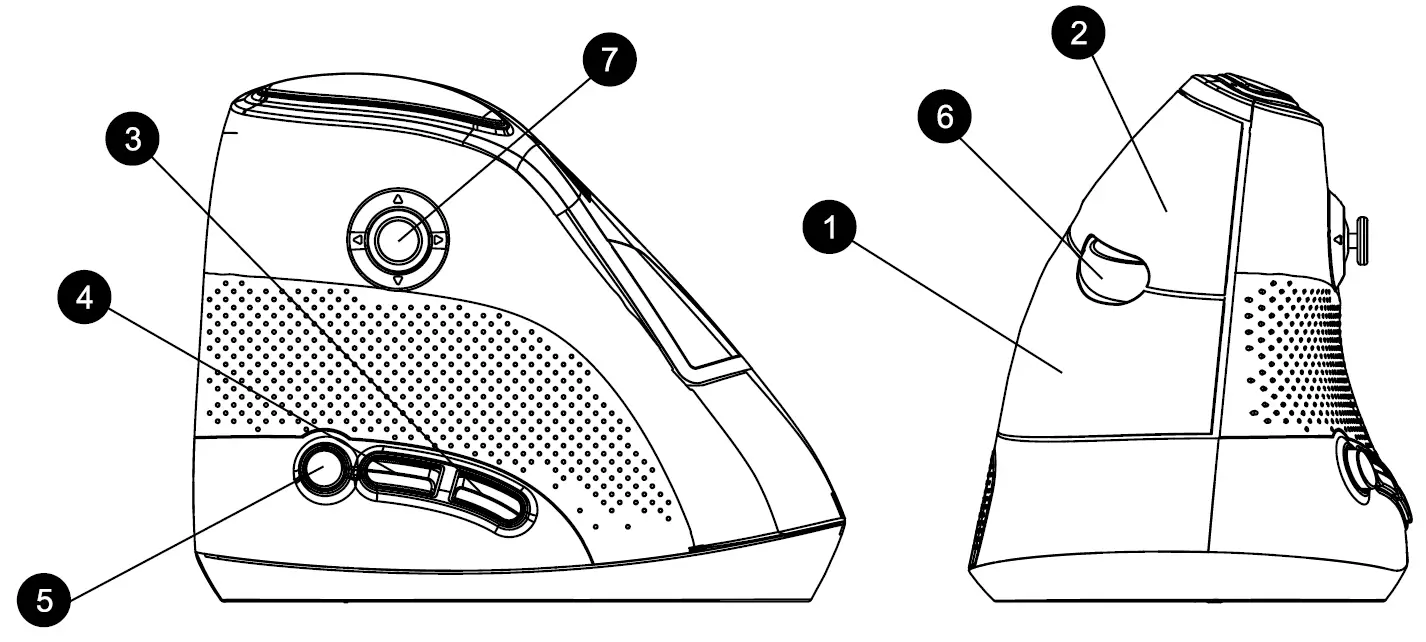
- Right key
- Left key
- Forward
- Backward
- DPI
- Middle button & wheel
- Joystick
Technical specifications
- High quality Pixart PAW3212 Sensor
- Adjustable DPI 500/1000/2000/3000/4000/4800
- 7 programmable buttons
- 10 RGB backlight modes
- Braided USB cable 1.65m with a ferrite ring to protect of signal loss
- Customization software
- Windows 10/8/7/Mac OS compatible
Joystick functions.
There are two modes: office and gaming modes. You can switch the mode by long pressing the middle key and the right key for 3 seconds.
| Function | Gaming mode | Office mode |
| Move up | Running | Volume up |
| Move down | Bending over | Volume down |
| Press | Alt key lock (release) | Play/Pause |
| Move forward | Left side of the body | Previous track |
| Move backward | Right side of the body | Next track |
Support and warranty
- To avoid conflict, please uninstall other mouse drivers before installing the driver for this mouse.
- Do not disassemble your product, or expose it to liquid, humidity, moisture or temperatures out of the specified operating range.
- If your product is exposed to out-of-range temperatures, unplug it and wait until its temperature returns to the normal operating range.
- This product comes with 24 months limited warranty.
- For more information about usage and warranty, please refer to http://canyon.eu/ask-your-question/

References
 Поддържка - Canyon
-
Canyon
-
Certificates
-
Drivers and manuals - Canyon
-
Suport - Canyon
 ÐŸÐ¾Ð»Ð¾Ð¶ÐµÐ½Ð¸Ñ Ð¾Ð³Ñ€Ð°Ð½Ð¸Ñ‡ÐµÐ½Ð½Ð¾Ð¹ гарантии - Canyon
-
Техподдержка - Canyon
-
Podpora
-
Podpora - Canyon
-
TÃMOGATÃS - Canyon
-
Canyon | Mobile and Computer Accessories
-
Canyon | Мобільні Ñ– комп'ютерні акÑеÑуари
-
Canyon Gaming Accessories
-
Tech Support - Canyon
-
Гарантійні умови - Canyon
-
Технічна підтримка - Canyon
 Поддържка - Canyon
 Canyon
 Suport - Canyon
 ÐŸÐ¾Ð»Ð¾Ð¶ÐµÐ½Ð¸Ñ Ð¾Ð³Ñ€Ð°Ð½Ð¸Ñ‡ÐµÐ½Ð½Ð¾Ð¹ гарантии - Canyon
 Podpora
 Podpora - Canyon
 TÃMOGATÃS - Canyon
 Canyon | Mobile and Computer Accessories
 Canyon | Мобільні Ñ– комп'ютерні акÑеÑуари
 Canyon Gaming Accessories
 Гарантійні умови - Canyon