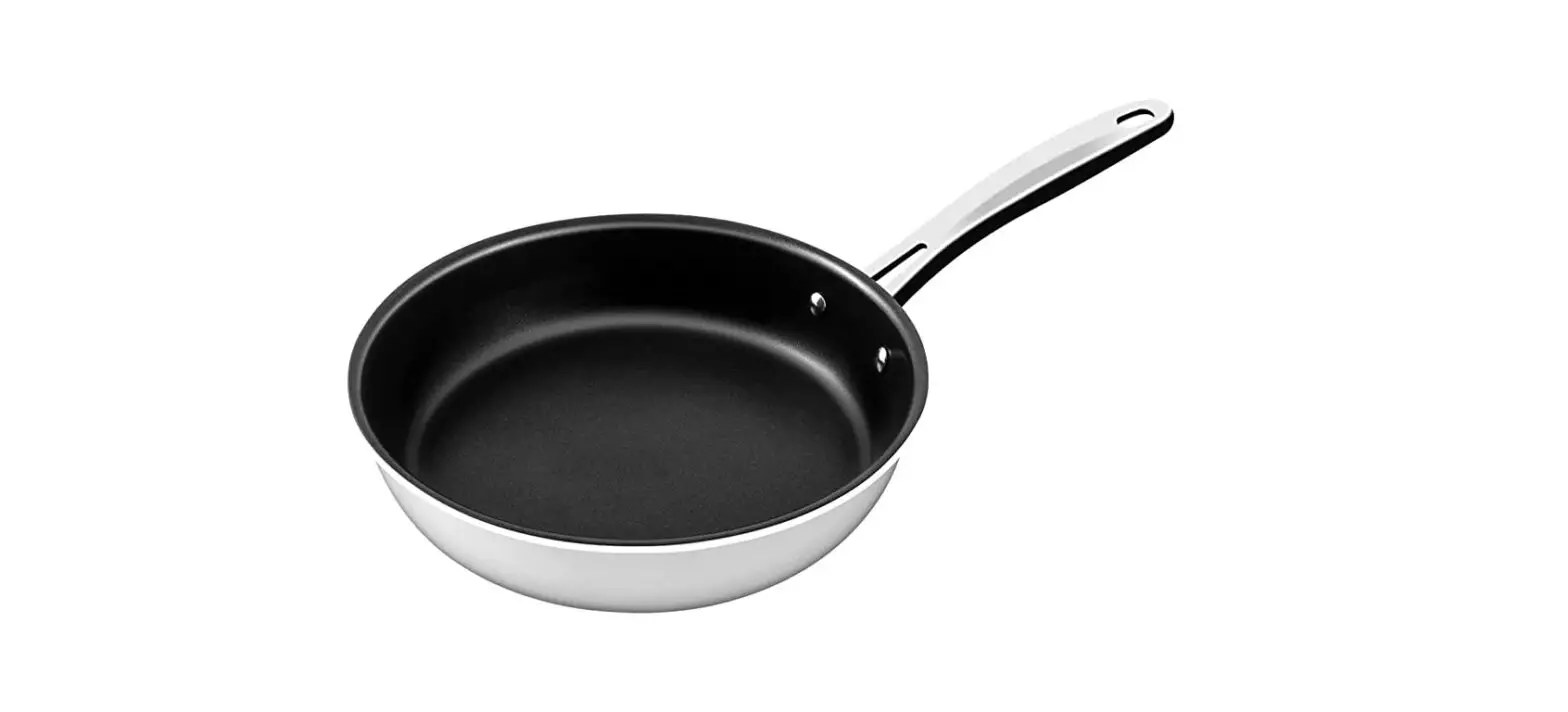
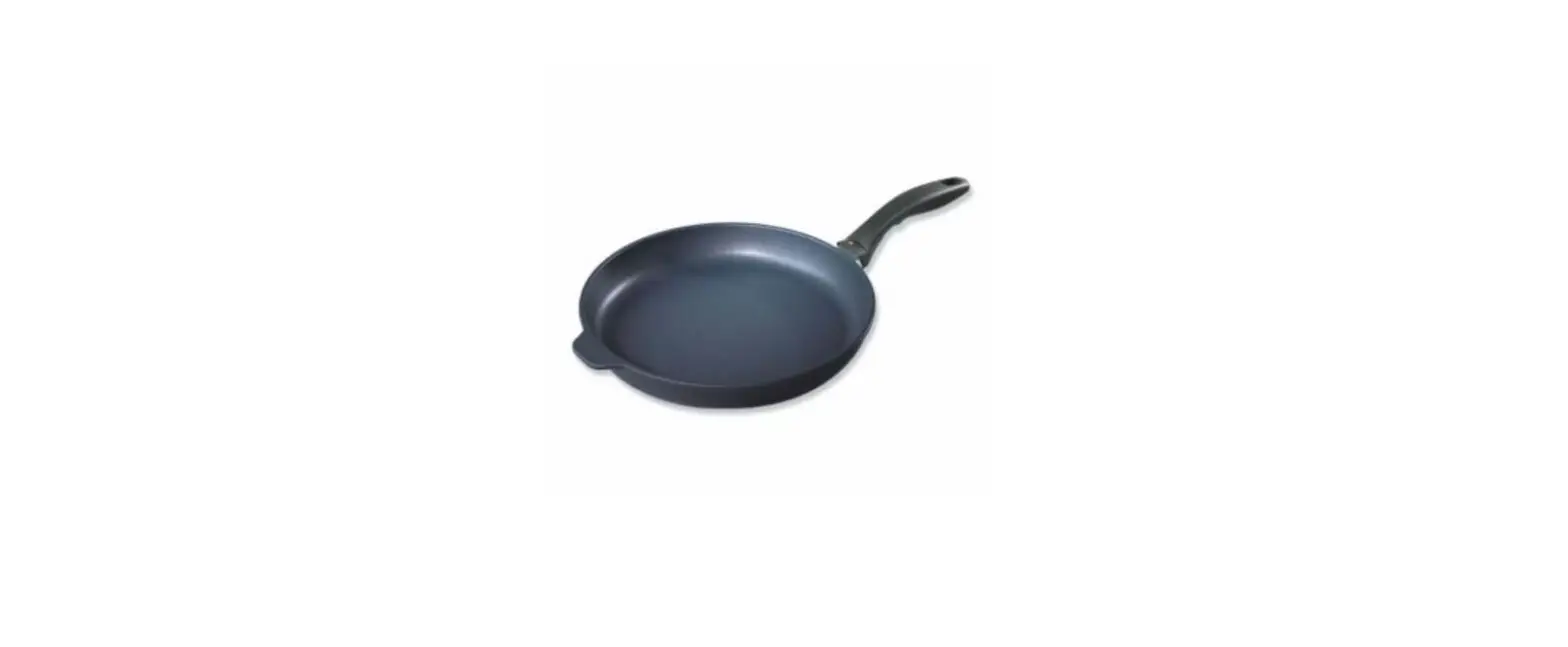
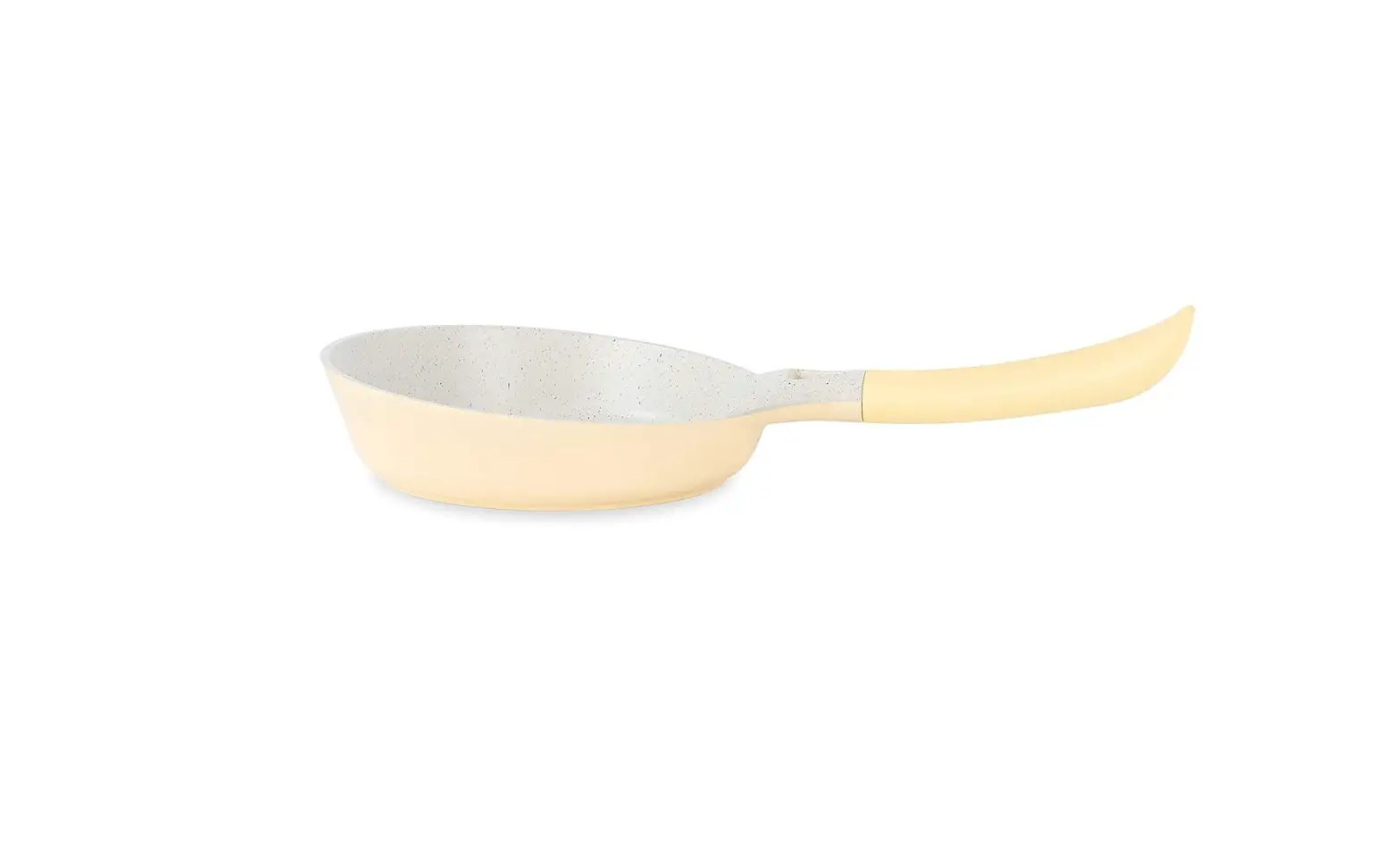
208859 Digital Temperature Display Fry Pan
Digital Temperature Display Fry Pan
Item No. 208859
Product Features:
- Digital temperature display for real-time monitoring
- Battery-powered with 2 AAA batteries (not included)
- Compatible with induction cookers and electric cooktops
- Not suitable for open flame cooking (gas stove, grill,
etc.) - Easy to clean with a hand wipe
Operating Instructions:
- Insert 2 AAA batteries (not included) into the battery
compartment in the handle. - Click the POWER button on the display screen to turn the device
ON. The temperature of the cooking surface will be displayed in
real time. - Place the frying pan on an induction cooker or electric
cooktop. As the temperature of the frying pan begins to rise, the
digital screen temperature will increase accordingly. - NOTE: This product can be used in an induction
cooker or on an electric cooktop. It is NOT designed for use on
open flame (gas stove, grill, etc.). - After cooking food, click the POWER button on the display
screen to turn the device OFF. The digital display will begin to
shut down. - When the frying pan has cooled to room temperature, you may
wipe it with a clean wet cloth. Store the frying pan in a dry,
ventilated area. - NOTE: Hand wipe the cooking surface only. Do
not immerse the device in water or clean it in the dishwasher.
DIGITAL TEMPERATURE DISPLAY FRY PAN
Item No. 208859
User Guide
Thank you for purchasing the Digital Temperature Display Fry Pan. Please read this guide carefully and store it for future reference.
FEATURES
· 9.5″ nonstick cooking surface · Digital temperature display shows cooking temperature in real time · Alarm function when optimum temperature is exceeded · Bakelite heat-resistant handle (up to 428°F) · Requires 2 AAA batteries
OPERATING INSTRUCTIONS
1. Insert 2 AAA batteries (not included) into the battery compartment in the handle.
2. Click the POWER button on the display screen to turn the device ON. The temperature of the cooking surface will be displayed in real time.
3. Place the frying pan on an induction cooker or electric cooktop. As the temperature of the frying pan begins to rise, the digital screen temperature will increase accordingly.
NOTE: This product can be used in an induction cooker or on an electric cooktop. It is NOT designed for use on open flame (gas stove, grill, etc.).
4. When the temperature is below 356°F, the indicator light will be solid GREEN, indicating that the pan is NOT ready for cooking.
5. When the temperature reaches 356°F to 428°F, the indicator light will be solid BLUE, indicating that the pan IS READY for cooking.
6. When the temperature exceeds 428°F, the indicator light will flash RED, and an audio alert will sound, indicating that the pan has exceeded healthy cooking temperature.
7. After cooking food, click the POWER button on the display screen to turn the device OFF. The digital display will begin to shut down.
8. When the frying pan has cooled to room temperature, you may wipe it with a clean wet cloth. Store the frying pan in a dry, ventilated area.
NOTE: Hand wipe the cooking surface only. Do not immerse the device in water or clean it in the dishwasher.
– 1 –