Cast Content to Sony TV
Casting to your Sony TV.
You can connect many different devices to stream display or playback content on your TV. Here’s a quick guide on the different options available to you.
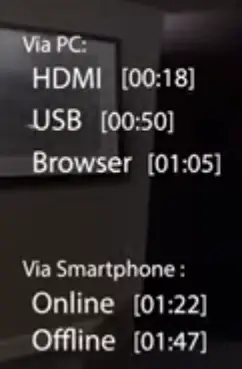
To watch or display content from your PC to your TV
There are three easy ways to watch or display content from your PC to your TV.
1. Connect via HDMI
2. Connect via USB
3. Connect using the Chrome Browser.
1. Connect Via HDMI
Simply connect an HDMI input port on your TV to the HDMI output port on your PC via an HDMI cable.
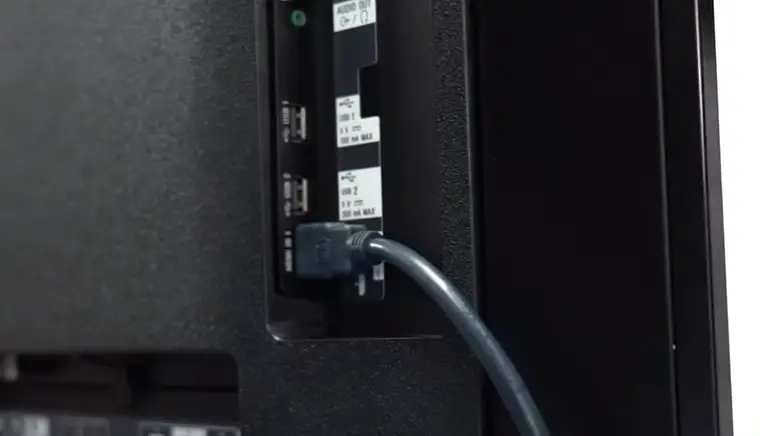
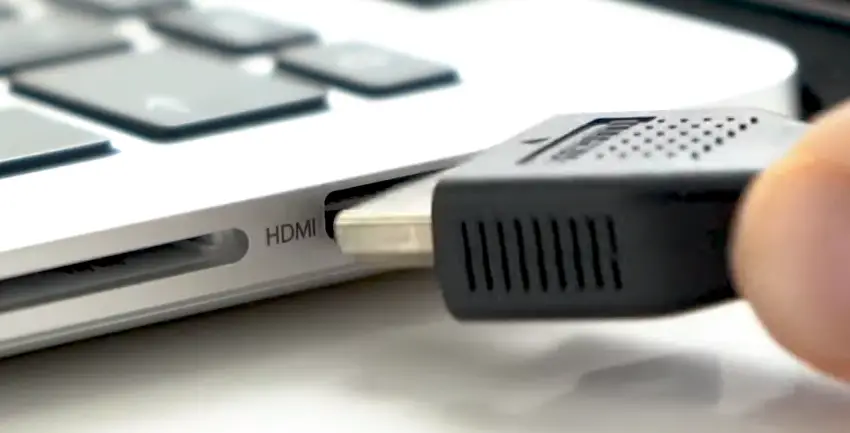
We recommend using a certified high-speed cable with the official HDMI logo on it.
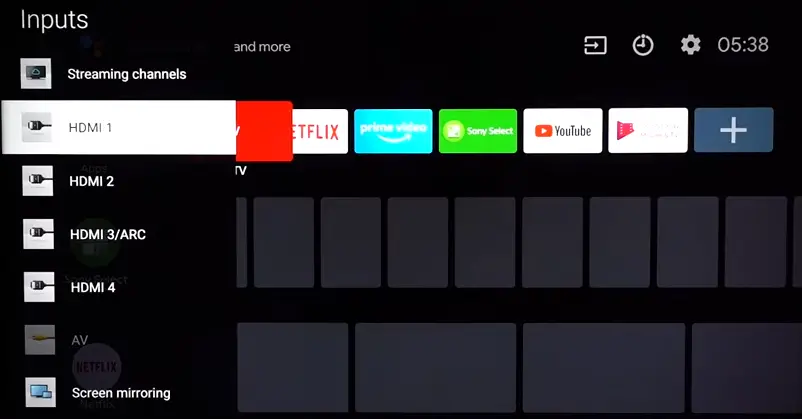
Then using the TV remote control. Select the appropriate HDMI input channel on your TV to display your PC Screen.
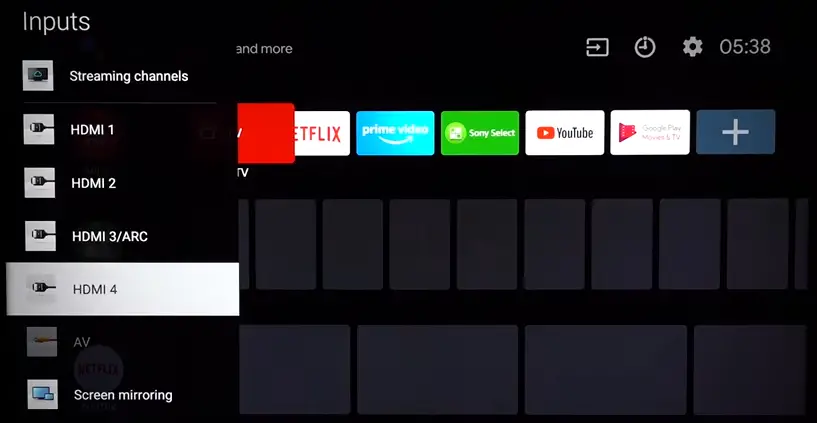
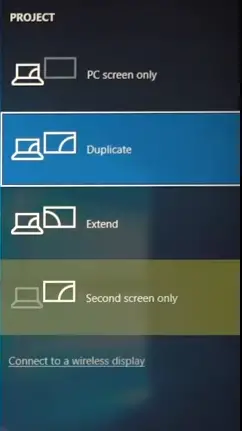
You can choose for your display to “extend”, “duplicate”, use your TV as a “second screen only” or use your “PC screen only”, depending on your preference.
2. Connect Via USB
You can also store your media on a USB flash or hard drive and then display or playback content via the media player app on your TV.
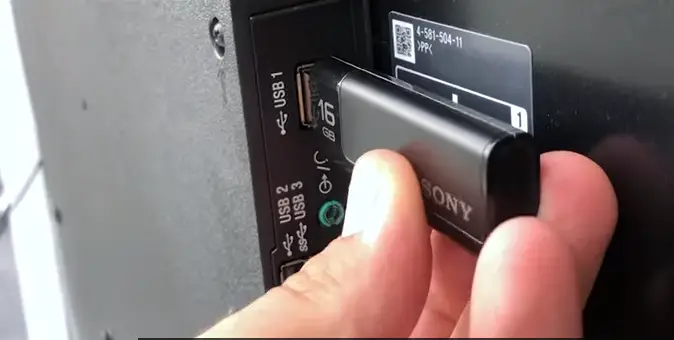
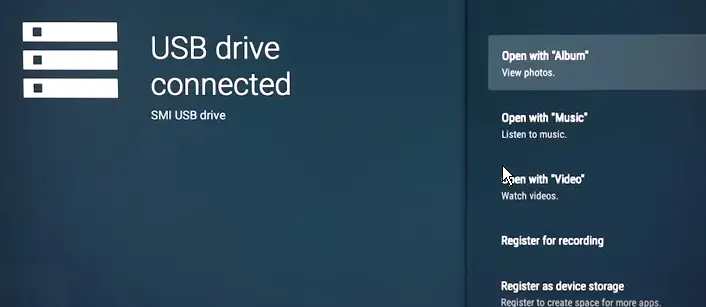
Please make sure that, your USB storage device has been formatted and is compatible with your TV.
Note: The actual screen may differ according to your country, model or firmware version.
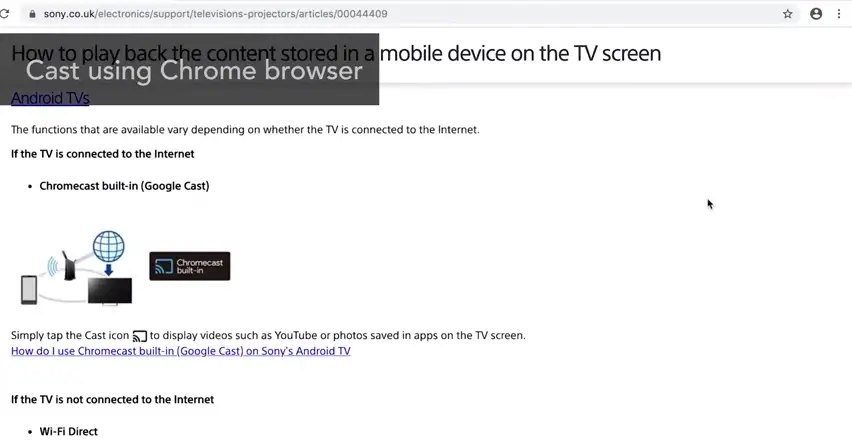
3. Using Google Chrome on your PC
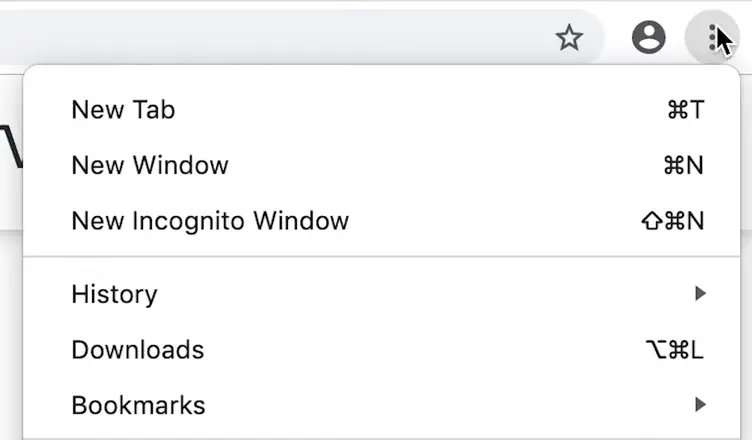
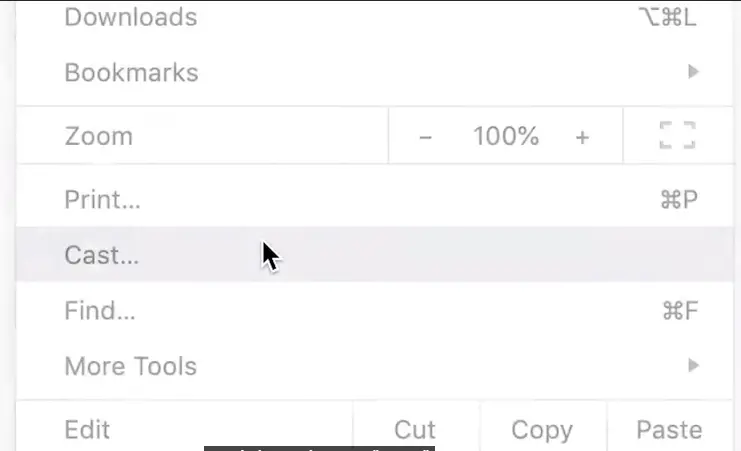
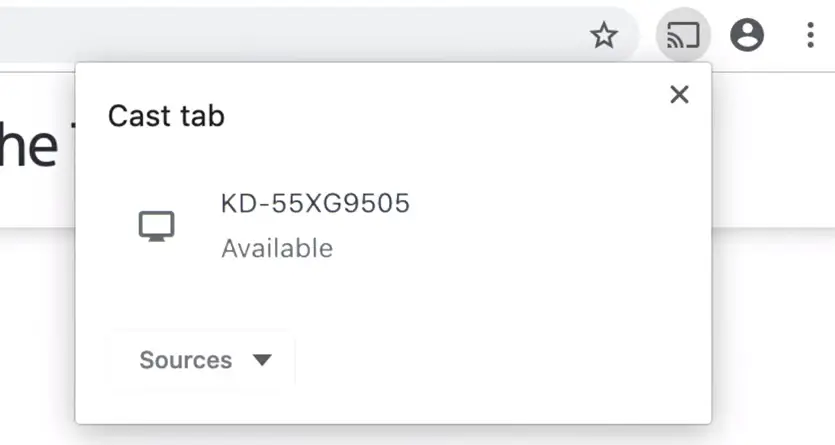
Click the more icon in the top right hand corner of the menu bar and then choose cast if your TV is set up as a compatible cast device and your TV and computer are on the same Wi-Fi network it will appear in the list.
4. Connect Via Smartphone
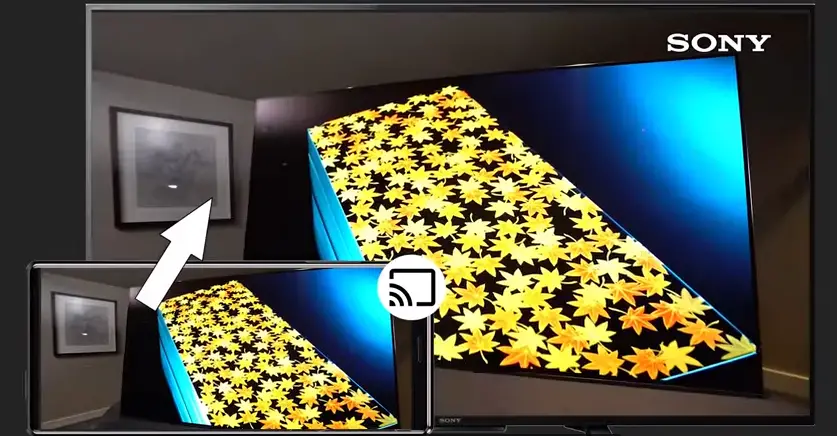
Your smartphone can also display content on the TV. For Android TVs which have chromecast built in and are connected to the Internet.
Tap the cast icon displayed an app such as YouTube or in the share with menu in the album app for non Android TVs. if your TV and smartphone are connected to the same Wi-Fi network.
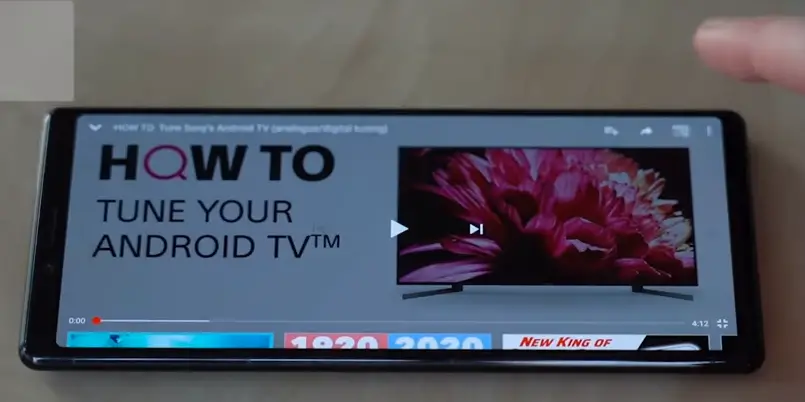
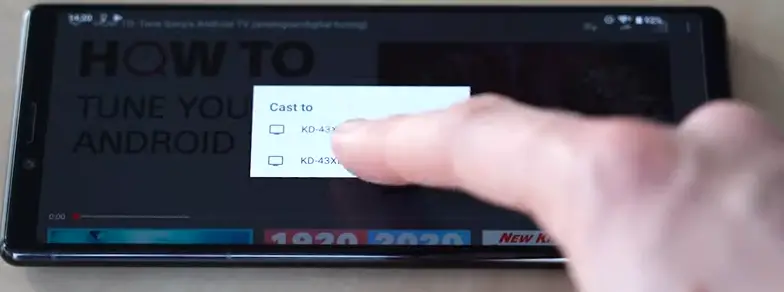
Some of your TV’s built-in apps will also support the Google cast feature.
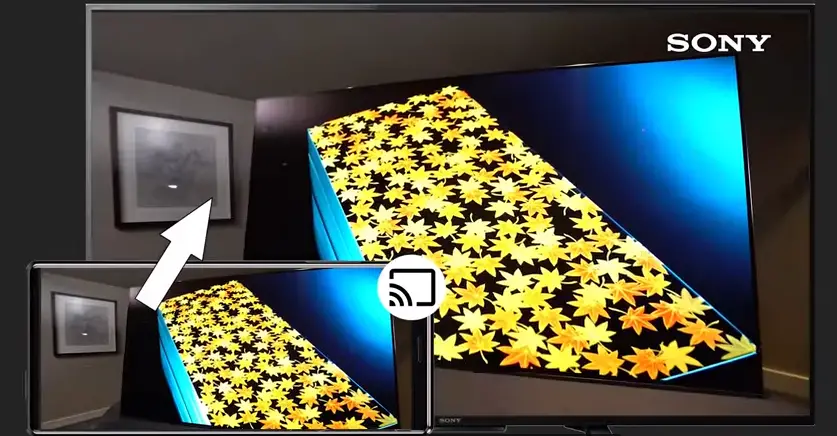
However if you’re not connected to the Internet. You have two more options.
You can either use “Wi-Fi direct” to wirelessly connect your TV and smartphone, to send photos and play videos; or you can use “screen mirroring” to mirror the display on your phone to your TV.
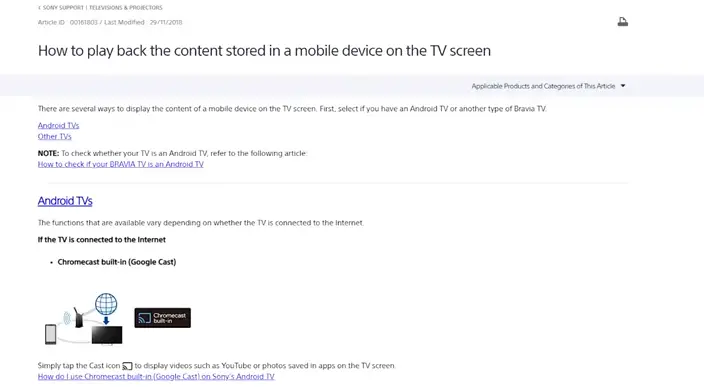
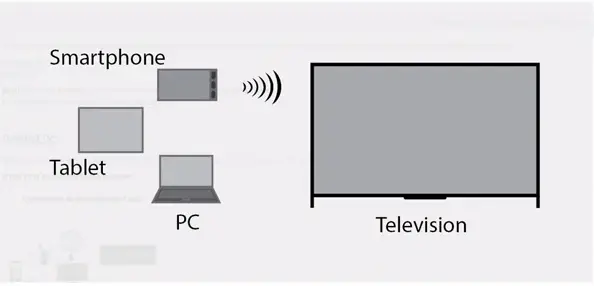
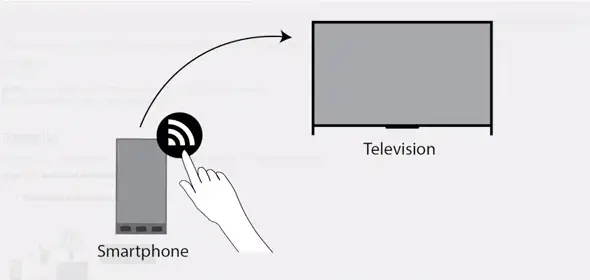
For an in-depth guide on how to use these functions, please check out the link in the description or visit our support website: sony.eu/support
Please Note: Certain functions may not be supported on your model.
For more information please check out your TV manual or visit the Sony Support website: