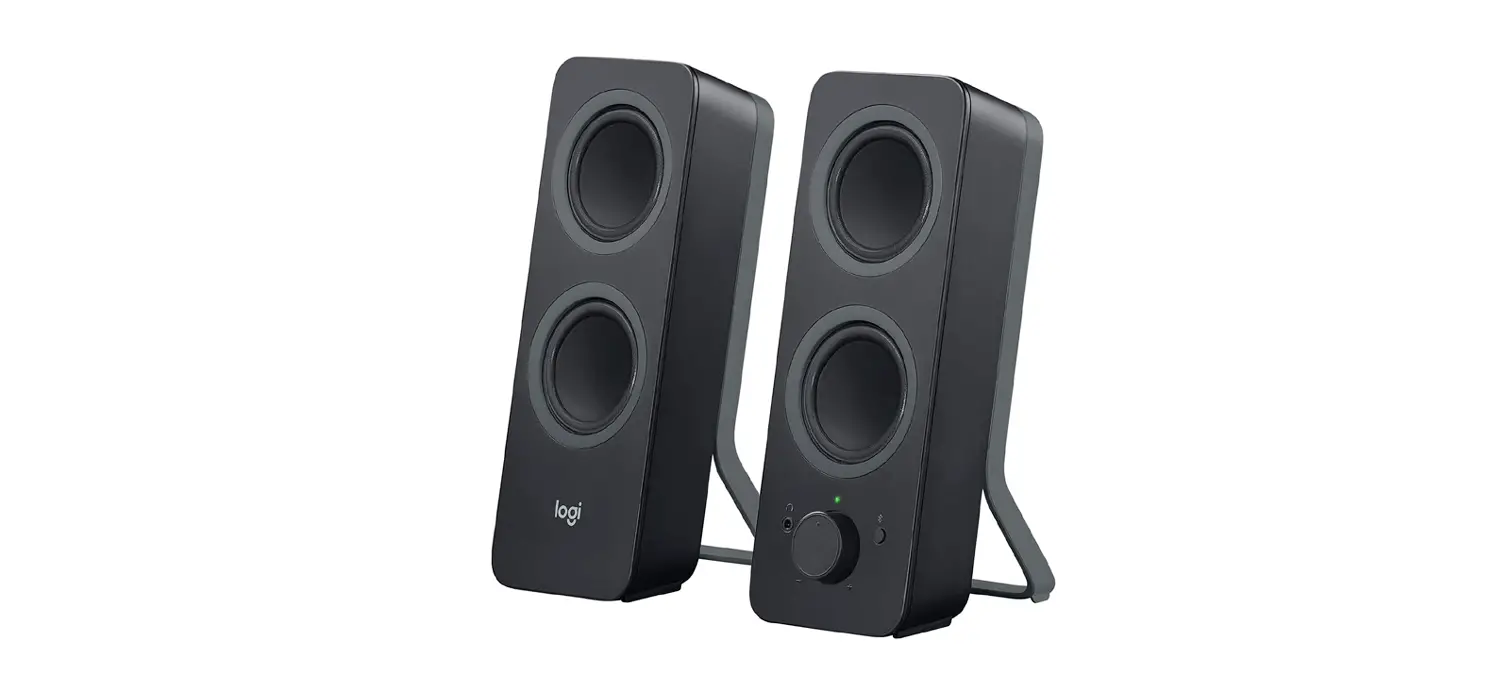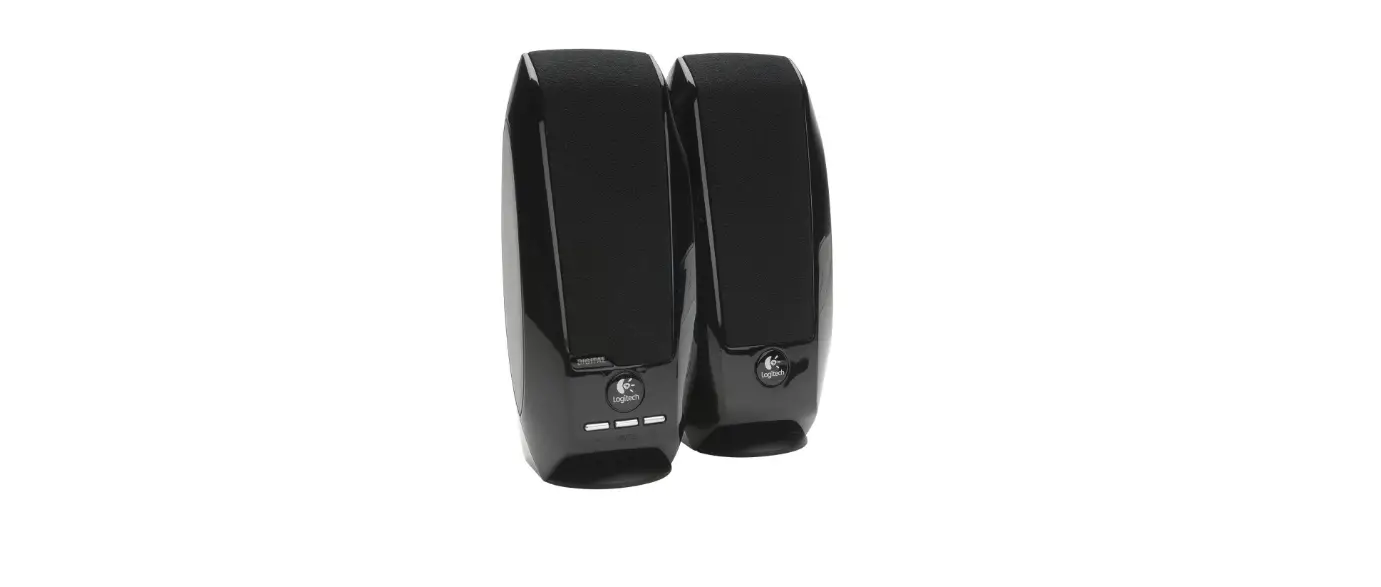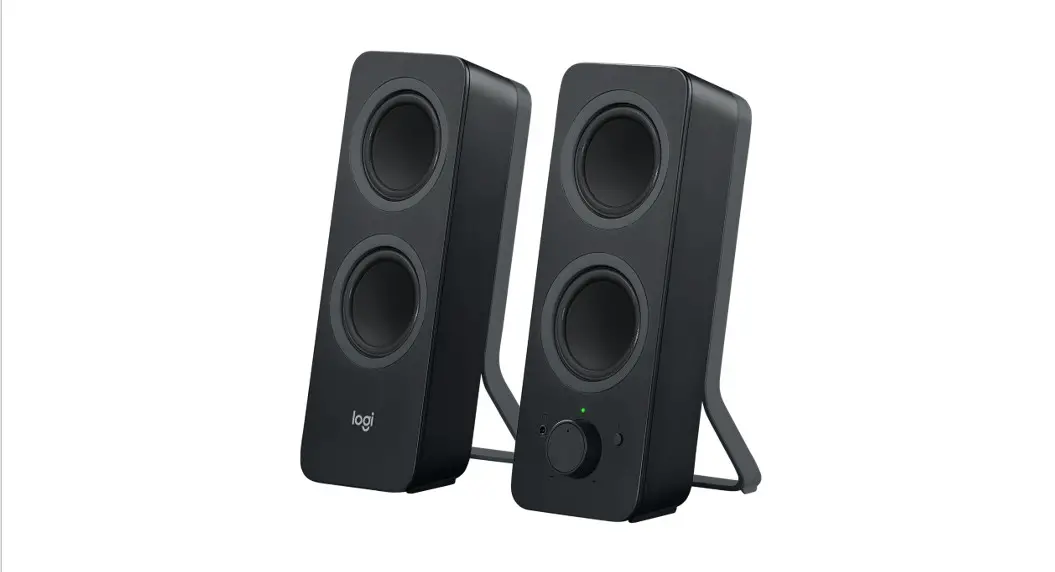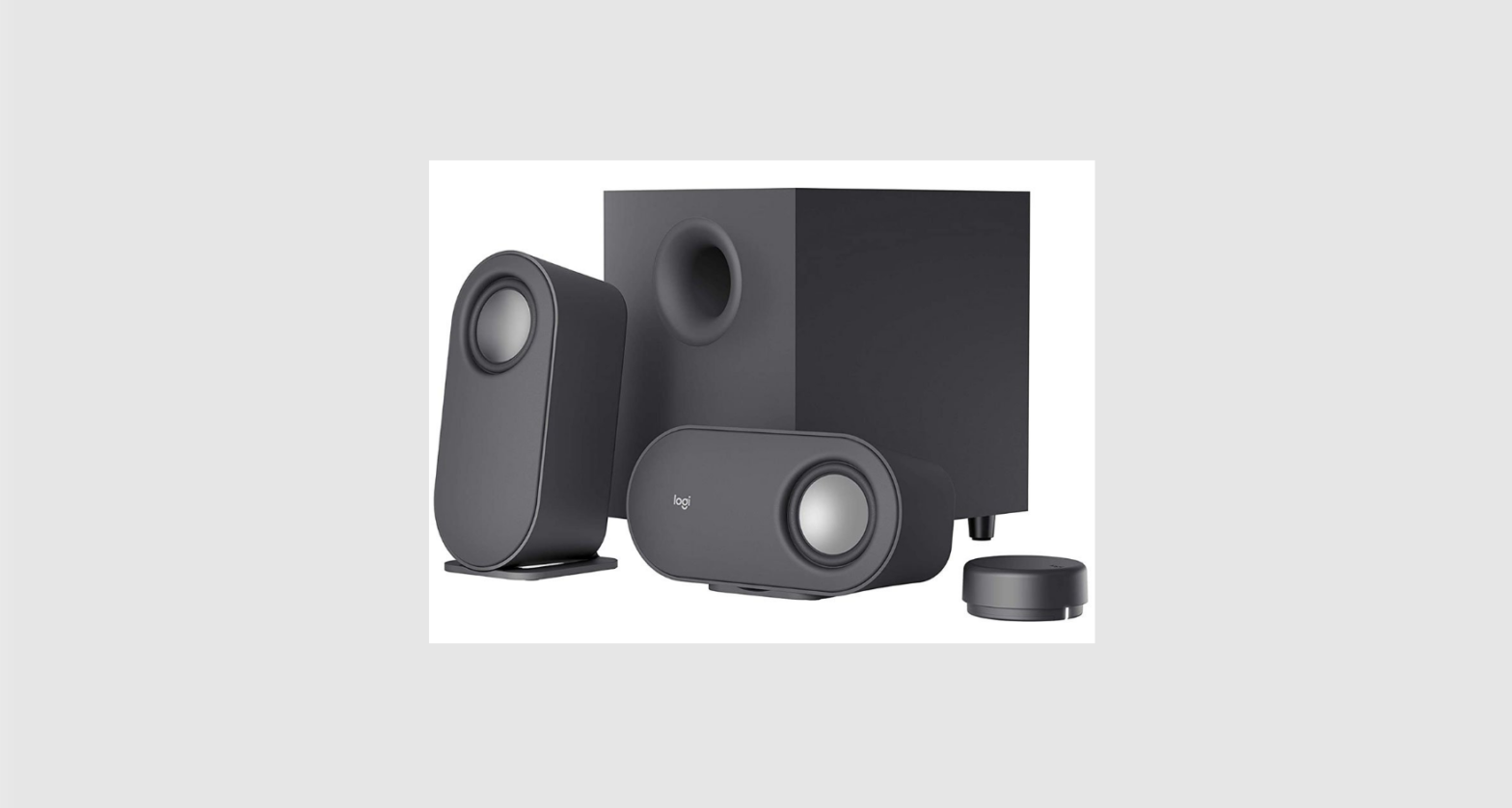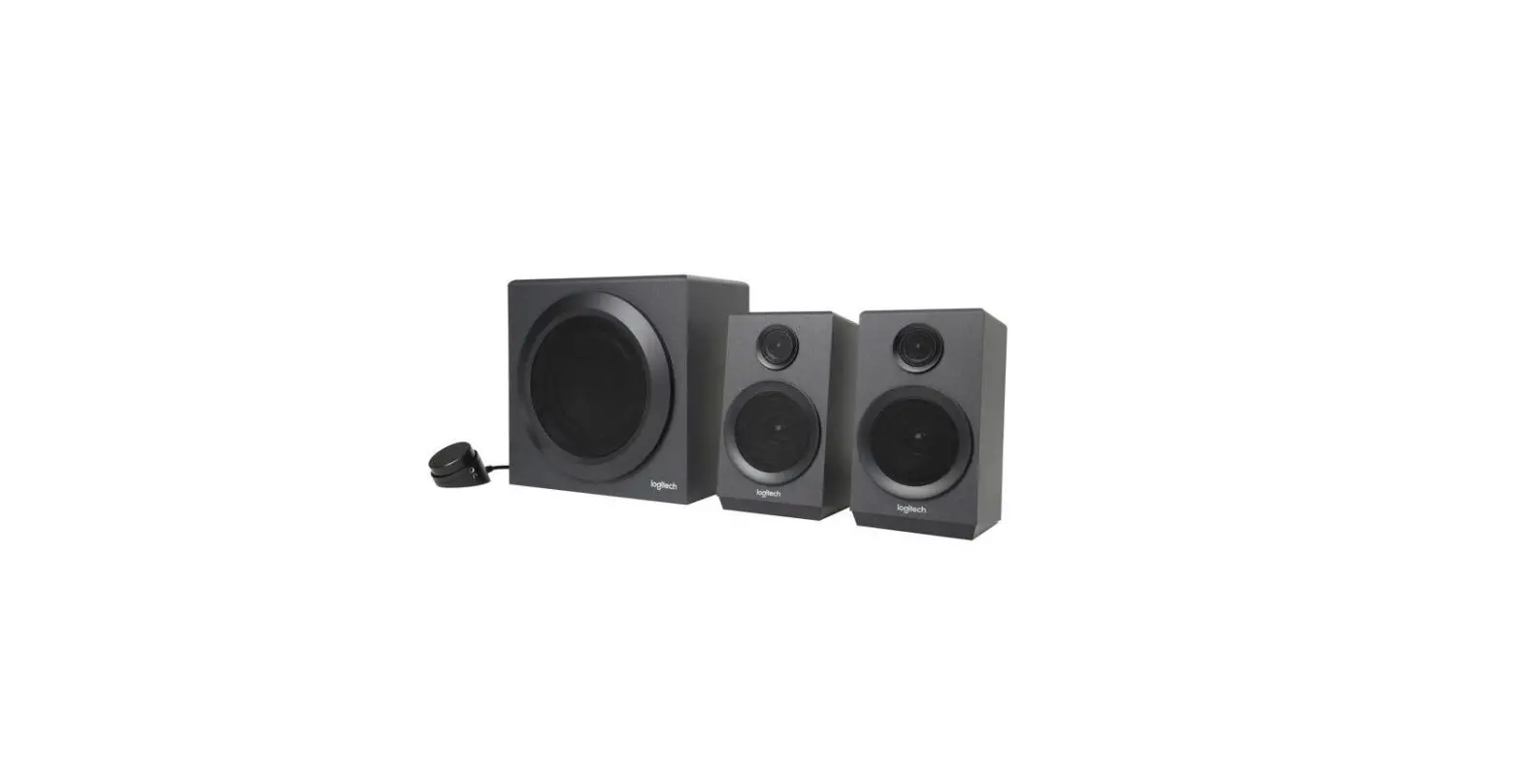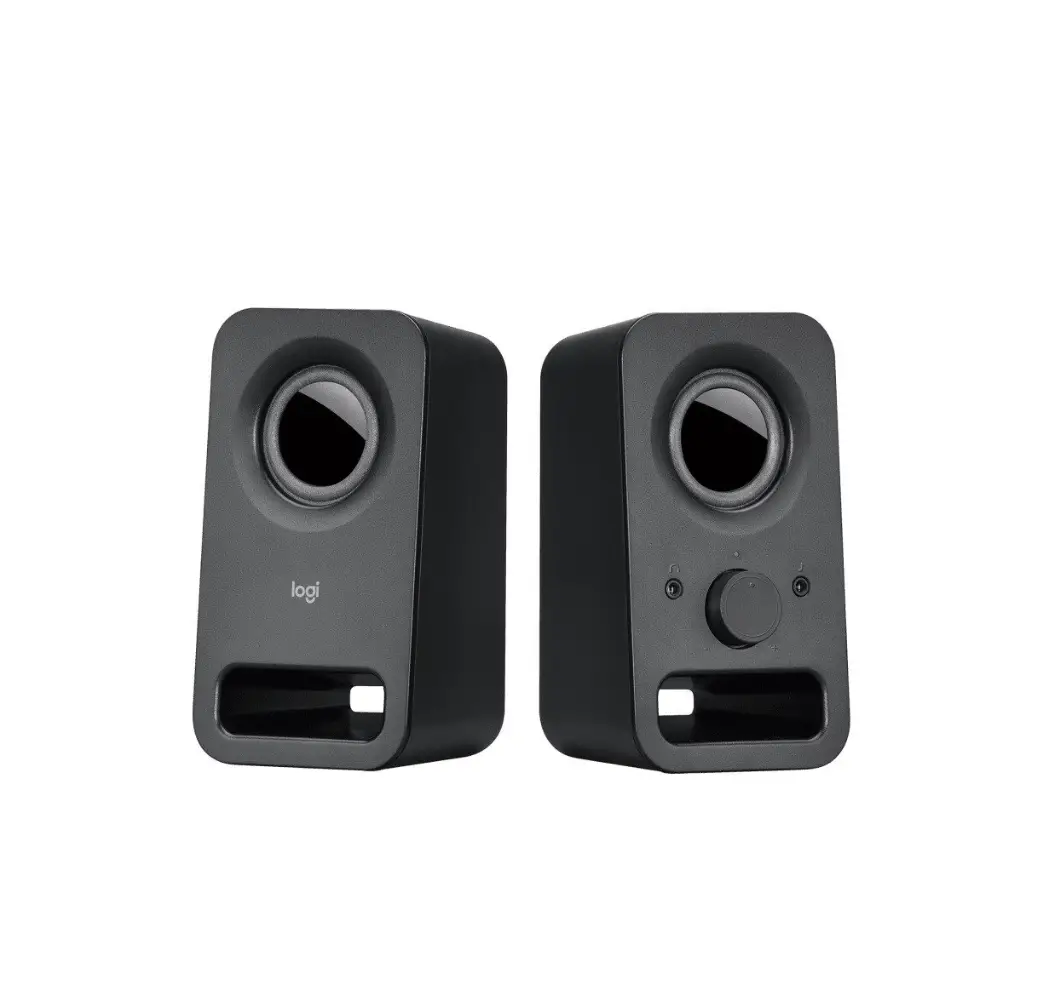
logitech Z150 Clear Stereo Sound Speaker
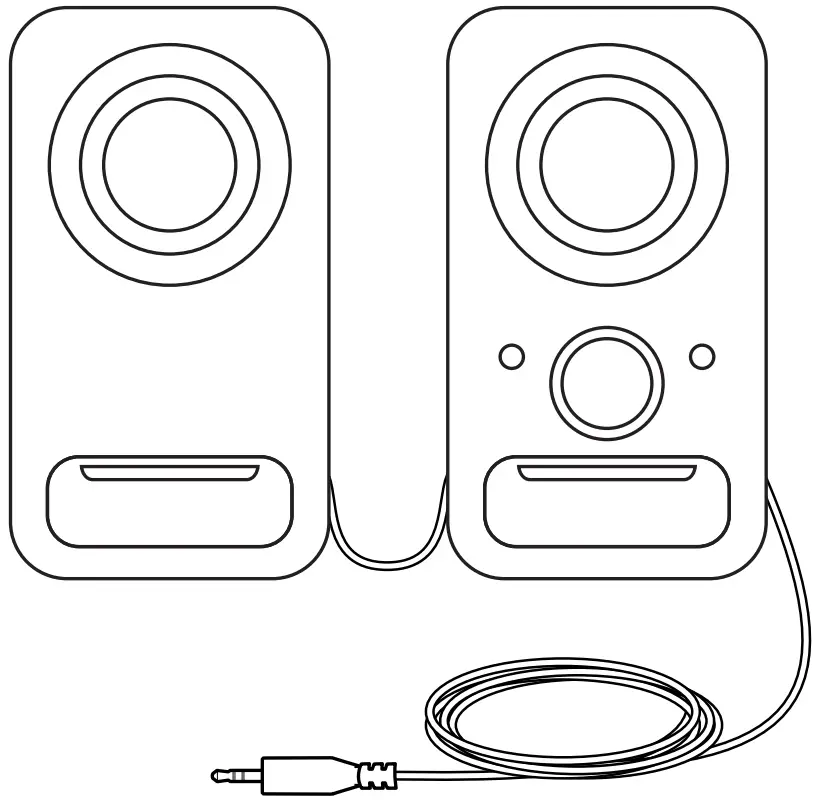
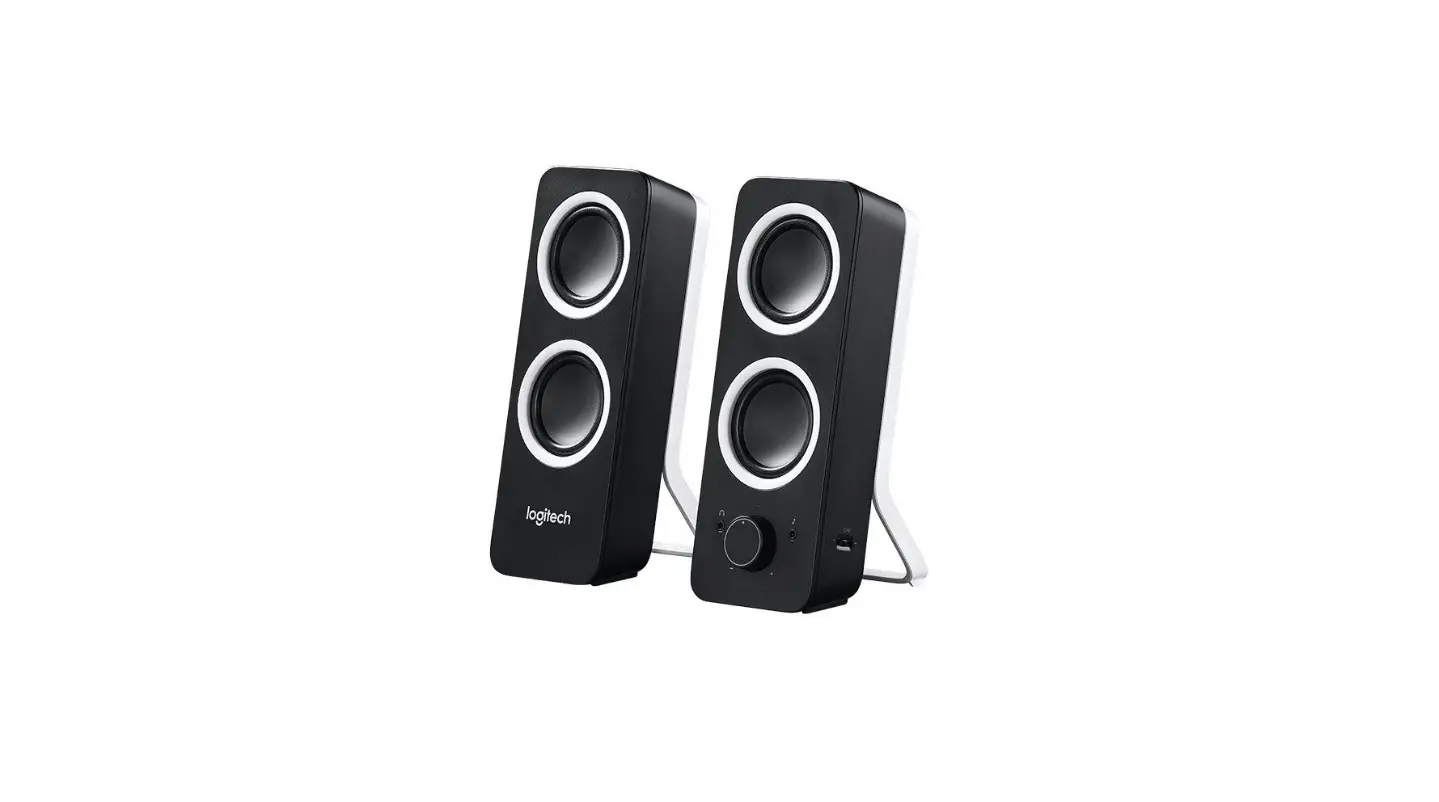
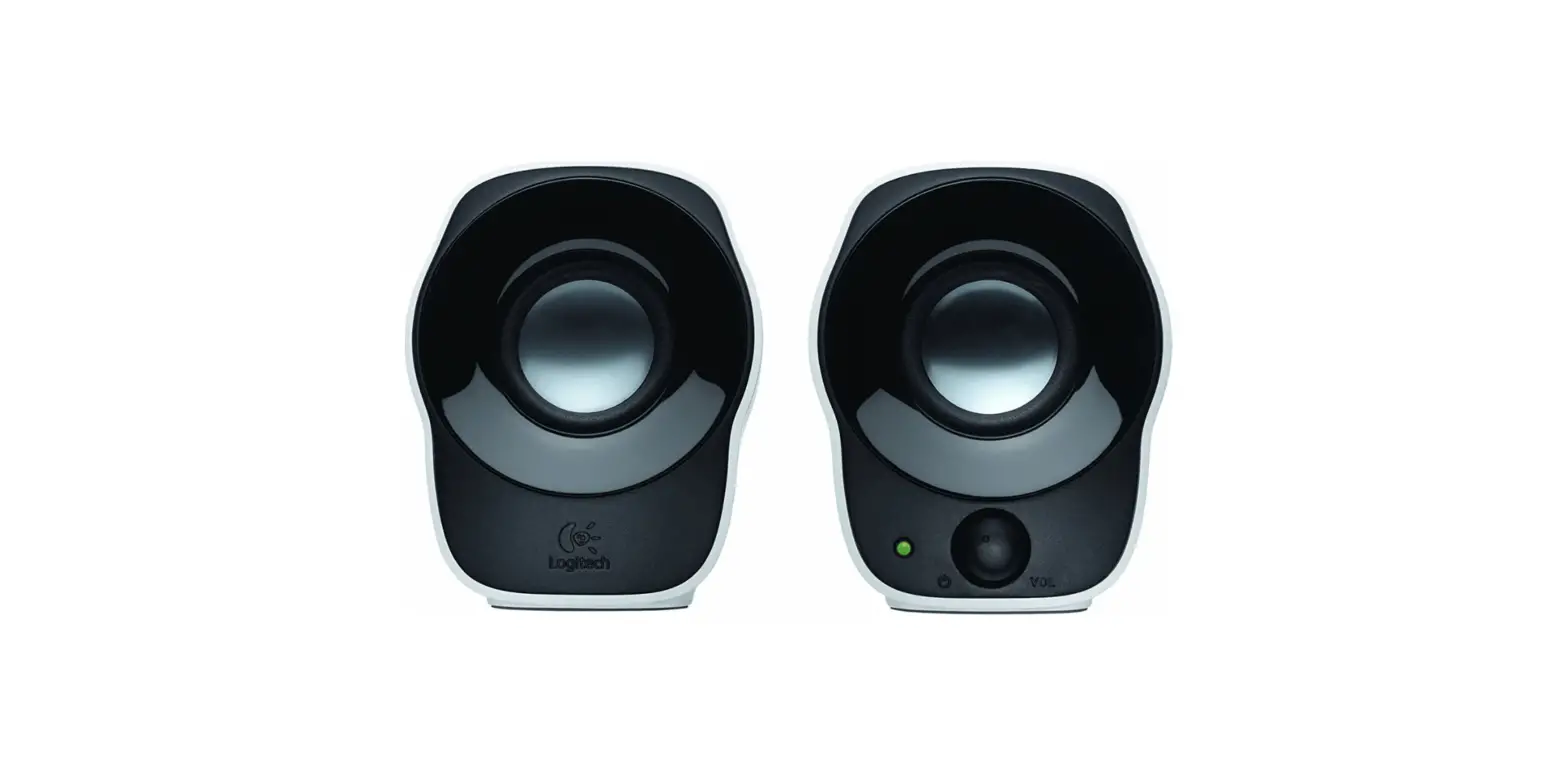
PRODUCT YOUR KNOW
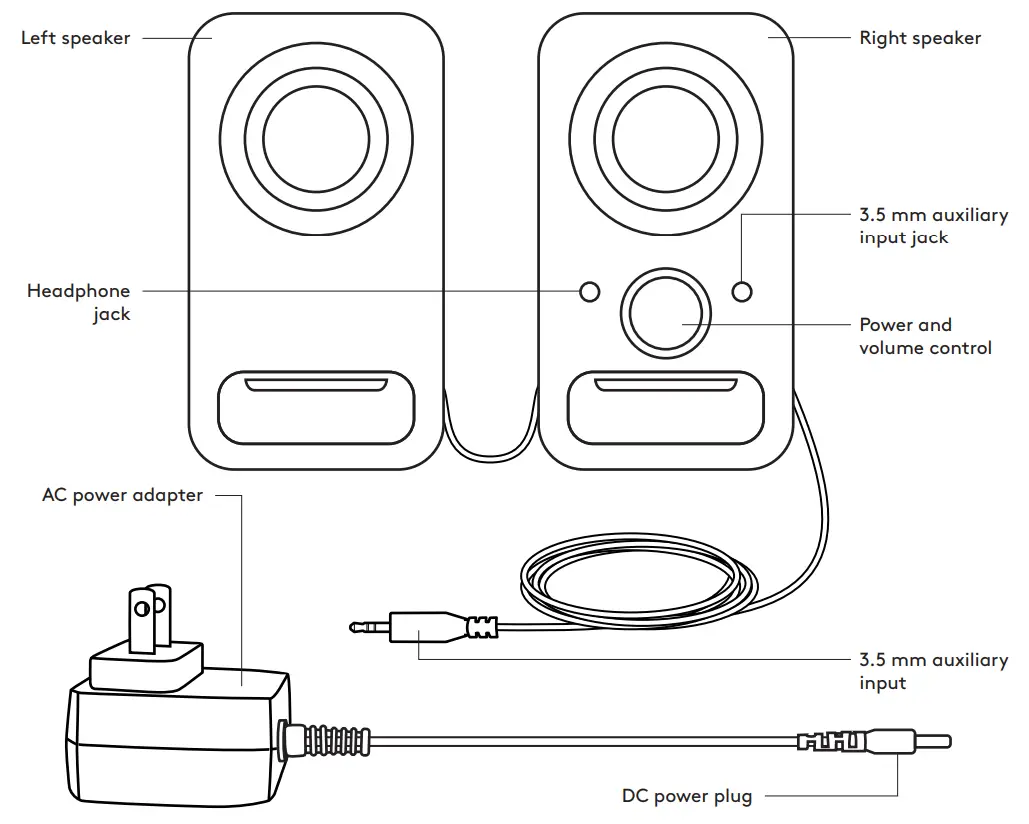
SPEAKERS THE CONNECT
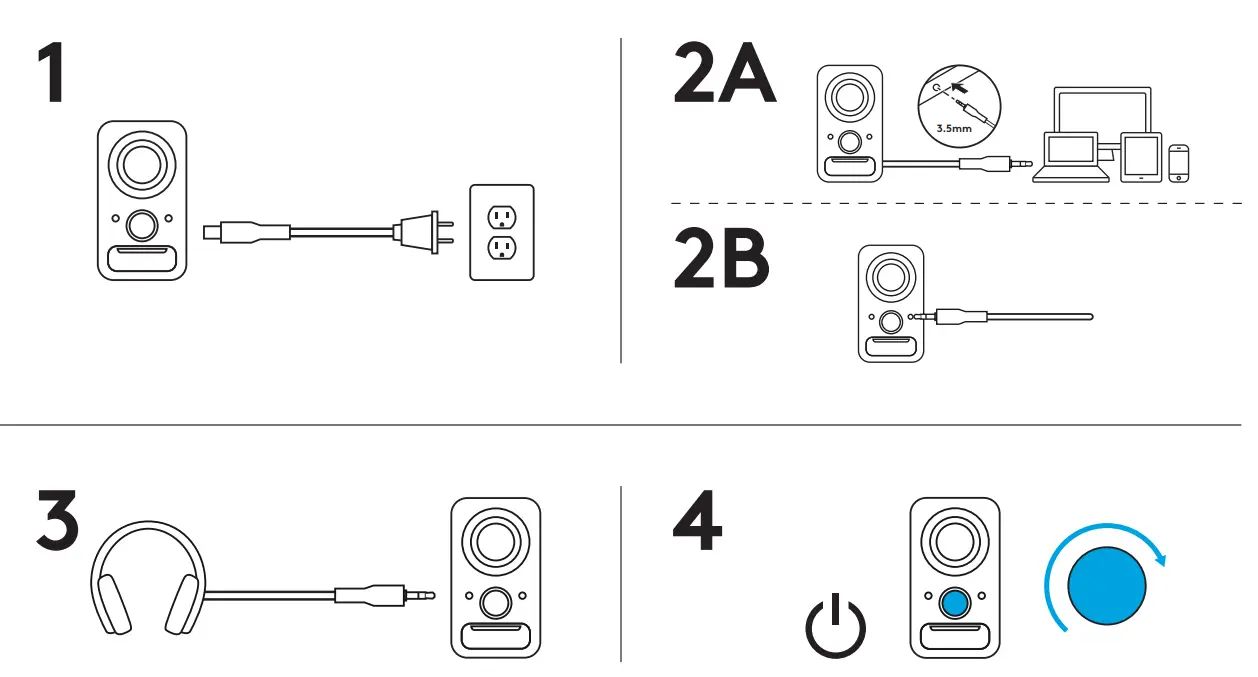
- Connect the DC power plug to the back of your right speaker and connect your AC adapter
to the electrical outlet
2A Connect your source device using the attached 3 5mm auxiliary input on the right speaker
2B You can also connect a device to the auxiliary input jack on the front of the right speaker - (Optional) Connect your headphones to the headphone jack on the front of the right speaker
- Turn the speaker on using the Power/Volume knob

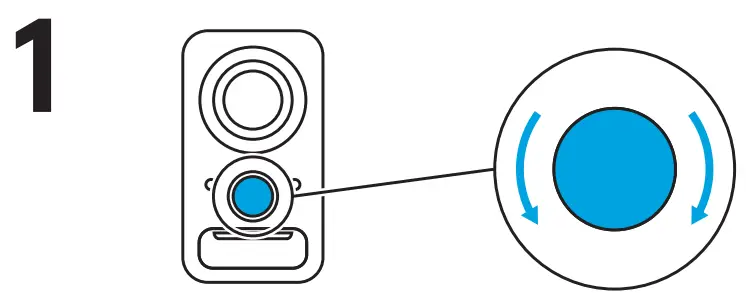
ADJUST THE VOLUME
- Increase (or decrease) the volume of speakers by rotating the single volume control knob clockwise (or counter-clockwise) on the right speaker

© 2019 Logitech Logitech, Logi and other Logitech marks are owned by Logitech and may be registered All other trademarks are the property of their respective owners Logitech assumes no responsibility for any errors that may appear in this manual Information contained herein is subject to change without notice

 Logitech Support + Download