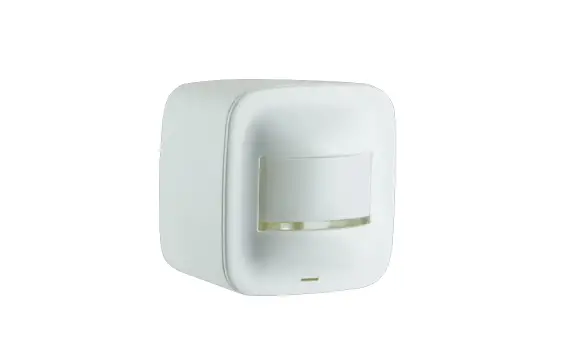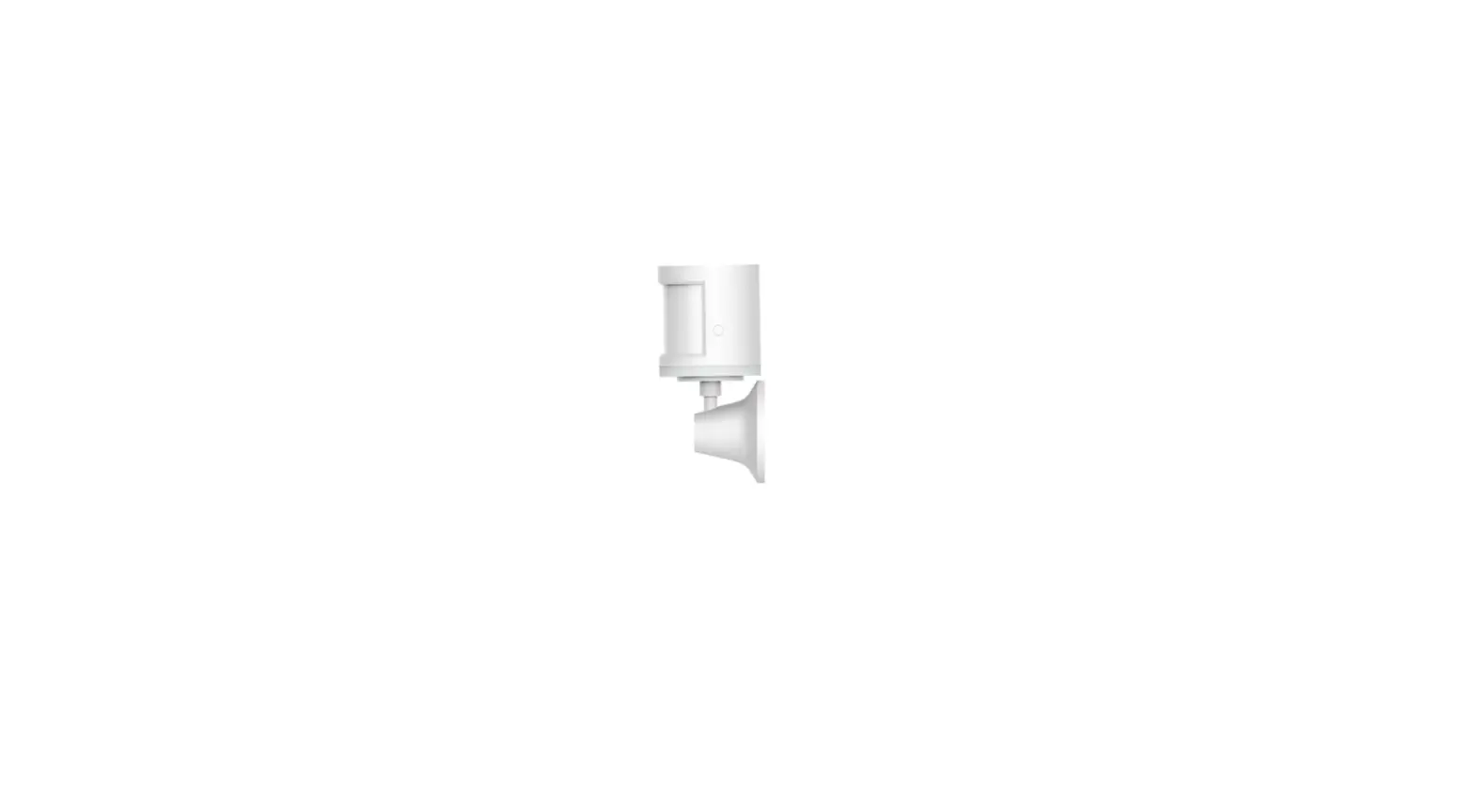
 Aqara ZΙgbee Wireless Human Body PIR Sensor Smart Home
 Aqara ZΙgbee Wireless Human Body PIR Sensor Smart Home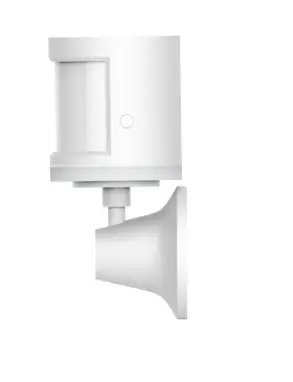
Introduction
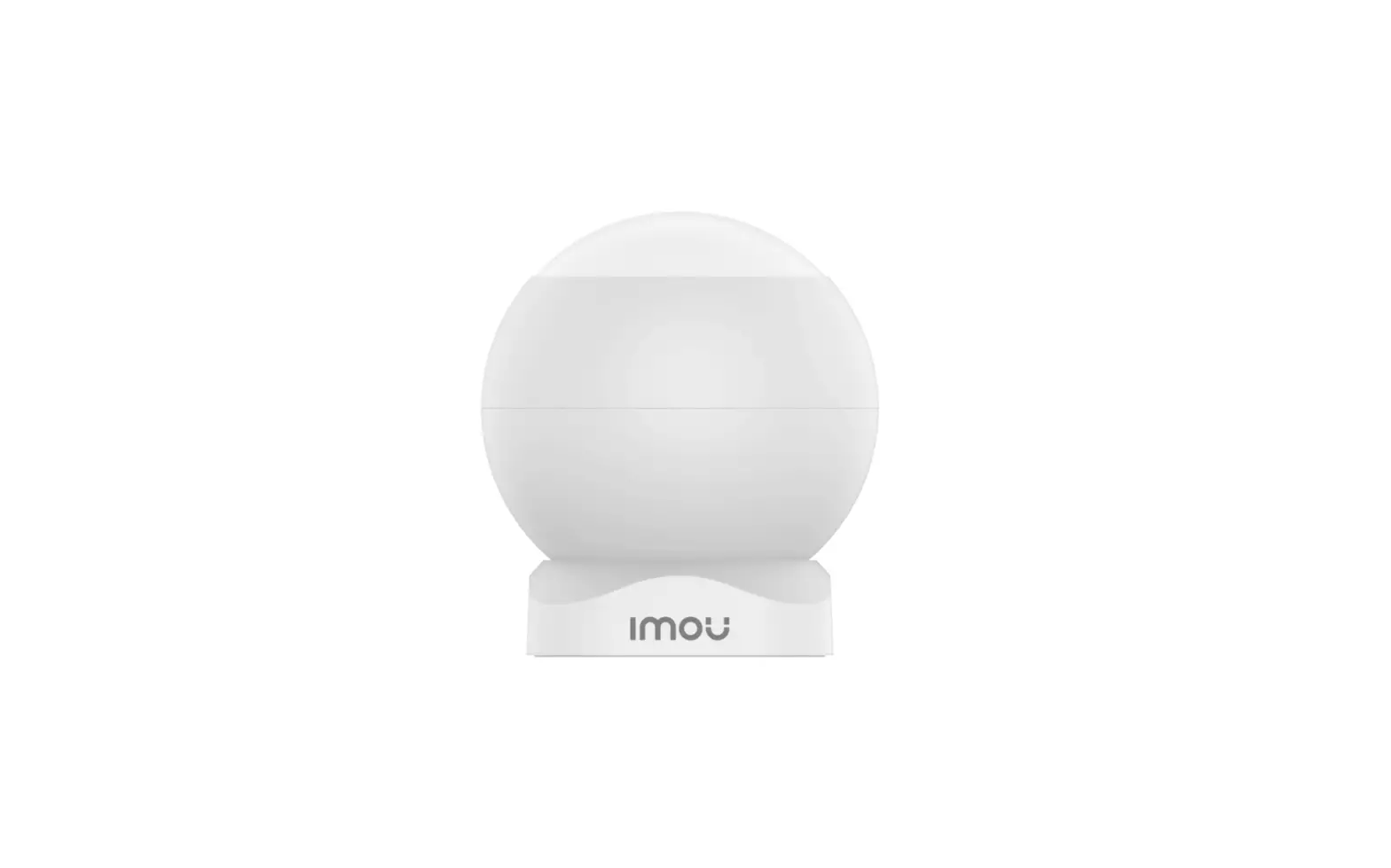
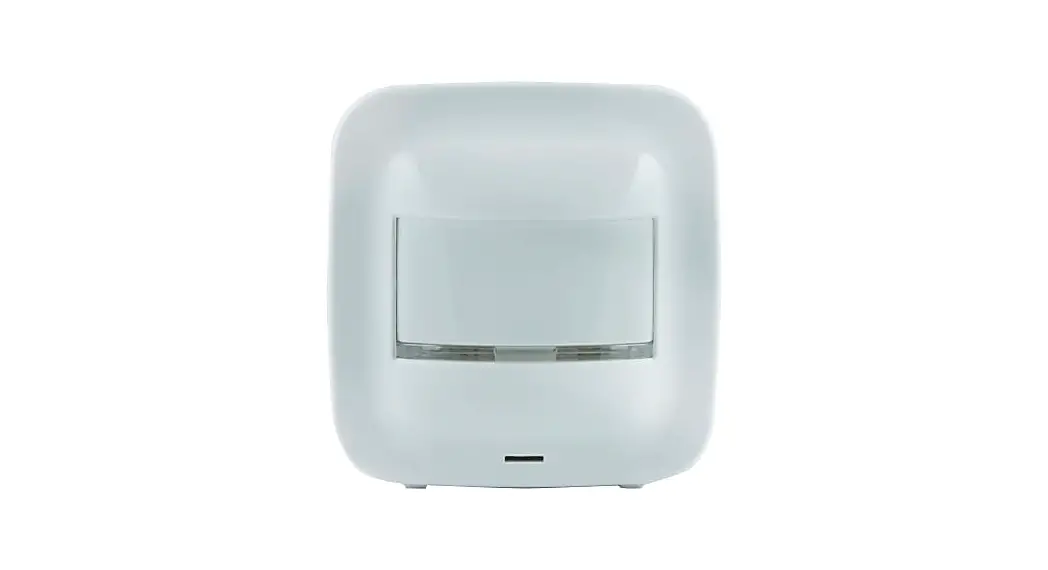
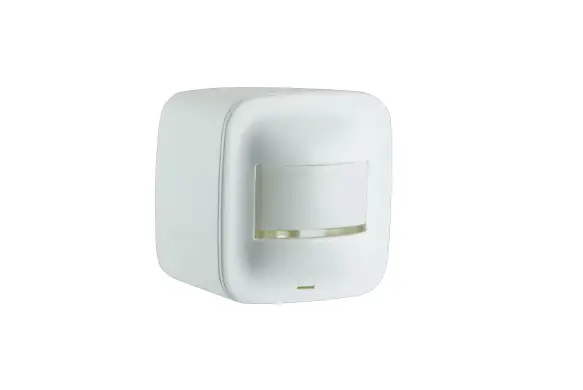
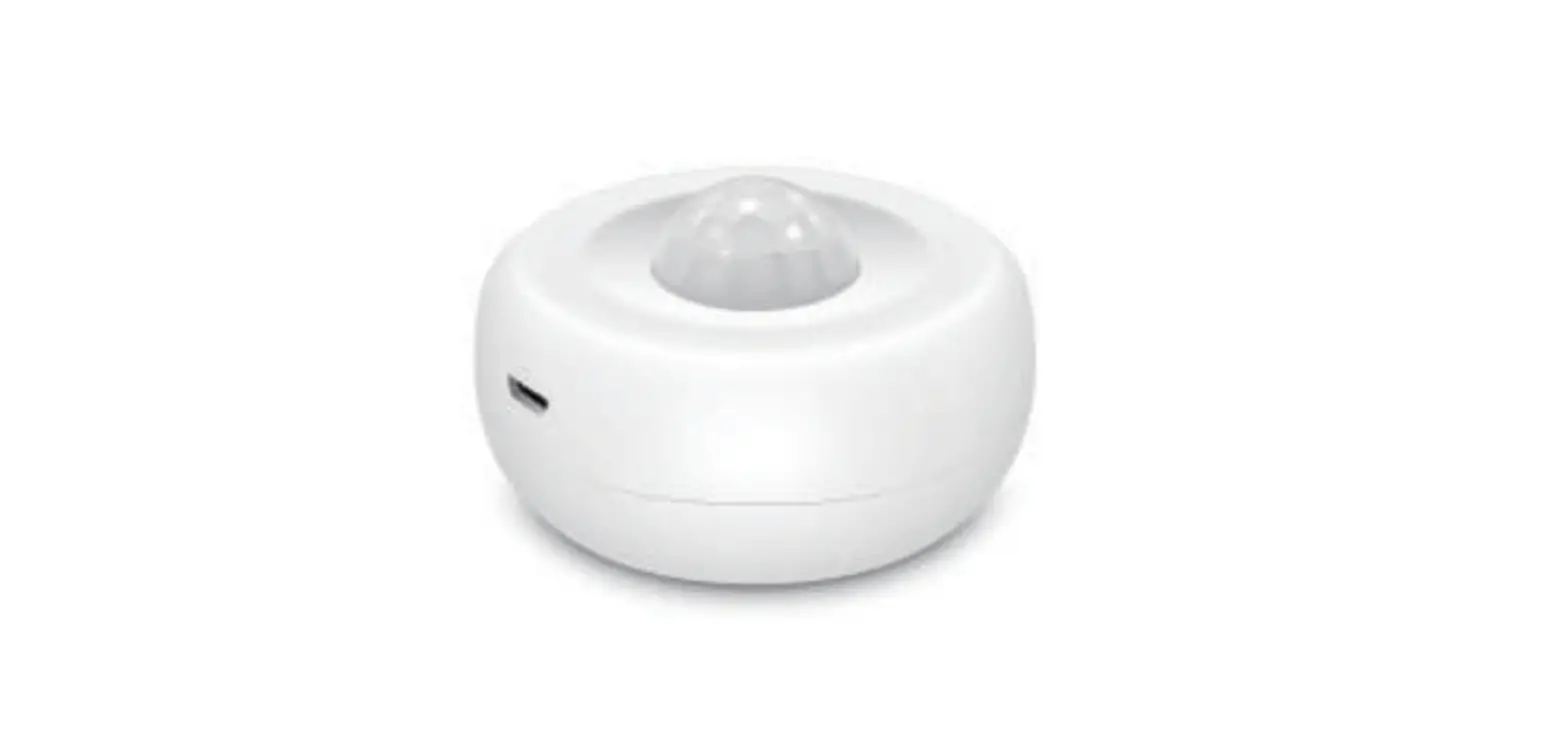
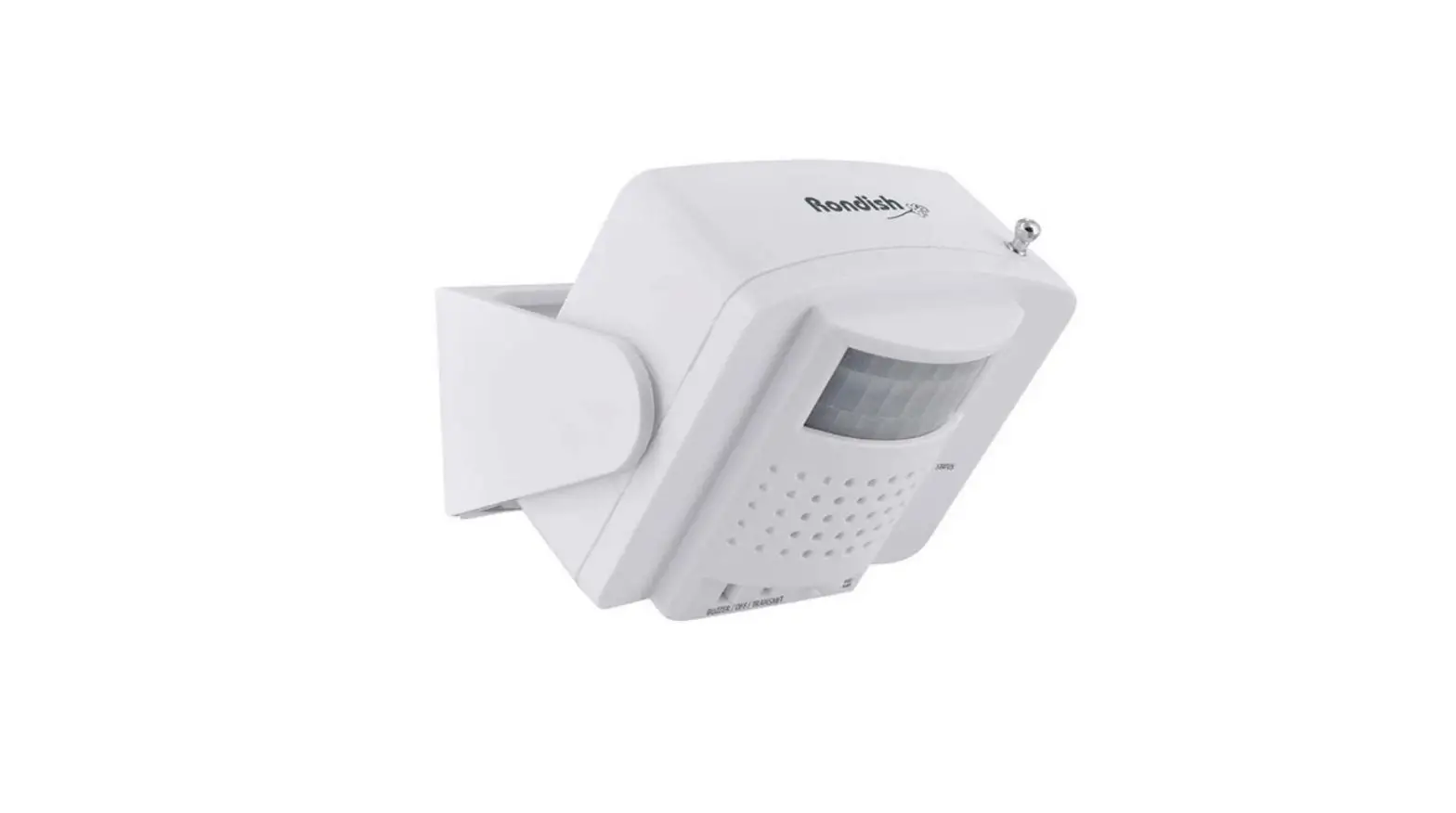
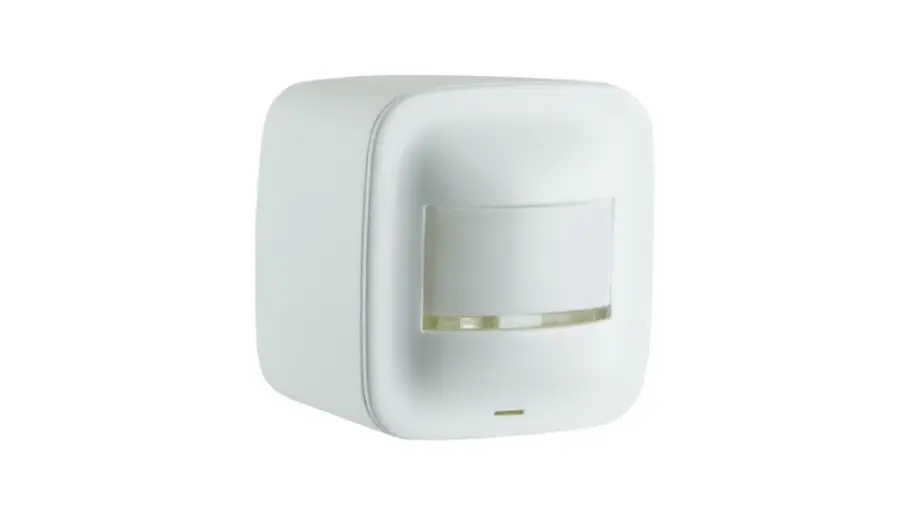
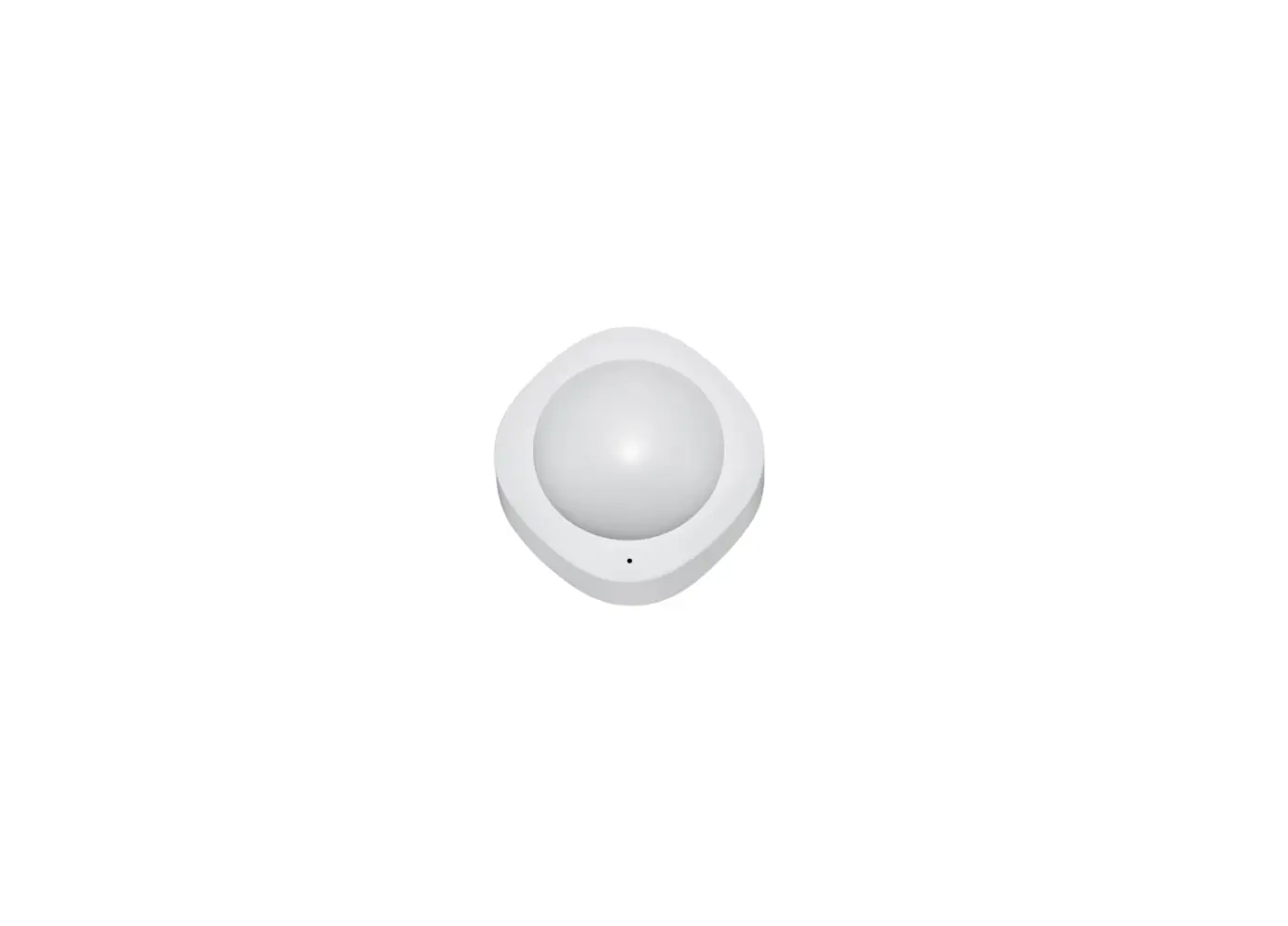
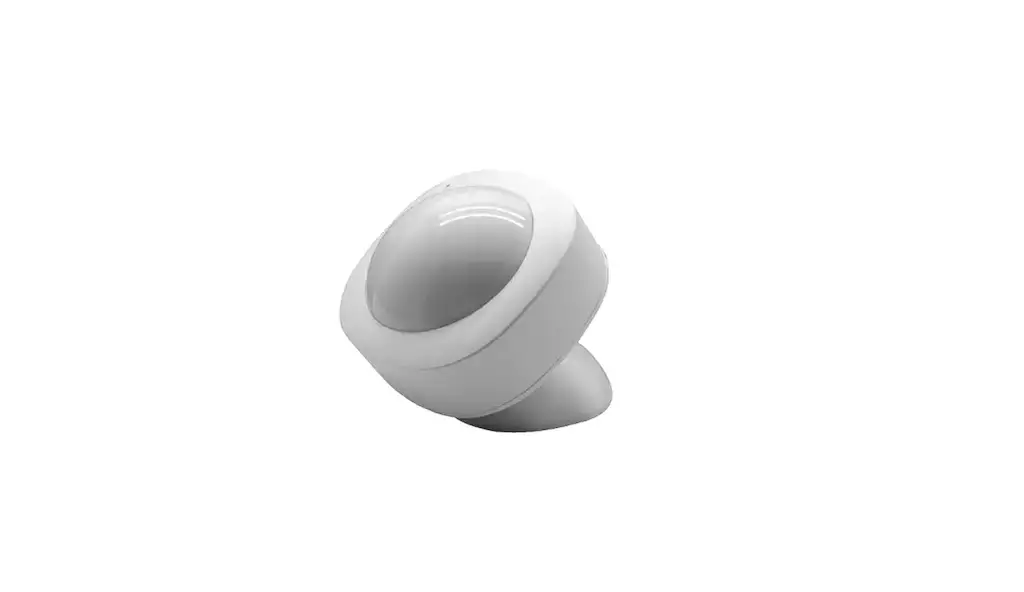
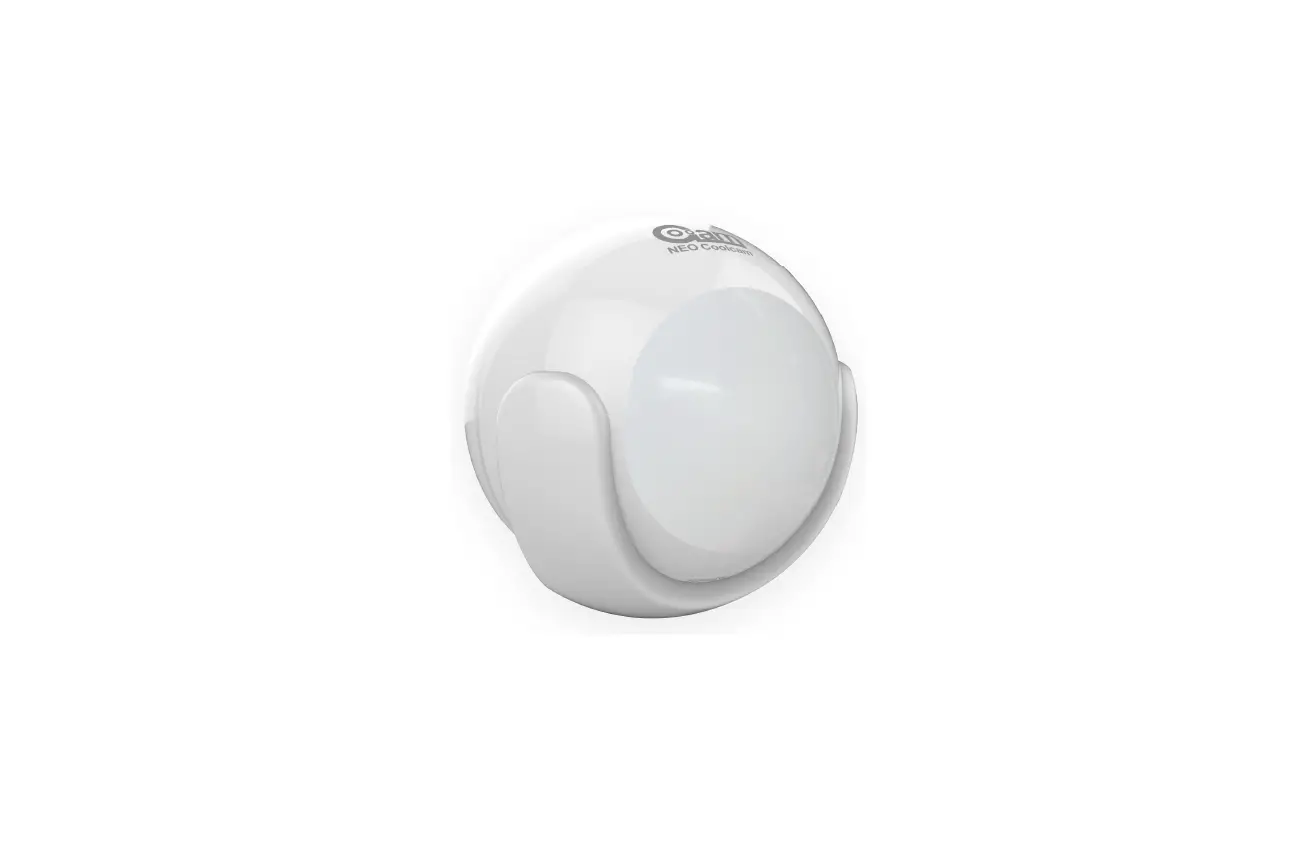
Aqara Motion Sensor detects human movement with passive infrared. It works with other smart accessories to set various scenes, such as, turning on or off lights automatically when it detects activity or inactivity. It consumes low energy. No tools are required to install it, and you can simply place or stick it almost anywhere.
- A hub is required.
- Aqara Hub is required to enable Aqara Motion Sensor to work with
- HomeKit technology. See www.aqara.com for more details.
- This product is for indoor use only.
Quick Setup
- Please add the Hub to the app according to the Hub Quick Start Guide.
- Please remove the battery insulation tab before use.
- Please open the app, tap “Home” and then tap “+” in the top right corner to enter “Add Device (Accessory) page. Select “Motion Sensor”, and add it according to instructions.
If the connection fails, please move the accessory closer to the Hub and try again.
Installation
Effective Range Test: Single press the reset button on the accessory at your desired position. If the Hub makes voice prompts, it indicates that the accessory can communicate effectively with the Hub.
Avoid metal surface to maximize signal strength.
Option 1:
Place the Motion Sensor where you need it.
Option 2
Remove the protective film (the round sticker is in the box), and stick it to the desired position.
Option 3
Stick the Motion Sensor to the stand, and stick the stand to where you need it.
- Keep the surface clean and dry.
- The recommended installation height is 1.2 m to 2.1 m. If the installation height is below 1.2 m, the detection area will decrease; if above 2.1 m, the detection area might have blind spots.
Note that the lens should be aligned with the detection area when installing, and placed or pasted as close as possible to the edge of table or cabinet.
identify an Accessory
Open the app, go to the “Device List (Accessories)” page. Single press the reset button on the accessory. If the Hub makes voice prompts and the related accessory icon in the app blinks, it indicates that the accessory is identified.
Specifications
- Model: RTCGQ11 LM
- Dimensions: 30 x 30x 33 mm (1.18 x 1.18x 1.30 in.)
- Wireless Protocol: Zigbee
- Battery: CR2450
- Maximum Detection Distance: 7 m
- Maximum Detection Angle: 170°
- Operating Temperature: -10° – +45° C
- Operating Humidity: 0-95% RH, no condensation
Online Customer Service: www.agara.com/support
Email: [email protected]
Manufacturer: Lumi United Technology Co., Ltd.
Address: 8th Floor, JinQi Wisdom Valley, No.1 Tangling Road, Liuxian Ave, Taoyuan Residential District, Nanshan District, Shenzhen, China.
Frequently Asked Questions
I would expect you can get it to work with Hubitat. I was able to get it to work with Home Assistant via a generic USB ZigBee dongle, no hub. I would expect Hubitat’s ZigBee to work with it as well. Was able to get a bunch of these tied in quickly and they seem to work well. No idea on the battery yet.
You require the Aqara hub to make it work anyways. The hub is configured first, then you add accessories to the hub, like the Aqara Motion Sensor.
Yes. Unless there is some way to configure it, my testing has motion clearing after a minute and occupancy clearing after ten minutes.
We do not officially support the Smartlife app.
I have a few of these and I use both smart switched and smart bulbs with them. I do my automation via Home Assistant.
The Aqara Motion Sensor must be paired with an Aqara Hub. It is not compatible with the Wink Hub 2.
Yes
I’m sorry but we don’t support Gosund products or their app. Plus, Gosund products utilize WiFi for their products while we use the Zigbee protocol.
Yes, it can pick up any motion. But, if it’s in a hallway with no lights it’ll take about 30 seconds to pick up after passing the sensor. I’m guessing it has to do with poor lighting.
The light sensor does work with Smartthings with the correct device handler populated from GitHub.
It works fine with almost any Zigbee coordinator, be it their hub, or another device. For example, mine are connected using a Texas Instruments CC26X2R1 Zigbee device as my coordinator.
Any Zigbee hub will work I believe. I use a Sonoff hub flashed w/Tasmota.
Will this sensor stay on as long as I am sitting in my room?
As long as the sensor detects motion, it will trigger the action you have set via automation or alert. The motion sensor’s detection frequency is once per minute.
You won’t be able to use the motion sensor with your Philips Hue Hub. It must be paired with an Aqara Hub.