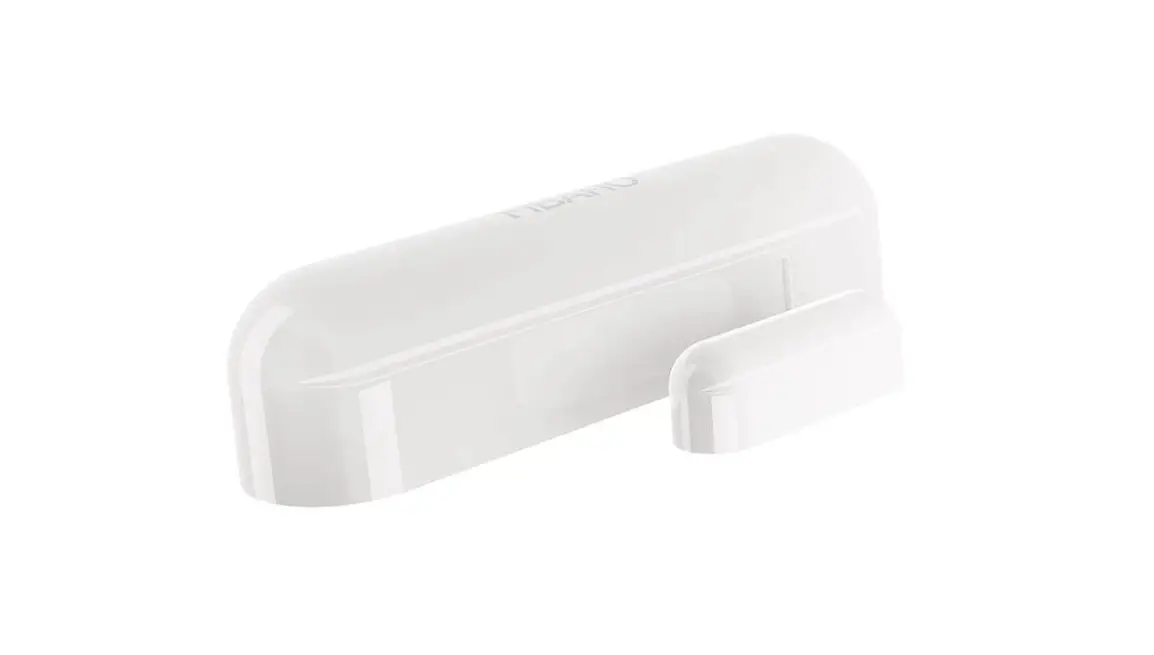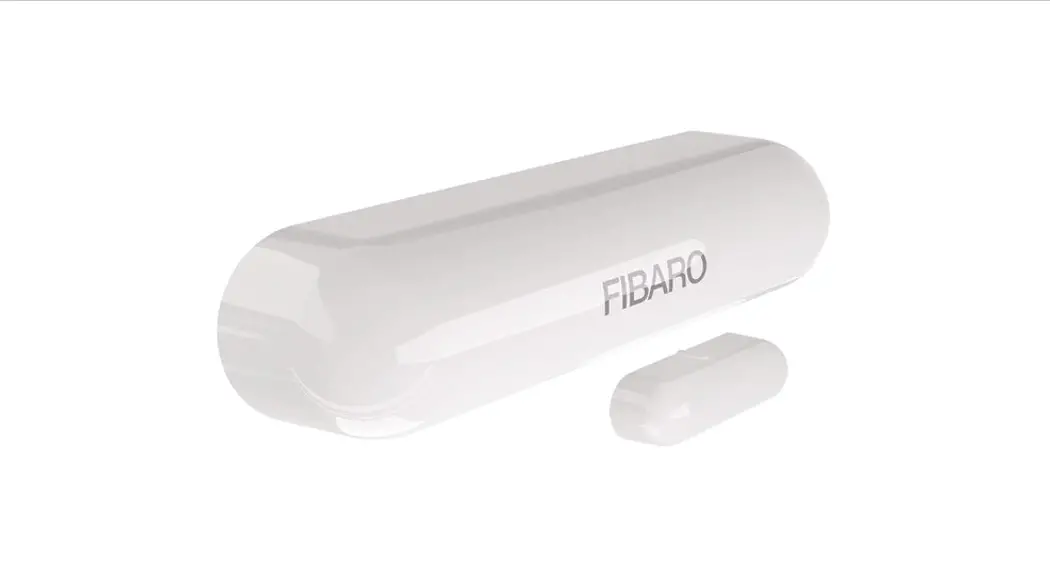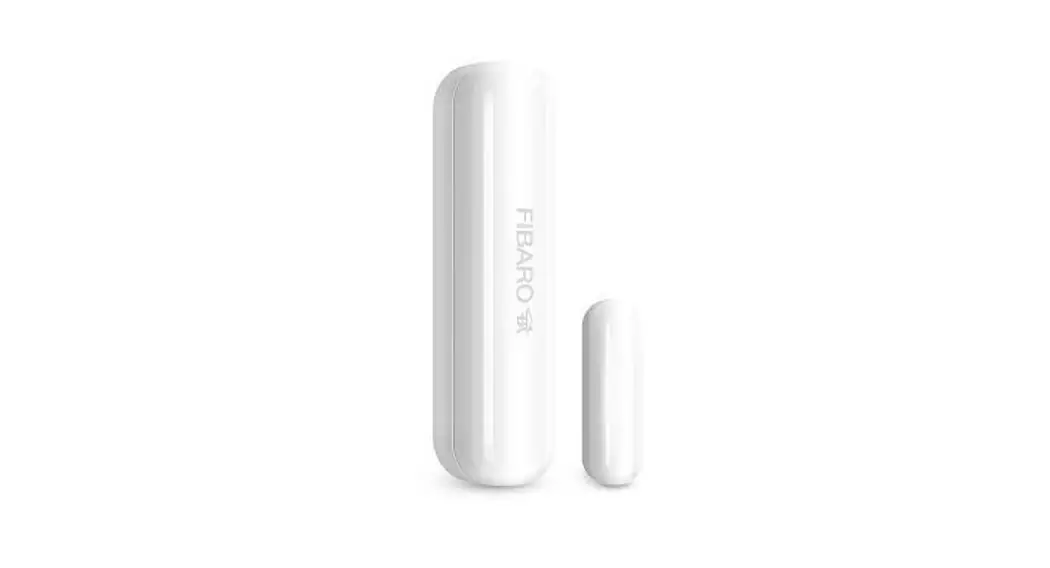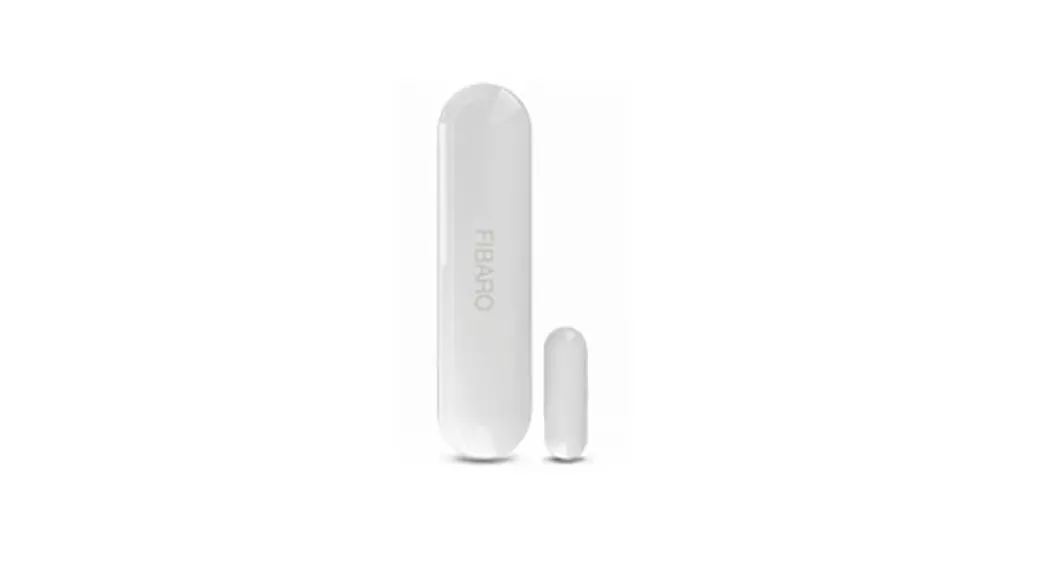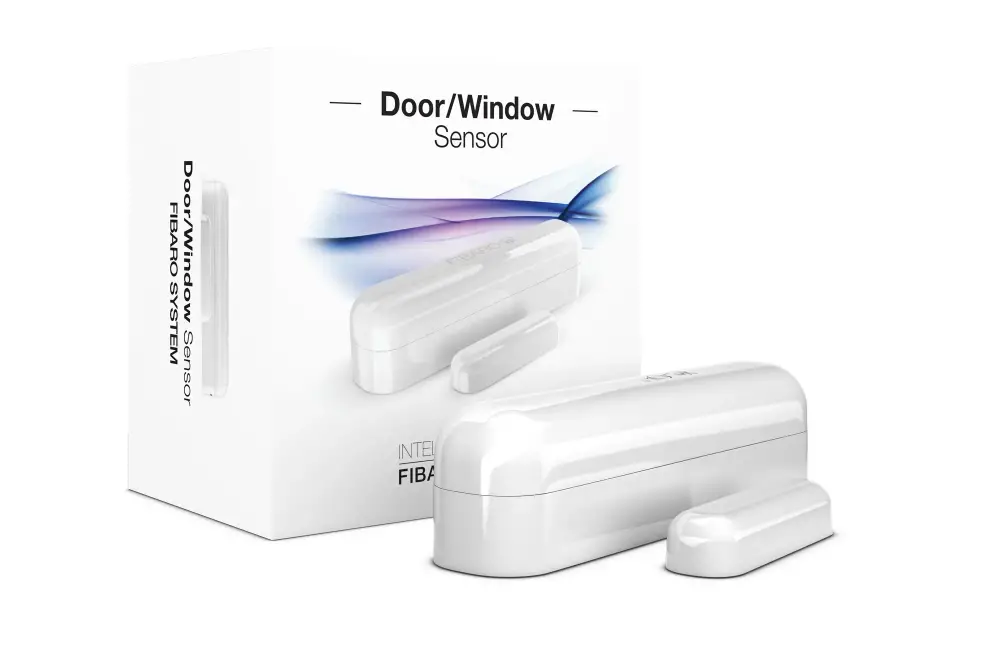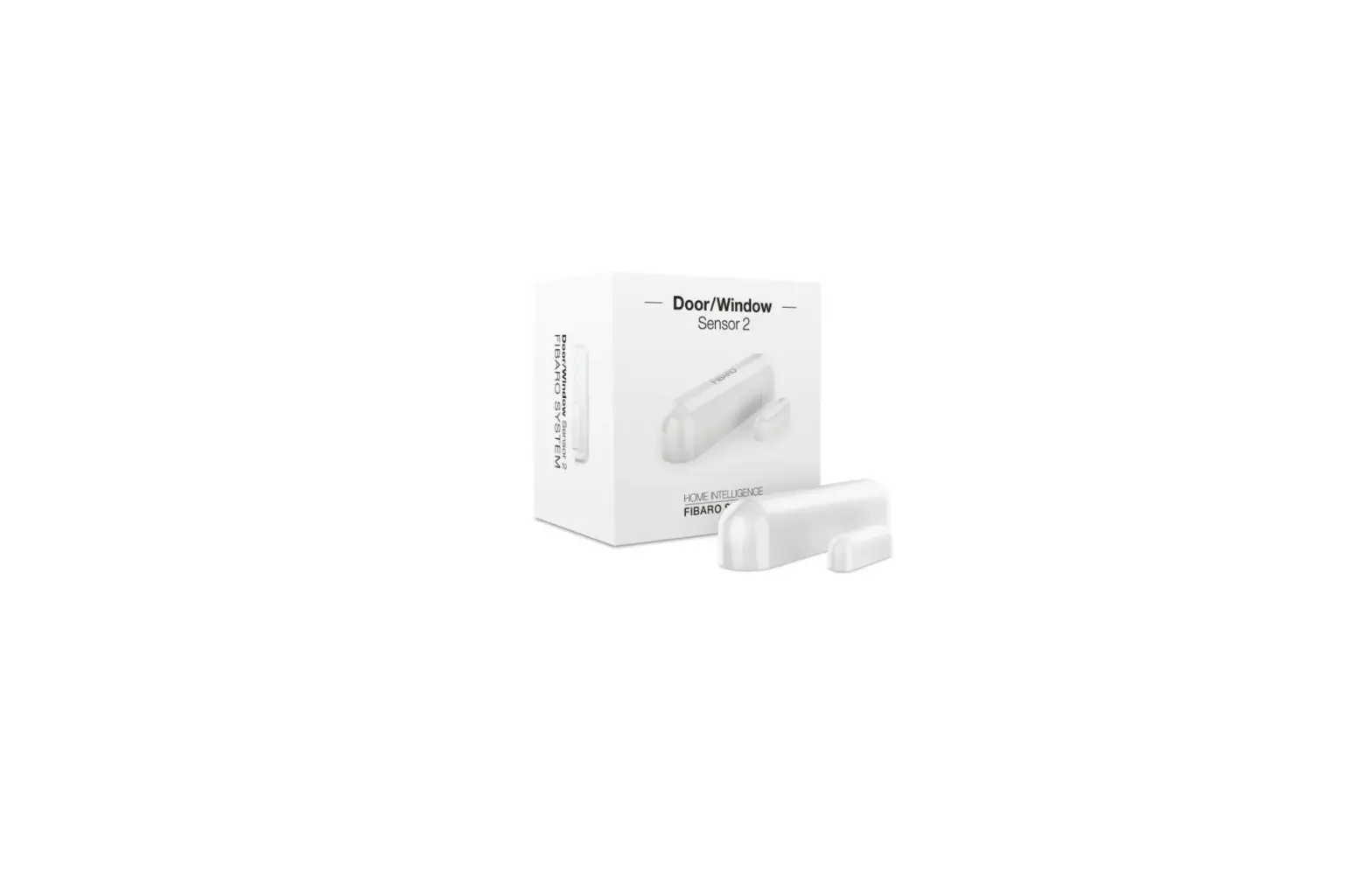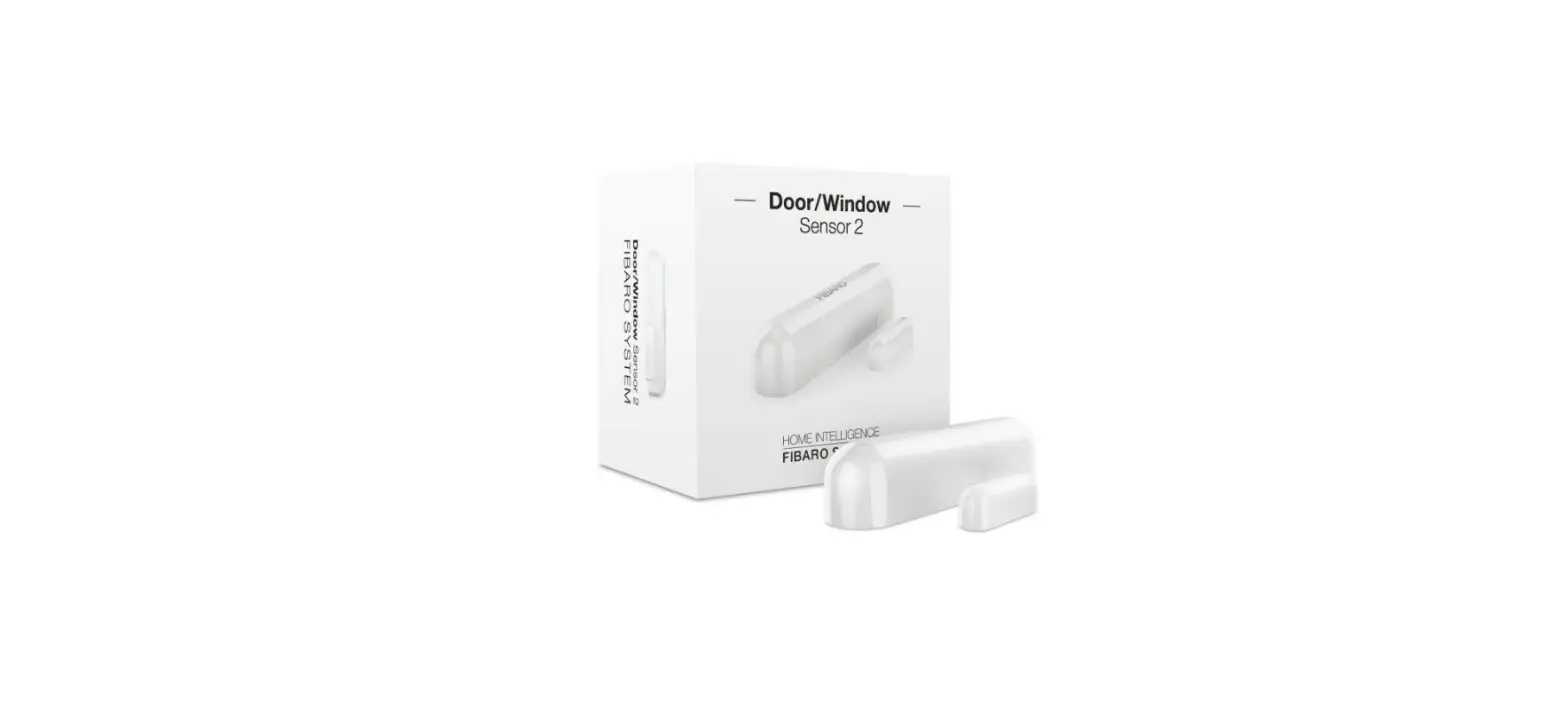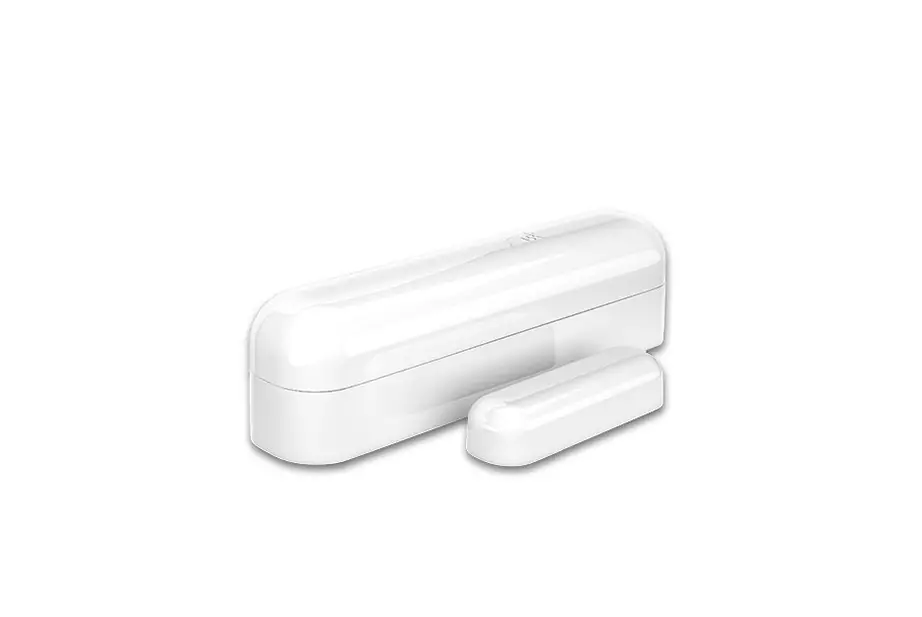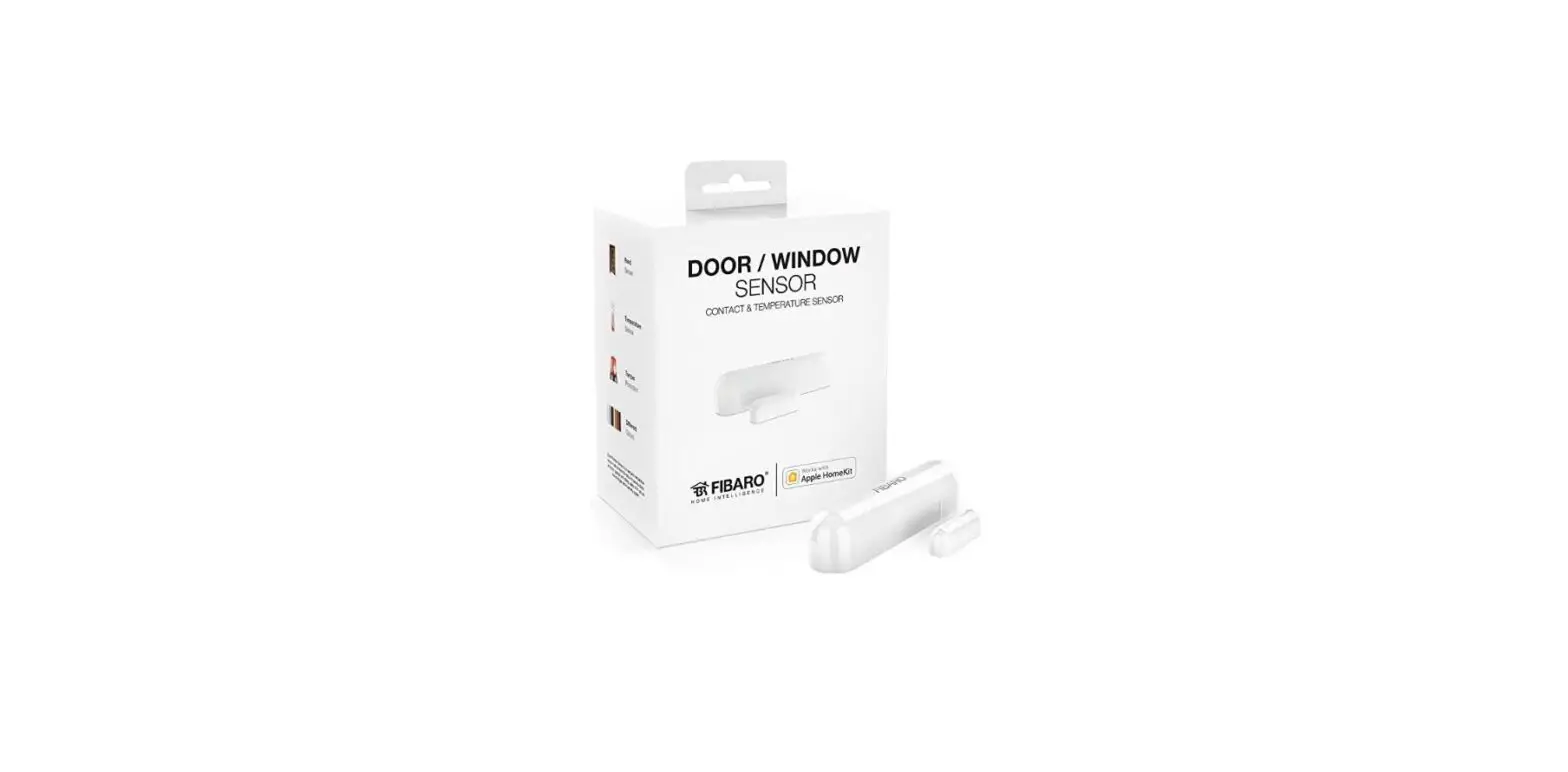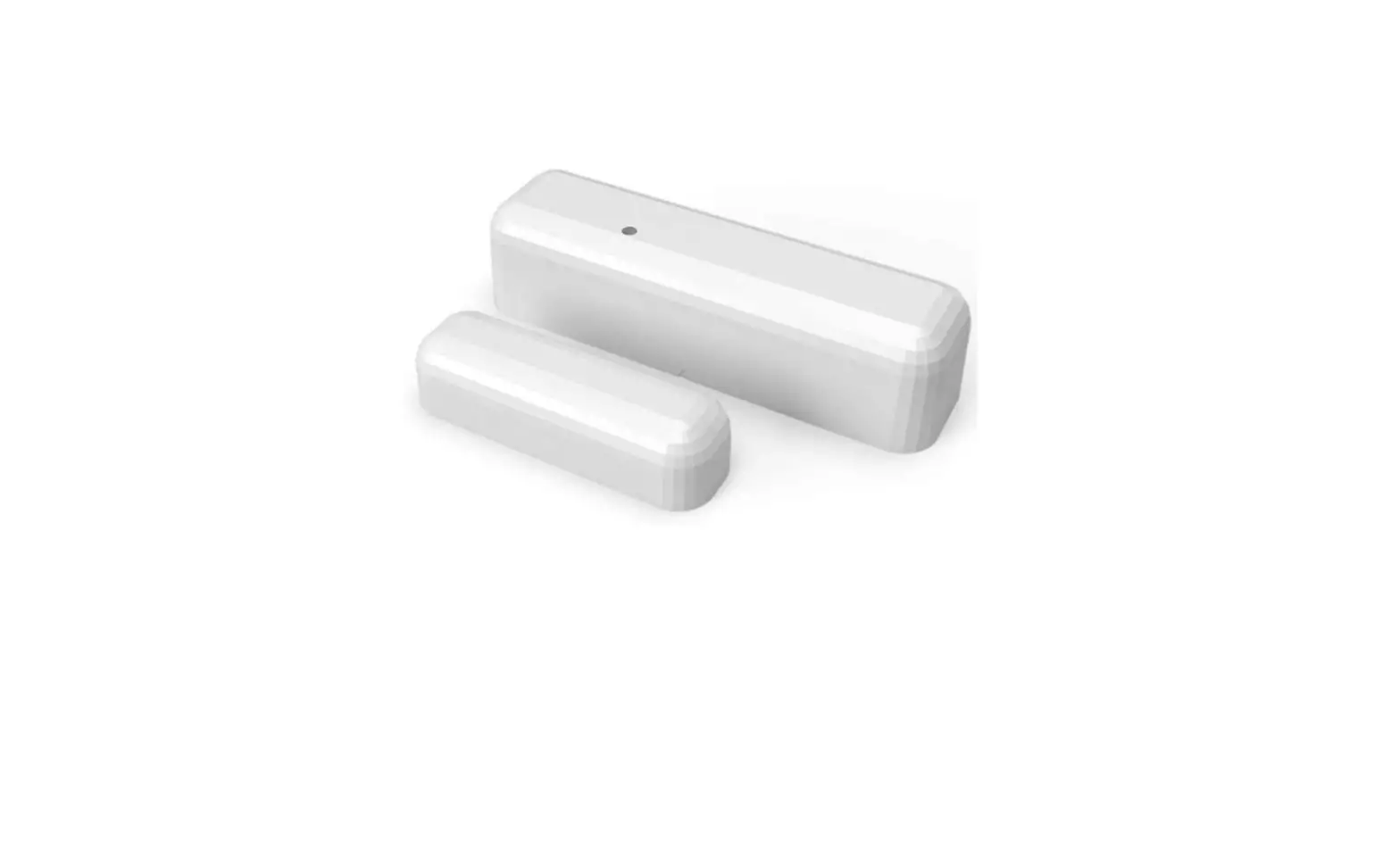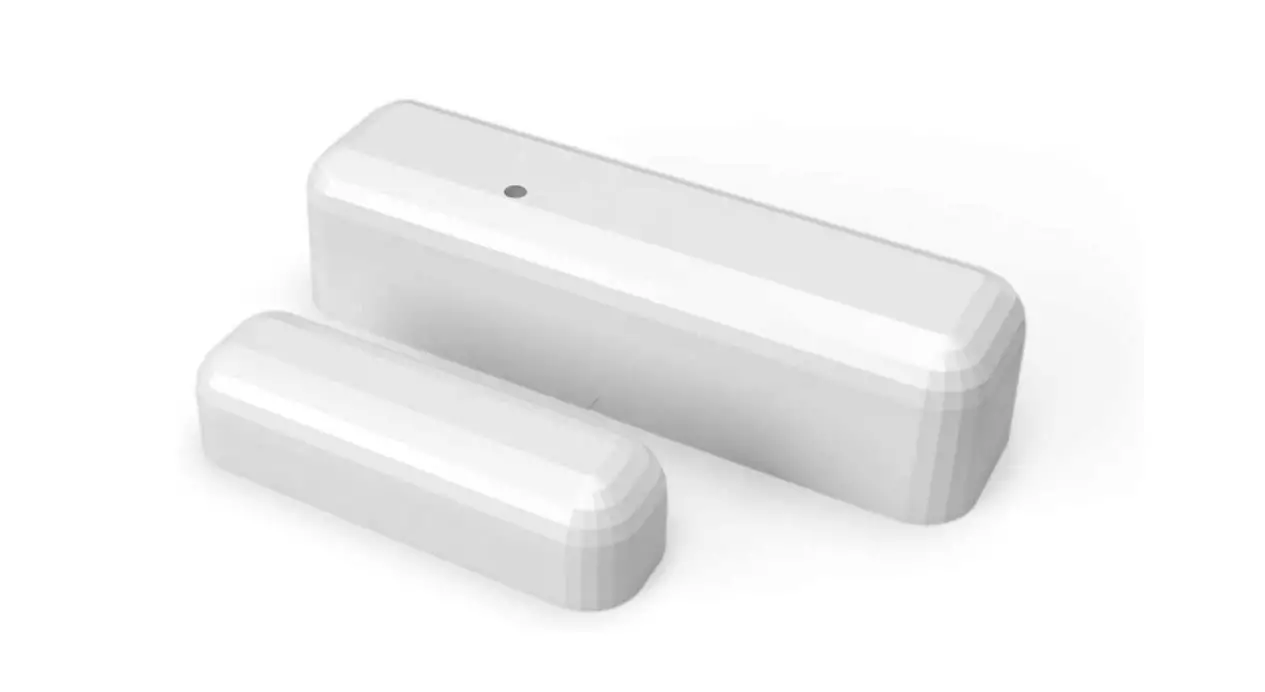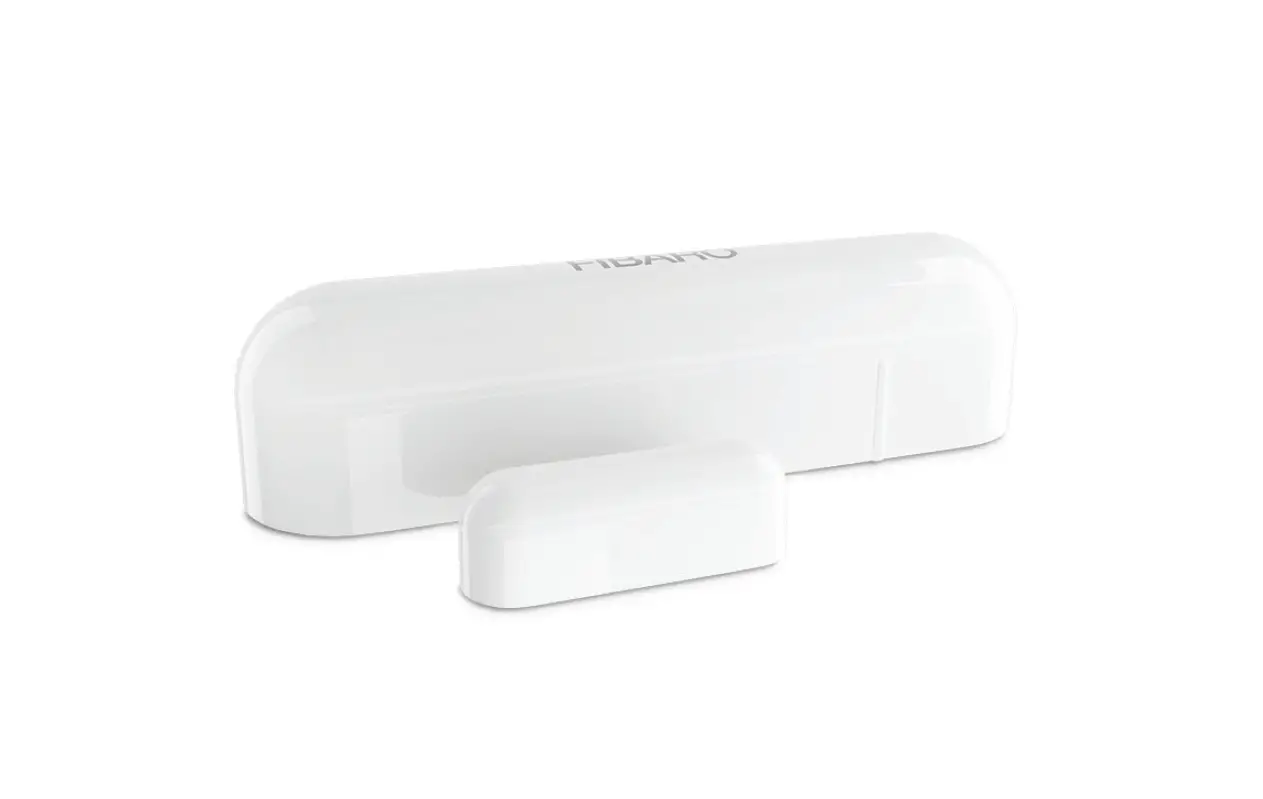

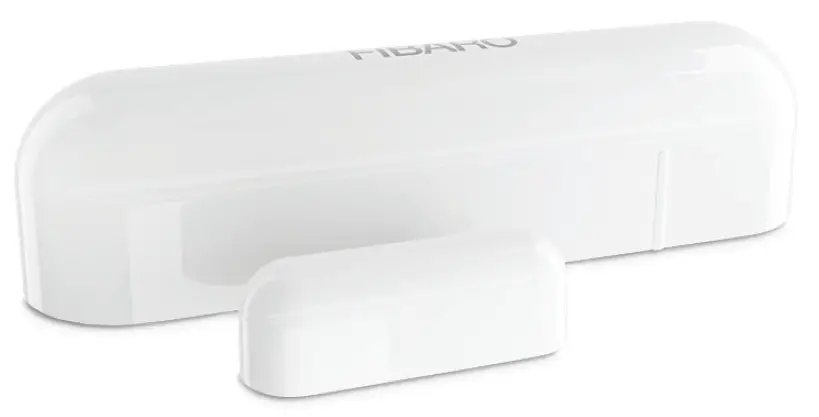
FIBARO FGBHDW-002-1 – Door / Window Sensor
Support
- If you need help configuring the FIBARO Door/Window Sensor, follow our guides and technical manuals available at: manuals.fibaro.com/en/hk-door-window-sensor

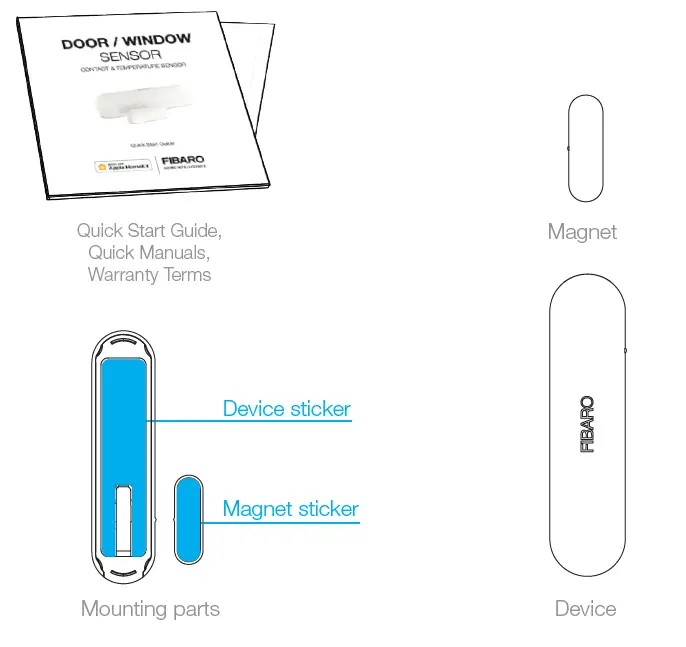
Package Contents
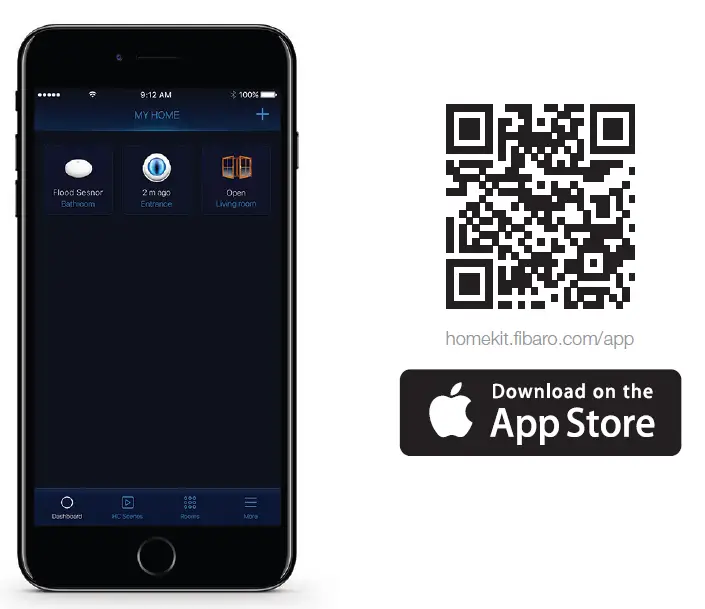
FIBARO app
- Download the FIBARO for HomeKit application from the App Store.
First launch
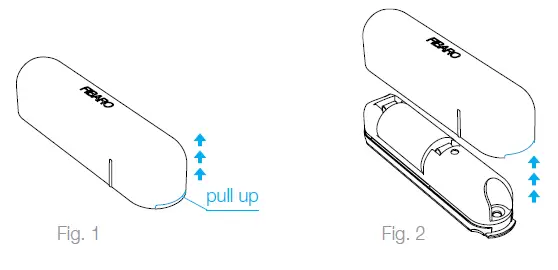
Step 1
- Take the cover off

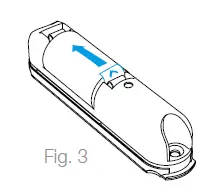
Step 2
- Remove the battery blocker and check if the battery is placed correctly
Step 3
- Close the cover
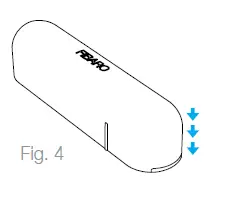
Step 4
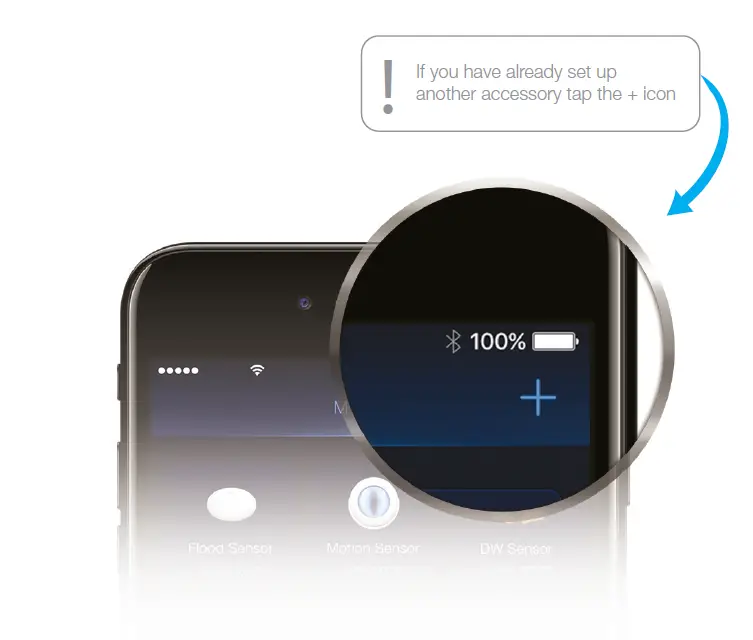
- Open the FIBARO app and tap Add accessory icon
 Step 5
- Application will guide you through the pairing process
Step 6
- Carefully remove one protective layer from the double-sided stickers included in the package. Apply the stickers to the sensor and magnet.
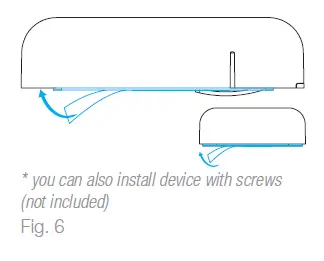
Step 7
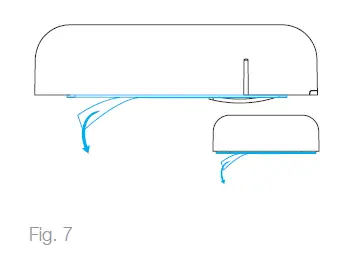
- Peel off protective layer from the sensor and magnet
Step 8
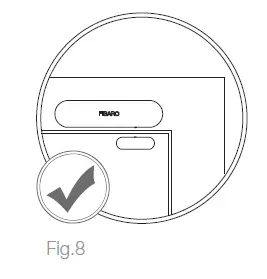
- Stick the sensor onto the frame and magnet onto the moving part of the door/window (no further than 5 mm from the sensor)
Resetting the Door/Window Sensor to factory defaults
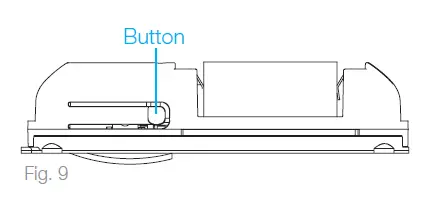
- Open the cover
- Press the button 3 times then press and hold the button

- When the LED glows, release the button
- Click the button again to confirm
HomeKit Setup Code is needed to securely add accessory to your home. You may need it in case of re-pairing. Remember to keep it in safe place. Nobody but you has a copy. FIBARO cannot recover the HomeKit setup code for you.
© Fibar Group S.A. All rights reserved Made in Poland www.fibaro.com
 Aplikacja FIBARO for HomeKit Devices w App Store
 Door/Window Sensor (FGBHDW-002) | FIBARO Manuals
 Home Automation - Smart Home | FIBARO