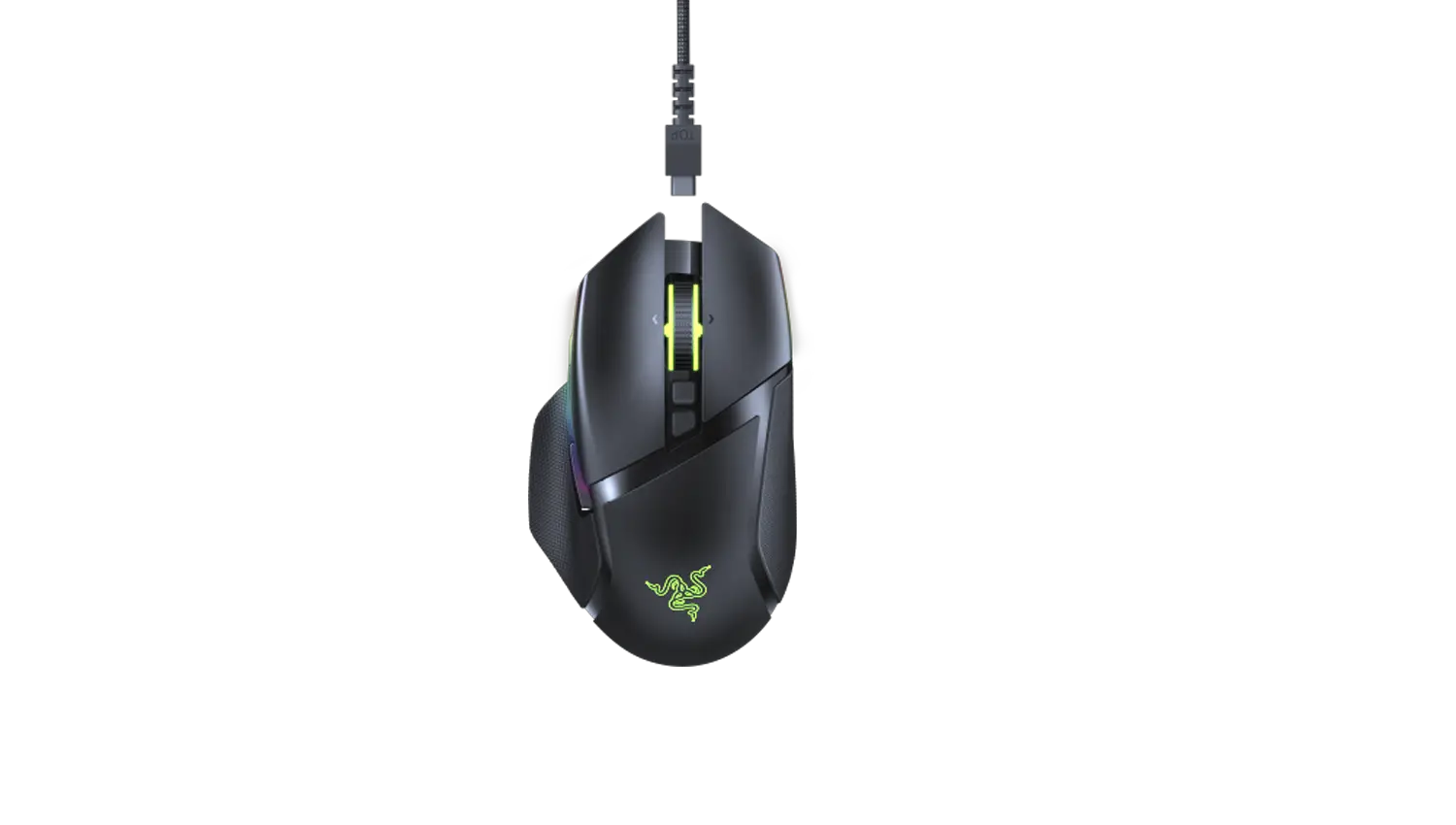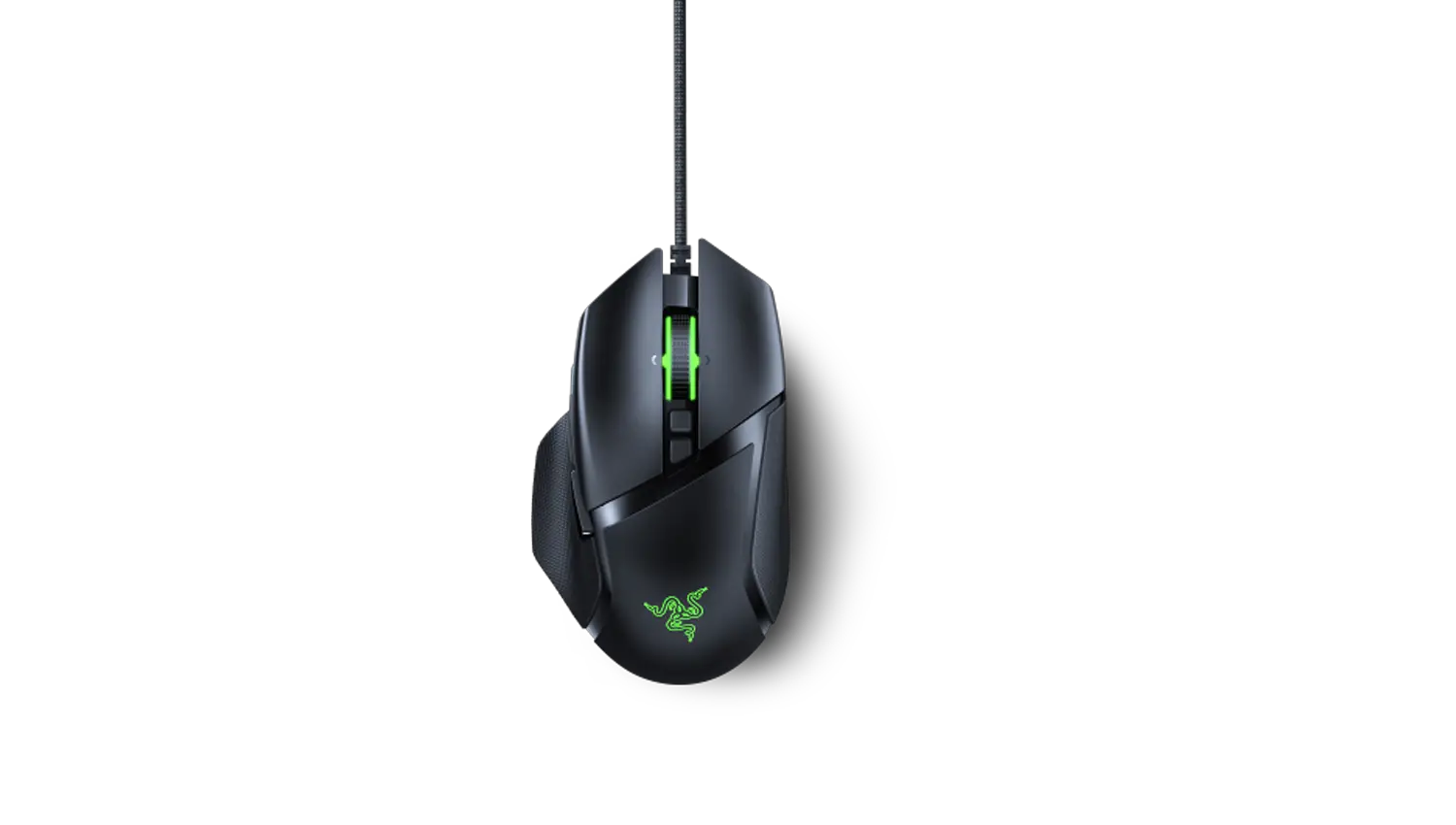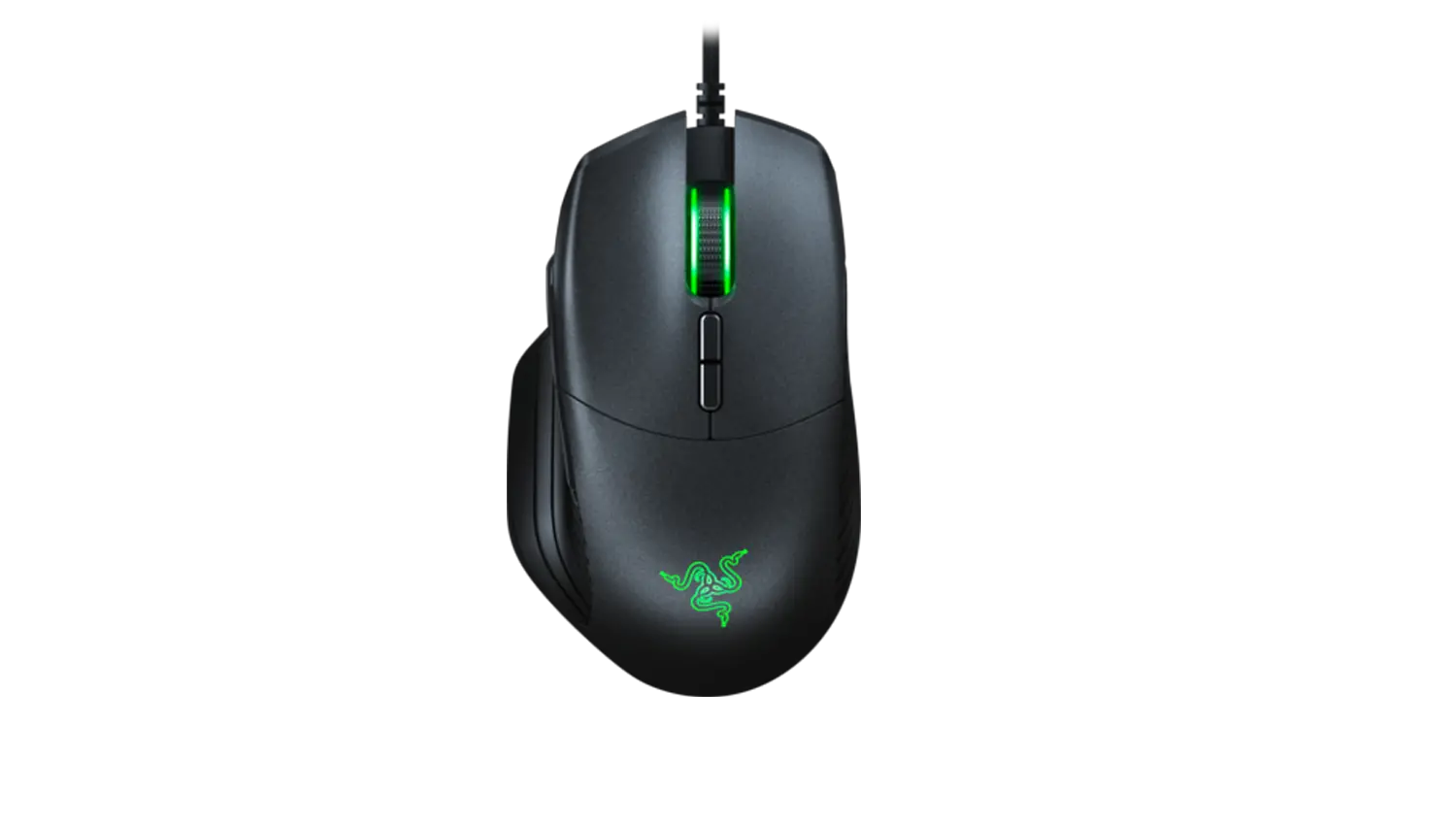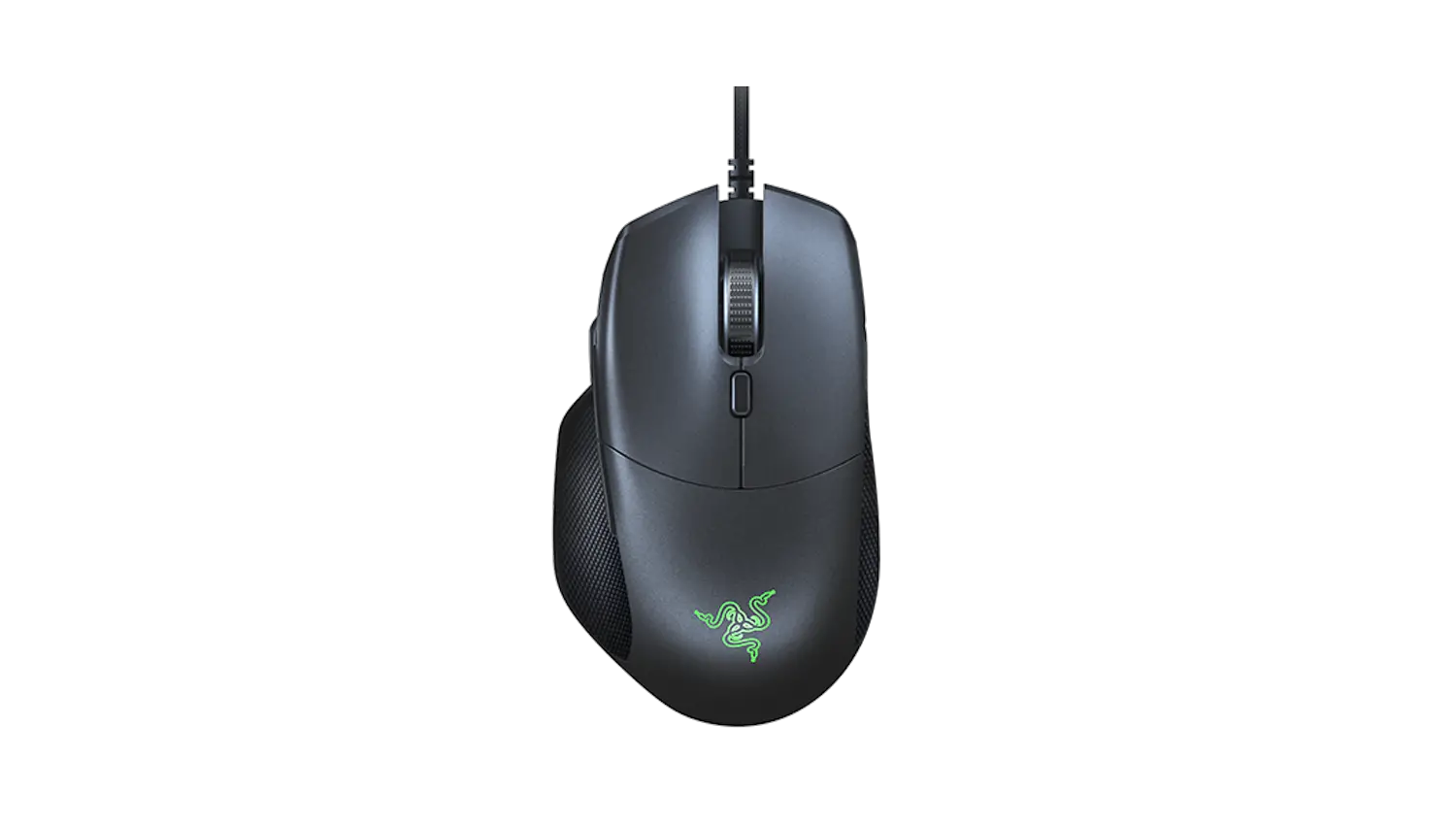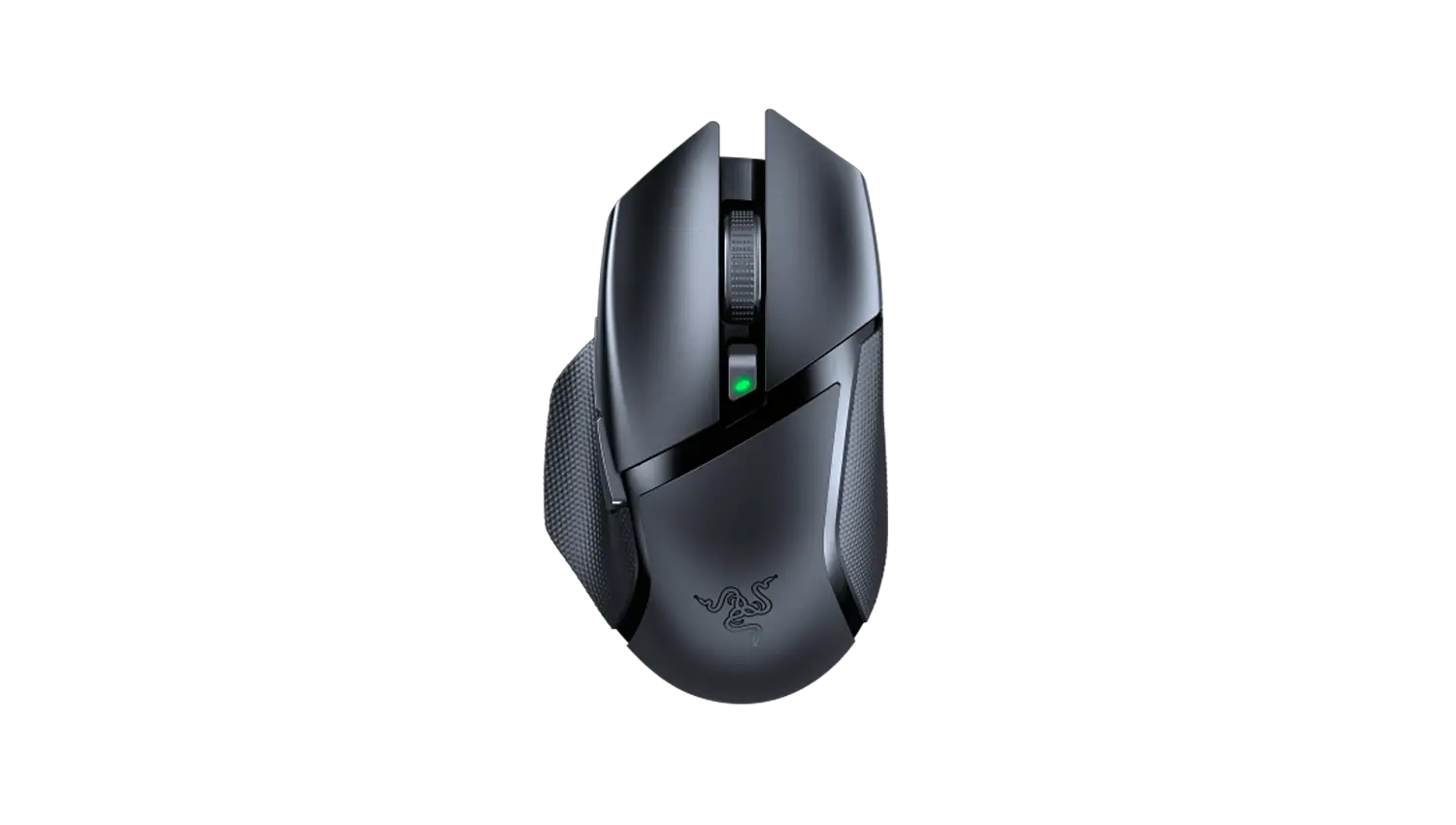
Razer Basilisk X HyperSpeed Support
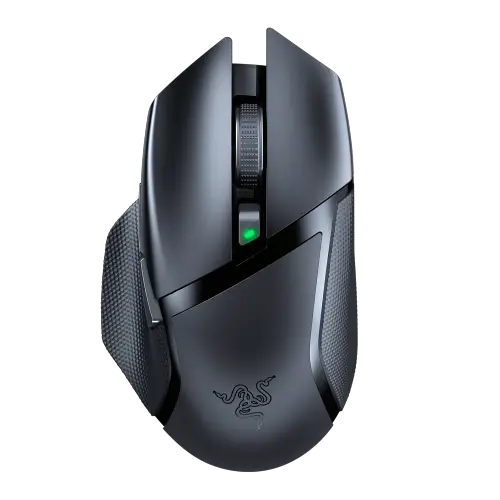
Common Questions
What is “On-The-Fly Sensitivity” and how do I configure it?
“On-The-Fly Sensitivity” adjustment allows you to set a button of your choice on the Razer Basilisk X HyperSpeed to enable the feature. If a button has been assigned to “On-The-Fly Sensitivity,” pressing and holding the assigned button down while moving the scroll wheel up or down will produce a bar on the lower right-hand corner of your screen allowing you to adjust your sensitivity settings by steps of fifty (50) DPI.
How do I change the settings of my Razer Basilisk X HyperSpeed?
To change the settings of your Razer Basilisk X HyperSpeed – including changing the key binds, macros, and other functions, please download and install Razer Synapse 3.
How do I clean my Razer mouse?
We cannot say with certainty what type of dirt and debris may be on your product, or how certain cleaning products may react with it, but we have had good luck cleaning Razer products using commonly available monitor cleaning wipes. To clean the body of your Razer mouse, please take a monitor wipe and use gentle wiping motions. Do not scrub the surface of your Razer mouse. You can clean the sensor using a Q-Tip lightly coated with rubbing alcohol. Let the sensor dry for five(5) minutes before attempting to use it.
Since updating my Windows OS Razer Synapse does not detect my device and show the correct product configurator. What should I do?
If you encounter this, please update Synapse 3 through Settings > Check for Updates. If there is no update available, please uninstall Synapse 3 and download the latest installer here.
My Razer Device is not detected in Razer Synapse 3. How do I fix this?
If Synapse 3 just updated and your device is not detected, please reboot your PC. Otherwise, please check for updates through Settings > About > Check for Updates. If there are no updates detected, please try another USB port. If all of the above fails, please uninstall Synapse and reboot your PC. Re-install Synapse using the latest installer found here.
Hardware
What are the Technical Specifications of the Razer Basilisk X HyperSpeed?
| Shape | Right-handed Ergonomic Design |
| Wireless Mode | HyperSpeed / BLE |
| Wireless Data Transmission | < 195 usec |
| Sensor | 5G Optical |
| DPI | 16000 |
| Max Speed (IPS) | 450 IPS |
| Max Acceleration | 40 G |
| Mouse Switch | Mechanical Switch |
| Click Lifecycle | 50 million clicks |
| Weight | 106 g |
| On-board Memory | Onboard DPI Storage |
| Programmable Buttons | 6 |
What are the differences between Razer Basilisk X HyperSpeed and Basilisk Essential?
| Basilisk X HyperSpeed | Basilisk Essential | |
| Shape | Right-handed Ergonomic Design | |
| Connectivity | HyperSpeed / BLE | Wired |
| Sensor | 5G Optical | Optical |
| DPI | 16000 DPI | 6400 DPI |
| Max Speed (IPS) | 450 IPS | 220 IPS |
| Max Acceleration | 40 G | 30 G |
| Mouse Switch | Mechanical Switch | |
| Weight | 106 g | 95 g |
| On-board Memory | Onboard DPI Storage | No on-board memory |
| Programmable Buttons | 6 | 7 |
Can I adjust the scroll wheel resistance on the Razer Basilisk X HyperSpeed?
No. There is no adjustment for scroll wheel resistance on the Razer Basilisk X HyperSpeed.
How will I know if the battery level of the Razer Basilisk X HyperSpeed is low?
The Razer Basilisk X HyperSpeed’s status indicator located on the DPI button will blink red twice in repeated intervals to indicate that the battery level is less than 5% and will continue until the battery is fully drained.
Does the Razer Basilisk X HyperSpeed have a tilt click scroll wheel?
No, the Razer Basilisk does not have a tilt click scroll wheel.
Does the Razer Basilisk X HyperSpeed have a built-in battery?
The Razer Basilisk X HyperSpeed does not have a built-in battery. You will need an AA battery to power the Razer Basilisk X HyperSpeed.
Note: The included AA batteries are non-rechargeable. Dispose of this battery following your local environmental laws. For your safety, only use an alkaline battery.
Software
Is the Razer Basilisk X HyperSpeed supported by Razer Chroma RGB?
No. The Razer Basilisk X HyperSpeed is not supported by Razer Chroma RGB.
What does the Razer HyperSpeed Wireless do?
Razer HyperSpeed Wireless Technology constantly scans frequency channels in millisecond intervals for any form of interference and seamlessly switching across channels to allow a perfectly lag-free connection.
Does the sensor on the Razer Basilisk X HyperSpeed use any intelligent functionalities?
No. The Razer Basilisk X HyperSpeed does not have any AI functionalities.
To see more general faqs for peripherals, go to the MICE FAQs.
Downloads
Razer Basilisk X HyperSpeed Firmware Updater Guide – Download
Razer Basilisk X Hyperspeed Master Guide (Portuguese-Brazilian) – Download
Razer Basilisk X Hyperspeed Master Guide (Spanish) –Download
Razer Basilisk X Hyperspeed Master Guide (French) – Download
Razer Basilisk X Hyperspeed Master Guide (Simplified Chinese) – Download
Razer Basilisk X Hyperspeed Master Guide (German) – Download
Razer Basilisk X Hyperspeed Master Guide (English) – Download