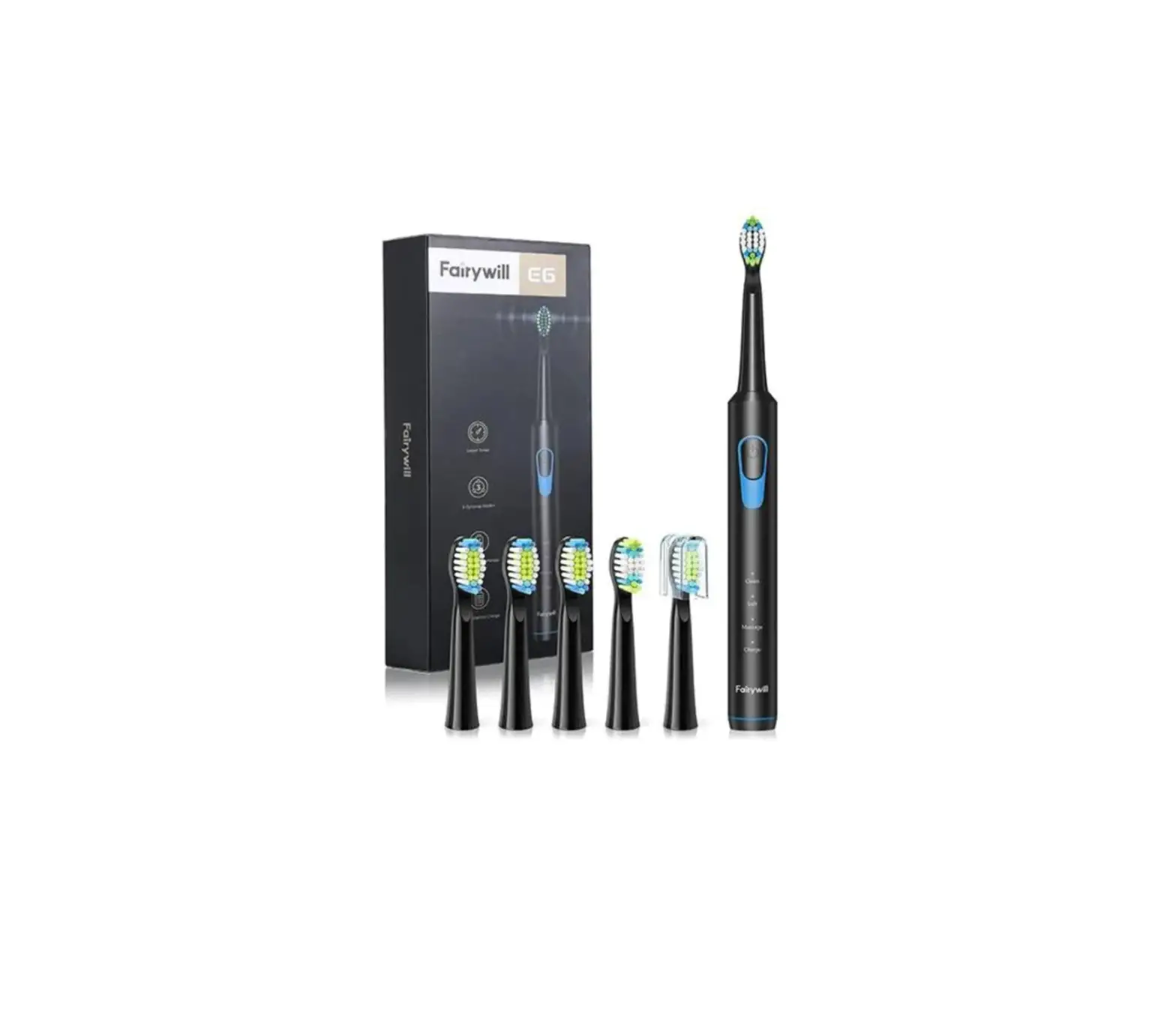
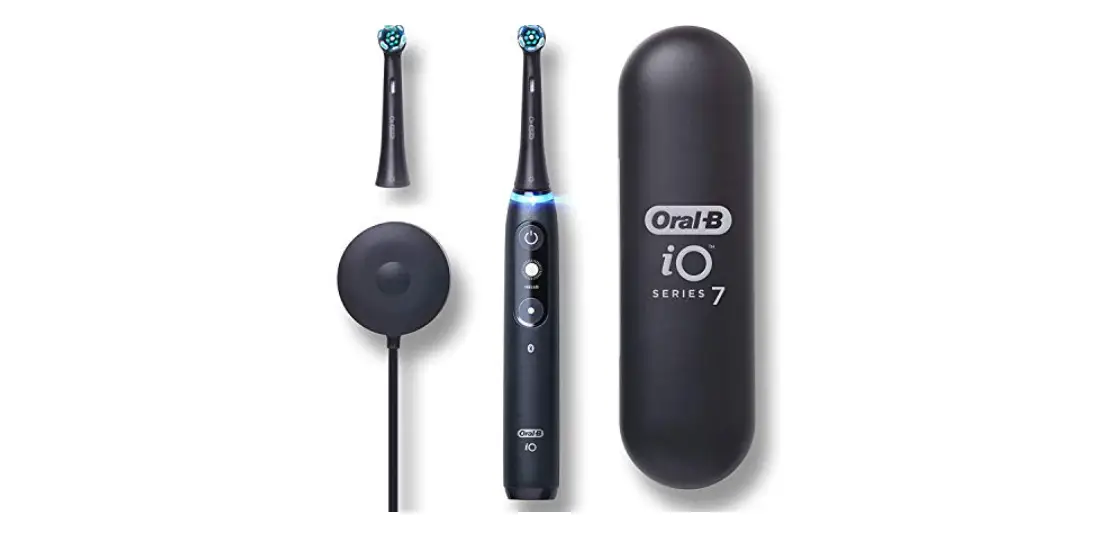
Aurora T3 Electric Toothbrush
Product Information: ENCHEN Aurora T3 Electric Toothbrush User
Manual
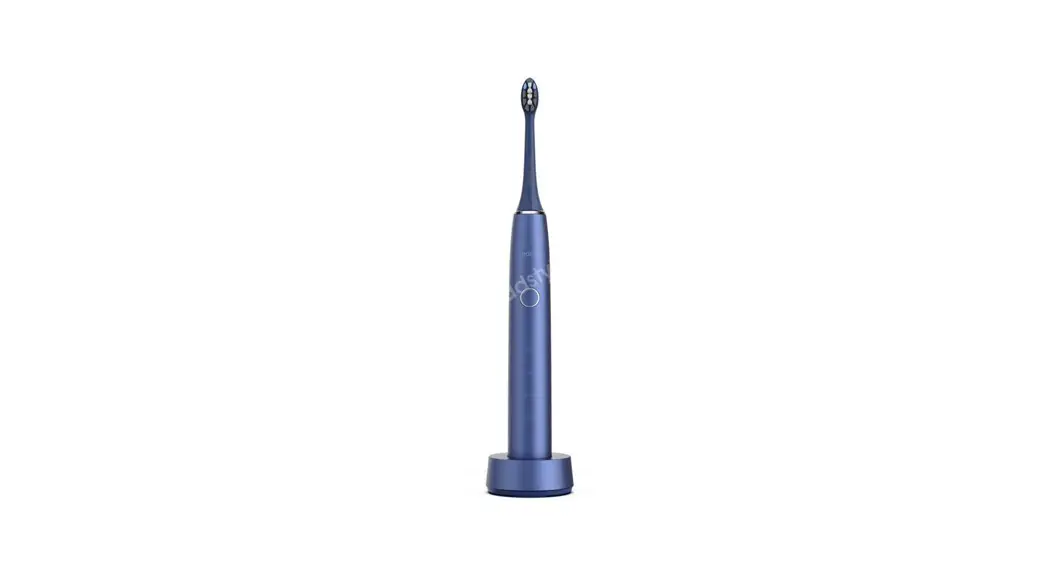
The ENCHEN Aurora T3 Electric Toothbrush is a high-quality
product that is designed to provide a comfortable and effective
brushing experience. It features fine bristles and sonic vibration
at higher frequency to clean all parts of teeth deeply and fade out
dental plaque and yellow teeth effectively. The toothbrush is
designed to achieve oral cleanliness, and it comes with a range of
features to make brushing easy and convenient.
Product Specification
- Product Name: Electric Toothbrush
- Model: Aurora T3
- Rated Power: 1.2W
- Input Parameter: 5V 1A
- Wireless Charging Time: Approximately 18 hours
- Battery: 2500mAh
- Operating Time: 180 days
Product Components
- Host (main body of toothbrush)
- Toothbrush Head (x2)
- TYPE-C Charging Cable
- Charging Base
- User Manual
Product Features
- Three Cleaning Modes
- Low Battery Indicator
- Built-in Rechargeable Battery
- Environmental Protection
Charging Instructions
The ENCHEN Aurora T3 Electric Toothbrush comes with a built-in
rechargeable battery that can be charged using the charging base
and TYPE-C charging cable provided. When the battery is low, the
red signal light flashes, prompting the user to charge the
toothbrush. The toothbrush can be used normally for a short period
of time while the battery is low, but if the battery is too low,
the toothbrush cannot be used.
To charge the toothbrush, connect the 5V Type-C adapter to the
charging base and place the toothbrush on the charging base. While
charging, the toothbrush cannot be used. The white signal light
flashes during charging, and when fully charged, the white signal
light remains on. Charging time is approximately 18 hours. To
protect the product, do not charge with an adapter at a voltage
higher than 5V. Charging must be done with a 5V adapter or a USB
port on the computer.
Using Steps
- Carefully insert the toothbrush head into the output shaft and
fix it as required. - Before using, take an appropriate amount of toothpaste on the
brush head, soak it with water then put it into the mouth. - Turn on the switch and select the appropriate gear according to
your needs. - Hold the main body of the toothbrush lightly and move it slowly
in a circular motion. Do not press or scrub it too hard. - After brushing, please rinse your mouth and the toothbrush head
with water.
Environmental Protection
The ENCHEN Aurora T3 Electric Toothbrush comes with a built-in
rechargeable battery that may contain substances that pollute the
environment. Before disposing of the product, be sure to remove the
battery or send the product to an officially designated recycling
station for disposal of the battery. You can also send the
discarded products to the recycling department designated by the
company, and the maintenance department will decompose and recycle
the battery.
Warning
Do not short-circuit the battery in case the battery will burn
out and cause a fire. Do not throw the battery into a fire to
prevent explosion or release of toxic substances.
Aurora T3
ENCHEN Electric Toothbrush User Manual
Product Introduction
Thank you very much for using the product manufactured by our Company. In order to ensure you have a more comfortable experience of the toothbrush, please carefully read the User Manual of the toothbrush.
With the fine bristles and the sonic vibration at higher frequency, this electric toothbrush can clean all parts of teeth deeply, and fade out the dental plaque and yellow teeth effectively, so as to achieve the oral cleanliness.
Product Specification
Product Name Electric Toothbrush
Model Rated Power Input Parameter Chagring Time Battery
Aurora T3 1.2W 5V 1A Wireless charging for approximately 18 hours 2500mAh
Operating Time 180 days
Packing Specification
Item
Host
Brush Head Charging Cable Charging Base User Manual
Qty
1
2
1
1
1
Note: Pictures and related features of products shown in this manual are for reference only. Please refer to the actual product. The company reserves the right to change product specifications without notice.
Product Components
Switch
Switch: Short press to enable/disable the device Mode button: Short press to switch the mode
Host
Toothbrush head
TYPE-C Charging
Cable
Charging base
Product Feature
·IPX7 Waterproof Design.
·Three Cleaning Mode
·Memorization Function: to record the gear you used last time. ·In the power-off state, long press the power button for 5 seconds, and the white lamp flashes twice to enable/disable the travel lock function. ·In the power-on state, long press the mode button for 3 seconds to enable/disable the tooth overpressure protection. ·Built-in Smart Timer: Remind you to change brushing area every 30 seconds. ·Extra-long Operating Time: Re-chargeable battery lasts 180 days if you use the toothbrush twice a day for two minutes each time.
Charging Instructions
Low Battery: The red signal light flashes, prompting user to charge, and the toothbrush can be used normally for a short period of time; if the battery is too low, the red signal light flashes, and the toothbrush cannot be used. In such case, charge the toothbrush as soon as possible. When charging: The white signal light flashes. *While charging, the toothbrush cannot be used. Charging time: about 18 hours. When fully charged, the white signal light is always on.
Charging Method: Connect the 5V Type-C adapter to the charging base, and place the toothbrush on the charging base.
Note: In order to protect the Product, do not charge with an adapter at the voltage higher than 5V, and charging must be done with a 5V adapter or a USB port on the computer.
Three Cleaning Modes
1. White Light CLEAN (Clean Mode) with three gears (weak, medium and strong) : to clean the teeth thoroughly and every area of the oral cavity. 2. Purple Light MILDER (Sensitive Mode) with three gears (weak, medium and strong) : This mode is recommended for the first use of a sonic toothbrush. You will feel more comfortable with it if having toothache and tooth hypersensitivity. 3. Yellow Light MASCARE (Gum Health Care Mode) with three gears (weak, medium and strong) : Highly frequent rhythmic vibrations can remove coffee, tobacco and tea stains. This mode is suitable for people with stubborn tooth stains. Note: This machine has a memorization function, which can automatically saves the last used gear.
Using Steps
1. Carefully insert the toothbrush head into the output shaft and fix it as required.
2. Before using, take an appropriate amount of toothpaste on the brush head, soak it with water then put it into the mouth.
3. Turn on the switch and select the appropriate gear according to your needs.
4. Let the bristles at 45° to the gum line, move the toothbrush slowly.
5. Hold the main body of the toothbrush lightly and move it slowly in a circular motion. Do not press or scrub it too hard.
6. After brushing, please rinse your mouth and the toothbrush head with water.
Environmental Protection
The built-in rechargeable battery may contain substances that pollute the environment. Before disposing of the product, be sure to remove the battery or send the product to an officially designated recycling station for disposal of the battery. You can also send the discarded products to the recycling department designated by the company, and the maintenance department will decompose and recycle the battery.
Warning
Do not short-circuit the battery in case the battery will burn out and cause a fire. Do not throw the battery into a fire to prevent explosion or release of toxic substances
Battery Removal
1. Twist the bottom cover vigorously until the internal buckle dislocates
2. Remove the end cover.
and makes a sound of cracking.
3. Use tweezers or pliers to clamp 4. Push the motor shaft downward so
the buckle inward, which is pointed that central unit of toothbrush can be
by the arrow.
taken out by clamping the buckle inward.
5. Take the central unit of Toothbrush out.
6. Use a flat-head screwdriver to pry open the circuit board and remove the battery.
Precautions
When connecting the main body to the charging device, please check whether the voltage marked on the product matches the voltage of the charging device first. Replace the toothbrush head every three months. If the toothbrush head looses due to some damage, please replace it in time. Any physically, perceptual and mentally impaired customers (including children) is not recommended to use this product unless they are under the supervision and guidance of their guardians. If you are going through oral treatment or have other symptoms in your mouth, please consult your dentist before using this product. This product is only used for cleaning teeth, please do not use it for other purposes. If you feel unwell after using it and the symptom doesn’t subside, or if there is continuous bleeding, please stop using it and to consult your dentist.
Warranty Description
I. Since the date of purchasing this product, the main body is under free warranty service for one year, but consumables such as brush heads are not included in the warranty.
II. Product failure and damage caused by using the wrong current and voltage, plugging the product into an unreason able socket and other man-made damages; fire/earthquake/ flood/ lightning and other natural disasters/- public hazards or power/voltage abnormalities.
III. Warranty termination during the warranty period: A.The product is repaired or disassembled by non-company personnel B.The product uses non-company parts C.Product damage caused by non-domestic use (such as industrial/commercial use). The free warranty service for the replacement parts or the whole machine within the warranty will terminate at the same time as the free warranty service period of this product dues. Unless there are indeed relevant laws and regulations, the company is not responsible for any other requirements.
IV.Repair services outside the scope of the warranty shall be charged according to regulations. During the warranty period, the company will provide replacement parts or products for various defects caused by materials or production. When applying for warranty, be sure to send the defective product and the certificate that can prove the date of purchase to the manufacturer.
Trouble Shooting
Problem
Cause
Measure
Reduced vibration intensity
1.Gently place the brush head on teeth.
1.The toothbrush is forced on teeth 2.Remove the brush head from the handle and put
2.The brush head is pressed into the it on the output shaft again.
main body too deeply
Keep a distance between the brush head and
the handle.
Even if it is charged, the working time of the toothbrush is very short
1. The main body is not placed vertically on the charger, so it is not charged. 2. Low battery
Place the main body vertically so that its bottom is contacting the charger, and confirm whether the indicator light is on.
The toothbrush is not working
1.Charging time is not enough. 2.The battery has reached the end of its life.
1. Please charge. 2. Replace the battery at our company.
Product Warranty Card
Name Telephone Time of Purchase Product Model
Address
Description of Fault
Please fill in with your information carefully, please send this card together with the Product to our repair center, our Company will provide testing repair or replacement service. Note: For the terms and conditions of warranty in detail, please refer to the operating instruction!
AMEUDA TECHNOLOGY CO., Ltd. Address:Room 2102, Comprehensive Building , Jiangjin Comprehensive Free Trade Zone, No.88, Maya Avenue, Luohuang Town, Jiangjin District, Chongqing City,China