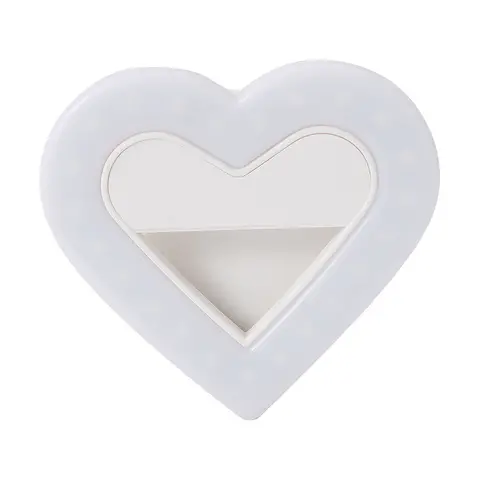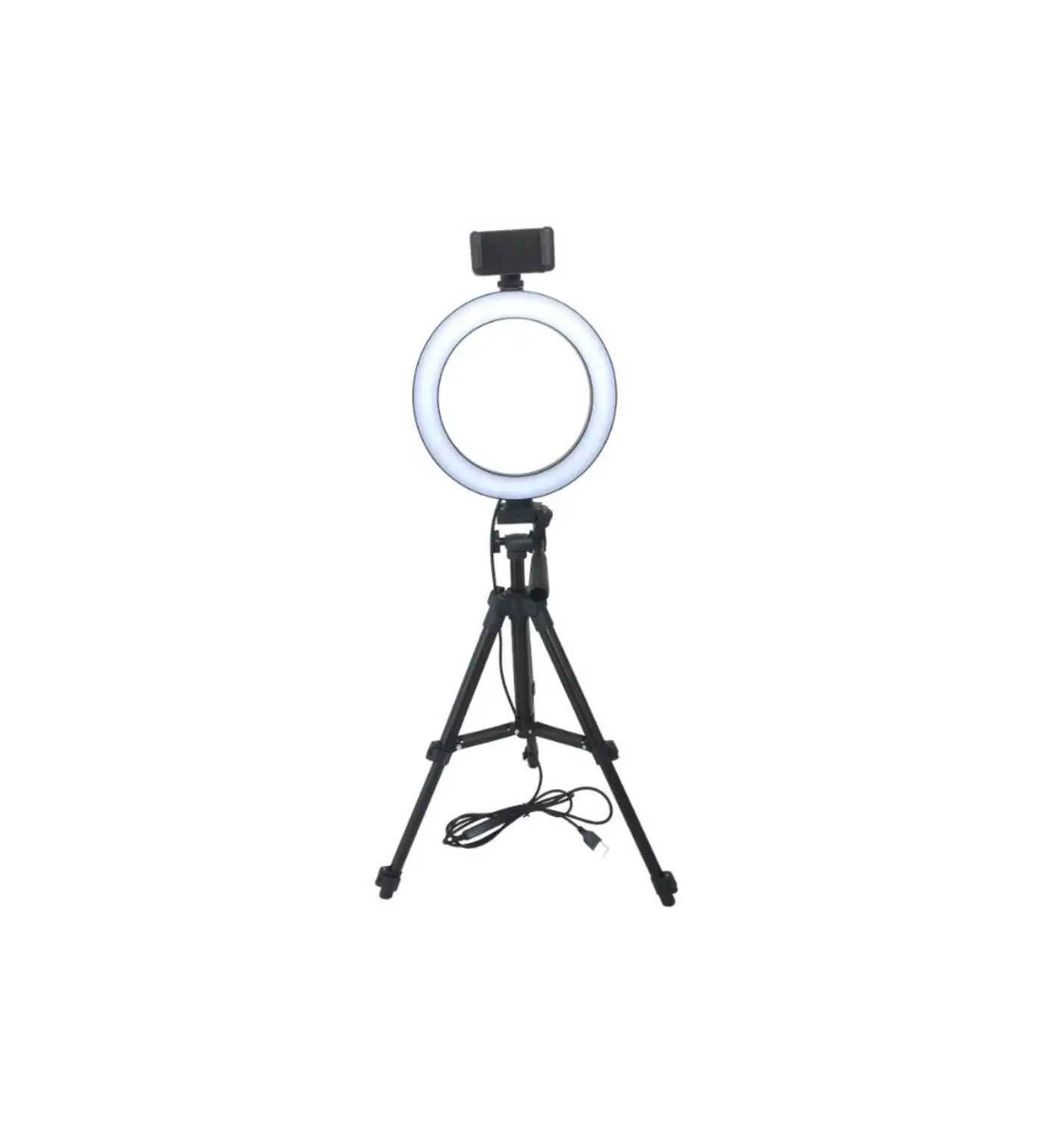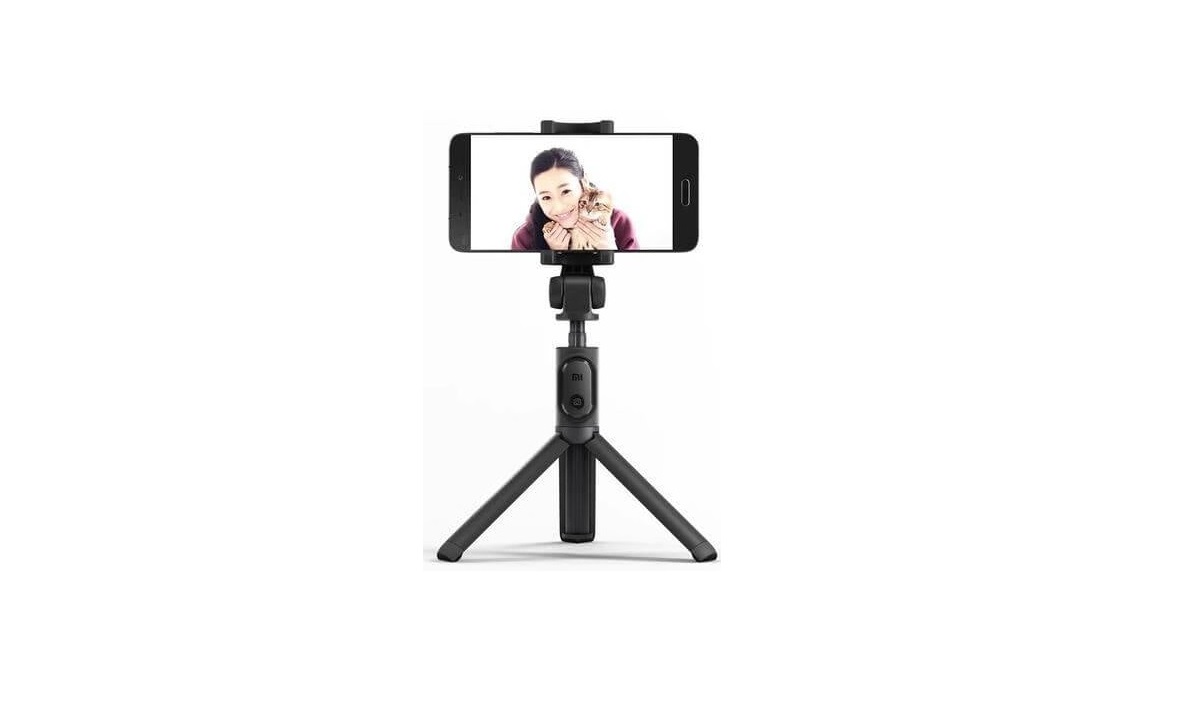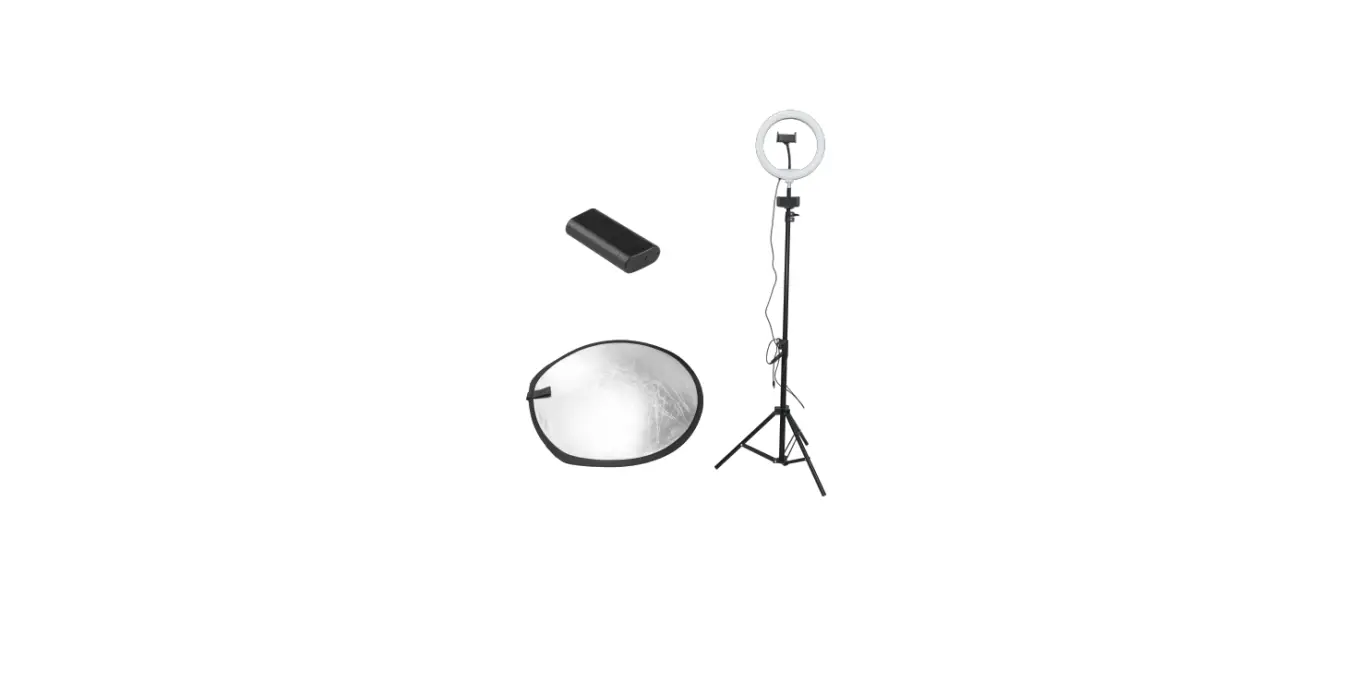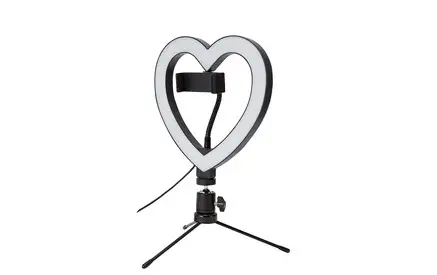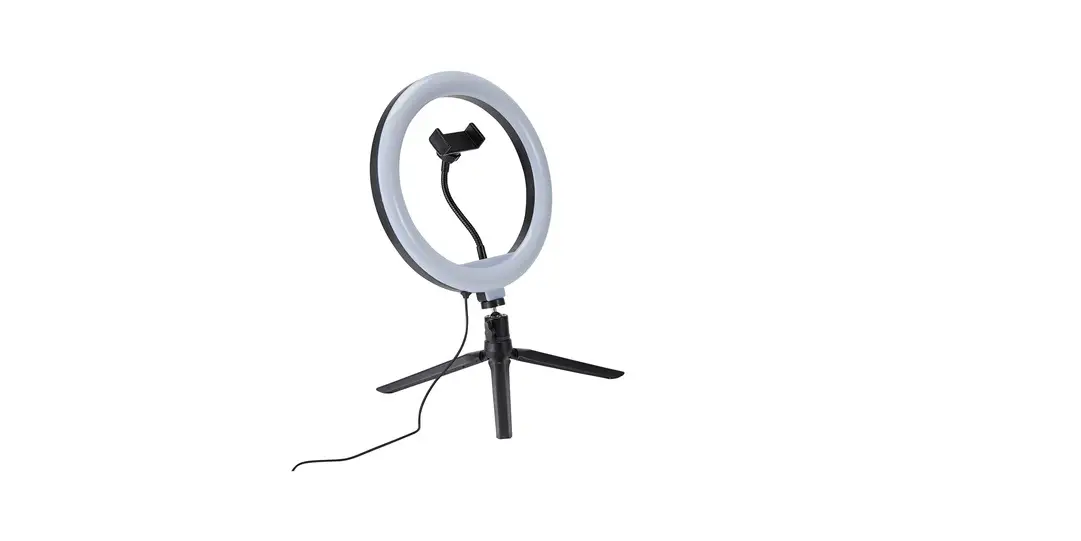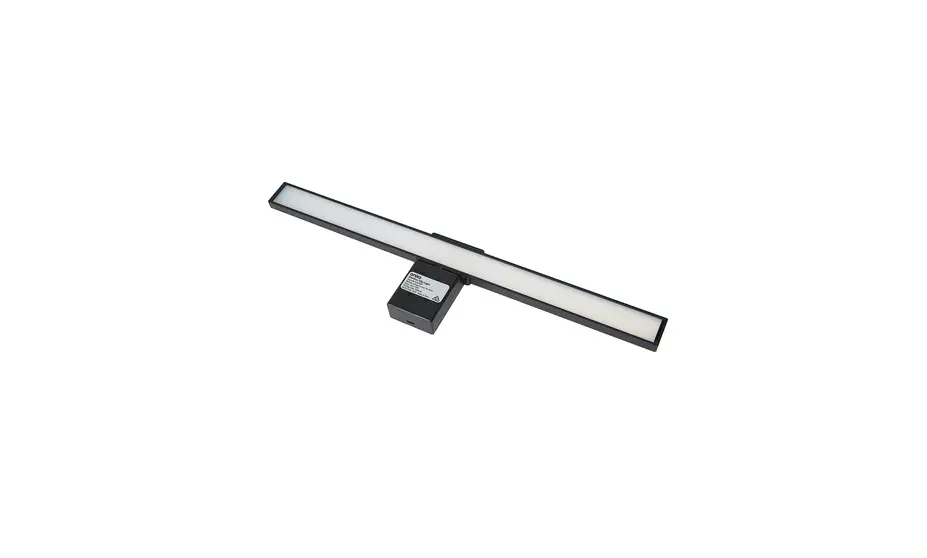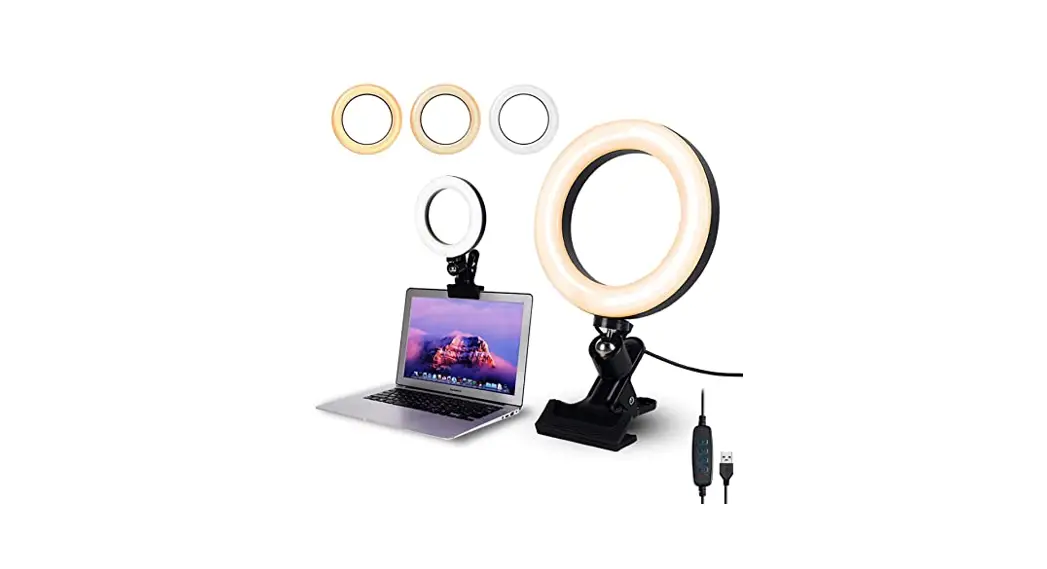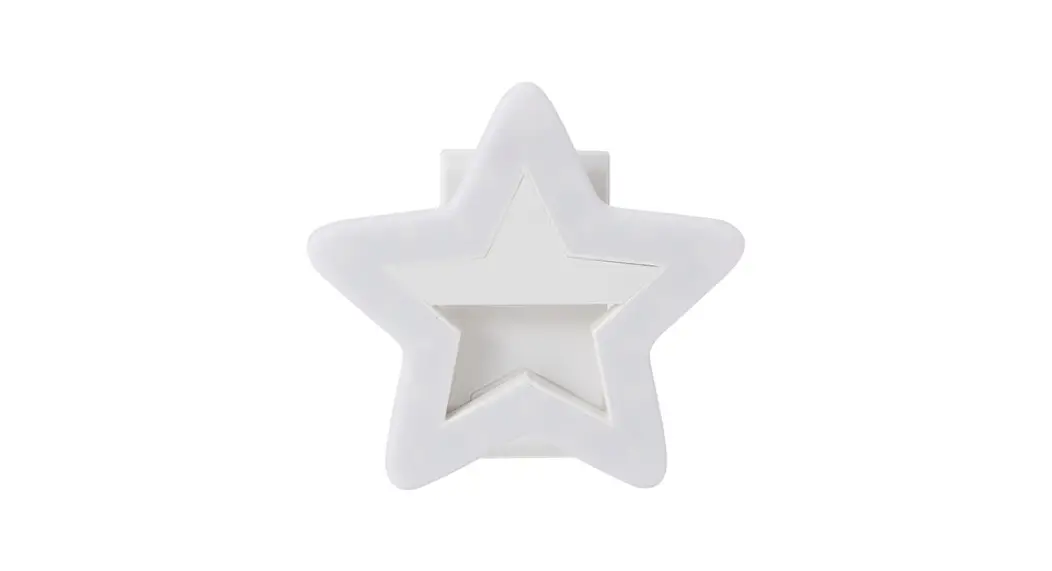
 SELFIE LIGHT CLIP STAR
User manual
43067480
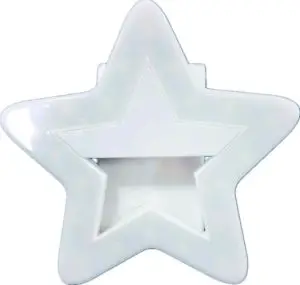
Getting started …
Step 1 Charging the Light
Open the battery door and insert the AAA battery into the slot.
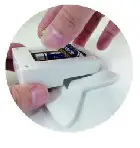
Step 2 Setting Up
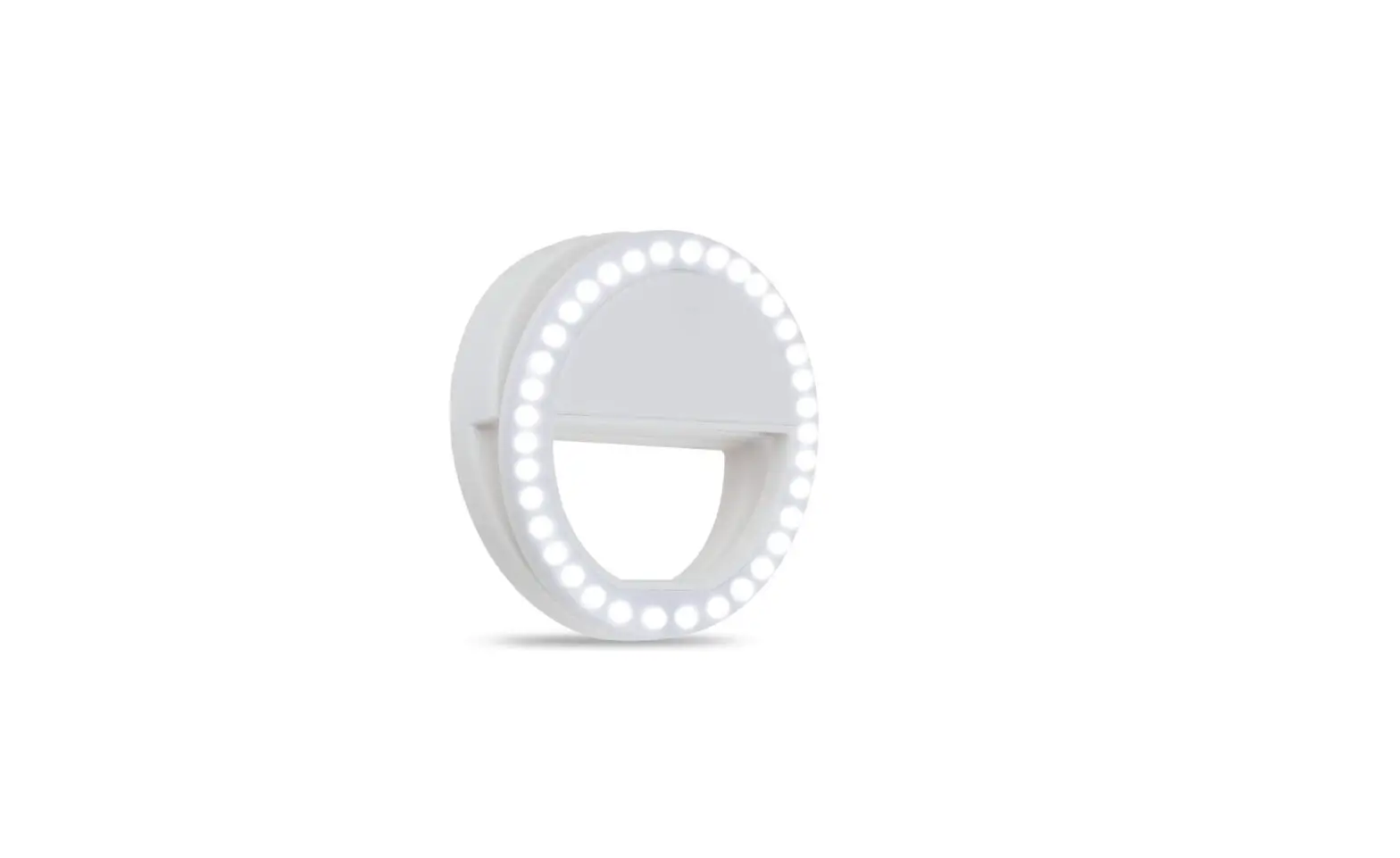
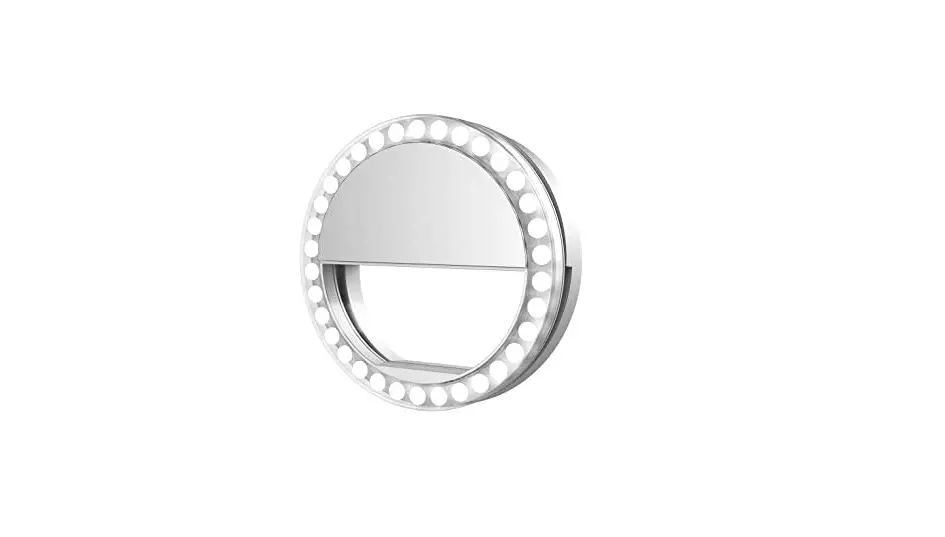
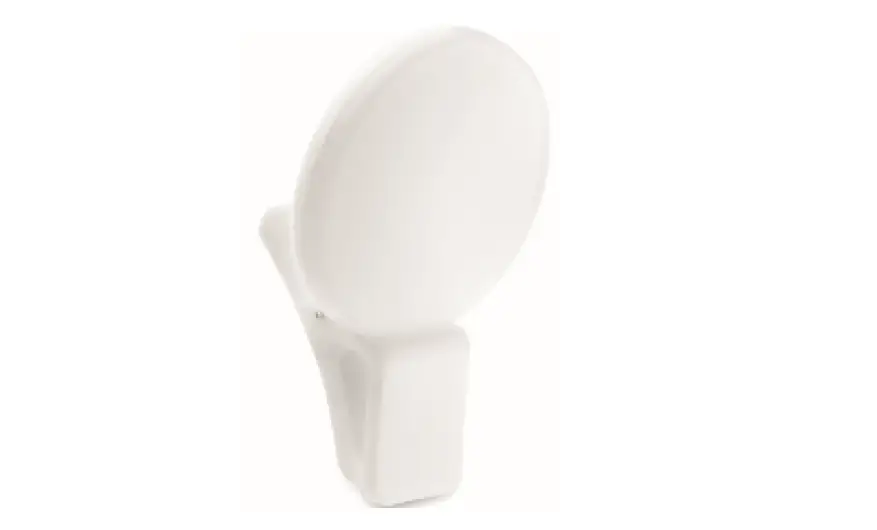
Clip the selfíe light onto your device. The light should grip the device securely+
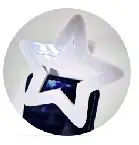
Step 3 Using the Selfie Light
Press the [Power] button on the selfie light to turn the light ON/OFF and change the brightness setting.
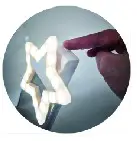
Specification:
* 20 LED lights
* 3 light modes
* Powered by 2 X AAA battery
* (AAA battery not inclued)
Packing Accessories:
- Selfie Ring light *1
- User manual*1
*Please read all the information carefully before you use the product and keep the manual for future reference. Safety instructions:
Please read all safety instruction warnings carefully before using this product. Improper use of this product may result in damage to this or attached products. To ensure the product works well,
please never use this in the following conditions:
- Moist or underwater conditions.
- Conditions near a heater or high-temperature service.
- Conditions with direct and strong sunshine.
- Do not use chemical solvent on cleaning this product.
WARNINGS: Insert batteries with the correct polarity and always follow the manufacturer’s instructions.
Do not mix new and used batteries or alkaline, standard (carbon-zinc), or rechargeable (nickel-cadmium) batteries.
Remove batteries if the product will be stored for an extended period.
Dispose of used batteries responsibly
THIS PRODUCT PRODUCES FLASH THAT MAY TRIGGER EPILEPSY IN SENSITISED INDIVIDUALS