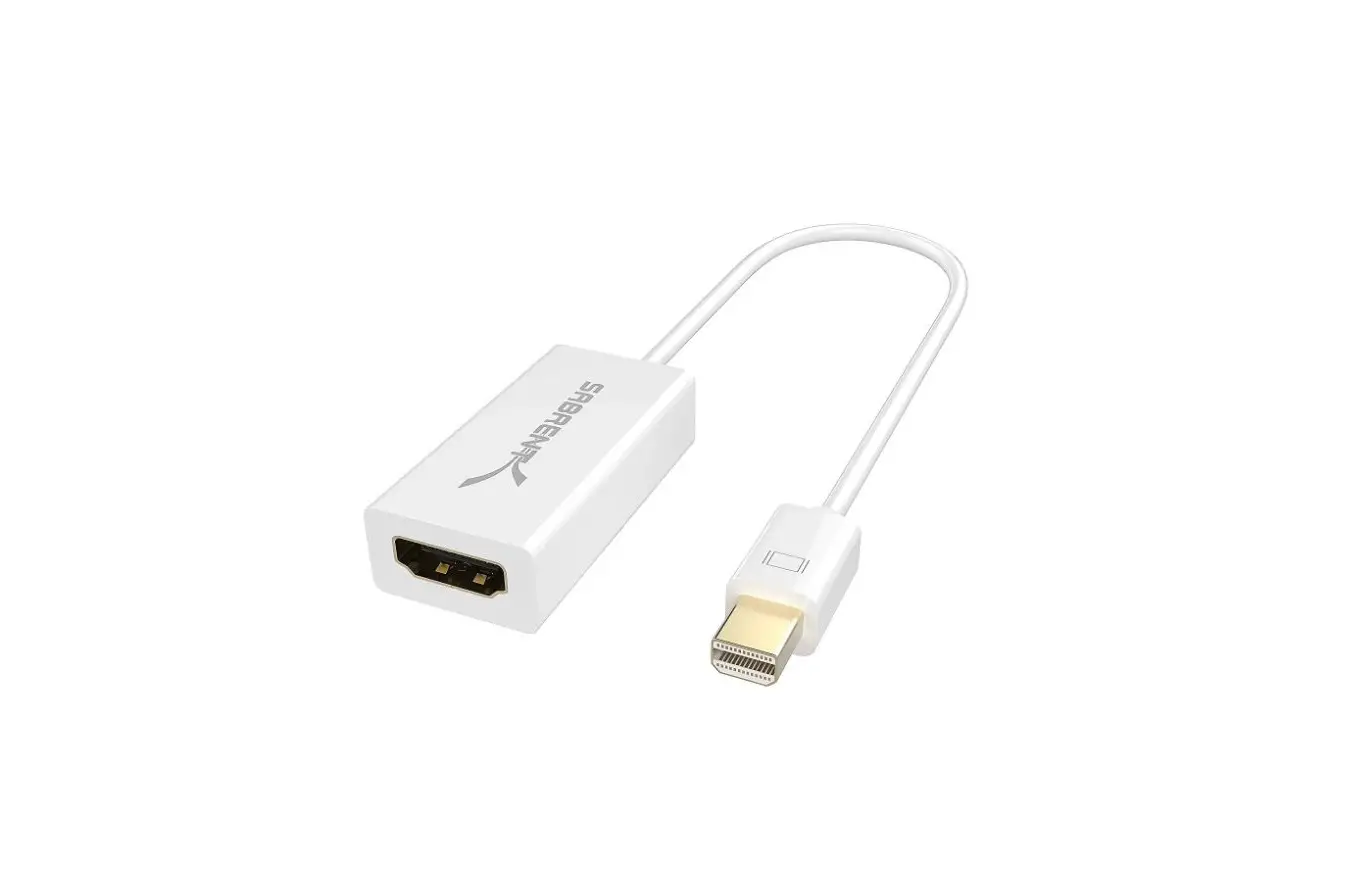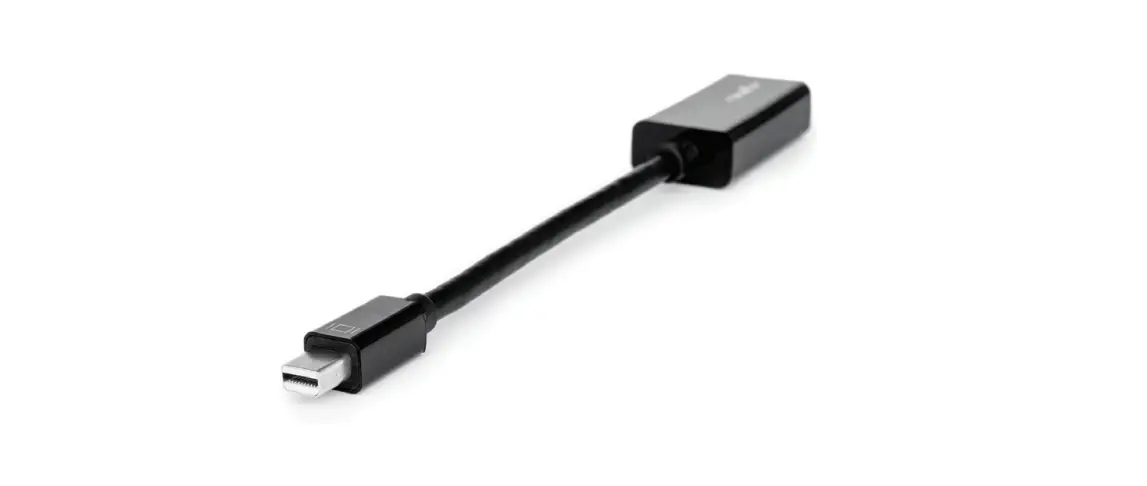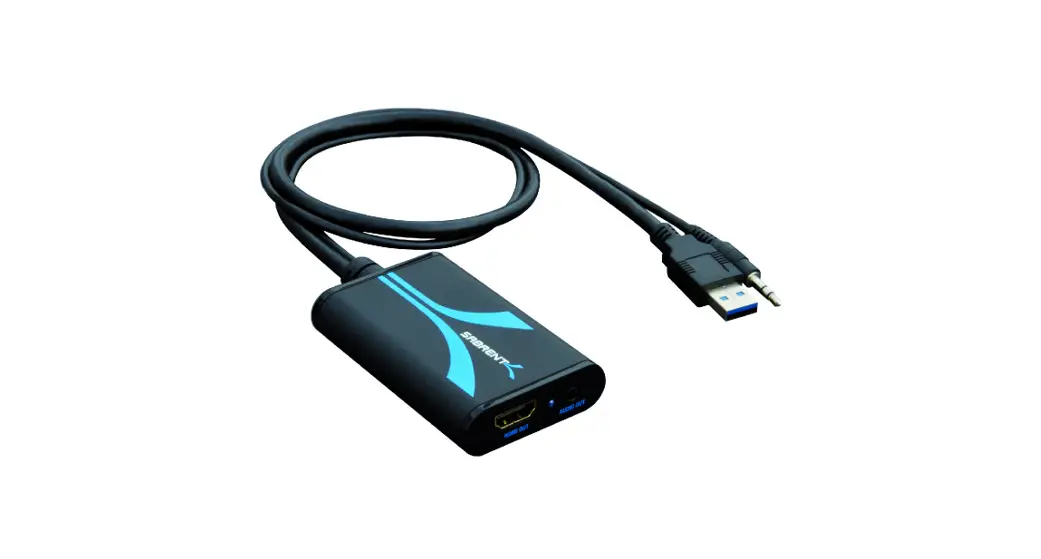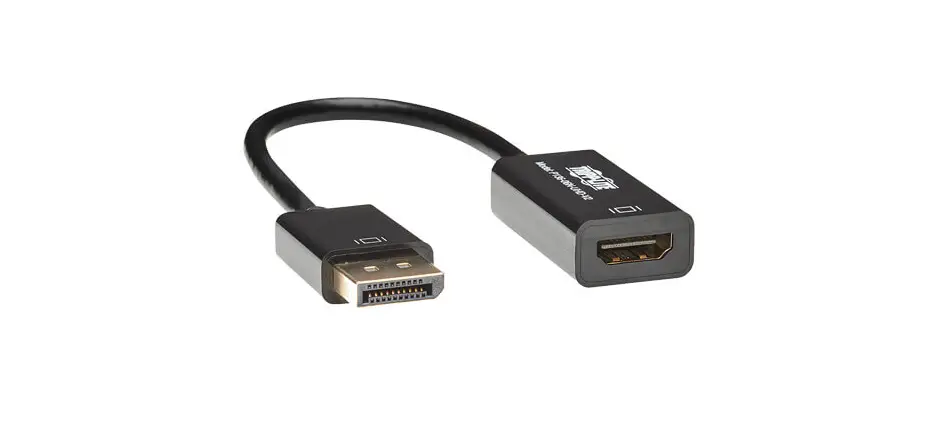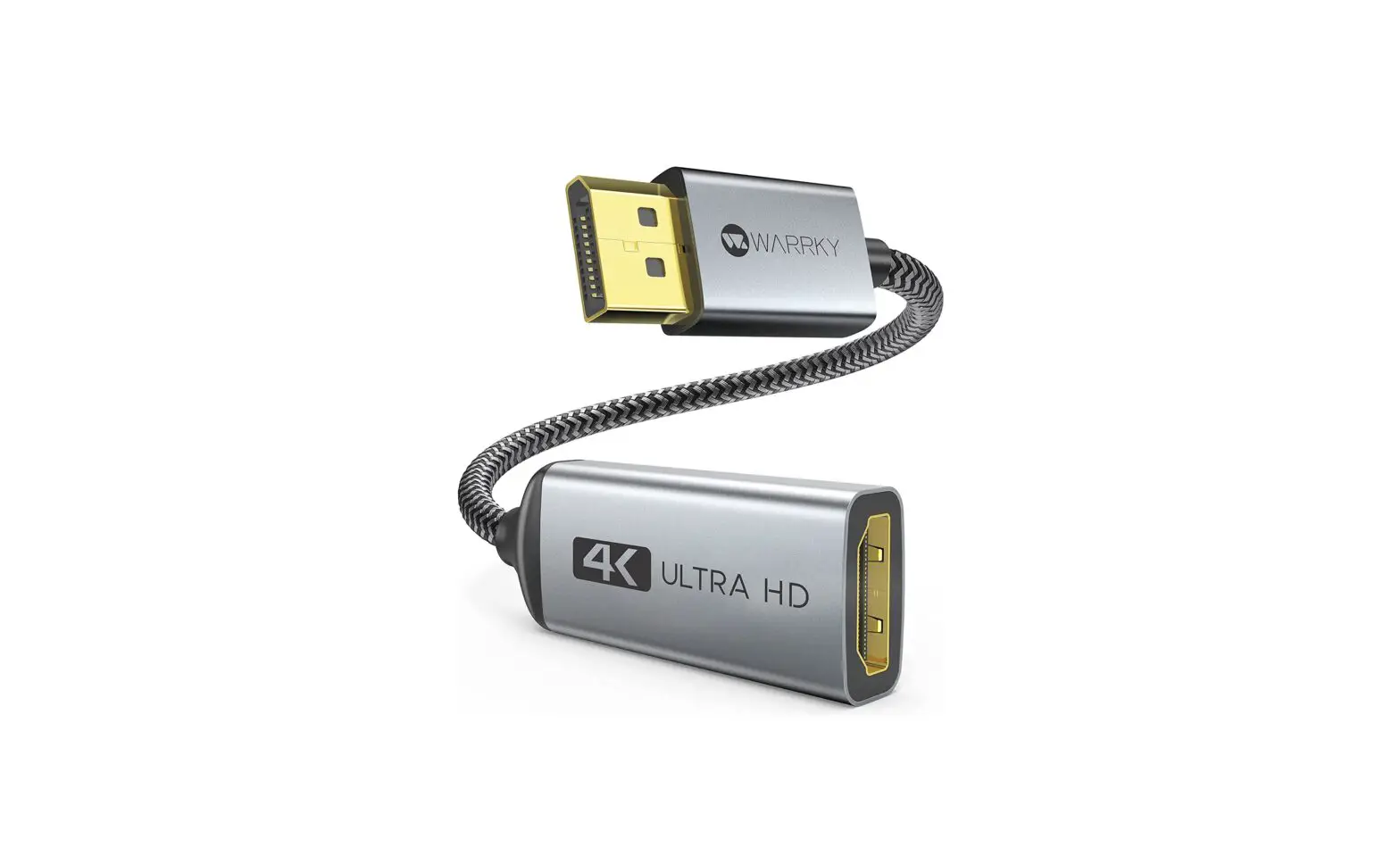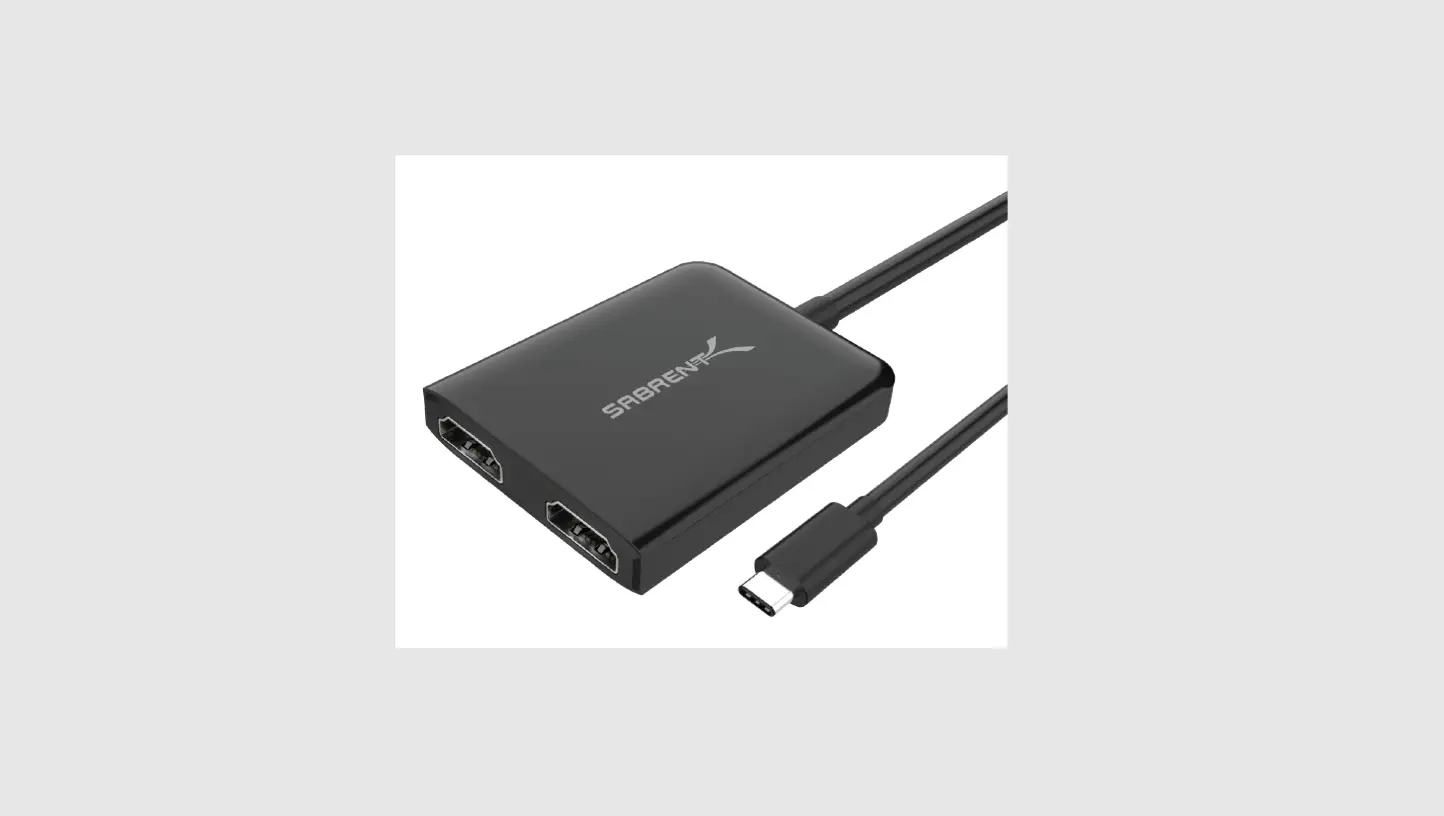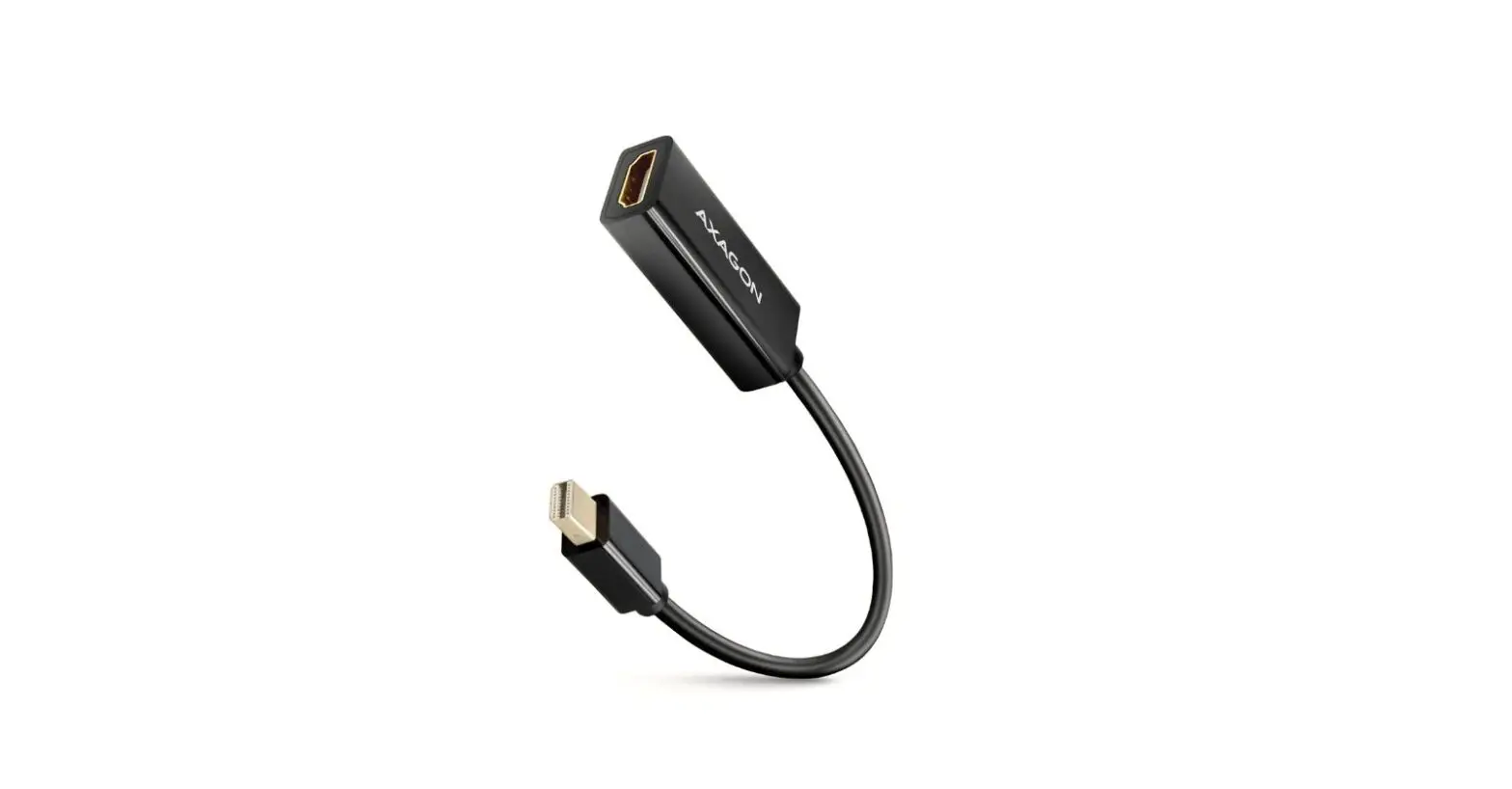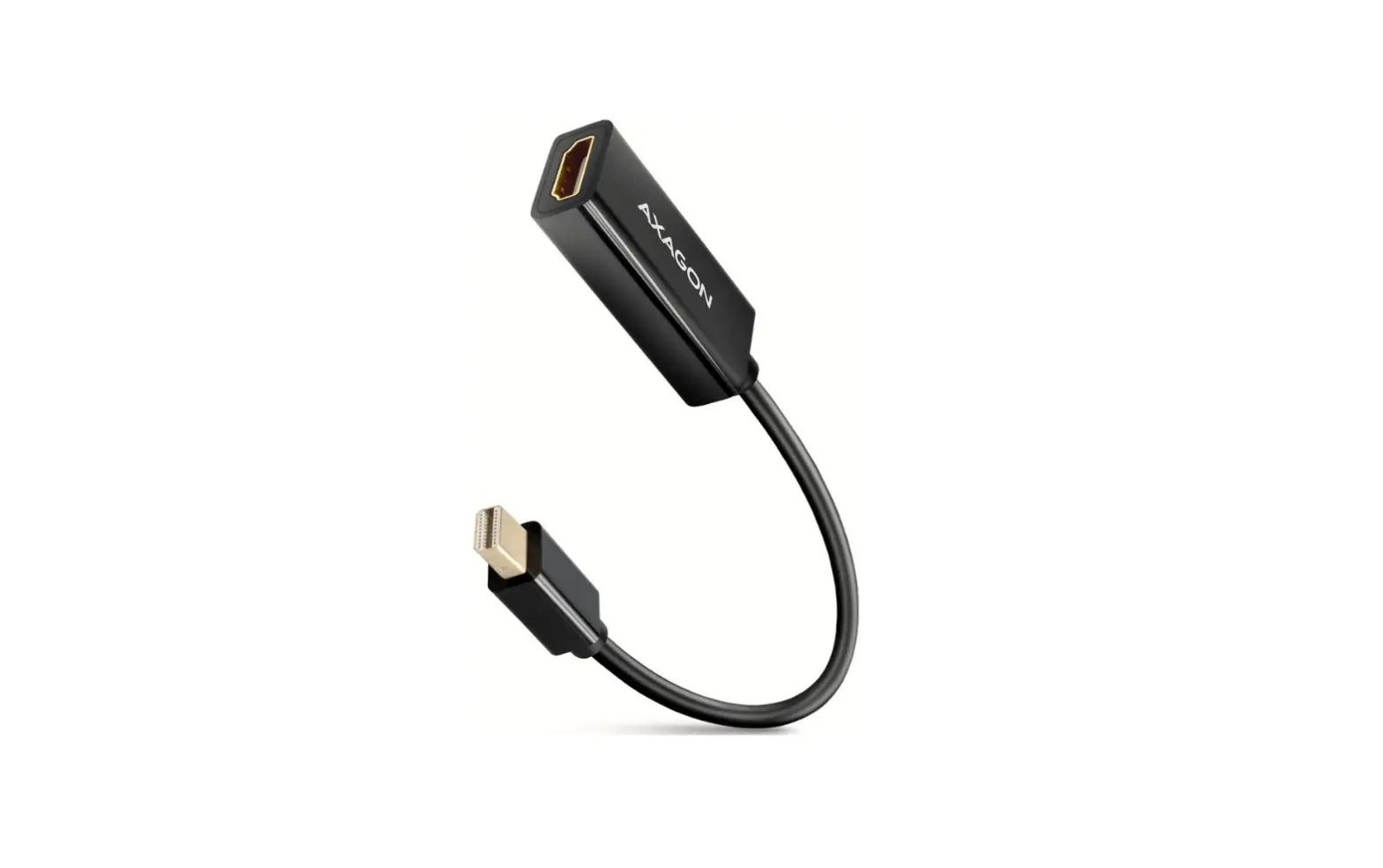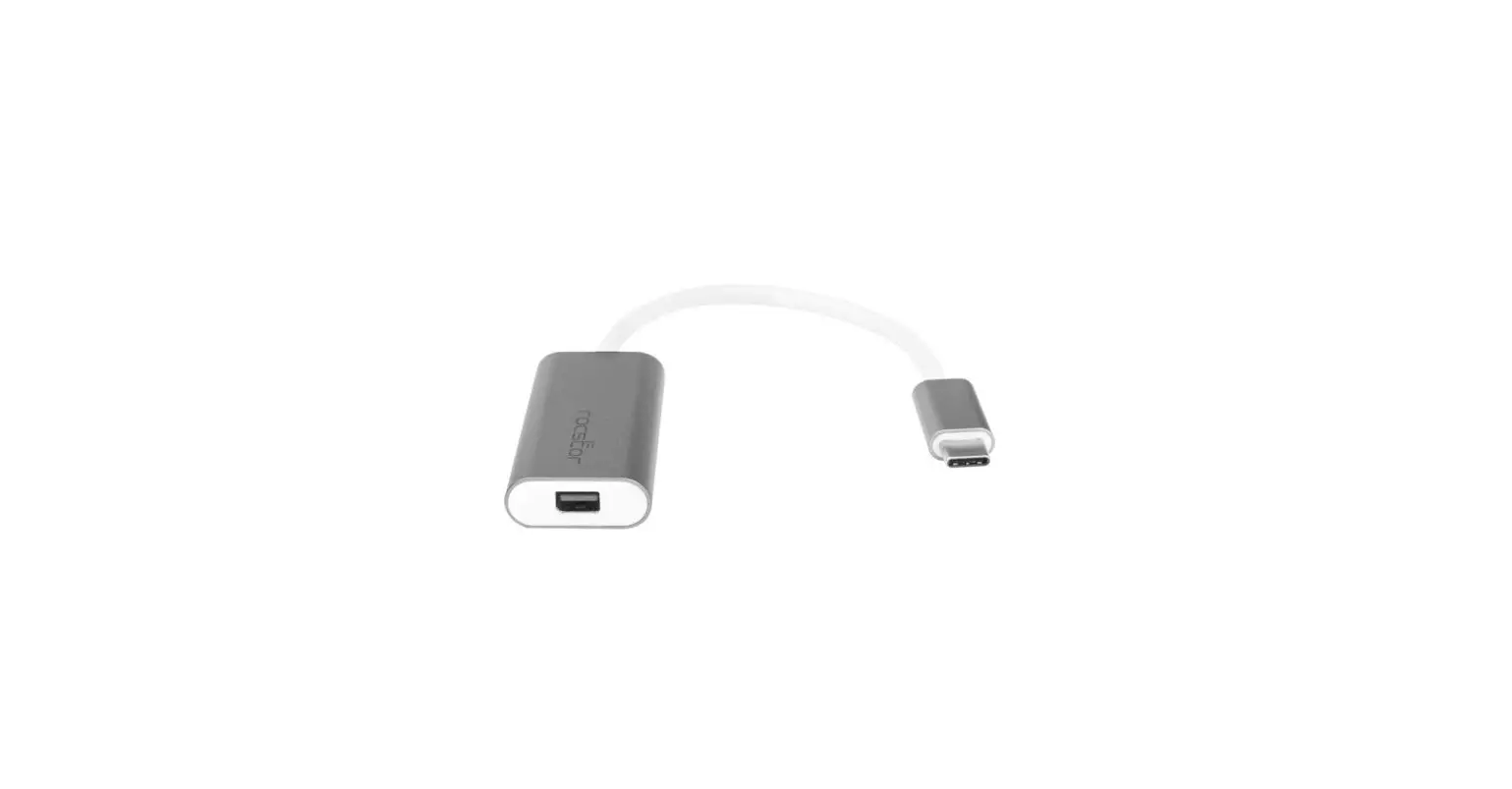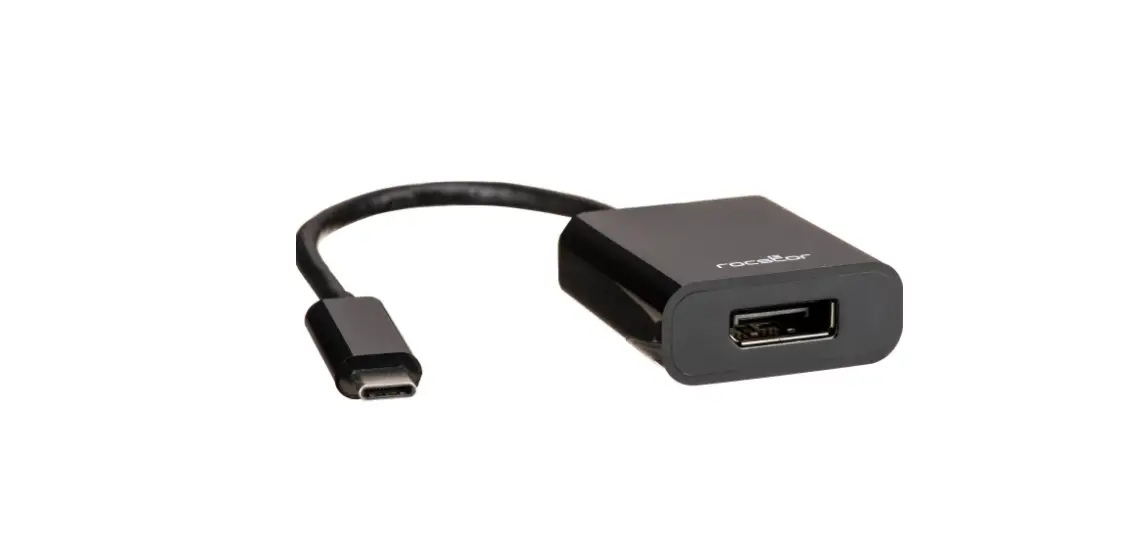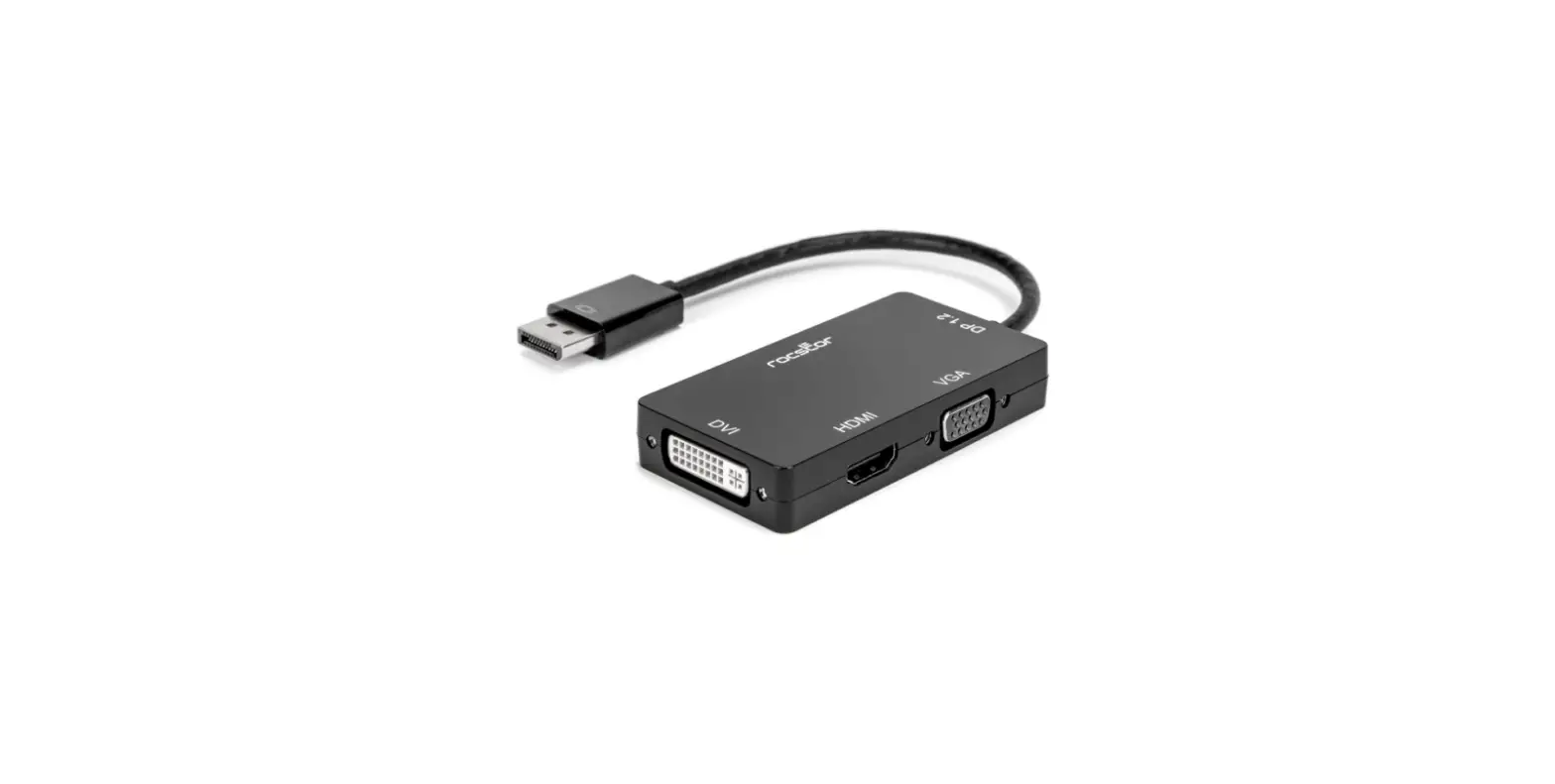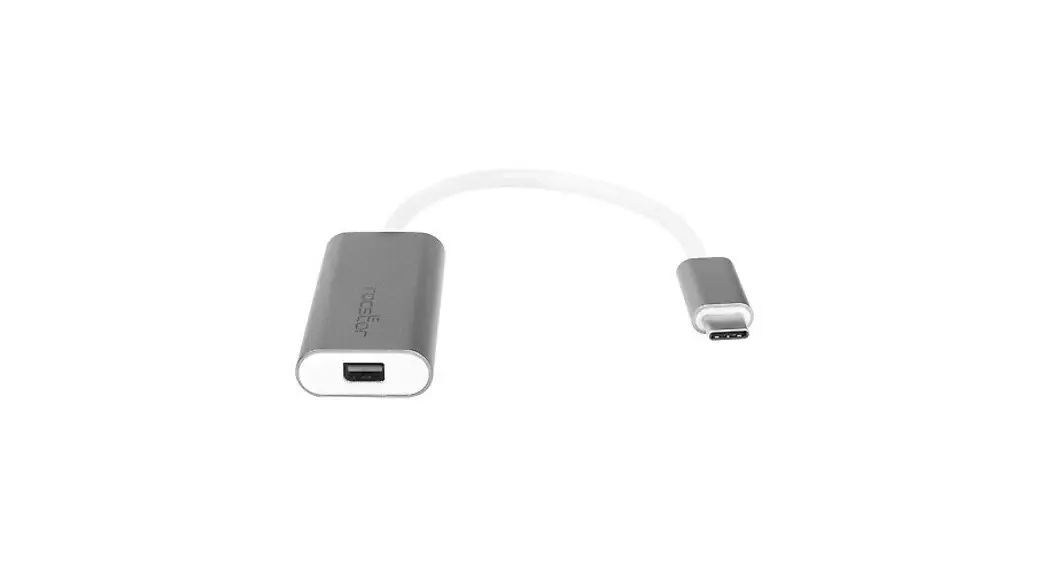
 DA-MD4K MINI DISPLAY PORT TO HDMI ADAPTER
User Manual
DA-MD4K MINI DISPLAY PORT TO HDMI ADAPTER
MINI DISPLAYPORT TO HDMI ADAPTER
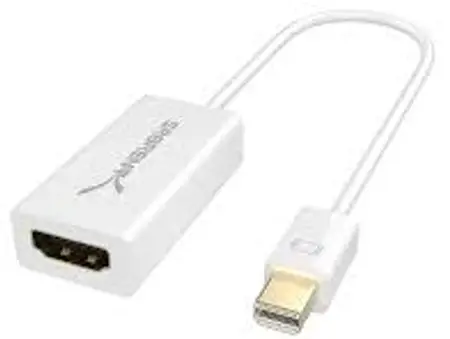
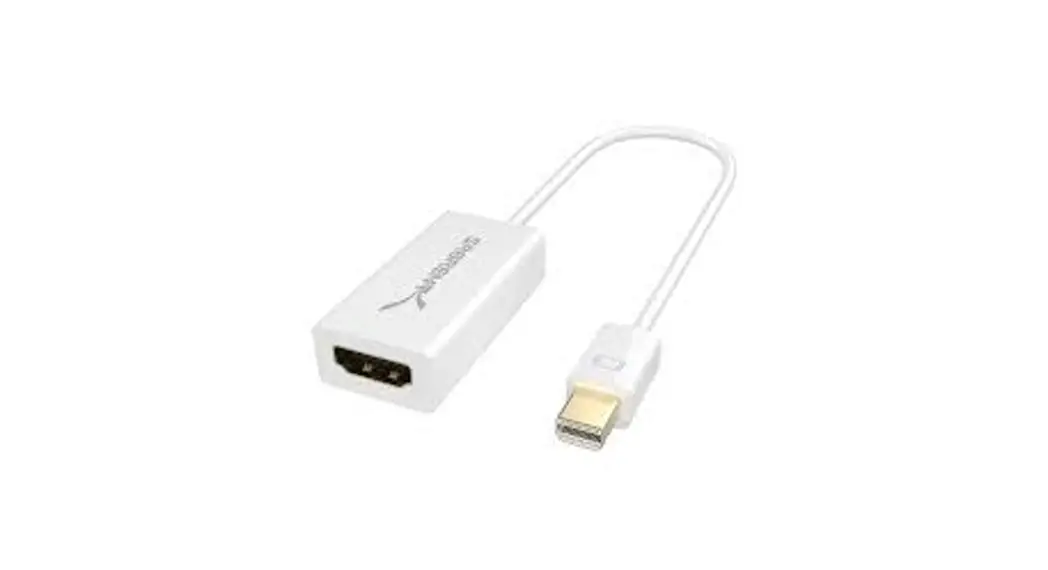
The Sabrent Mini DisplayPort to HDMI Adapter enables you to connect a Mini DisplayPort video output from your laptop, tablet, or desktop PC to HDMI-equipped displays, DTVs, and projectors. Plug & Play no drivers needed on Mac or PC makes for an easy setup.
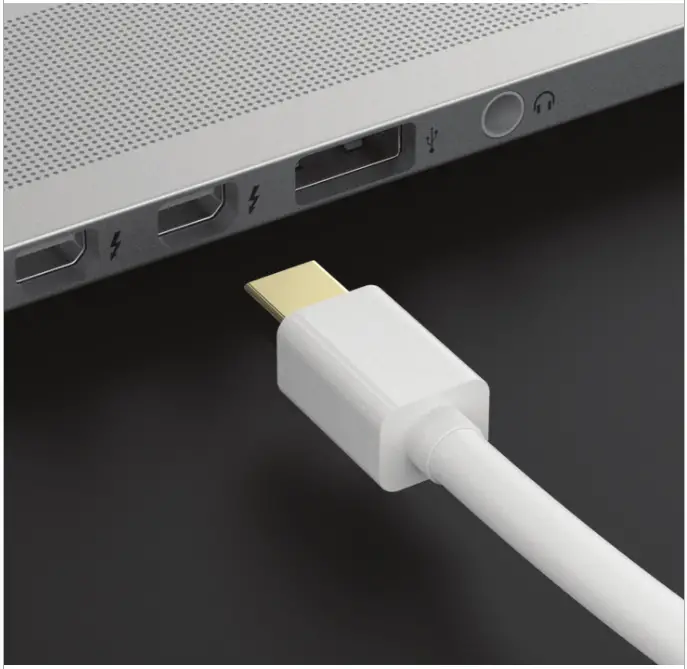
Connect the Sabrent Mini DisplayPort Adapter to a Mini DisplayPort on your laptop, desktop, or tablet
Note
The Mini DisplayPort on your device must support 4K if you want to accomplish a 4K resolution
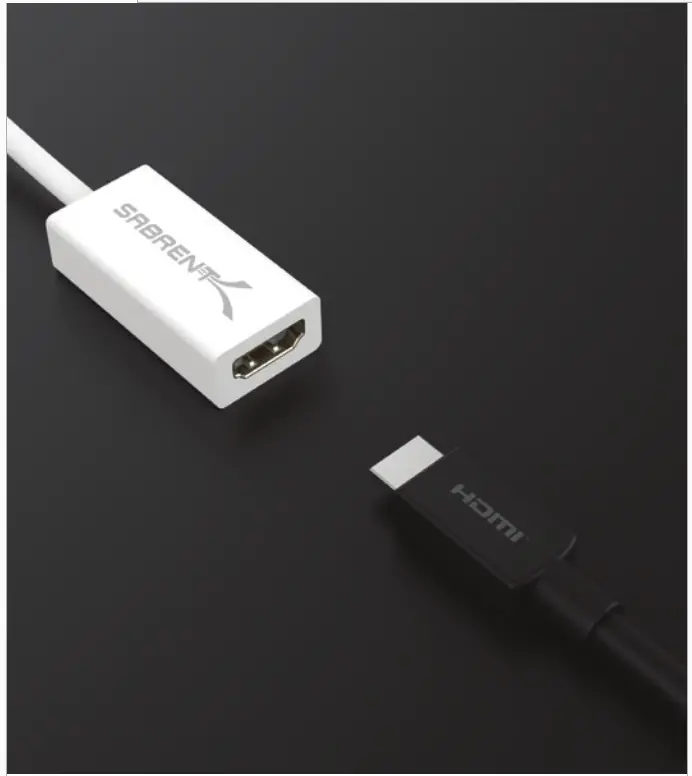
Connect an HDMI cable coming from your display to the Sabrent Mini DisplayPort Adapter
Note
Make sure that your display and HDMI cables both support 4K if you want to accomplish a 4K resolution
Power on your display and set it to the correct input Source By now, your screen should extend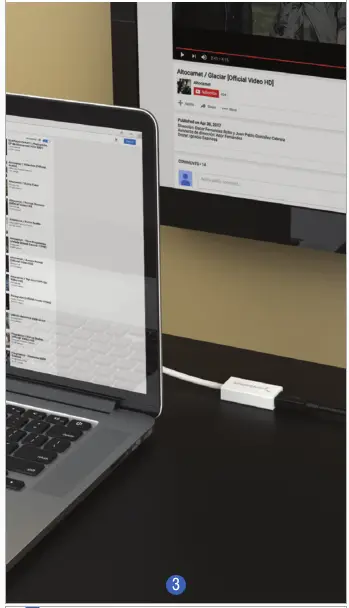 Customizing your Display Settings Windows
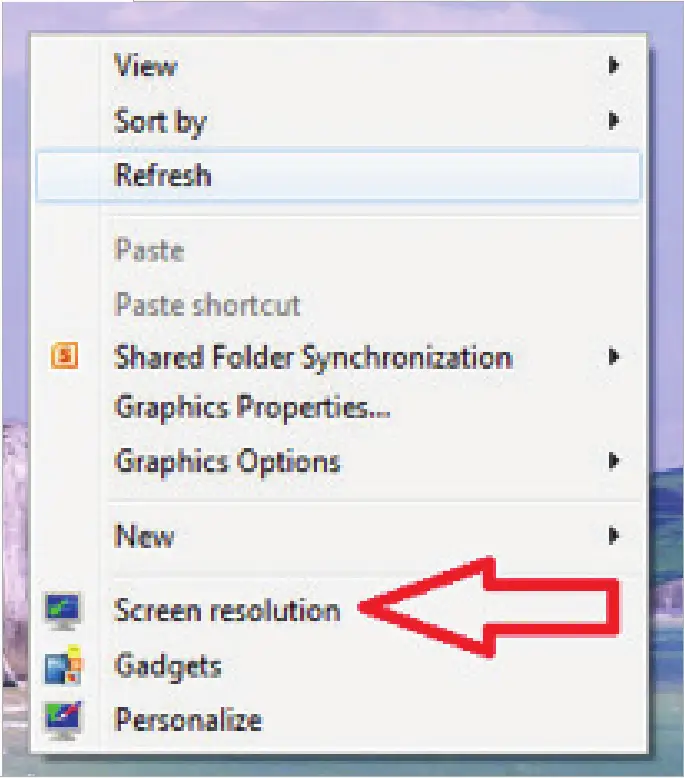
Right-click on a Speace on your desktop And Click on Display Settings or Screen resolution
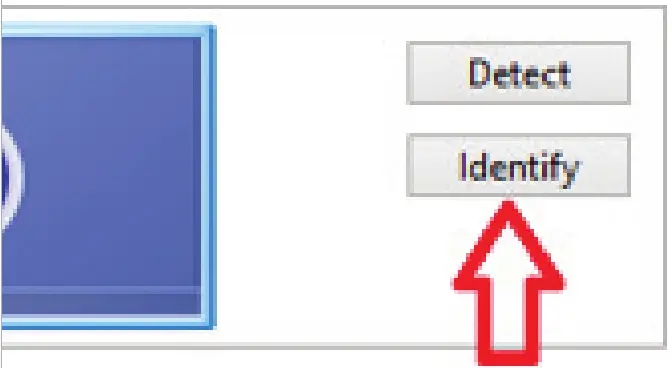
Click on Identify to detect Which scereen is 1 and 2
Advance setting
Click on the screen that you want to change and begin to customize
Change the appearance of your displays
Click on Apply when ready
Customizing your Display Settings Mac OS
Click on System Preferences in your Taskbar Click on Displays
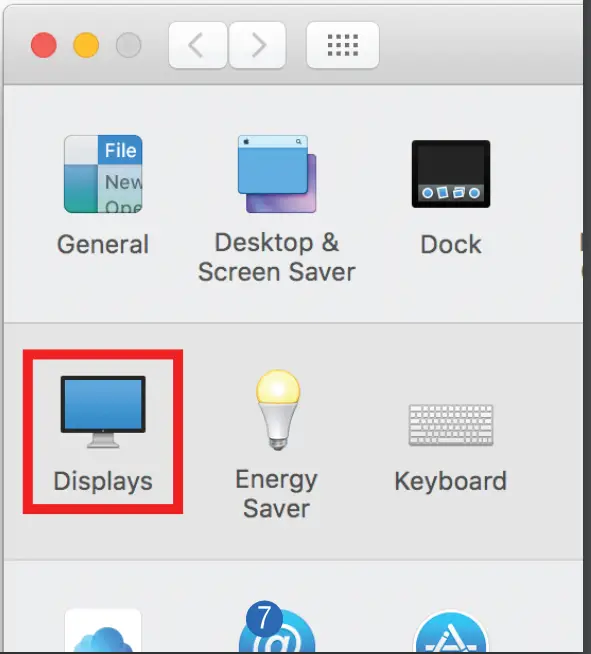
Click on the category that you want to change and begin to customize 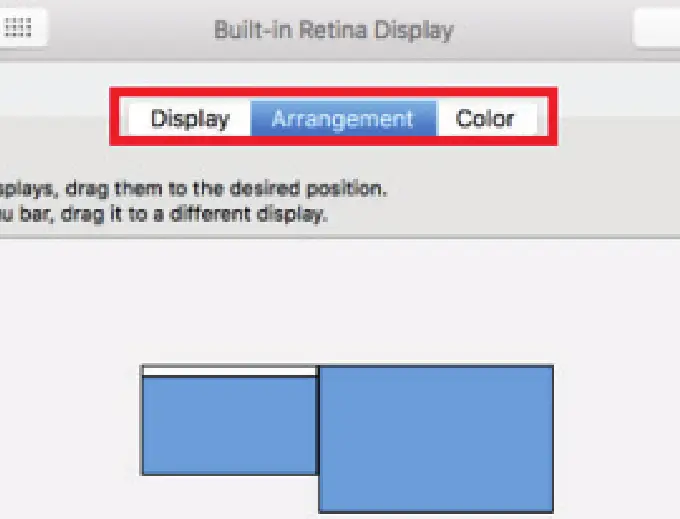 the Note
The blue bores represent all displays that you’ve connected
The white bar at the top of both bore represents your primary display