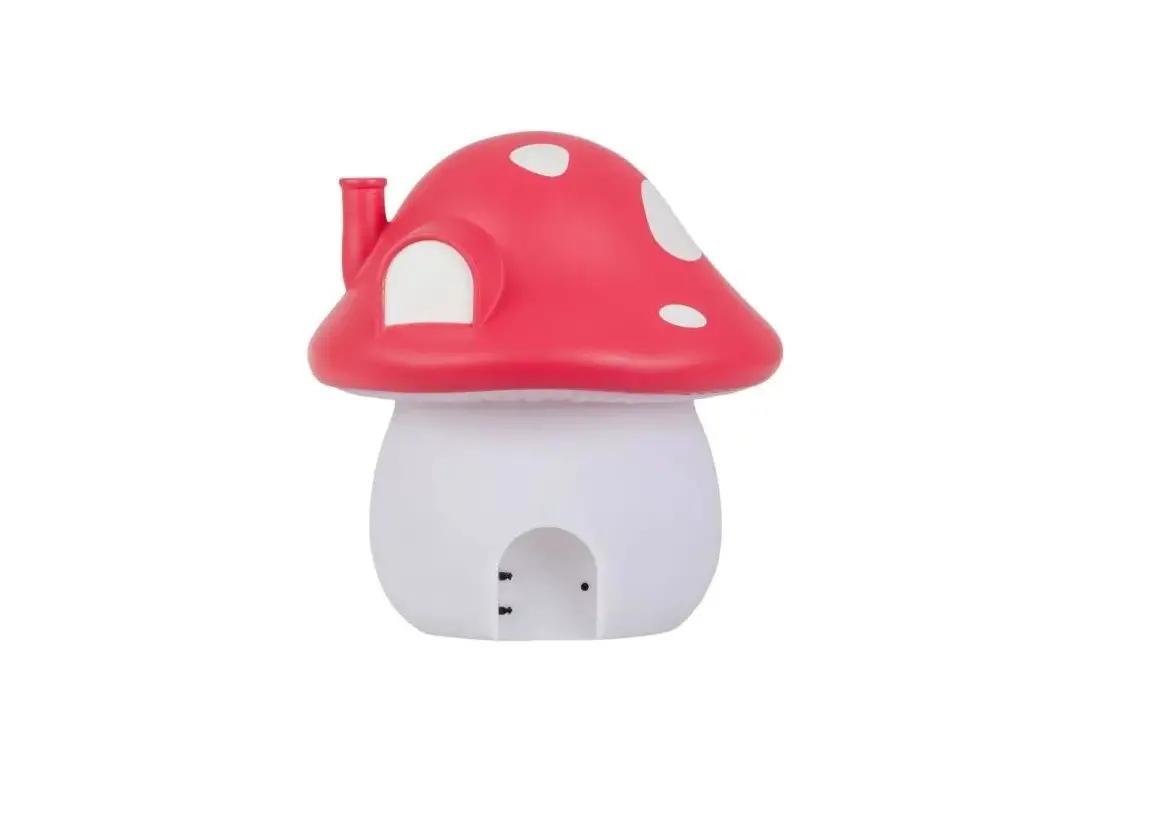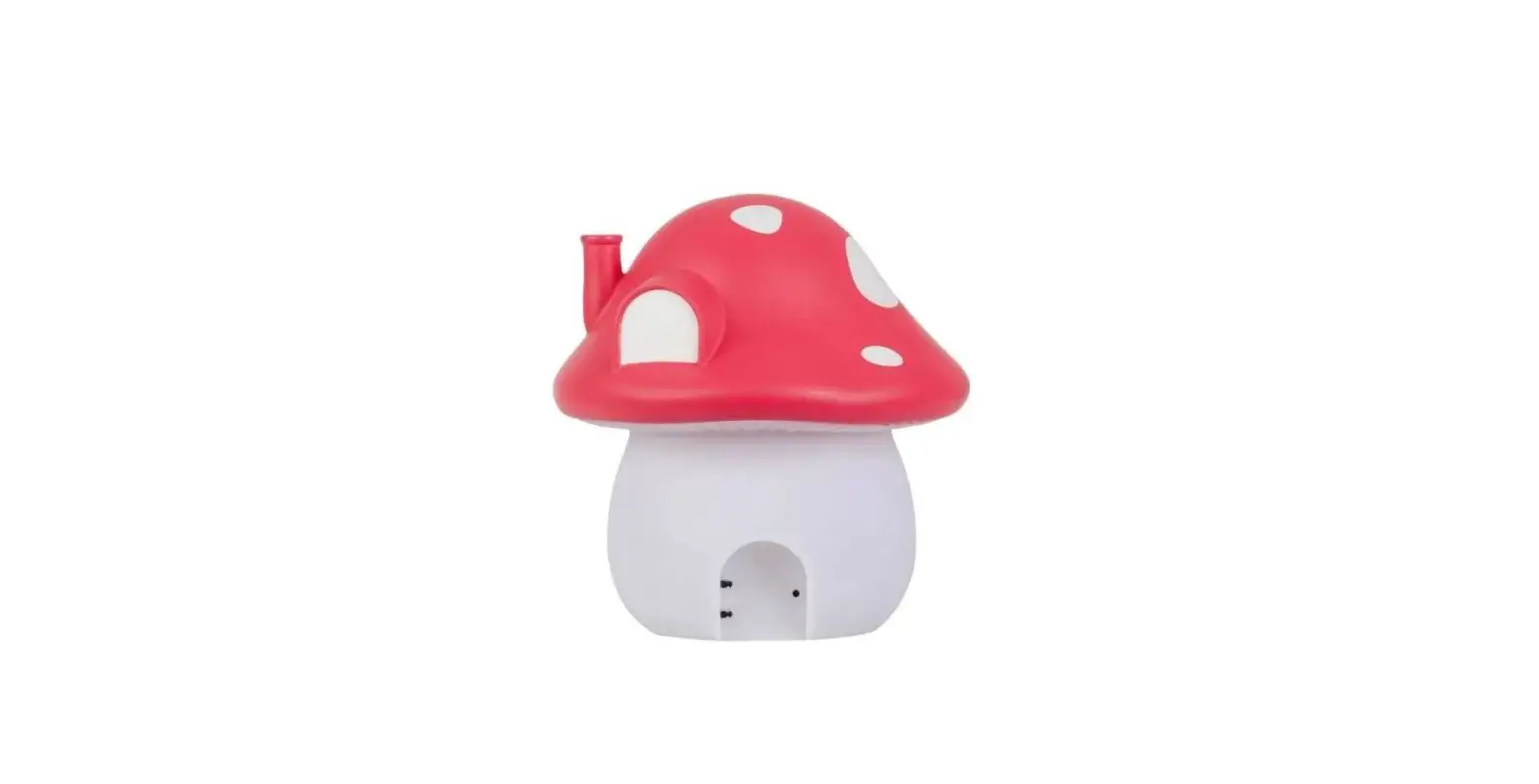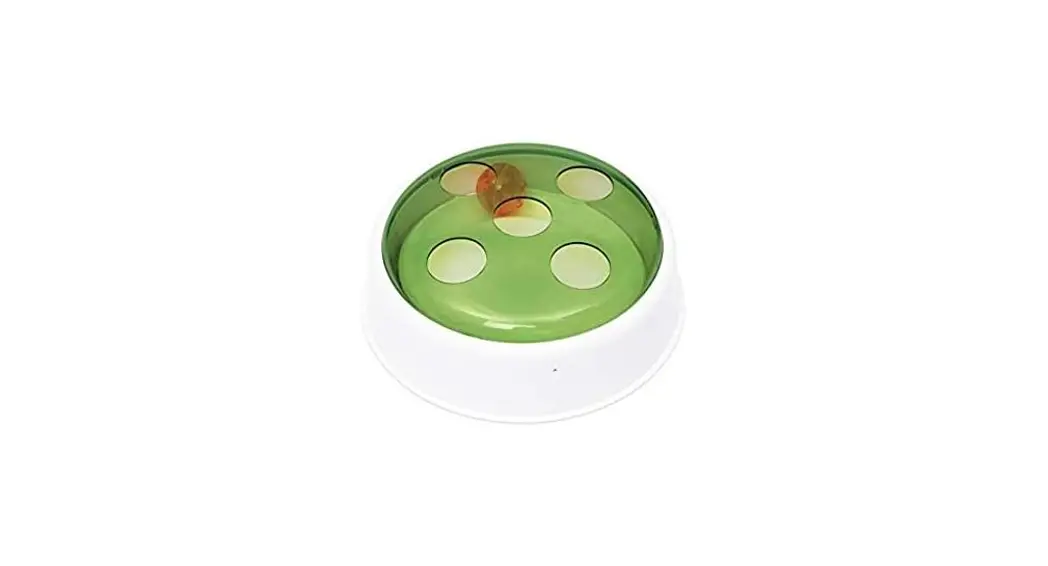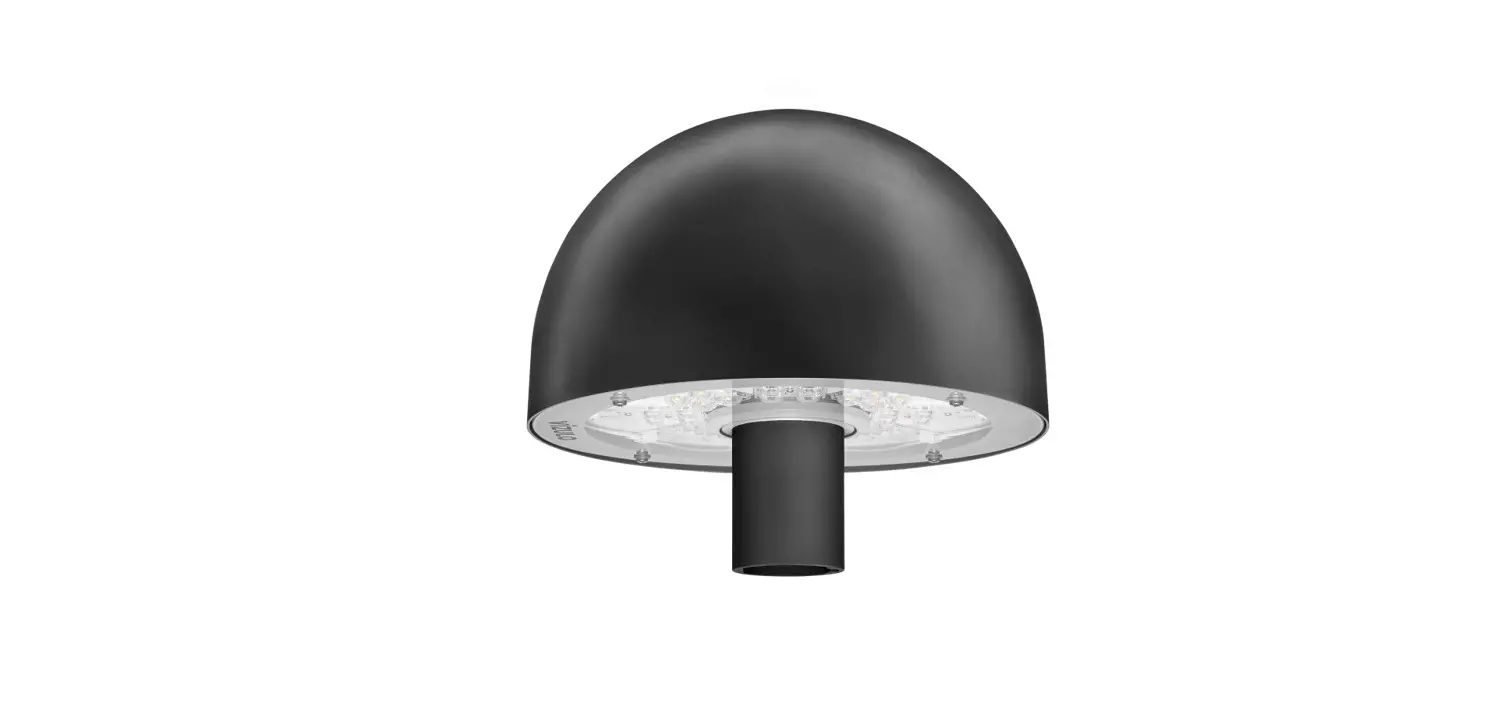

catit 43142 SENSES 2.0 Mushroom
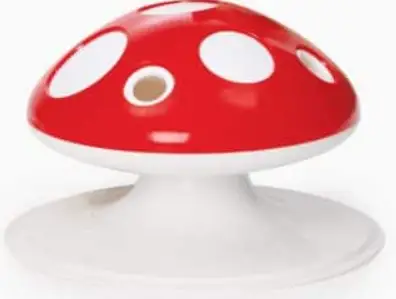
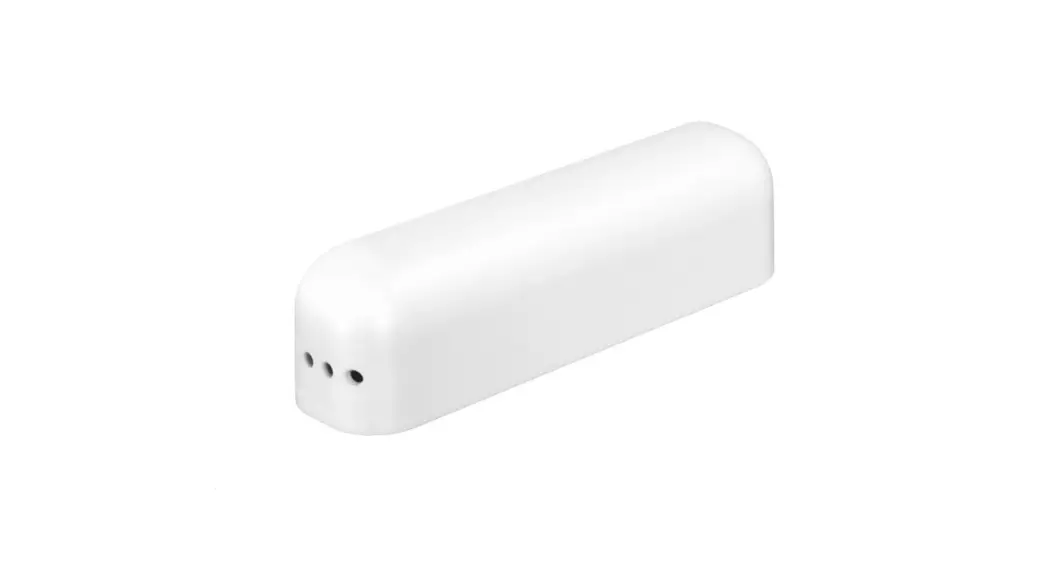
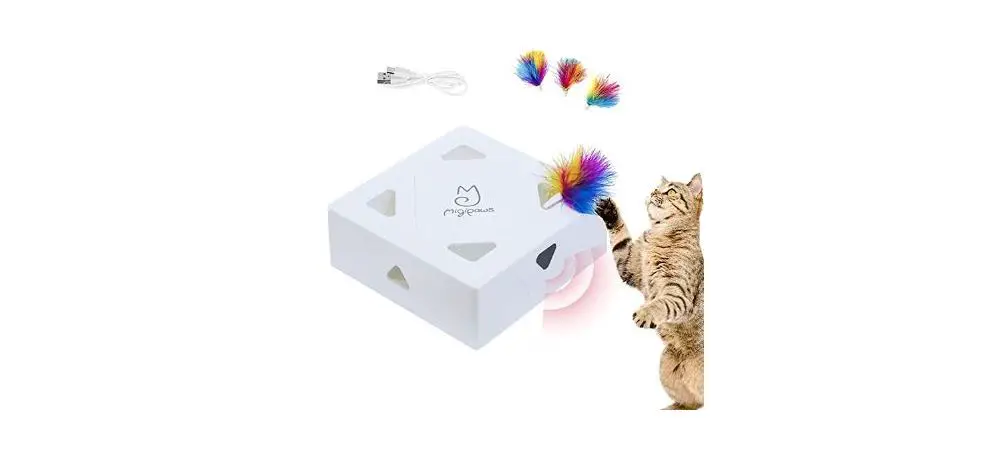
Motion-activated electronic feather toy for cats. The toy’s built-in sensors pick up on your cat’s movements, activating the toy. It can also be set to work continuously. The feather will randomly pop out from one of the 8 openings covering the toy, stimulating your cat to play.
Packaging contents: (1x) Catit® Senses Mushroom interactive toy | (1x) feather accessory
ASSEMBLY INSTRUCTIONS
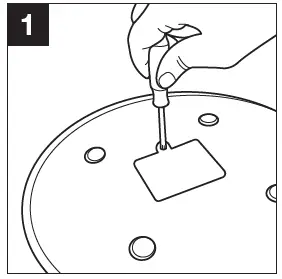
- Use a Philips screwdriver to open the battery compartment at the bottom of the toy.

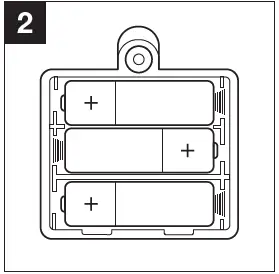
- Insert three AA-batteries (not included) into the battery compartment with the correct polarity (+ and -)
 (Important: See all instructions in the ‘BATTERIES’ segment below.) Close the battery compartment.
 (Important: See all instructions in the ‘BATTERIES’ segment below.) Close the battery compartment.
OPERATING INSTRUCTIONS
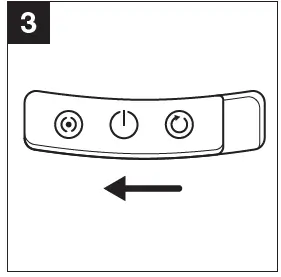
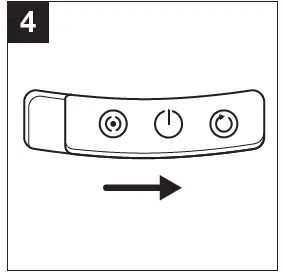
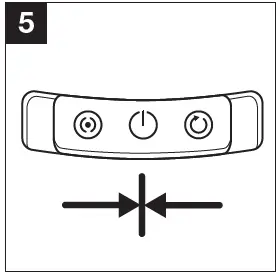
- The Senses 2.0 Mushroom can be operated with the Sensor/Off/Continuous switch, located on the front of the product.
- Position the switch to the left to start SENSOR mode.

- When your cat approaches the toy, the toy’s built-in light sensors detect a change in brightness and will trigger the feather to start moving, popping out randomly from one of the openings covering the toy.
- The sensors do not work when used in a dark or dimly lit room.
- Position the switch to the right to start CONTINUOUS mode.

- The middle setting OFF deactivates the toy

REPLACEMENT INSTRUCTIONS
Replacing the feather:
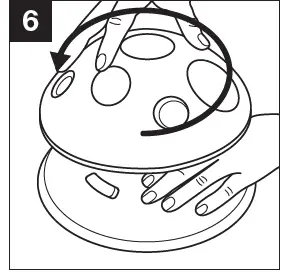
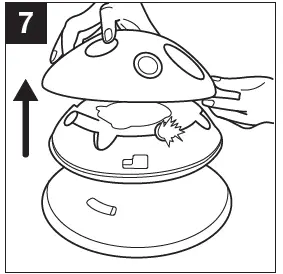
- To open the Catit® Senses Mushroom, hold the base as you twist the top cover counterclockwise.

- Lift off the cover.

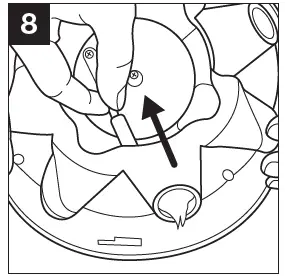
- Gently move the plastic rod (to which the feather is attached) towards the center.

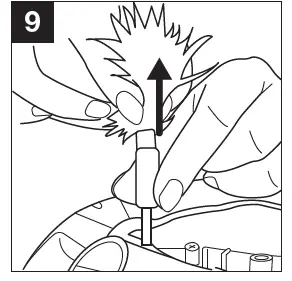
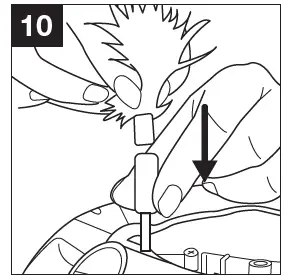
- Hold the rod by its silicone tip and hold the feather accessory by the piece of string inside of the feather, and gently pull the two apart.

- Reverse this motion to reattach the feather accessory to the rod.

Replacing the batteries:
- Open the battery compartment as shown in step 1 and carefully pull out each individual battery.
- Insert new batteries as instructed in step 2.
CAUTION
- Ensure that the toy is suitable for the size of your cat. • Play with toys of any kind should be done under supervision.
- If you see visible deterioration of this or any toy, remove it from the cat. • This toy is not intended for use by children.
- Ensure that the appliance is placed on a flat, even surface. • Do not use this unit outdoors. This unit is for indoor use only.
WARNING:
Important! This toy should not be operated by children 3 years and under due to the danger of suffocation from small parts.
BATTERIES:
- Only use alkaline or rechargeable batteries. Do not mix new and old batteries or different types of batteries.
- Non-rechargeable batteries are not to be recharged. Rechargeable batteries should be charged under adult supervision. If using a battery charger specifically for use by children, batteries can only be charged by children of at least 8 years old.
- Exhausted batteries are to be removed from the toy.
- The supply terminals are not to be short-circuited.
MAINTENANCE:
Wipe the plastic parts of the Catit® Senses Mushroom clean with a damp cloth. The Catit® Senses Mushroom is NOT dishwasher safe. Do not immerse in water.
SAVE THESE INSTRUCTIONS FOR FUTURE REFERENCE.
Only the faithful observation of these assembly and operational guidelines will ensure the safe and efficient use of this electronic cat toy.
RECYCLING:
This product bears the selective sorting symbol for waste electrical and electronic equipment
(WEEE). This means that this product must be handled pursuant to European Directive 2012/19/EU in order to be recycled or dismantled to minimize its impact on the environment. Check with your local Environmental Agency for possible disposal instructions or take to an official council registered refuse collection point. Electronic products not included in the selective sorting process are potentially dangerous for the environment and human health due to the presence of hazardous substances.
 Hilfe & Empfehlungen - Catit
 ¡Ayuda! ¡Mi gato está mudando el pelo! - Catit