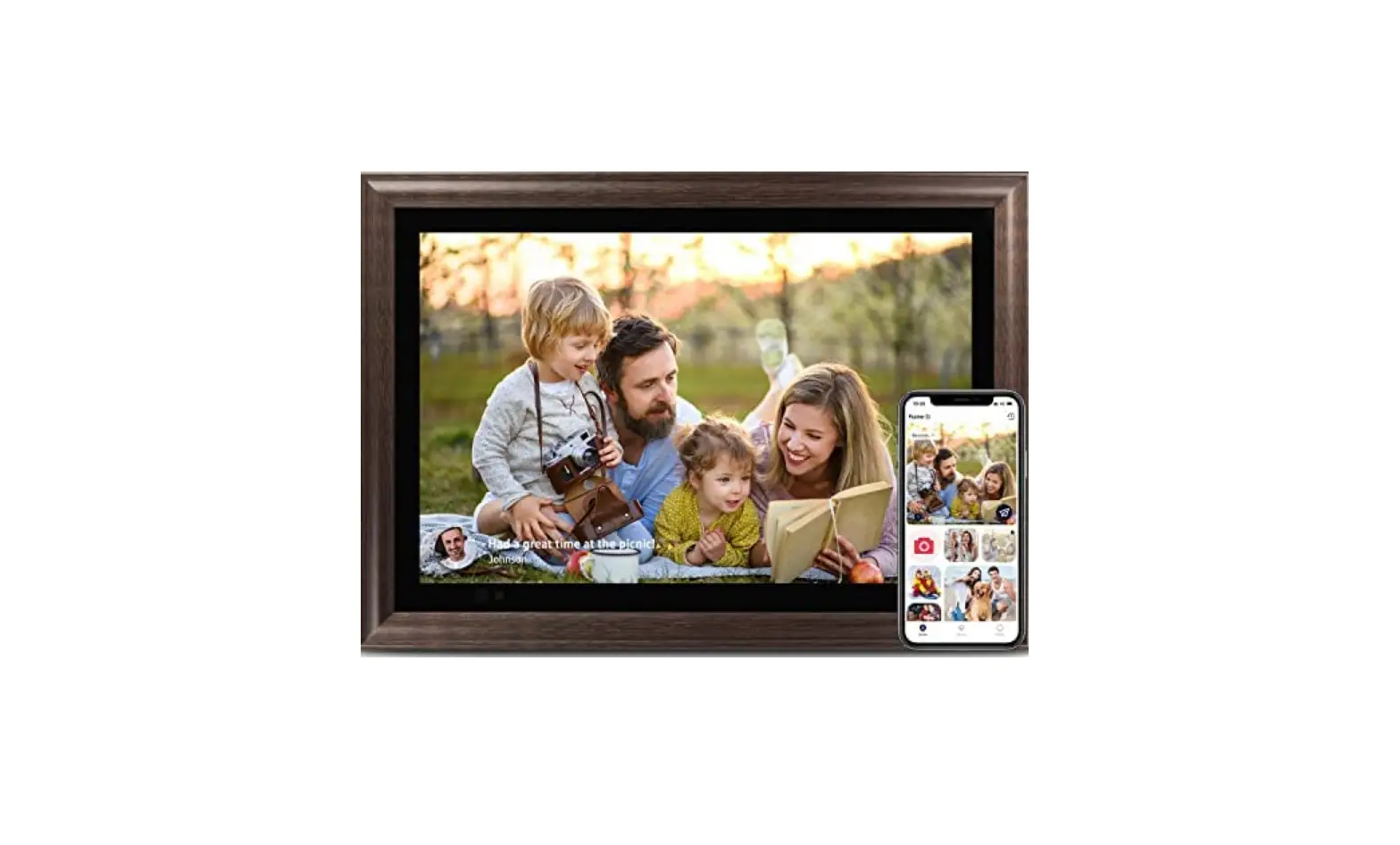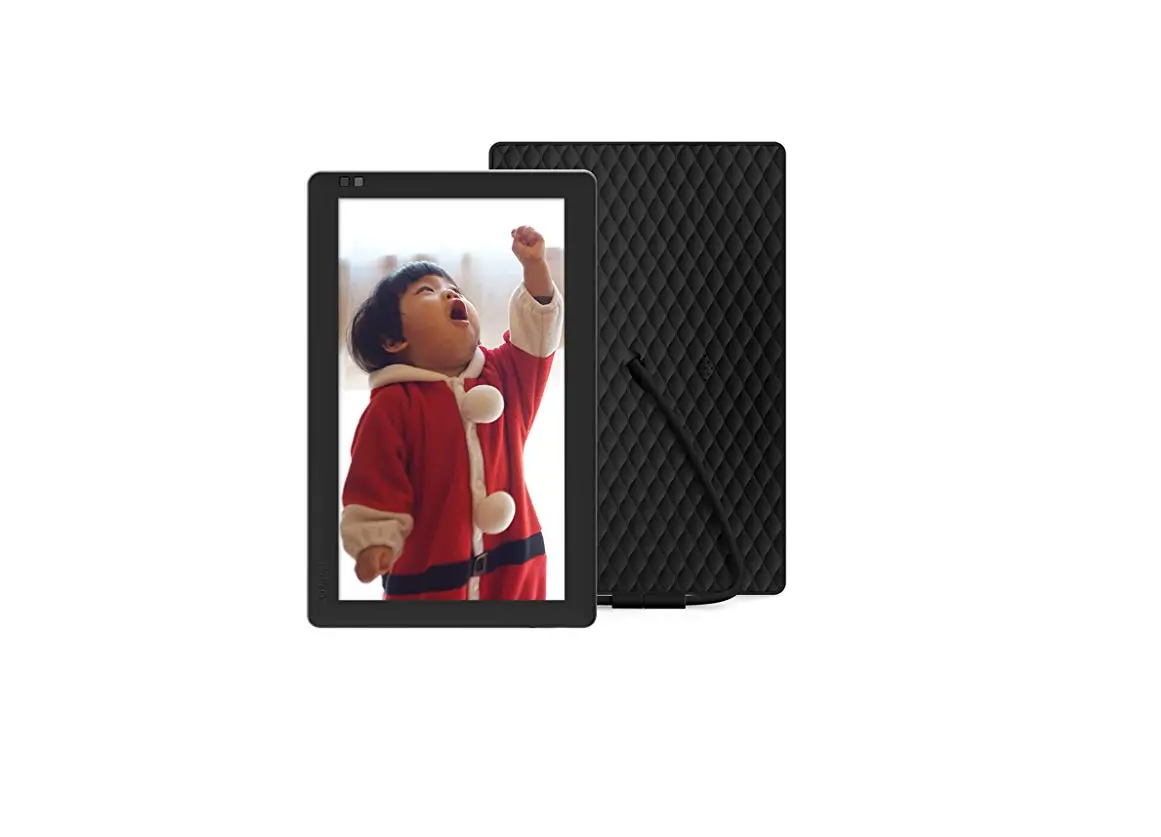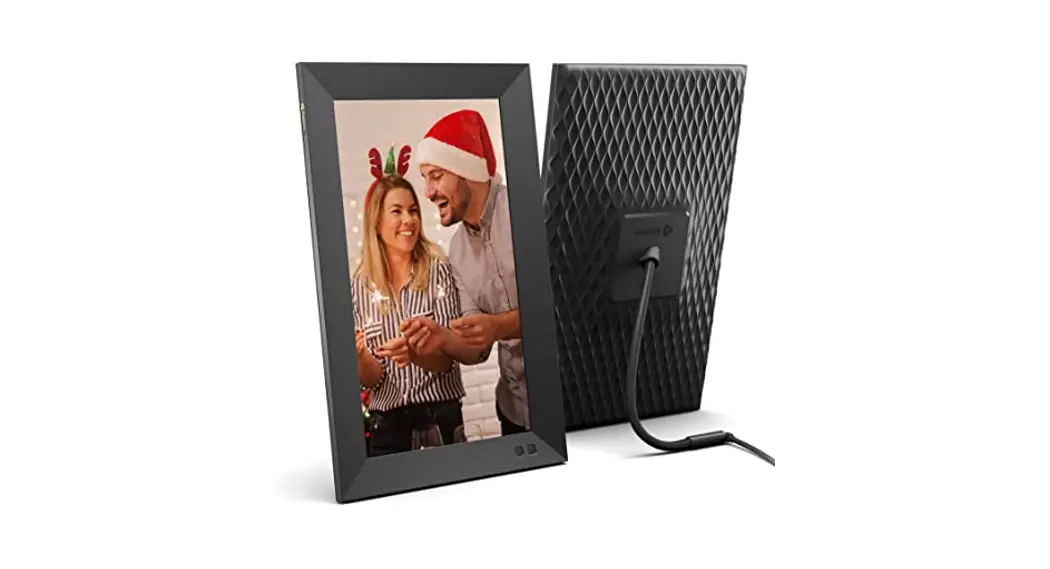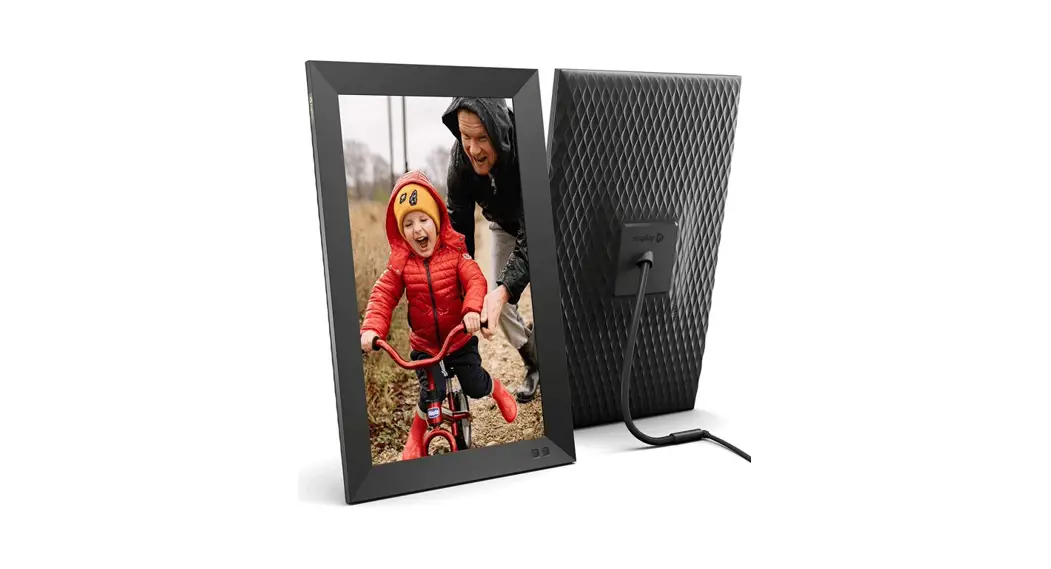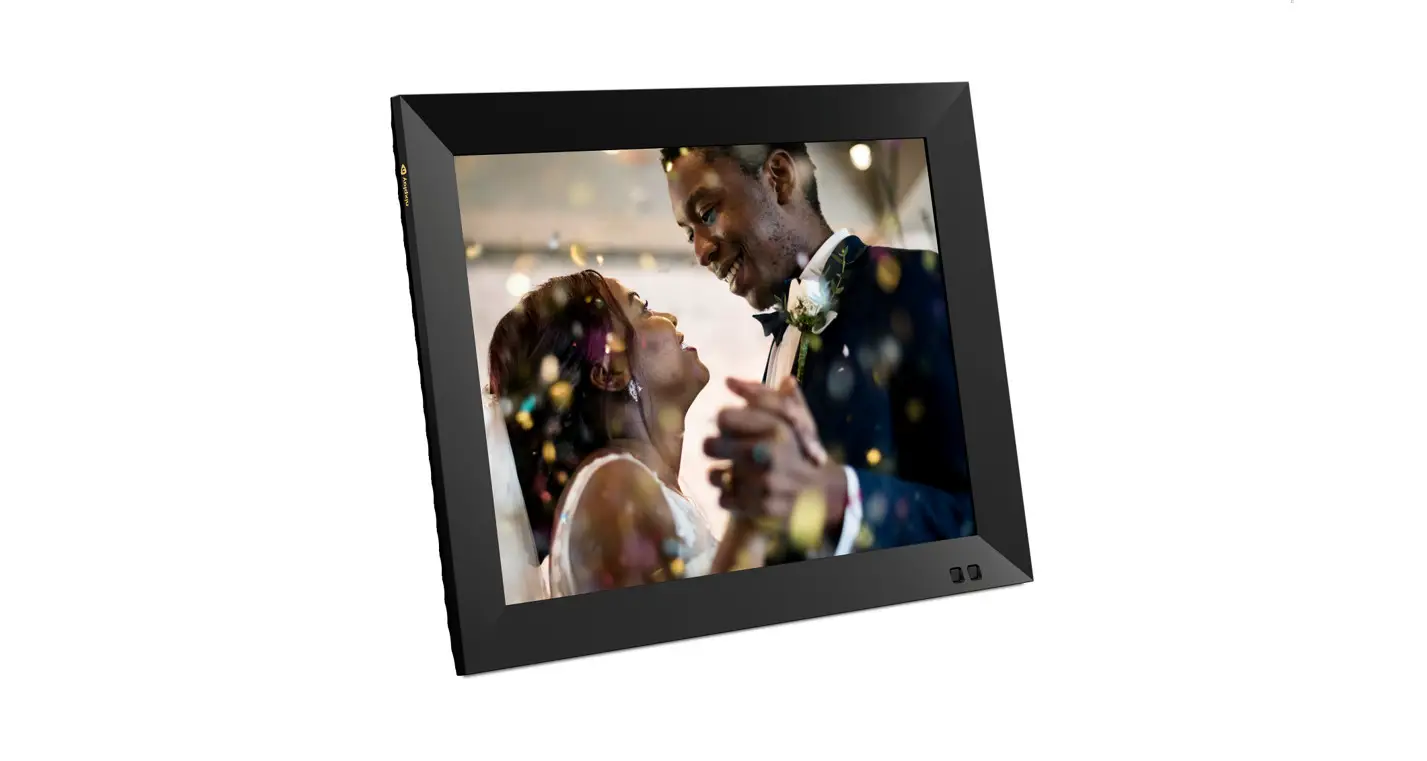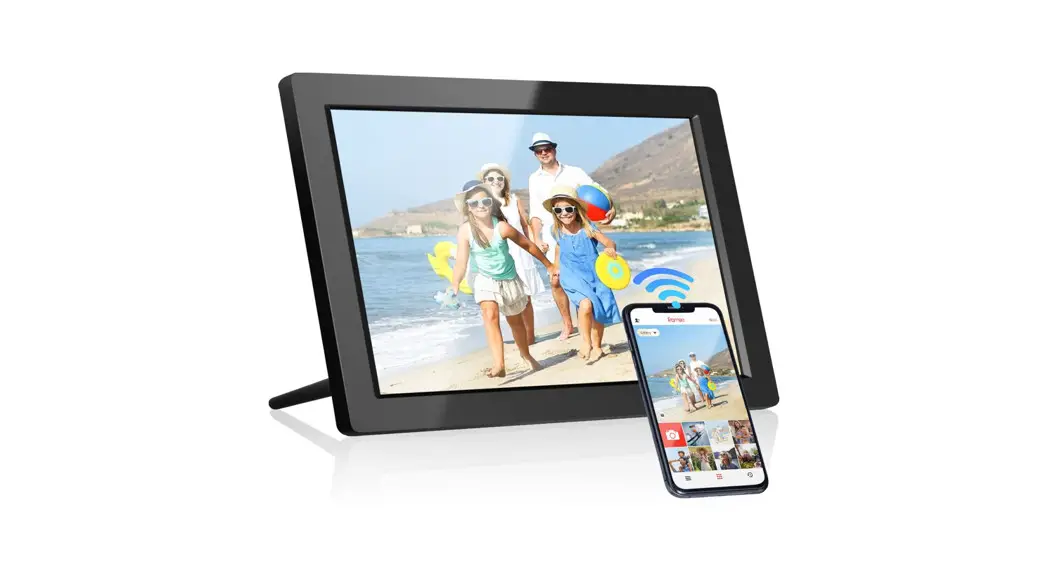

WiFi Digital Picture Frame
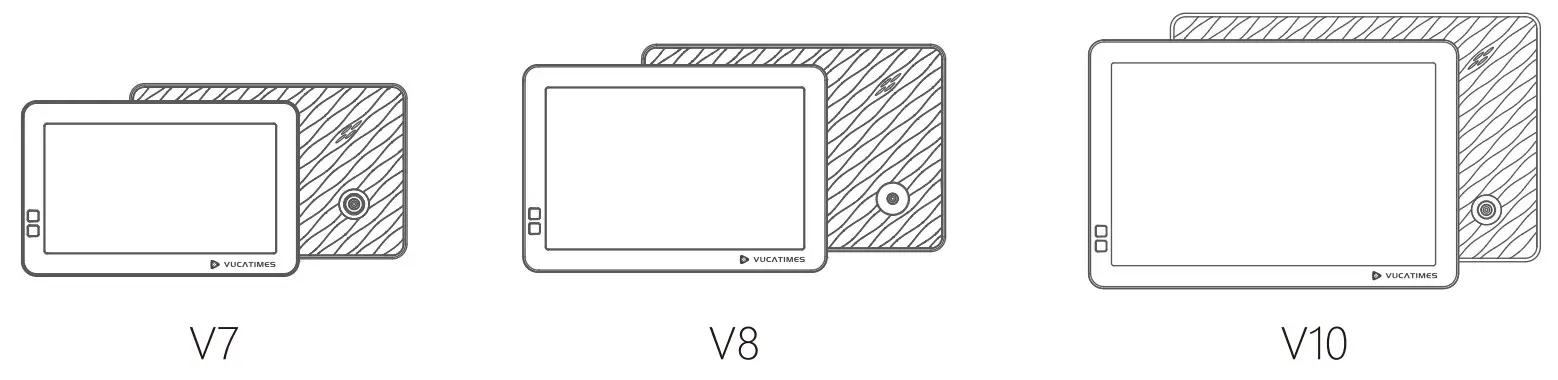
Quick User Guide

https://myvucatimes.com/pages/download
Please scan the QR code to download a more detailed User Manual
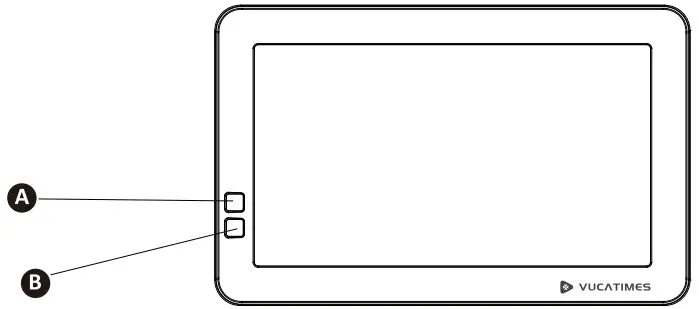 Get to know your picture frame
A. Motion sensor To detect motions and turns the frame screen on/off if standby mode is configured.
B. Infrared Receiver To receive signals from the remote control.
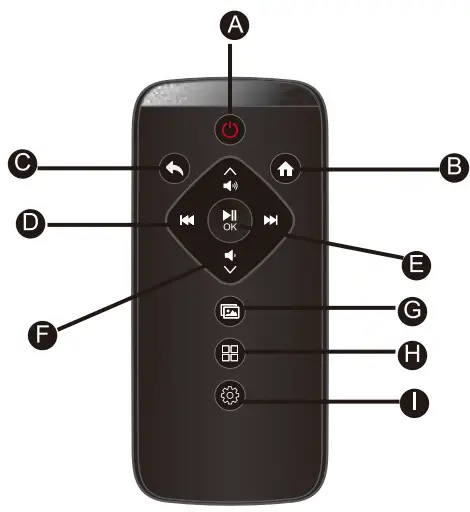
A. ON / OFF
B. Home page
C. Back
D. Navigation Left / Right
E. Select OK / Pause
F. Volume, Navigation Up / Down
G. Play
H. Playlists
I. Settings
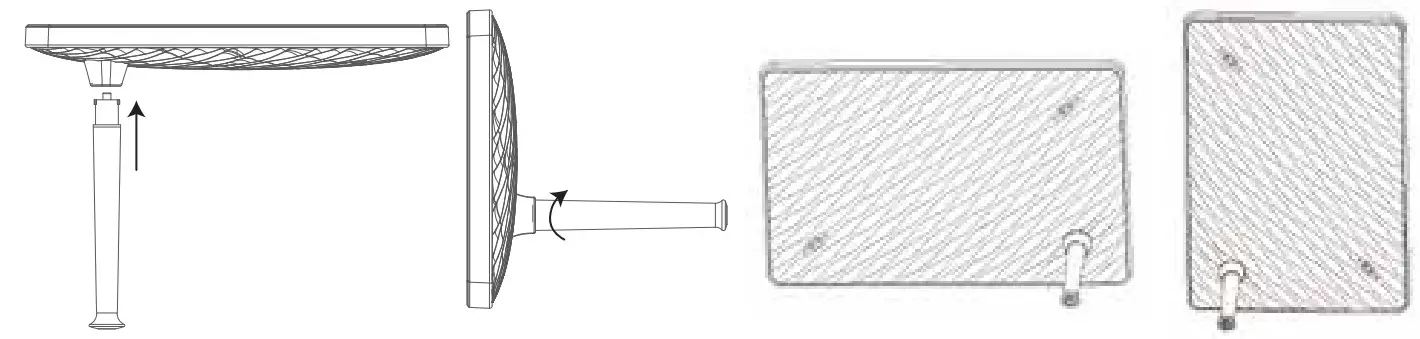
Frame Stand Connect the frame stand to the frame and lock it. Place the frame in portrait or landscape position.
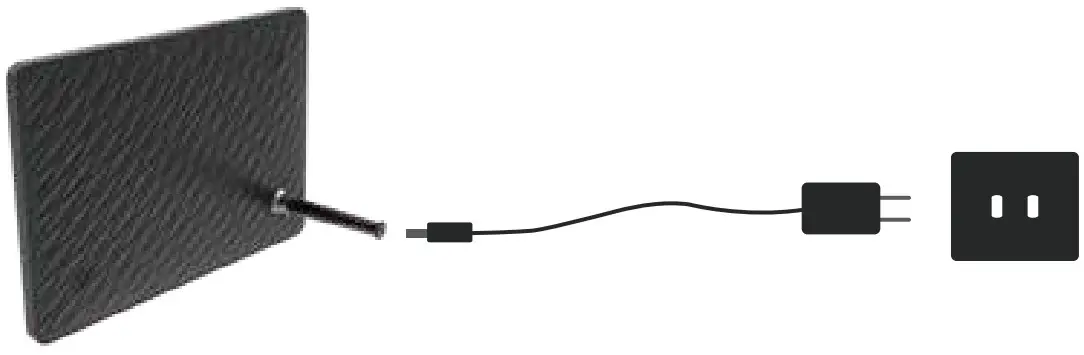
Plug the power cord into the frame stand, and plug in the power adapter.
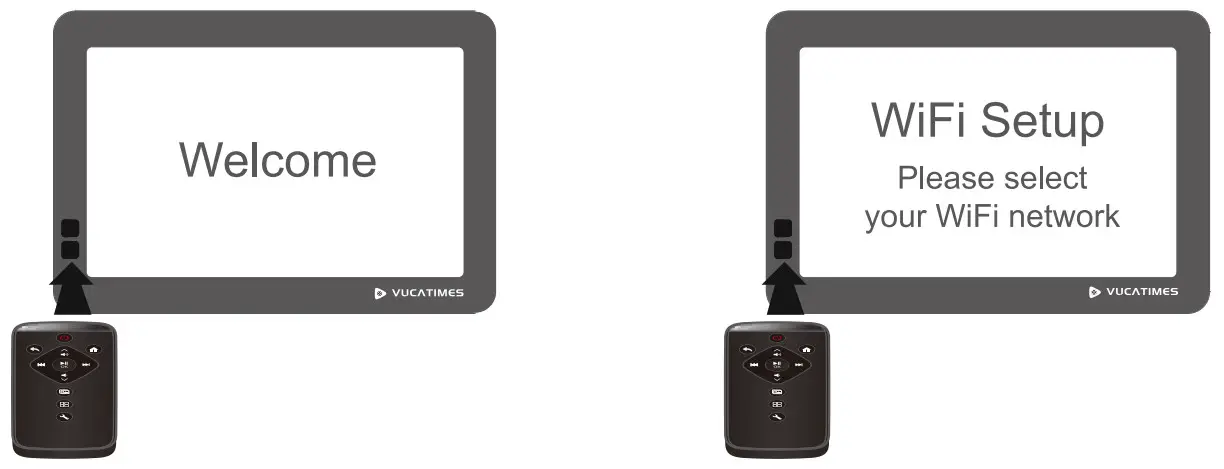
Setup First Time
- After powered on, use the remote control to select your preferred language.
- Use the remote control to select your WiFi network, enter WiFi Password and select connect.
- Once the frame is connected to WiFi, the system will check and update the latest software automatically.
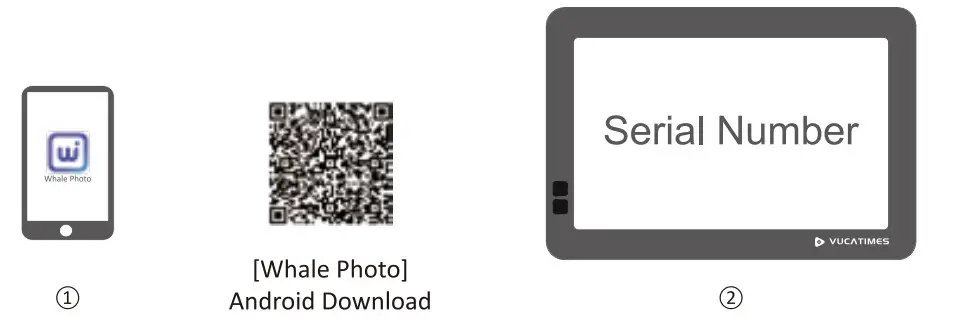
Install App and Pair Your Frame
 Search [Whale Photo) in Google Play Store/Apple Store, and install the App in your mobile device.
* If you cannot find the app on google play, please scan the QR code above and download the installer to your mobile device.- Pair the frame to your mobile device with the Serial Number shown on the frame.
 Search [Whale Photo) in Google Play Store/Apple Store, and install the App in your mobile device.