PCE-VM 22 Vibration Analyzer
Product Information
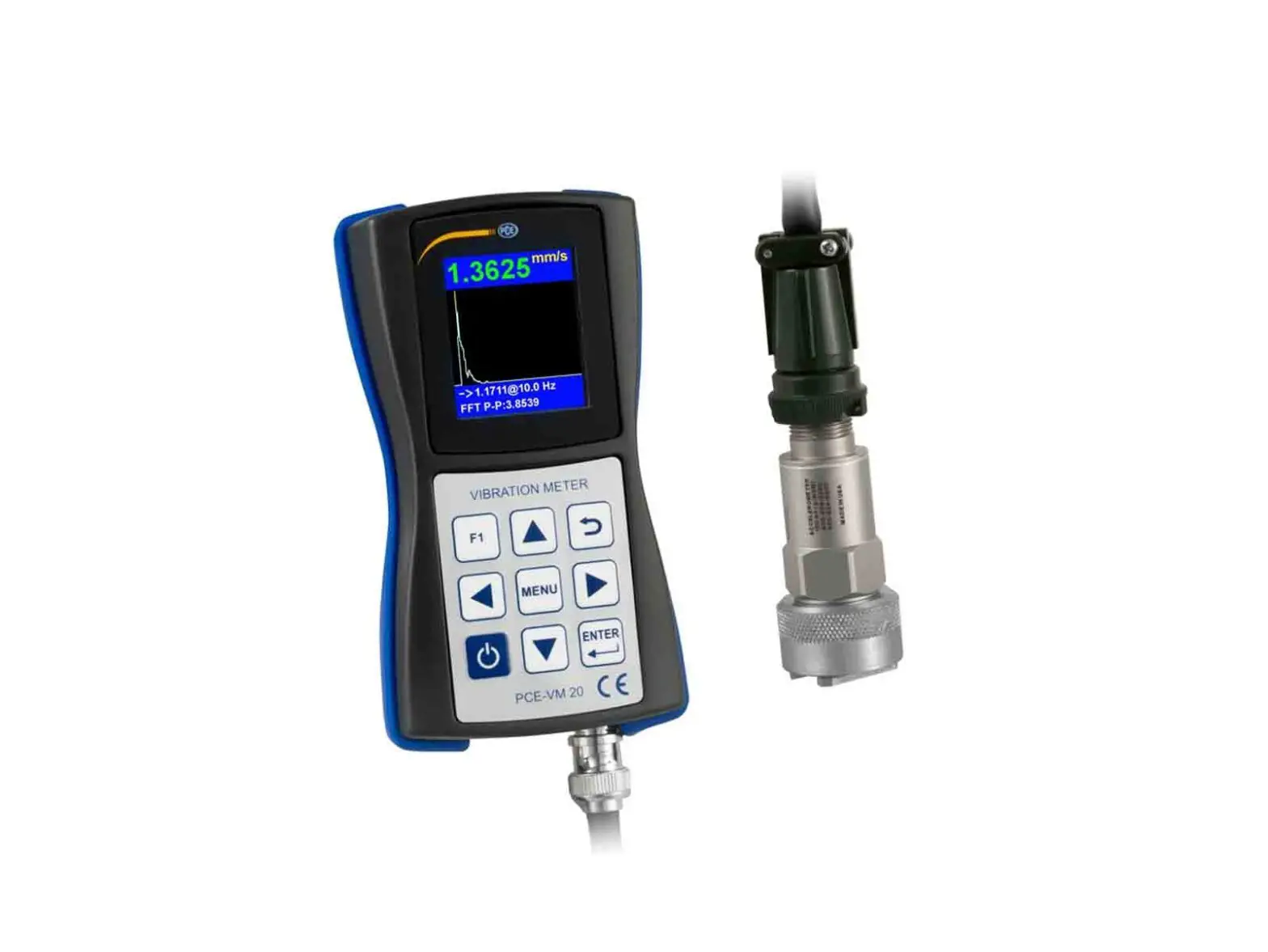
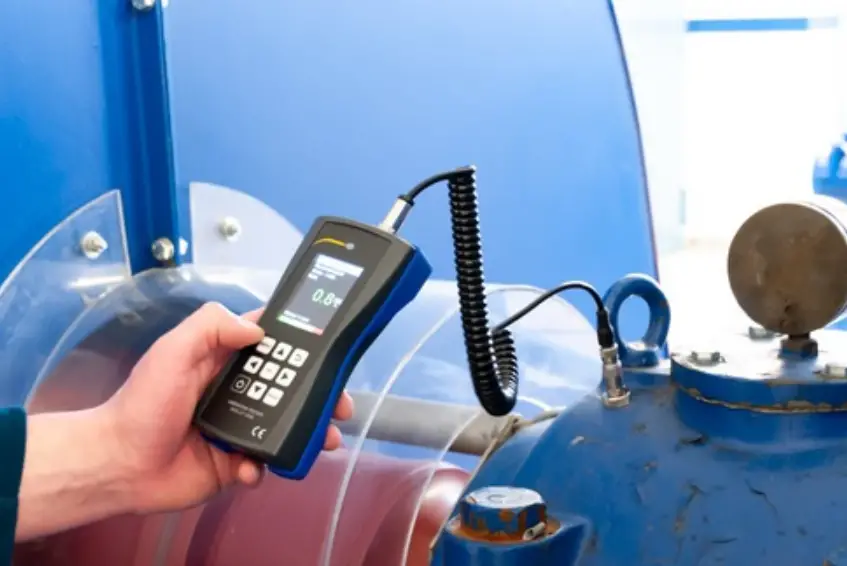
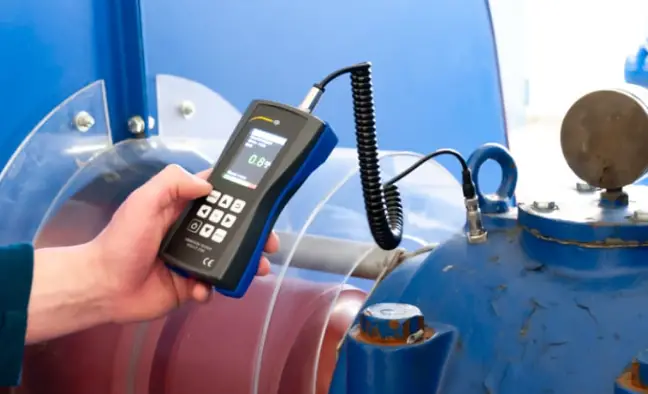
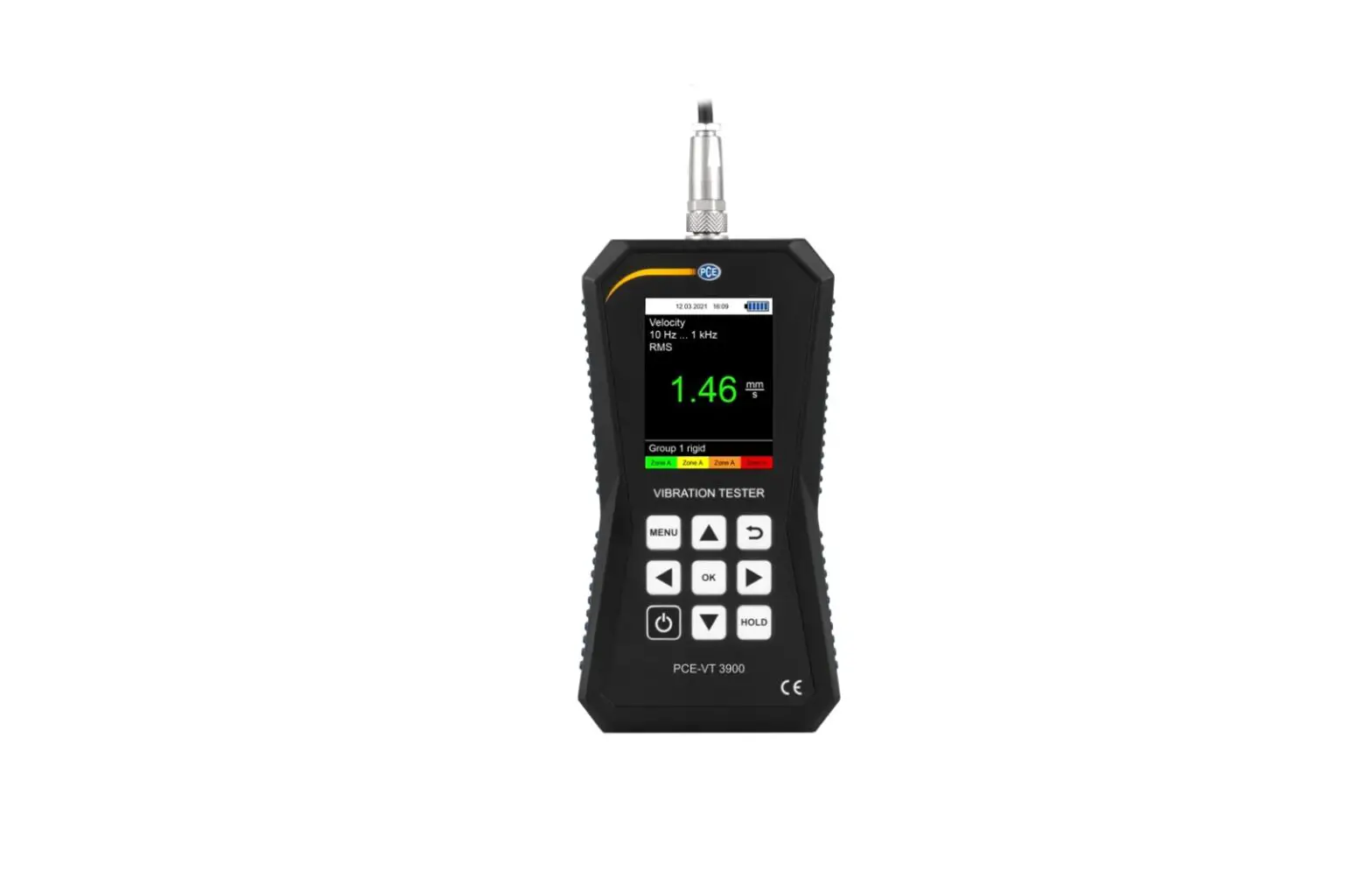
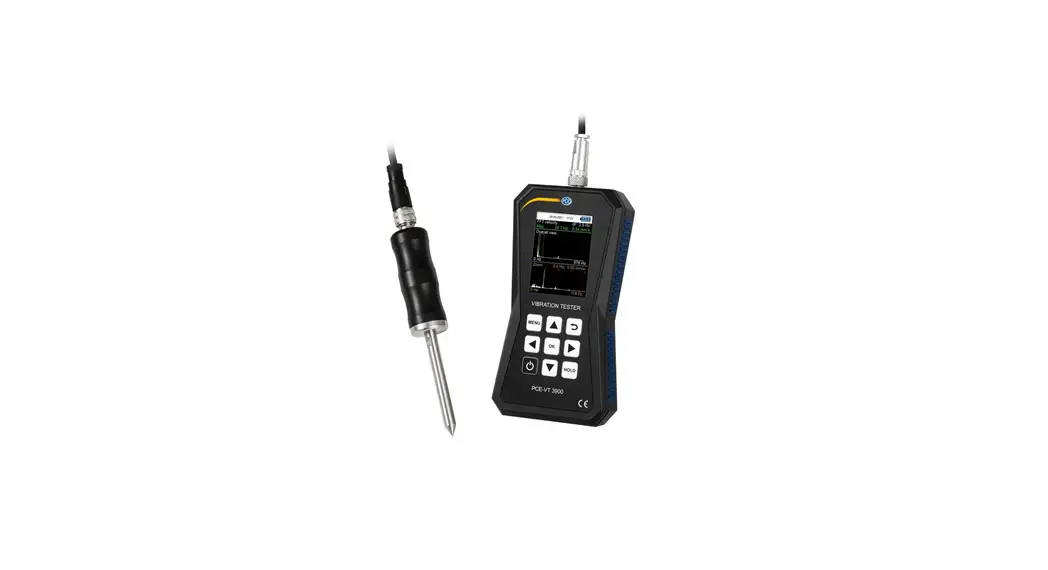
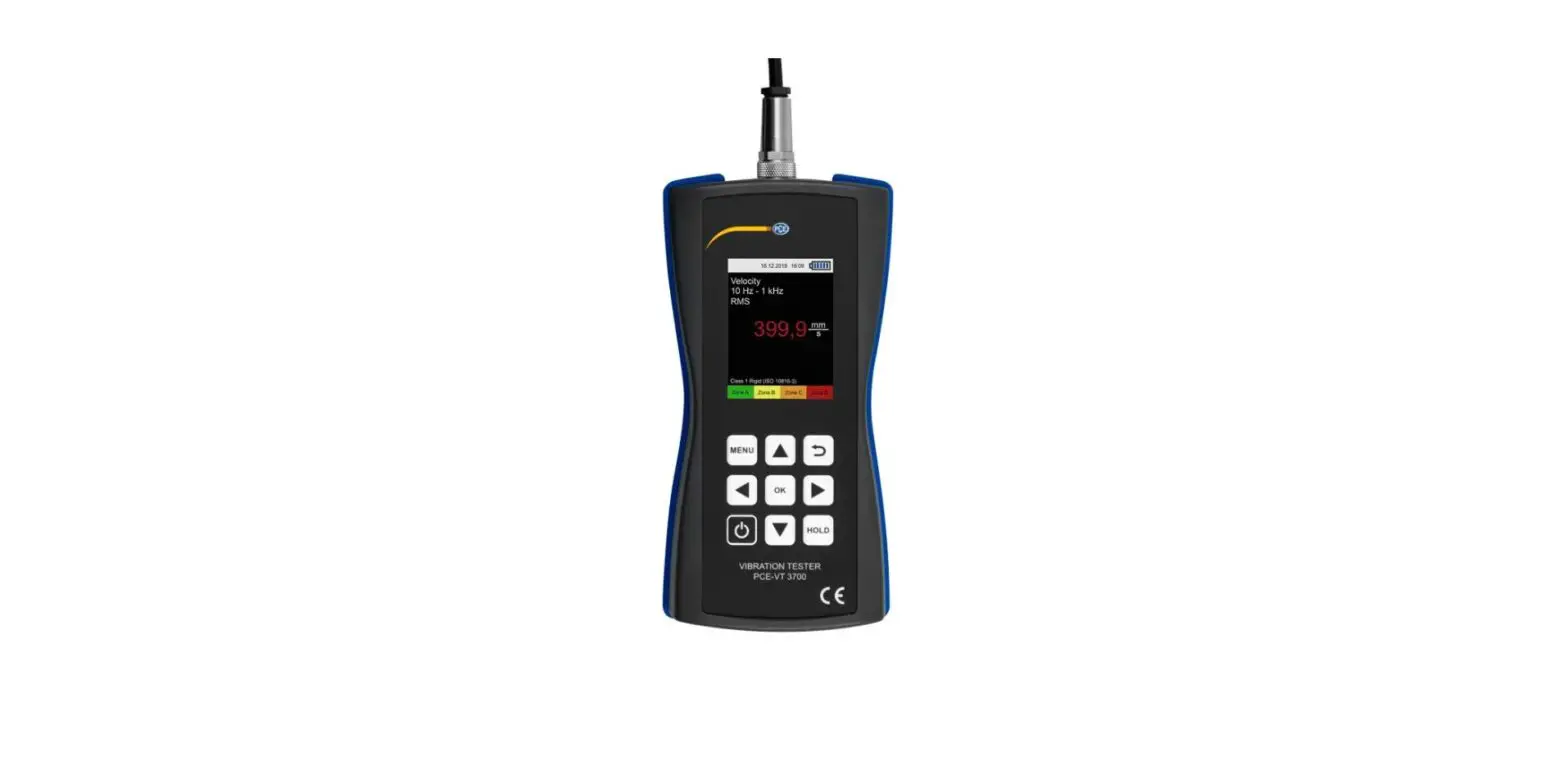
The PCE-VM 22 Vibration Analyzer is a versatile device used for
measuring vibration acceleration, velocity, and displacement. It
includes various sensors and accessories to provide accurate and
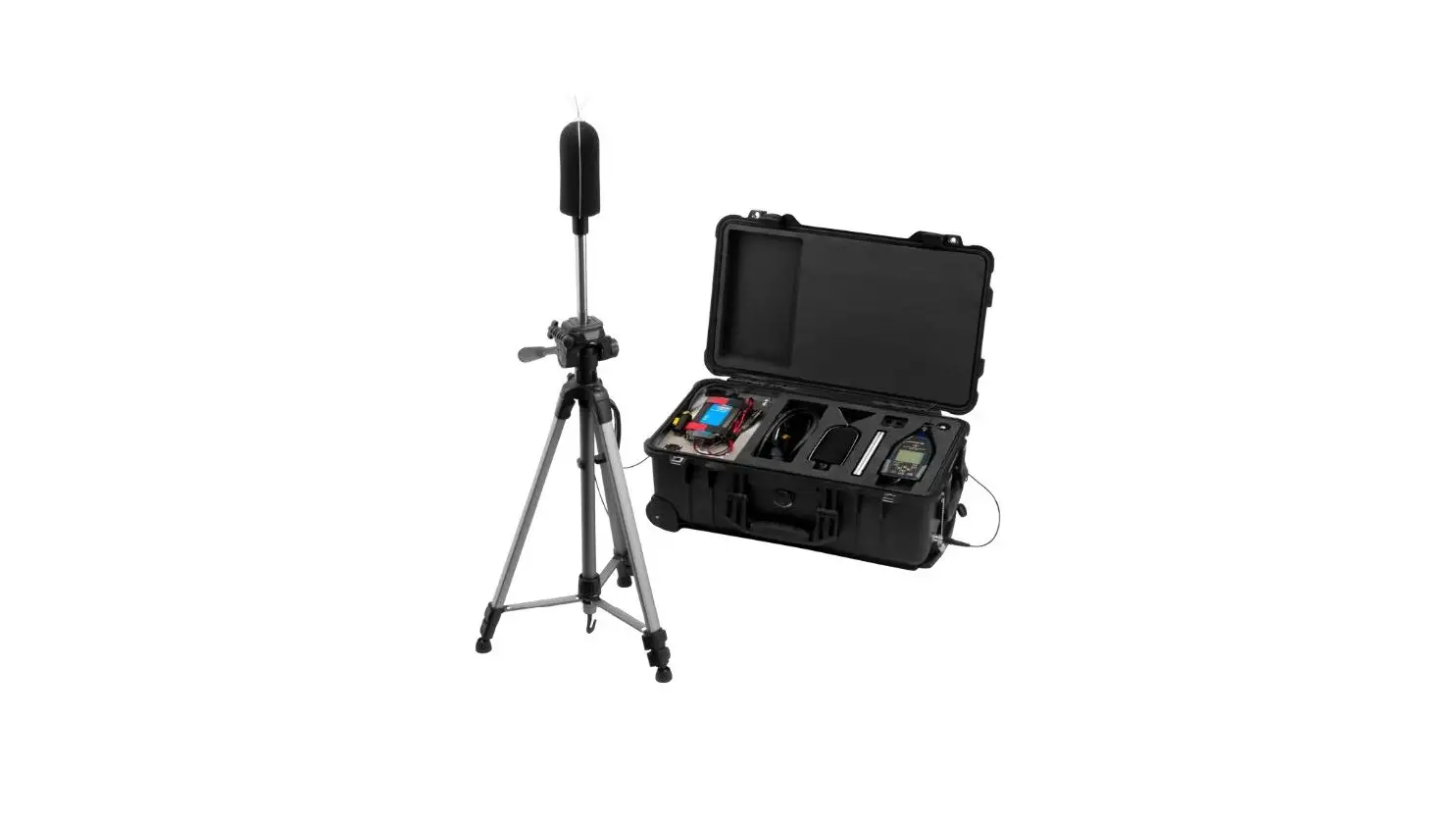
reliable measurements. The kit includes:
- 1 x Accelerometer PCE-VM 22
- 1 x Vibration sensor with connection cable and magnetic
holder - 1 x Infrared sensor with speed sensor
- 1 x Magnetic holder
- 1 x USB charging adapter
- 1 x Micro USB cable
- 1 x Transport case
- 1 x Instruction manual
The device offers various measurement functions and settings,
allowing you to customize the operation according to your
requirements. It supports both metric and imperial units and has an
auto-off feature to conserve battery life. The vibration
measurements can be compared to the vibration severity grades
according to ISO 10816-3.
Product Usage Instructions
Date/Time Setup
To set the date and time:
- Use the arrow keys to select the date or month.
- Press the decrement/increment keys to adjust the selected
field. - Confirm the date by pressing the confirm key.
- Use the arrow keys to set the minutes and hours.
- Use the key to switch between fields.
- Confirm the time by pressing the confirm key.
Sensors Setup
To choose the sensor for measurements:
- Use the arrow keys to select the sensor from the drop-down
menu. - Confirm the choice by pressing the confirm key.
- Edit the sensor type, serial number, and sensitivity if
necessary. - Use the arrow keys to select the field to edit.
- Use the arrow keys to adjust the field value.
Metric/Imperial Units Setup
To set the measurement units:
- Use the arrow keys to select the desired units (metric or
imperial). - Press the confirm or quit key to save the selection.
Vibration Measurement Settings
To configure vibration measurement settings:
- Press the settings key to enter the Settings menu.
- Use the arrow keys to select the parameter to setup.
- Use the arrow keys to change the parameter value.
- The frequency ranges are as follows:
- Acceleration: 200 to 10000 Hz
- Velocity: 200 to 5000 Hz
- Displacement: 200 to 800 Hz
Taking Measurements
To take vibration measurements:
- Select the desired vibration parameter (e.g., velocity).
- Edit the settings if necessary.
- Press the measurement key to start the measurement.
- During the measurement:
- Toggle between FFT spectrum and waveform display using the
toggle key. - Stop or resume the measurement using the stop/resume key.
- Toggle between FFT spectrum and waveform display using the
- When the measurement is stopped, you can save the measurements
by pressing the options key and selecting “Save..”. - Browse to the destination folder using the arrow keys.
- Press the confirm key to save the measurements.
For additional information and detailed instructions, refer to
the PCE-VM 22 User’s Manual.
PCE Americas Inc. 1201 Jupiter Park Drive Suite 8 Jupiter FL-33458 USA From outside US: +1 Tel: (561) 320-9162 Fax: (561) 320-9176 [email protected]
PCE Instruments UK Ltd. Unit 11
Southpoint Business Park Ensign way
Hampshire / Southampton United Kingdom, SO31 4RF
From outside UK: +44 Tel: (0) 2380 98703 0 Fax: (0) 2380 98703 9 [email protected]
www.pce-instruments.com/english www.pce-instruments.com
PCE-VM 22
Vibration Analyzer
User’s Manual
2021
CONTENT General………………………………………………………………………………………. 3
Safety Precautions……………………………………………………………………. 3 Overview ……………………………………………………………………………………. 4
Kit Content ……………………………………………………………………………… 4 Specifications…………………………………………………………………………… 4 Measurement functions……………………………………………………………. 6 Operation …………………………………………………………………………………… 6 Keyboard ………………………………………………………………………………… 6 Settings …………………………………………………………………………………… 7 Date/Time……………………………………………………………………………….. 7 Sensors …………………………………………………………………………………… 8 Units ………………………………………………………………………………………. 8 Auto OFF…………………………………………………………………………………. 8 Vibration…………………………………………………………………………………. 9 Vibration measurement settings ……………………………………………… 10 Taking measurements …………………………………………………………….. 11 To save measurements …………………………………………………………… 12 Route based measurements ……………………………………………………. 13 Tachometer ………………………………………………………………………….. 14 Thermometer ………………………………………………………………………… 15
General
Safety Precautions
To prevent possible electrical shock, fire, personal injury or the device damage:
· Carefully read user’s manual. · Do not place sensor on the objects which exposed to high voltages. These voltages could cause personal injury or death.
· The Analyzer could not be used in potentially explosive environments.
· Take measures to prevent cables and straps become entangled by rotating part of machines at measurement site.
· Do not expose PCE-VM 22 parts to heavy impacts, high humidity and extreme temperature. · Do not try to open the display unit this can damage the system, and your after-sales service warranty will come void
Overview
The PCE-VM 22 Vibration Analyzer (Device, Analyzer) is a compact yet powerful, vibration analyzer designed to measure overall vibration parameters, FFT spectrum analysis of the rotating machinery, immediate evaluation against ISO 10816 standard, condition monitoring by route based measurements and data collection. Route files and data files exchange via email makes it ideal for data collection at remote sites. Simple in use, with free firmware upgrades, comes with data management and reporting software.
Kit Content
The PCE-VM 22 kit includes: 1 x Accelerometer PCE-VM 22 1 x Vibration sensor with connection cable and magnetic holder 1 x Infrared sensor with speed sensor 1 x Magnetic holder 1 x USB charging adapter 1 x Micro USB cable 1 x Transport case 1 x Instruction manual
Specifications
Inputs IEPE or charge type accelerometers with known sensitivity, switchable. Optical RPM transducer with IR pyrometer sensor (optional) AD conversion 24 bits
Dynamic range 106 dB Frequency range 1…10000 Hz Vibration measurement range: Acceleration 200 m/s2 Velocity 200 mm/s Displacement 2000 uM Accuracy ±5% Temperature measurement range -70°C to 380°C Accuracy ±0.5% (0…+60°C), ±1% (-40…+120°C), ±2% (-70…+180°C),
±4% (-70…+380°C) Tachometer measurement range 10…200,000 rpm Accuracy ±0.1% and ±1rpm FFT spectrum resolution 400, 800, 1600 lines Data storage 4GB micro SD card, built-in PC interface USB Display color, sunlight readable 128×160 dots Battery Li-Po rechargeable, up to 8 hrs continuous operation Operating Temperature 0°C to 50°C Storage Temperature -20°C to 60°C Operating Humidity Dimensions 132 x 70 x 33 mm Weight 150 g
Measurement functions
Vibration mode analyzer measures overall level of vibration acceleration, velocity and displacement and FFT spectrum, route or off-route measurements. Tachometer analyzer measures speed of rotation by means of contactless optical sensor. The measurement result is displayed in RPM and Hz. IR thermometer contactless measurement of object temperature. The measurement result is displayed in °C and °F.
Operation
Keyboard
press and hold for 3 sec to turn device ON, short press to turn OFF
Enter, confirm selection, start measurement
navigation arrow keys
Menu
backspace, quit
option key
Settings
This menu is used to setup: – Date/Time – Sensors parameters – Units Metric/Imperial units – Auto OFF delay – English interface language – Brightness Low/Mid/High display brightness – MUX input multiplexer to use triaxial sensors (optional)
Date/Time
Use arrow keys
Hold
then press
decrement/increment.
to set date.
or
for month
Confirm by when correct date is set.
July 2018
Use
keys to set minutes and hours.
Use key to switch focused field. Focused field is indicated by red frame.
Confirm by when correct time is set.
Sensors
Use
keys to choose
sensor, which will be used for
measurements. Drop down menu
offers two types IEPE or charge
type sensors to choose from.
Confirm choice by key. Type, S.N. and Sensitivity fields are editable.
Use key to choose field to edit.
Then use arrow keys
to edit the field value.
Units
Metric/Imperial units setup
Auto OFF
Use
keys to set auto OFF delay (minutes).
Press or key to confirm and quit menu.
Vibration
Analyzer measures vibration Acceleration, Velocity and Displacement. In ISO 10816 mode measurement result is compared to the built-in table of vibration severity grades according to ISO 10816-3.
Use
keys to choose measurement mode.
Vibration measurement settings
Press key to enter Settings menu.
Use
to choose parameter to setup.
Use
to change parameter value.
Low Freq lower frequency limit. Can be set to 1, 2, 10 Hz.
Hi Freq upper frequency limit. Can be set:
– from 200 to 10000 Hz for Acceleration;
– from 200 to 5000 Hz for Velocity;
– from 200 to 800 Hz for Displacement;
FFT lines FFT spectrum resolution. Can be set to 400, 800, 1600 lines.
Trigger not implemented yet..
Averaging measurement averaging. Can be set in range of 0 to 64. Zero means that averaging is OFF.
Window weighting function. Can be set to Hanning or Rectangular.
Taking measurements
Choose vibration parameter e.g. Velocity, edit
settings if needed, then press measurement.
key to start
When measurement is running:
Use
key to toggle FFT
spectrum / waveform display.
Press
key to stop/resume
measurement.
When measurement is stopped: Press key for Options:
Save.. to save measurement data. Press
key to proceed.
Format Linear/Logarithmic amplitude display. Use
to
change parameter value.
Zoom frequency axis display zoom change. Use parameter value
to change
To save measurements
Press key to stop measurement Press key for Options
Choose Save.. and press
key
Device will enter My documents menu Browse to the destination folder, then
press key save measurement. Device writes two files at a time FFT spectrum file and waveform file. Device remembers path to the last written files.
To create new folder press default name for new folder.
key. Date/time stamp is used as a
To create folders with meaningful names connect device to the PC via USB as external flash drive, then create folders using PC keyboard.
Route based measurements
· Using ConSpect software create route file and download it to the device
· Go to Documents menu, move cursor to the route file and
press key
· Use
to browse
route points
· Attach sensor at the measurement point
and press
key. Device takes
measurement with preset parameters and
saves files to proper destination folder
Tachometer
Connect optical probe to the device Enter Tachometer menu Aim optical probe to the rotating machine part with attached reflective tape.
Press key to start/stop measurement. Device displays measurement result in RPM and Hz
Thermometer
Connect optical probe to the device Enter Thermometer menu Aim optical probe to the machine.
Press key to start/stop measurement. Device displays measurement result in °C and °F
 Make an offer on the domain instruments.co.uk - Domains.co.uk
 Industrial Measurement Products and Solutions | PCE Instruments