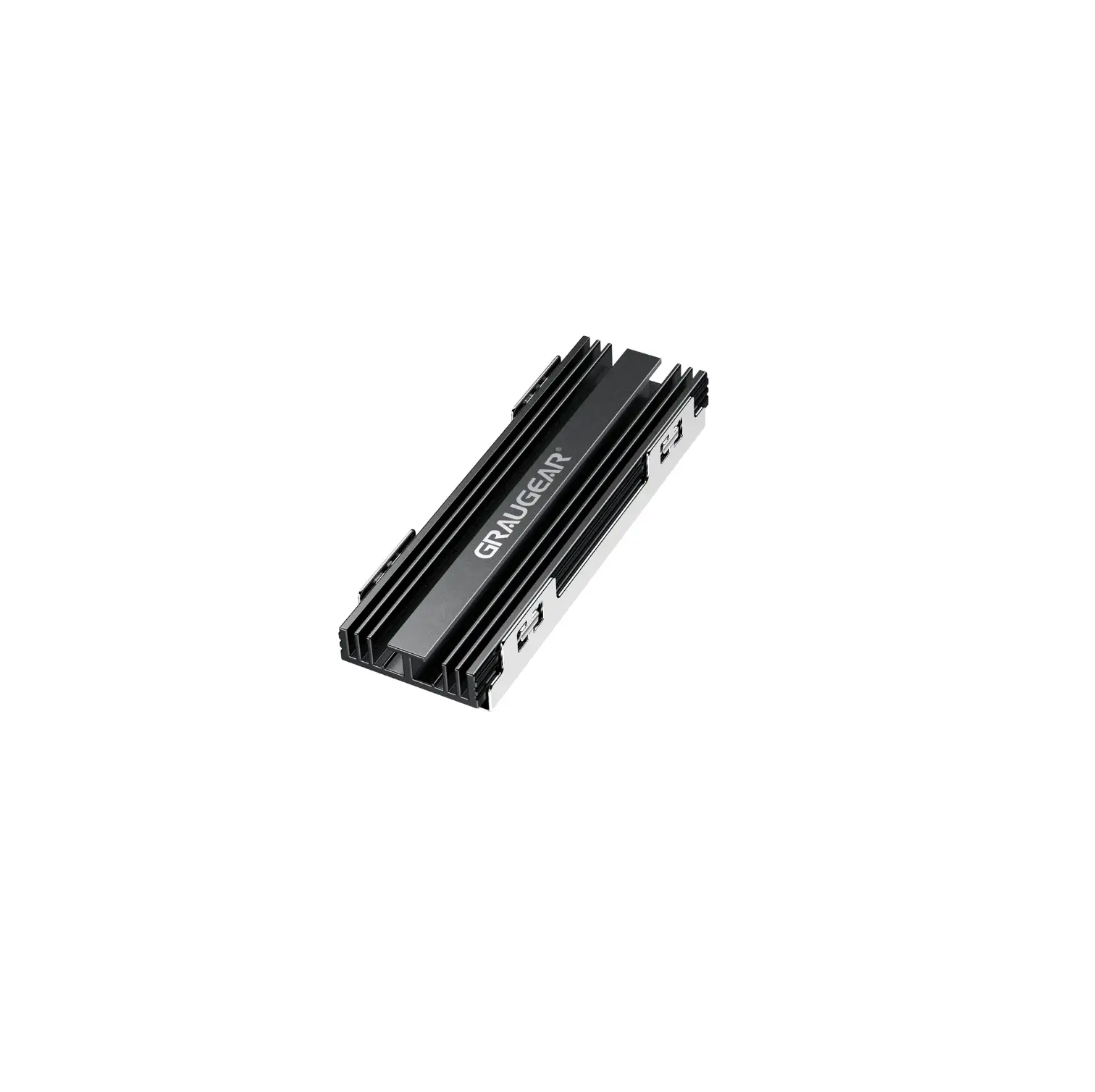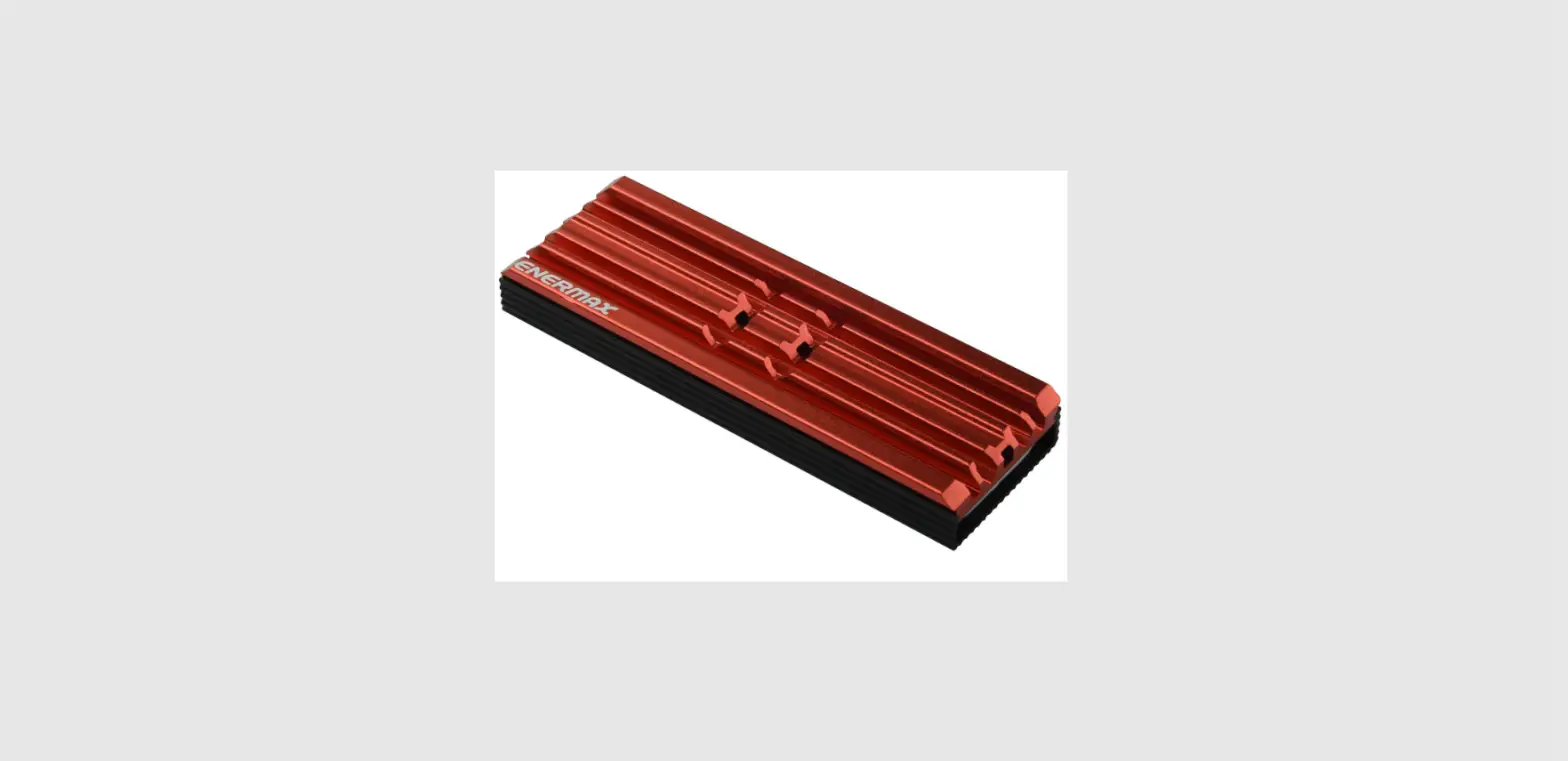
 ENERMAX ESC001 M.2 Heatsink Red
 ENERMAX ESC001 M.2 Heatsink Red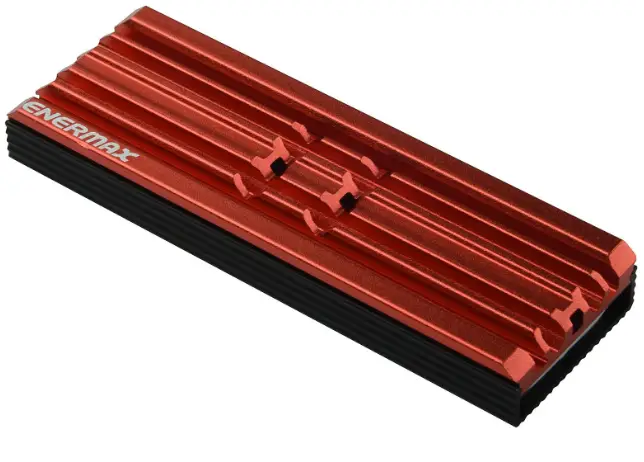
INTRODUCTION
Thank you for choosing ENERMAX product. If there is any installation problem, please contact our customer service via email: [email protected].
Please note that ENERMAX cannot accept liability for damage caused by compatibility problems.
Parts List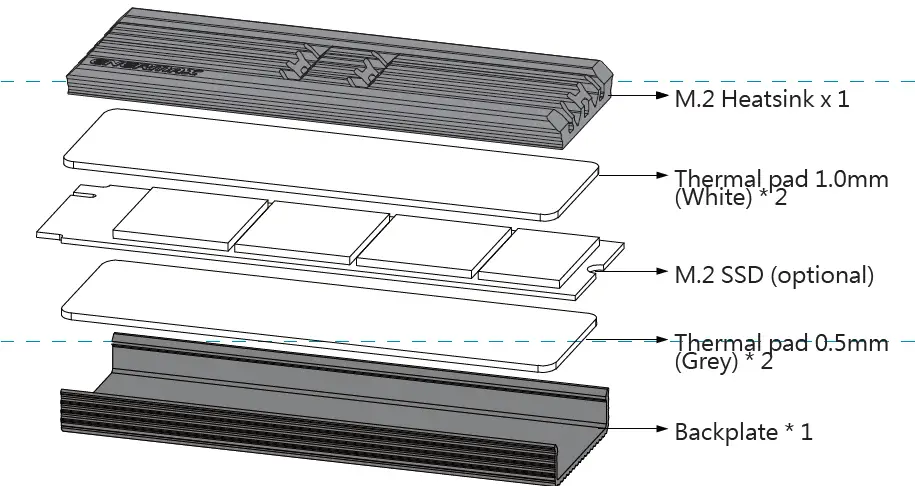
- White thick thermal pad is for single-sided M. SSD (.mm)
- Grey thin thermal pad is for double-sided M. SSD (.mm)
Heatsink Installation
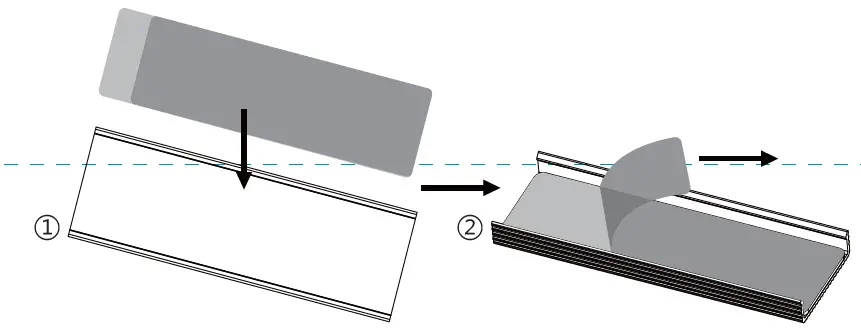
Take off the thermal pad film, place the thermal pad on groove of the backplate.
For single-sided M. SSD (flat back without components), please use .mm (White) thermal pad; For double-sided M. SSD (both sides with components), please use .mm (Grey) thermal pad.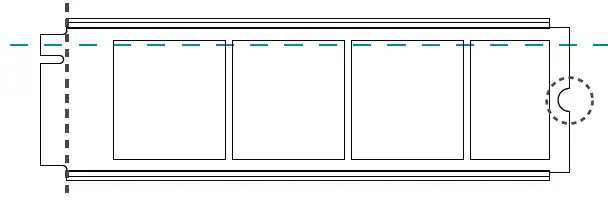
insert M. SSD into the groove and chip side face out. Expose the connector and screw hole.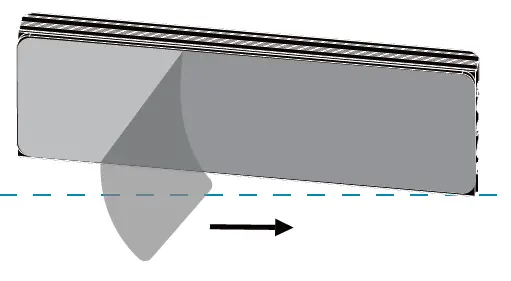
Place the thermal pad to the inner heatsink and remove the film.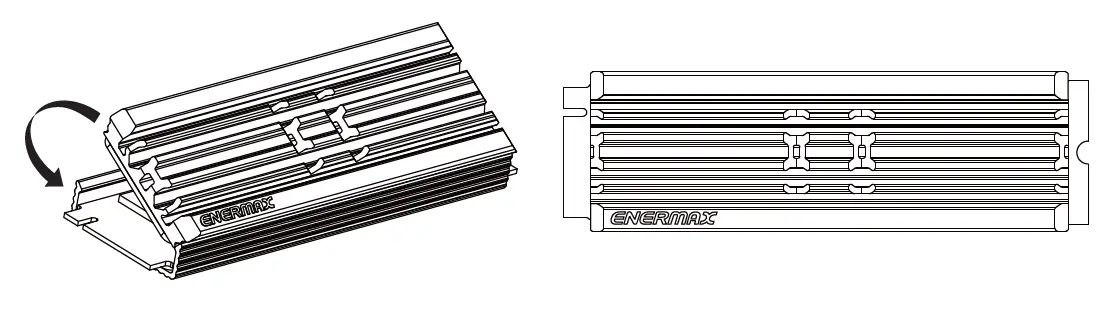
Insert the heatsink on one side and apply pressure to snap it into the backplate.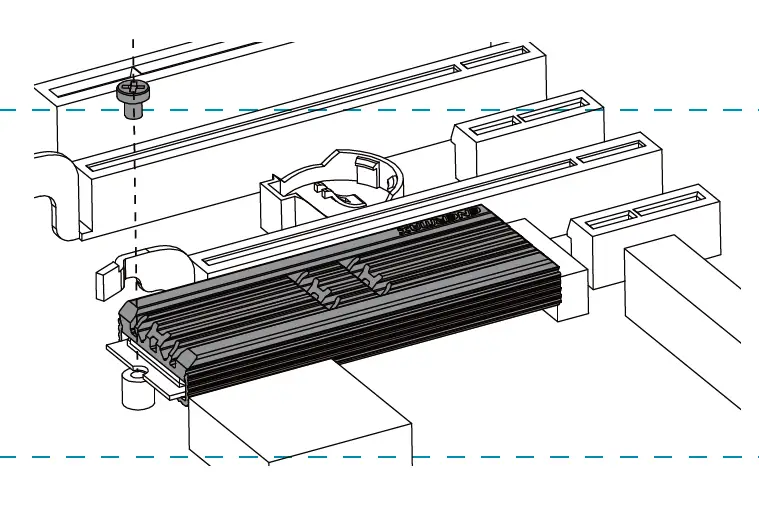 Install into motherboard M.2 slot, and fasten by screw.
© 2021 ENERMAX Technology Corporation. All rights reserved. Technical changes, printing errors and mistakes expected. Some trademarks may be claimed as the property of others.
This box is printed 100% recyclable paper with non-toxic vegetable oil based ink.