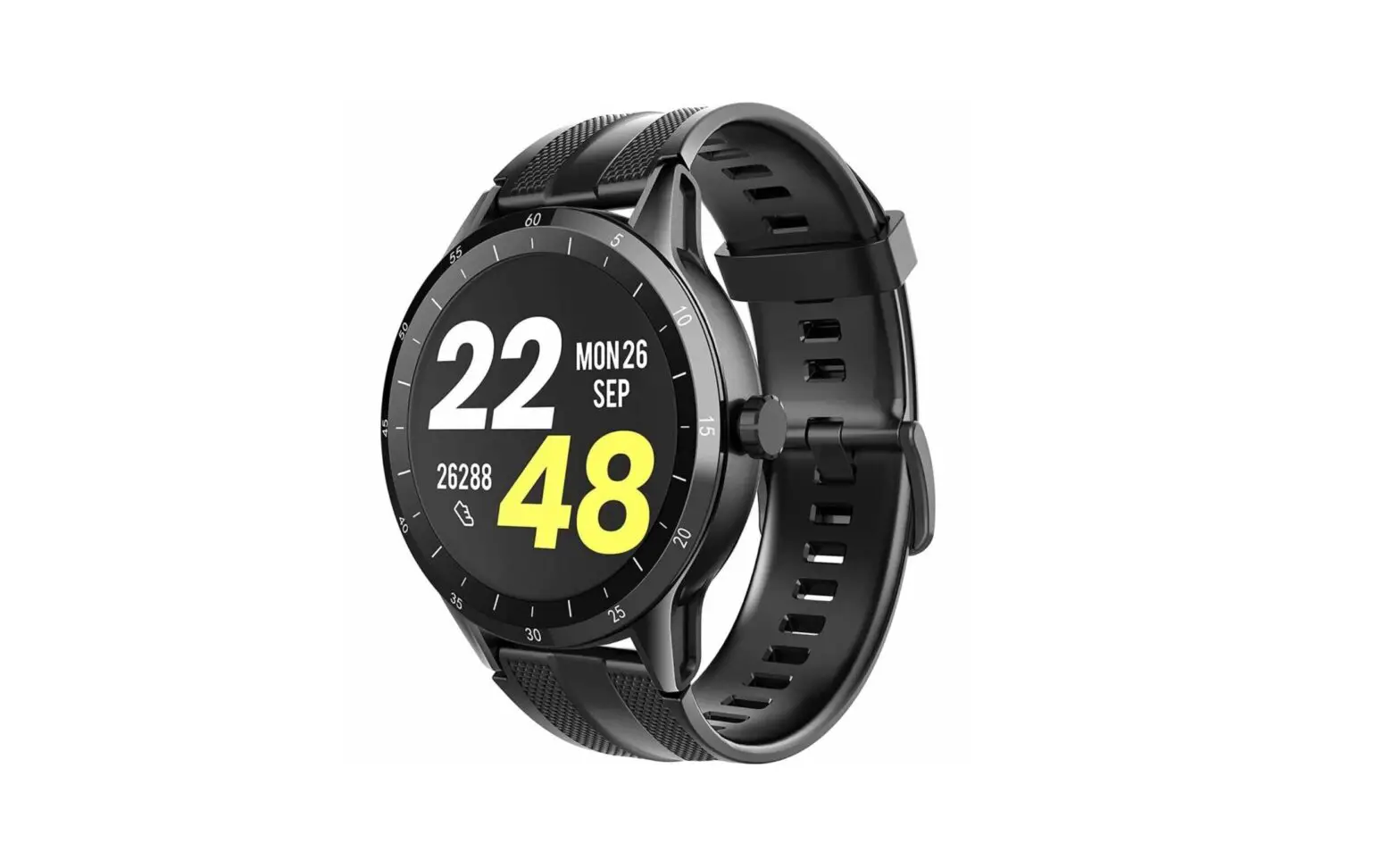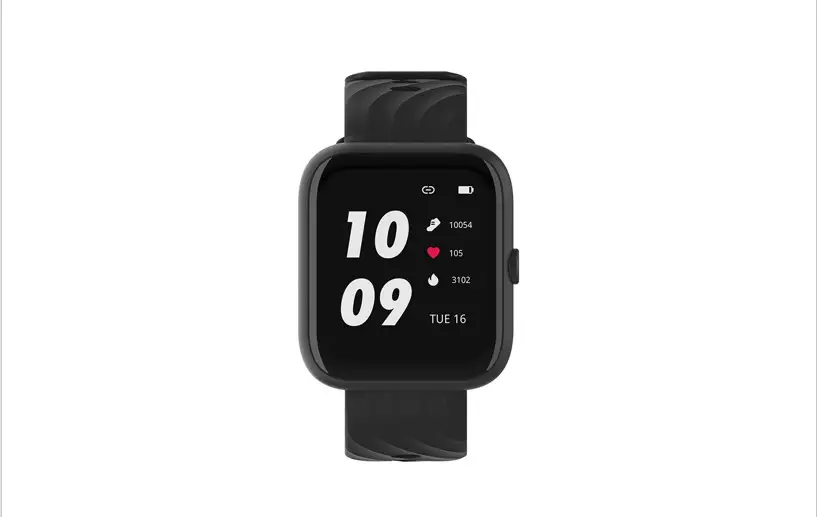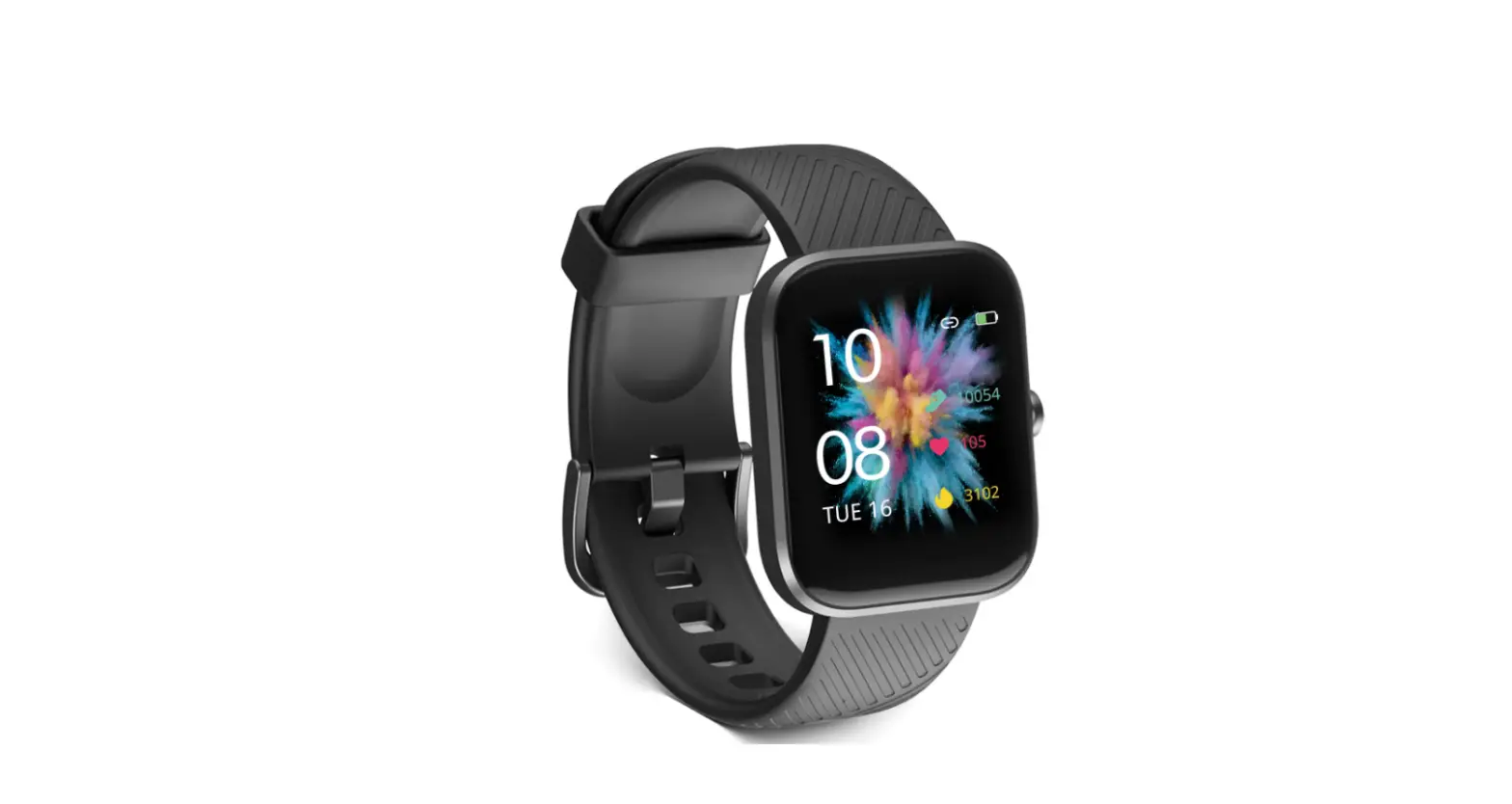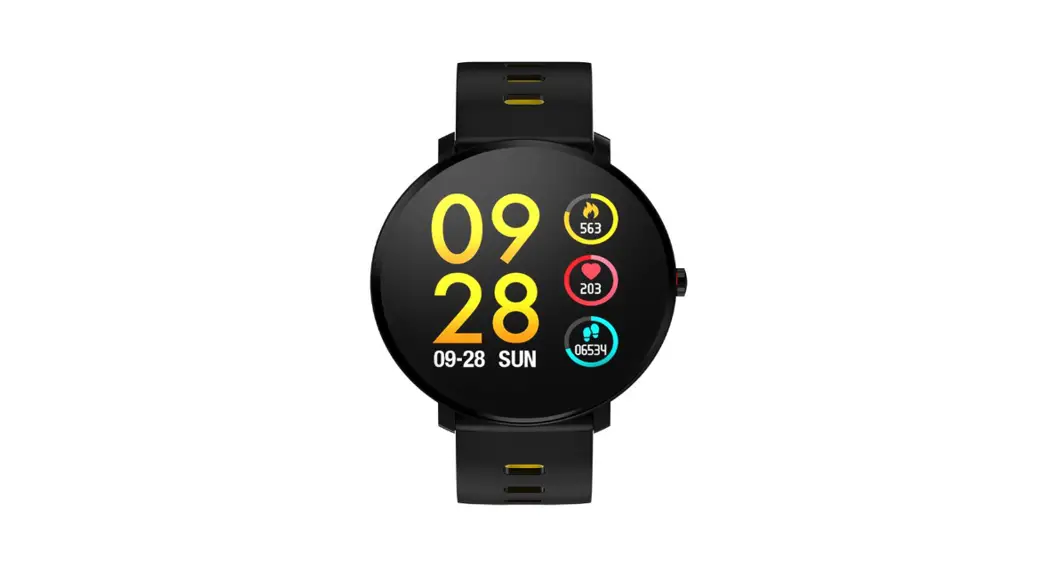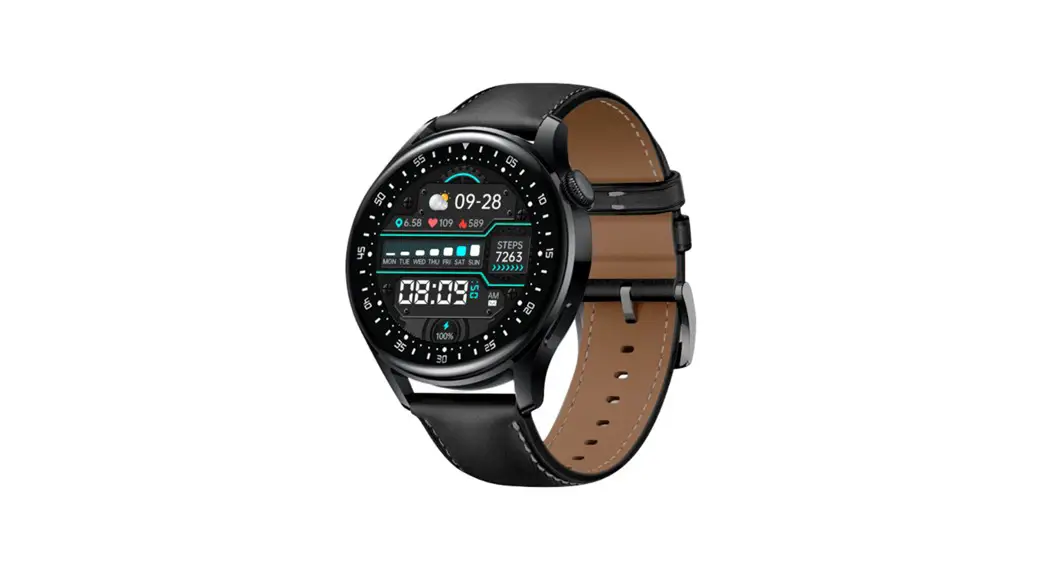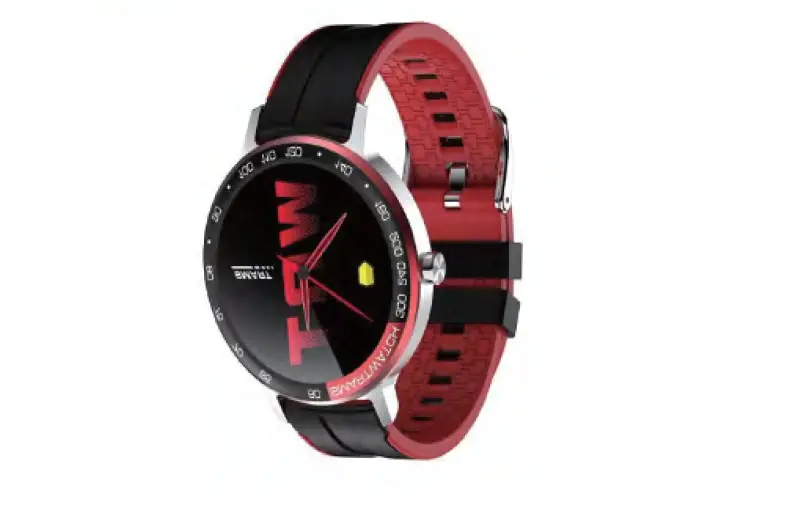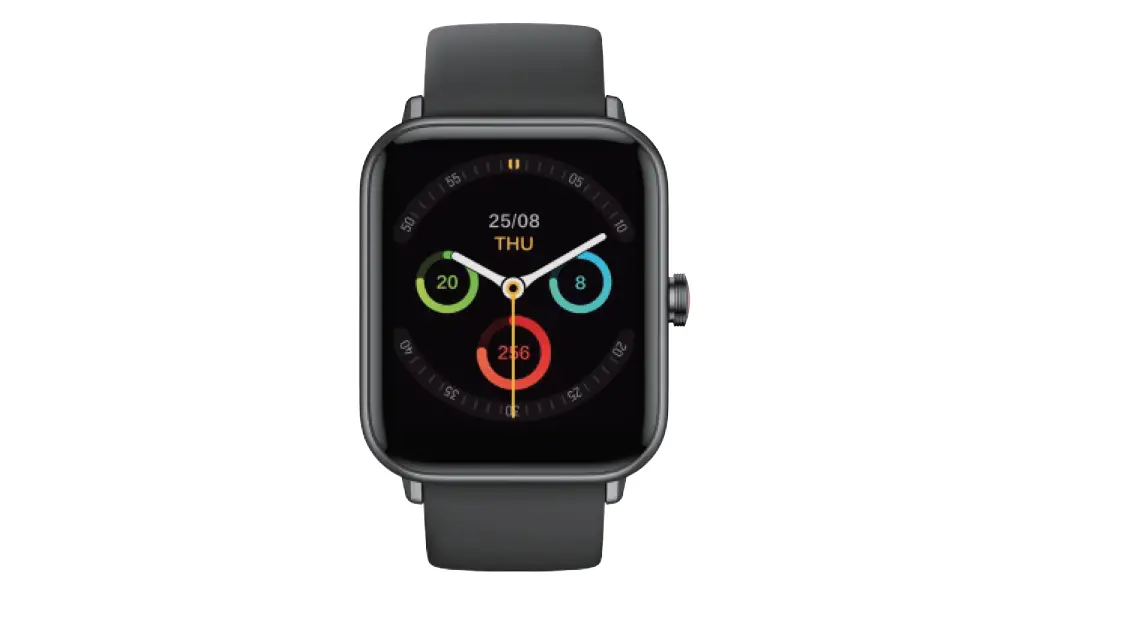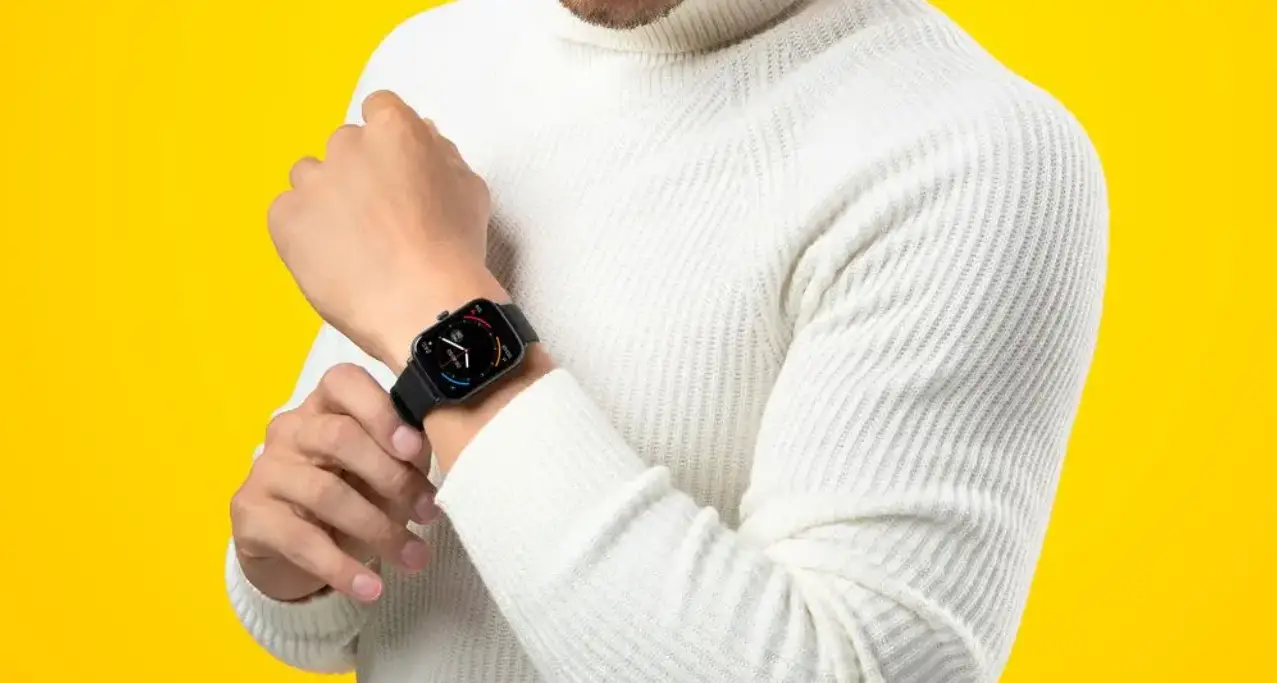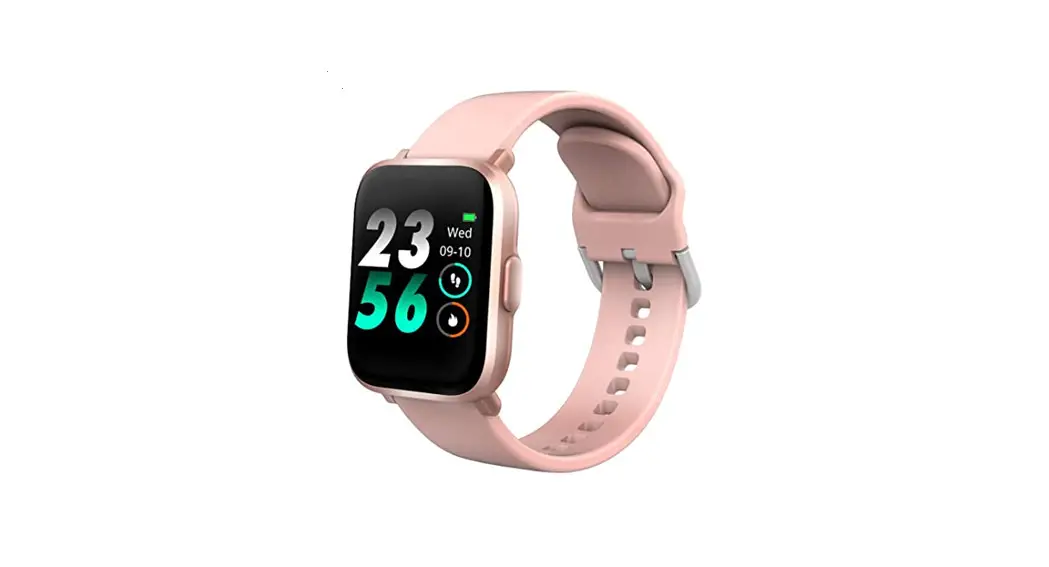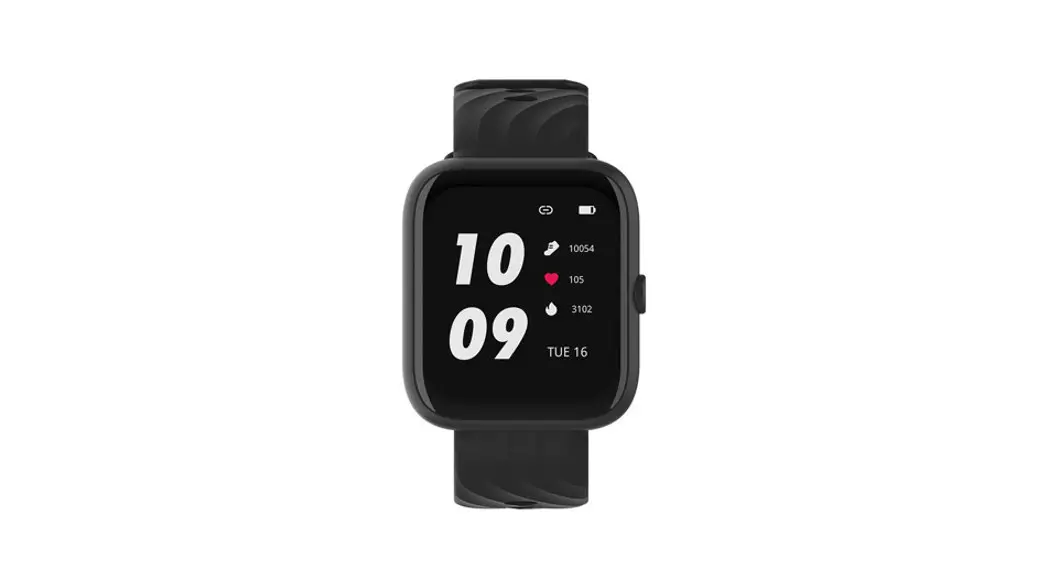

GEARFLY DG3
Smart Watch USER MANUAL
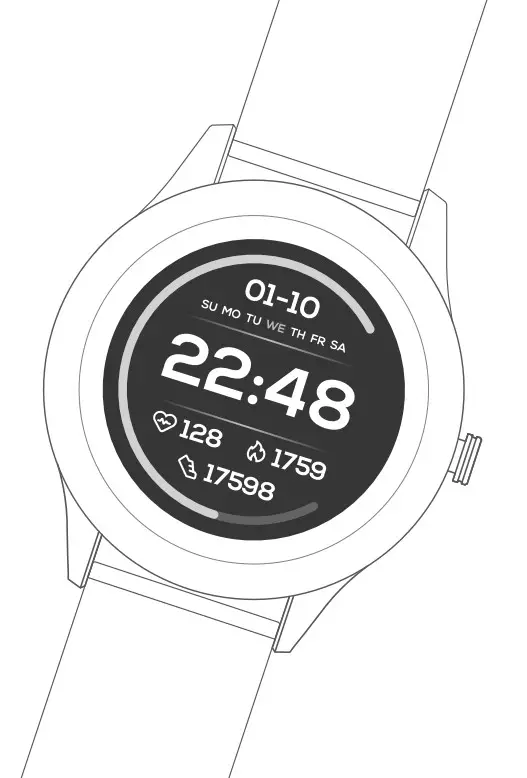
Please read the user manual carefully and keep it for future reference.
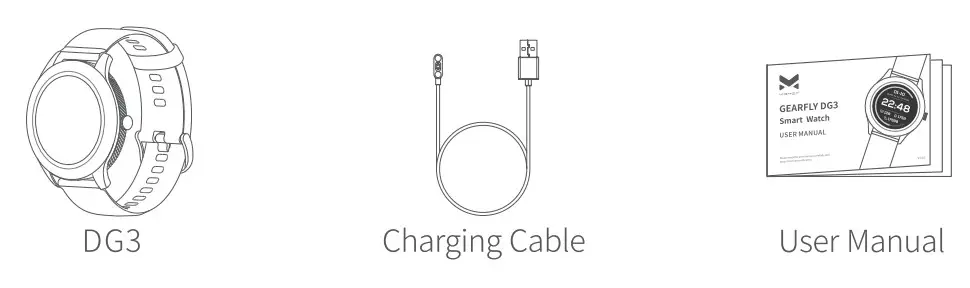
WHAT’S INCLUDED
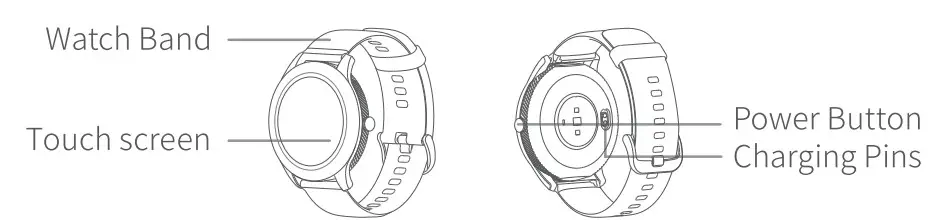
PRODUCT OVERVIEW
GETTING STARTED
1. Charge Your Watch
It is recommended to fully charge the watch before the first use.
Step l: Insert the USB end of the Charging Cable into a USB adapter, power bank, or USB port.
Step2: Hold the other end of the Charging Cable to approach the Charging Pins on the back of the watch until they attach magnetically.
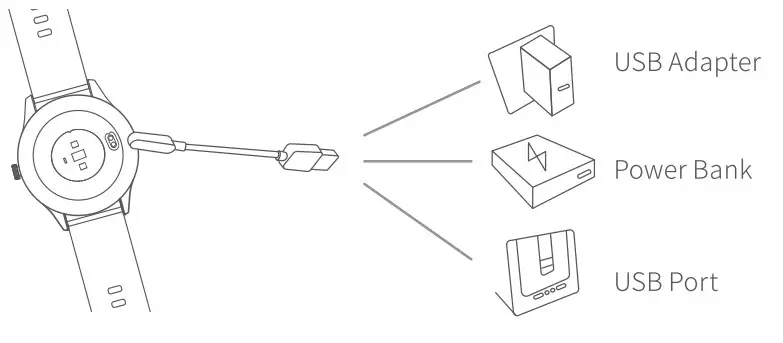
 Note: If the Charging Cable can not magnetically attach on the Charging Pins of the watch, please change the direction of it.
2. Power On/Off
Long press the Power Button for 3-4 seconds to power on the watch, then select your language. To power it off, long-press the Power Button for 2-3 seconds and tap.
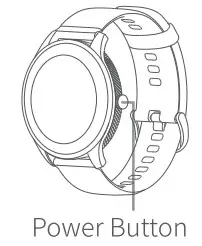
Functions of the Power Button
| Long Press | Short Press |
| Power on/off | Screen on/off |
| End exercise | Return to the previous interface |
| Pause/resume the exercise |
OPERATION BASICS
Function Overview on the Watch
- Swipe up from the bottom of the home screen to check the messages received(
 ).
). - Swipe down from the top of the home screen to check battery(
 ) and Bluetooth connection status(
  ), enable/disable the Do Not Disturb(
 ), adjust the Brightness(
  ), enable/disable the Flashlight(
 ), set the Stopwatch(
  ) or Timer(
  ), and enter the Settings(
 ).
). - Swipe left/right on the home screen to switch the interfaces among Sports(17), Heart Rate Tracking, Stress, Sp02, Menu and Calories/Steps/Stand/Effective Workout Duration.
 ).
). ) and Bluetooth connection status(
  ), enable/disable the Do Not Disturb(
 ), adjust the Brightness(
  ), enable/disable the Flashlight(
 ), set the Stopwatch(
  ) or Timer(
  ), and enter the Settings(
Tips:
- In the interface of Calories/Steps/Stand/Effective Workout Duration, swipe up/down to check the real-time data.
- In the interface of Sports, tap E to check your sports records.
Menu
 Language
Tap to select the language of the watch.
 Event
Event
Screen on and vibrate to notify you at the present time of the alarm/schedule set via the app.
 Compass
Follow the tips on the watch to identify the direction. Heart Health
Enable to test the health of your heart. Sleep tracking will be turned on simultaneously. Please check the data monitored on the app. Watch Face
Tap to select and change the watch face. Breath Training
Start a breath training of Deep Relax, Nervous Regulation, Replenishing Energy or Self-Reconciliation. Settings
Tap to enable/disable 24h HR (24 Hour Heart Rate Tracking) /24h Time/Smart Track, set the Date/Time, check the device information, reset or shut down the watch.Note: Battery drains faster while running the Heart Health/24h HR application.
Sports
Available Sports
 Tip: Please explore more about these sports on your watch!
Operate via VIRMEE App
We’ll update the user manual according to the latest app version of VIRMEE, please visit www.virmee.com to get the latest instructions.
Download and Install the App
Search and download VIRMEE App from APP Store/Google Play or scan the QR code directly.
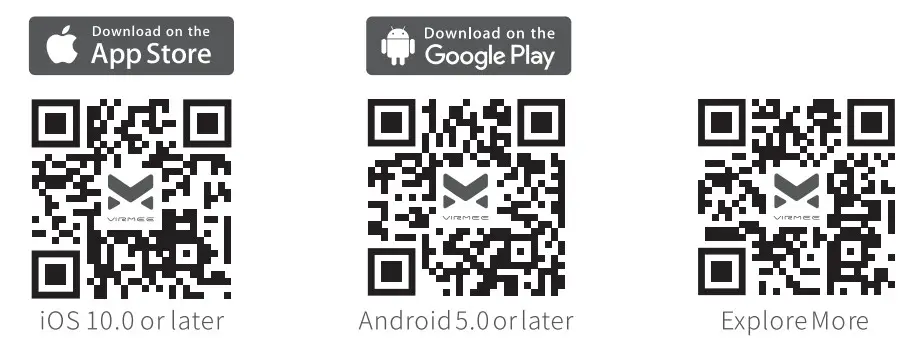 https://qrs.ly/x6blyfj https://qrs.ly/qlblyfd https://qrs.ly/zmbyxps
Pair the Watch with Your Mobile Phone
Step 1: Turn on your watch, go to Menu > Settings >About to check the Bluetooth name of the watch.
Step2: Enable Bluetooth on your mobile phone.
Step3: Launch VIRMEE on your mobile phone and register an account.
Step4: Follow the in-app instructions to create your profile.
Step5: Tap Device > + = SEARCH AGAIN on your mobile phone, then tap VI RM EE-DG3-XXXX to connect.
Notes:
- If you are using an Android phone, please permit the watch to access your location, otherwise, the watch may not be searched.
- Please give full permission to the watch to sync the information, otherwise, the app may fail to display all the available options.
- The watch can only pair with one mobile phone at a time.
SPECIFICATIONS
| Model | DG3 |
| Screen Size | 1.3 inches |
| Resolution | 360 X 360 |
| Input voltage | DC 5V |
| Input Current | <0.3A |
| BT Version | BT5.0 |
| Working Temperature | 0-40°C/32-104°F |
MAINTENANCE AND CARE
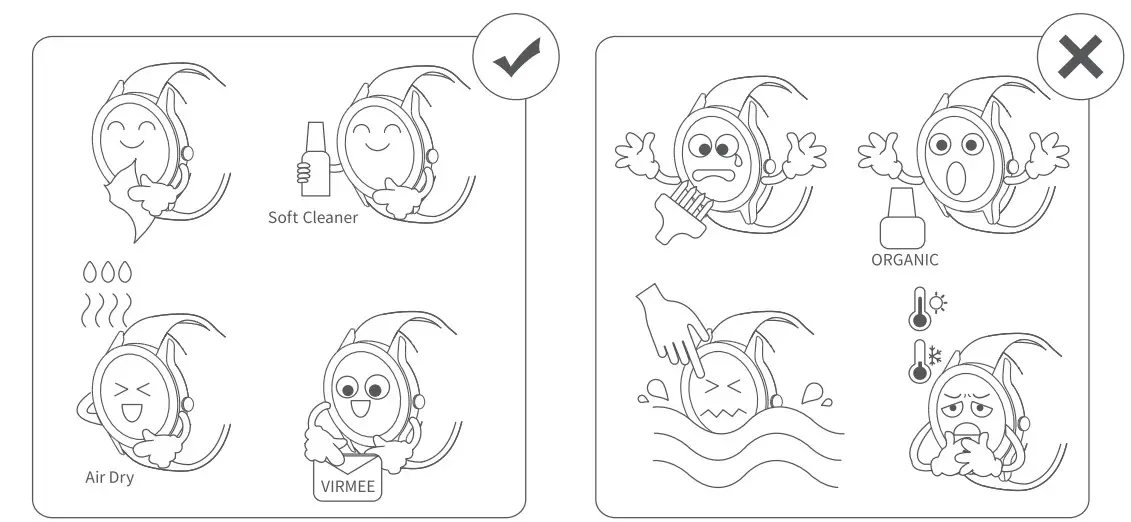
Tip: Please clean the surface of the watch with clean water to remove stains in seawater or after sweating during exercise.
FCC Caution
Any changes or modifications not expressly approved by the party responsible for compliance could void the user’s authority to operate the equipment. This device complies with part 15 of the FCC Rules. Operation is subject to the following two conditions: (1) This device may not cause harmful interference, and (2) this device must accept any interference received, including interference that may cause undesired operation. Note: This equipment has been tested and found to comply with the limits for a Class B digital device, pursuant to part 15 of the FCC Rules. These limits are designed to provide reasonable protection against harmful interference in a residential installation. This equipment generates, uses and can radiate radio frequency energy and, if not installed and used in accordance with the instructions, may cause harmful interference to radio communications. However, there is no guarantee that interference will not occur in a particular installation. If this equipment does cause harmful interference to radio or television reception, which can be determined by turning the equipment off and on, the user is encouraged to try to correct the interference by one or more of the following measures:
—Reorient or relocate the receiving antenna.
—Increase the separation between the equipment and receiver.
—Connect the equipment into an outlet on a circuit different from that to which the receiver is connected.
—Consult the dealer or an experienced radio/TV technician for help.
This equipment complies with FCC radiation exposure limits set forth for an uncontrolled environment.
This transmitter must not be co-located or operating in conjunction with any other antenna or transmitter.
ISEDE Warning
This device complies with Industry Canada licence-exempt RSS standard(s). Operation is subject to the following two conditions:
- this device may not cause interference, and
- this device must accept any interference, including interference that may cause undesired operation of the device.
CAUTION: RISK OF EXPLOSION IF BATTERY IS REPLACED BY AN INCORRECT TYPE.
DISPOSE OF USED BATTERIES ACCORDING TO THE INSTRUCTIONS.
Do not use other unauthorized chargers’ power supplies for charging.
Do not use the product in an environment below 0°C or above 40°C for charging.
 The symbol indicates DC voltage
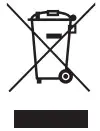 RECYCLING
This product bears the selective sorting symbol for waste electrical and electronic equipment (WEEE). This means that this product must be handled pursuant to European directive 2012/19/EU in order to be recycled or dismantled to minimize its impact on the environment. The user has the choice to give his product to a competent recycling organization or to the retailer when he buys new electrical or electronic equipment. This product can be used across EU member states. A copy of the EU Declaration of Conformity is available online at https://doc.vantop.com/.
Use the product in an environment with a temperature between 0°C and 40°C; Otherwise, it may damage your SmartWatch.
It can be operated for under 2000m.
For the following equipment:
Product Name: Smart Watch
Brand Name: VIRMEE
Model: DG3
Shenzhen VanTop Technology & Innovation Co., Ltd. hereby declares that this [Name: Smart Watch, Model: DG3] is in compliance with the essential requirements and other relevant provisions of Directive 2014/53/EU.
Lithium-ion Battery:
Model: 402424
Voltage: 3.8V
Manufacturer: ZHONGSHAN ZHONGWANGDE NEW ENERGY TECHNOLOGY Co., LTD.
Add.: NO.3, NO.4 FACTORY, DONGCHENG ROAD, DONGYANG DISTRICT, DACHE INDUSTRIAL, NANKANG TOWN, ZHONGSHAN CITY, GUANGDONG PROVINCE, CHINA
Bluetooth
| Support Standard | 802.15.1 | Type of Modulation | GFSK |
| Frequency Range | 2402-2480M Hz | Data Rate | 1Mbps |
| Max. RF Output Power(EIRP) | -12dBm | Quantity of Channels | 40 |
VIRMEE SUPPORT
North America: [email protected]
United Kingdom: [email protected]
 | ||
| @Virmee https://qrs.ly/z1bmbw7 | www.virmee.com https://qrs.ly/vobmc2l | @virmee_globar https://qrs.ly/ylbz1nw |