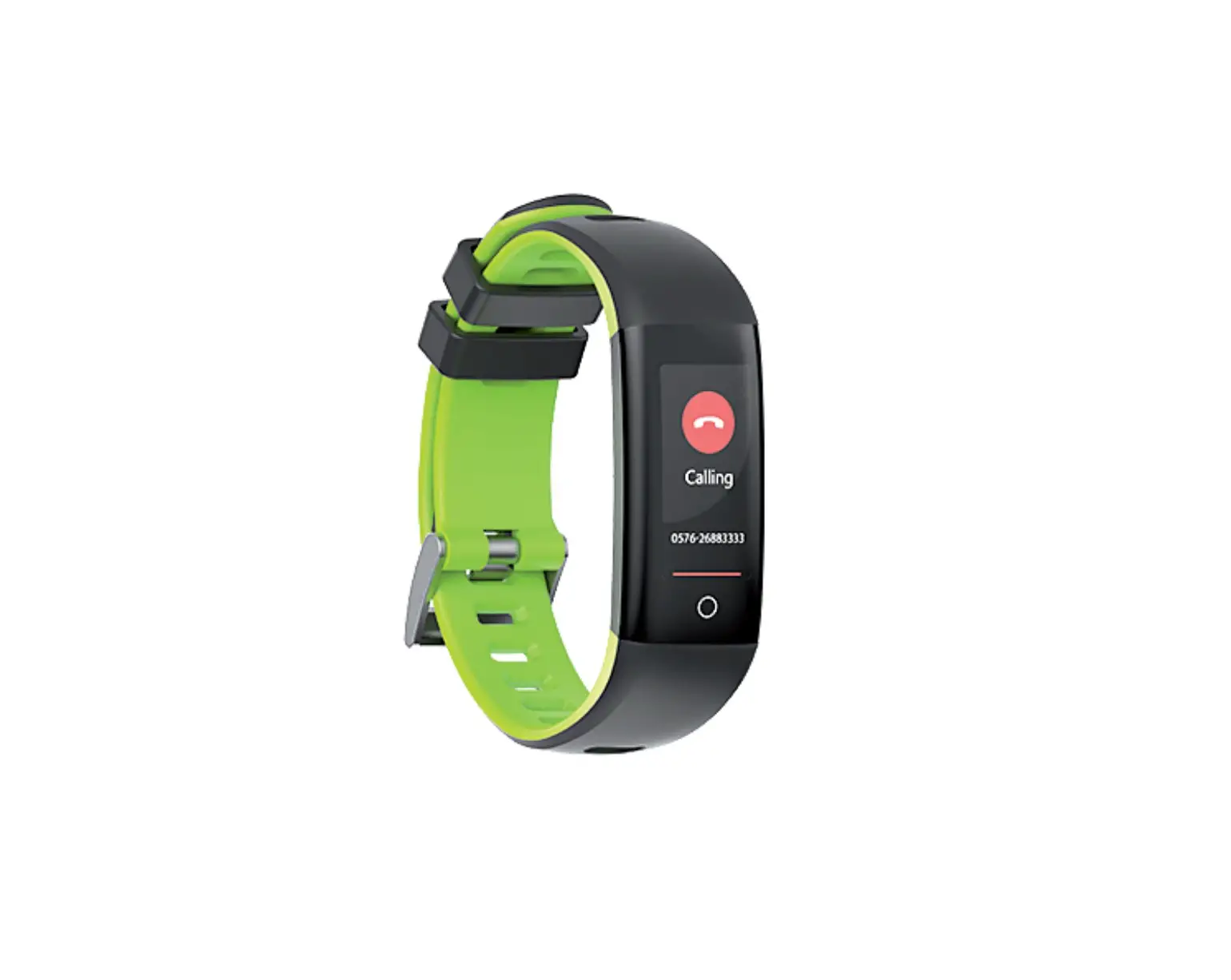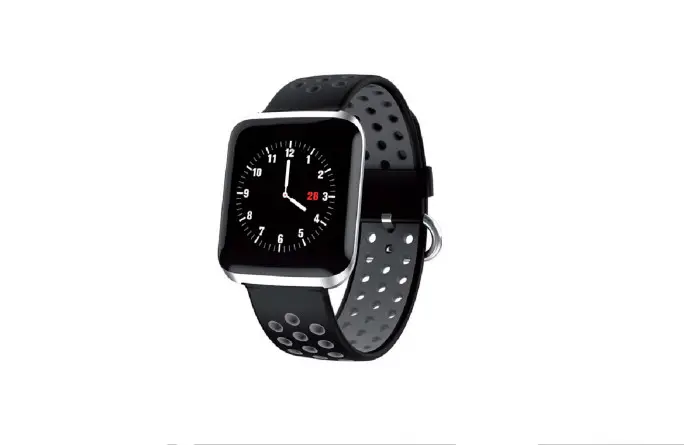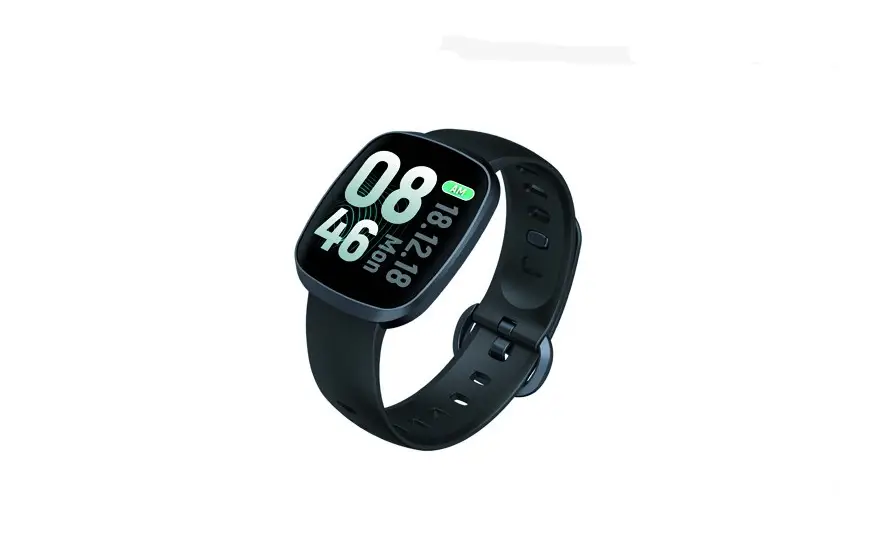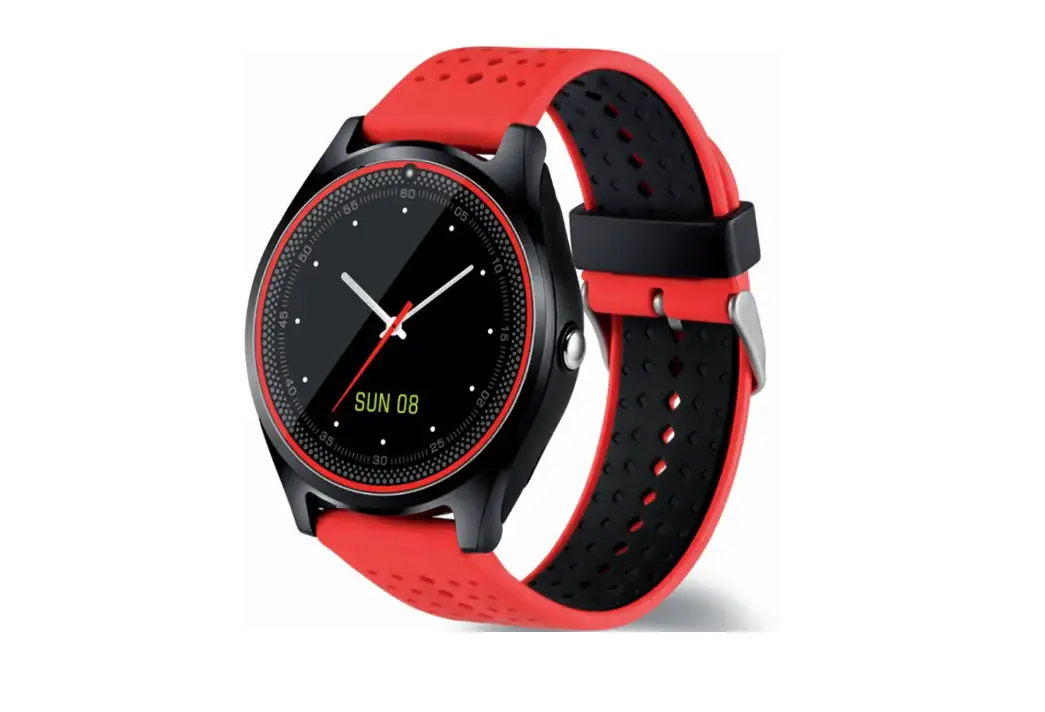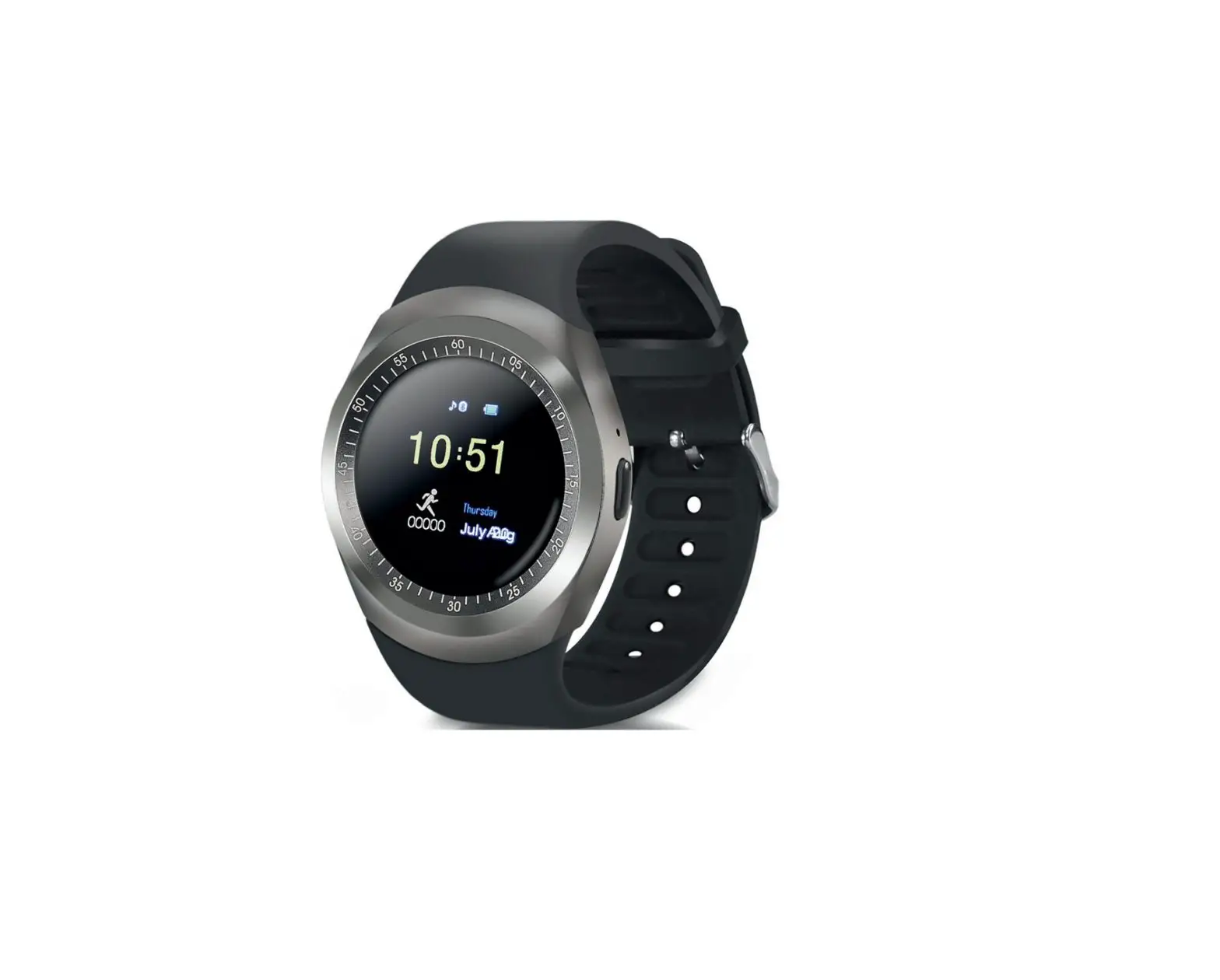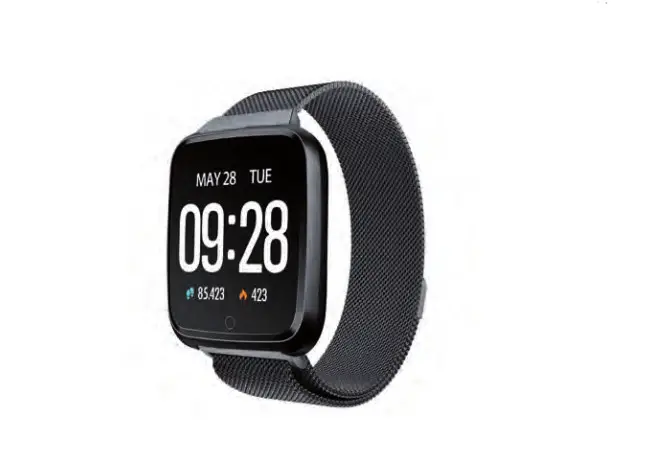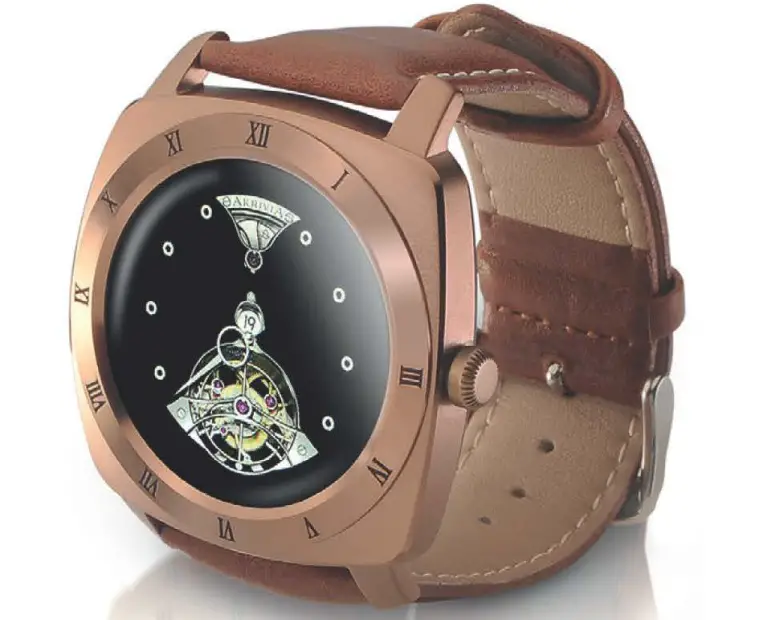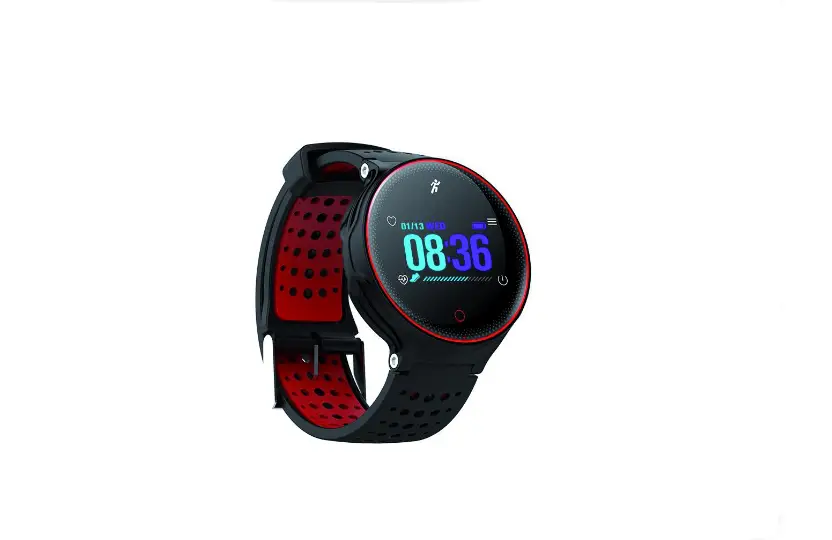

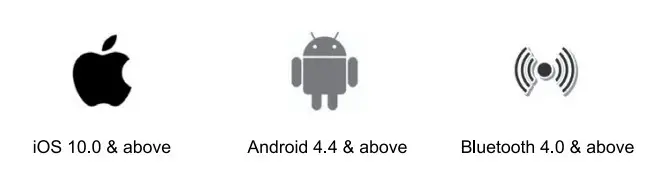
Working condition requirement for mobile phone
Download and pair the App
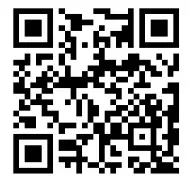
- Download the [CoBand] from the App Store or Google play store, or scan the QR code below to download it.

iOS http://qr35.cn/EOTvBq
Google Play http://qr35.cn/EXSBKR - Open the App and set up your profile. Go to the [Device], and click [Add a Device]. Choose your device on the scanning list.
Smart watch features
Key Definitions:
Tap: function switch
Long Press: activity & mode switch
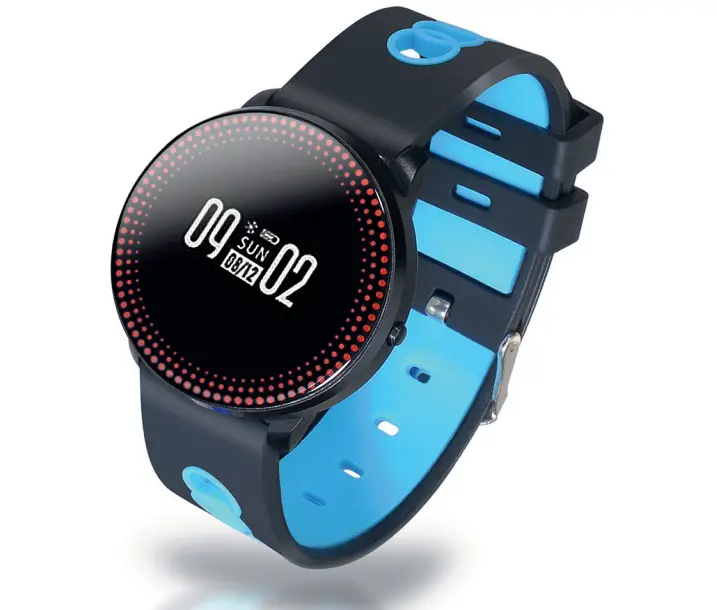
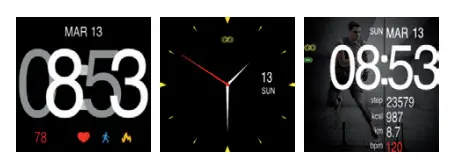
Time Mode
Switch to the watch dial style by long press of the button.
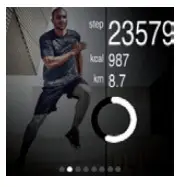
Step mode
The smartwatch automatically records the number of steps, the calories you burned, and the distance you walked. The motion data is synchronized with the App.
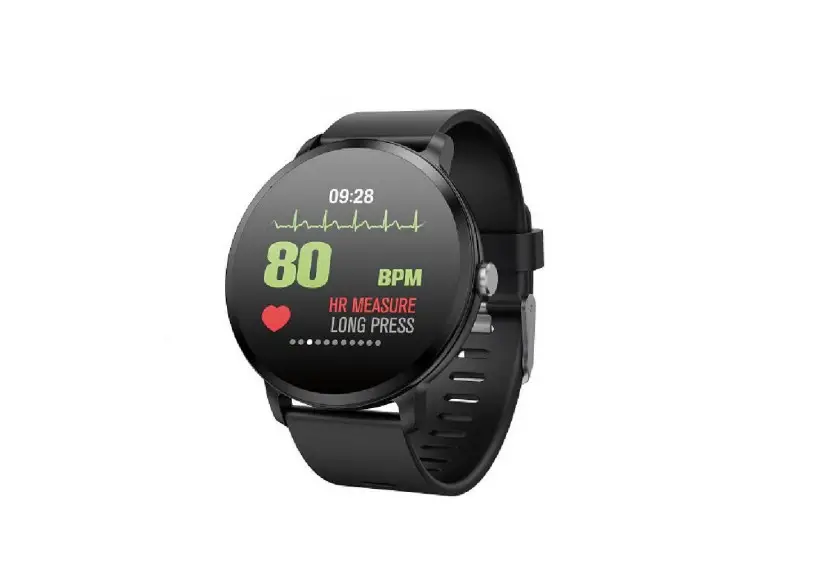
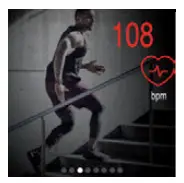
Heart rate monitor
Get into the Heart Rate Page and automatically start measuring your heart rate.
 Blood pressure monitor
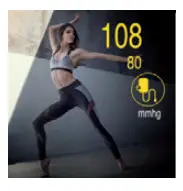
Get into the blood pressure Page and automatically start measuring your blood pressure. (Only for watches with blood pressure function)
Sleeping monitor
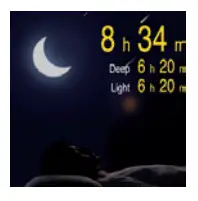
By wearing the smartwatch while sleeping, it will measure your sleep time and quality. The measured data is synchronized with the App.
 Message reminder
It Can display notification content from Twitter, Facebook, WhatsApp, Instagram, Line, etc.
Latest 10 messages can be stored on the watch.
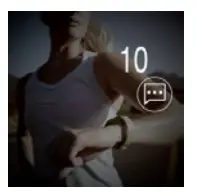 Note: if you don’t need the notification, you can turn off it in the App.
 Sports mode
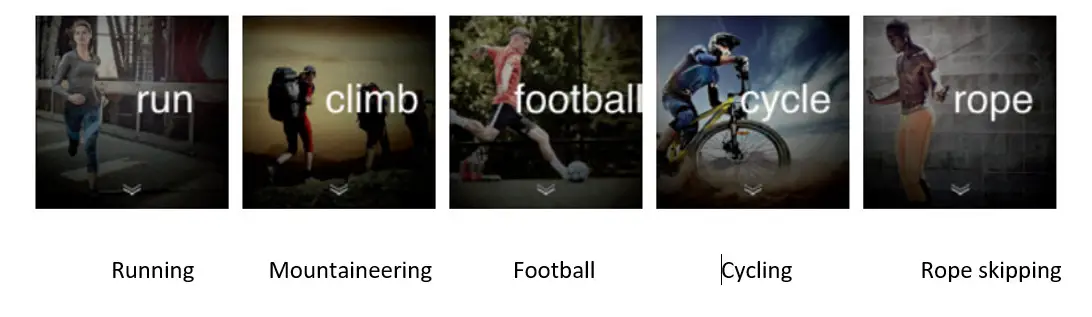
Long press to enter the sport mode selection, then short press to switch between the five sport modes. Long press to enter the motion state, and long press again to exit.

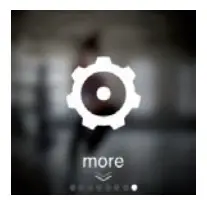
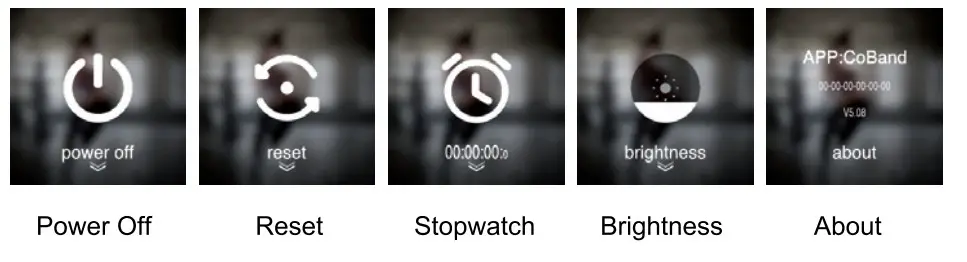
More interface
Long press to enter into the following functions.
Notification Mode
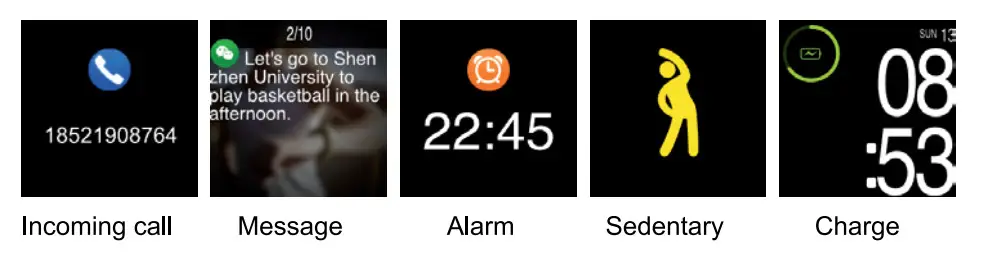
If there is a call or message come, the device will force into call/message alert mode no matter what other mode you are in, after quit, it returns to previous mode.
FAQ
> The smartwatch Can’t pair with the phone Bluetooth?
Make sure the phone’s Bluetooth and GPS are on. And make sure the device is not in a low battery state.
> Can’t connect to the App?
Restart the Bluetooth or restart your smartphone to pair with the smartwatch. If you still can’t connect, please reset your watch.
TECHNICAL SERVICE: http://www.imperiielectronics.com/contactenos
Importado por:
B85947513
www.imperiielectronics.com
Pol. Ind. Neisa Sur
Avd. Marconi, Bloque 1, Nave 13
28021 Madrid
Made in PRC

imperii RR FIERRO SmartWatch Campus Sports IPG7 User Manual – Download [optimized]
imperii RR FIERRO SmartWatch Campus Sports IPG7 User Manual – Download
imperii RR FIERRO SmartWatch Campus Sports IPG7 User Manual – OCR [PDF]