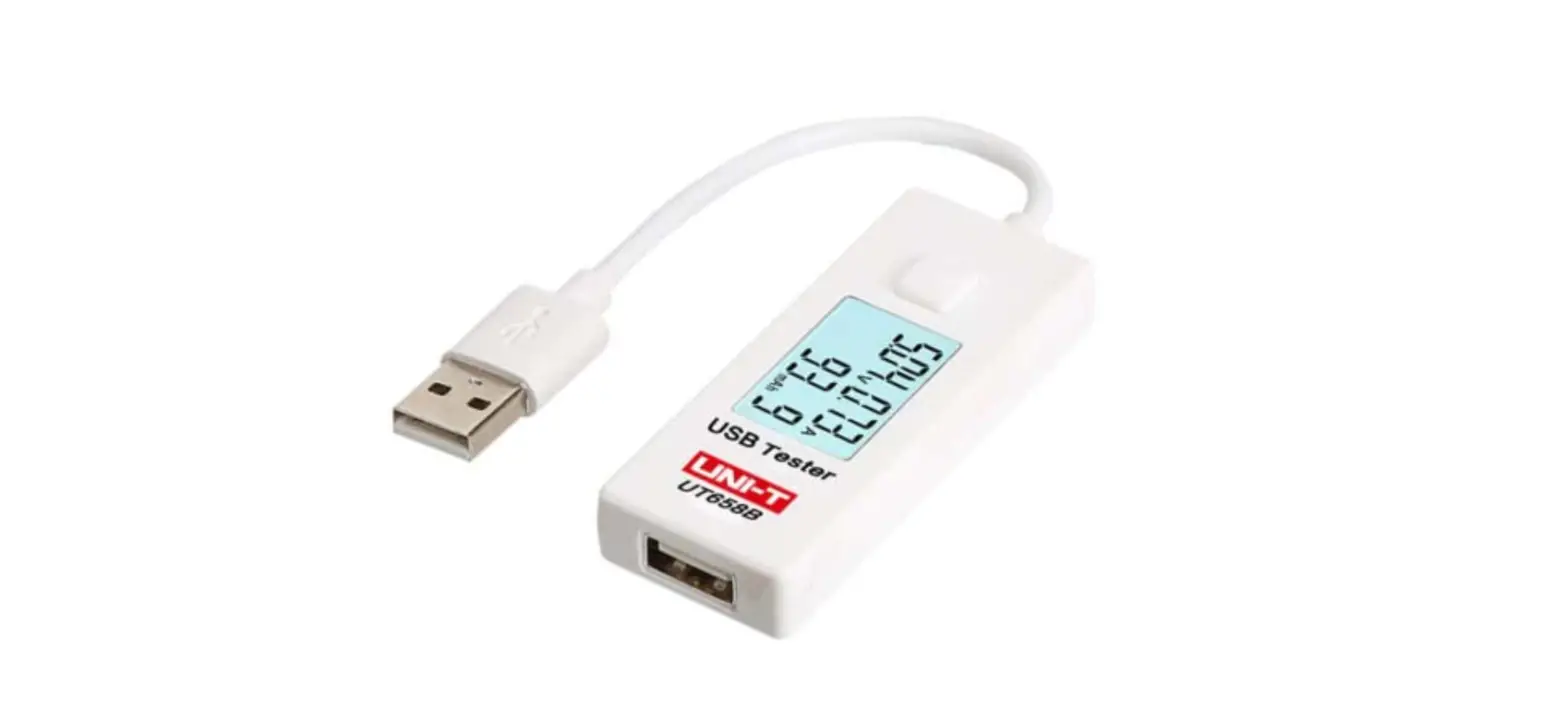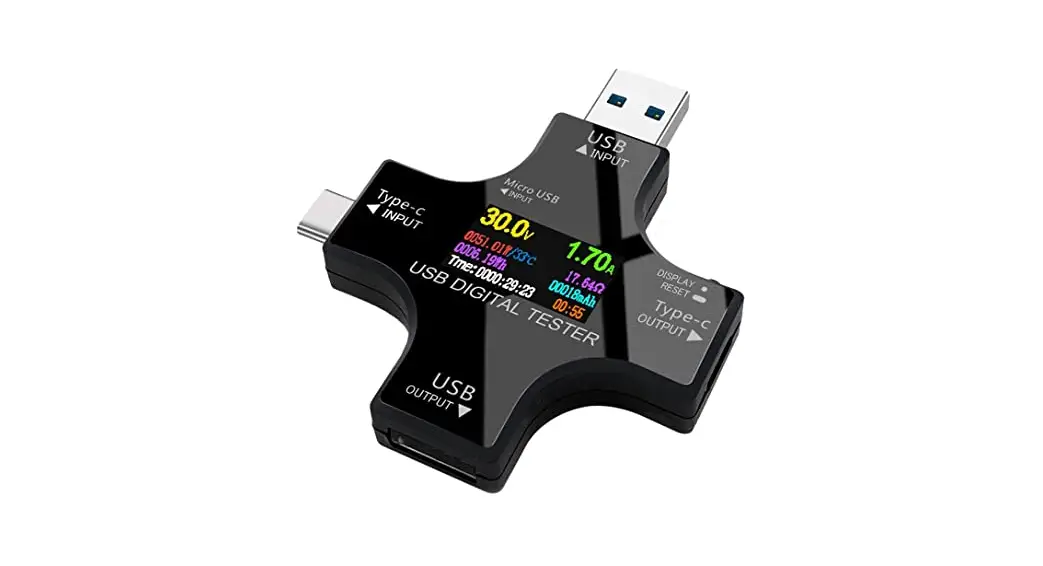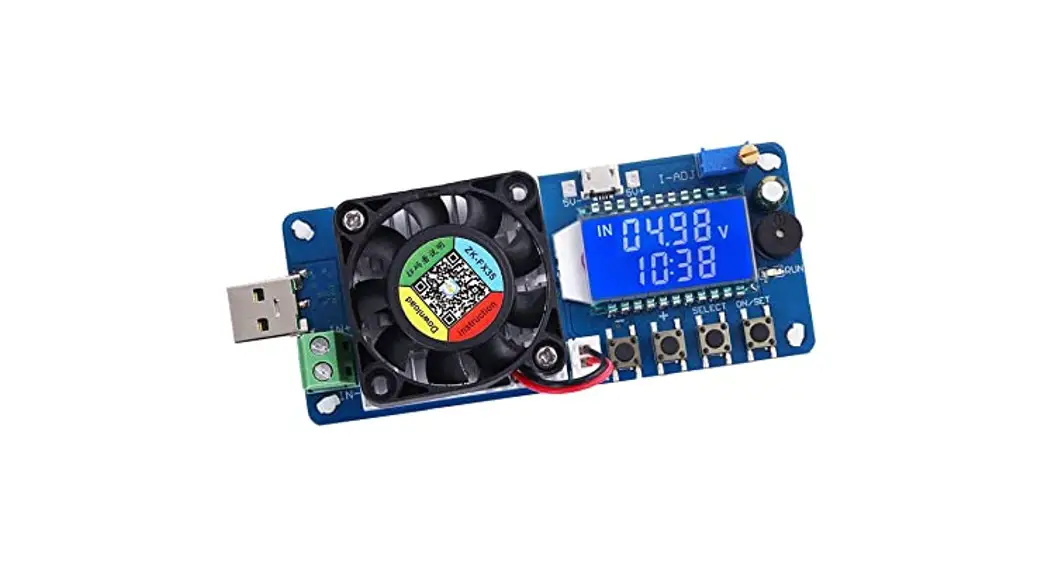
 UT658AC Dual-Load USB Testers
Instruction Manual
Introduction
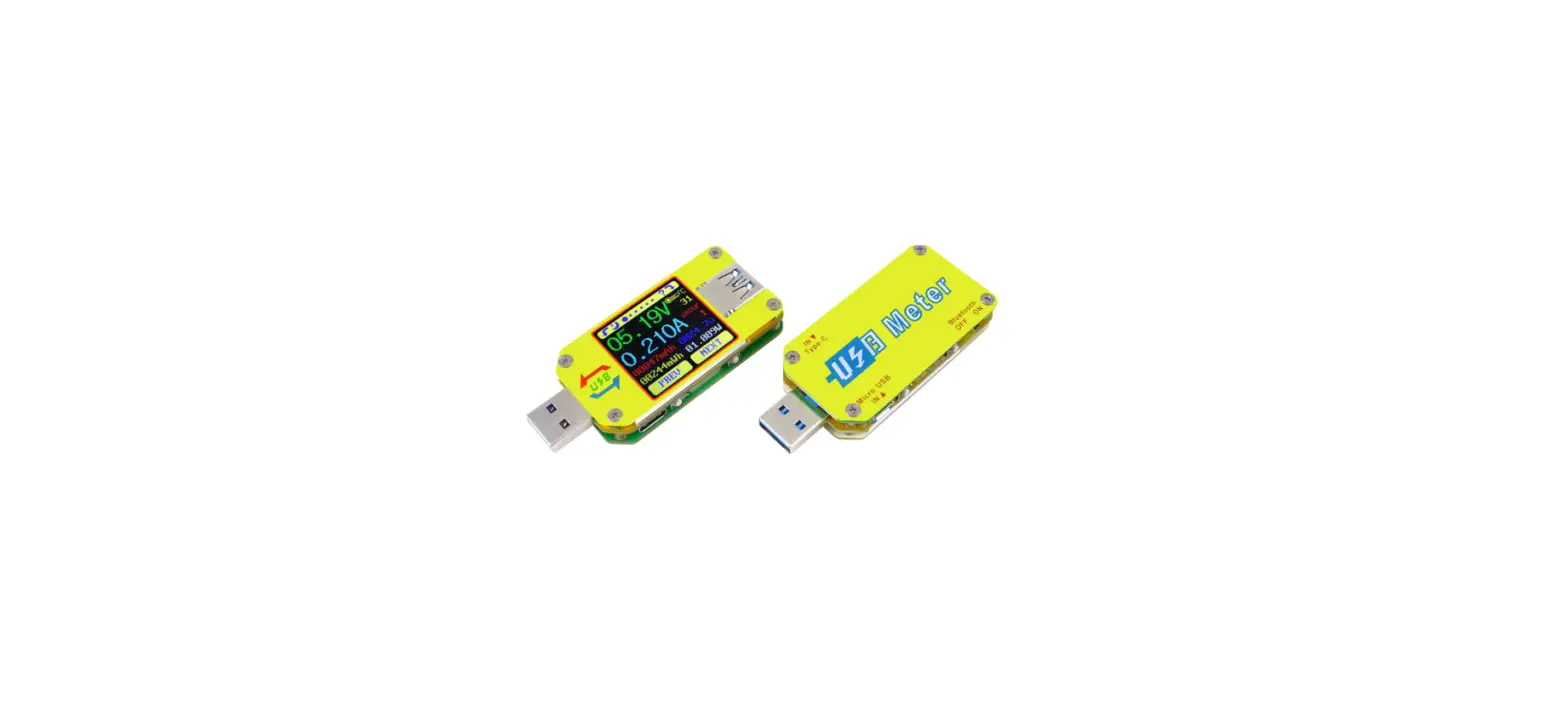
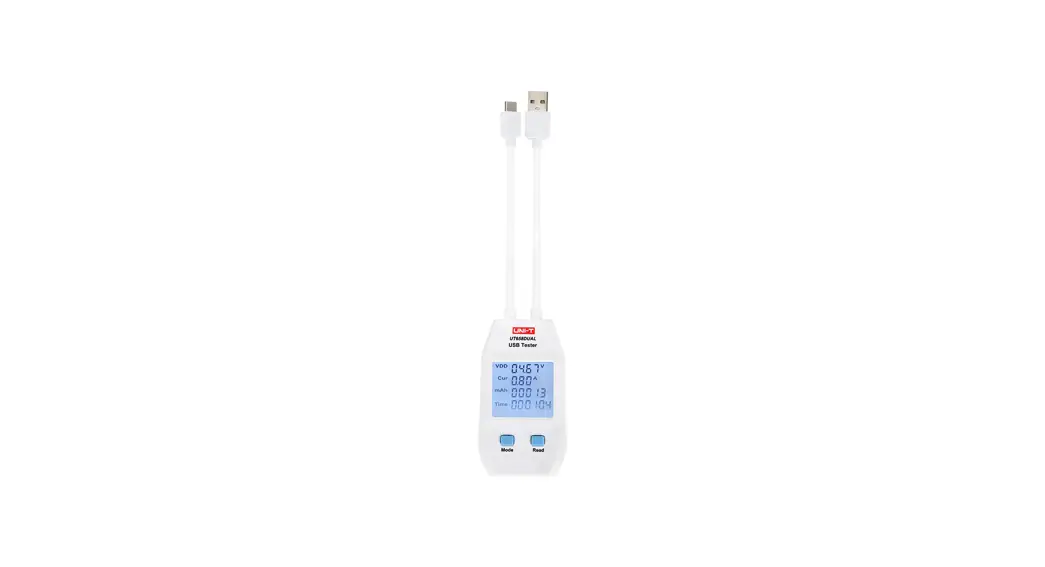
The second generation UT658 series USB testers can inspect USB chargers, portable power sources, data cables and other electronics charging devices. UT658 measures output voltage, current, energy, capacity, circuit equivalent resistance, D+ and D- voltage of USB data cable, and more. This series is designed to be precise, reliable, stable, and portable. They are great tools for applications such as manufacturing verification, engineering testing, and DIVers.
Safety Regulations
 UT658LOAD internal load will stop when the input voltage exceeds 13V. UT658LOAD overheat protection: If Internal load working temperature exceeds 65°C, ” HOT” will blink and loading will stop. After temperature drops below 45°C, loading will restart.
- Please read this manual carefully for operation and safety before use.
- Users should not open or repair the device.
- Please keep device out of reach of children.
- Should this device come across any issues, please do not hesitate to contact local dealer for assistance.
- The device conforms to EN61326-1:2013, EN61326-2-2:2013 standards.
Operations
3.1 Connecting Input/output
a) Each USB tester is marked with Input (side with extension cord) and Output.
b) UT658DUAL can only be connected with the same type of input/output port at one time (i.e. type A input and type A output, or type C input and type C output)  3.2 Input Voltage Confirmation
Insert USB Input port into output port of chargers or portable power sources. Check if displayed voltage is within working range. If output voltage exceeds allowable range, please stop using it immediately. A voltage reading exceeds 24V, or a current reading over specified current will cause device to automatically disconnect and “OL” will appear on screen. A warning symbol “LO” will appear when voltage is below 4V. Input voltage must not exceed 25V.
3.3 Electronic Products Inserting
After confirming the output voltage is normal, users can charge or test electronic products by inserting the charging cable into output of device.
3.4 Buttons a
a) UT658A, UT658C, UT658DUAL
i. Short press MODE button to switch screens and view different parameters. Long press MODE button to clear current data.
ii. Long press READ button to save current parameters in MO-M9. Users can short press READ button to browse, select the target data and short press MODE button to switch screens and view their parameters. Browsing state will automatically return to the monitoring mode after 6s without operation, long press READ button during browsing state will clear all stored data.
b) UT658LOAD
i. Short press MODE button to switch screens and view different parameters. Under load state, long press MODE button to first turn off load, if no load is present, long press MODE button will clear current data.
ii. Short press LOAD button to start load effect with the following sequence: 0.50A—>1.00A—>2.00A—>3.00A—>stop—>0.50A (repeat)
iii. Press MODE and LOAD buttons together to enter query state, then short press LOAD button to browse data, press MODE button to query different data parameters.
iv. Long press LOAD button in query state to clear data. Long press LOAD button in load state to save a set of data. (M1 L records internal load data, M1 records non-internal)
Specifications
| Features | Description | UT658A | UT658C | UT658DUAL | UT658LOAD |
| Input & output ports | USB Type A |  | | | |
| USB Type C | | | |||
| Voltage range | 4.00-24.00VDC, resolution: 0.01V | | | | |
| Current range | 0.05-3.00ADC, resolution: 0.01A (Type A) | | | | |
| 0.05-5.00ADC, resolution: 0.01A (Type C) | | | |||
| Capacity | 0-99999mAh, resolution: 1mAh | | | | |
| Energy | 0-1000Wh | | | | |
| Circuit equivalent resistance measurement | 1-4800 | | | | |
| USB data cable voltage (D+, D-) | 0-3.30V | | | | |
| Data storage | 10 sets | | | | |
| Electrical load | 0.50A, 1.00A, 2.00A, 3.00A | | |||
| Maximum timing | 99 hours, 59 minutes, 59 seconds, resolution:1s | | | | |
| Supports fast charge protocol | Supports USB2.0 data transmission and QC1.012.013.0 fast charge protocol (Type A) | | | | |
| Supports USB2.0 data transmission and QC1.0/2.0/3.0/4.0 fast charge protocol (Type C) | | | |||
| Certification | CE | | | | |
Maintenance and recycling
- Do not keep this instrument in high temperature and humid environment for long periods.
- Please keep surface clean with damp cloth and dry it in time, never clean it with corrosive liquids.
- Waste dispose: please do recycle damaged instruments and packages according to environmental protection requirements.
UNI-TREND TECHNOLOGY (CHINA) CO., LTD.
No. 6, Gong Ye Bei 1st Road,
Songshan Lake National High-Tech Industrial
Development Zone, Dongguan City, Guangdong Province,
China Tel: (86-769) 8572 3888
www.uni-trend.com