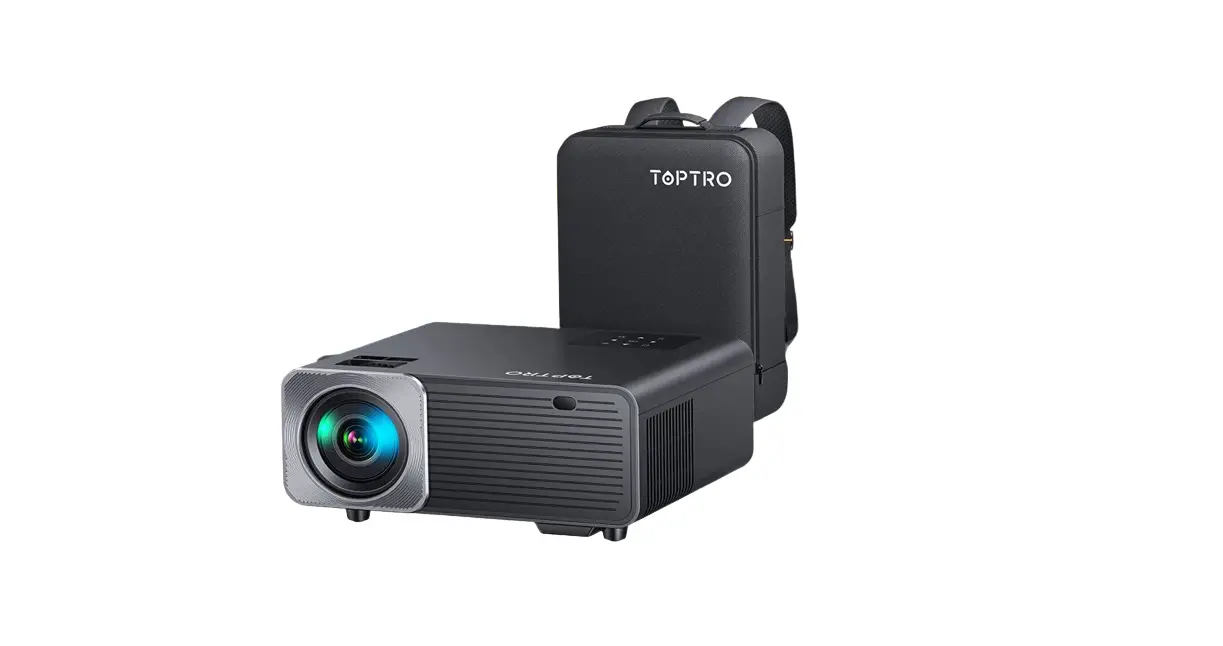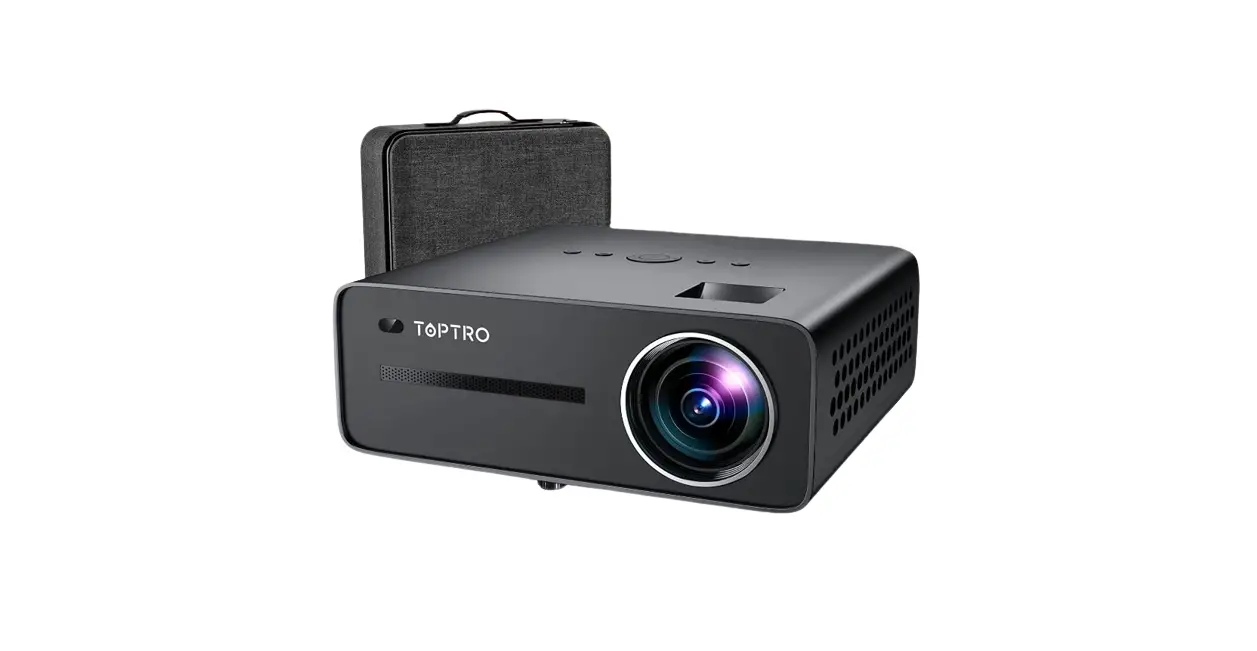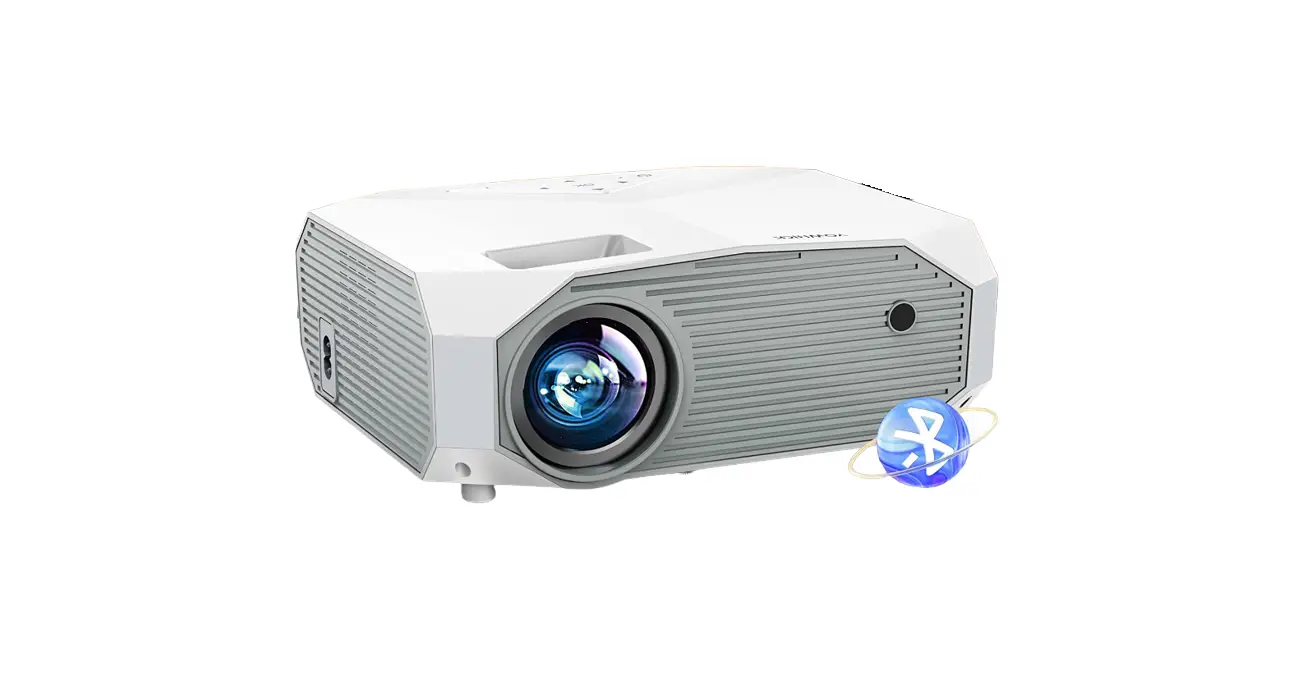

Horlat T01 5g Wifi Bluetooth Projector User Manual

Horlat T01 5g Wifi Bluetooth Projector User Manual

HORLAT-LOGO

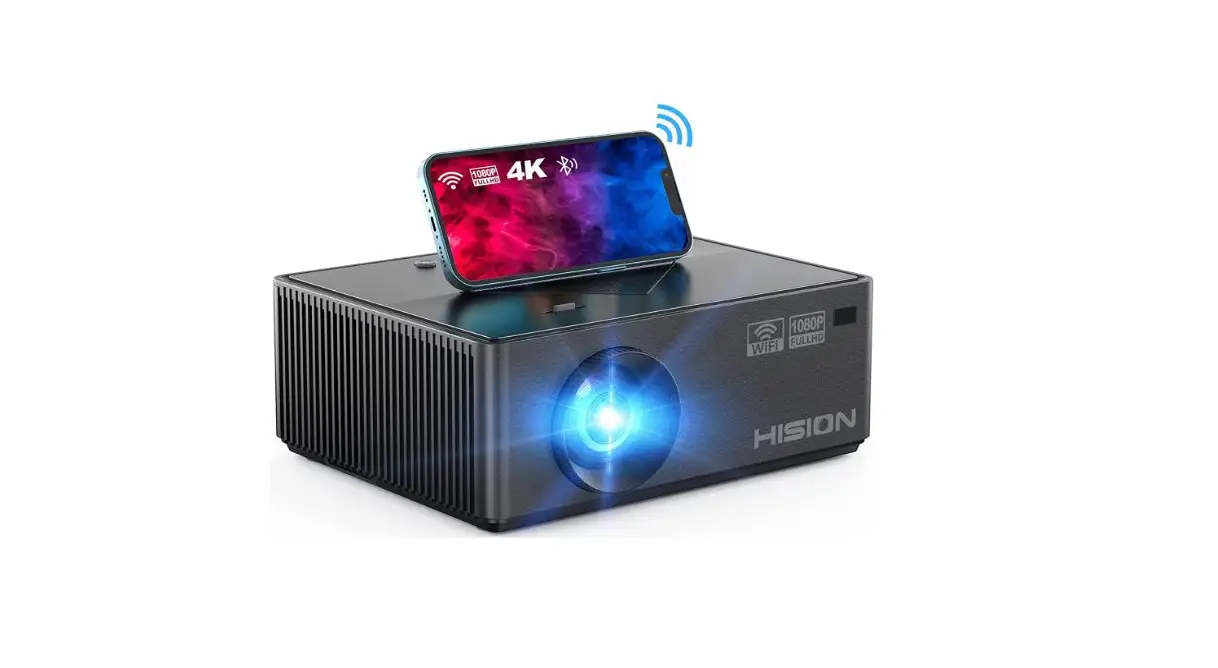
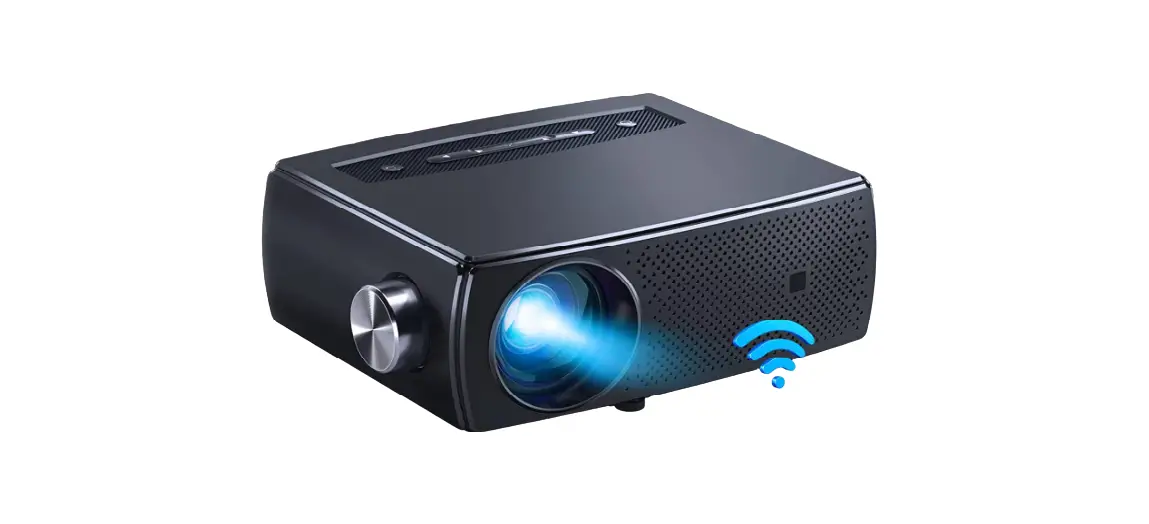
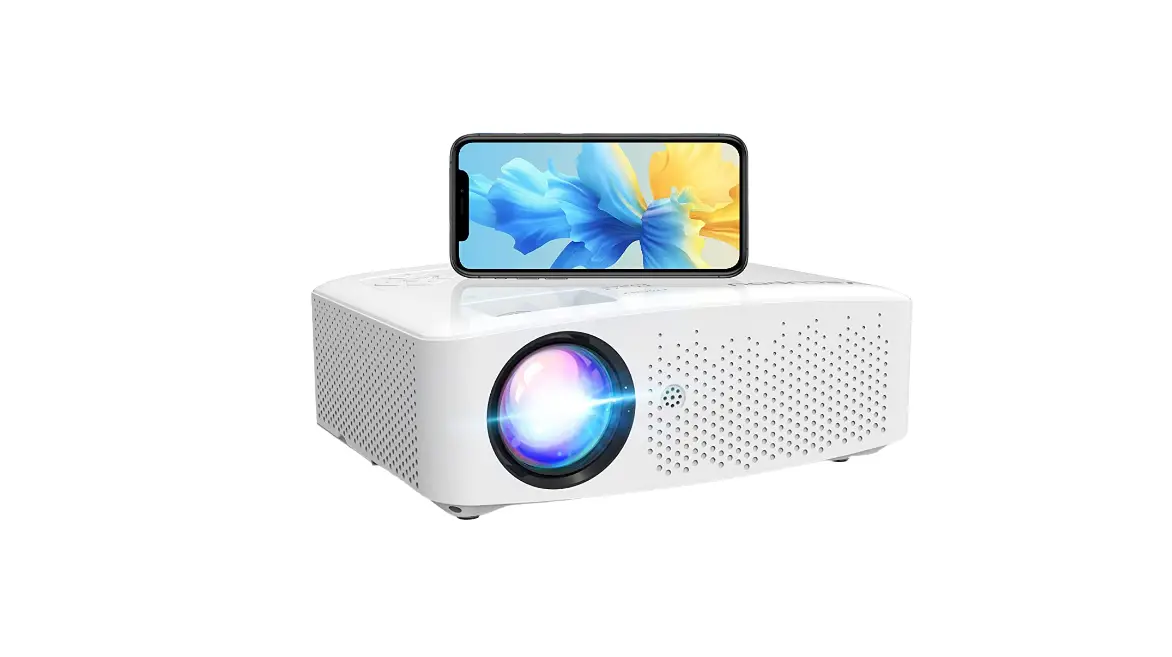
HORLAT T01 5G WiFi Bluetooth Projector
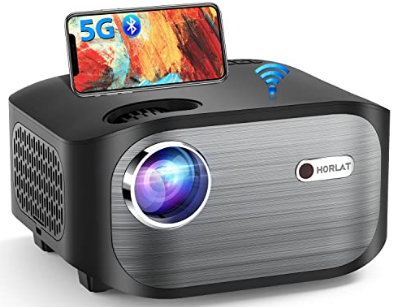
HORLAT-T01-5G-WiFi-Bluetooth-Projector-PRODUCT

Warm Tips

HORLAT-T01-5G-WiFi-Bluetooth-Projector-FIG-1

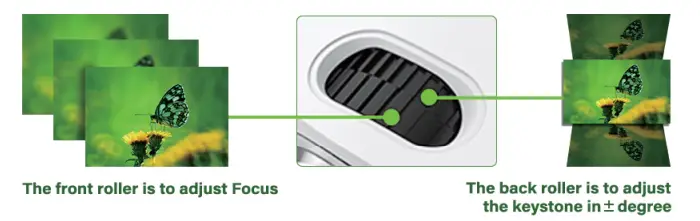
What should I do if the projected image is blurry?

  1. Please turn the front roller to adjust the focal length until the picture is clear. (with the roller picture above)
  2. Please place the projector at an appropriate projectione distance, the best recommended distance is 0.BM-1.8M

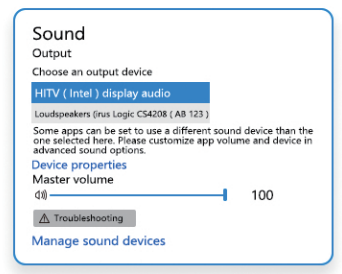
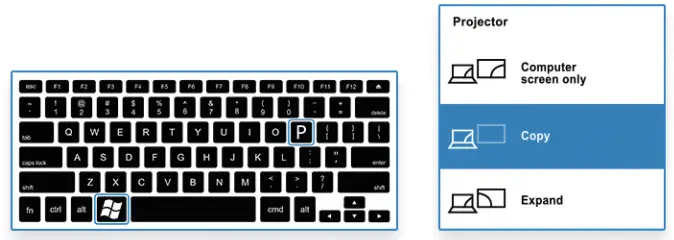
When connecting with the laptop via HDMI cable, if occurs the below case, please refer to the following instructions: 

  1. With image but no sound. Just enter tbe Setting of Sound, choose tbe “HITV (Intel) display audio” HORLAT-T01-5G-WiFi-Bluetooth-Projector-FIG-2
  2. No Sound and no image. Press tbe :: + P key at the same time, then select ” Copy in the popup HORLAT-T01-5G-WiFi-Bluetooth-Projector-FIG-3

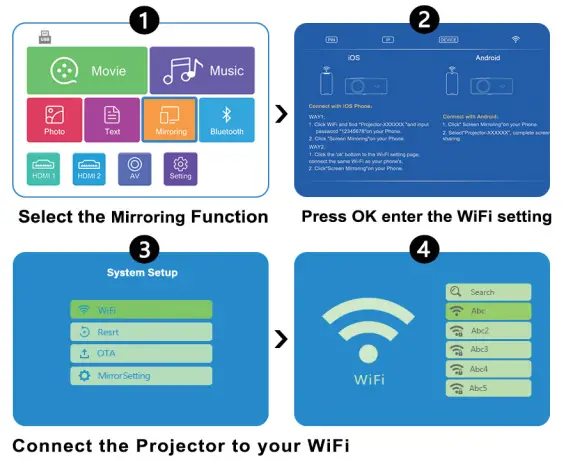
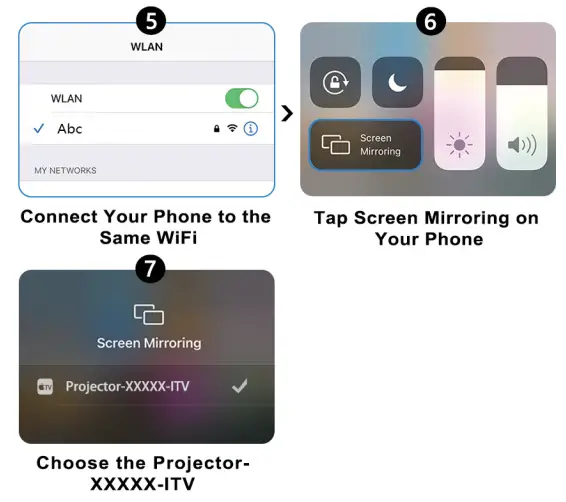
iOS Devices Connect HORLAT-T01-5G-WiFi-Bluetooth-Projector-FIG-4HORLAT-T01-5G-WiFi-Bluetooth-Projector-FIG-5

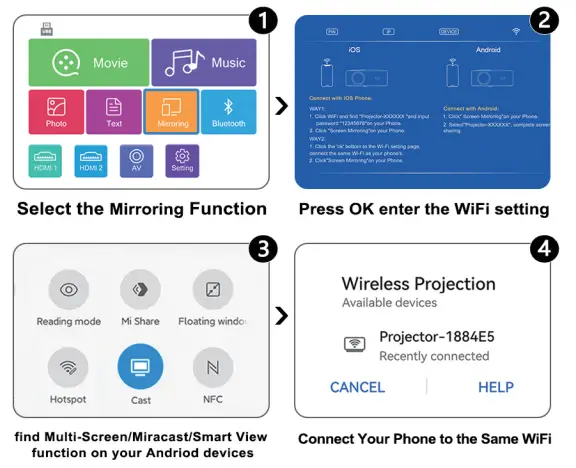
Android Decives Connect HORLAT-T01-5G-WiFi-Bluetooth-Projector-FIG-6

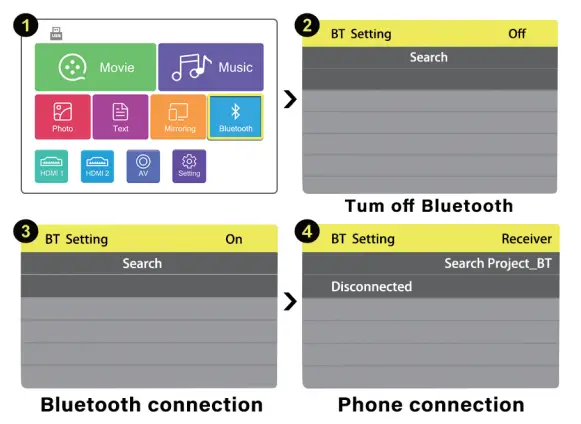
Bluetooth Connection HORLAT-T01-5G-WiFi-Bluetooth-Projector-FIG-7

Documents / Resouces

Download manual
Here you can download full pdf version of manual, it may contain additional safety instructions, warranty information, FCC rules, etc.


Related Manuals