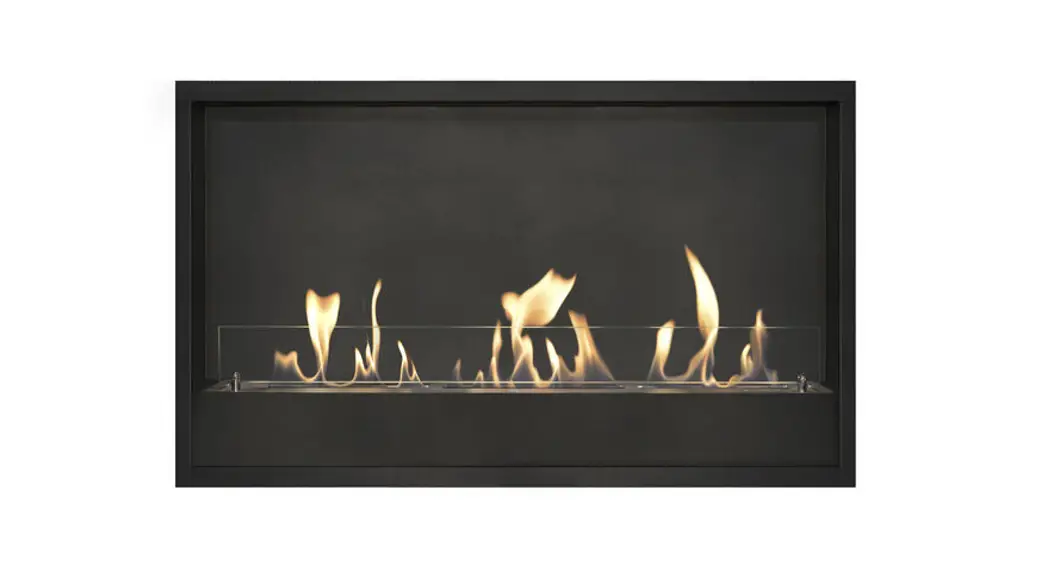

XARALYN APP for Android
Operational Manual
- Scan the QR code,then download the APP;

- Press the symbol
- Create the new Account: press for 10 seconds, the mobile number-set the password-receive the verification code-add device-electric fireplace
- Plug-in the electric fireplace and keep “Power ON”, press release the key board fast when you can see “CCC”
- Enter into your home’s WI-FI account and password, press confirmation to connect the FIREPLACE APP
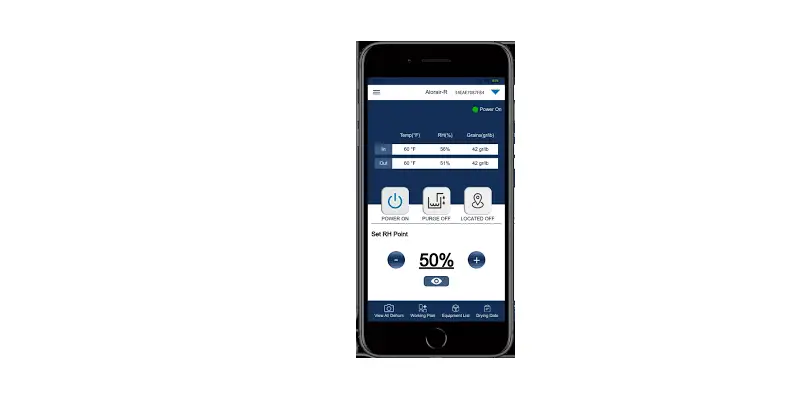
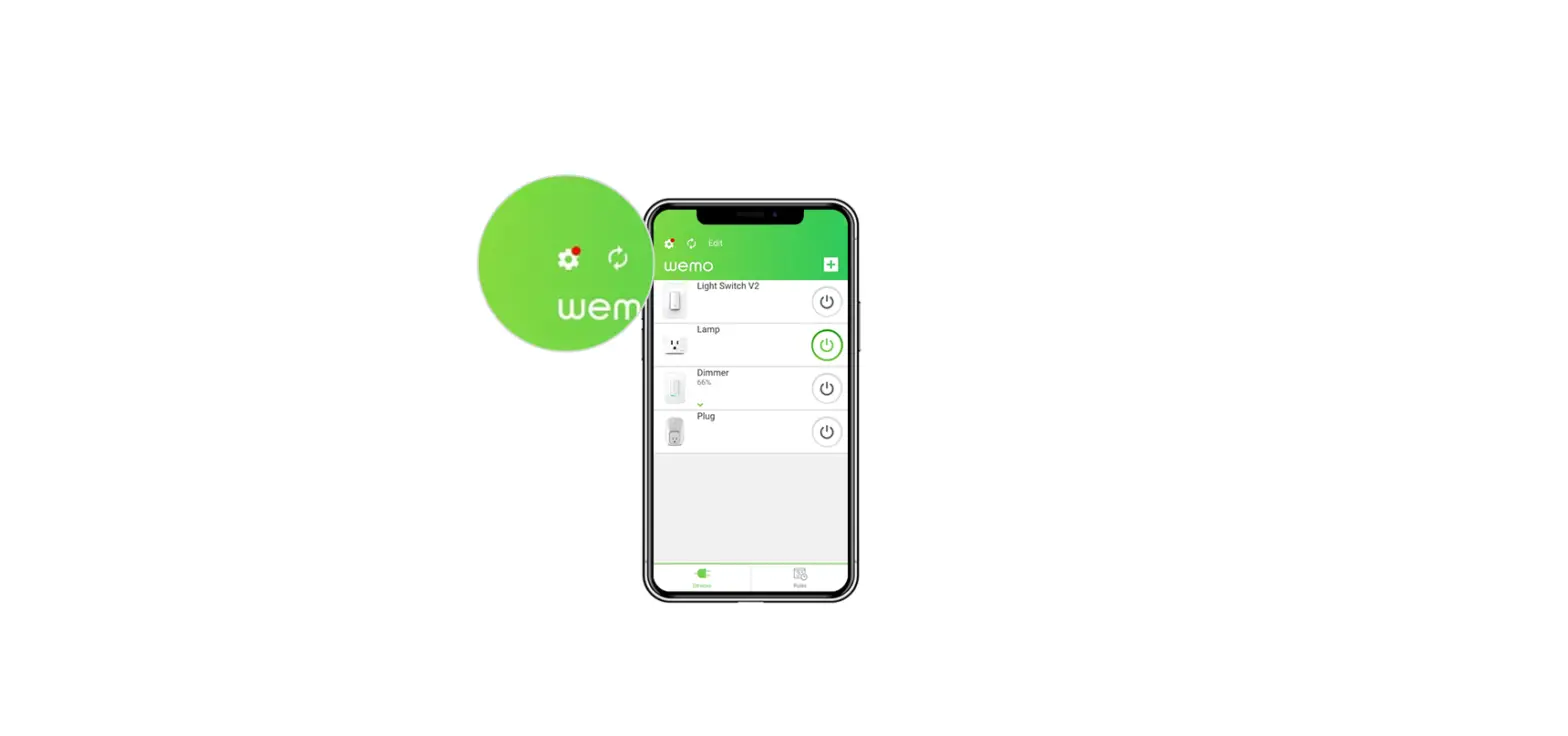
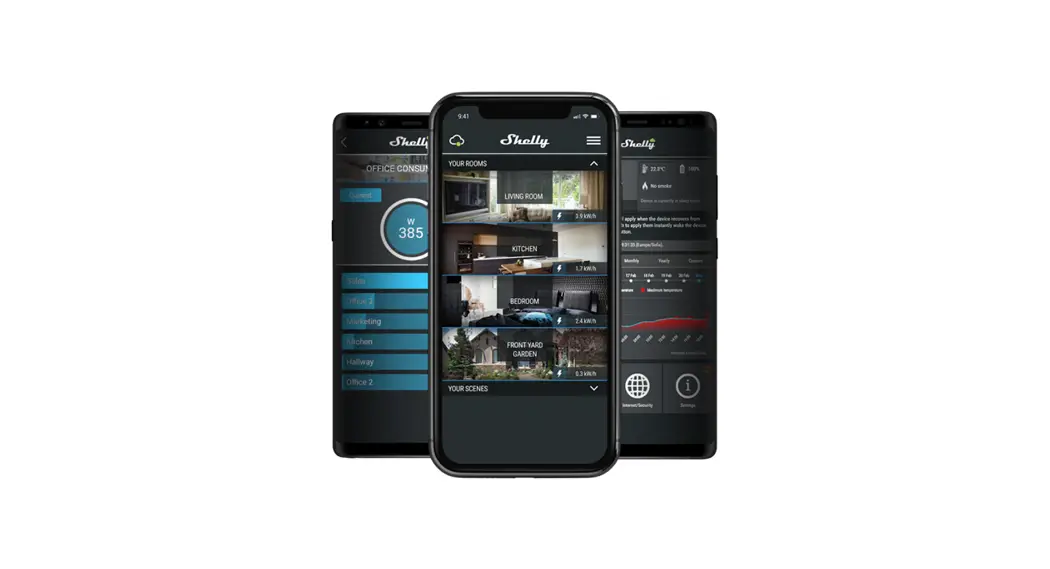
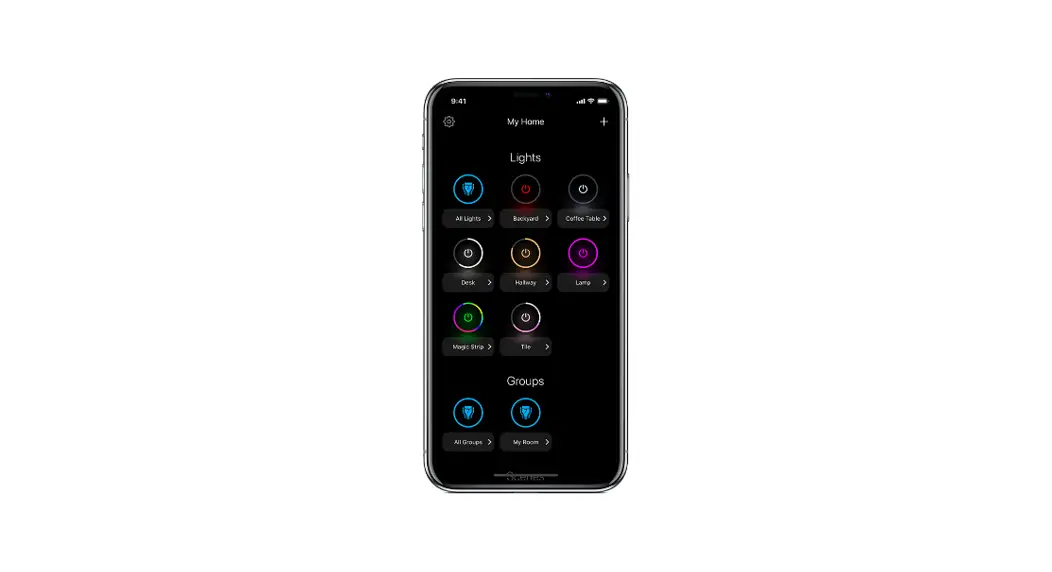
- After connection, it can eject APP to operate the fireplace functions.
Note: If the fireplace is moved to another place or the WI-FI password has been changed, please re-operate Step 4-6.