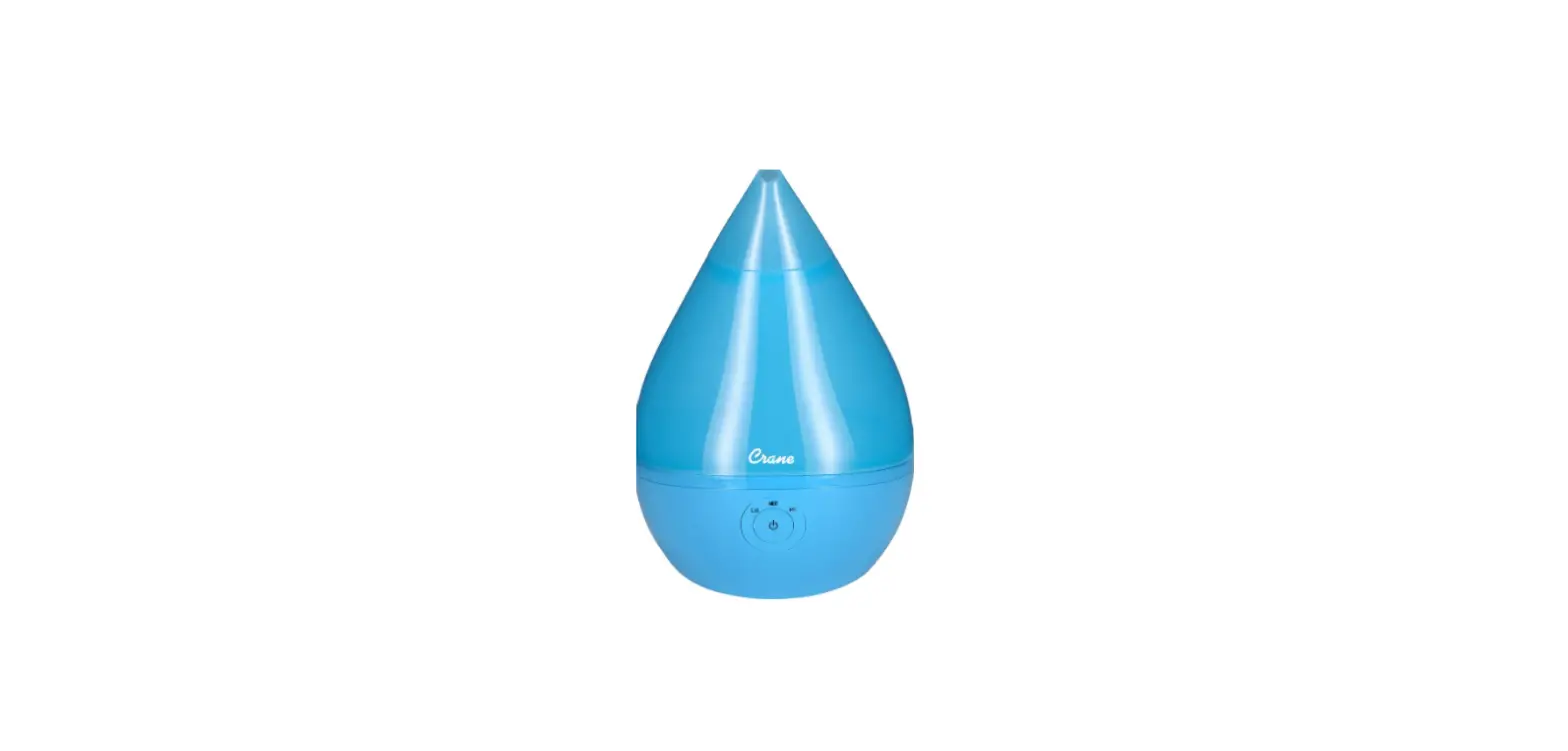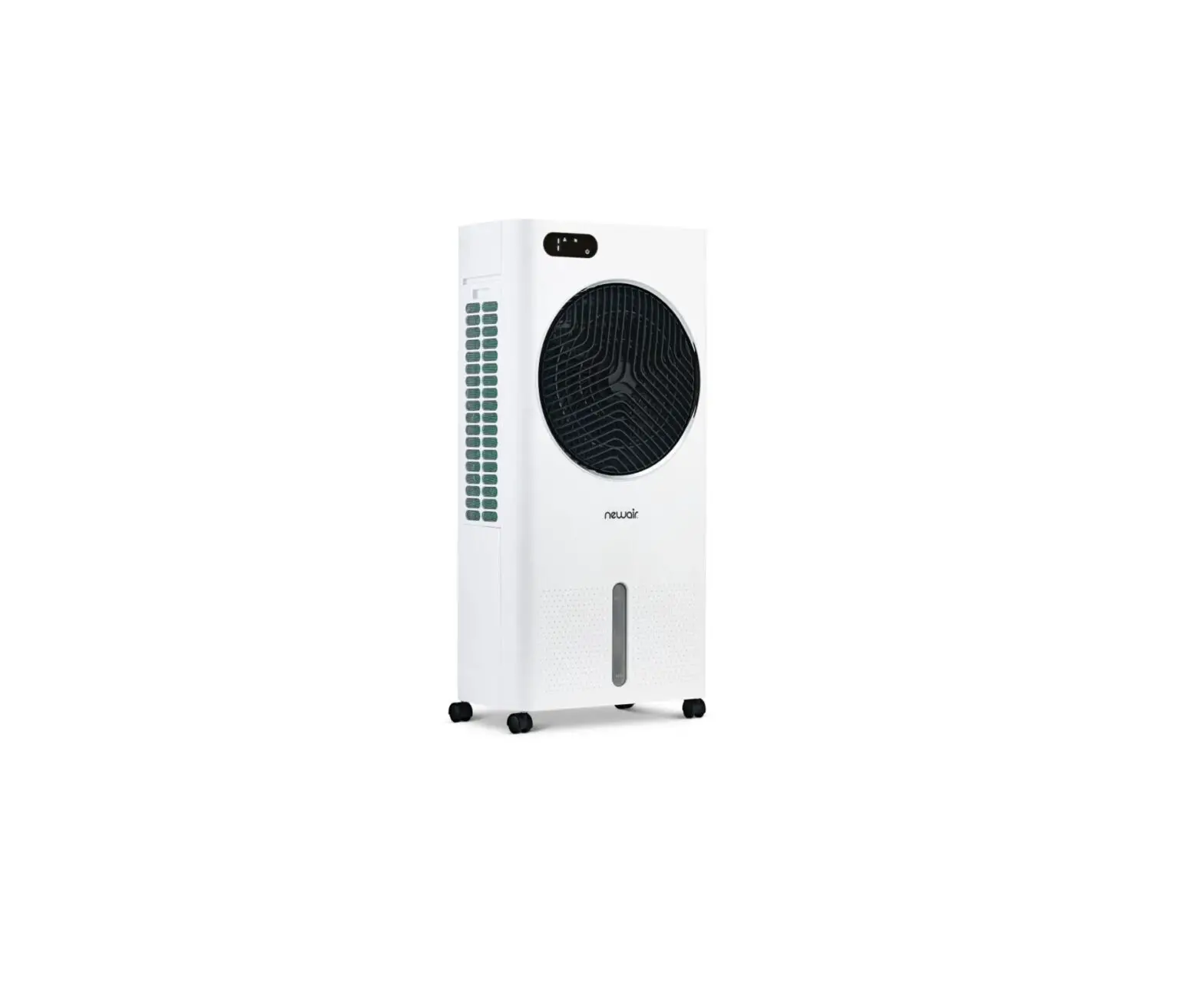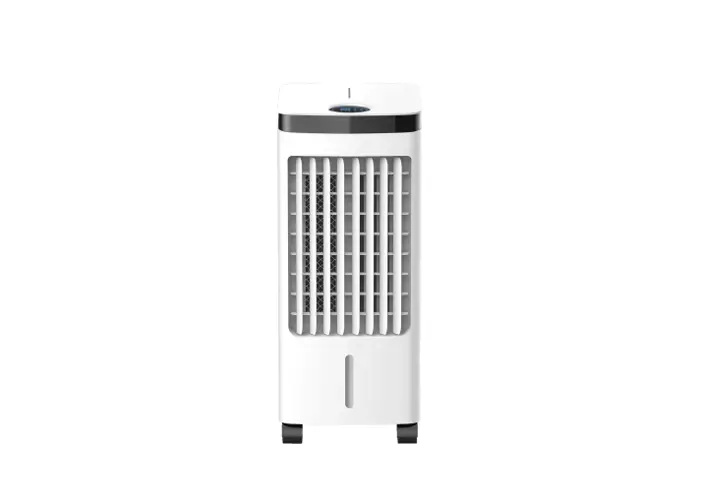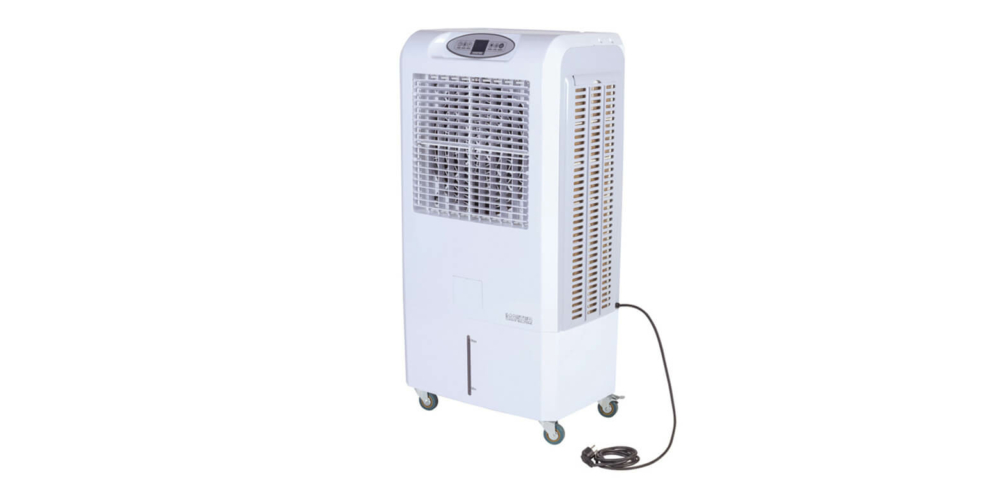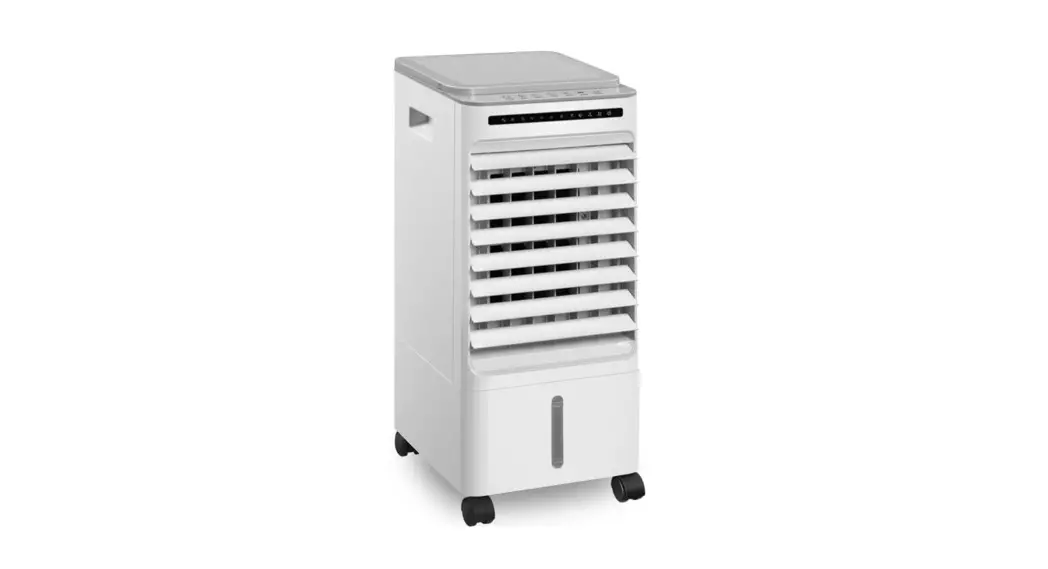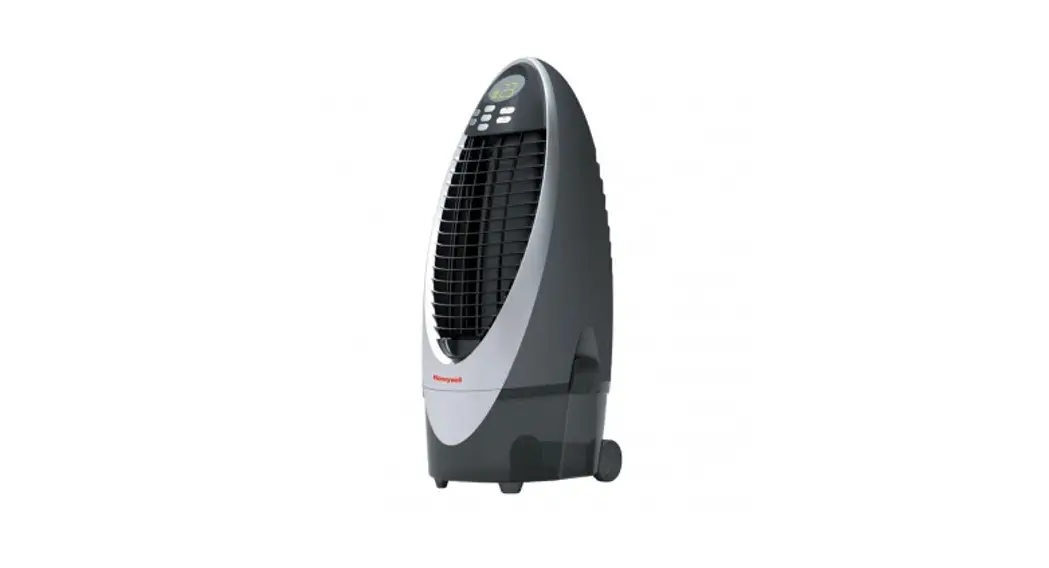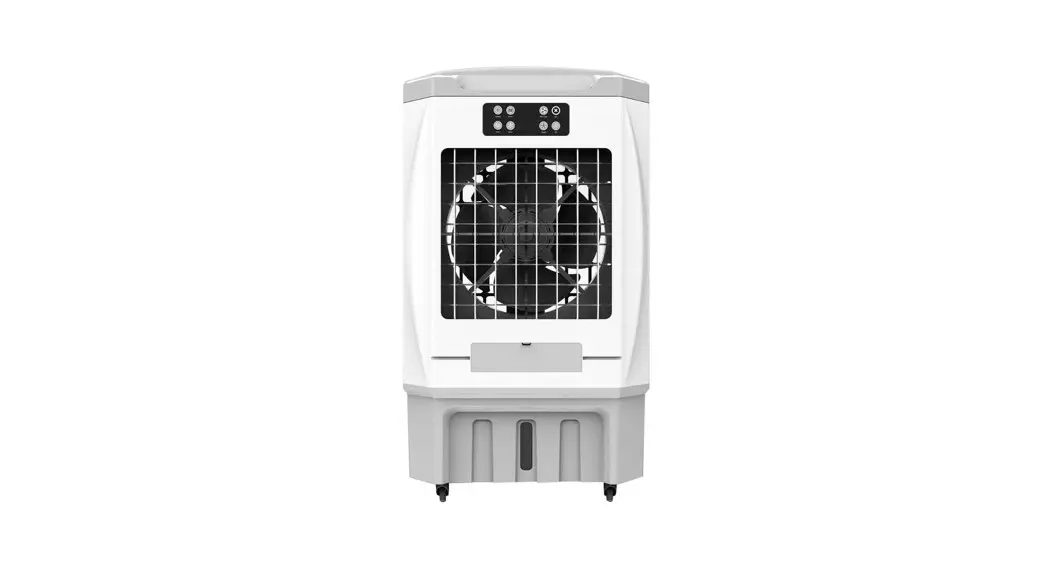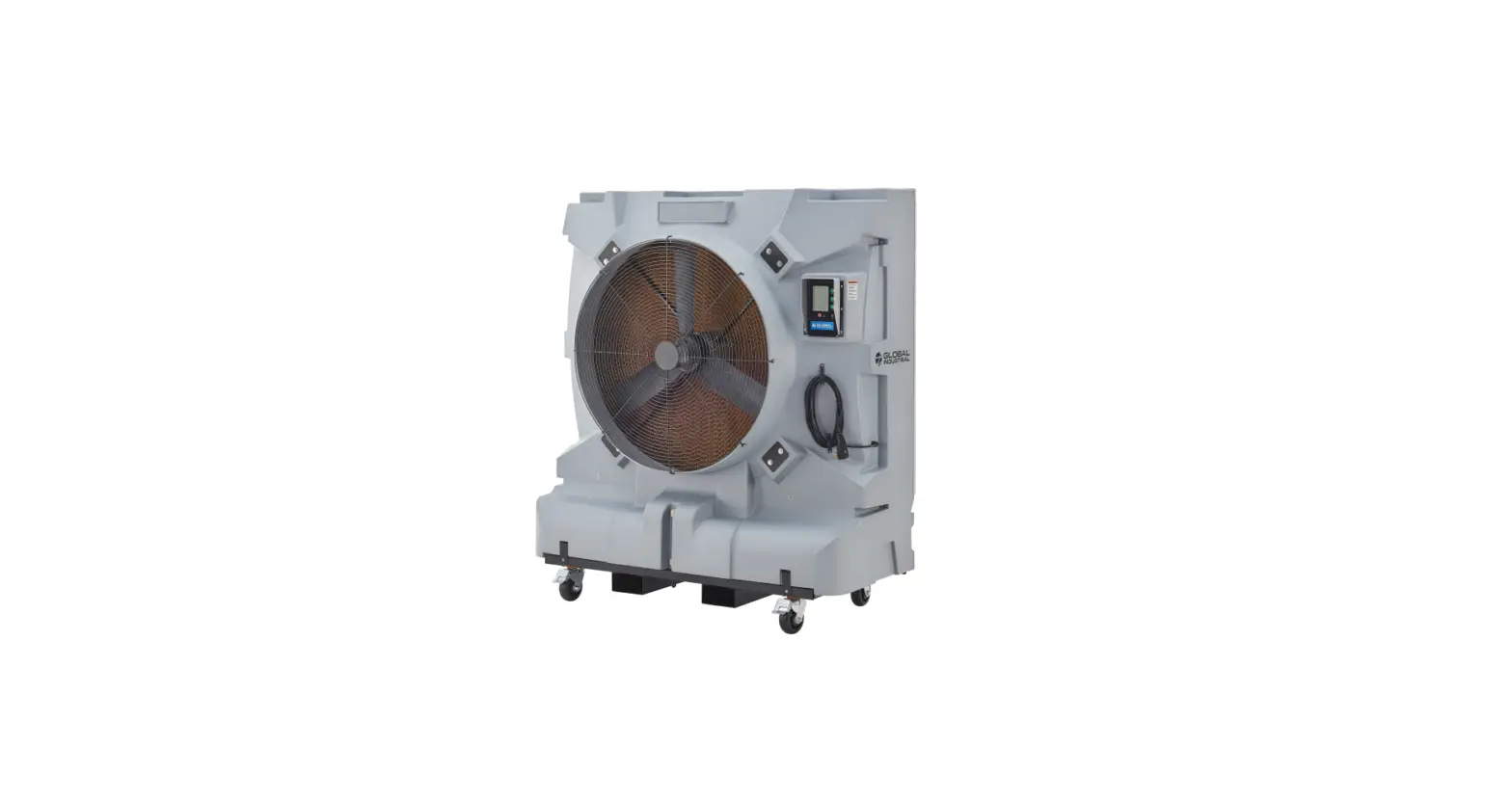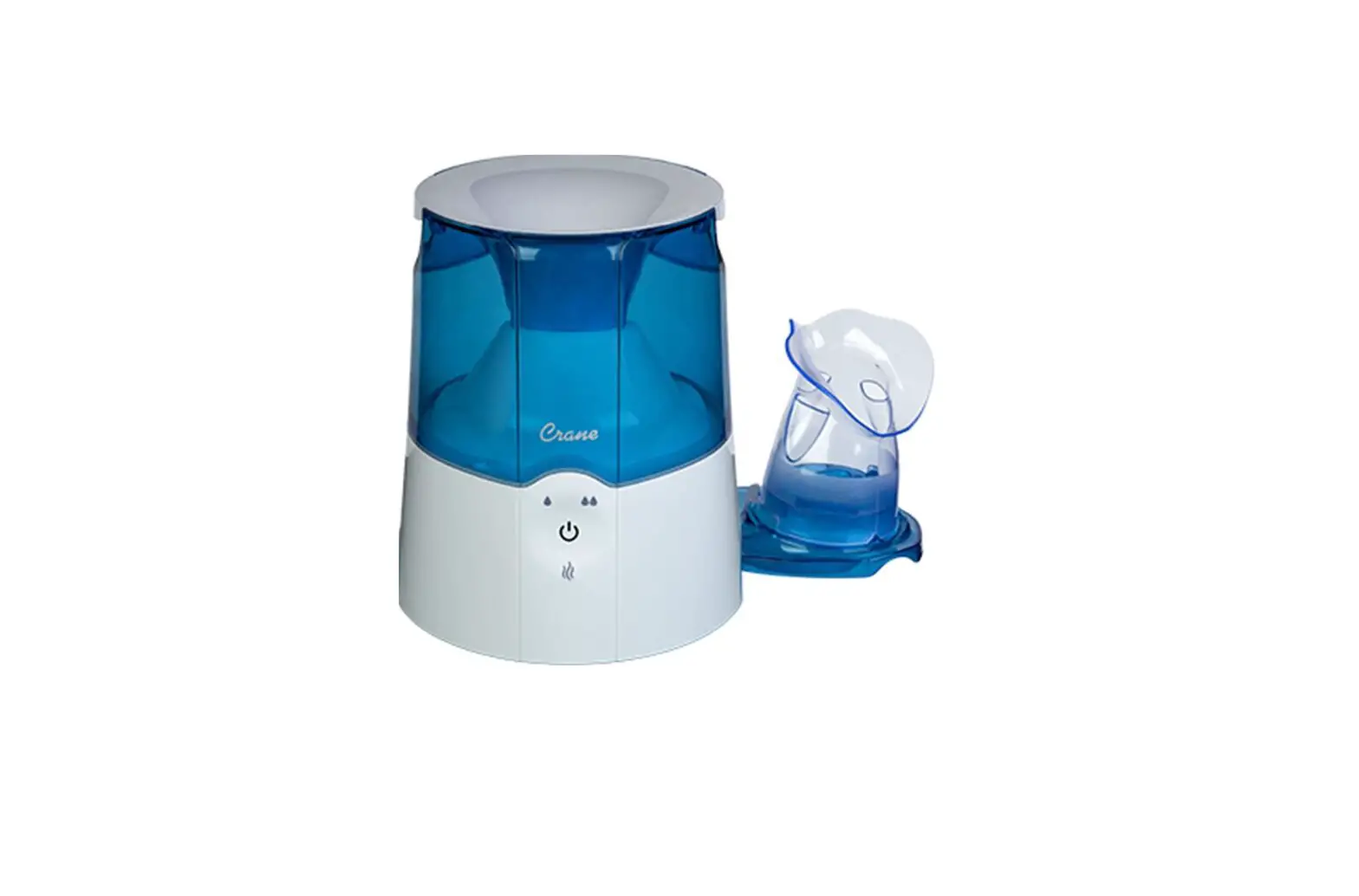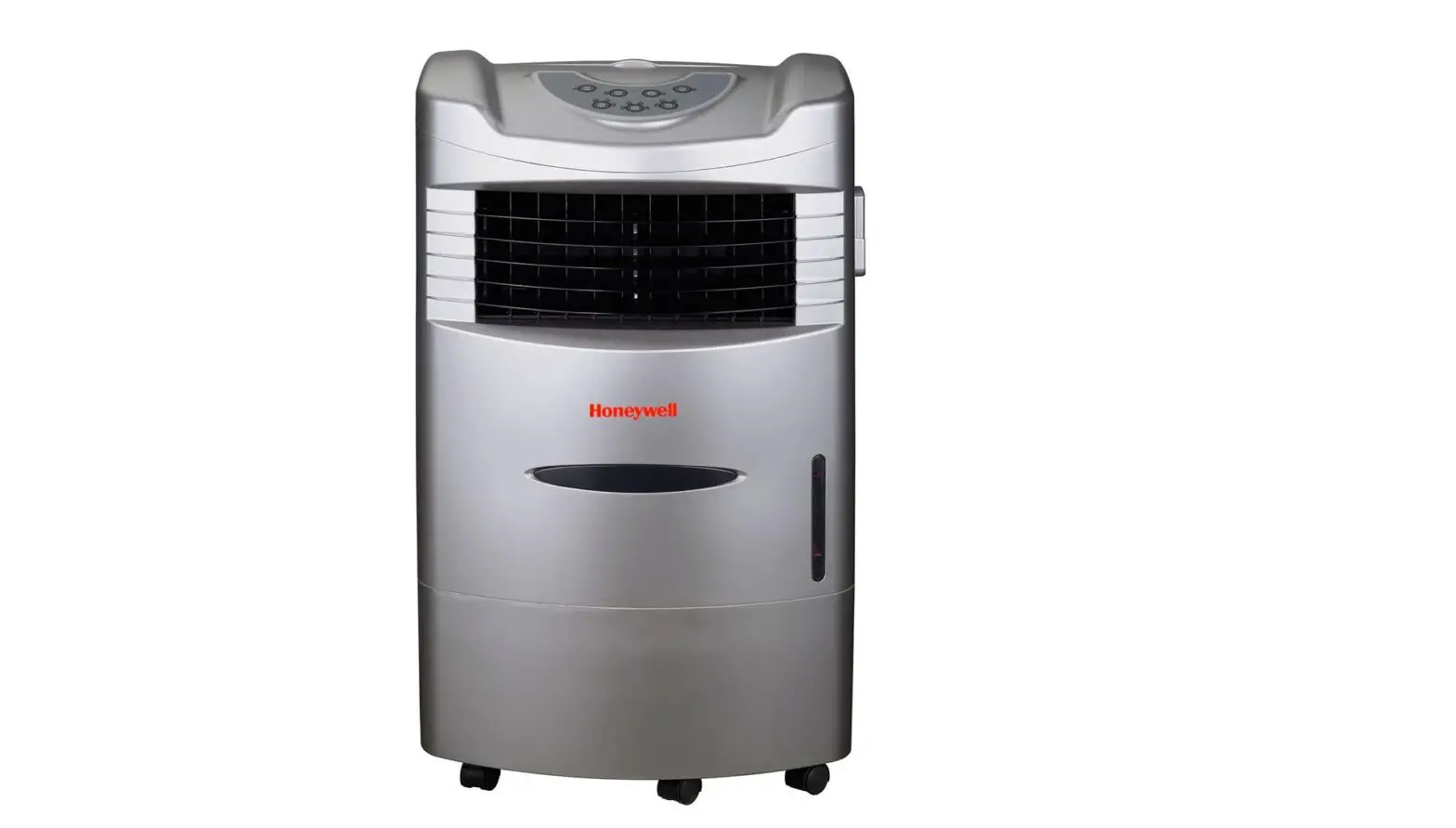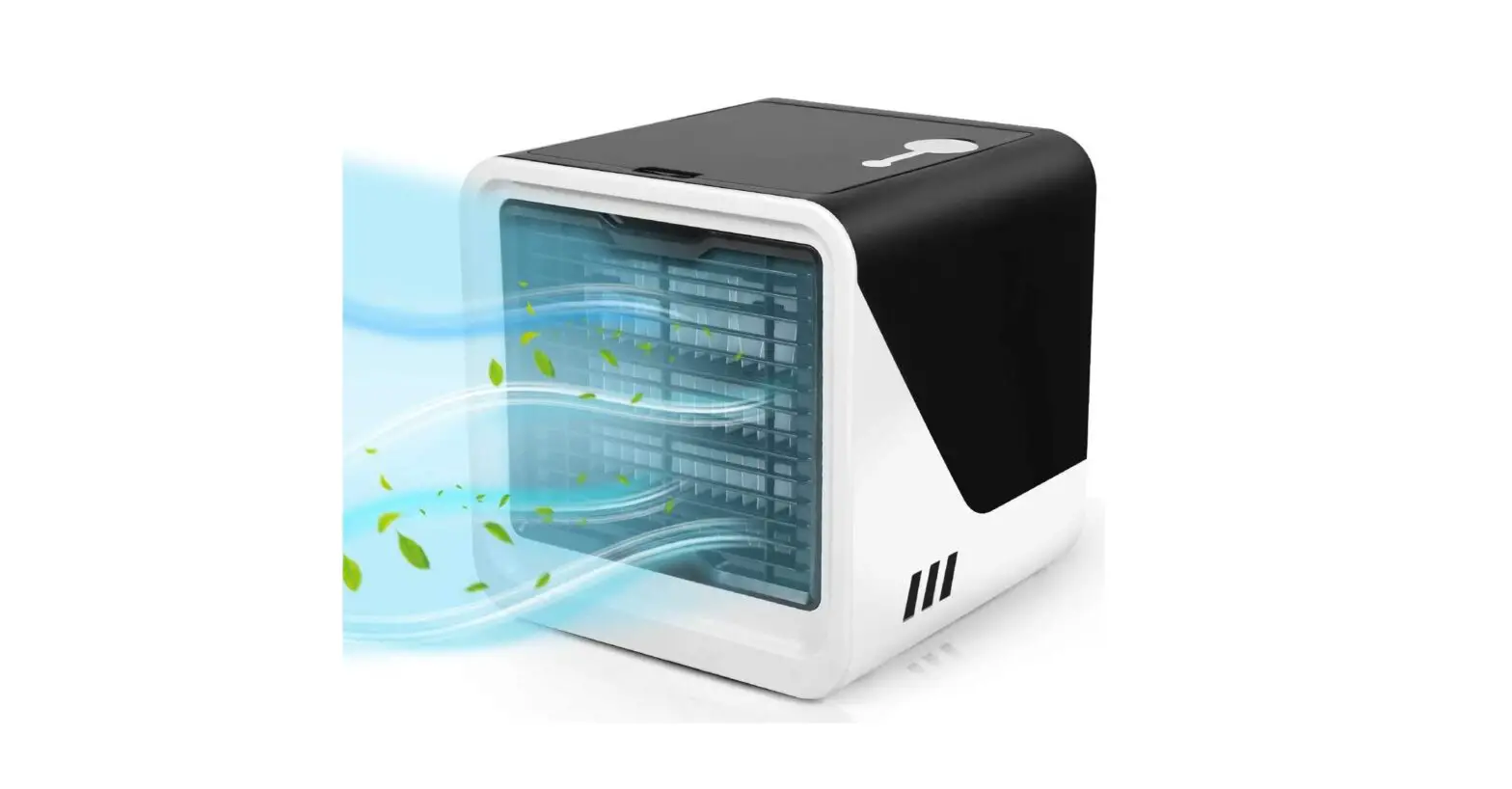
Crane EE-4000 Desktop Evaporative Air Cooler and Humidifier User Manual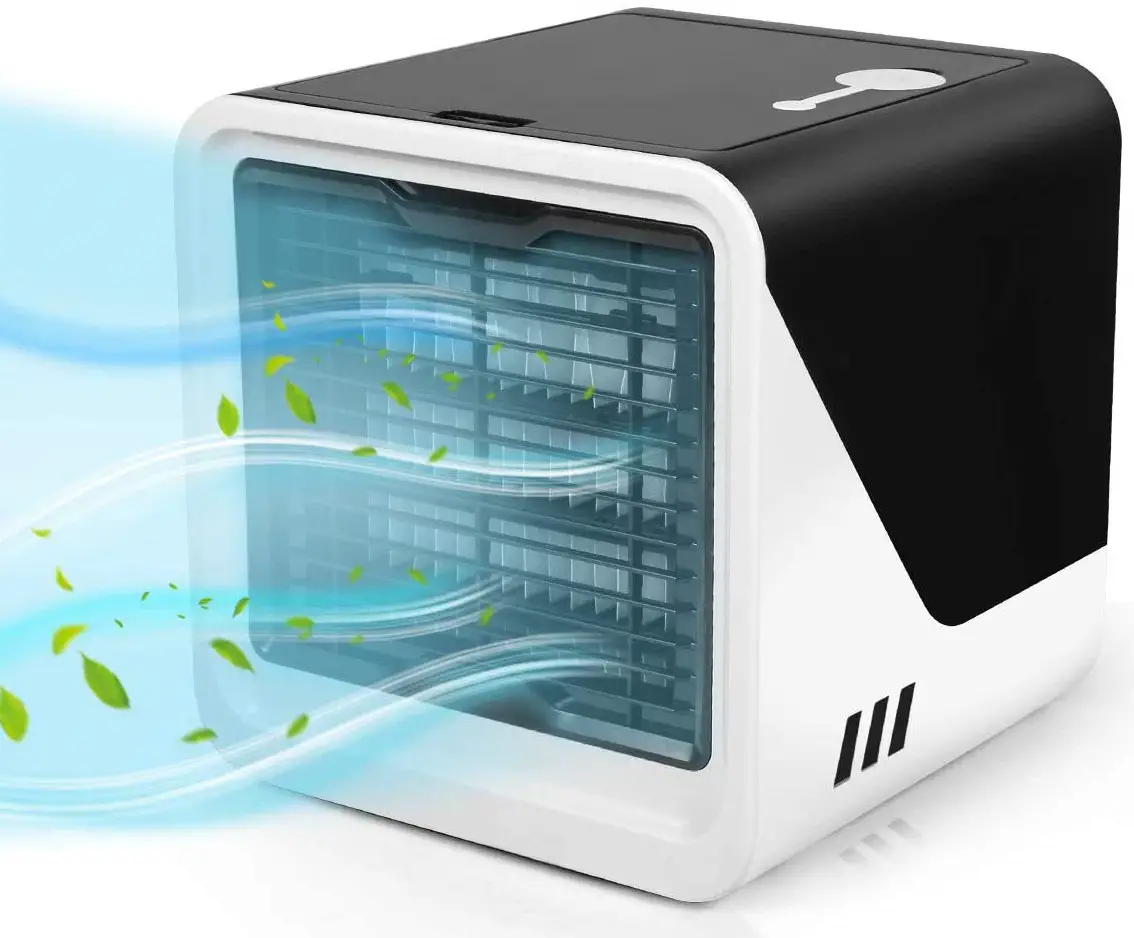
USING INSTRUCTIONS
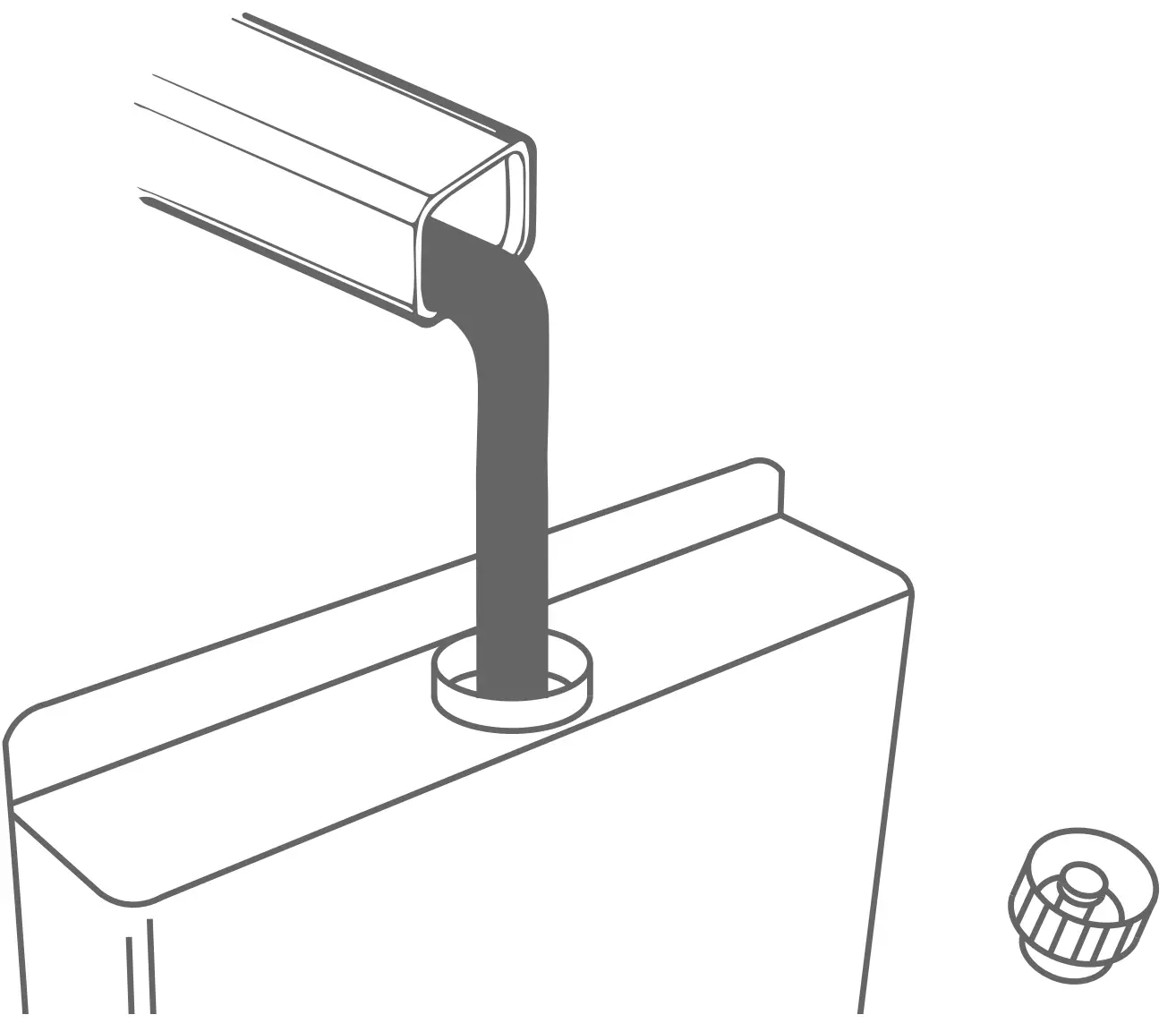
FILL
Remove the water tank from the side of the unit and fill with water.
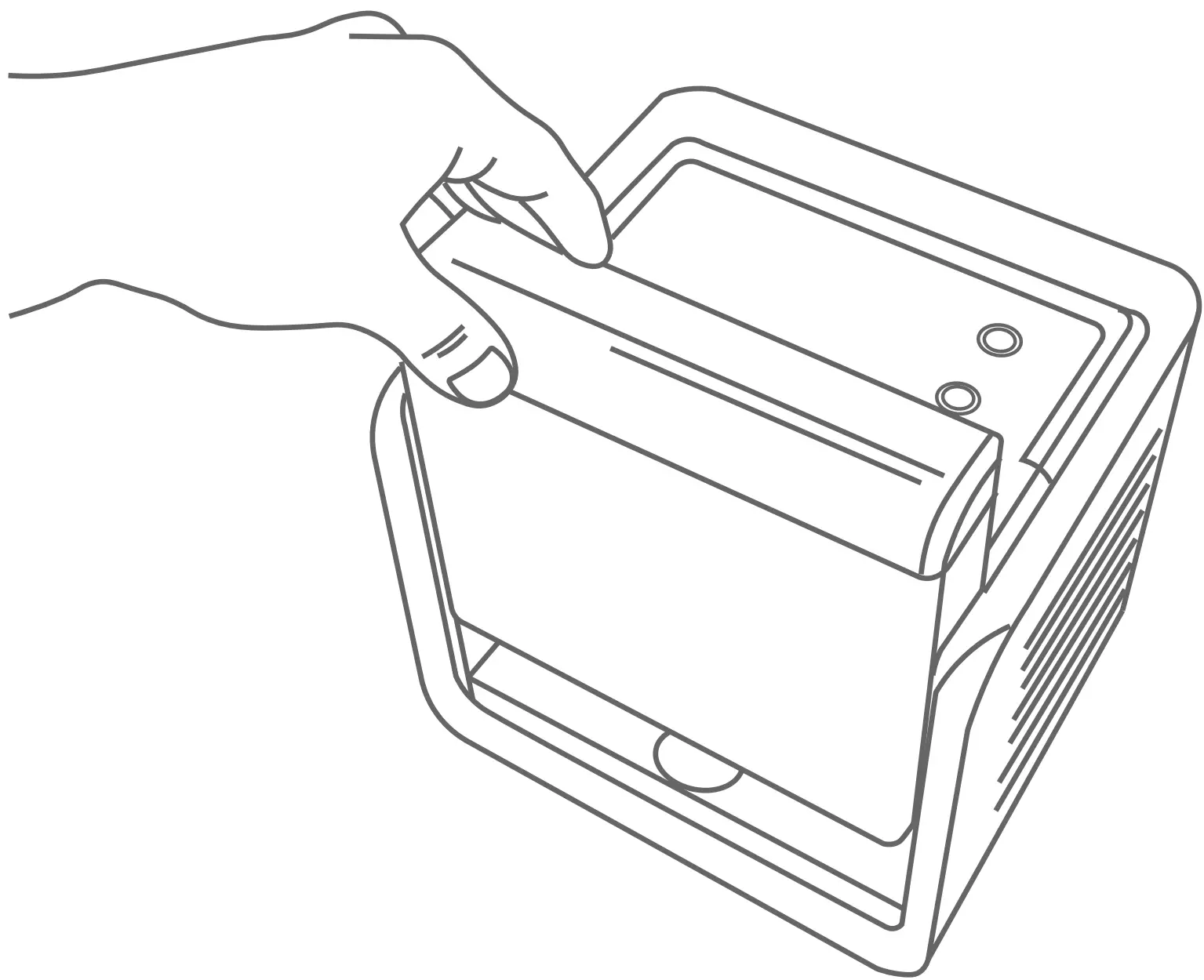
PLACE
Place the water tank back onto the unit
DO NOT PLACE ON A WOOD SURFACE
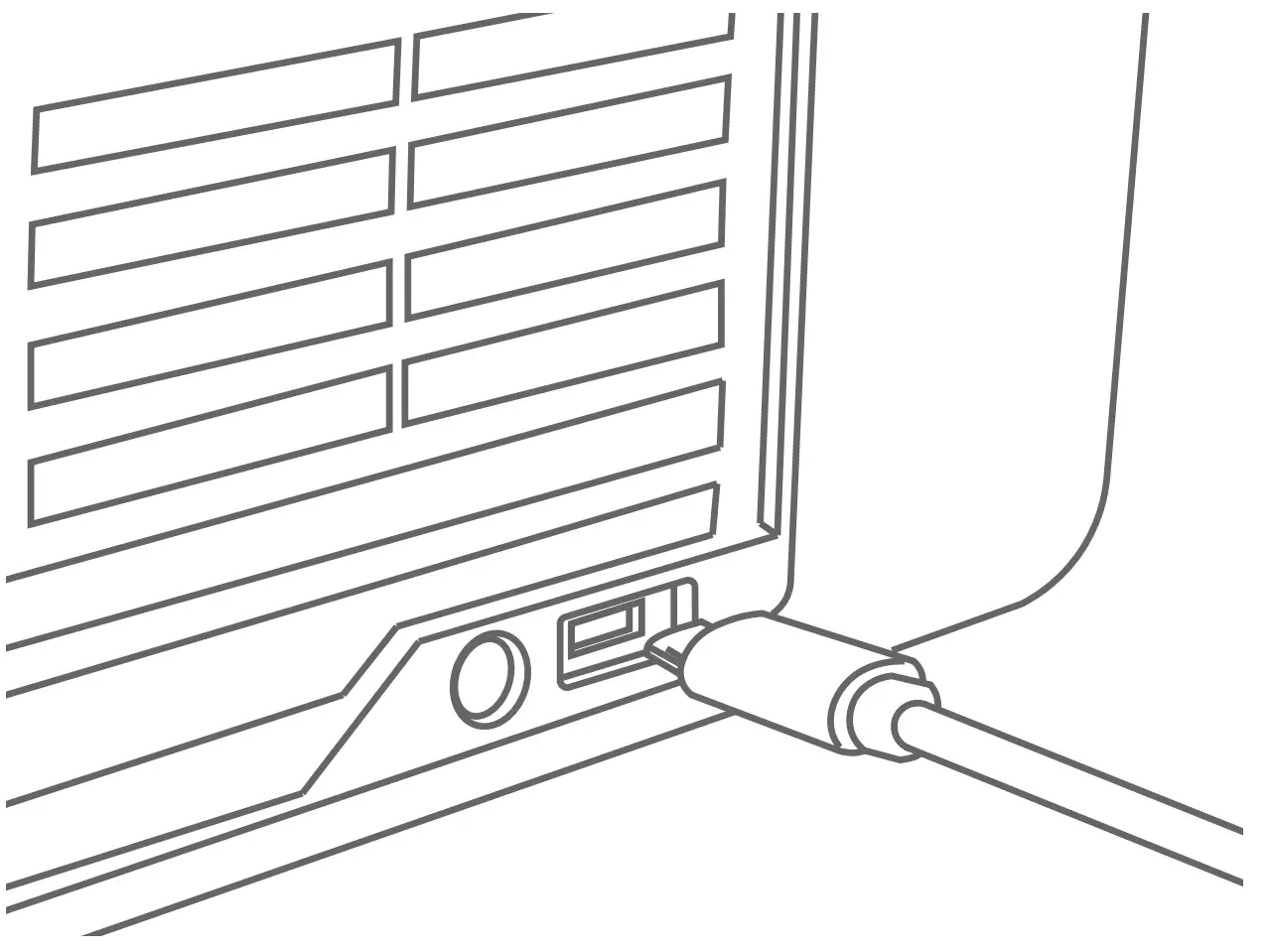
PLUG IN
Plug in the unit with the micro USB power cord
POWER
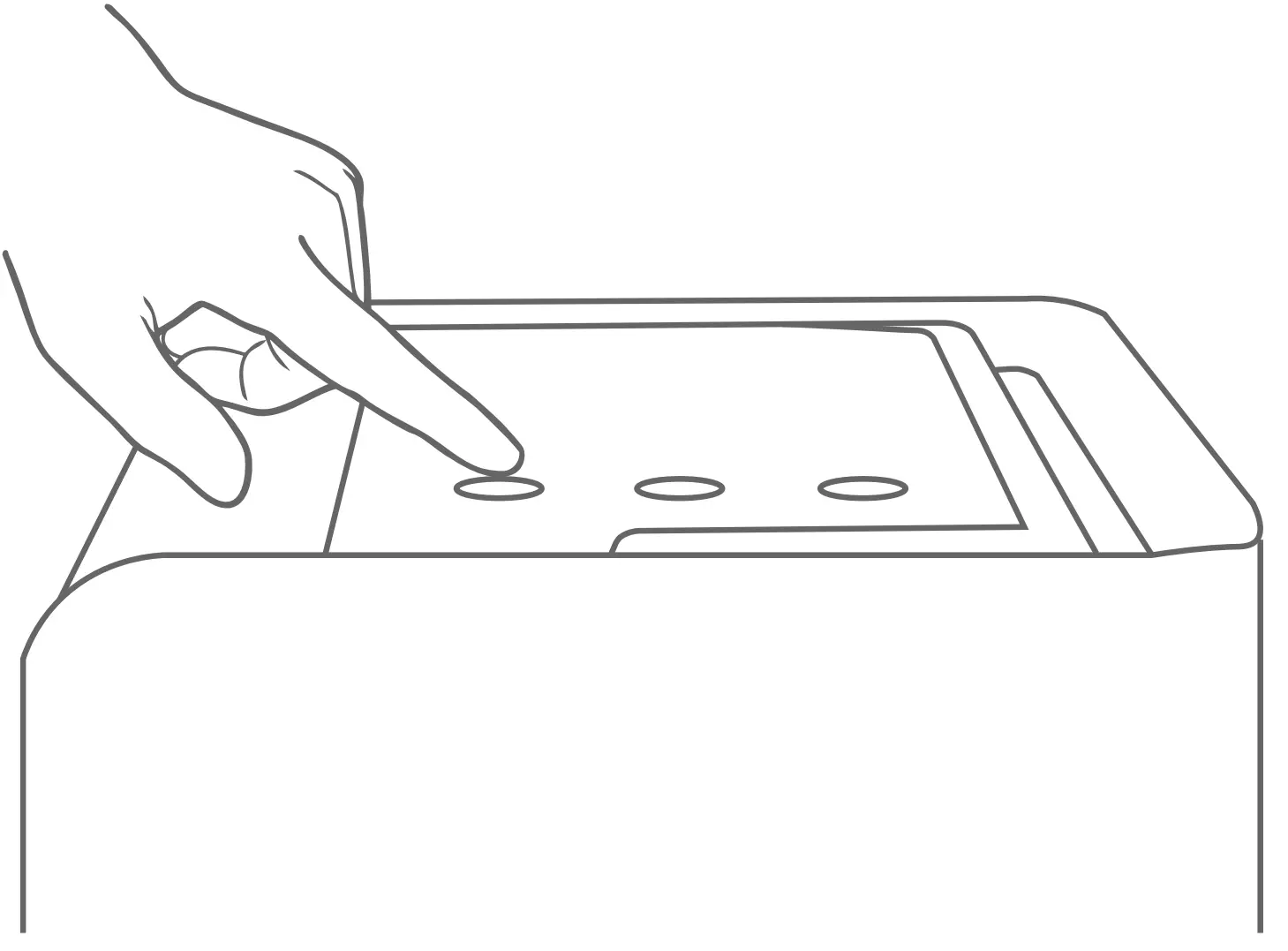
Power the unit on with the power and setting controls on the top of the unit
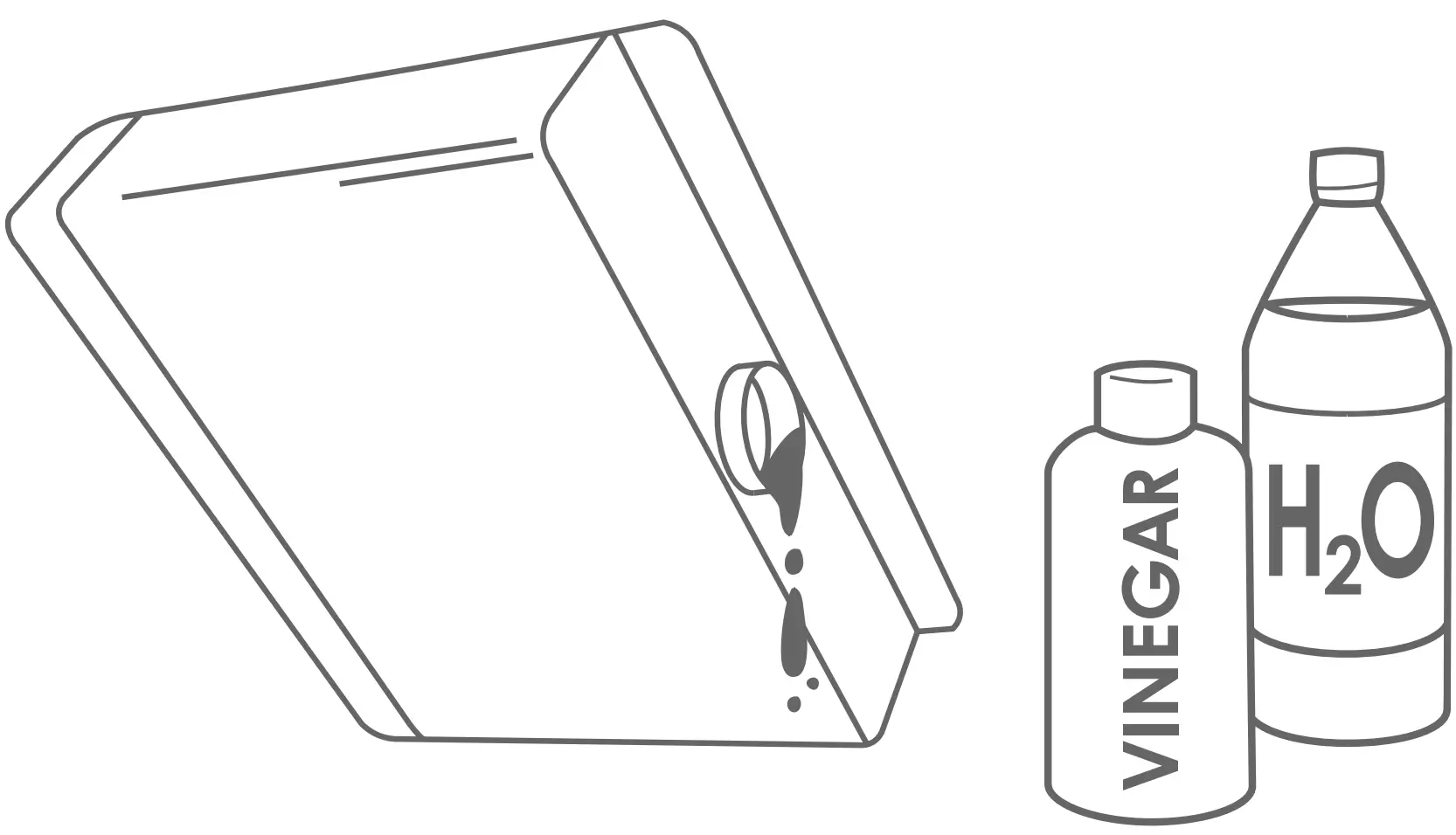
EMPTY + CLEAN
Empty tank, use Crane Cleaner or vinegar and water.
CONTACT
Please contact us first with any question or problems you have about the operation of your Crane humidifier.
 1-888-599-0992
 [email protected]
 USA Location information - USA.com
 Crane USA - Humidifiers & more to keep you breathing easy!