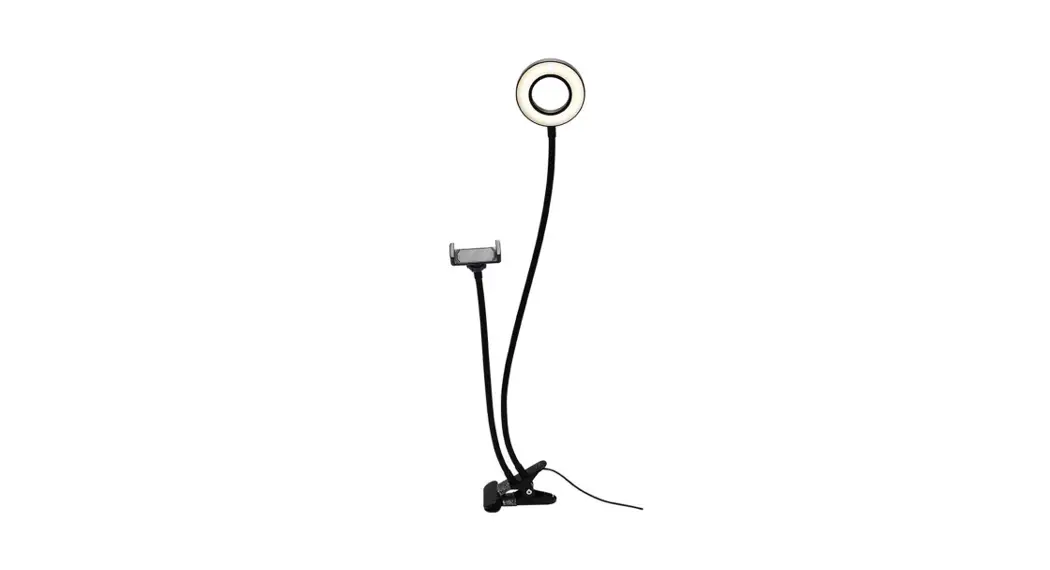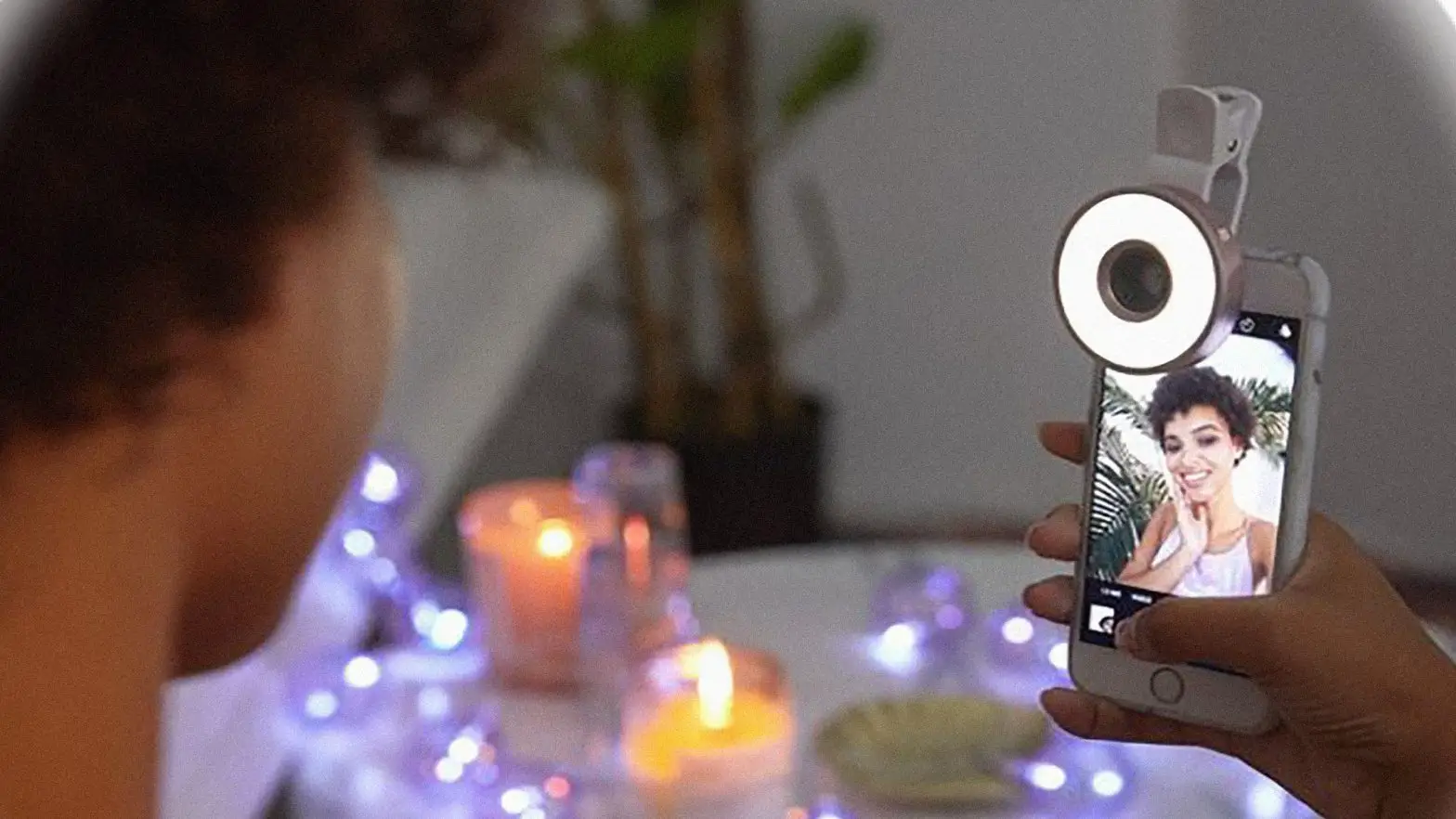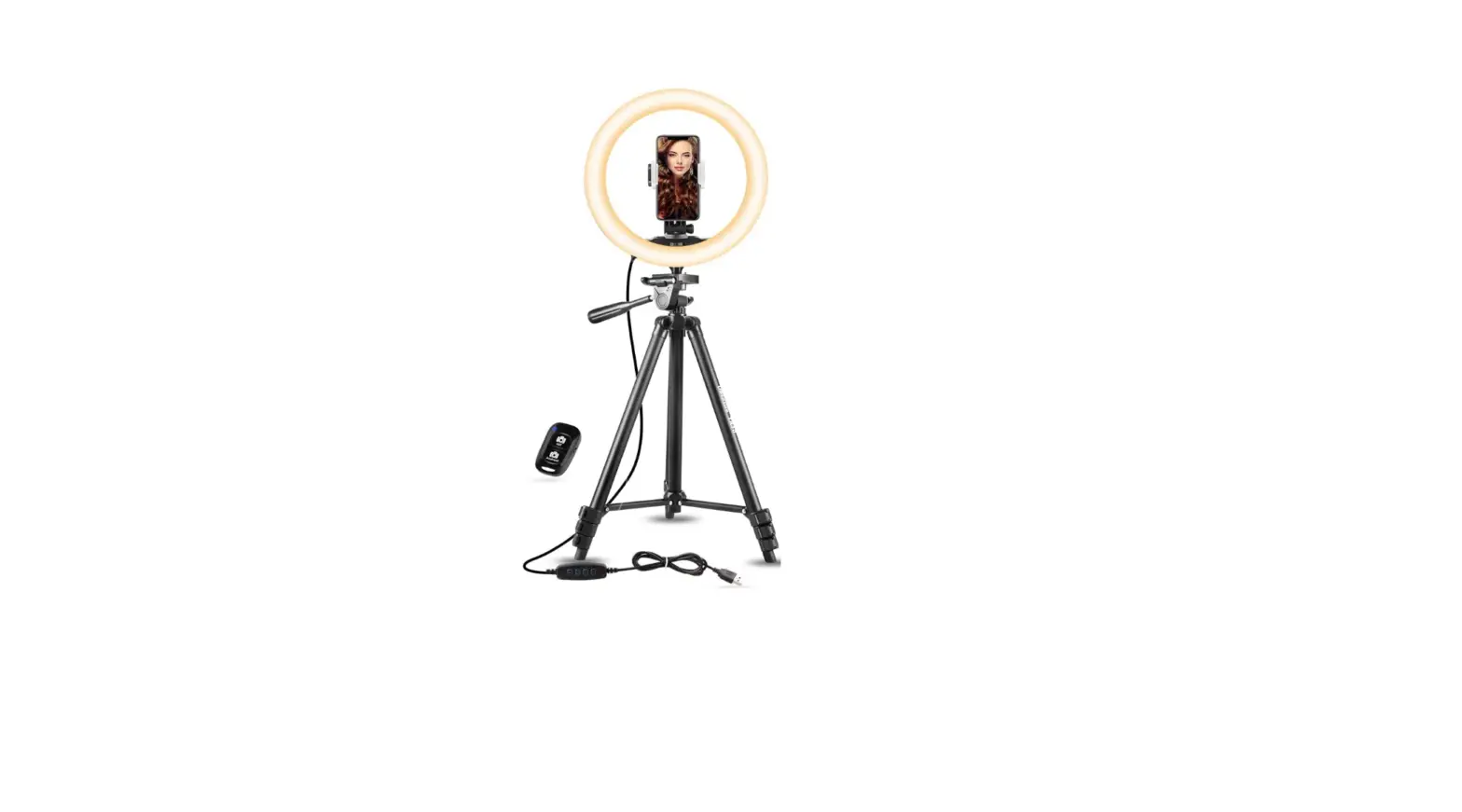

AGPTEK LEDRLT LED Selfie Ring Light
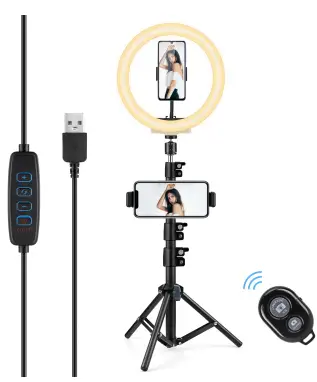
HOW TO INSTALL
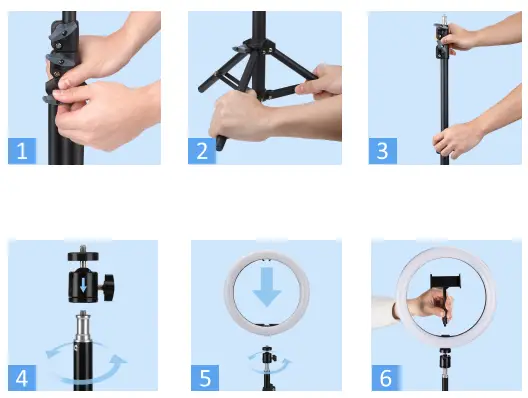
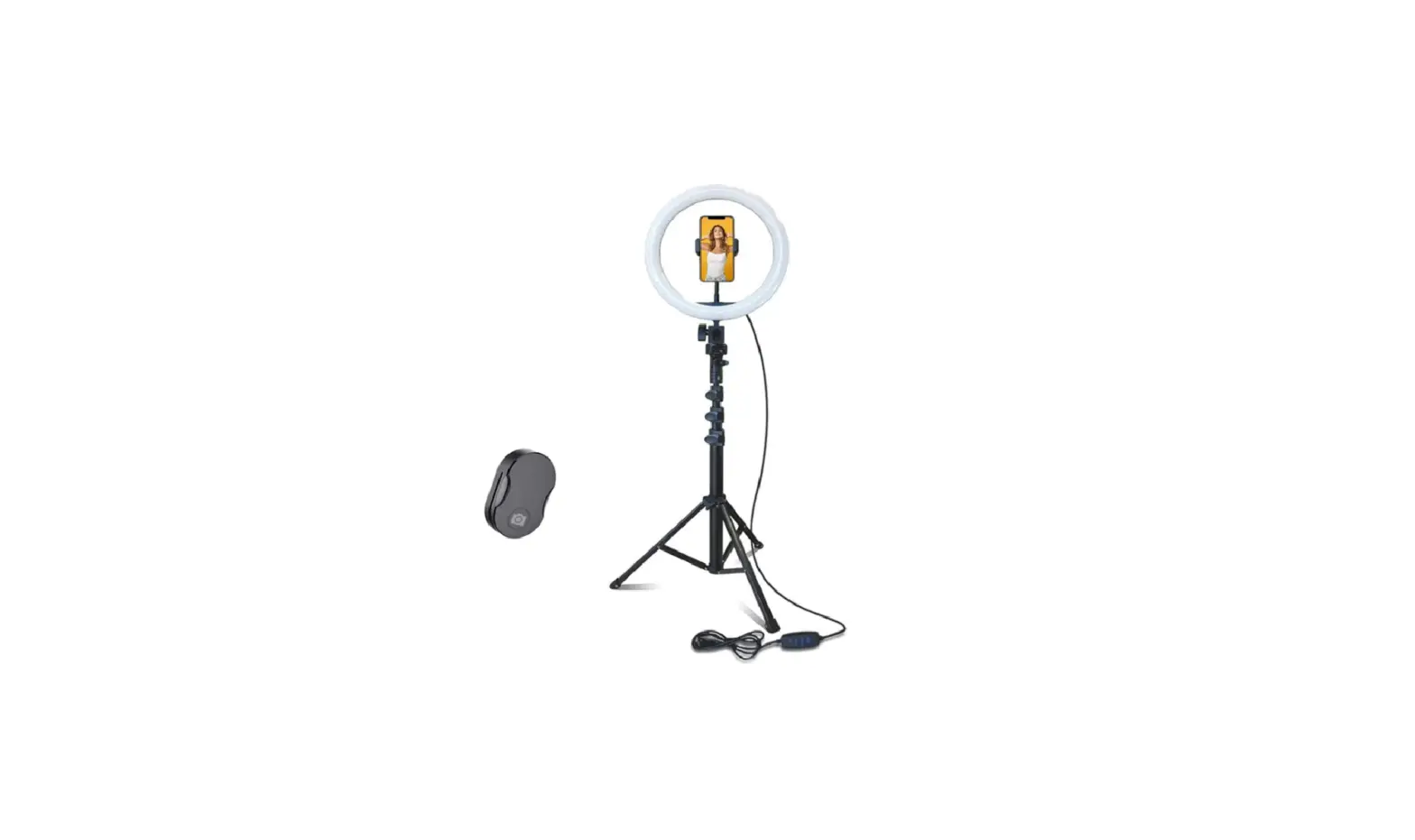
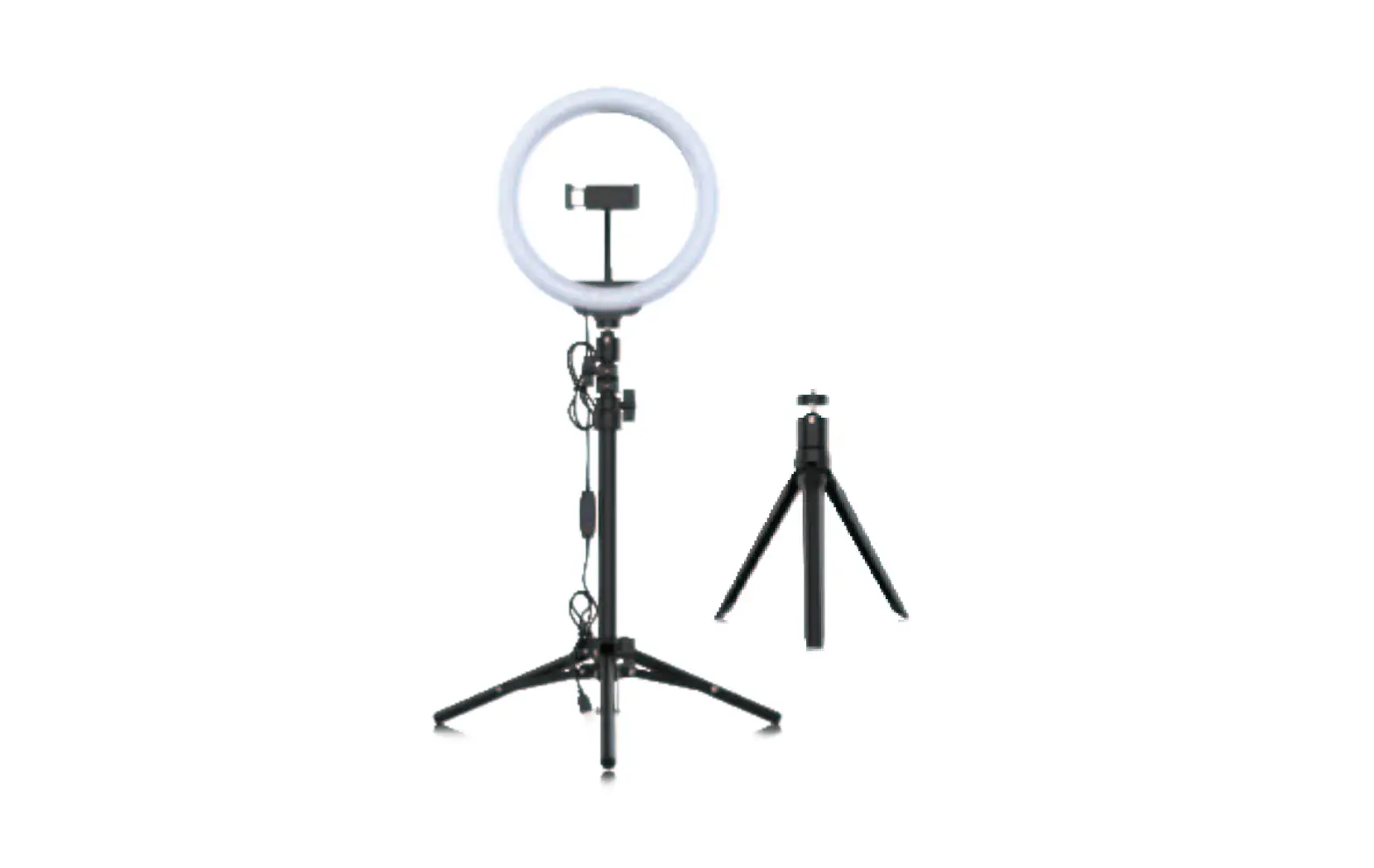
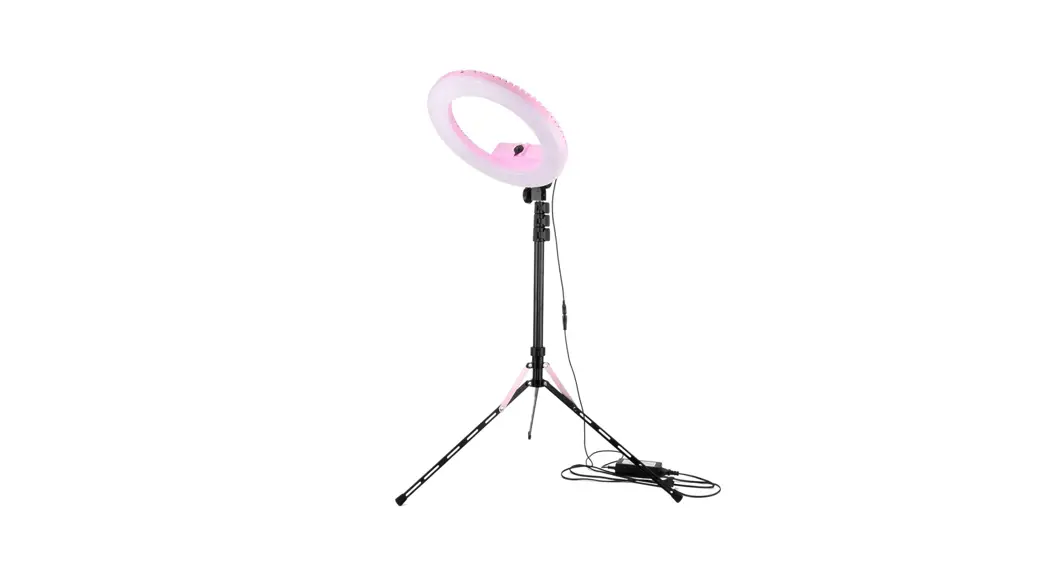
- Loosen the locking knob of the tripod stand.
- Pull the tripod stand apart and tighten the locking knob to lock it.
- Extend the tripod stand up to the desired height, and tighten the locking knob at the connection of the stand to lock it.
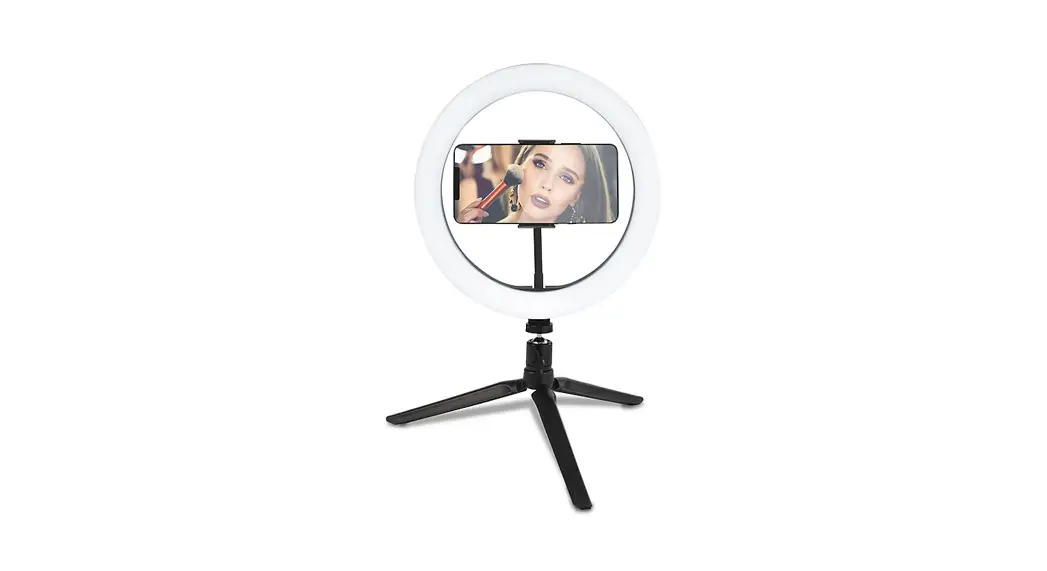
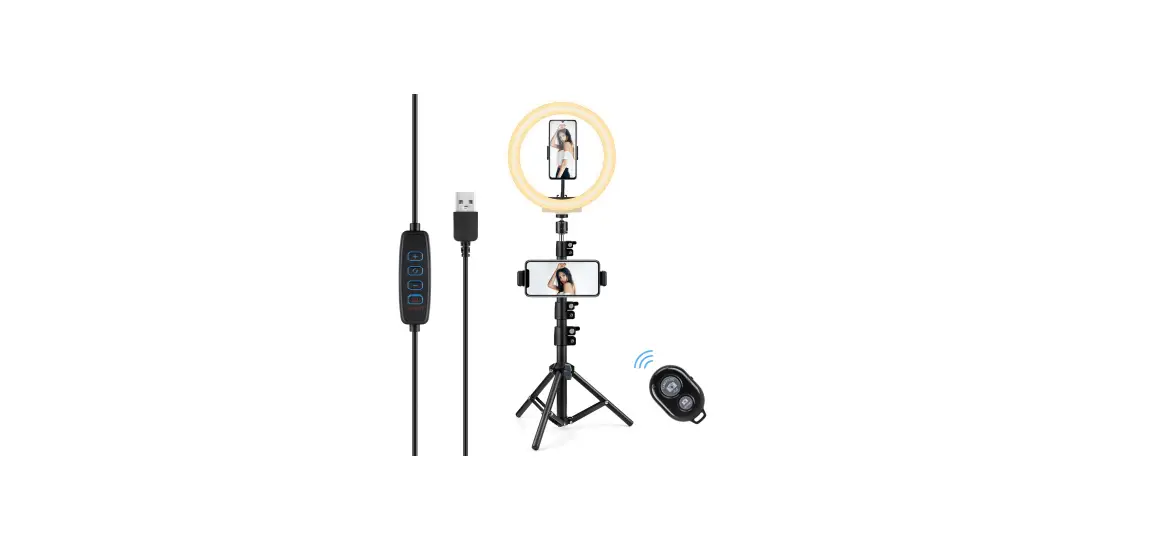
- Attach the mini ball head on the top of the tripod stand, and rotate the locking knob clockwise to tighten it.
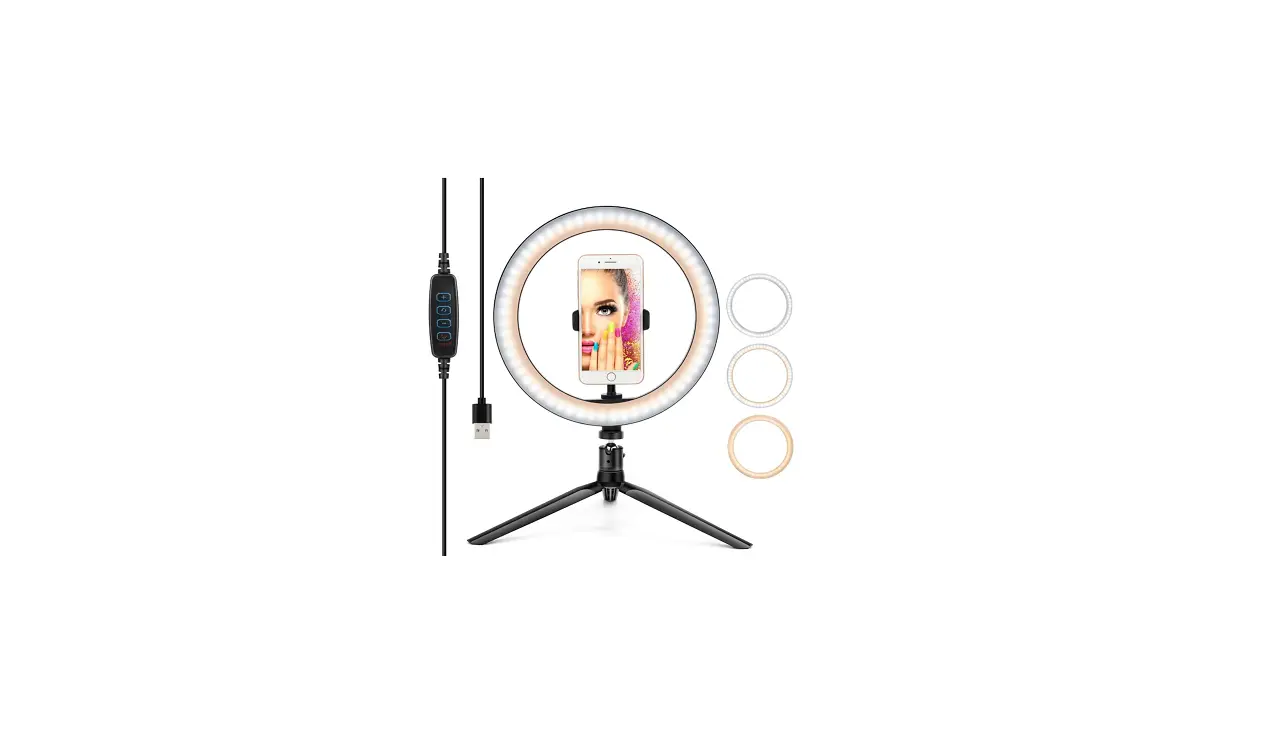
- Install the ring light on the mini ball head and tighten the ball-head locking screw.
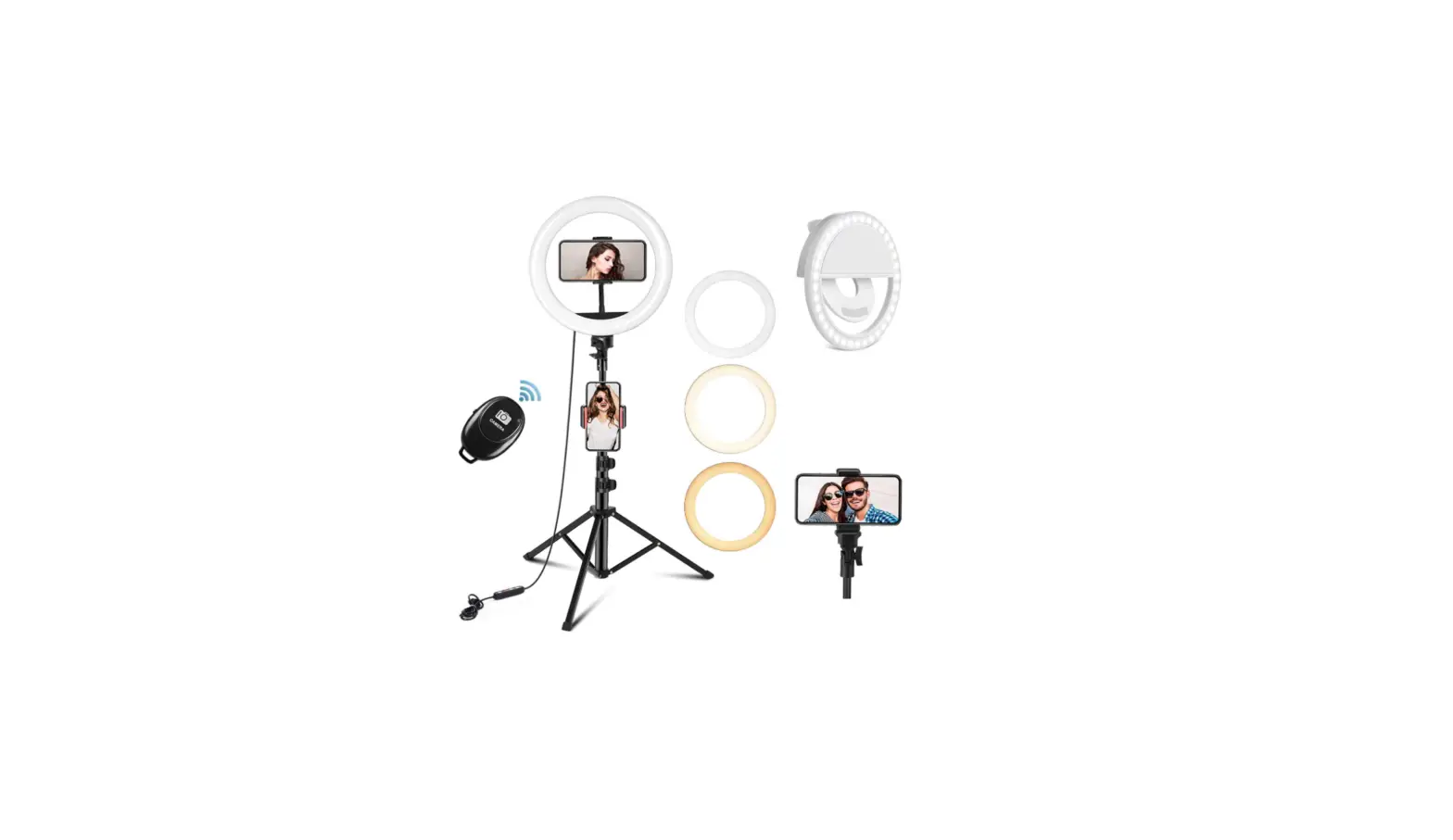
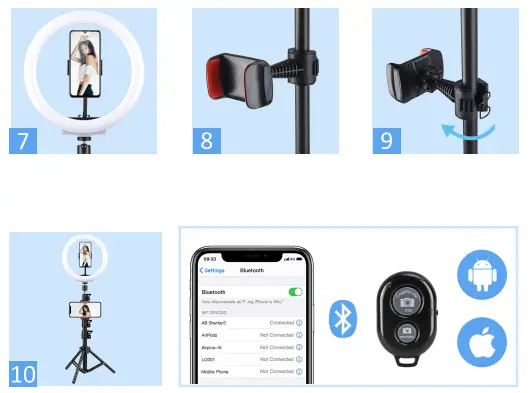
- Install the gooseneck phone holder to the ball and rotate it clockwise until tightened.
- Pull the cell phone clip to the max, and then insert your cell phone.
- Loosen the ring screw of the phone holder.
- Attach the pole mount phone holder at the desired height and tighten the ring screw.
- Clamp the cell phone on the phone clip and complete.
USE OF BLUETOOTH REMOTE CONTROL
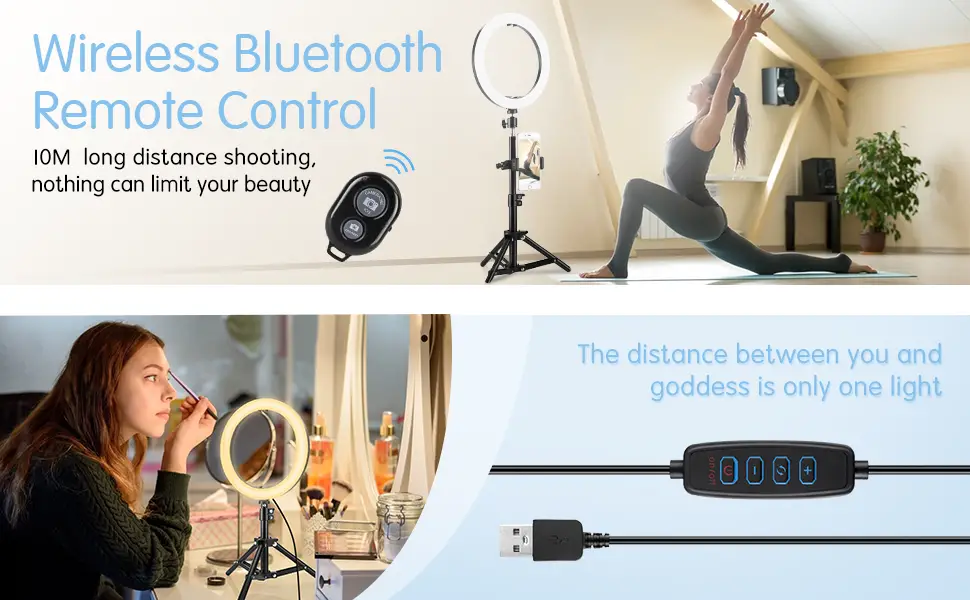
- Turn on the remote shutter.
- Enable the Bluetooth function of your mobile phone and pair it with the remote shutter.
- Ready to take pictures or record videos.
Tips: Compatible with iOS and android system