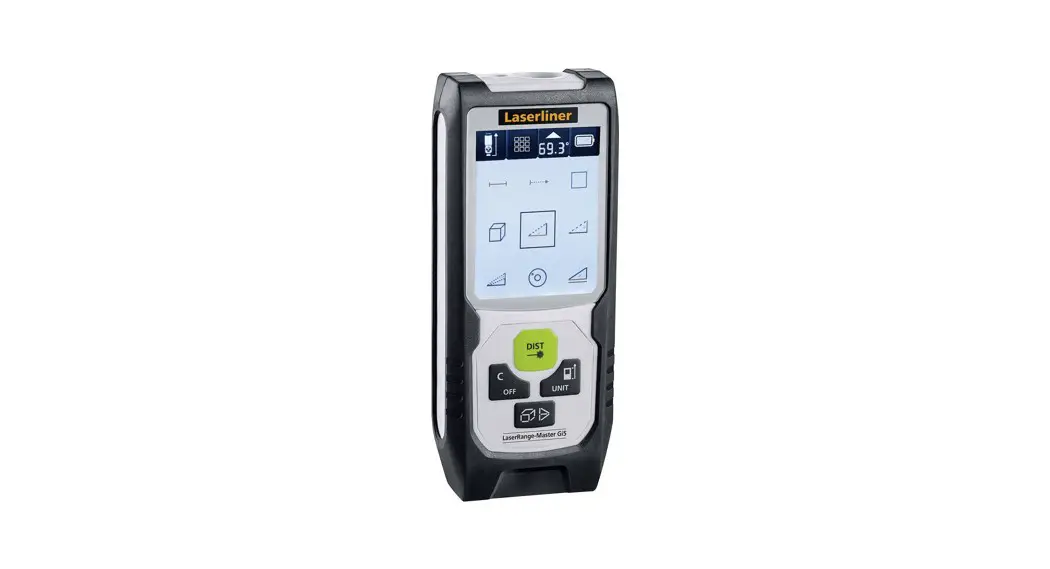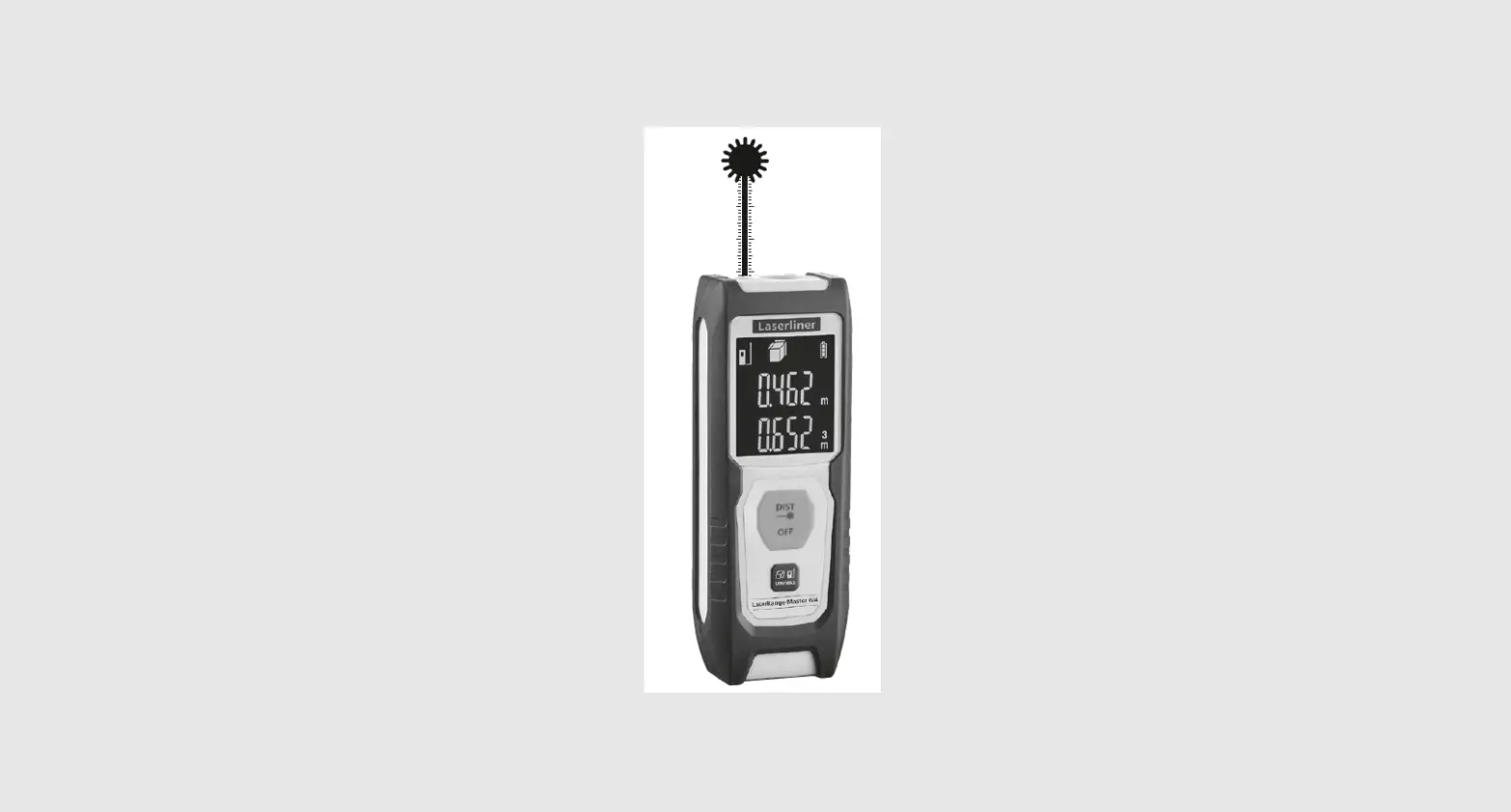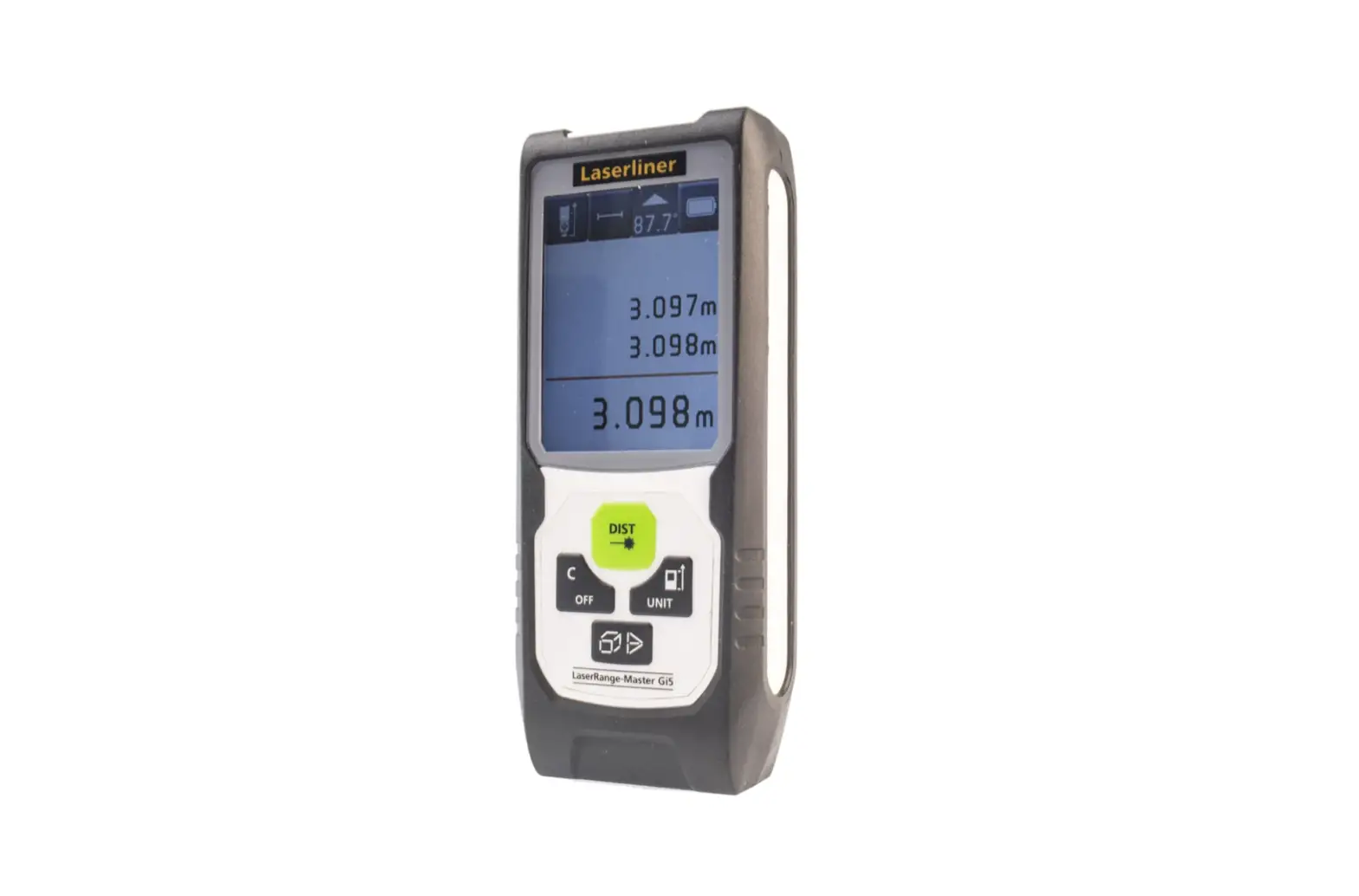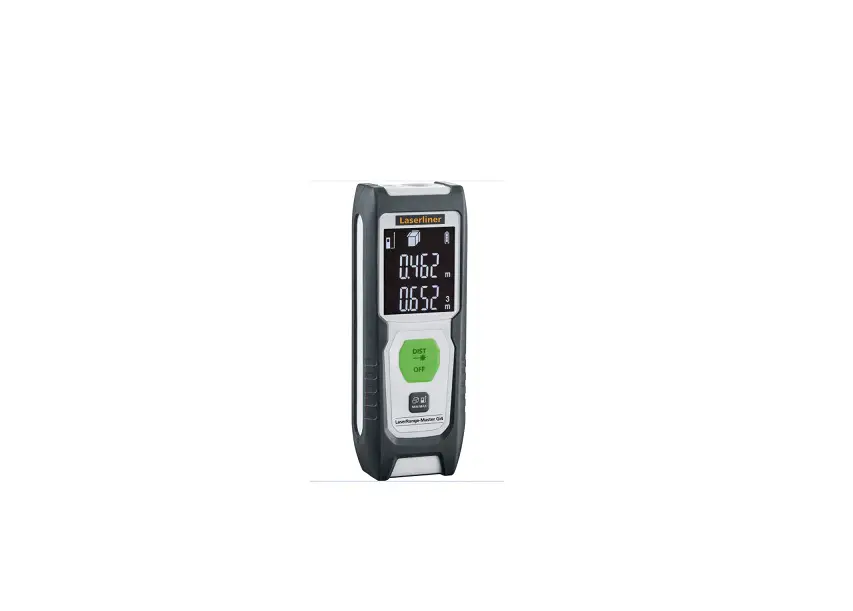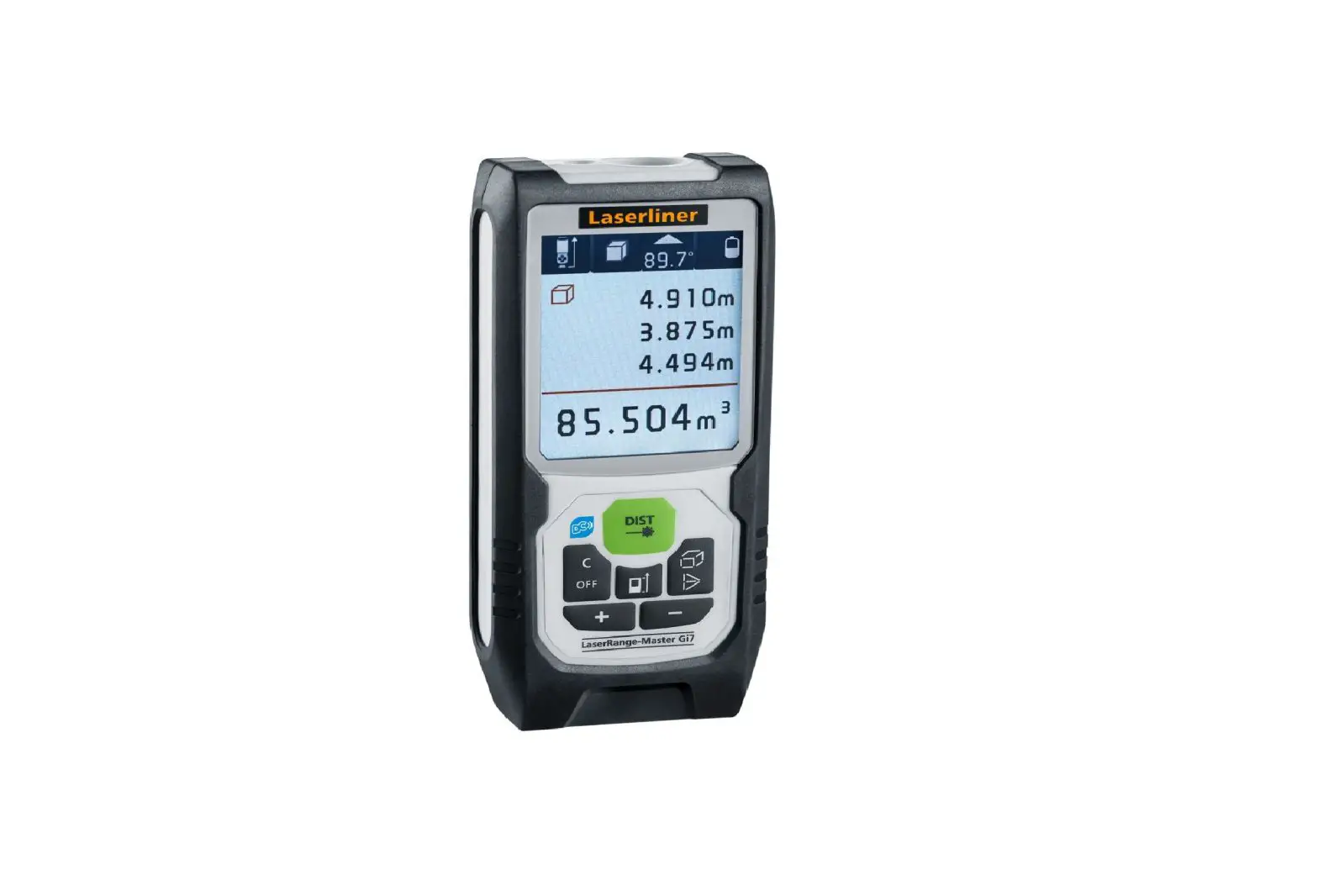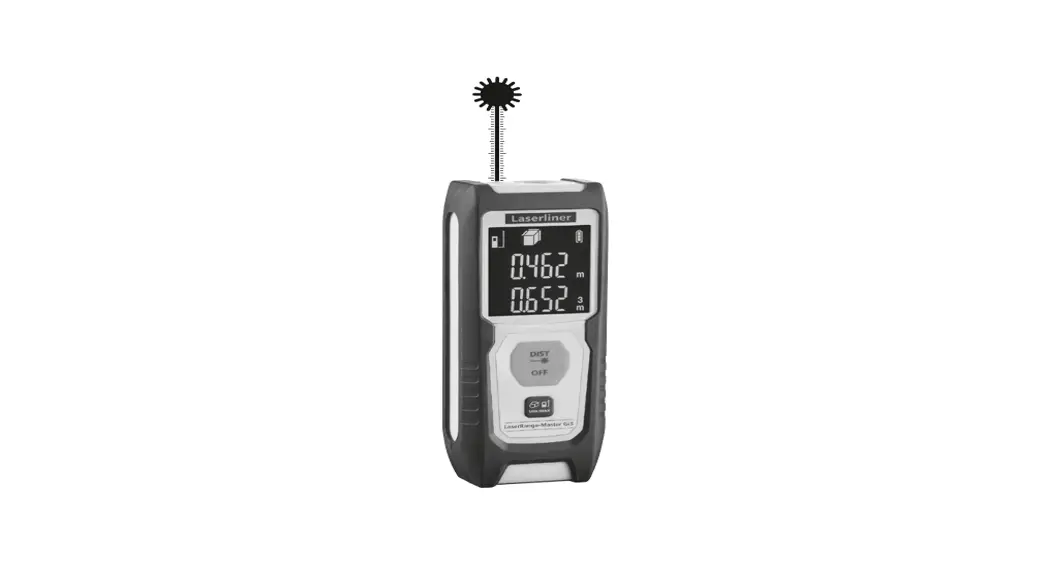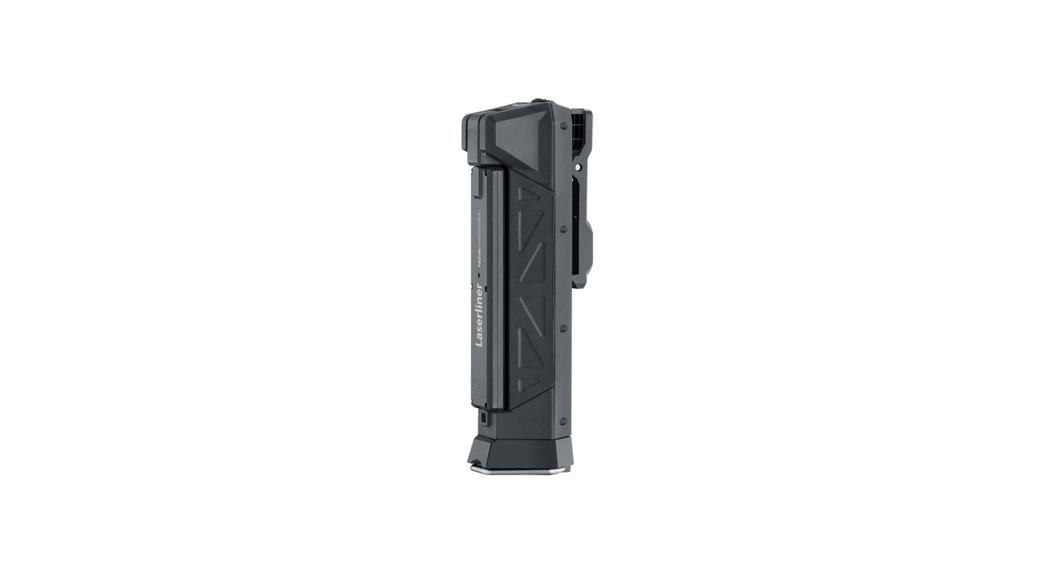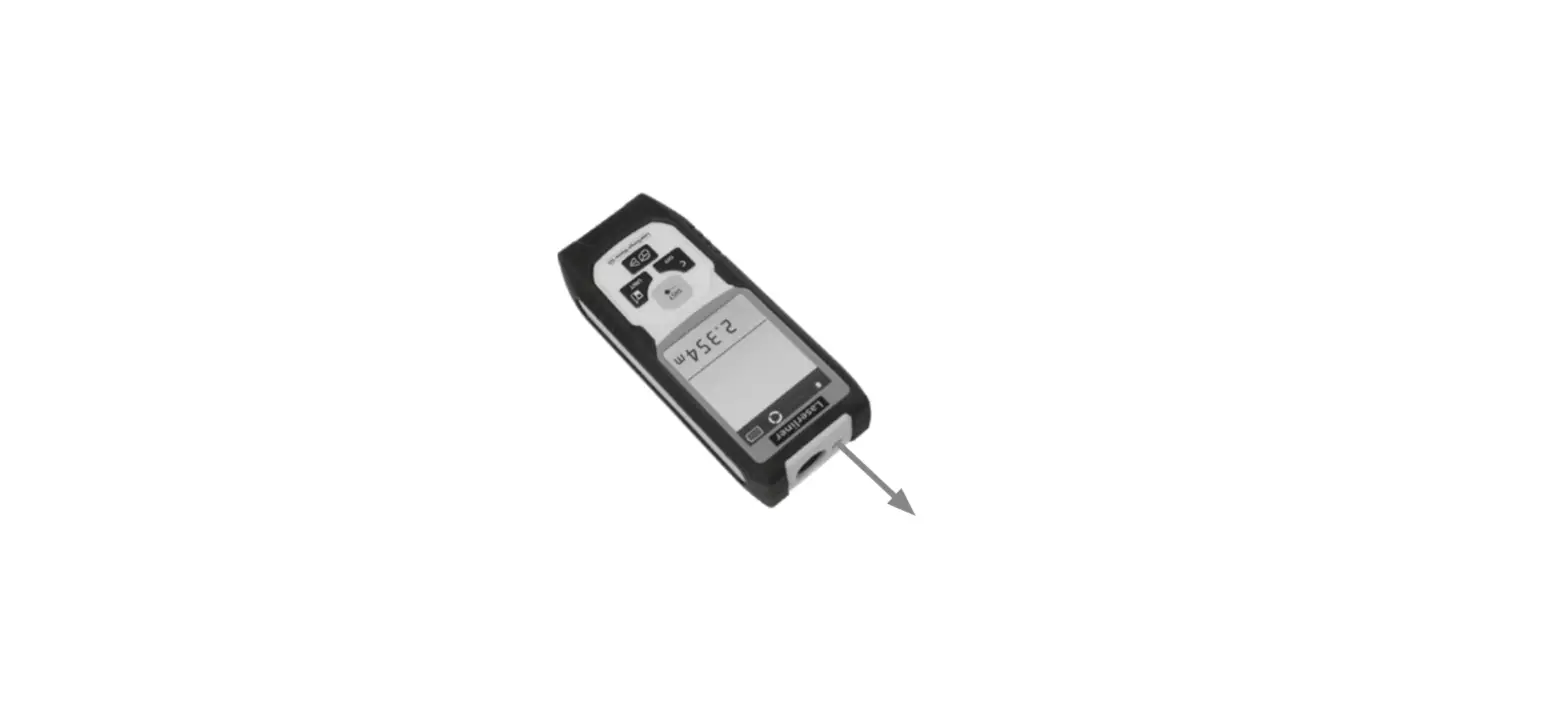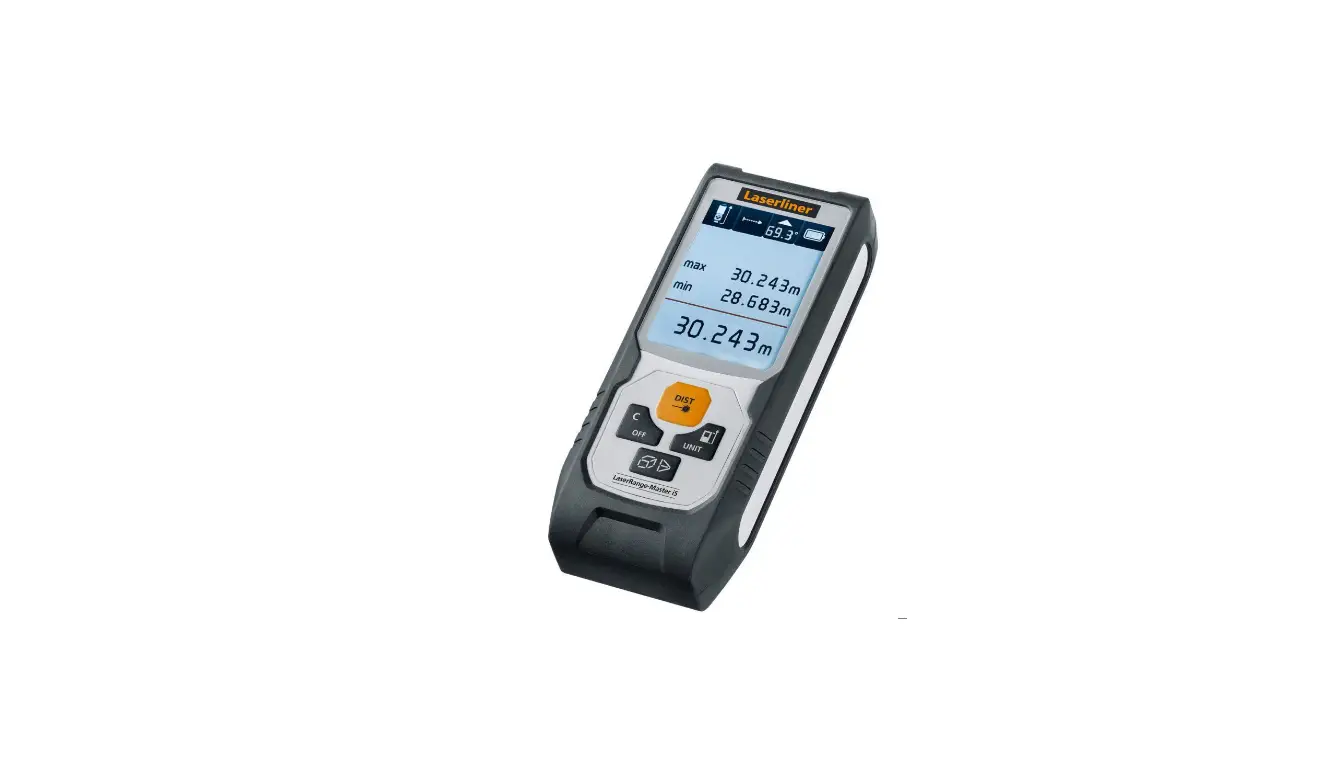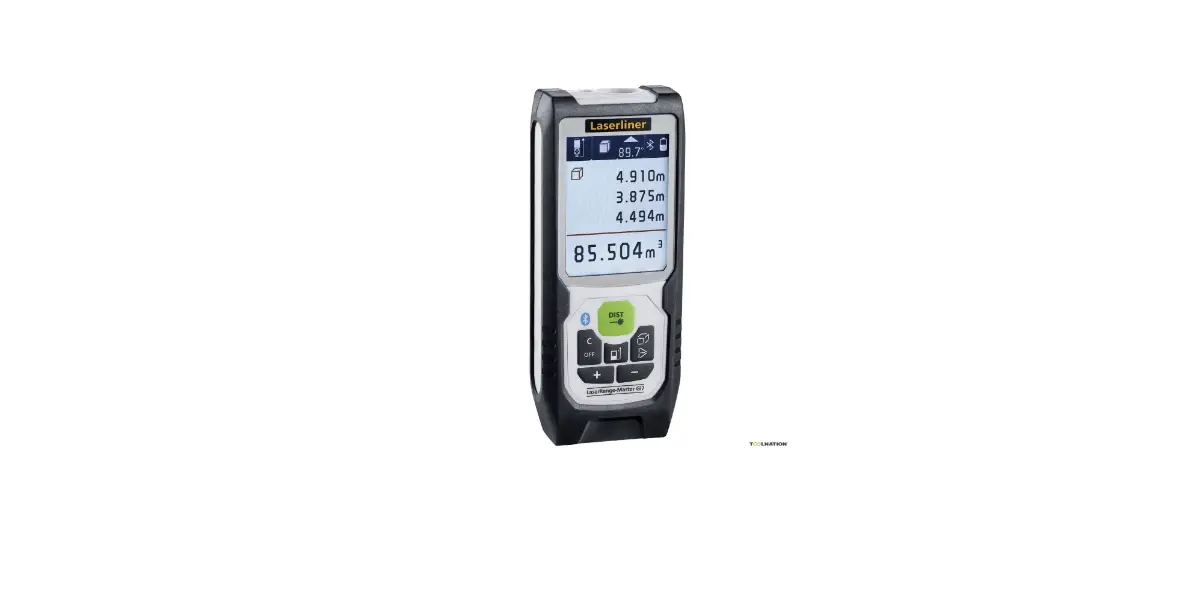
Laserliner F080.838A Laser Range Master Gi5
Instruction Manual
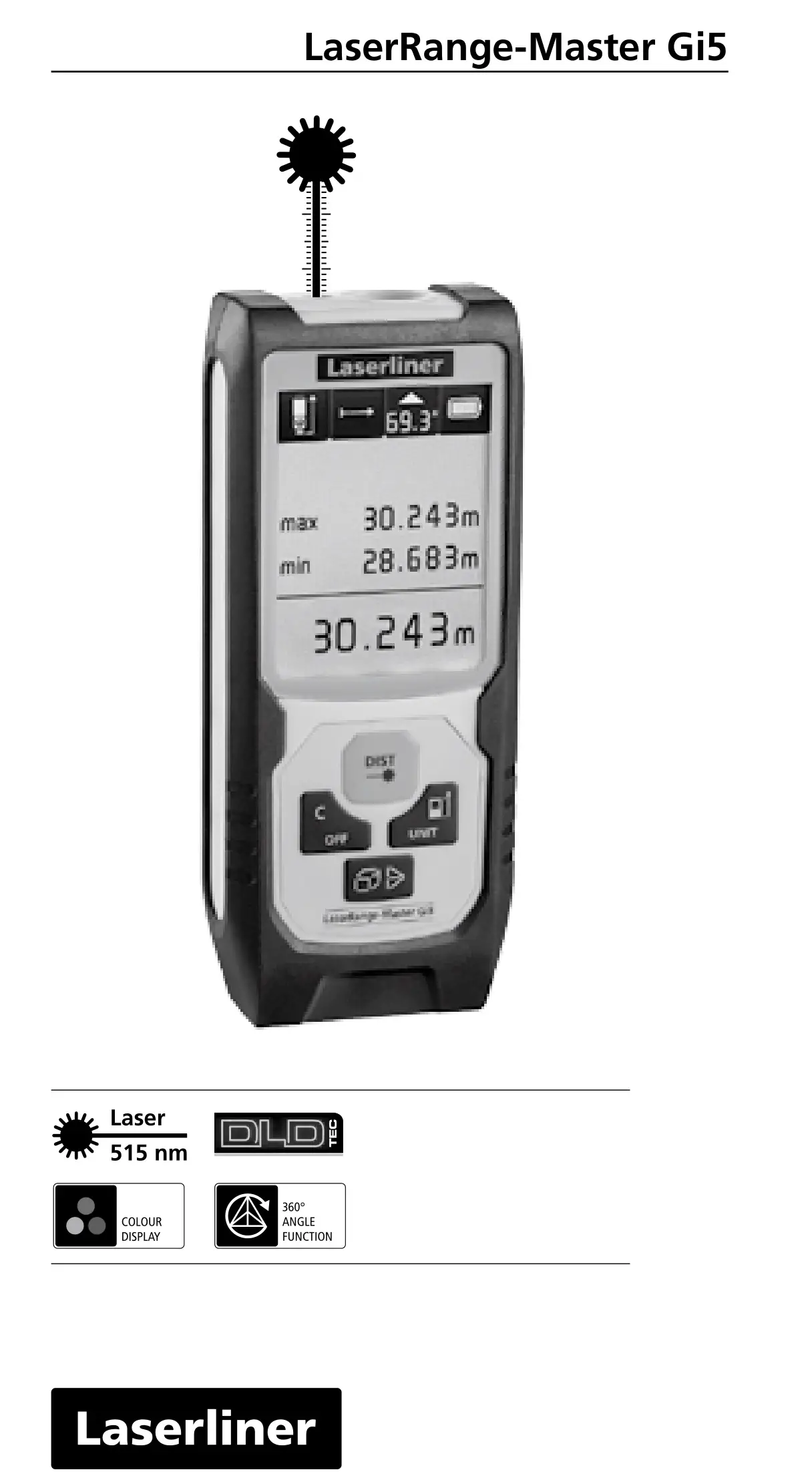
LaserRange-Master Gi5

 Completely read through the operating instructions, the “Warranty and Additional Information” booklet as well as the latest information under the internet link at the end of these instructions. Follow the instructions they contain. This document must be kept in a safe place and if the laser device is passed on, this document must be passed on with it.
Function / Application
Laser distance meter – with green DLD laser technology
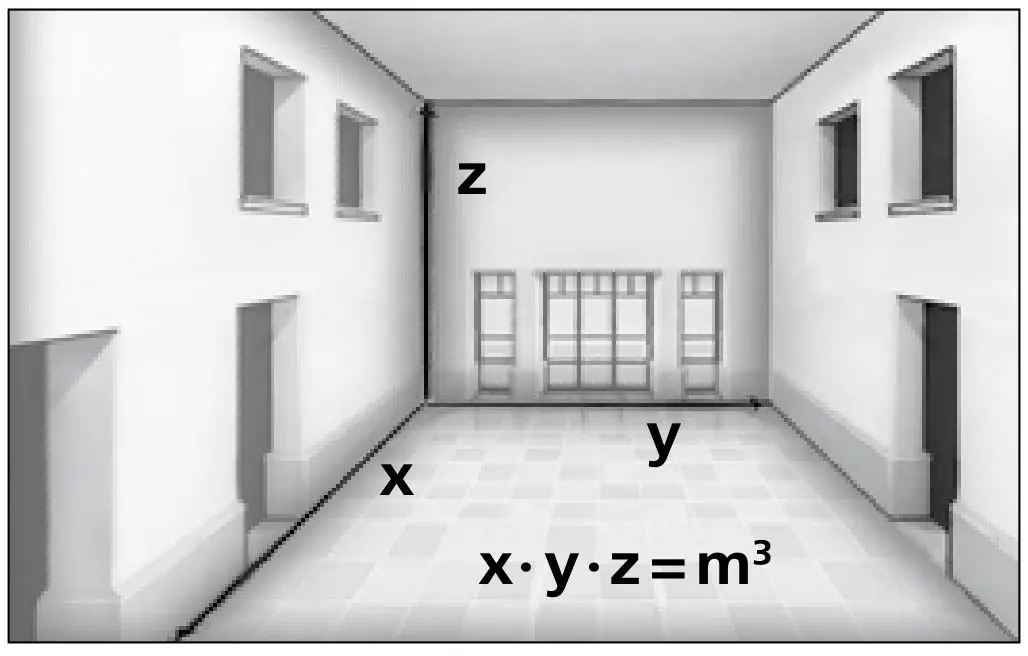
- Functions: distances, area, volume, continuous measurement, angle function 1 + 2 + 3, digital bubble level and tilt sensor calibration
- 360° inclination sensor for determining the horizontal and vertical distance
General safety instructions
- The device must only be used in accordance with its intended purpose and within the scope of the specifications.
- The following persons may use the device only when they are either supervised by a person who is responsible for their safety or have received instruction from this person on how to use the device:
– Persons with restricted physical, sensory or mental abilities
– Persons with no knowledge and/or experience in the use of the device
– Children (under the age of 14) - The device and its accessories are not toys.
- Modifications or changes to the device are not permitted, this will otherwise invalidate the approval and safety specifications.
- Do not expose the device to mechanical stress, extreme temperatures, moisture or significant vibration.
- The device must no longer be used if one or more of its functions fail or the battery charge is weak.
- Please ensure compliance with the safety regulations set out by local and national authorities with regard to the correct and proper use of the device.
Safety instructions
Using class 2 lasers
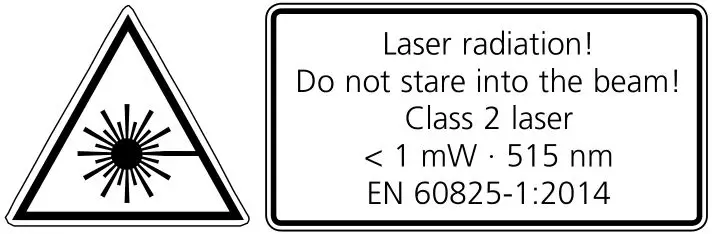
- Attention: Do not look into the direct or reflected beam.
- Do not point the laser beam towards persons.
- If a person‘s eyes are exposed to class 2 laser radiation, they should shut their eyes and immediately move away from the beam.
- Tampering with (making changes to) the laser device is not permitted.
- Under no circumstances should optical instruments (magnifying glass, microscope, binoculars)
Safety instructions
Dealing with electromagnetic radiation
- The measuring device complies with electromagnetic compatibility regulations and limit values in accordance with EMC-Directive 2014/30/EU.
- Local operating restrictions – for example, in hospitals, aircraft, petrol stations or in the vicinity of people with pacemakers – may apply. Electronic devices can potentially cause hazards or interference or be subject to hazards or interference.
- The measuring accuracy may be affected when working close to high voltages or high electromagnetic alternating fields.
Green laser technology
 Laser modules in DLD design stand for high line quality as well as a clean and clear and therefore easily visible line image. Unlike previous generations they are more temperature-stable and energy efficient.
Furthermore, the human eye has a higher sensitivity to the wave range of the green laser than the red laser, for example. This makes the green laser diode appear much brighter than the red one.
Green lasers, especially in the DLD design, thus offer advantages with regards to how visible the laser line is under unfavorable conditions.
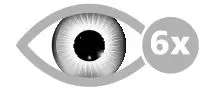 6 times brighter than a typical 630 – 660 nm laser
- Inserting batteries
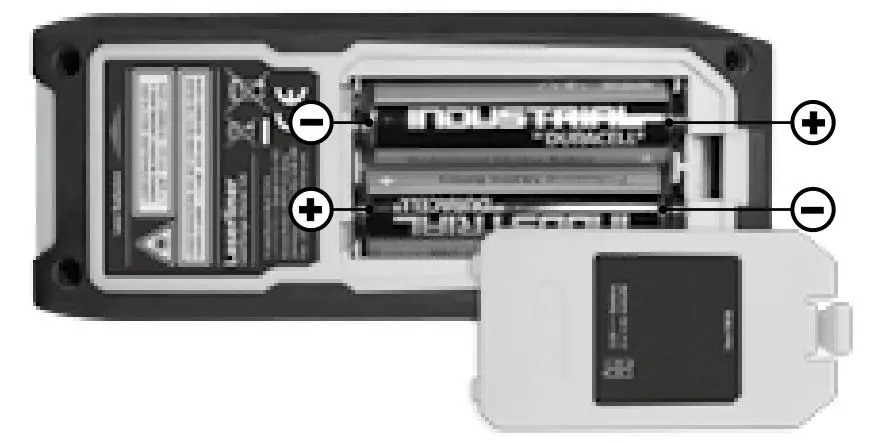
Open the battery compartment and insert batteries (2 x type AA) according to the symbols. Be sure to pay attention to polarity.
DISPLAY:
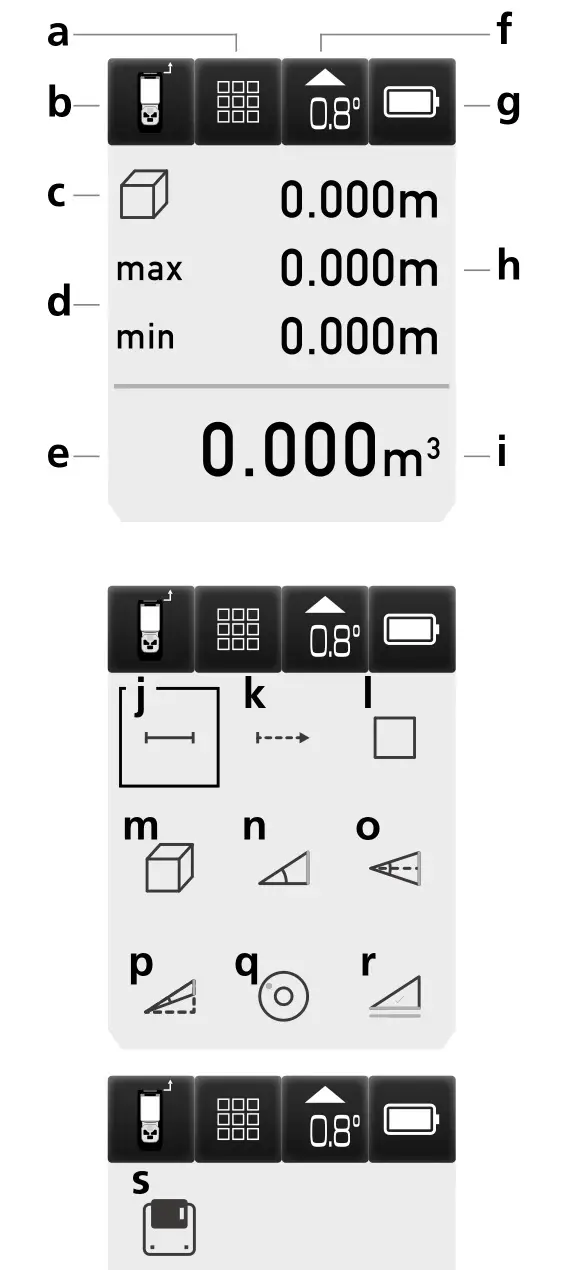
a Function display
b Measurement point (reference) rear / front
c Display min./max. continuous measurement / area / volume / angle function 1 + 2 + 3
d Min/max continuous measurement
e Measurement values / measurement results / malfunction / service required
f Slope angle device
g Battery symbol
h Intermediate values / min/max values
i Unit m / inch / ft
j Length measurement
k Min/max continuous measurement
l Area measurement
m Volume measurement
n Angle function 1
o Angle function 2
p Angle function 3
q Digital bubble level
r Tilt sensor calibration
s Memory
KEYPAD:
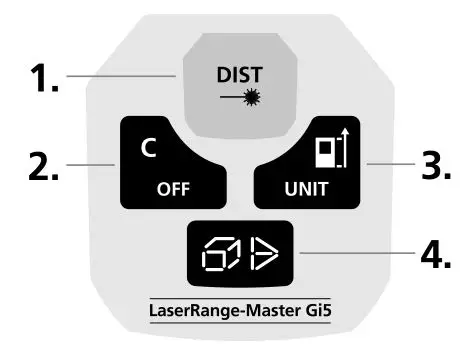
- ON / measure
- Delete last measurement values / OFF
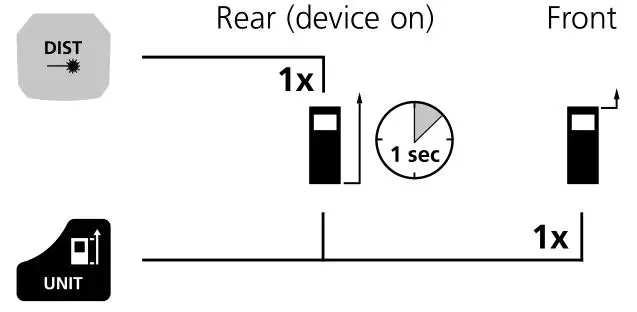
- Measurement point (reference) rear / front / unit m / inch / ft
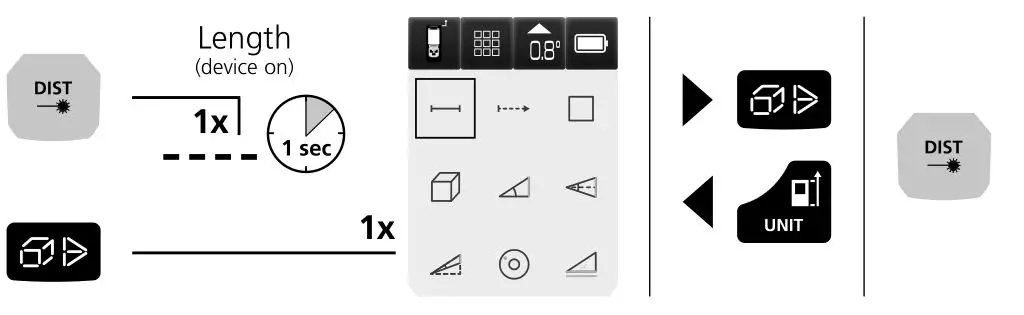
- Length / min/max continuous measurement / area / volume / angle function 1 + 2 + 3 / digital bubble level / tilt sensor calibration / memory
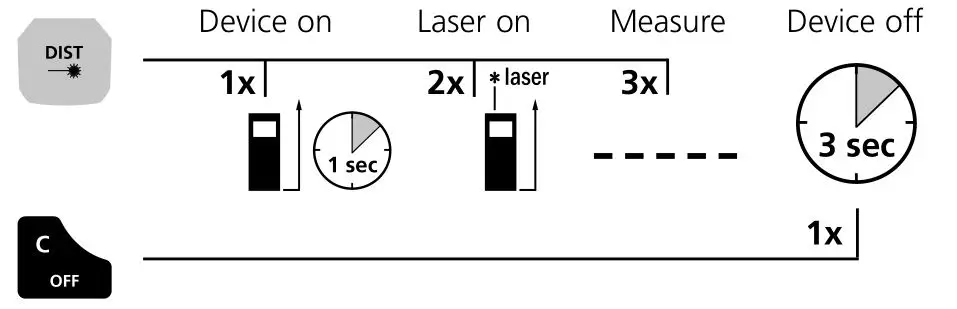
Switch on, measure and switch off:
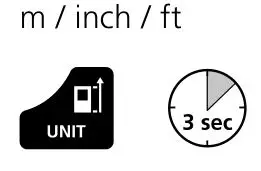
Change unit of measure:
Delete the last measured value:
Change measurement point (reference):
To select functions:
Length / min/max continuous measurement / area / volume / angle function 1 + 2 + 3 / digital bubble level / tilt sensor calibration / memory
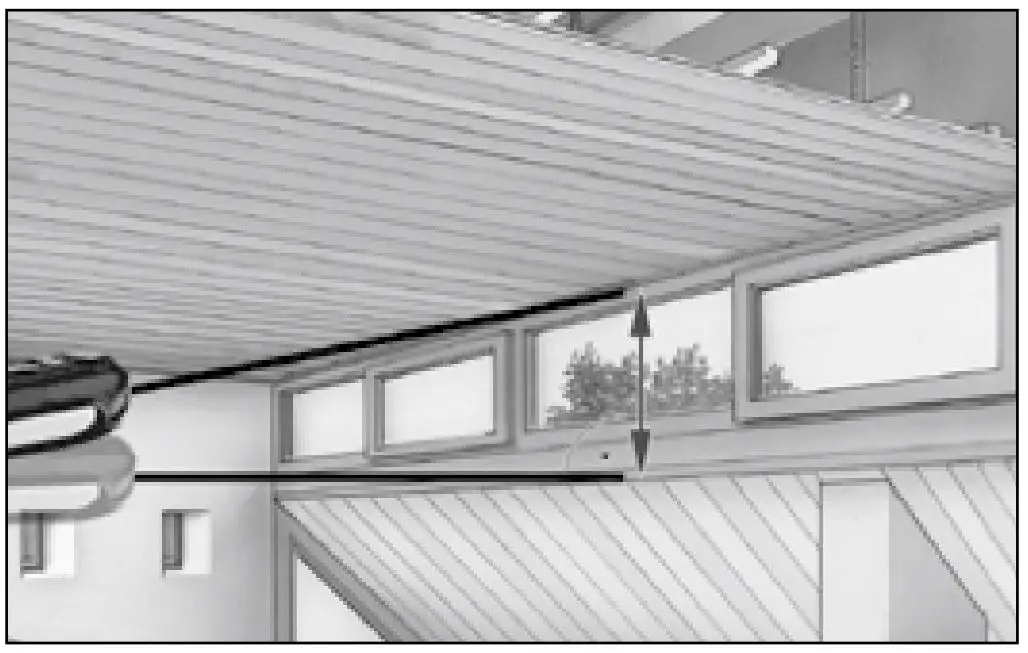
Length measurement:
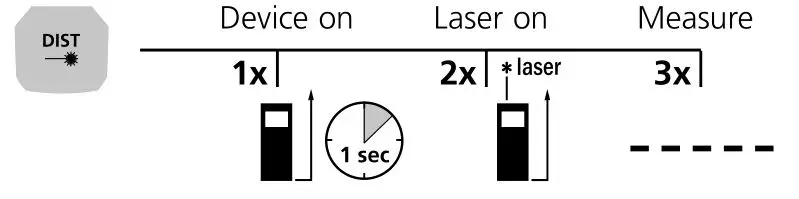
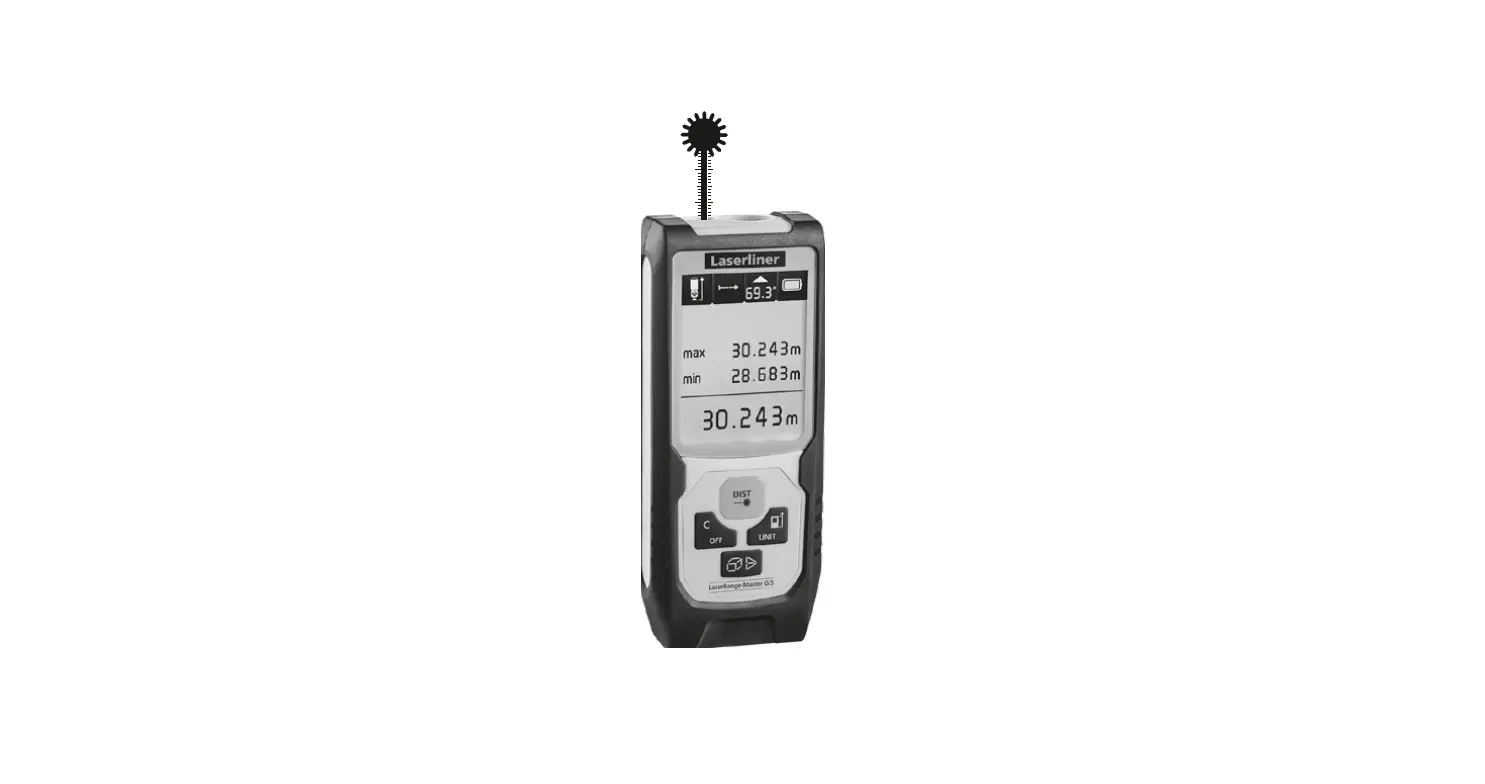
Min/max continuous measurement:
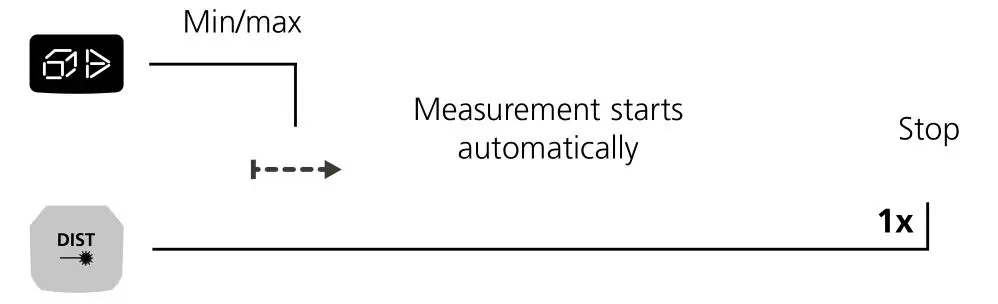
The LC display shows the max value, the min value and the current value.
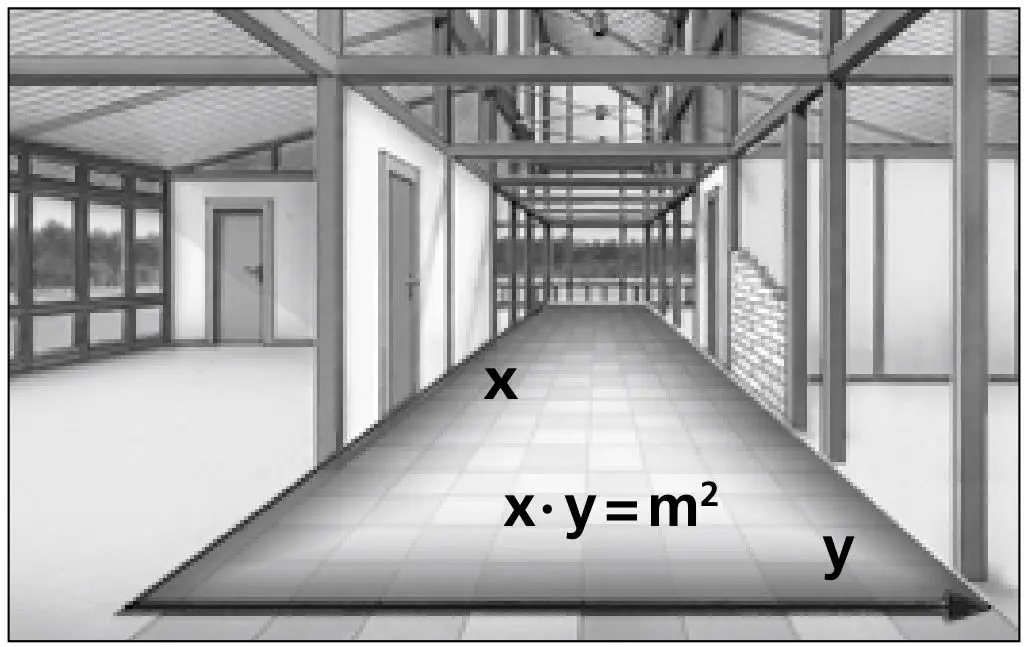
Area measurement:
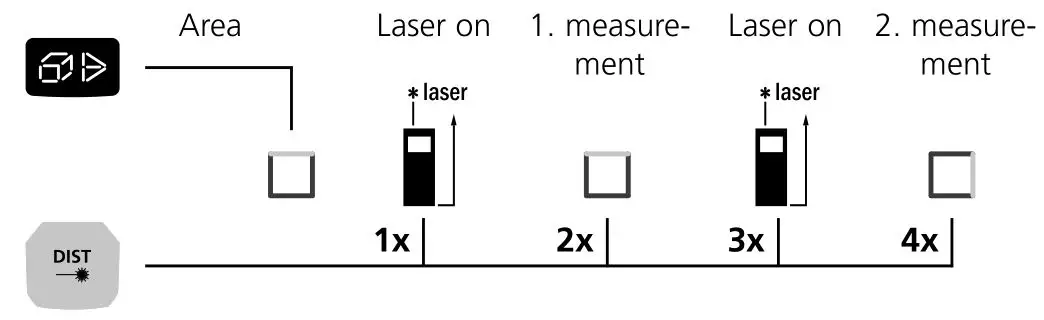
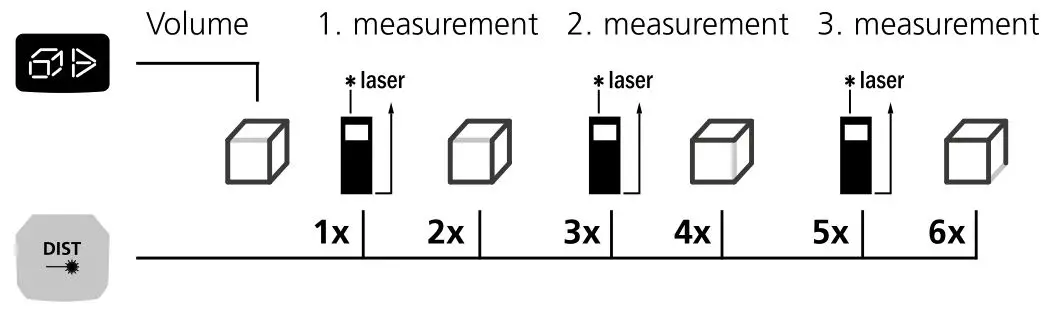
Volume measurement:
Angle function 1:
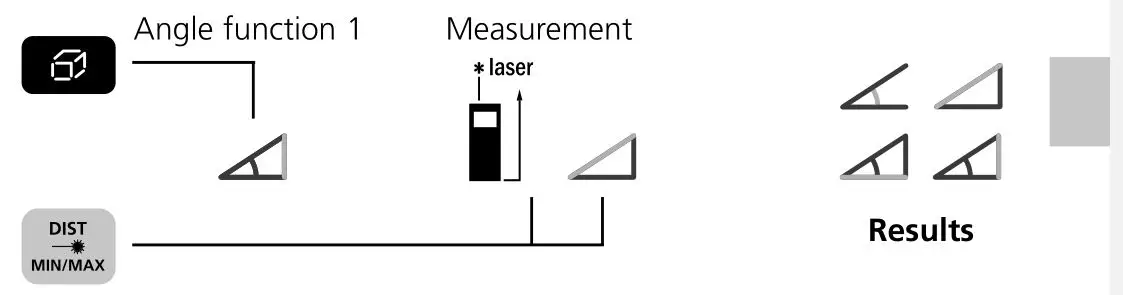
The measurement results are determined automatically by the 360° inclination sensor.
 The back of the device can be used as a reference surface for measuring angles.
Angle function 2:
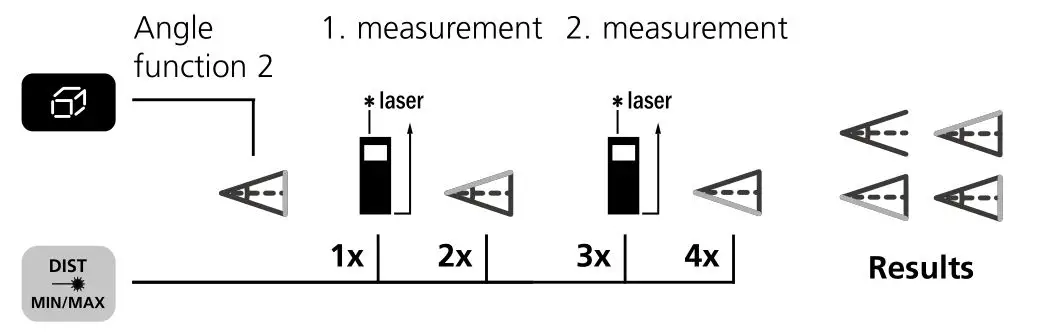
The measurement results are determined automatically by the 360° inclination sensor.
The back of the device can be used as a reference surface ! for measuring angles.
Angle function 3:
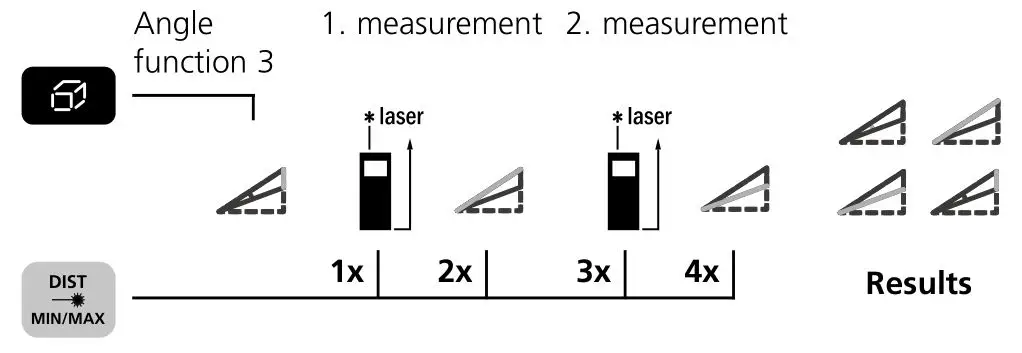
The measurement results are determined automatically by the 360° inclination sensor.
The back of the device can be used as a reference surface for measuring angles.
Digital bubble level:
The digital bubble level is used to horizontally align the measuring device.

Tilt sensor calibration:
To calibrate the tilt sensor follow the instructions on the display.

Memory function:
The device has 50 storage locations.

Important notices
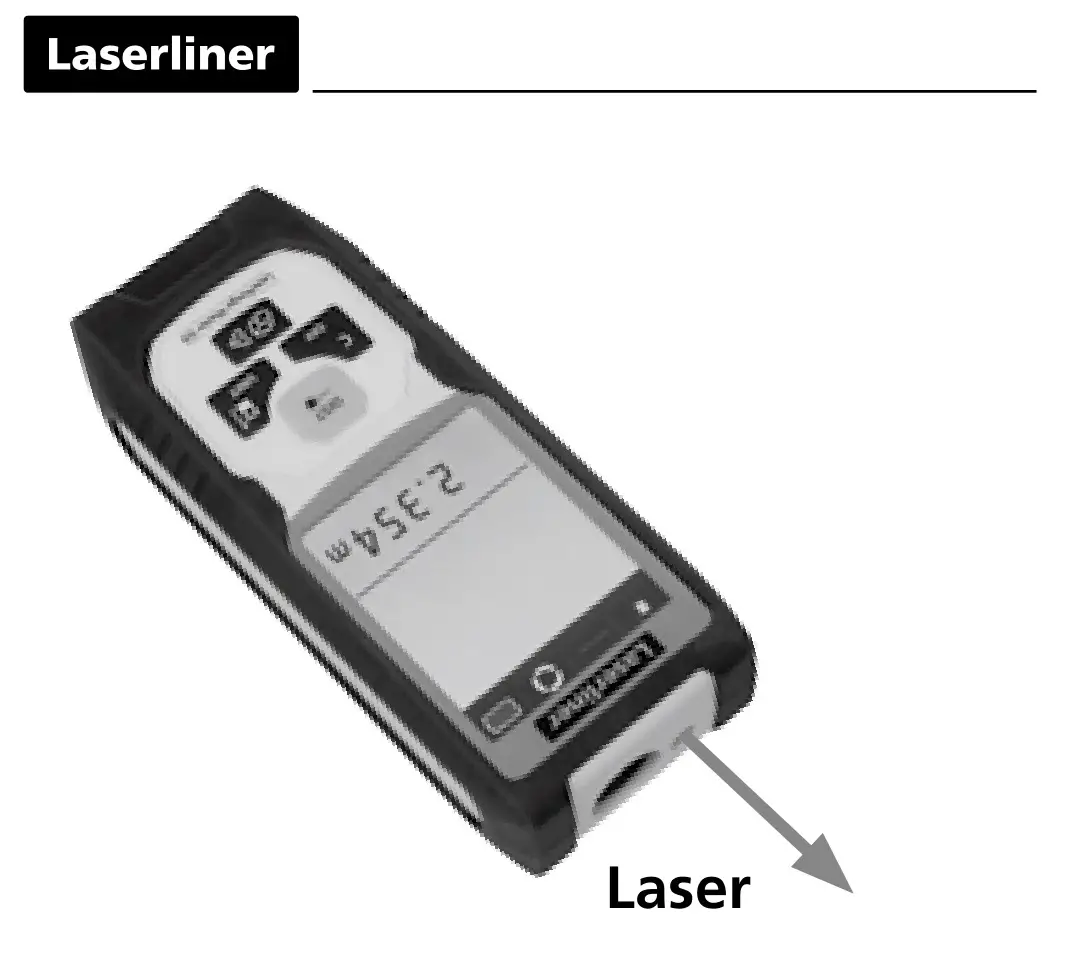
- The laser points to the location that will be measured.
No objects may get into the laser‘s line of measurement. - The device compensates the measurement for different room temperatures. Therefore allow the device a brief adaptation period when changing locations with large temperature differences.
- The device is only conditionally useable in outdoor areas and cannot be used in strong sunlight.
- The measurement results of outdoor measurements may be influenced or falsified by rain, fog and snow.
- In unfavorable conditions, e.g. with poorly reflecting surfaces, the maximum deviation may be greater than 3 mm.
- Carpeting, upholstery or curtains will not reflect the laser optimally.
Measure to flat surfaces. - Measurements made through glass (window panes) can falsify measurement results.
- An energy-saving function switches the device off automatically.
- Clean with a soft cloth. Water may not be allowed to penetrate the housing.
Error codes:
Err10: Replace the battery
Err11: Data transfer error
Err14: Calculation error
Err15: Outside the measuring range
Err16: Received signal too weak
Err18: Tilt sensor calibration error
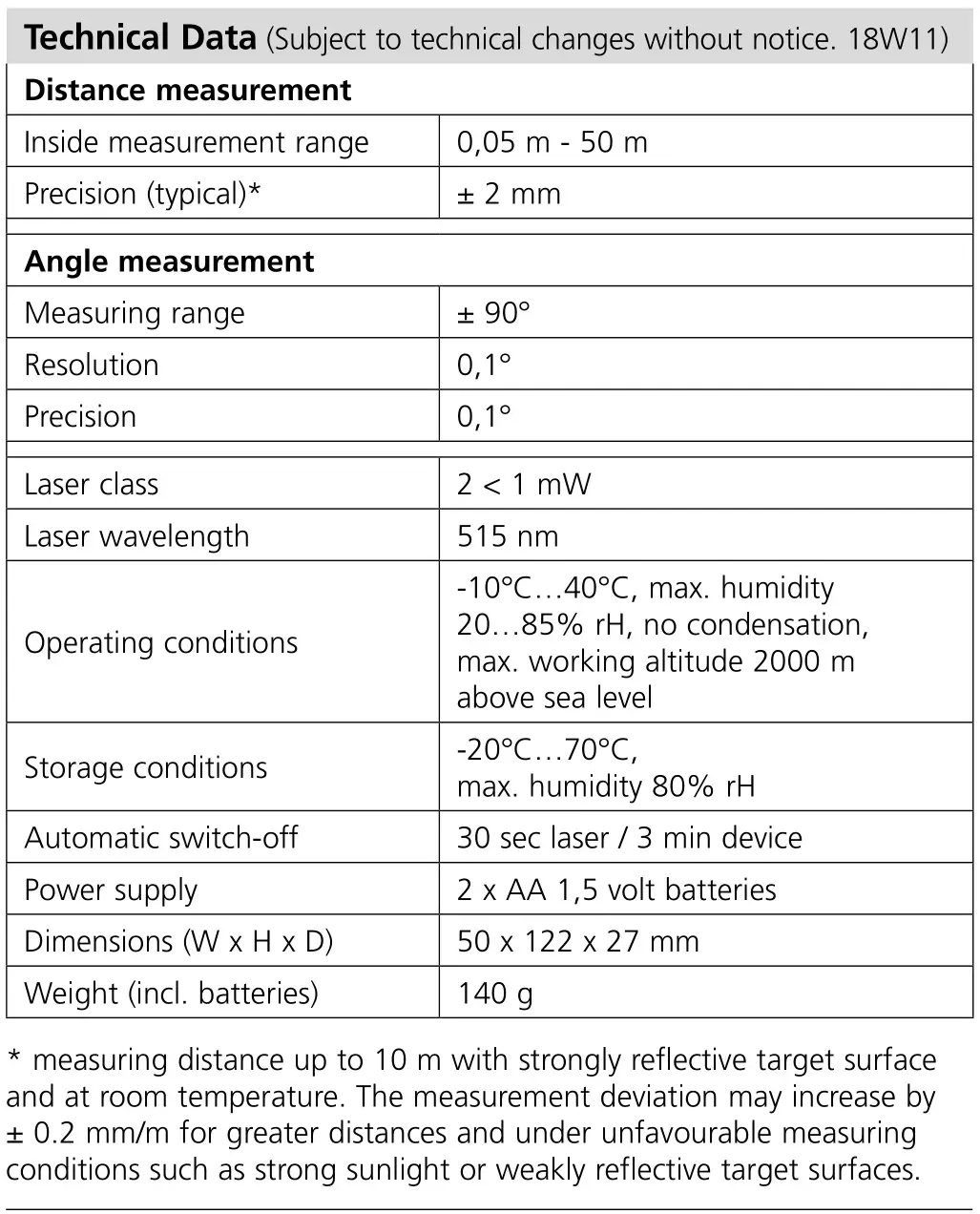
* measuring distance up to 10 m with strongly reflective target surface and at room temperature. The measurement deviation may increase by ± 0.2 mm/m for greater distances and under unfavorable measuring conditions such as strong sunlight or weakly reflective target surfaces.
EU directives and disposal



This device complies with all necessary standards for the free movement of goods within the EU.
This product is an electric device and must be collected separately for disposal according to the European Directive on waste electrical and electronic equipment.
Further safety and supplementary notices at: http://laserliner.com/info?an=lrmgi5
SERVICE 
Umarex GmbH & Co KG
– Laserliner –
Möhnestraße 149, 59755 Arnsberg, Germany
Tel.: +49 2932 638-300, Fax: +49 2932 638-333
[email protected]
Umarex GmbH & Co KG
Donnerfeld 2
59757 Arnsberg, Germany
Tel.: +49 2932 638-300, Fax: -333
www.laserliner.com


 Info - Laserliner
 Buy A Domain
 Home
Home