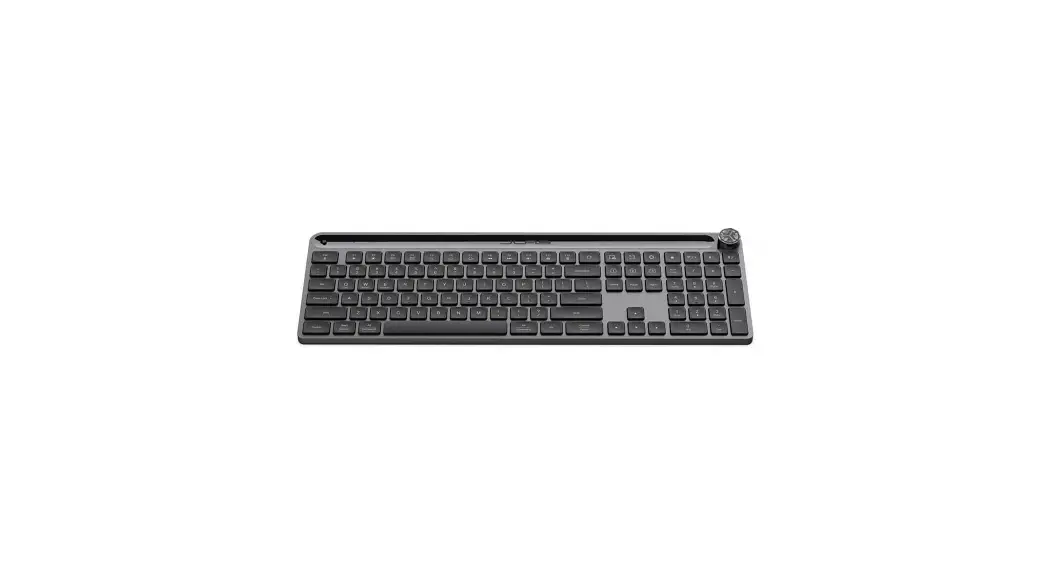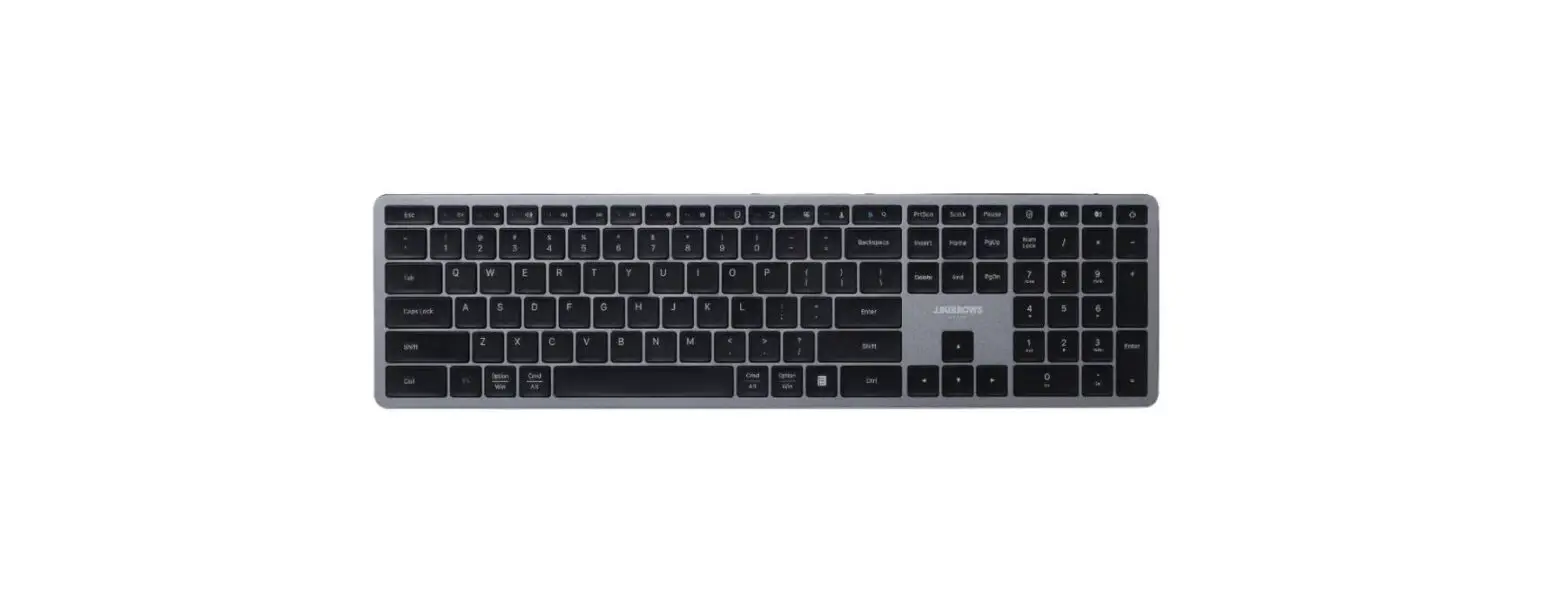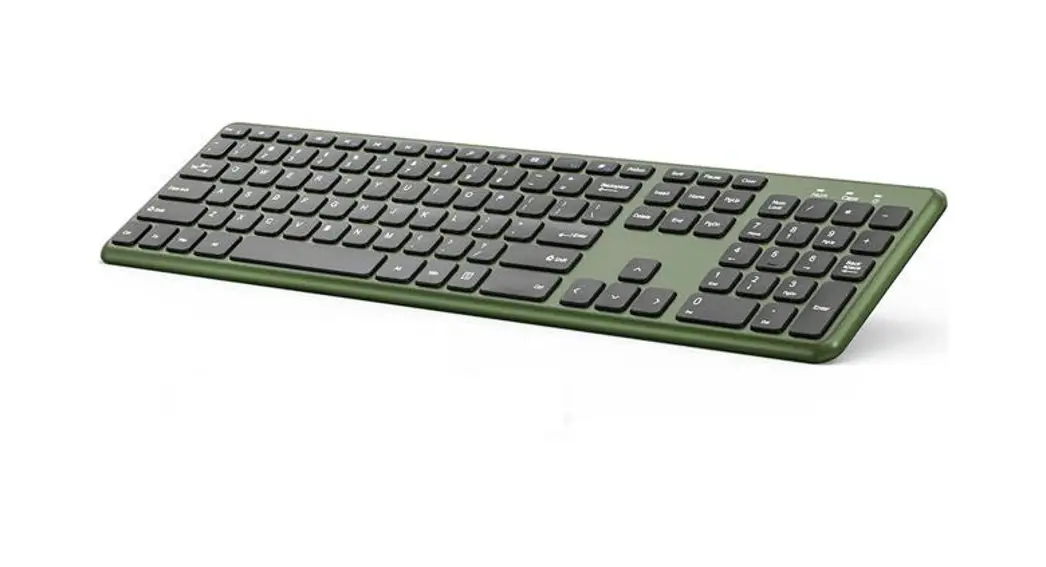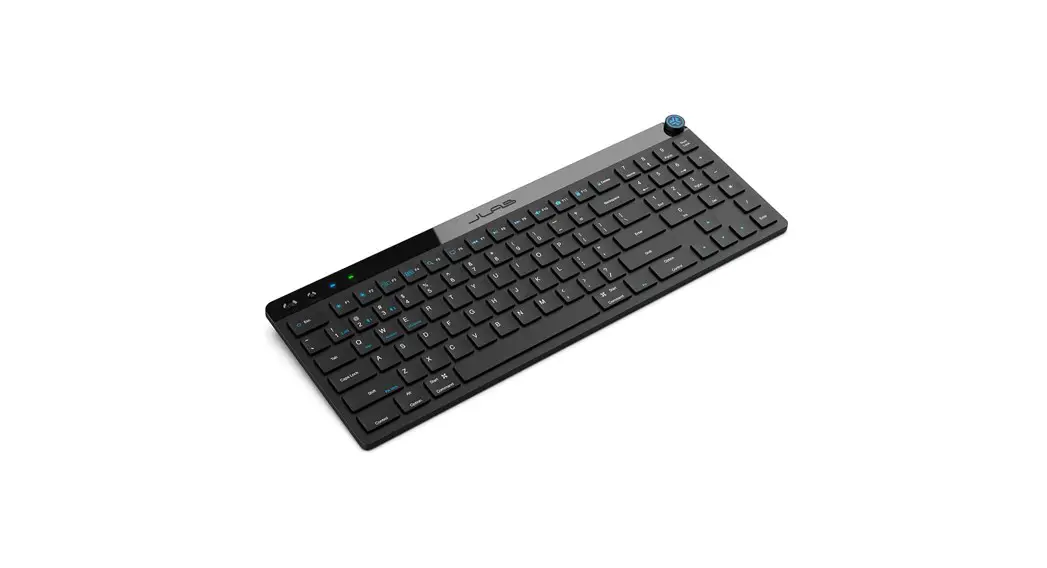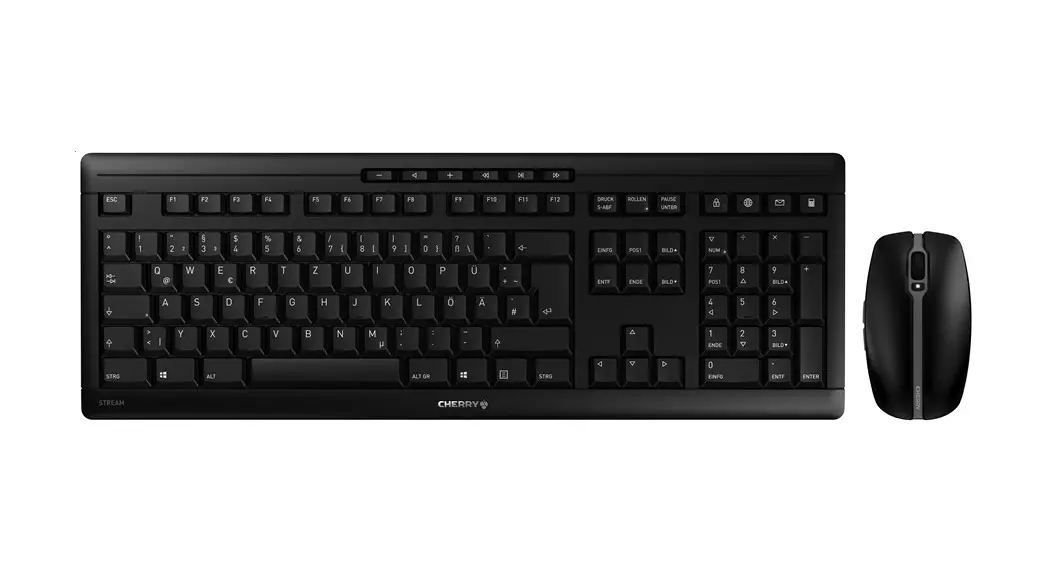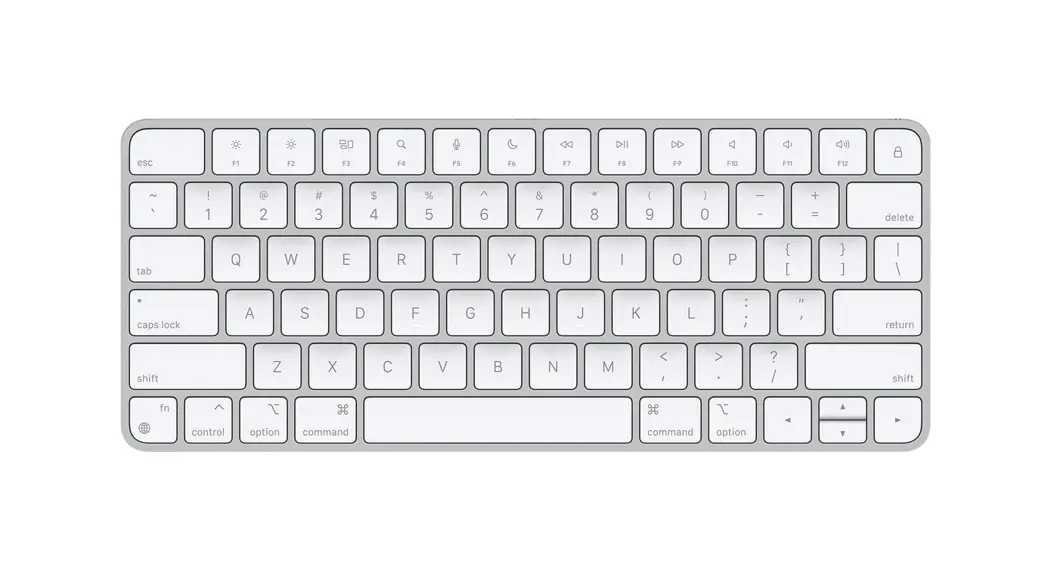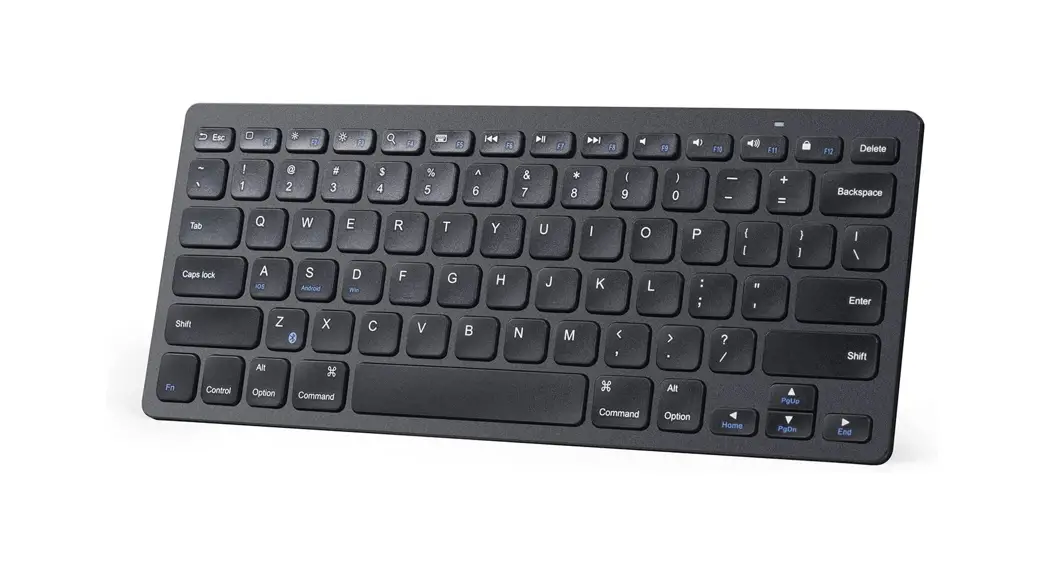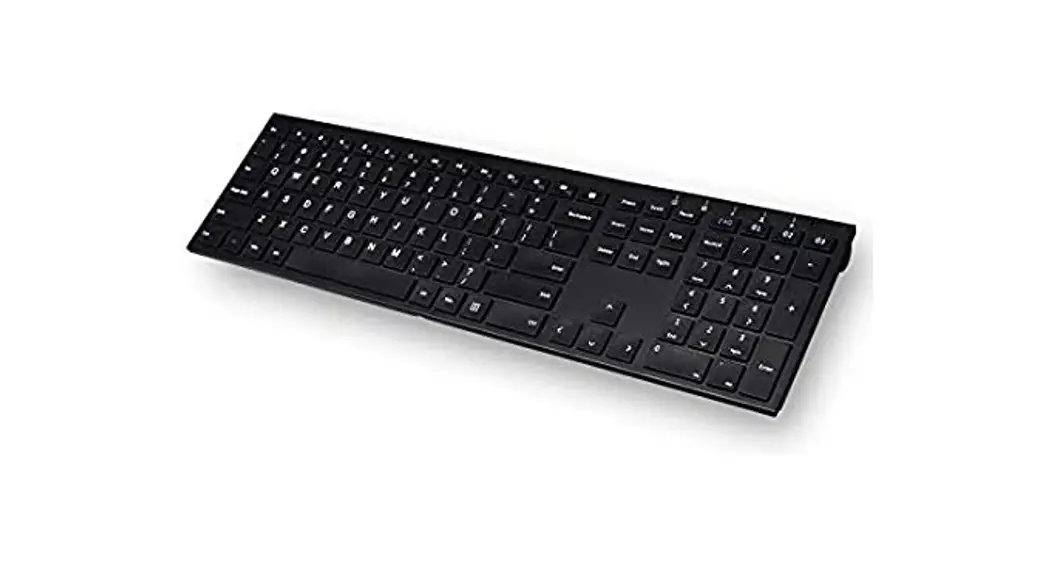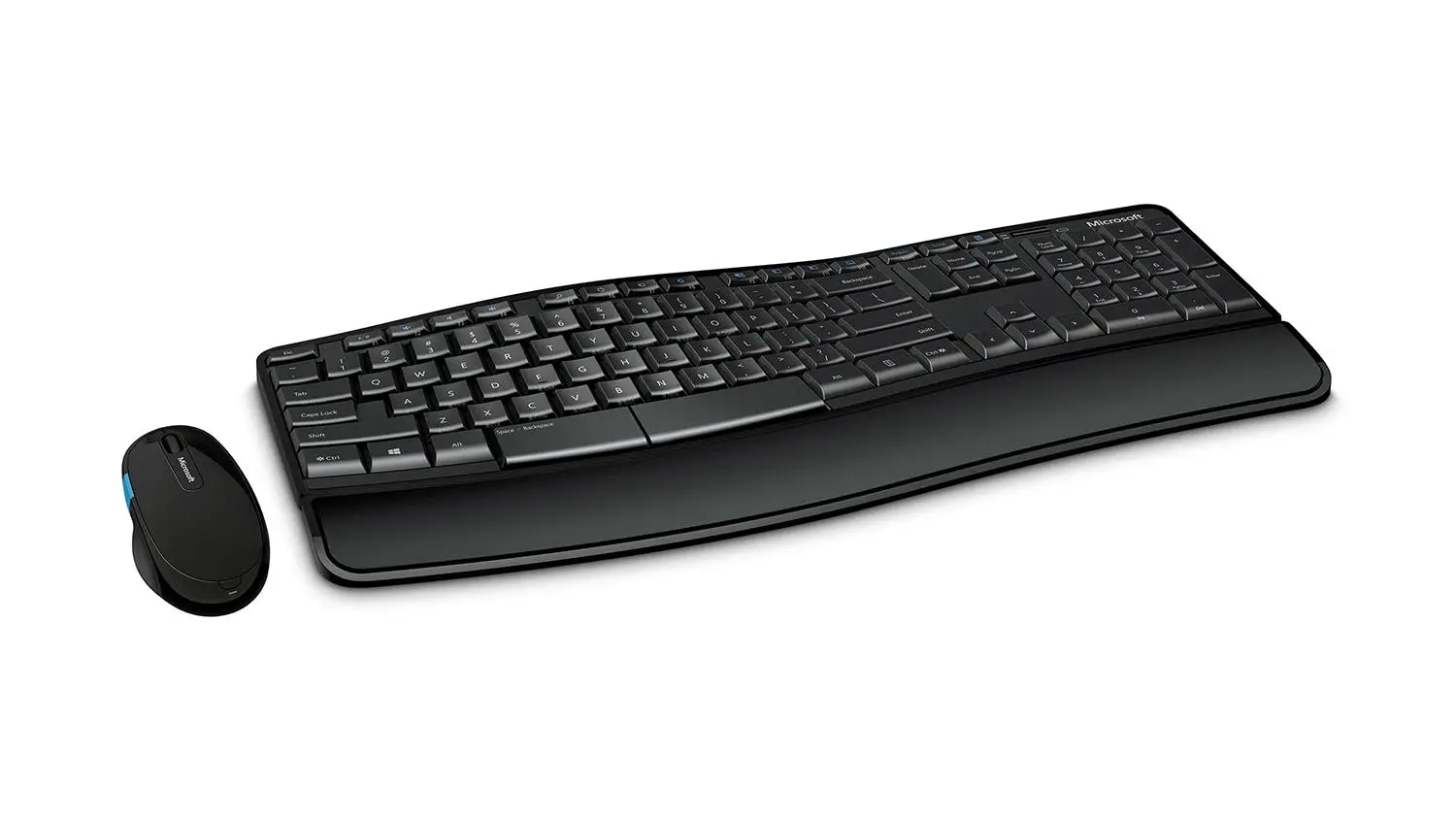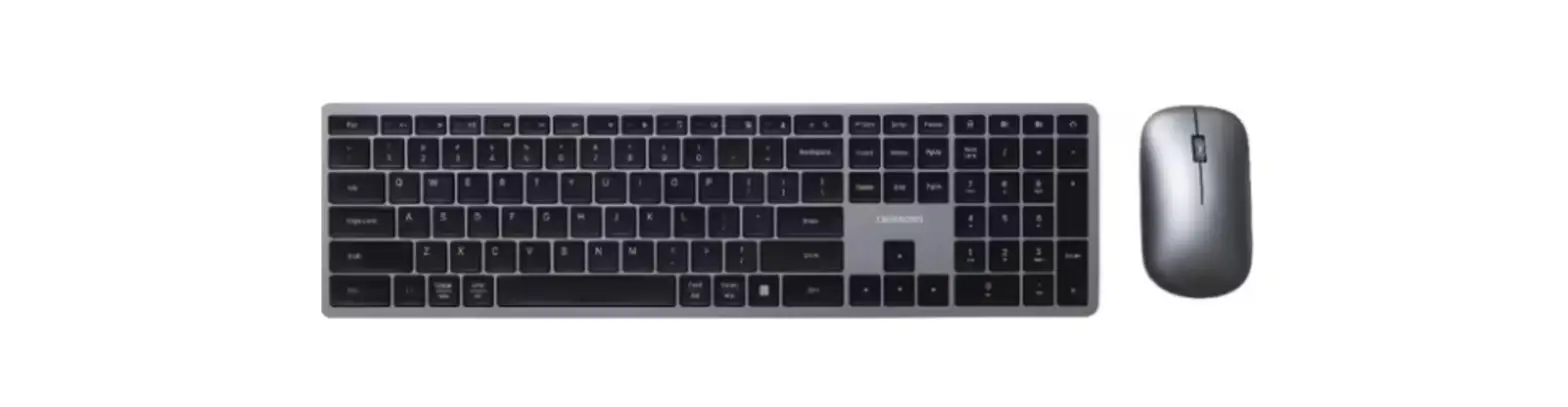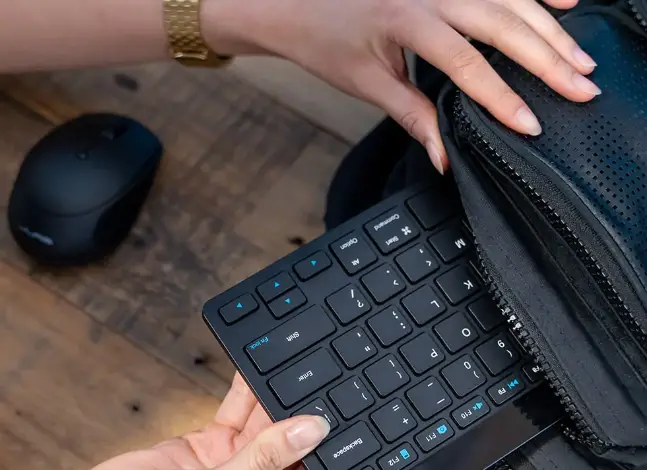

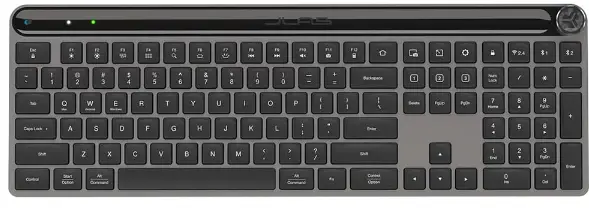
JLAB Epic Wireless Keyboard
We love that you are rocking JLab!
We take pride in our products and fully stand behind them.
YOUR WARRANTY
All warranty claims are subject to JLab authorization and at our sole discretion. Retain your proof of purchase to ensure warranty coverage.
CONTACT US
Reach out to us at [email protected]
or visit jlab.com/contact
REGISTER TODAY
jlab.com/register
Product updates | How-to tips FAQs & more
CONNECT WITH DONGLE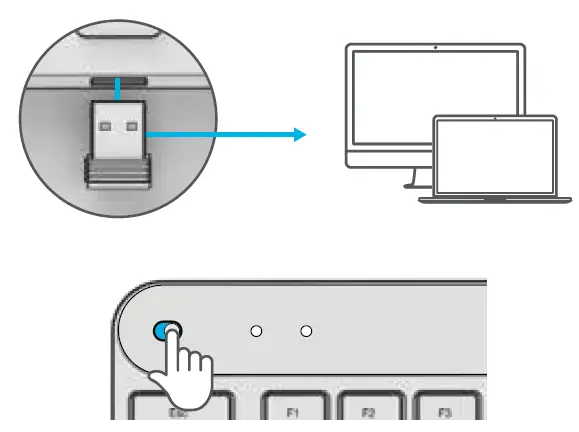
Install 2.4G USB dongle and switch keyboard on Epic Keys will auto connect
If connection is unsuccessful, press and hold 2.4 until button flashes quickly. Unplug and re-plug dongle into computer.
CONNECT WITH BLUETOOTH
Press and hold or 1 2 for Bluetooth pairing LED will blink in pairing mode Press and hold CONNECT Select “JLab Epic Keys”in device settings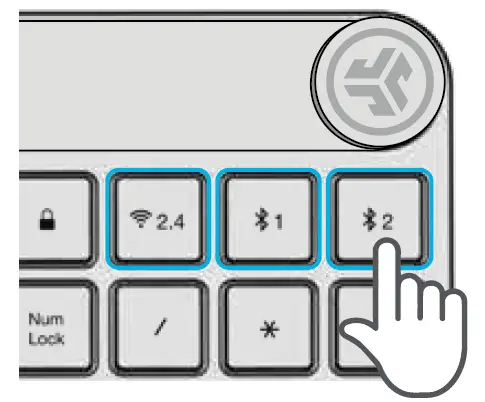
KEYS

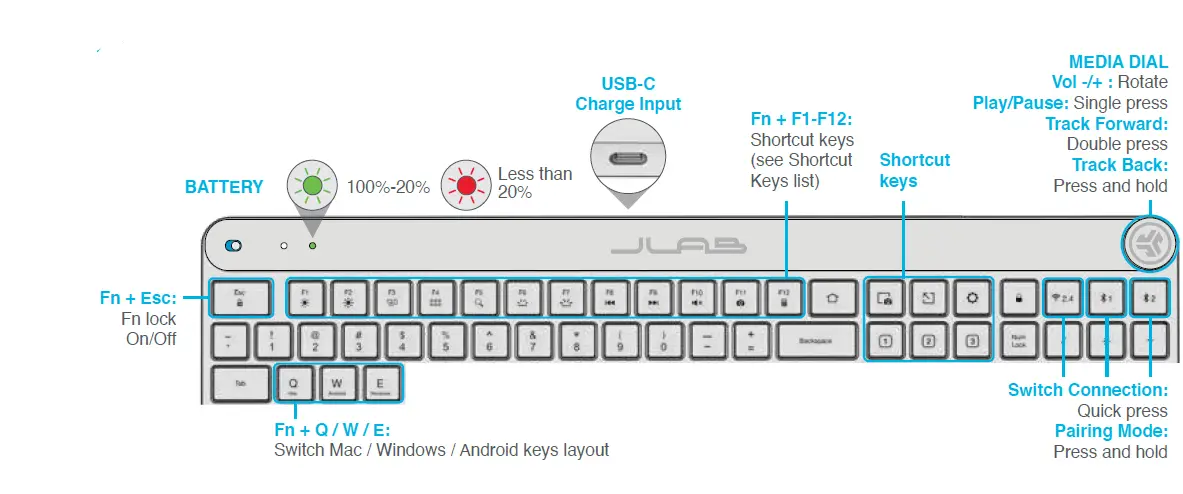
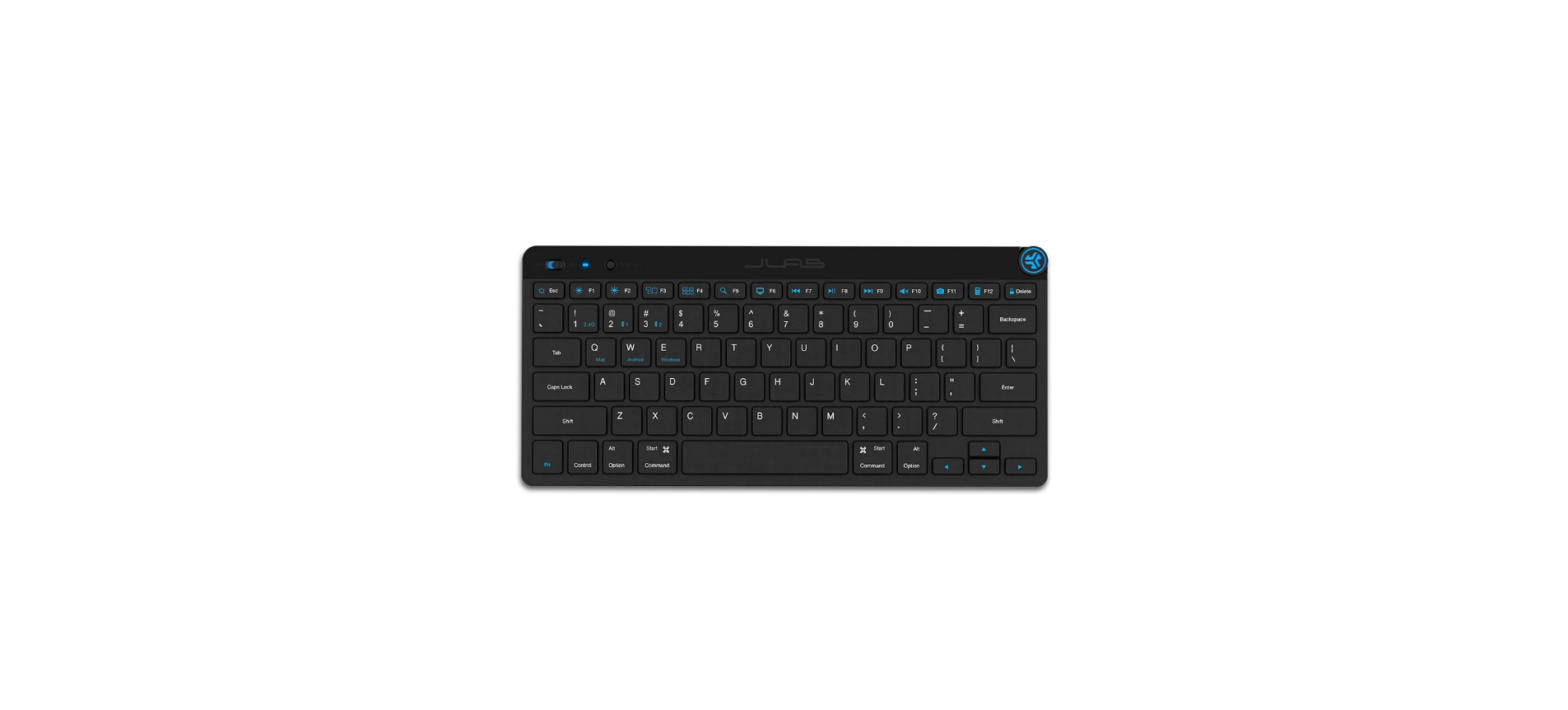
SHORTCUT KEYS
| Fn + | MAC | PC | Android |
| Esc | FN Lock | FN Lock | FN Lock |
| F1 | Brightness – | Brightness – | Brightness – |
| F2 | Brightness + | Brightness + | Brightness + |
| F3 | Task Control | Task Control | N/A |
| F4 | Show Applications | Notification Center | N/A |
| F5 | Search | Search | Search |
| F6 | Backlit – | Backlit – | Backlit – |
| F7 | Backlit + | Backlit + | Backlit + |
| F8 | Track Back | Track Back | Track Back |
| F9 | Track Forward | Track Forward | Track Forward |
| F10 | Mute | Mute | Mute |
| F11 | Screenshot | Screenshot | N/A |
| F12 | N/A | Calculator | N/A |
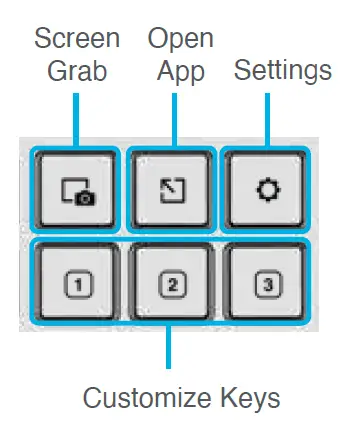
Customize the Epic Keys with the JLab App JLab.com/software
 JLab International: True Wireless Earbuds, Headphones, Microphones
 JLab: True Wireless Headphones, Earbuds, Microphones, Personal Audio