
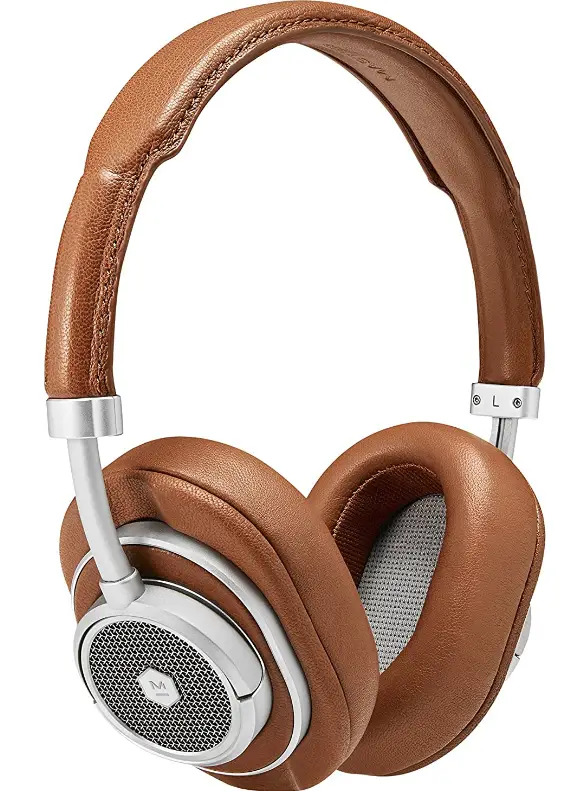
Specifications
- CONNECTIVITY TECHNOLOGY: Bluetooth
- CONNECTOR TYPE: USB Type C
- AUDIO SENSITIVITY: 106 dB
- ITEM WEIGHT: 0.21 Kilograms
- FREQUENCY RESPONSE: 30000 Hz
- DIMENSIONS: 190 x 155 x 34mm (On-Ear), 200 x 165 x 40mm (Over-Ear)
- WEIGHT: 205g (On-Ear/239g (Over-Ear)
- BLUETOOTH: 4.1 with AptX
- IMPEDANCE: 32 ohms
- DRIVERS: 40mm Beryllium
Introduction
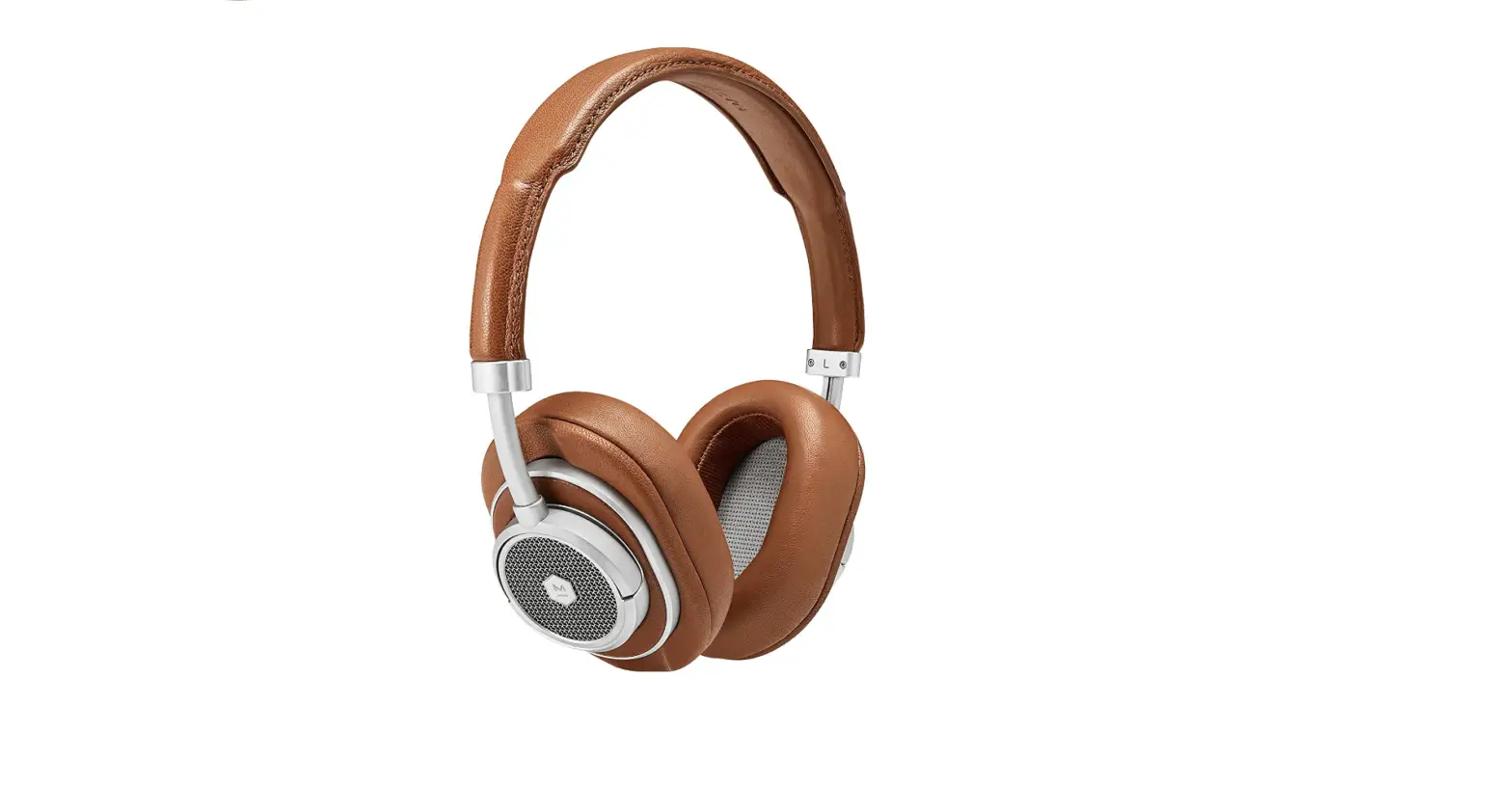
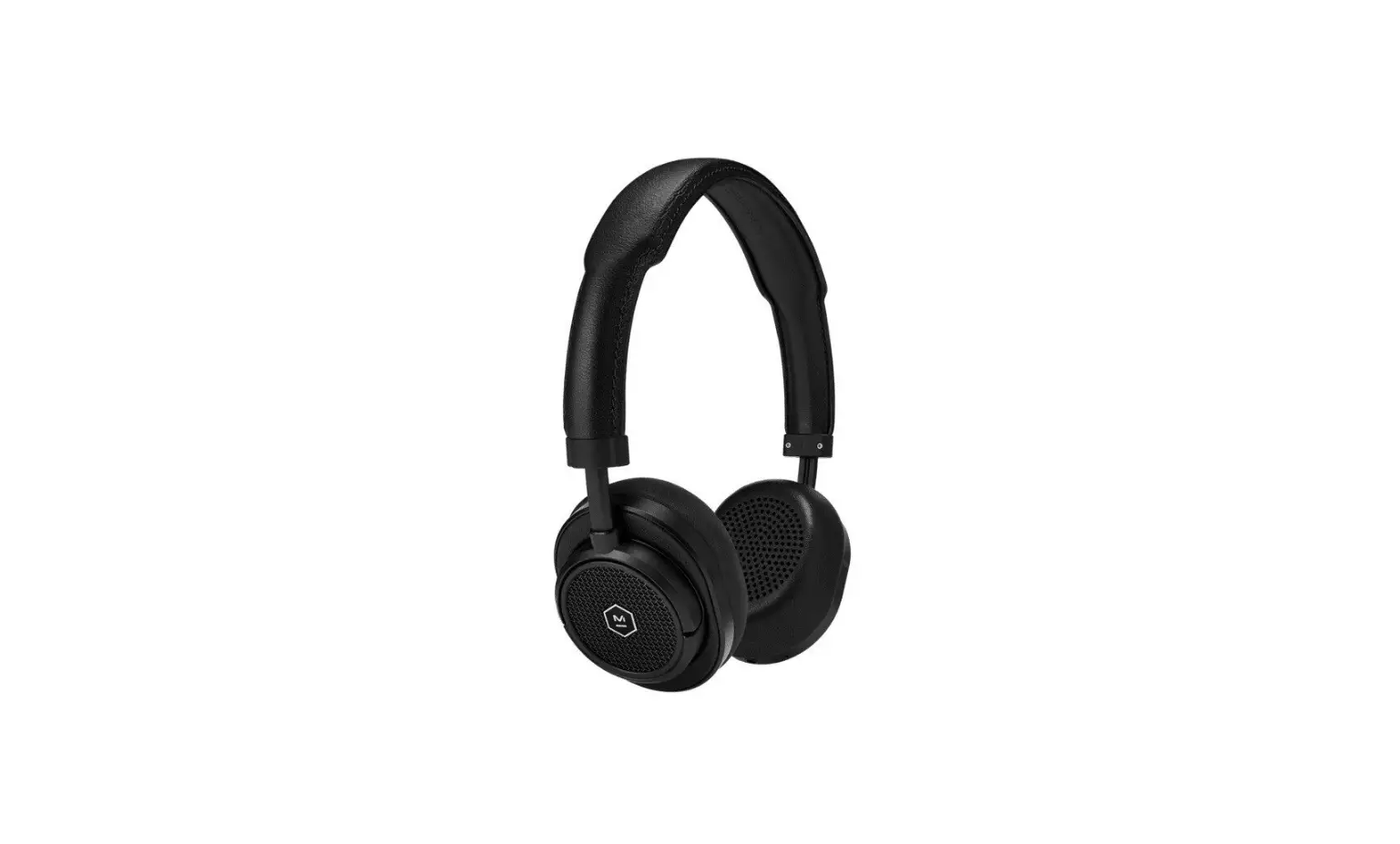
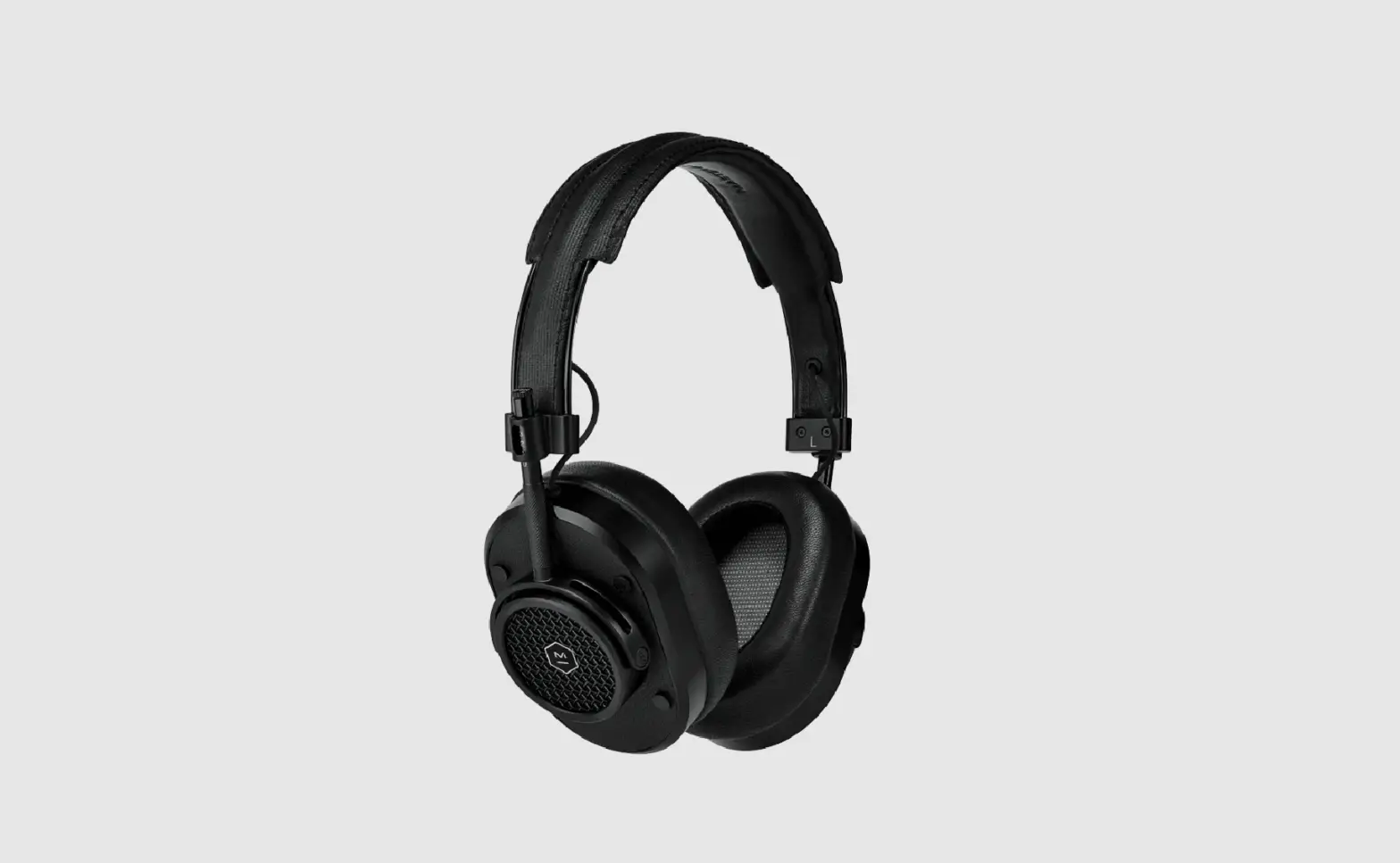
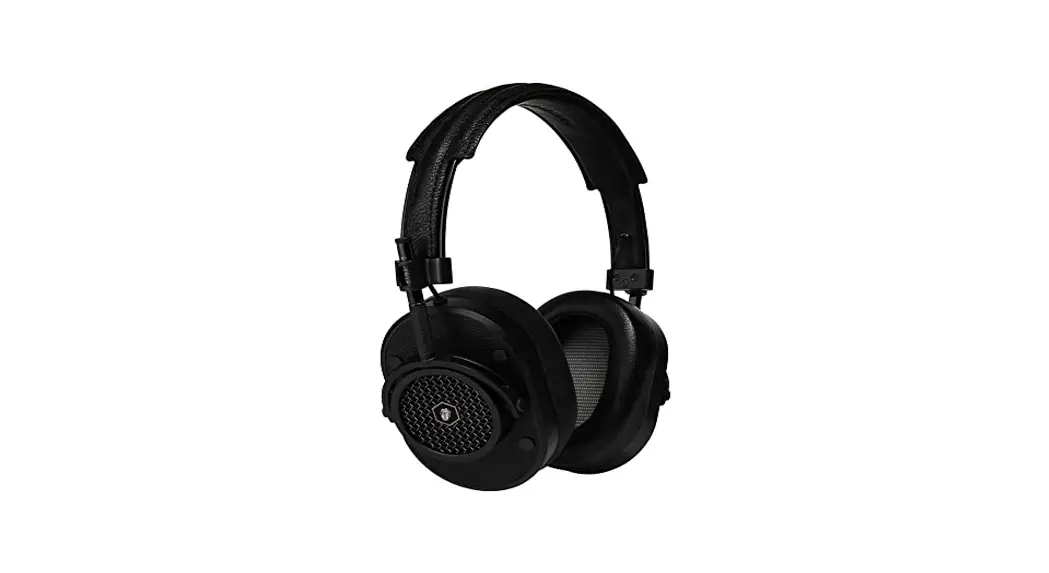
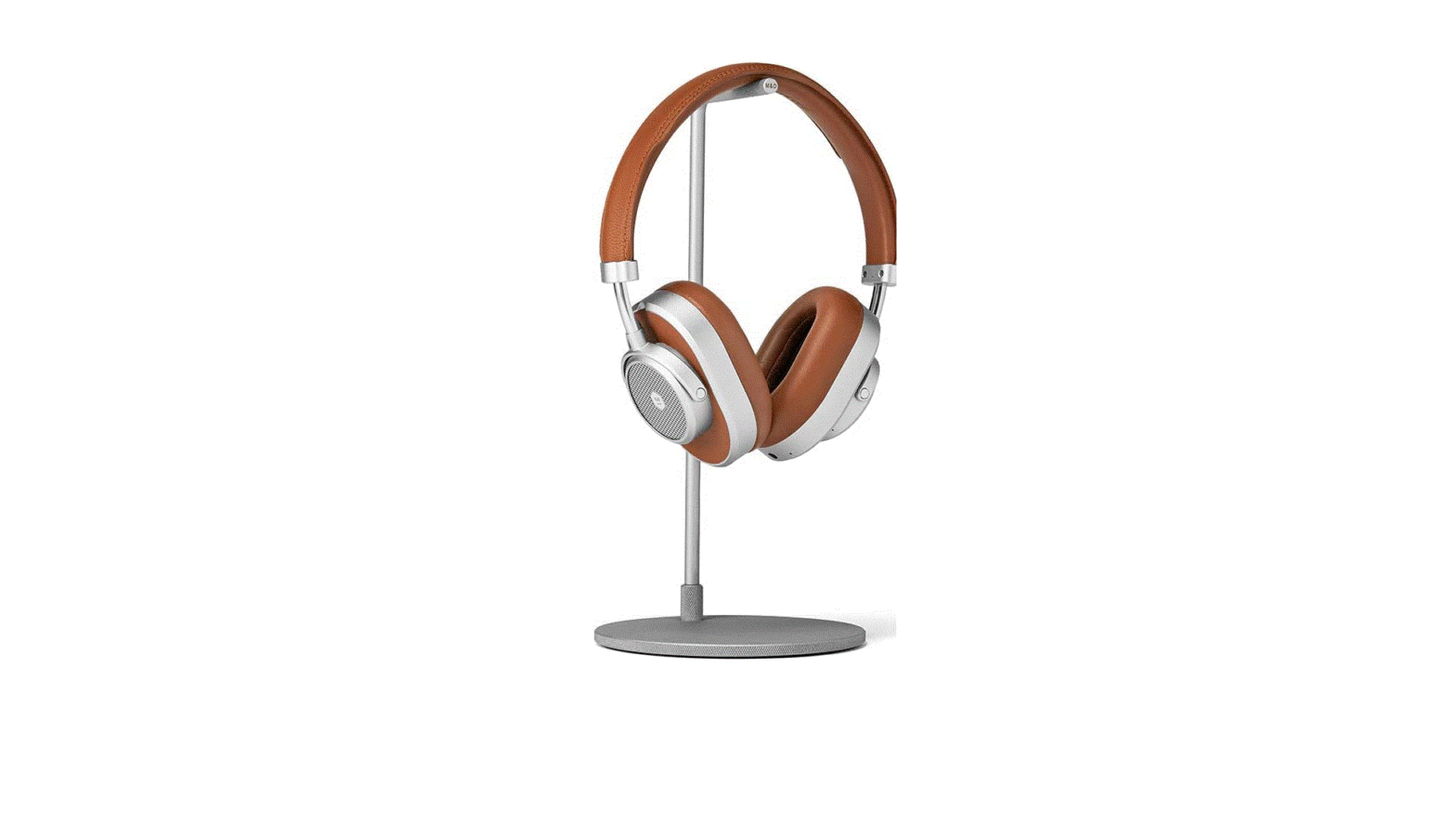
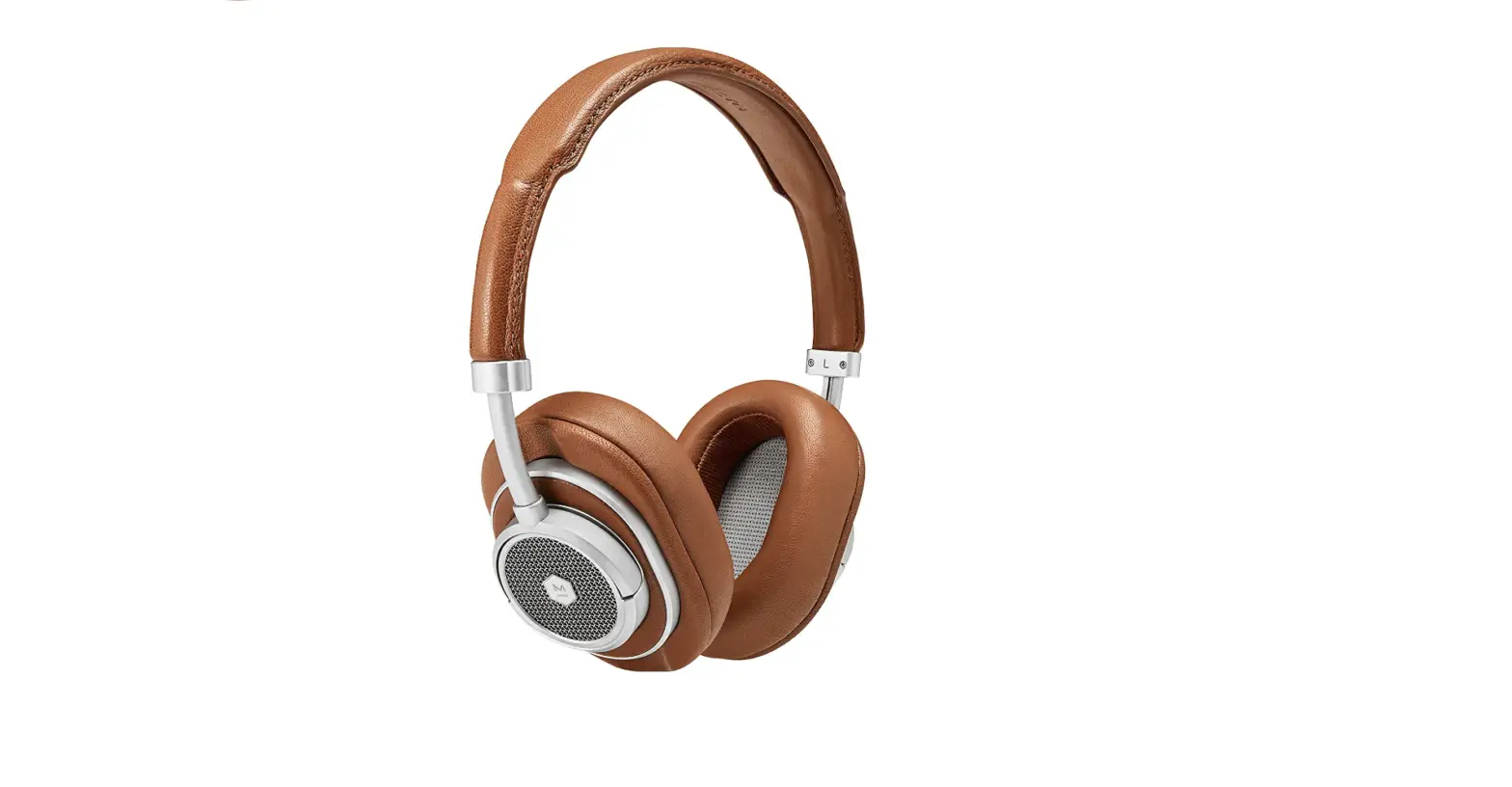
They are High-Performance Drivers being best-in-class (3x industry average) (3x industry average) Bluetooth signal range, 16-hour rechargeable battery and our distinctive rich, warm sound. They have Noise isolation technology that helps to reduce outside disturbances whether you’re at home, in the studio, or travelling for work. Stainless steel, aluminium, and premium quality cowhide leather are used in its construction. For on-the-go, broad, rich sound, choose on-ear. To fully isolate sound for relaxation, concentration, and productivity, choose over-ear headphones. The MW50+ headphones have a battery life of up to 16 hours on a single charge, allowing for enjoyable all-day listening.
OVERVIEW
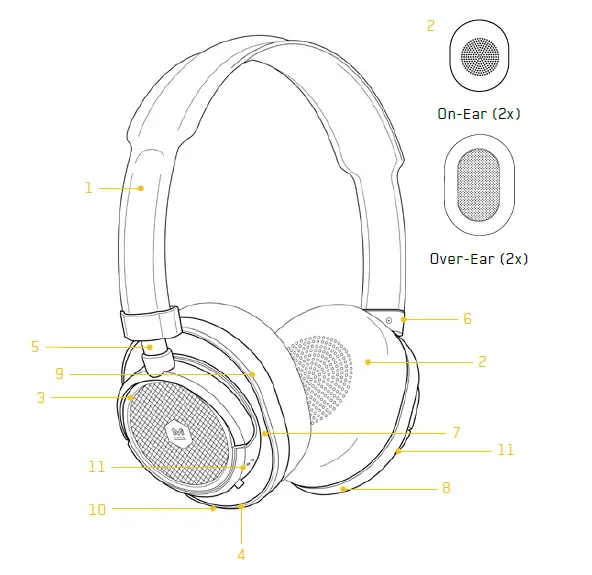
- Premium Grain Leather Headband with Lambskin Interior
- Two Sets of Interchangeable Memory Foam Ear Pads with Lambskin Covering
- Forged Aluminium Components
- 5mm Passive Audio Input
- Stainless Steel Adjustment Arm
- Aluminium Headband Connector
- Premium Grain Leather Inlay
- USB-C Input
- Machined Aluminium Antenna 10 Noise Rejecting Microphone
- Array
- Headphone Controls (see pages 14 – 18 for details)
ADJUSTABILITY/FIT
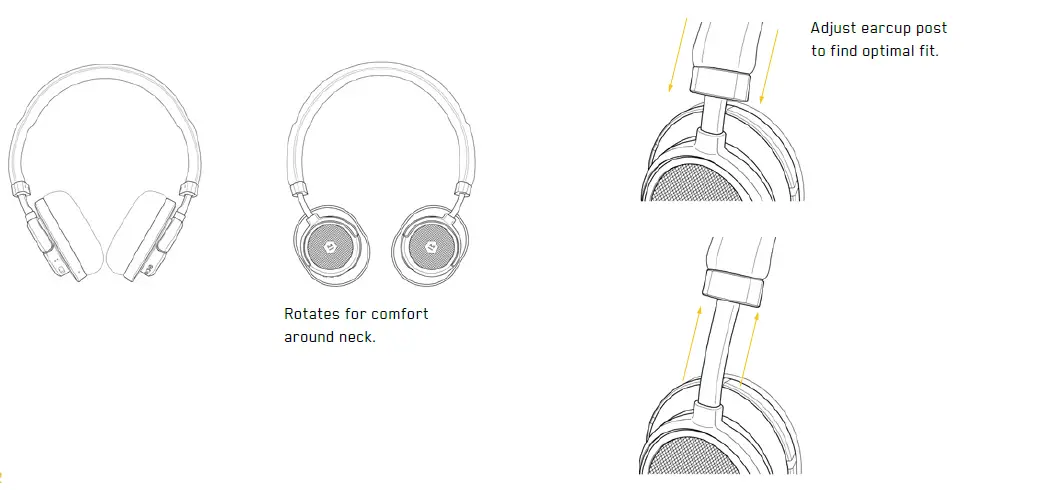
FUNCTIONS
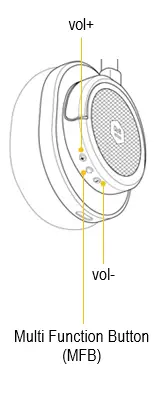
| Audio | Play/Pause | MFB | |
| Vol up | vol + | ||
| Vol down | vol – | ||
| Next track | vol + (≥2sec)or double press MFB | ||
| Previous track | vol – (≥2sec) | ||
| Telephone | Answer call | MFB | |
| End call | MFB | ||
| Ignore call | MFB (≥2sec) | ||
| Digital assistant / voice dial | MFB (≥2sec) | ||
| Factory Reset | Hold down vol+ and vol- (≥4 seconds) | ||
PASSIVE AUDIO
- Plug 3.5mm audio plug into headphone audio input to engage passive audio
- Headphone powers off when the audio cable is plugged in
- Audio will work even if the battery is depleted
- The microphone is disabled during passive mode

TURN ON AND CHARGE
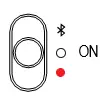
- To turn on the MW50+ slide the switch to the middle position.

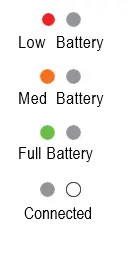
- Each time you turn on the headphone the battery status will be displayed. To recall battery status, slide switch to BLUETOOTH for less than 2 seconds.

- The headphone will automatically search for previously connected devices. A solid light indicates you are connected. If no connection is made after 2 minutes, the headphone will enter deep-sleep mode. Cycle power switch to awaken.
CHARGING
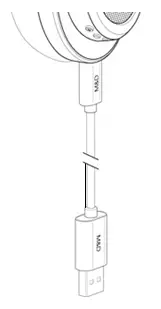
- Plug in the USB-C connector and connect to a USB port to charge.

- The headphone turns off when the USB-C is plugged in. Avoid using the device while it is charging
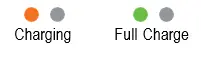
- A solid orange light indicates charging and a solid green light indicates a full charge when the USB cable is connected.
PAIRING
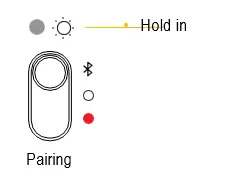
- BLUETOOTH position for 2 seconds, light will pulse when headphone is in pairing mode.

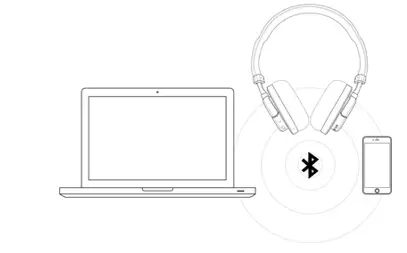
- Access Bluetooth® settings on your source device. Locate MW50+ and connect. A solid light indicates you are connected.
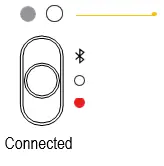
If no connection is made after 2 minutes, the headphone will enter deep-sleep mode. Cycle power switch to awaken.
PAIRING TO 2 DEVICES
HOW TO PAIR WITH TWO DEVICES
- Enter pairing mode
- Connect to device 1
- Enter pairing mode again
- Device 1 will disconnect
- Connect to device 2
- Turn headphone off
- Turn headphones on. Headphones will automatically connect to devices 1 and 2 simultaneously
- Pause one device and play from the other to swap headphone connection
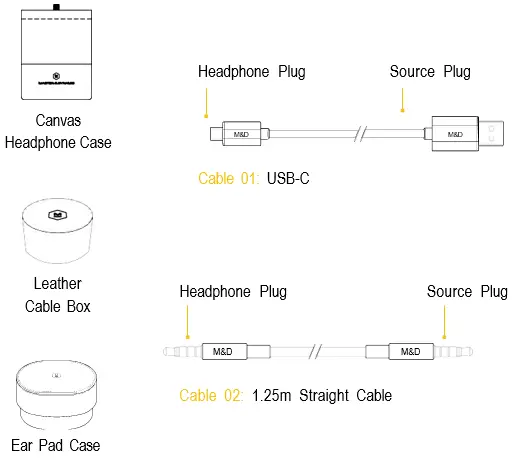
ACCESSORIES
CHARGING/REMOVING EARPADS
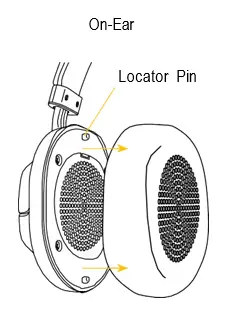
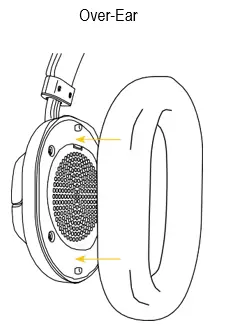
- To remove, grip the leather ear pad and gently pull away from the ear cup. Magnets will release.

- To attach, line up holes on the back of ear pads with locator pins on-ear cups. The magnets will help pull and lock the ear pads into place.
Frequently Asked Questions
- How can I pair a dynamic and master MW50?
For two seconds, keep the switch in the Bluetooth position. When the headphones are in pairing mode, the light will pulse. On your source device, access the Bluetooth settings. Locate MW50+ and connect. - Who manufactures dynamic and master headphones?
Announcing their equity involvement in Master & Dynamic is NBA star Kevin Durant and 35 Ventures, a company founded by Durant and sports industry leader Rich Kleiman. The MW07 GO True Wireless Earbuds from Master & Dynamic are our lightest and toughest earphones, making them ideal for travel and exercise in any conditions. - How do I reset master and dynamic?
Press the Multi-function button (right earphone) and the Volume + buttons six times quickly. Hold the sixth press for as long as the voice prompt “factory reset” is heard in both earphones. (This can be done on each earphone independently or concurrently. - Master Dynamics: a reliable brand?
Luxury headphones from Master & Dynamic are made with high-end components and audio components. Nevertheless, the MW65’s asking price seems a touch excessive. If high-quality ANC is your main goal, the $400 Bose Noise Cancelling Headphones 700 and the $350 Sony WH-1000XM3 offer superior performance for less money. - Why just one side of my wireless headphones are producing sound?
Depending on your audio settings, headphones might only play in one ear. So, make sure the mono option is off in your audio properties by checking your audio properties. Make sure the voice levels on both earbuds are balanced as well. - How can I fix my unresponsive headphones?
Check your headphones’ charging port for any damage, such as bent metal or connectors. Additionally, check to see if the port feels tight when you touch it, as this can indicate that the connectors have come loose from the headset. - Exists a dynamic and master app?
Although it was officially still in beta when we tested it, the M&D Connect app for Android and iOS provides a largely frictionless user experience. It’s a missed opportunity that there isn’t an EQ to adjust the audio, unfortunately. - Can you play games on the Master & Dynamic?
A gaming headset with several connectivity options and excellent audio quality, the Master & Dynamic MG20 is adaptable, competent, and fun to use. However, the price is simply too exorbitant for what is offered, especially because far less expensive headsets can frequently match it. - How do headphone dynamics work?
The dynamic range of headphones refers to the difference between the loudest potential sound pressure level the headphones can create and the quietest sound pressure the headphones can produce. - Does Master support dynamic audiophiles?
Although I wouldn’t categorize these as audiophile headphones, they rank at the top of the consumer Bluetooth headset market for smooth, detailed sound. They sound far better than typical Bluetooth 4.0 headphones thanks to the addition of AptX.