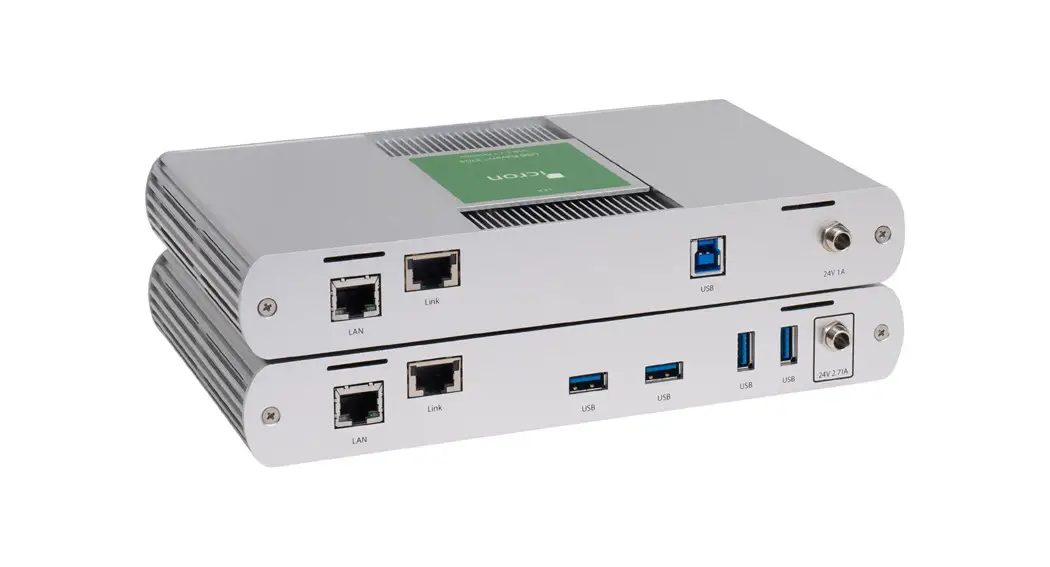
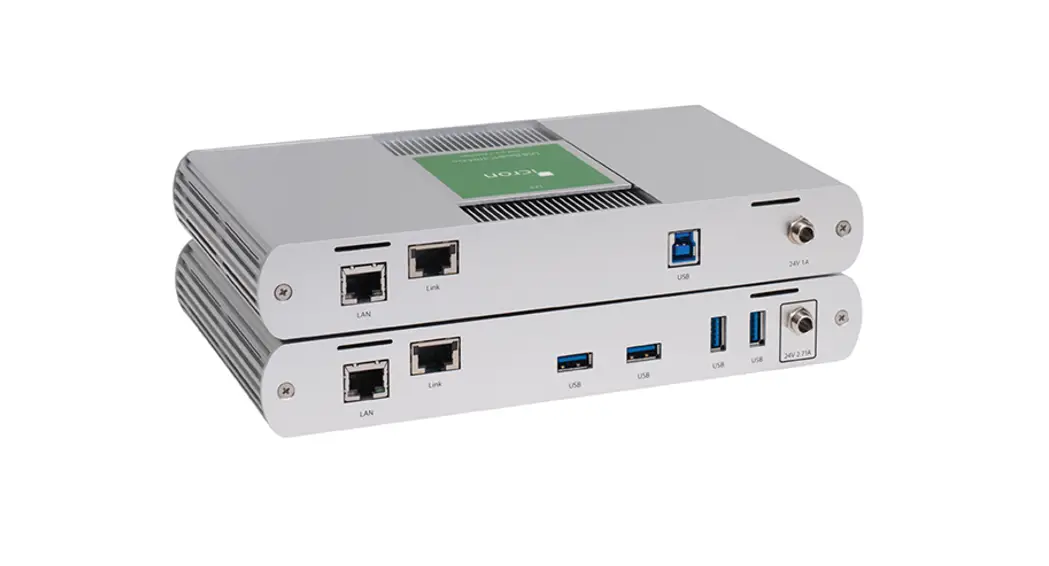
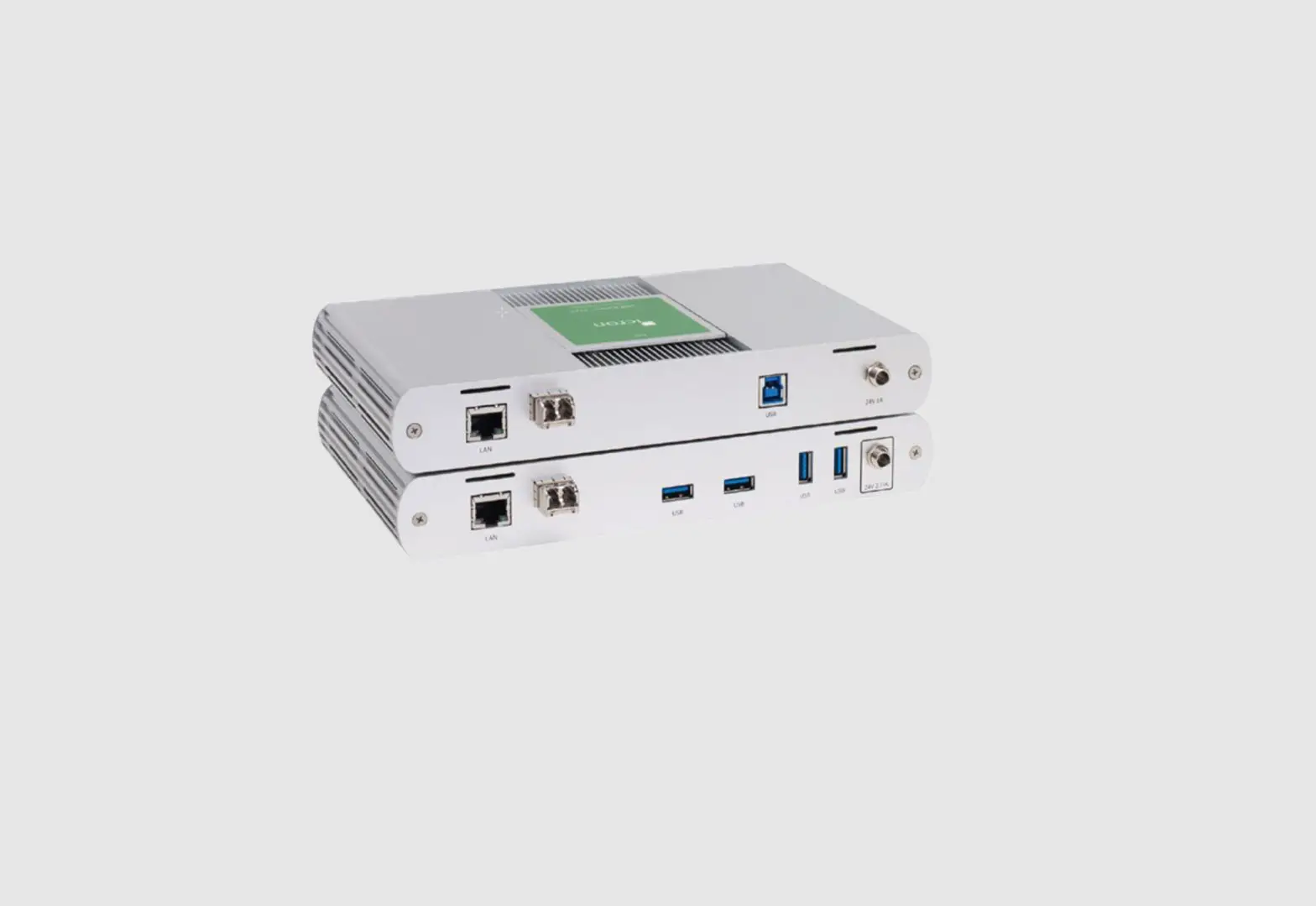
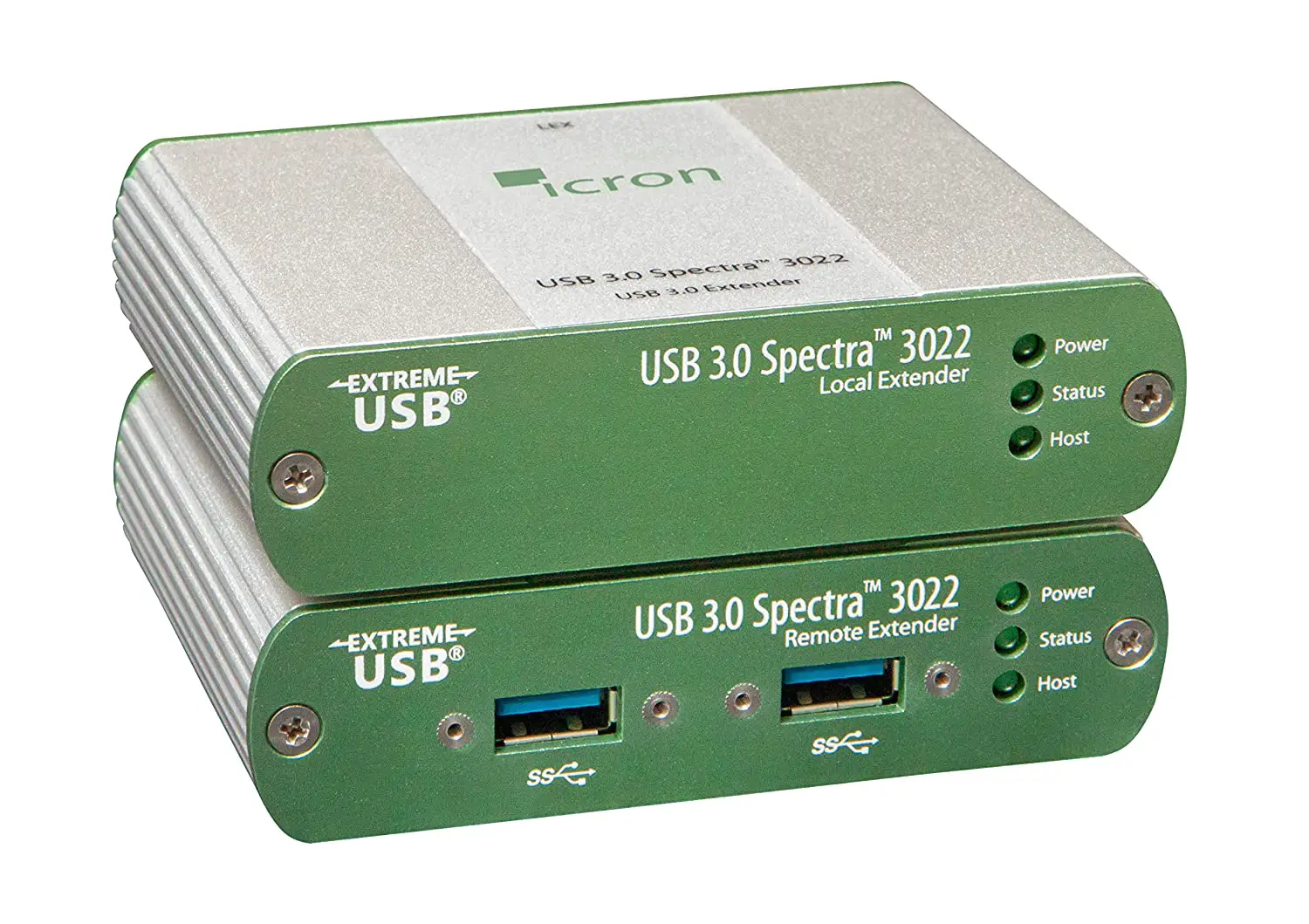
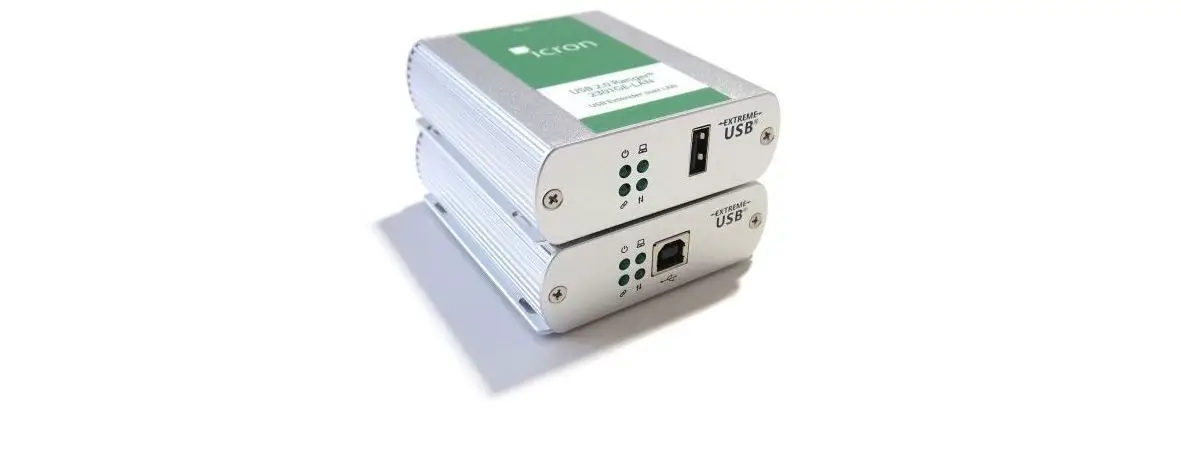
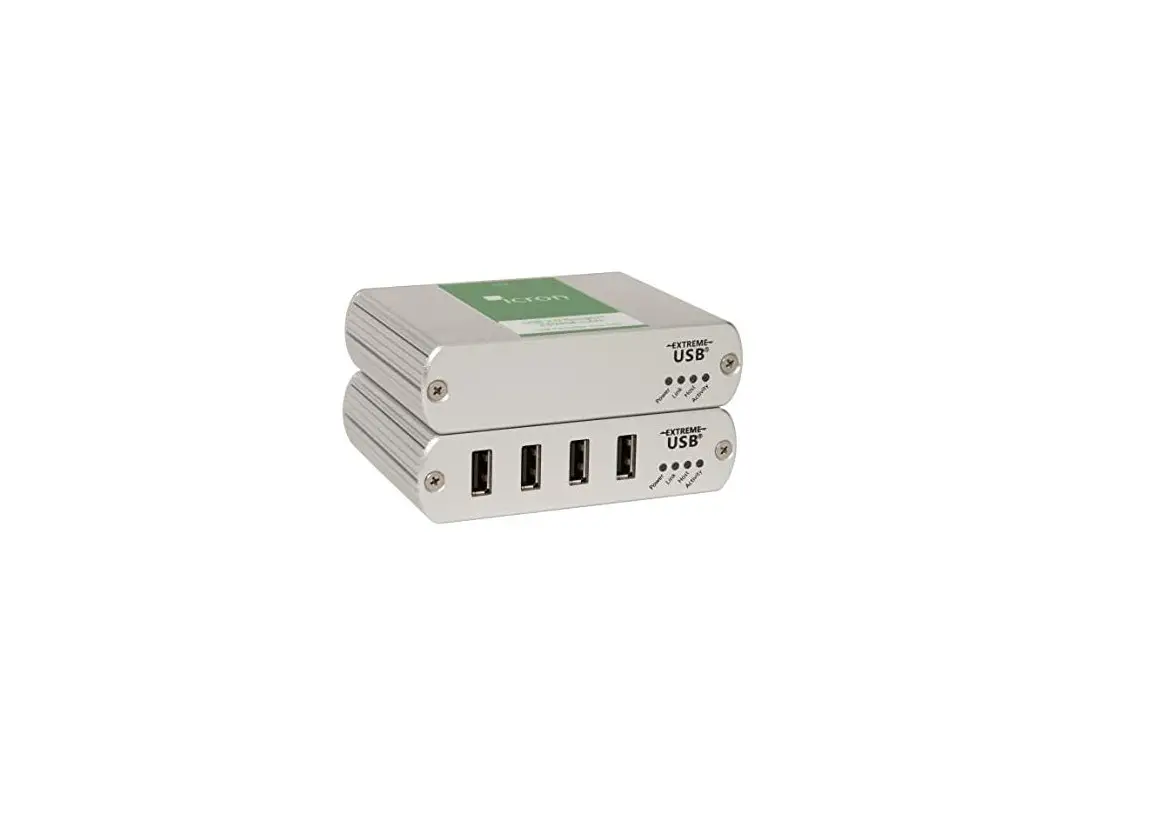
USB 2.0 RG2324/ RG2344
Product Information:
| Product Name | USB 2.0 RG2324/ USB 2.0 RG2344 4-Port USB 2.0 Fiber Extender System |
|---|---|
| Manufacturer | Icron Technologies Corporation A Maxim Integrated Brand |
| Address | 4664 Lougheed Hwy., Suite 221 Burnaby, BC V5C 5T5, Canada |
| Contact Number | +1 604 638 3920 |
Product Usage Instructions:
- Before getting started, ensure that all the drivers required
for your USB device(s) are installed. - Place the extenders where desired and connect the fiber cable
to the Link ports (SFP) on the Local and Remote Extenders.
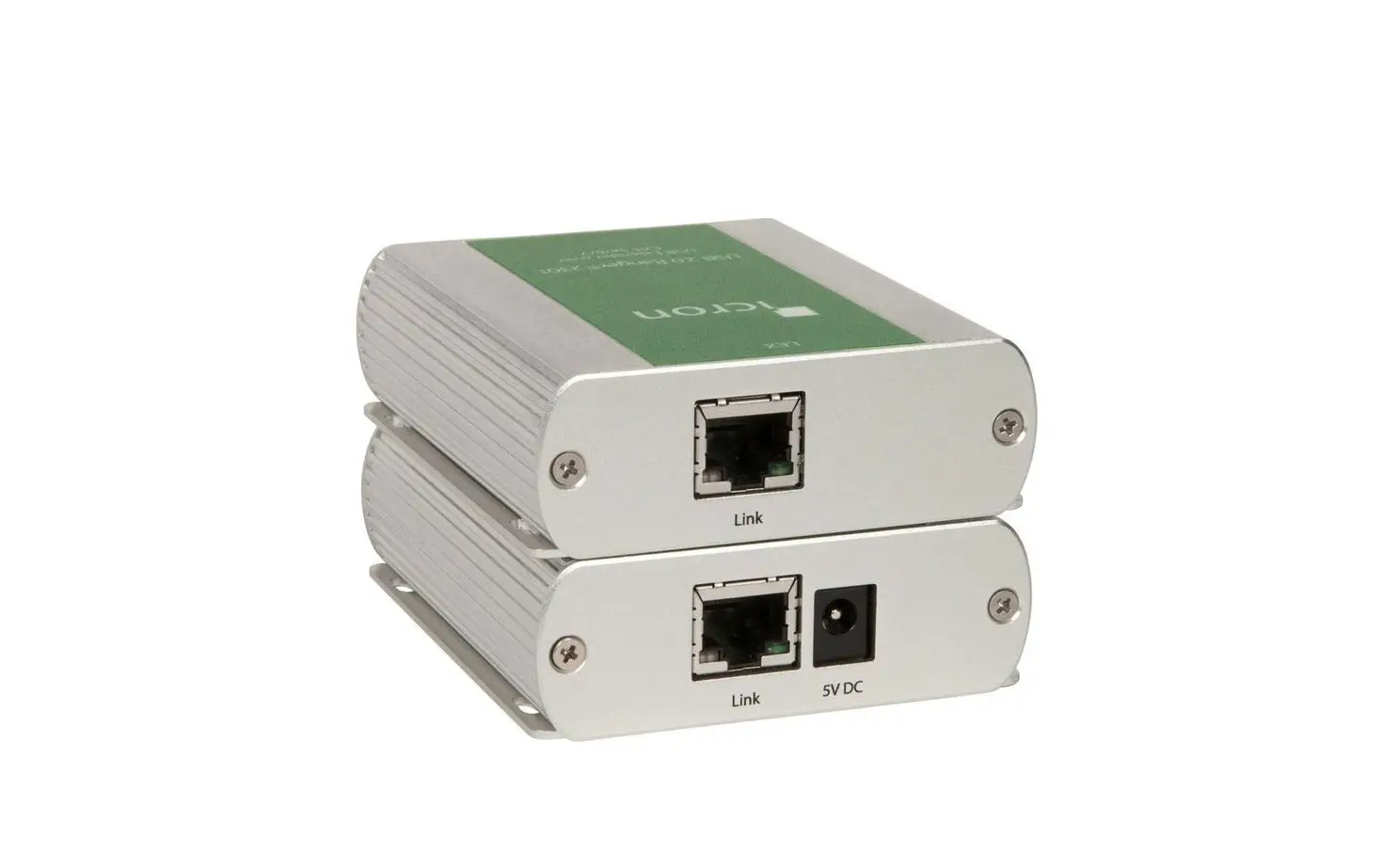
- Local Extender (back view): Connect the fiber cable to the Link
port (SFP). - Remote Extender (back view): Connect the fiber cable to the
Link port (SFP).
USB cable.
- Local Extender (front view): Connect the Local Extender to the
computer using the included USB cable.
a power source.
- Remote Extender (back view): Connect the Remote Extender to the
AC adapter and plug it into a power source.
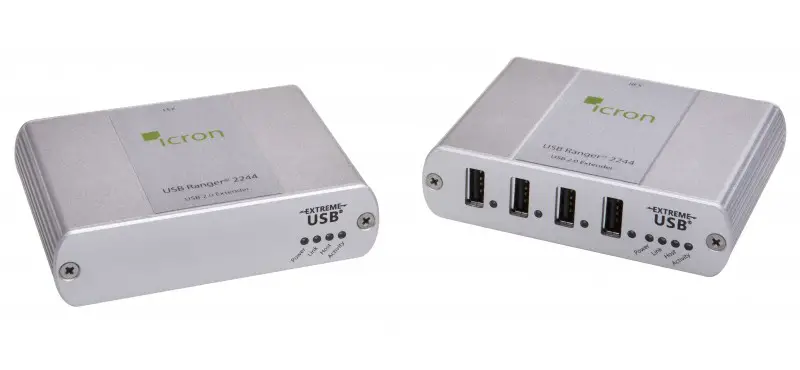
- Remote Extender (front view): Attach USB device(s) to the
Remote Extender.
Before you get started, ensure that all the drivers required for your USB device(s) are installed.
USB 2.0 RG2324/ USB 2.0 RG2344
4-Port USB 2.0 Fiber Extender System
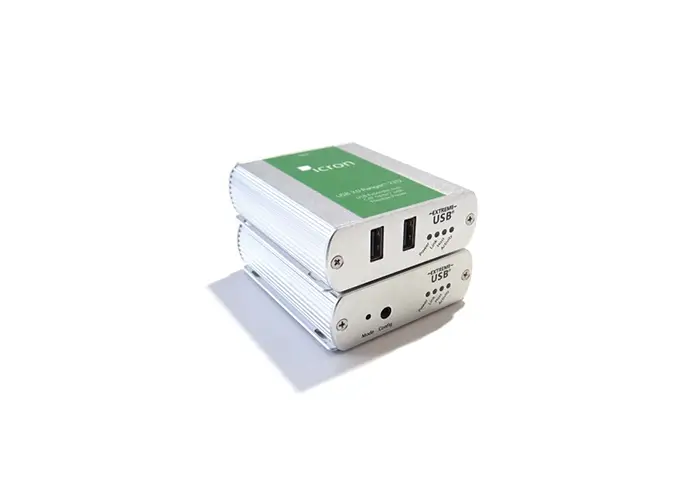
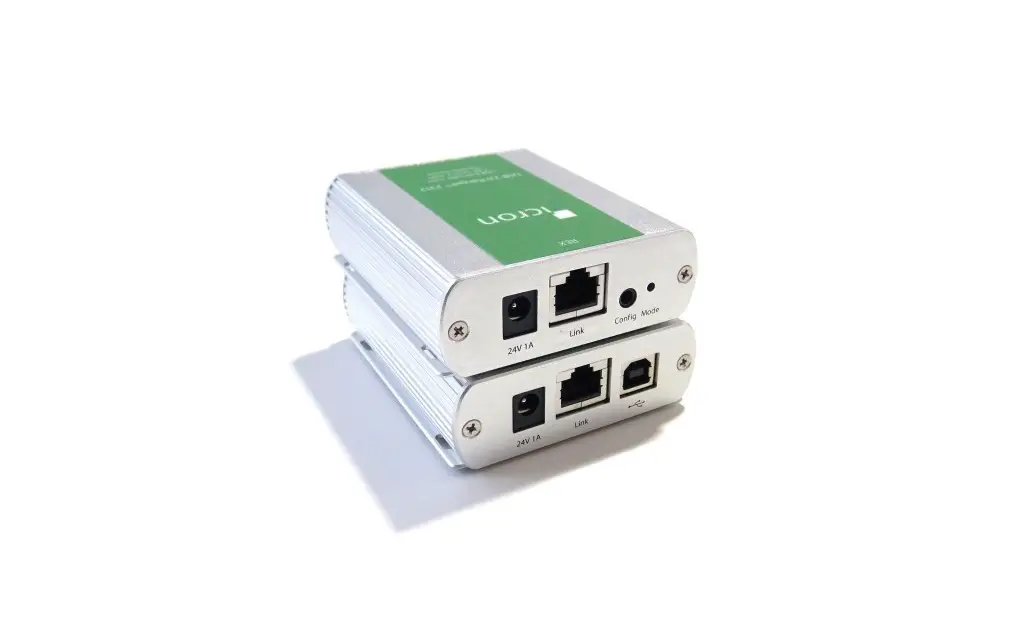
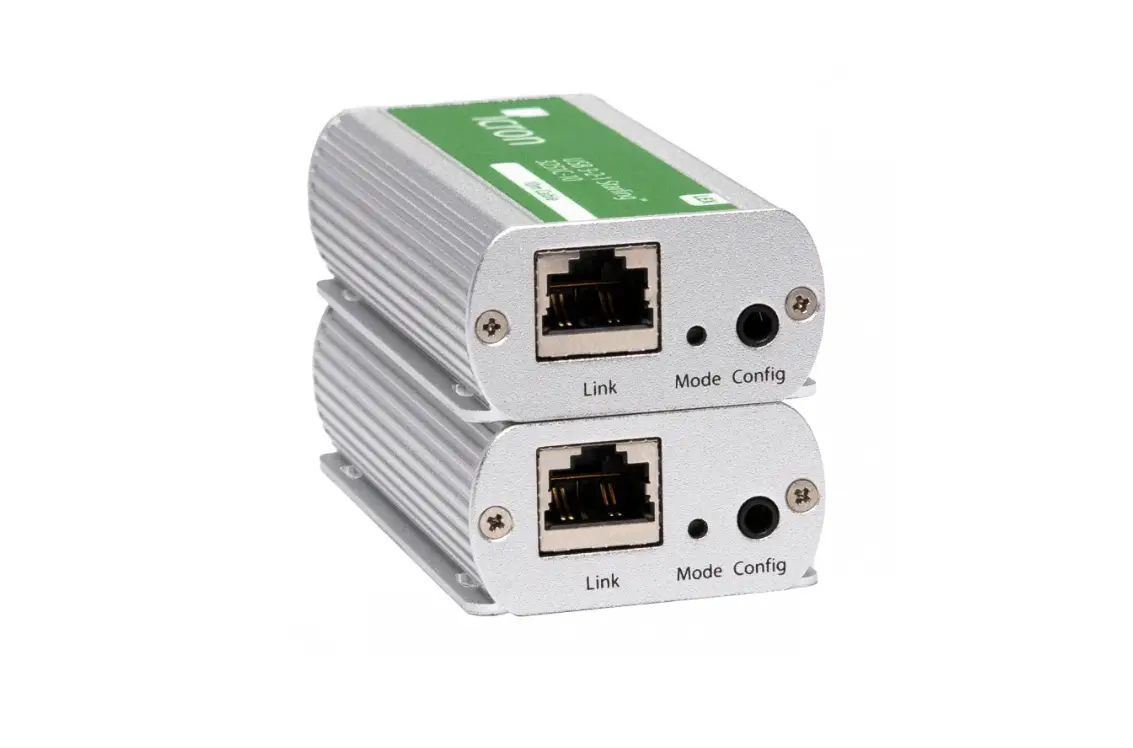
1 Place extenders where desired and connect the fiber cable to the Link ports (SFP) on the Local and Remote Extenders.
Local Extender (back view)
Config
Mode Link
Remote Extender back view
2 Connect the Local Extender to the computer using the included USB cable.
Local Extender (front view)
Computer
Config
Mode Link
Quick Start Guide
V A Config
Mode Link
(LC-LC crossover duplex cable not included) Max 500m multimode fiber for RG2324 Max 10km singlemode fiber for RG2344
3 Connect the Remote Extender to the AC adapter and plug it into a power source.
Remote Extender back view
V A Config
Mode Link
4 Attach USB device(s) to the Remote Extender.
Remote Extender front view
Power Link Host Activity
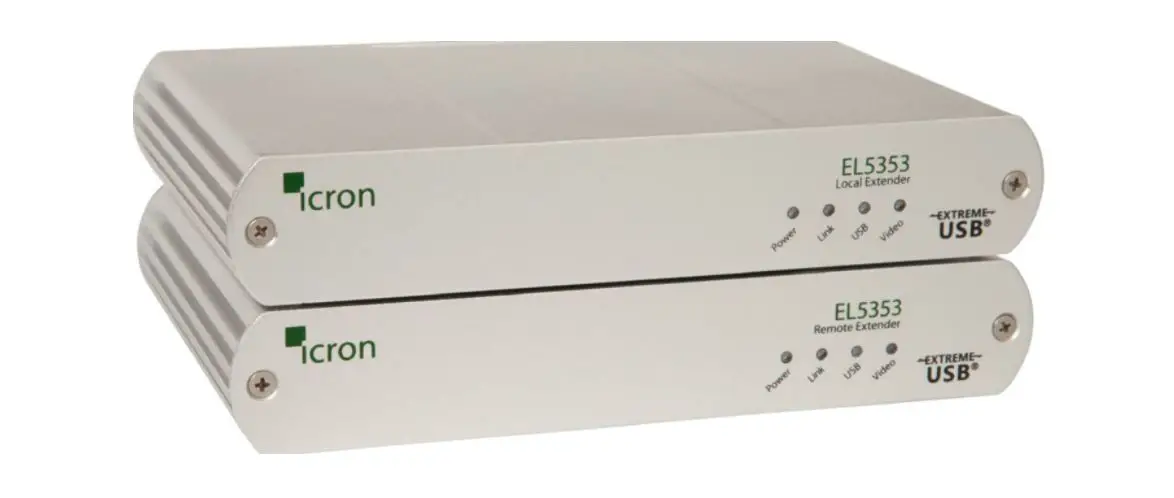
Package Contents: · USB 2.0 RG2324/2344 Local Extender · USB 2.0 RG2324/2344 Remote Extender · USB 2.0 Cable · AC Power Adapter · Country Specific Power Cord · Quick Start Guide
Certification and Compliance
FCC Radio Frequency Interference Statement Warning This device complies with part 15 of the FCC Rules. Operation is subject to the following two conditions: (1) this device may not cause harmful interference, and (2) this device must accept any interference received including interference that may cause undesired operation. CE Statement We, Icron Technologies Corporation, a Maxim Integrated brand, declare under our sole responsibility that the USB 2.0 RG2324/2344, to which this declaration relates, is in conformity with European Standards EN 55024, EN 55032, EN 61000, and RoHS Directive 2011/65/EU + 2015/863/EU. IC Statement This Class B digital apparatus complies with Canadian ICES-003. WEEE Statement The European Union has established regulations for the collection and recycling of all waste electrical and electronic equipment (WEEE). Implementation of WEEE regulations may vary slightly by individual EU member states. Please check with your local and state government guidelines for safe disposal and recycling or contact your national WEEE recycling agency for more information. Product Operation and Storage Please read and follow all instructions provided with this product and operate for intended use only. Do not attempt to open the product casing as this may cause damage and will void warranty. Use only the power supply provided with this product. When not in use, product should be stored in a dry location between -20°C and 70°C.
Icron Technologies Corporation A Maxim Integrated Brand 4664 Lougheed Hwy., Suite 221 Burnaby, BC V5C 5T5, Canada +1 604 638 3920
Copyright © 2021 Icron | A Maxim Integrated Brand. All rights reserved. Information contained herein is subject to change without notice.