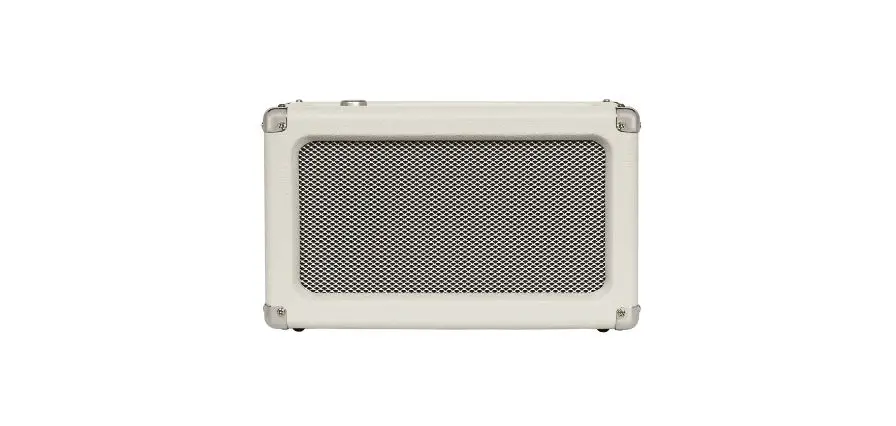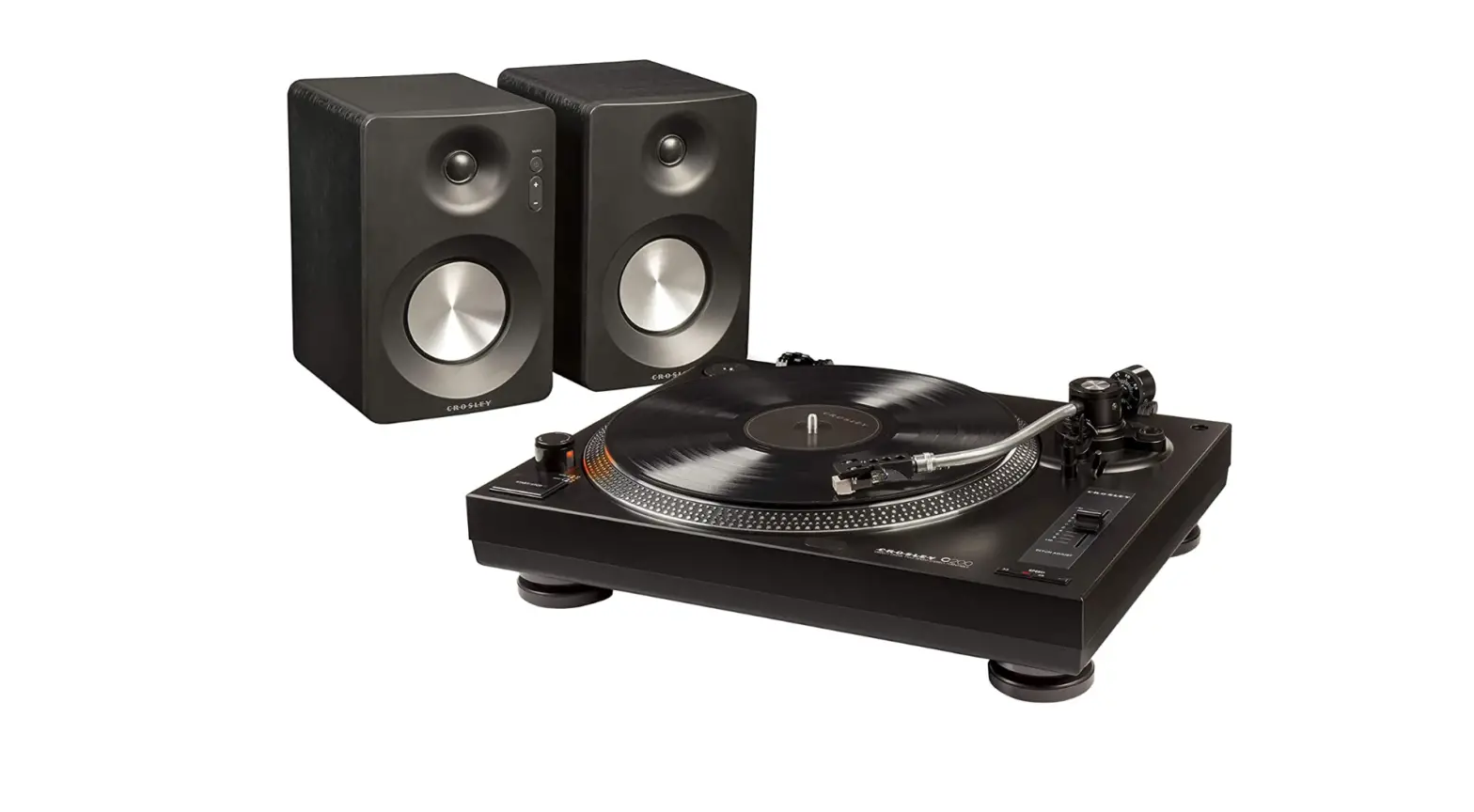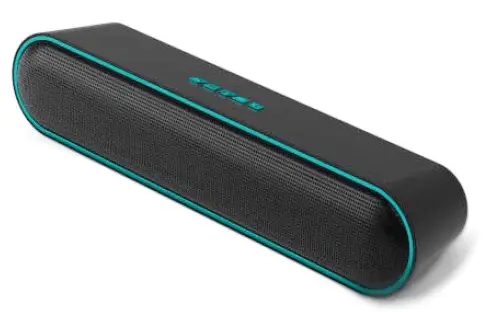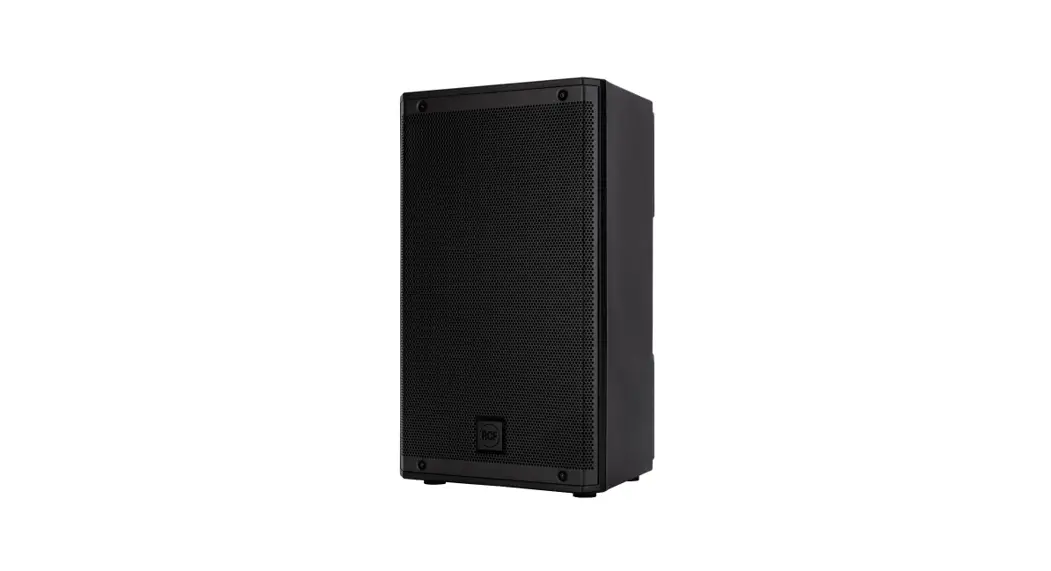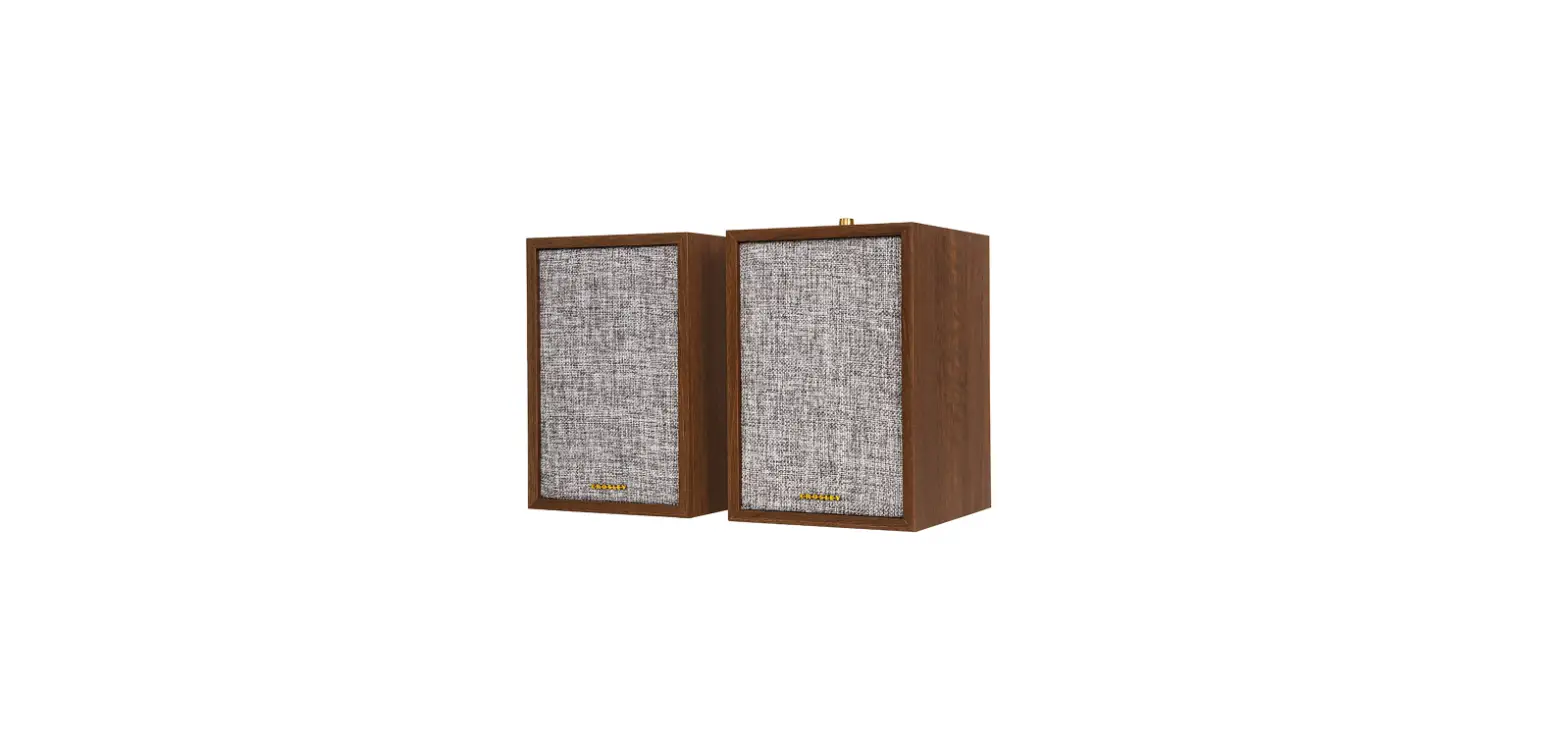

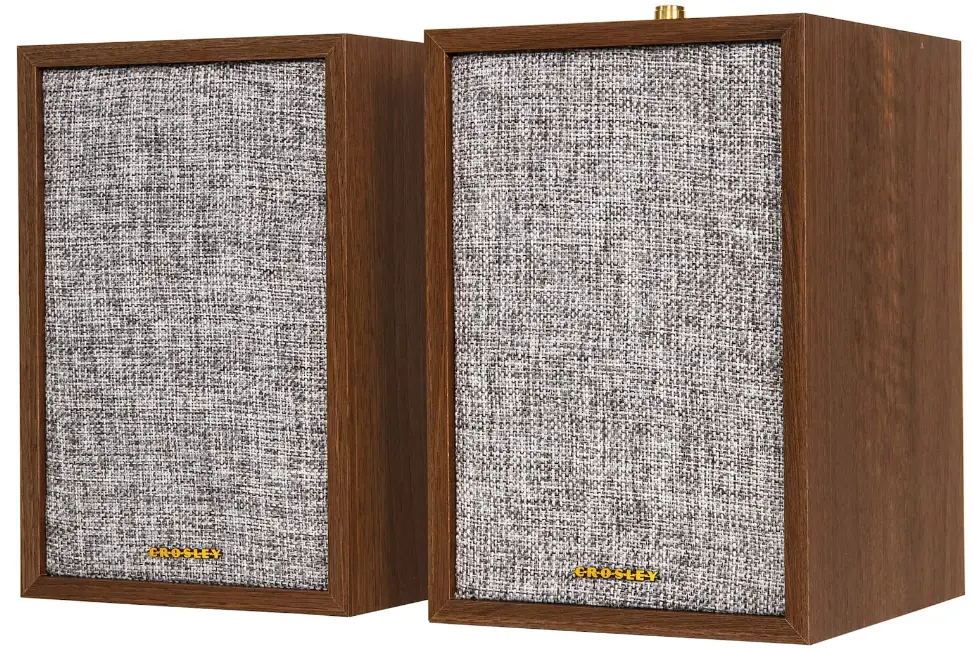
Crosley S200A WA 4 Active Bluetooth Stereo Speakers Product
SAFETY INSTRUCTIONS
Read and understand this entire manual before using this product. Keep these instructions for future reference.
- Do not use this product near water.
- This product should be operated only by the type of power source indicated on the marking label or in this instruction manual.
- Do not defeat the safety purpose of the polarized plug. A polarized plug has two blades with one blade wider than the other. This plug will fit into the power outlet only one way. If you are unable to insert the plug fully into the outlet try reversing the plug. If the plug should still fail to fit, contact your electrician.
- Protect the power cord from being walked on or pinched particularly at plugs, convenience receptacles, and the point where they exit from the product.
- Do not overload wall outlets, extension cords, or integral convenience receptacles as this can result in a risk of fire or electric shock.
- Never push objects of any kind into this product through openings as they may touch dangerous voltage points or short-out parts that could result in a fire or electric shock. Never spill liquid of any kind on the product.
- Do not attempt to service this product yourself as opening or removing covers may expose you to dangerous voltage or other hazards. Refer all servicing to qualified service personnel.
- Changes or modifications to this unit not expressly approved by the party responsible for compliance could void the user’s authority to operate the equipment.
- Do not use attachments not recommended by the product manufacturer as they may cause hazards.
- A product and cart combination should be moved with care. Quick stops, excessive force, and uneven surfaces may cause the product and cart combination to overturn.
- Slots and openings in the cabinet are provided for ventilation and to ensure reliable operation of the product and to protect it from overheating. Do not block or cover these openings.
- Unplug the product during lightning storm or when unused for long periods of time.
ITEMS IN THIS PACKAGE
Before throwing away any packaging materials, please check thoroughly and make sure you find the following items that come along with this package:
- Speakers (Main / Passive)
- Power Adapter
- RCA Cable
Please contact Crosley customer service if there is any accessory missing from the package. Retain the original packaging materials for exchange or return purposes.
SPECIFICATIONS
- POWER DC 15V 3A
- POWER CONSUMPTION 45W
- OUTPUT POWER 25W x 2
- FREQUENCY RESPONSE 20Hz-20KHz
- TOTAL HARMONIC DISTORTION <5 %
- AUDIO INPUT SENSITIVITY 750 mV
Note: Design and specifications are subject to change without notice.
PRODUCT DESCRIPTION
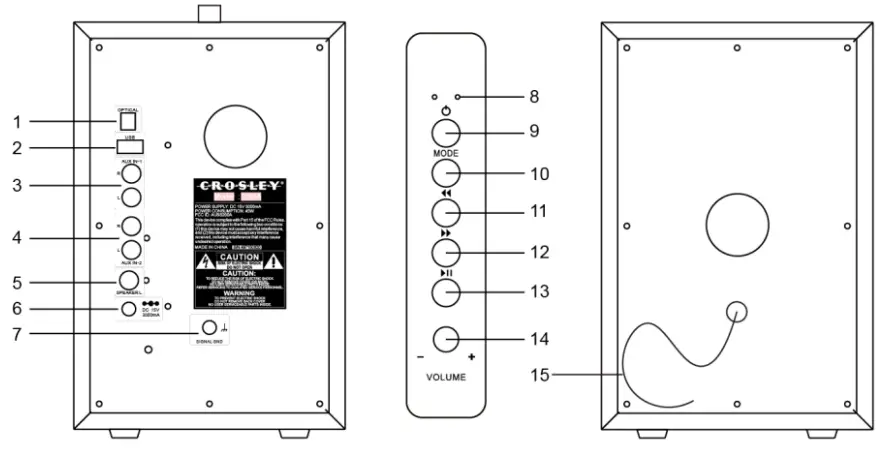
- Optical Jack
- USB Port
- AUX IN 1
- AUX IN 2
- Passive Speaker Input
- Power Jack
- Signal Ground
- Function Indicator
- Power button
- Mode Button
- Backward Skip Button
- Forward Skip Button
- Play/Pause Button
- Volume Knob
- External Speaker Cable
GENERAL OPERATION
Essential Setup
- Place the speakers on a flat and level surface. The selected location should be stable and free from vibration.
- Connect the External Speaker Cable from the passive speaker to the main speaker’s Passive Speaker Input.
- Plug the power cord to the power outlet.
- Press and hold the Power button on the unit for 2 seconds to the turn on and off.
BLUETOOTH OPERATION
- Press the Mode button to select the Bluetooth mode, the function indicator will be blue and flashing.
- Turn on the Bluetooth feature of your audio device, search for “Crosley S200A” and pair.
- Once your device is successfully connected with the speakers, you will hear a short confirmation sound from the speakers and function indicator will be solid blue.
- Play and stream music from your device to the speakers.
Note: Bluetooth version – 5.0
USB PLAYBACK
- Insert a USB device into the USB Port and the playback will start automatically.
- To skip to the next or previous track, press the Forward Skip or Backward Skip button correspondingly.
- To search fast forward or backward, press and hold the Forward Skip or Backward Skip button correspondingly until you reach the desired time. Release the button and the playback will resume.
- To stop the playback, press the Play/Pause Button.
Note: Only use 32 GB or smaller USB
AUX OPERATION
- Use the RCA cable to connect your audio device into the AUX IN1 / AUX IN 2 Jacks of this unit.
- Press the Mode button to select AUX 1 (Function Indicator flashes green slowly) or AUX 2 (function indicator is solid green).
- Play music from your audio device to the speakers.
OPTICAL OPERATION
- Connect an optical cable (not included) to your source device.
- Connect the other end of the optical cable to the Optical Jack of the main speaker.
TROUBLESHOOTING
There is no power
- Power cord is not properly connected.
- No power at the power outlet.
There is no sound from the speakers
- Volume is muted or too low on either the speakers or the audio device.
- Wrong input mode is selected.
No response from the speakers
- Disconnect and reconnect the power of the speakers.
The speakers could not be connected to my Bluetooth device
- The device’s Bluetooth function is not turned on.
- The speakers are actively connected to another Bluetooth device. Disconnect that one first.
FCC STATEMENTS
This equipment has been tested and found to comply with the limits for a Class B digital device, pursuant to Part 15 of the FCC Rules. These limits are designed to provide reasonable protection against harmful interference in a residential installation. This equipment generates, uses, and can radiate radio frequency energy and, if not installed and used in accordance with the instructions, may cause harmful interference to radio communications. However, there is no guarantee that interference will not occur in a particular installation. If this equipment does cause harmful interference to radio or television reception, which can be determined by turning the equipment off and on, the user is encouraged to try to correct the interference by one or more of the following measures:
- Reorient or relocate the receiving antenna.
- Increase the separation between the equipment and receiver.
- Connect the equipment into a circuit different from that to which the receiver is connected.
- Consult the dealer or an experienced radio TV technician for help.
FAQs
The majority of Bluetooth speakers offer battery life sufficient for a full day of listening. The normal battery life range is between 6 and 20 hours.
You don’t need any additional cords or equipment to use them because they connect wirelessly to your smartphone, tablet, or other device. The majority are also quite transportable, making it simple to bring them anywhere a group of people might wish to listen to music together, including the park, the beach, or other public spaces.
High-quality speakers typically survive up to 40–50 years before displaying any indications of degradation, depending on the materials they are composed of and the climatic conditions where the equipment is utilised.
Active loudspeakers need a power source because they feature built-in amplifiers. There are two types of loudspeakers: active and passive. Active loudspeakers have an integrated amplifier that is powered and tuned to the driver units of the speakers.
When completely charged, a new Bluetooth speaker will last between 10 and 20 hours. Some gadgets have a four-hour battery life, while others can last up to 24 hours. The size of the battery is what differs.
The most crucial thing to keep in mind is not to clean your wireless Bluetooth speaker with water. Liquids can enter the internal components of the wireless Bluetooth speaker and hurt them. To remove dirt and other debris, a straightforward cloth will work well.
Yes, the majority of wireless speakers plug into standard power outlets or power strips using AC adaptors. To become “truly wireless,” some systems employ rechargeable batteries, although this feature necessitates repositioning and charging as routine tasks in order to use this type of surround sound system.
Your powered speakers should be turned off after usage and should not be left on. There are a number of causes for this. This is what? Particularly, leaving your powered speakers on can degrade and harm its parts over time, perhaps posing a safety risk.
Yes. Without endangering the battery, you can use your Bluetooth speaker while it is charging. When using the speaker for the first time, you should fully charge it while it is off so that you may check the battery life.
Static electricity, in addition to dirt and sunshine, is a speaker’s worst enemy. A Bluetooth speaker can be destroyed by a buildup of static charge, which is commonly brought on by rubbing two objects together.
A Bluetooth speaker can theoretically be left plugged in for as long as you like. The battery life of your speaker will suffer as a result. This is due to various circumstances, including overheating.
Active speakers and integrated amplifiers, however, don’t mix well. Since active speakers are self-amplified and incompatible with the integrated amplifier’s power amplifier, you cannot have a hi-fi system that includes both.
To connect powered or active speakers to your receiver, it must have pre-outs or Zone 2 lines. Simply attach your speakers to the zone 2 outputs or pre-outs. The speakers WILL be harmed if powered or active speakers are connected to a receiver’s standard speaker connectors.
The typical power consumption of speakers is 100 Watts, which isn’t much when compared to the vast majority of other electrical and technological devices we use. The volume of the speaker amplifier, the sensitivity of the speaker, and the volume of the audio being played all affect how much electricity a speaker requires.