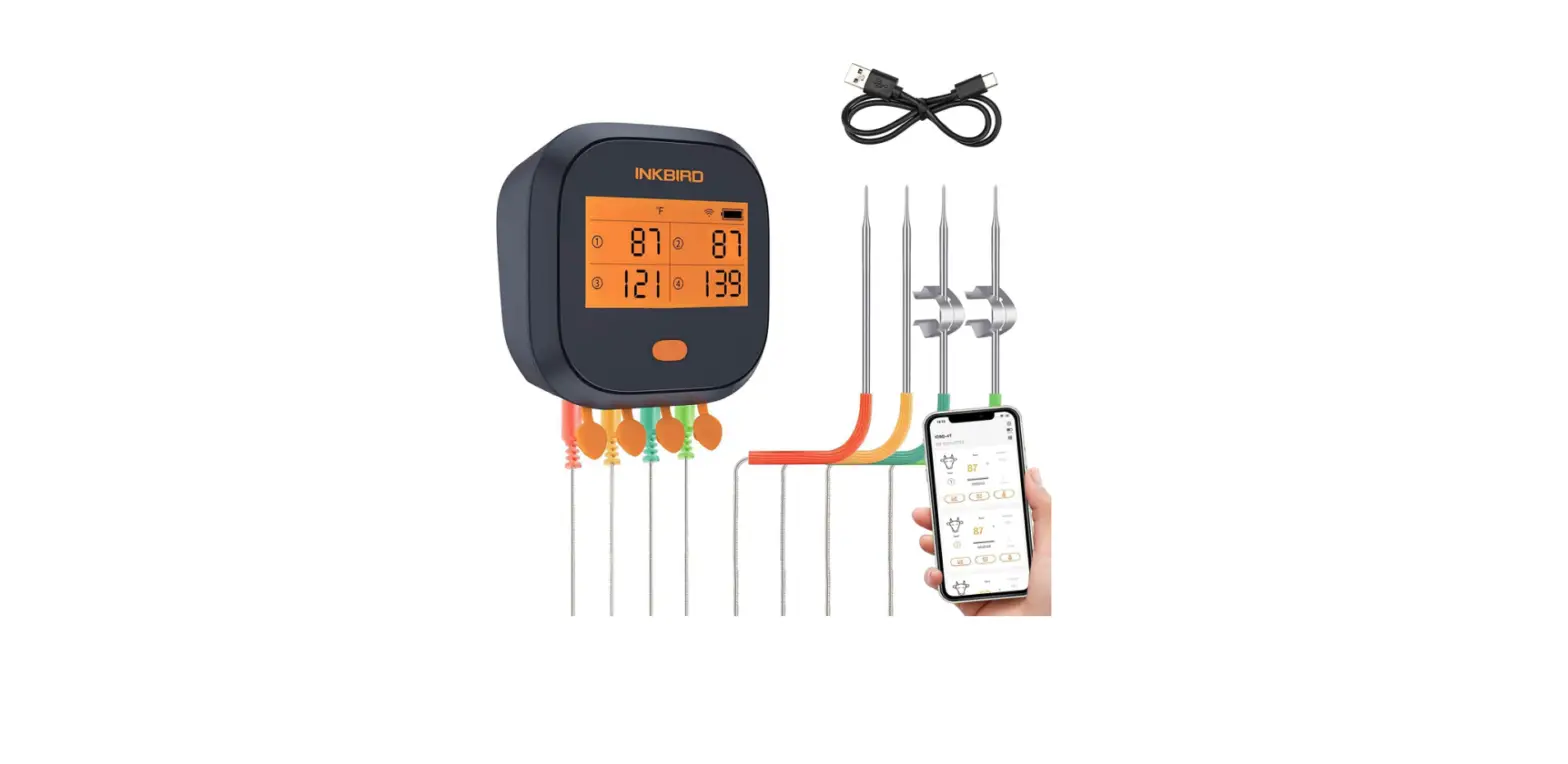

Inkbird IBBQ-4T WiFi Grill Meat Thermometer
Introduction
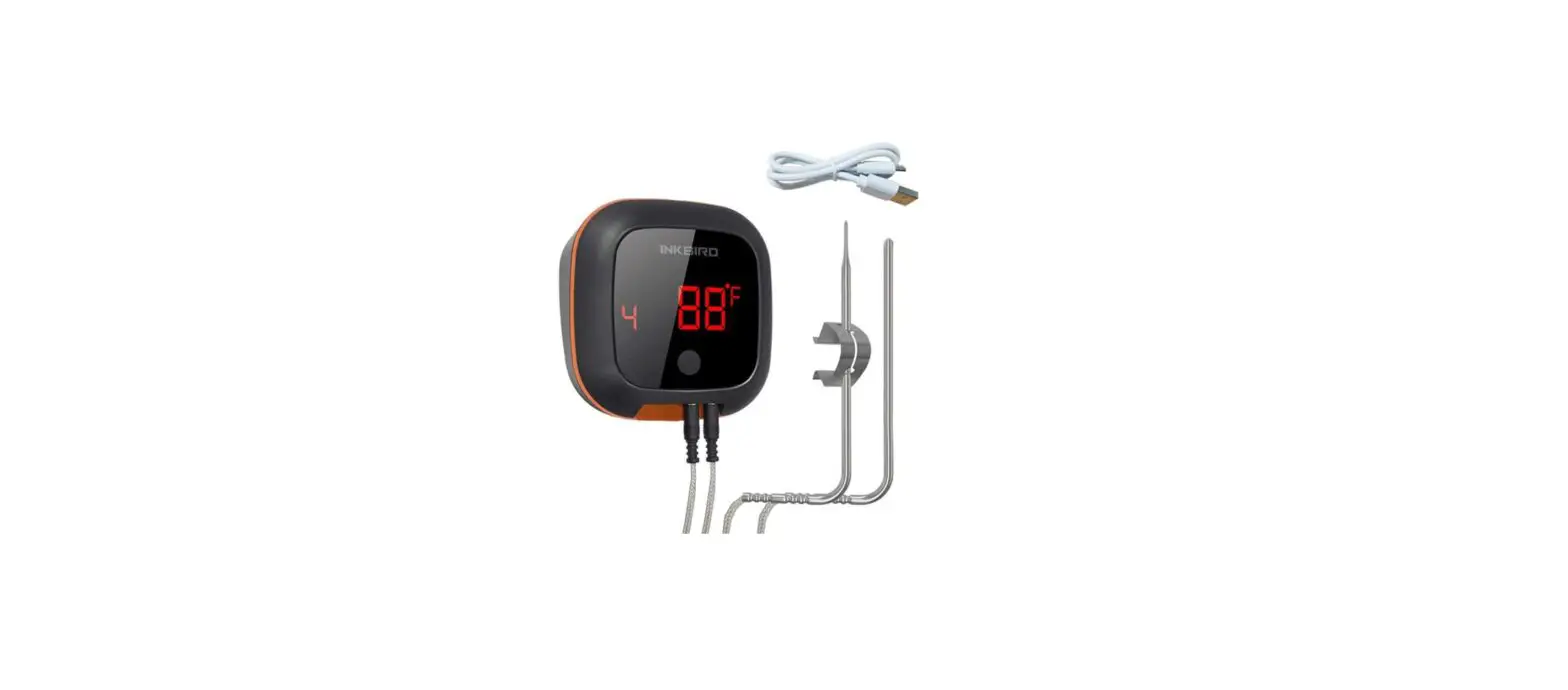
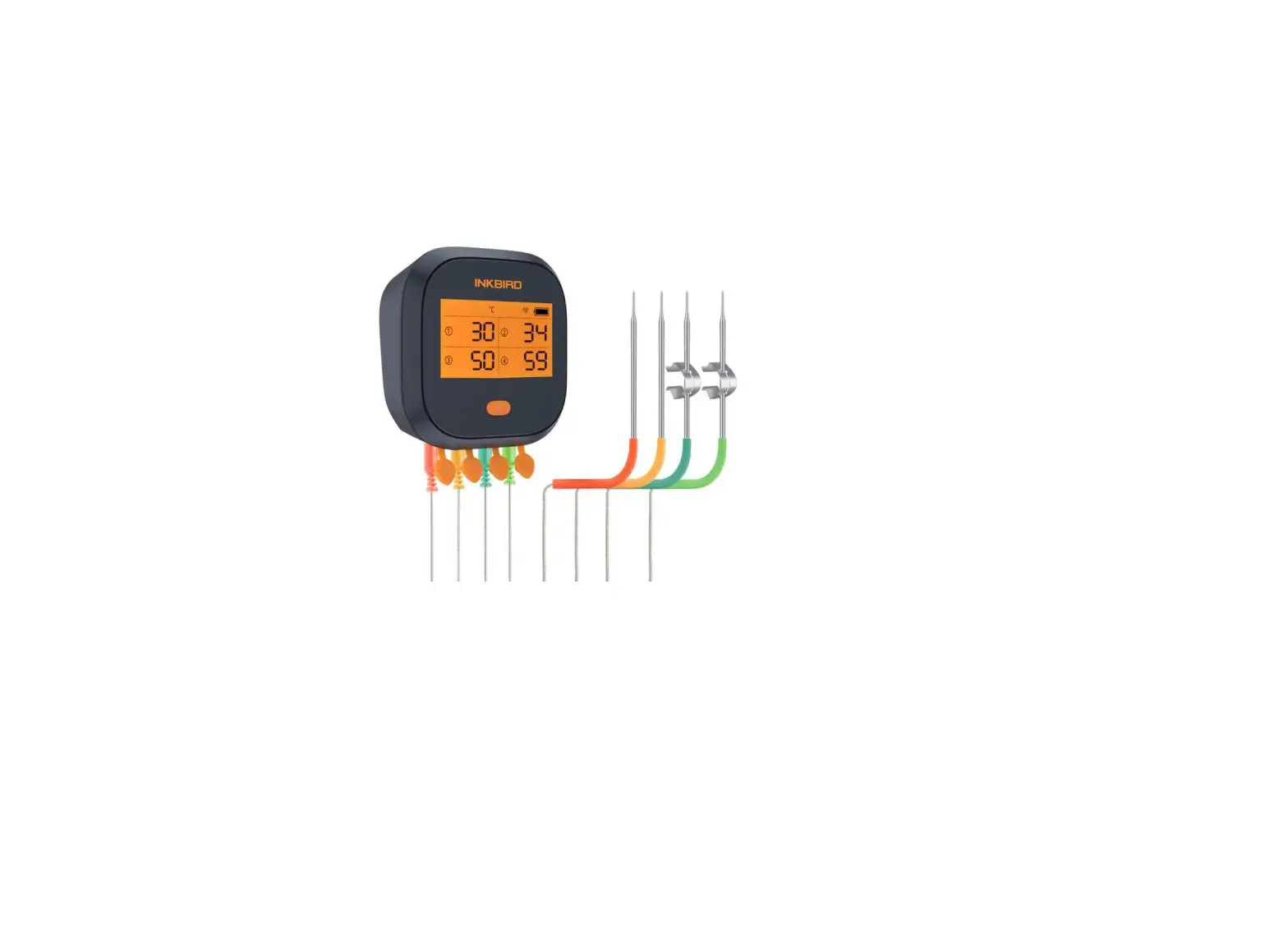
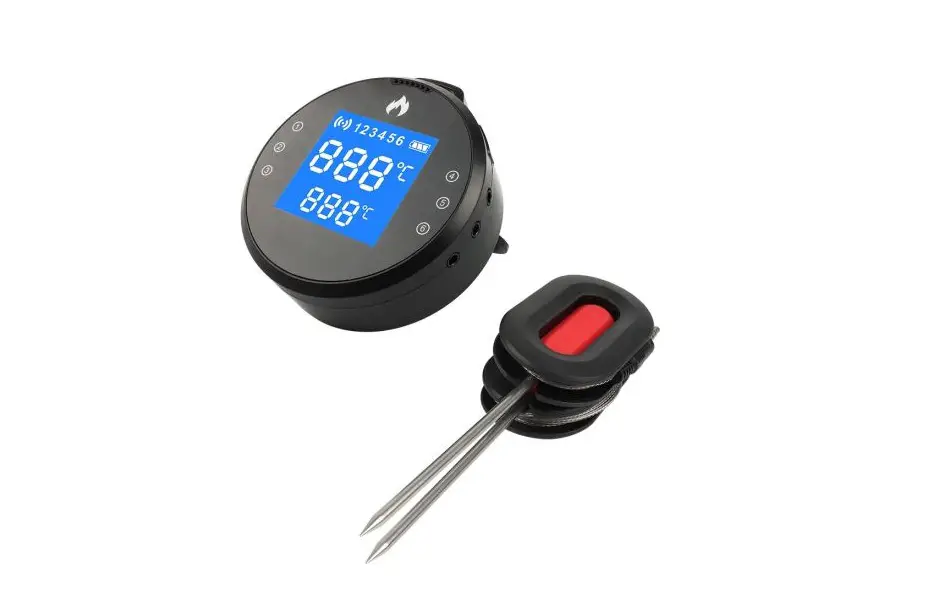
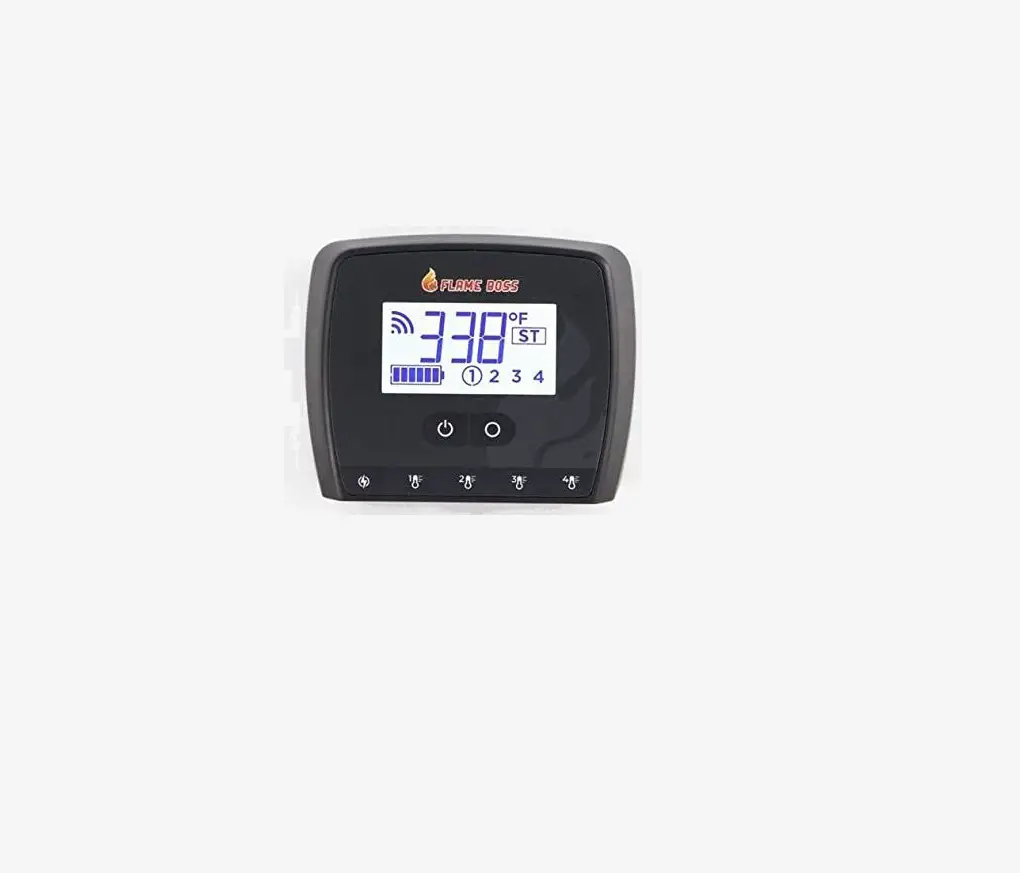
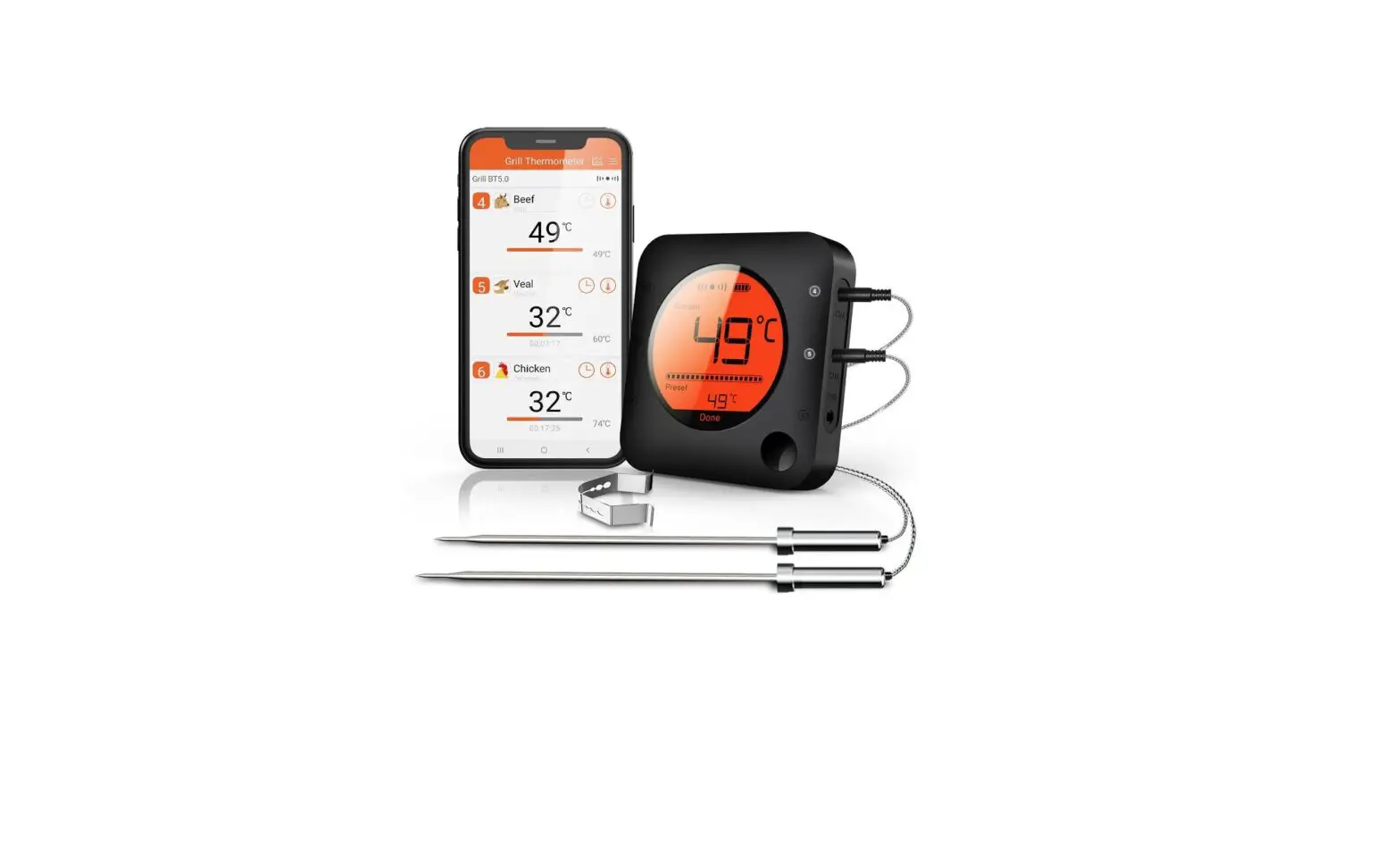
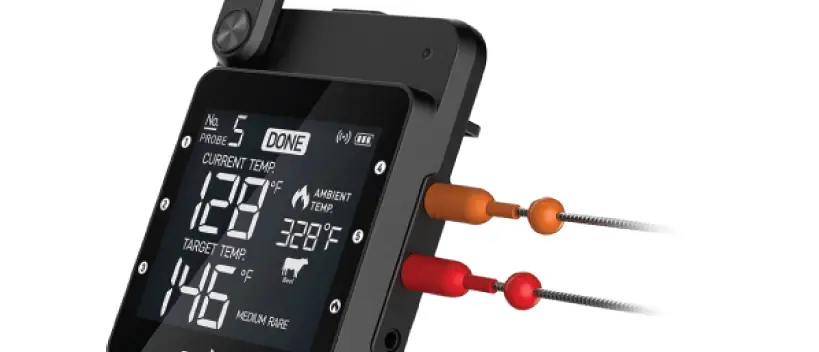
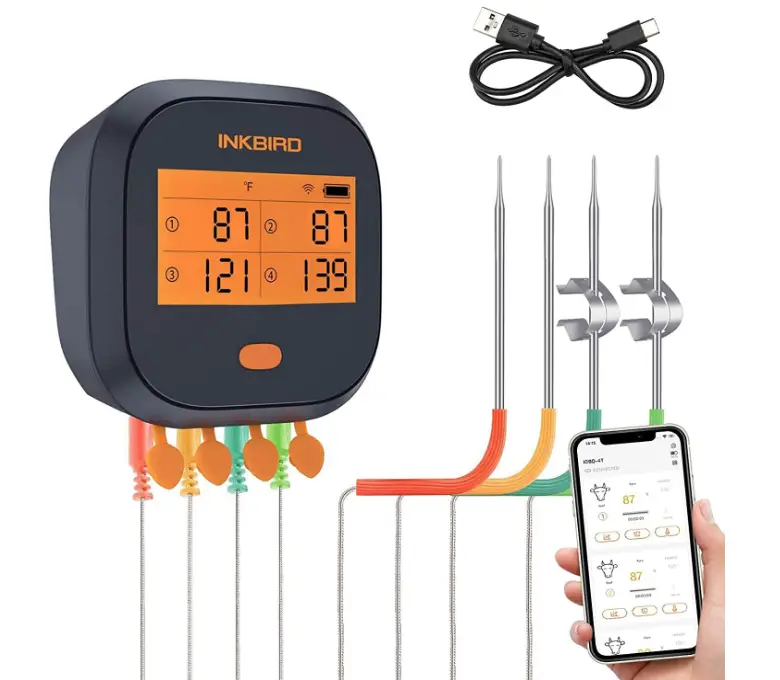
A WiFi meat thermometer featuring wireless control, temperature alert, calibration, temperature records, and other features is the INKBIRD IBBQ-4T. It is frequently used in ovens, BBQs, grills, and other cooking contexts, receiving great praise from experts, fans, and novices alike.
Notes
- Please turn on GPS location if your phone is Android system. Google Play requires it
- Please make sure your wifi internet is 2.4GHz (Support IEEE 802.11b/g/n)
- Please don’t submerge this unit into the water and put it in high temp place
- Calibration range: ±12℉/±7℃
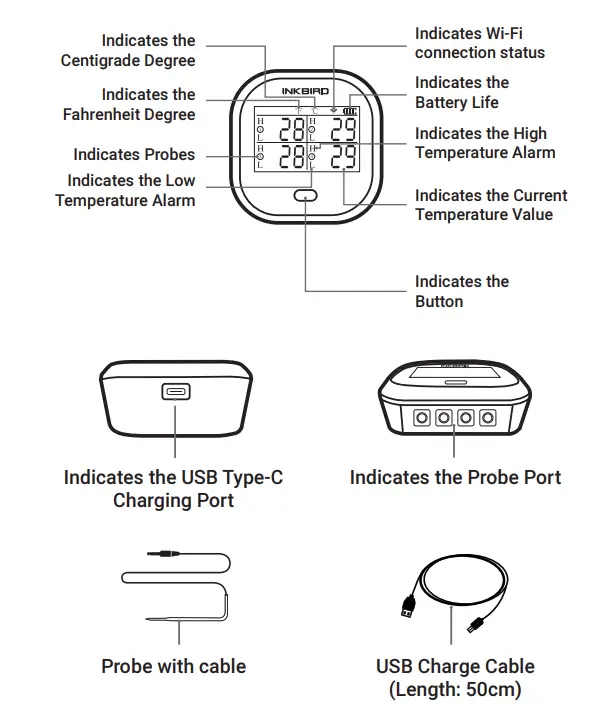
Get to know the device
Quick Start Guide (Turn ON/OFF)
Press the power button for 1 second to turn on the device, and press the power button for 3 seconds to turn it off.
Probe Installation
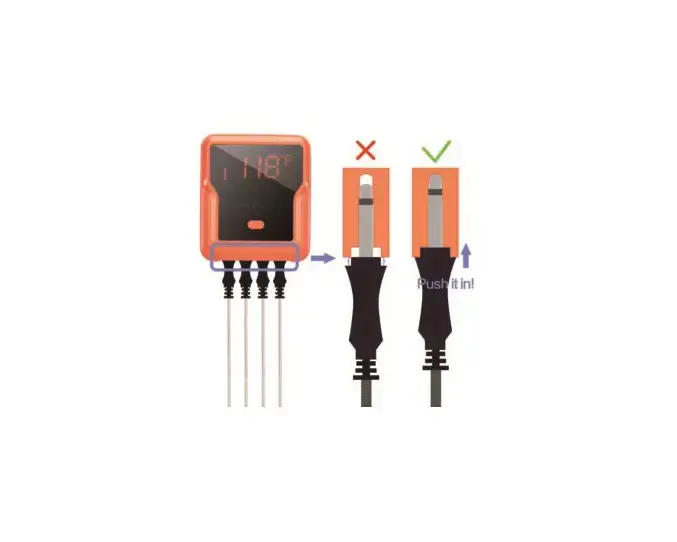
- Insert probes into the device when the power is turned on, then the device will display readings of the instant temperature.
- Please make sure probes are inserted into the center of the food to get accurate temperature readings.
Free App Download
- Get Inkbird Pro or BBQ-4T from Google Play or App Store for free, or you can scan the QR codes below to download the apps directly.

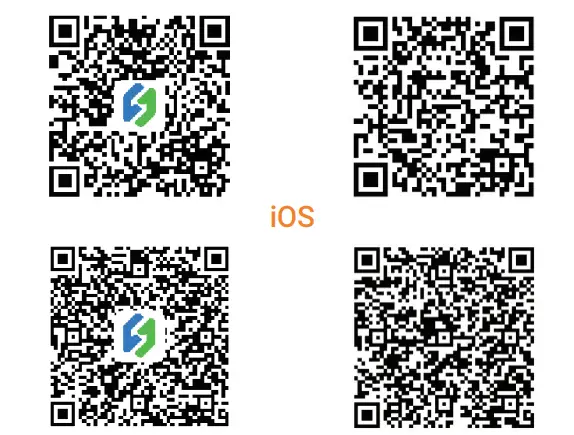
Please make sure the following requirements are met to download the apps smoothly
- Your iOS devices must be running iOS 13 or above to download the apps.
- Your Android devices must be running Android 4.4 or above to download the apps.
Connect With Your Phone
- Register before using the Inkbird Pro app. Select your Country/Region, enter your e-mail, then a verification code will be sent to you, enter it to confirm your identity and the registration is done.
- Reset the IBBQ-4T and enter connection mode. Press the BBQ button 3 times to reset or switch between different configuration modes.
- The Wi-Fi icon flashes rapidly in SmartConfig mode.
- The Wi-Fi icon flashes slowly in AP mode.
- The device requires 5 seconds response time to switch to the other configuration mode, the interval of the mode switch should not be less than 5 seconds.
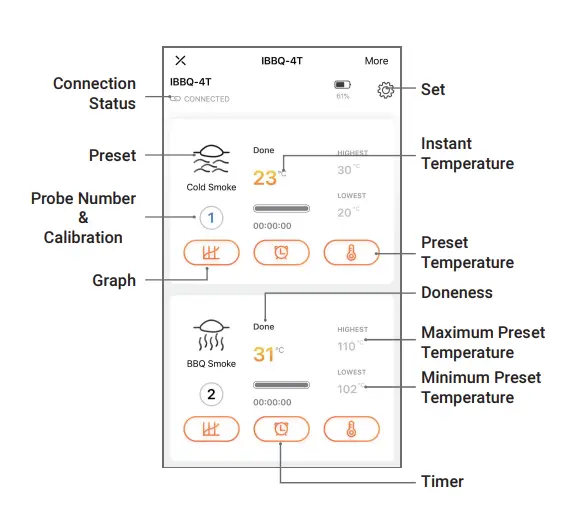
- Open the app, click the “+” or “add device”, choose IBBQ-4T, then connect your device to the phone according to the prompts.
Notes
- IBBQ-4T only supports 2.4GHz Wi-Fi, and 5GHz Wi-Fi is not supported.
- IBBQ-4T only supports WPA/wpa2 encryption, please check encryption methods before the connection.
- Please open the APP location access permission, also the GPS location permission in the system setting of your phone before pairing. Both Android and iOS systems need to accept access to Location permission on your phone.
Wi-Fi Status
- The Wi-Fi icon flashes rapidly in SmartConfig mode.
- The Wi-Fi icon flashes slowly in AP mode.
- The device is not connected to the Wi-Fi router if there’s no Wi-Fi icon display. The wrong Wi-Fi password and great distance may cause this problem.
- The Wi-Fi icon stays lit when the device is connected to the Wi-Fi network successfully.
Specification
- Dimensions: 88mmx88mmx39mm/3.46”x3.46”x1.54”
- Weight: 165g/5.82oz
- Battery: 2000mAh built-in lithium battery
- Short Time Measurement Range: from 0℃ to 300℃ (32℉~572℉)
- Continuous Monitoring Range: from 0℃ to 250℃ (32℉~ 482℉)
- Temperature Accuracy: ±1℃/±1.8℉
- Wireless Connection: Wi-Fi Connection. Requires 2.4GHz Wi-Fi (Support IEEE 802.11b/g/n
- Display Type: Black-and-white LCD with backlight
- Dimensions of LCD Display: 53mmx35mm
- Data Storage: free App storage
- Calibration: ±12℉/±7℃
- Temperature Graph: this can display in the app continuously and the data on temperature changes can be downloaded.
Battery
- Battery Type: Built-in Rechargeable Lithium Battery
- Battery Capacity: 2000mAh/7.4Wh
- Adapter: 5V/1A
Battery Charging
- The empty battery icon flashes when the battery goes below 20%
- The charging battery icon flashes when the battery is undercharging
- The battery icon stays still when charging is done
- The battery takes about 4 hours to refill and it will last about 26 hours without a backlight once fully charged
- Please use a 5V/1A adapter to charge the product
Frequently Asked Questions
Why It Is failed to connect to the Wi-Fi network?
- Please make sure that the Wi-Fi icon is flashing. Press the button 3 times quickly to enter connection mode if there’s no Wi-Fi icon display.
- Please make sure that the Wi-Fi network is 2.4GHz, the device does not support 5GHz IBBQ-4T only supports WPA/wpa2 encryption, please change the settings.
- Check if the Wi-Fi name and the password are correct.
- Restart the Wi-Fi router and the device, then reconnect them.
- Put the device and the phone as close as possible to the Wi-Fi router during the connection.
- Please allow the app to use your phone’s location and enable GPS on your phone.
- Please try to pair the device with other phones or phones in different operating systems (iOS or Android).
Why is the Wi-Fi icon disappeared?
- The distance between the device and the Wi-Fi router is too long, and the Wi-Fi network is too weak to connect.
- The Wi-Fi password is Incorrect, please reconnect the Wi-Fi with the correct password.
Why can’t I charge the device?
- Please use a standard type C USB cable.
- The device only supports standard USB charging.
- Fast charging is not available.
Are these probes waterproof?
No. Please do not put the whole probe into liquid, it may lead to inaccurate readings. Please air dry it or put it into a 120°C degree oven for about half an hour after socking the whole probe into water. The probes can be washed with water but the interlaces should be kept dry.
Warning
- The maximum temperature for short time measurement is 300℃/572℉ and the maximum temperature for long time measurement is 250℃/482℉, the probe and the metal wire will be burned out if the temperature goes beyond the maximum number.
- Do not put probes or metal wire into the fire or contact the heating tube directly.
- Do not put probes or metal wire into the water, it may lead to inaccurate measurements.
- Do not press probes and the metal wire too hard, it may damage the plastic film of the wire and lead to a short circuit.
- Please take off the black tip covers before using the probes.
Warranty
- Inkbird will provide 12 month warranty for all users from the purchasing date, please contact us if you need support or meet problems.
Item List
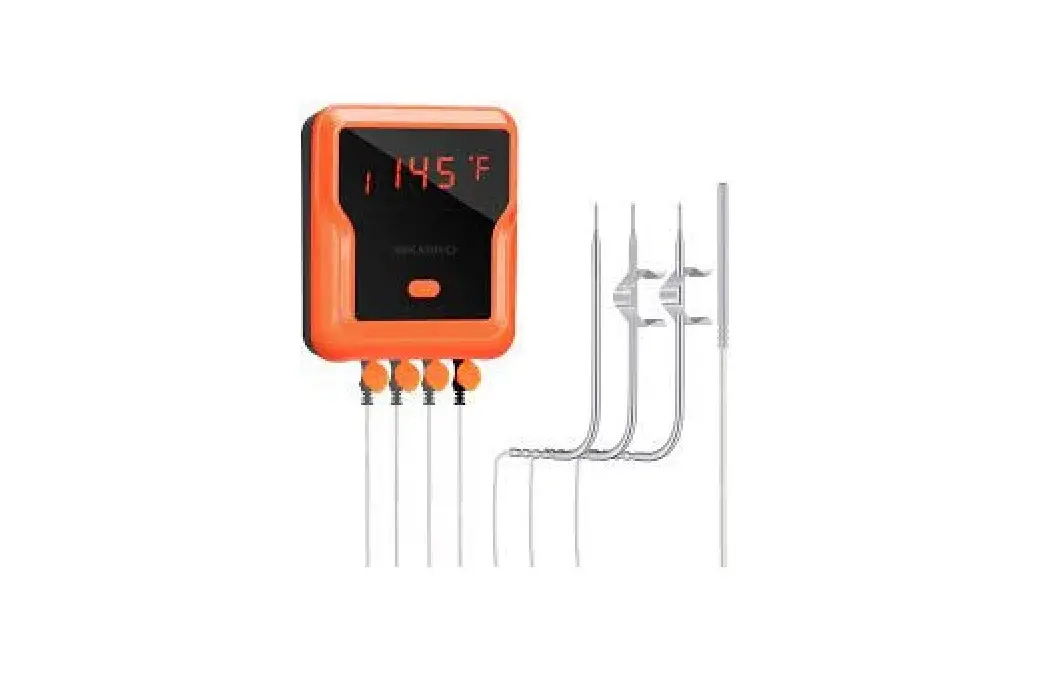
- Thermometer x1
- Probe x4
- USB Cable x1
- Probe Clip Holder x2
- Manual x1
- Warranty Card x1
FAQ’s
Absolutely everywhere. That’s why I purchased it. It functions similarly to the Traeger Grilles WiFire technology, which enables me to monitor one temperature probe, the temperature of the grill, the temperature setting, and others wherever I am as long as I have access to a cell phone or another Wi-Fi network. I wouldn’t require this if Traeger had more temperature probes.
You may check the temperature at the grill level using one of the probes and the accompanying clip.
If you look at its permissions, it requests access to more than just your GPS location. It also requests access to your Device & App history, Identity, Contacts, Location, Photos/Media/Files, Camera, WiFi Connection information, Bluetooth Connection information, Device ID & Call information, as well as your Identity, Contacts, and Location. Without a doubt, that is a security issue.
I am unsure if it will. It still won’t connect to the Wi-Fi, despite my best efforts. I’m not happy with my Wi-Fi Inkbird purchase so far.
With butts, it most definitely works. Depending on how thin you are speaking, I suppose. On 1″ it will undoubtedly work, on 34″ maybe. It would be challenging to insert the probe in the middle as you get considerably thinner. An instant read thermometer might serve you better.
Yes, you can use it to gauge grill temperature with a meat clip.
You can connect to Xfiniti Xfi, of course! Just now! The name and password were the same for both my 5.0 and my 2.4 GHz. I changed the 2.4’s name and password in my network’s “edit” and was then able to join my iPhone to the 2.4 before connecting the InkBird.
Yes, you may configure it to notify you if the temperature falls too low.
Although I haven’t tested, I don’t think so, but the pro app had a Bluetooth setup, so perhaps they could use their Bluetooth on that app.
No, a built-in battery.
Yes, it will keep vibrating until you turn it off. You may do this using your phone, in which case the alarm on the gadget will also be turned off.