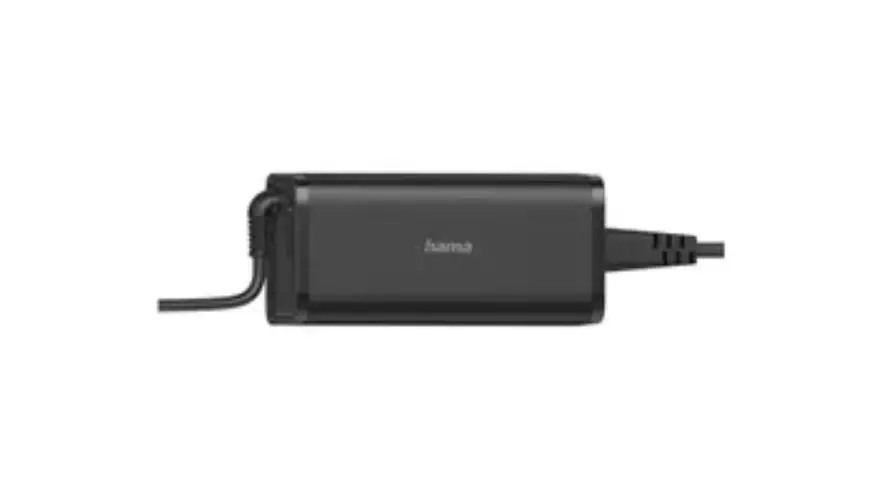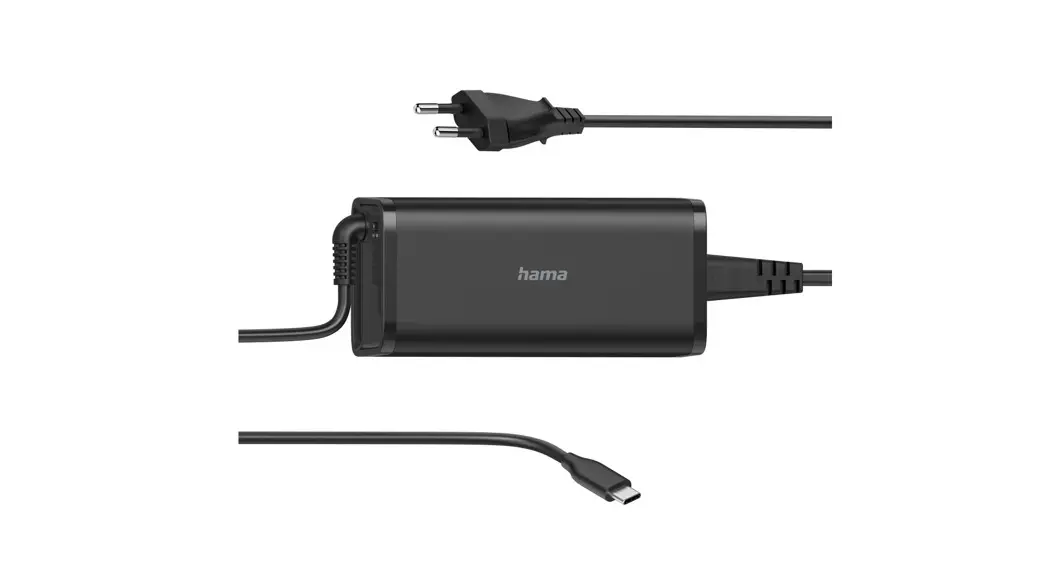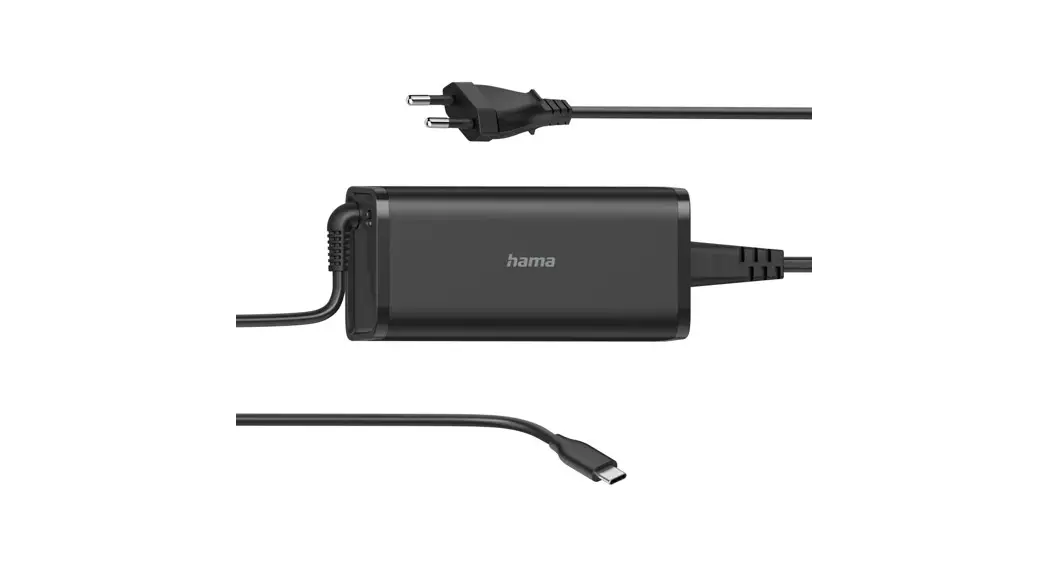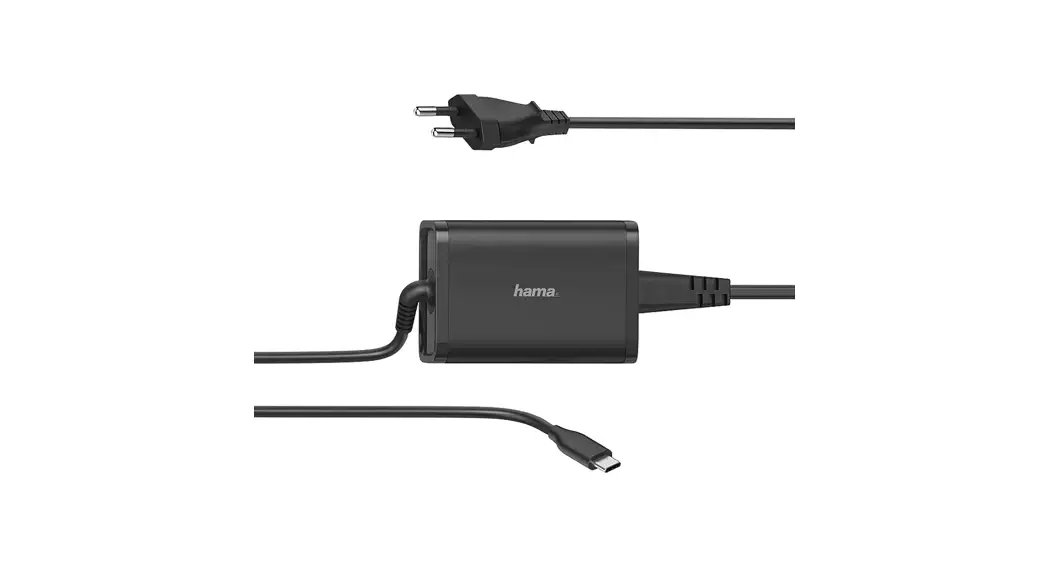
hama 00200004 Universal Notebook Power Supply 90WU
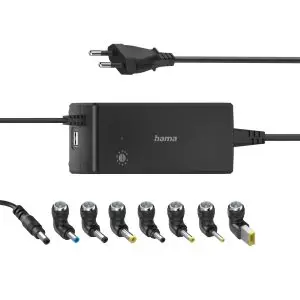
00200004 Universal Notebook Power Supply 90WU
Operating instruction
Explanation of warning symbols and notes
Risk of electric shock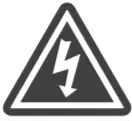 This symbol indicates a risk of electric shock from touching product parts carrying hazardous voltage. |
| Warning This symbol is used to indicate safety instructions or to draw your attention to specific hazards and risks. |
Note This symbol is used to indicate additional information or important notes. |
Package contents
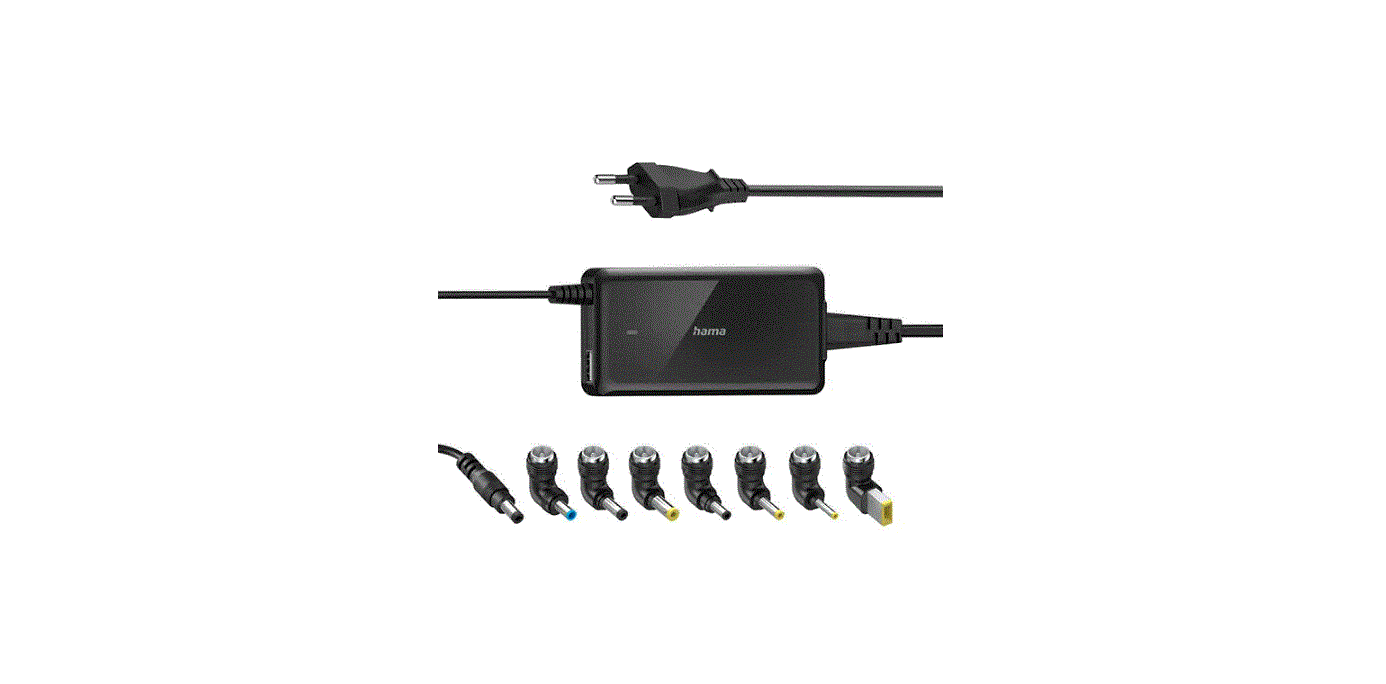
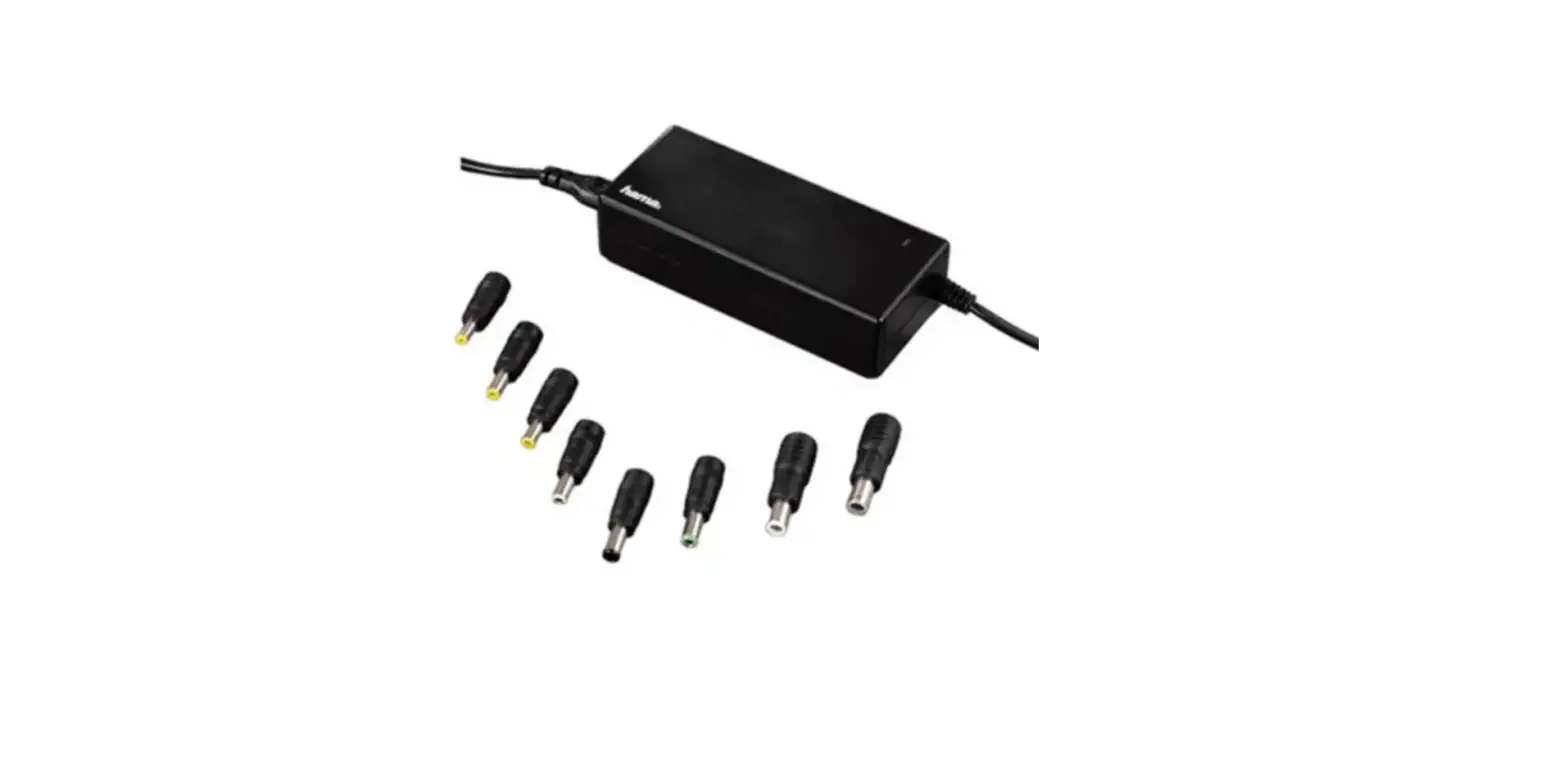
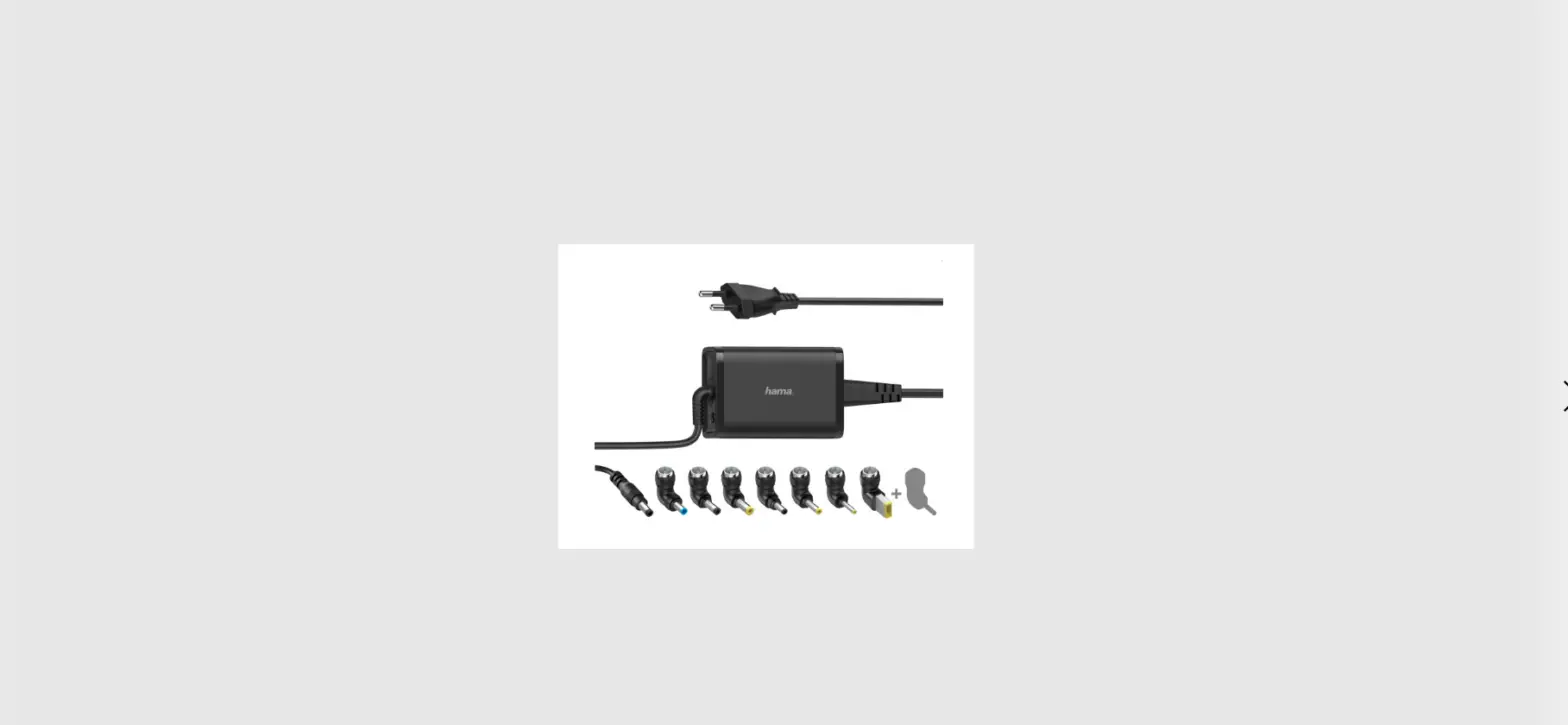
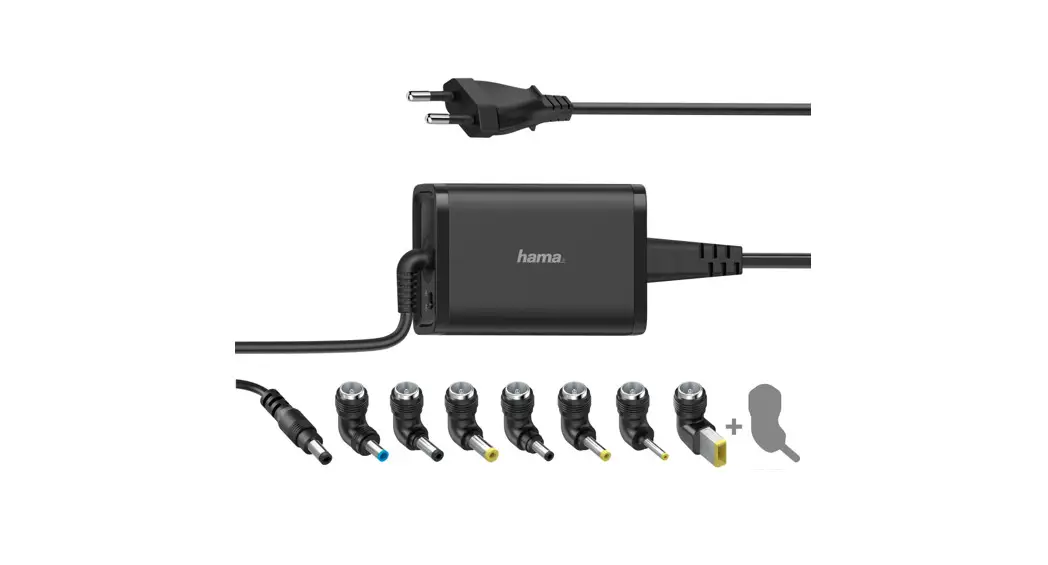
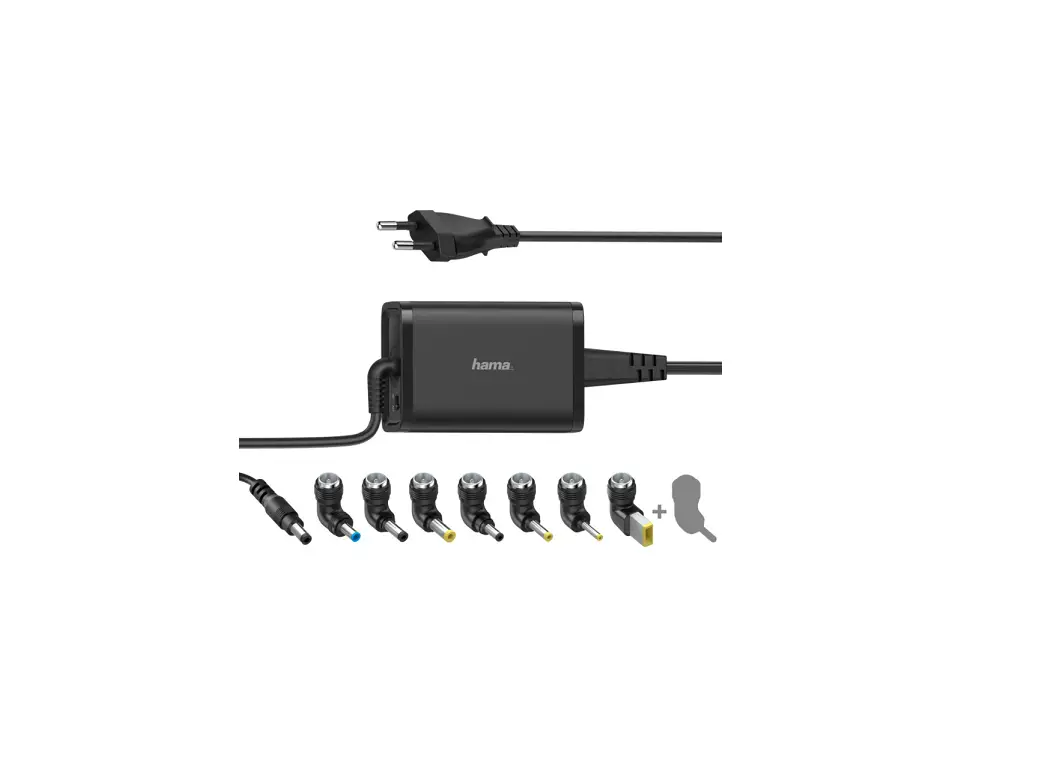
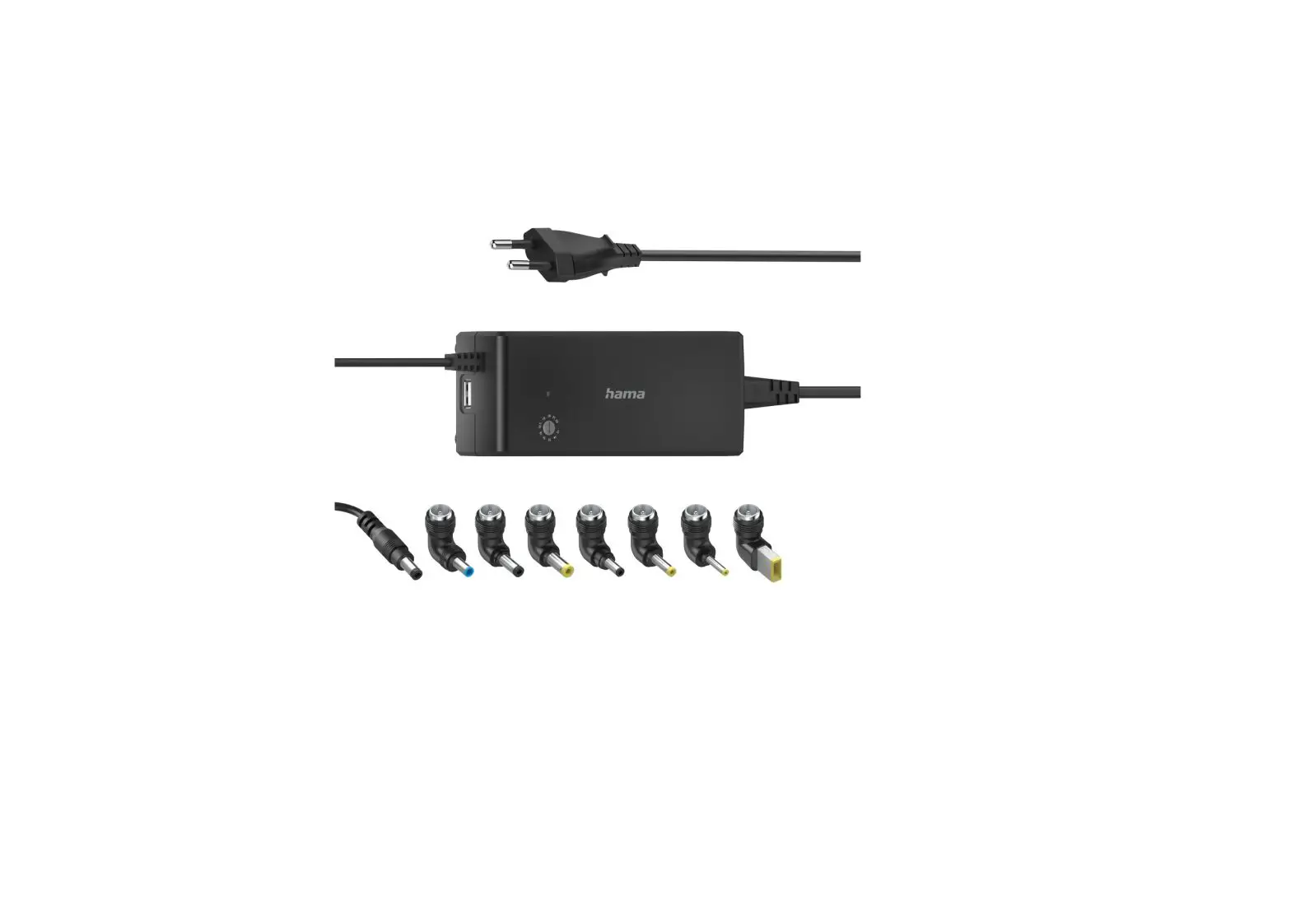
- Universal notebook power supply unit
- Wrench (to switch the voltage)
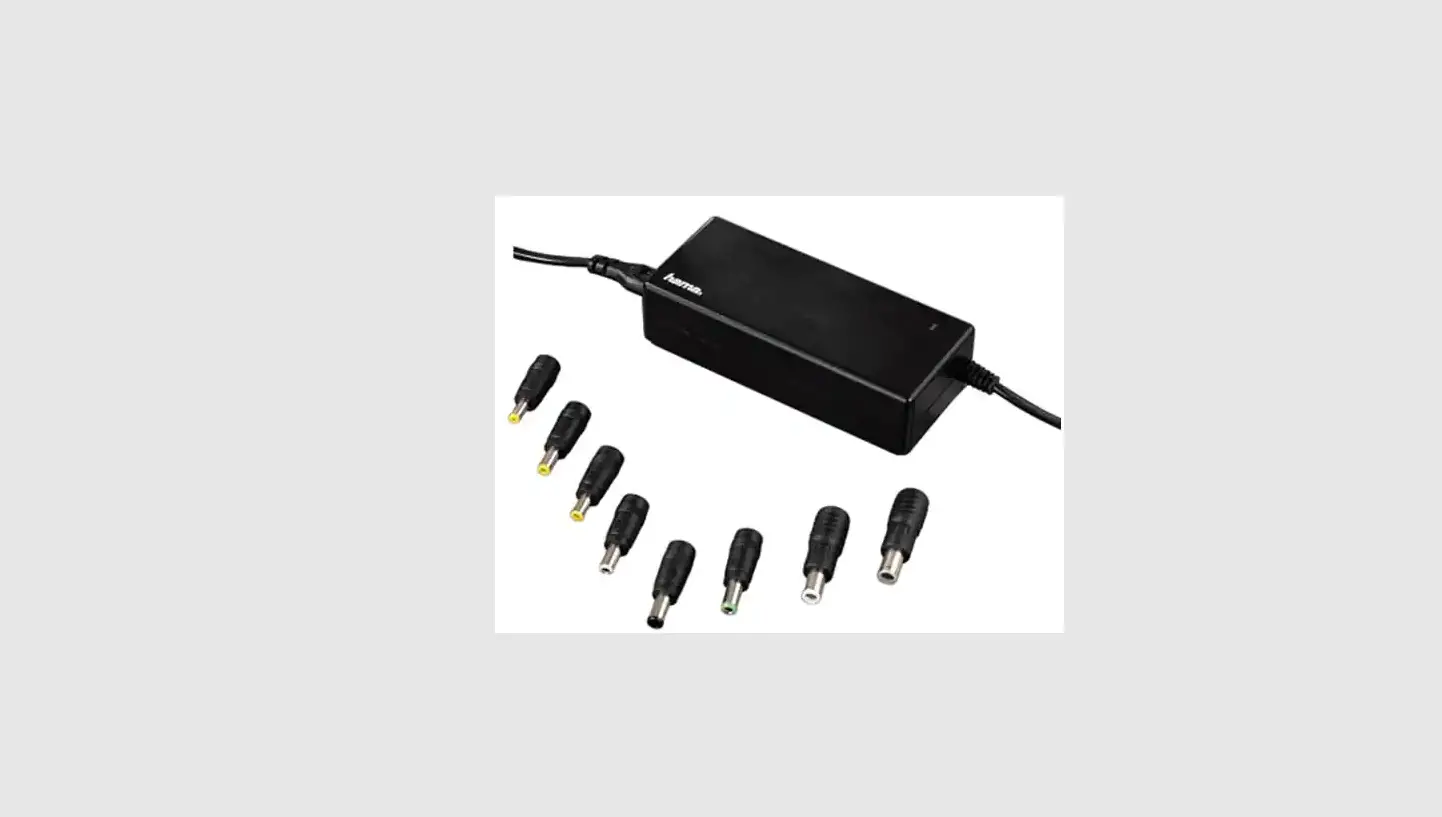
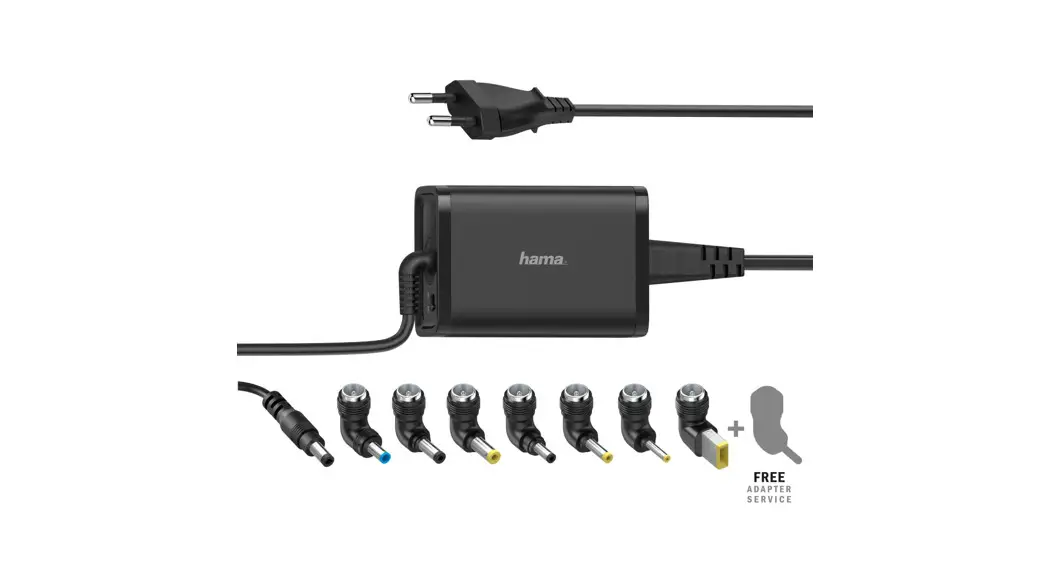
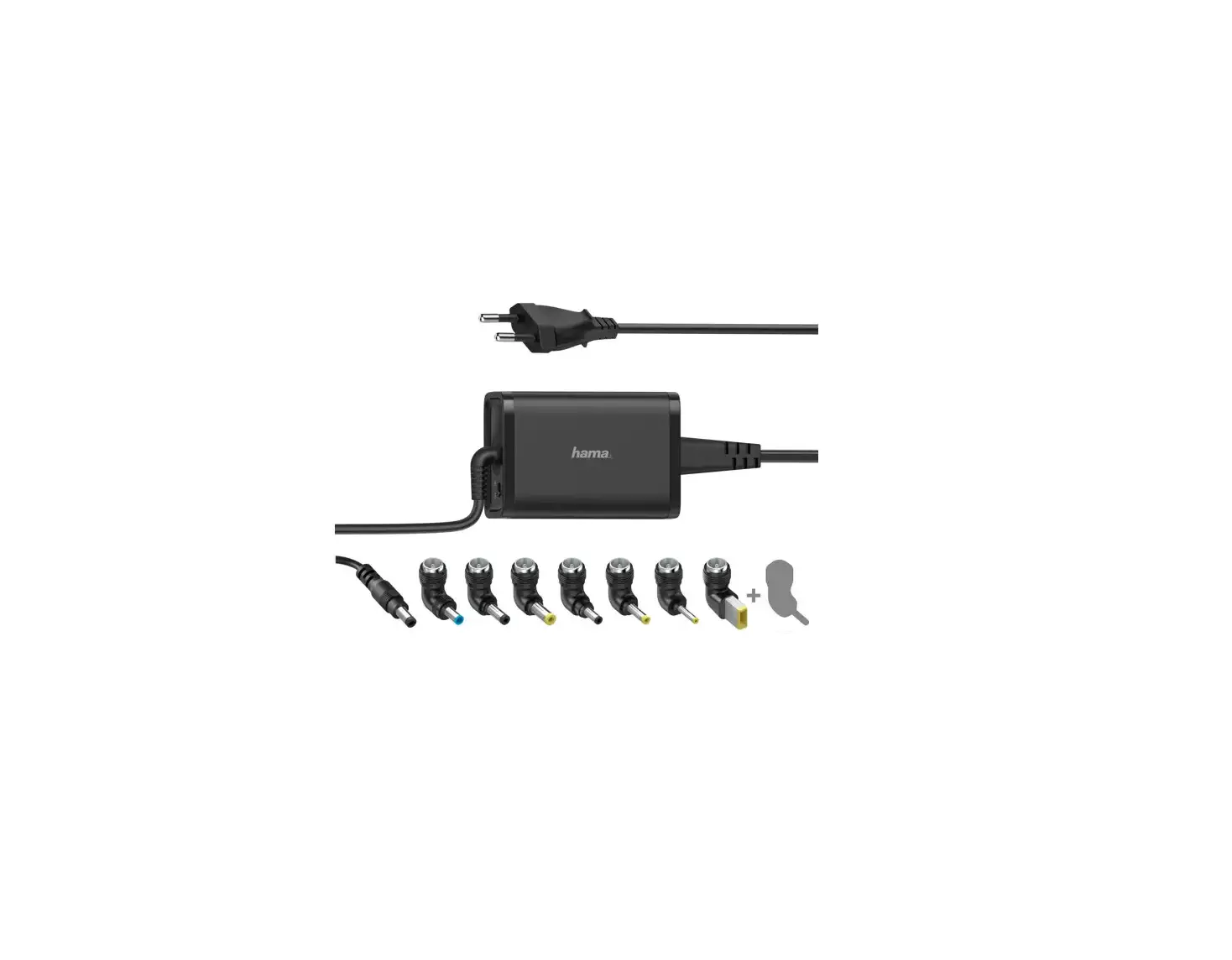
- 8 notebook connectors
- Power cord
- These operating instructions
Safety instructions
- Use the product only for the intended purpose.
- Do not use the product in the immediate vicinity of heaters, other heat sources or in direct sunlight.
- Ensure there is sufficient scope for heat dissipation and ventilation.
- Only use the article under moderate climatic conditions.
- Do not use the product in areas in which electronic products are not permitted.
- Do not use the product in a damp environment and avoid splashing water.
- Do not short-circuit the battery of the opened terminal device. There is a risk of explosion.
- Protect the product from dirt, moisture and overheating and use it in dry environments only.
- Do not drop the product and do not expose it to any major shocks.
- Do not operate the product outside the power limits specified in the technical data.
- Always pull directly on the plug when disconnecting the cable, never on the cable itself.
- Make sure that cables do not pose a tripping hazard or block emergency exits. · Do not bend or crush the cable.
- As with all electrical products, this device should be kept out of the reach of children.
- Do not modify the device in any way. Doing so voids the warranty.
- Keep the packaging material out of the reach of children due to the risk of suffocation.
- Dispose of packaging material immediately in accordance with the locally applicable regulations.
- Make sure that the connected device meets the requirements for supply through class PS3 power sources. If there is any doubt, ask your device manufacturer.
Risk of electric shock
|
Start-up and operation
| Note – mains voltage 100 – 240 V The power supply unit is suitable for mains voltages of 100 – 240 V and therefore can be used worldwide. Please note that a country-specific adapter may be necessary. |
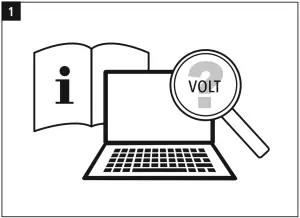
- Ensure that your notebook requires a supply voltage of 12 V / 14 V / 15 V / 16 V / 18 V / 18.5 V / 19 V / 19.5 V / 20 V / 21 V / 22 V (+/- 1 Volt).
- You can find this information on the original power supply unit or in your terminal device’s operating manual. If necessary, ask the dealer who supplied your terminal device or contact your terminal device manufacturer’s support service.
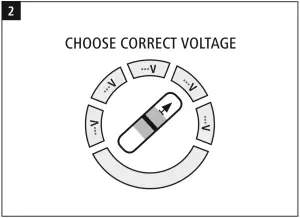
- Set the voltage selector switch to the voltage required by your terminal device.
Warning
|
Note the instructions in your device’s operating manual. If these do not contain any instructions expressly to the contrary, proceed as follows:
Warning
|
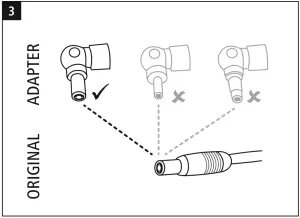
- Use the connector on the original power supply unit to select the appropriate notebook connector.
- Without connecting it to the power supply unit, determine the mechanical compatibility between the notebook connector and the connection socket on the terminal device.
- The connector must slide easily into the socket but should not exhibit too much play.
Warning
|
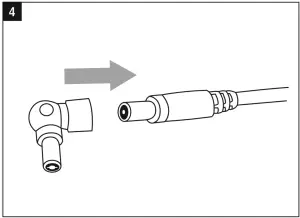
- Connect the appropriate notebook connector to the power supply unit’s DC connection cable.
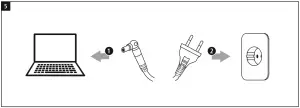
- Connect the power cord to the power supply unit and your terminal device.
- Then connect the mains plug to a properly installed socket.
- When the power supply is active, the LED lights up to indicate that the power supply unit is ready for operation.
- The terminal device can now be used and switched on / charged.
| Note Disconnect the product from the mains after use. |
| Note regarding the USB-A socket You have the option of charging or operating USB devices from the power supply unit’s USB socket, e.g. tablet PC, smartphone, etc. The maximum output current from the USB socket is 2 A. |
Care and Maintenance
| Note Disconnect the product from the mains before cleaning. |
- Only clean this product with a slightly damp, lint-free cloth and do not use aggressive cleaning agents.
- Ensure that no water is able to enter the product.
Warranty Disclaimer
Hama GmbH & Co KG assumes no liability and provides no warranty for damage resulting from improper installation/ mounting, improper use of the product or from failure to observe the operating instructions and/or safety notes.
Technical data
| |
| Ambient temperature | 0°–40° C |
| Specifications in accordance with Regulation (EU) 2019/1782 | |
| Manufacturer’s name or trade mark, commercial registration number and address | Hama, HRA12159, Dresdner Str. 9, 86653 Monheim |
| Model identifier | 00200004 |
| Input voltage | 100 – 240 V |
| Input AC frequency | 50 / 60 Hz |
| Output voltage / Output current / Output power | SEC 1: 12.0 V DC/ 4.0 A/ 48.0 W 14.0 V DC/ 4.0 A/ 56.0 W 15.0 V DC/ 4.0 A/ 60.0 W 16.0 V DC/ 4.0 A/ 64.0 W 18.0 V DC/ 4.0 A/ 72.0 W 18.5 V DC/ 4.0 A/ 74.0 W 19.0 V DC/ 4.0 A/ 76.0 W 19.5 V DC/ 4.0 A/ 78.0 W 20.0 V DC/ 4.0 A/ 80.0 W 21.0 V DC/ 3.5 A/ 73.5 W 22.0 V DC/ 3.5 A/ 77.0 W SEC 2: 5.0 V DC/ 2.0 A/ 10.0 W Total: 90.0 W |
| Average active efficiency | 87.2 % |
| Efficiency at low load (10 %) | 82.0 % |
| No-load power consumption | 0.28 W |
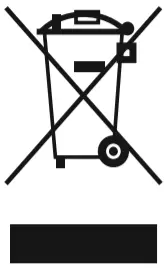
Note on environmental protection:
After the implementation of the European Directive 2012/19/EU and 2006/66/EU in the national legal system, the following applies:
Electric and electronic devices as well as batteries must not be disposed of with household waste. Consumers are obliged by law to return electrical and electronic devices as well as batteries at the end of their service lives to the public collecting points set up for this purpose or point of sale. Details to this are defined by the national law of the respective country.
This symbol on the product, the instruction manual or the package indicates that a product is subject to these regulations.
By recycling, reusing the materials or other forms of utilizing old devices/Batteries, you are making an important contribution to protecting our environment.

Hama GmbH & Co KG
86652 Monheim/ Germany
Service & Support
 www.hama.com
 +49 9091 502-0
 Adapter-Service for Notebook Power Supply hama.com
 hama.com