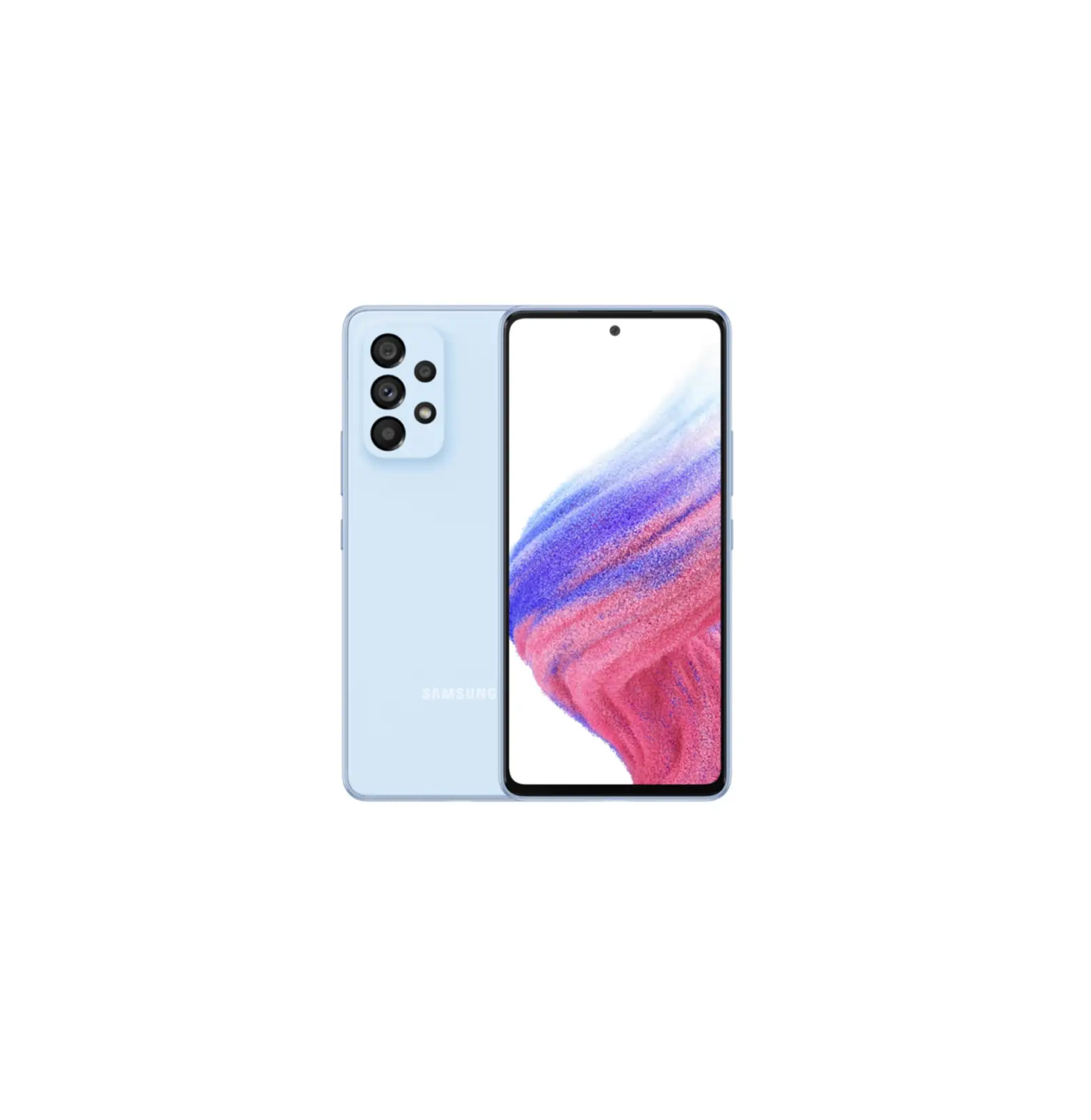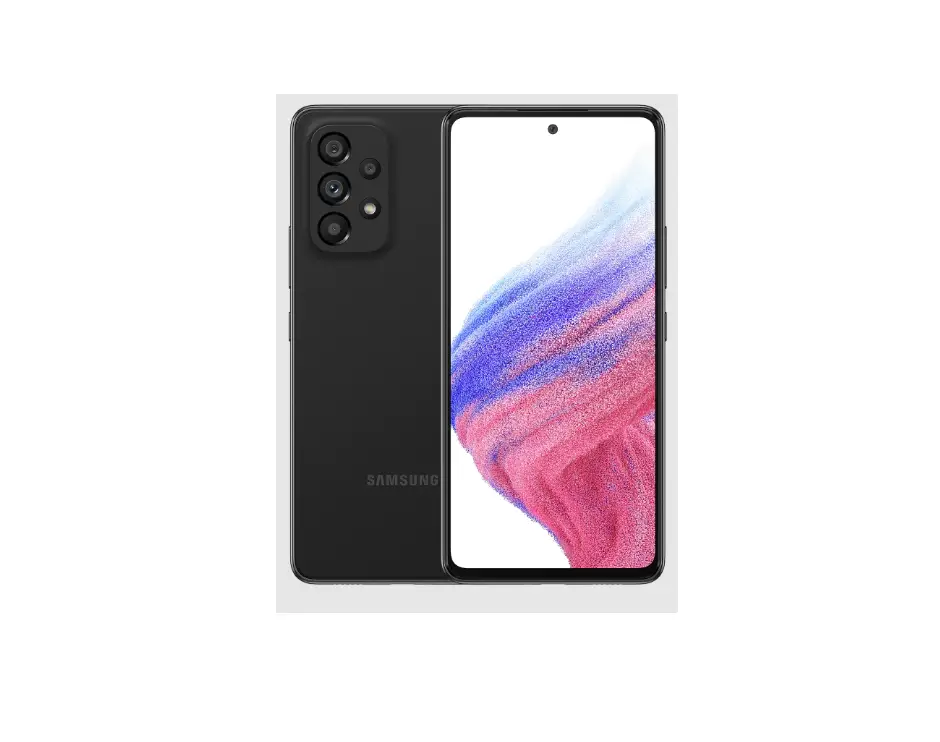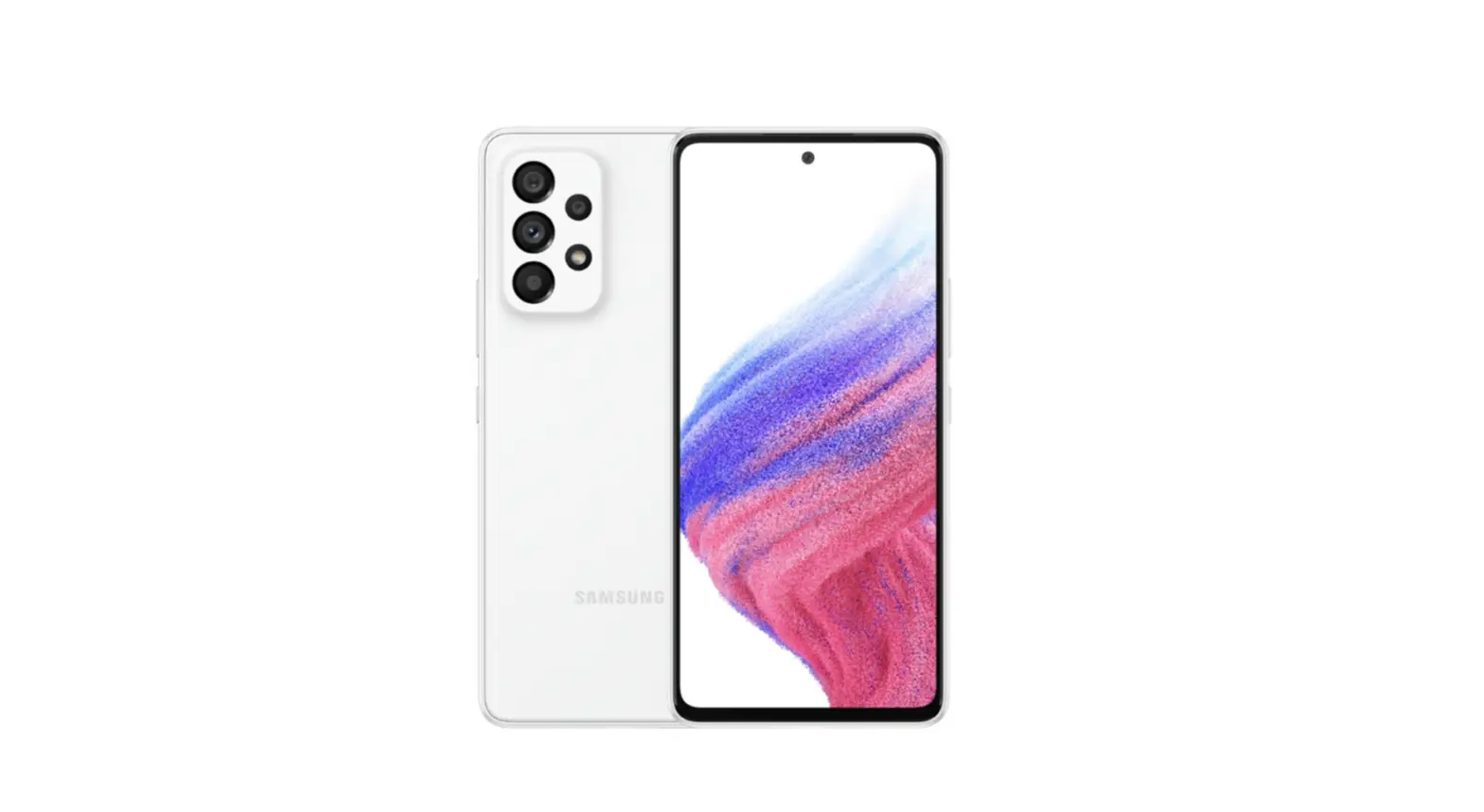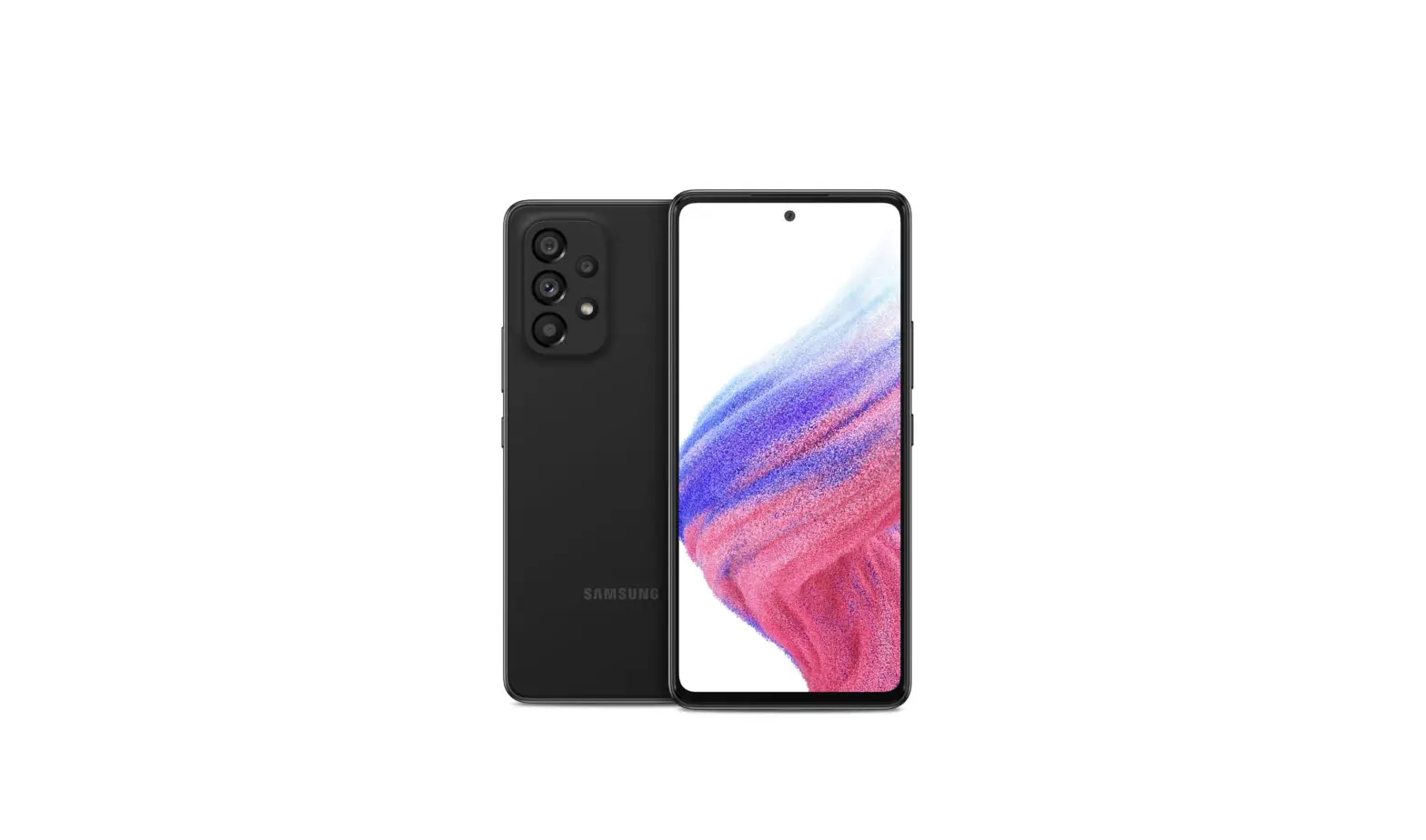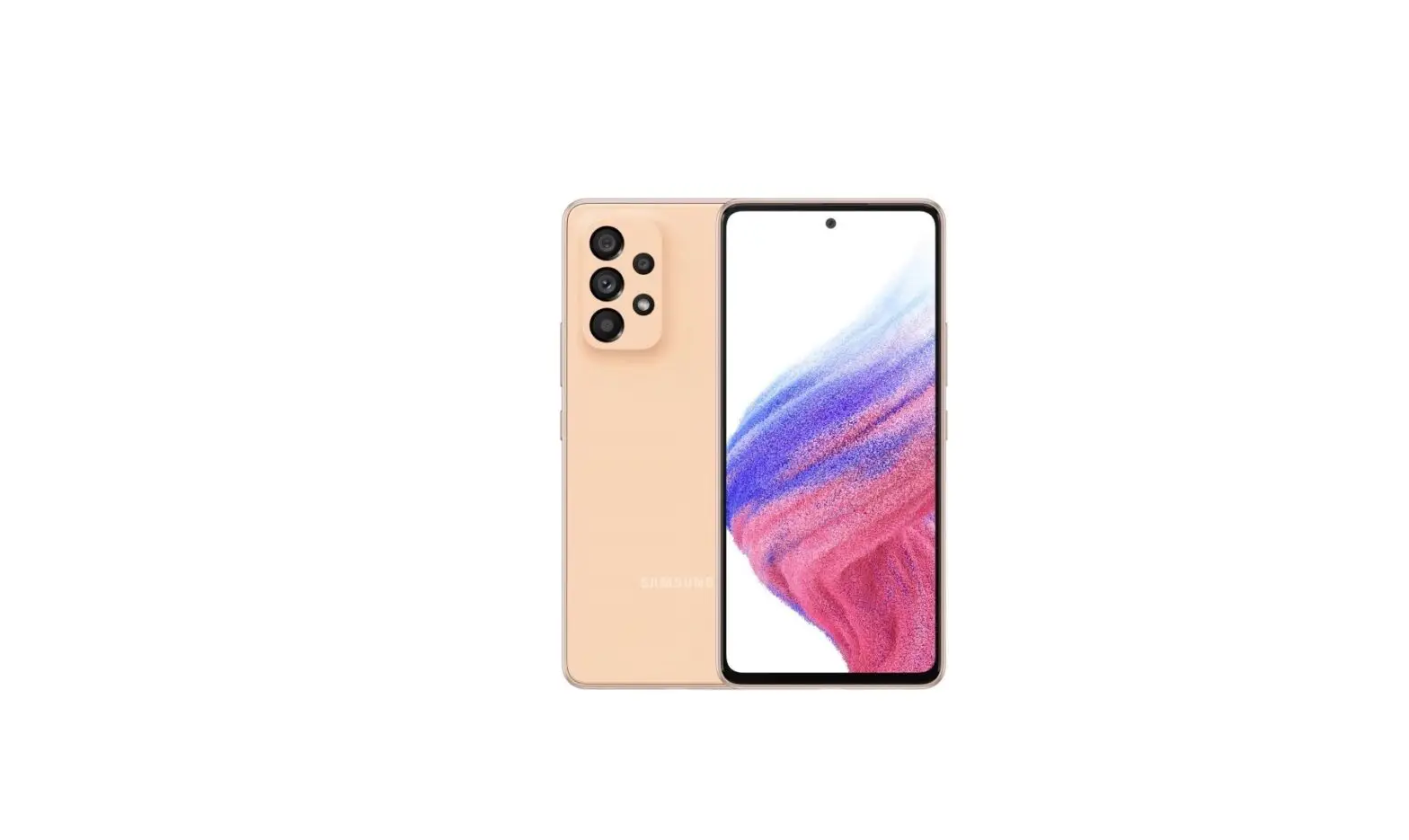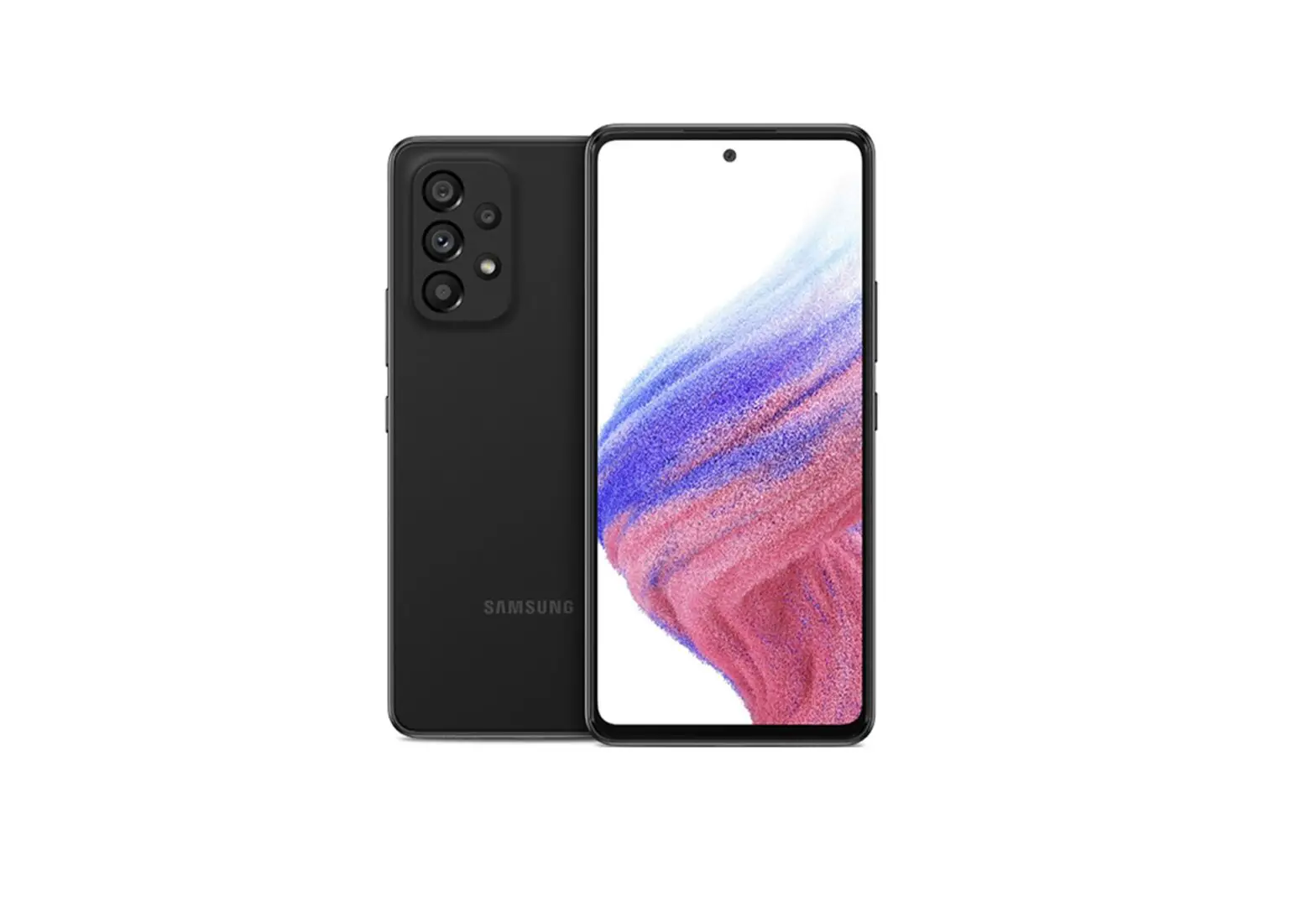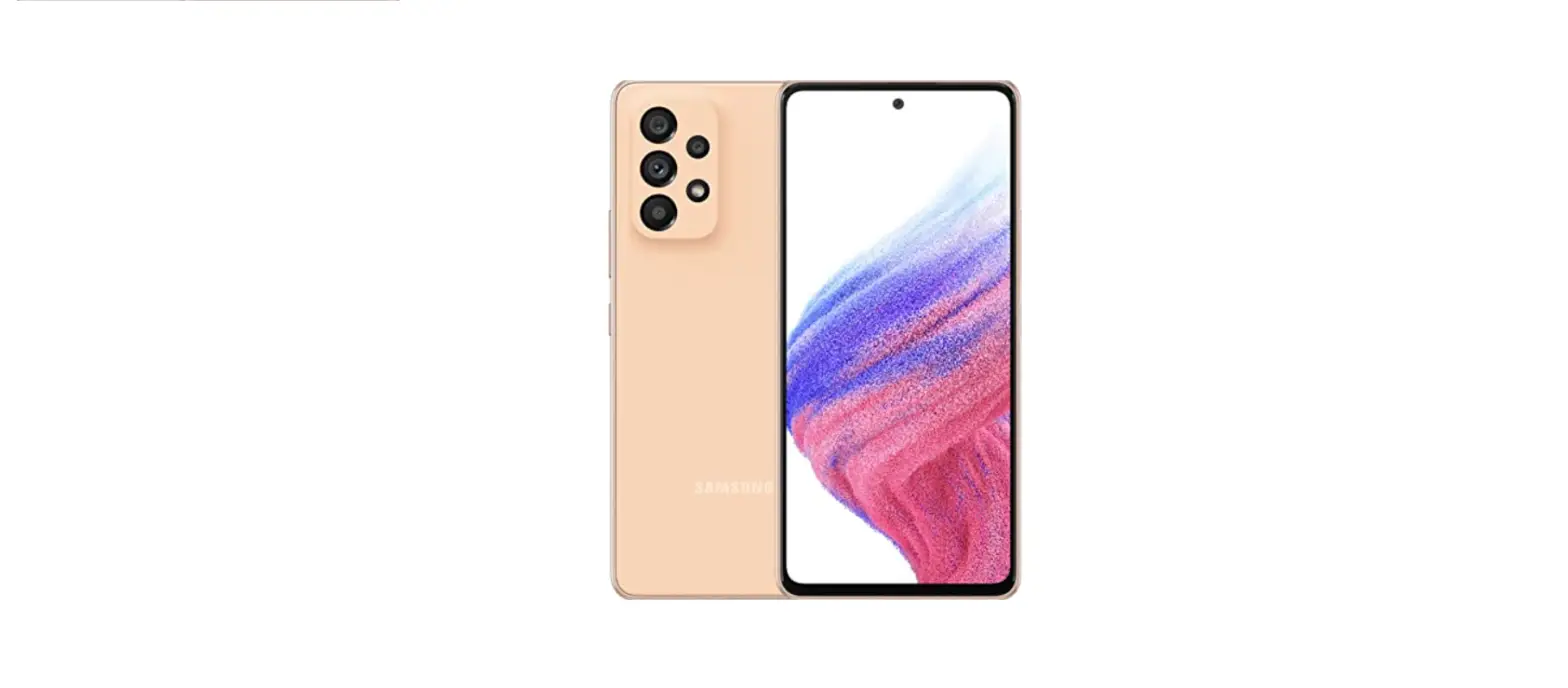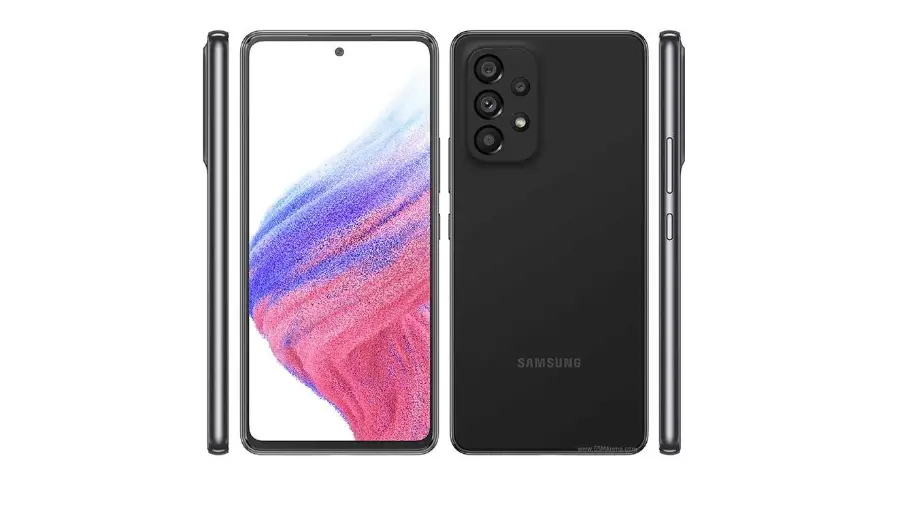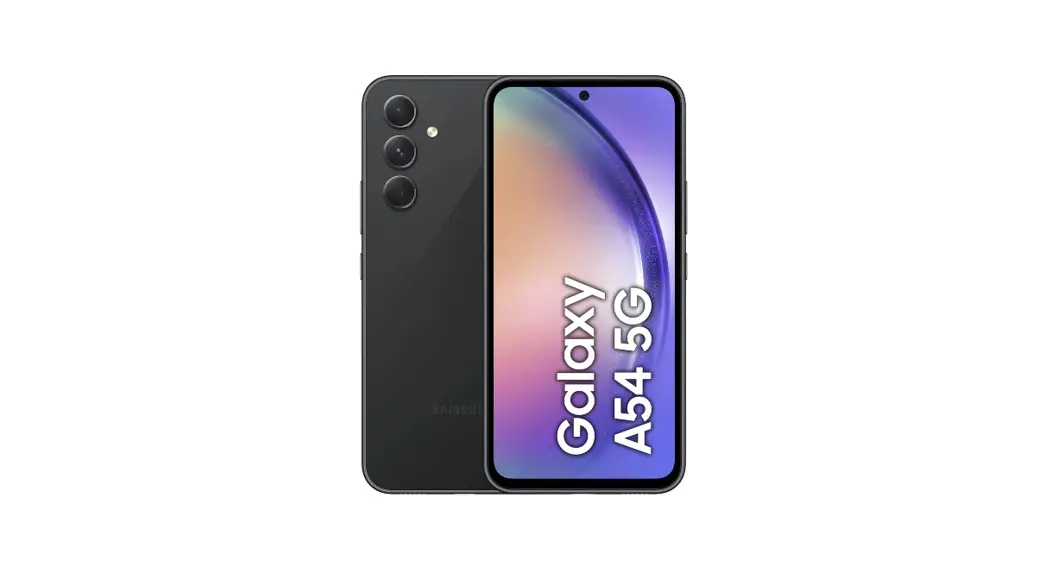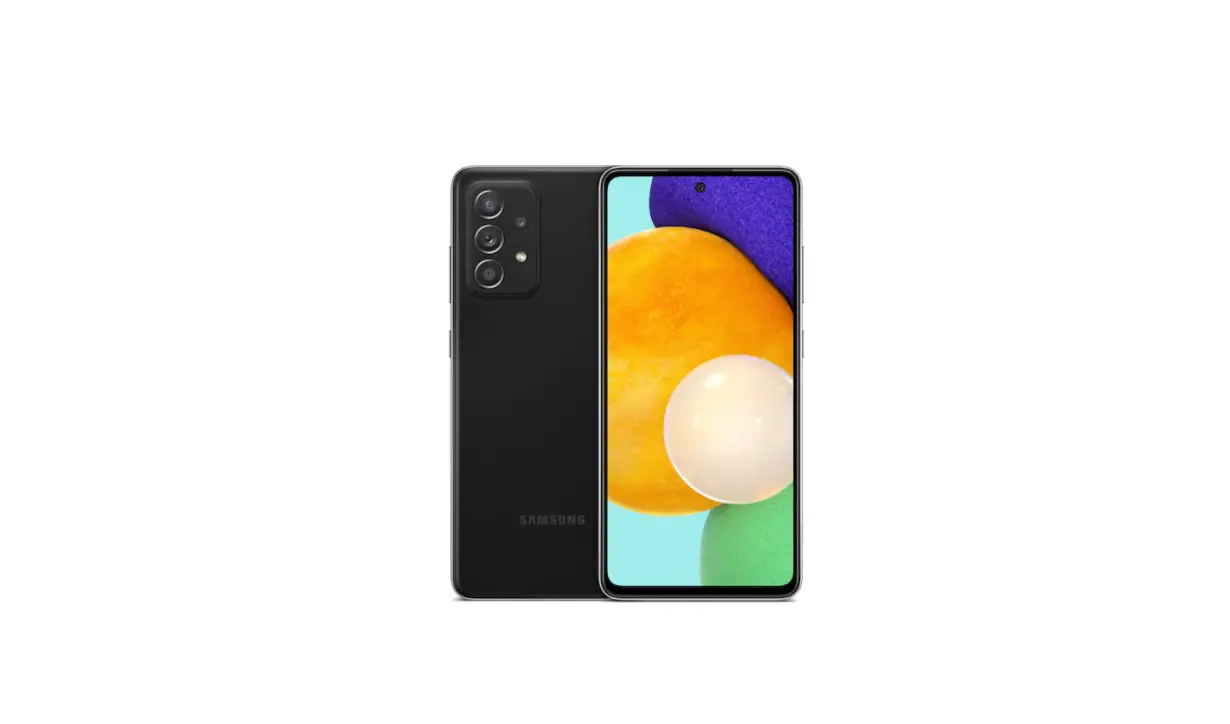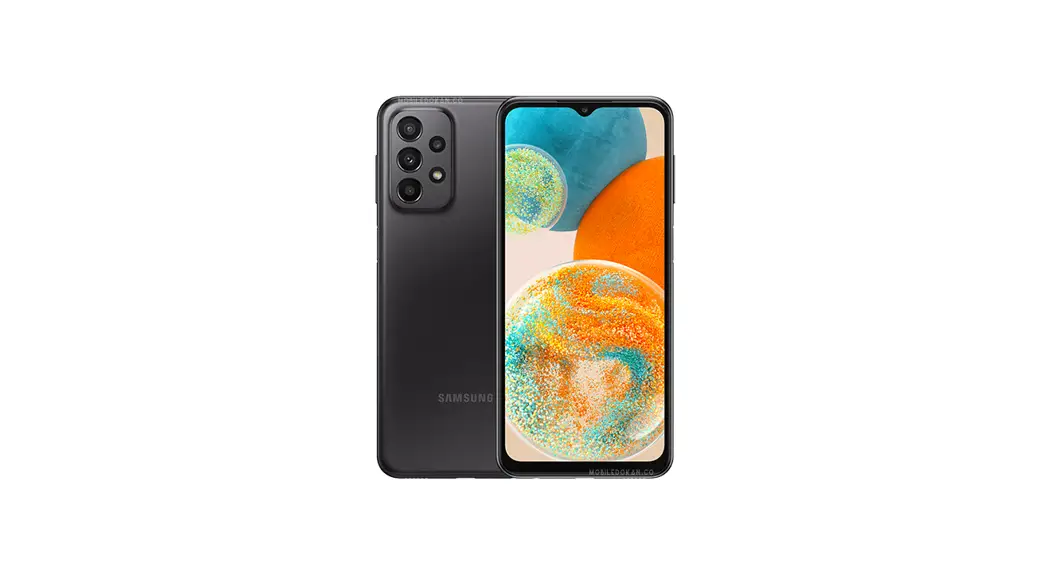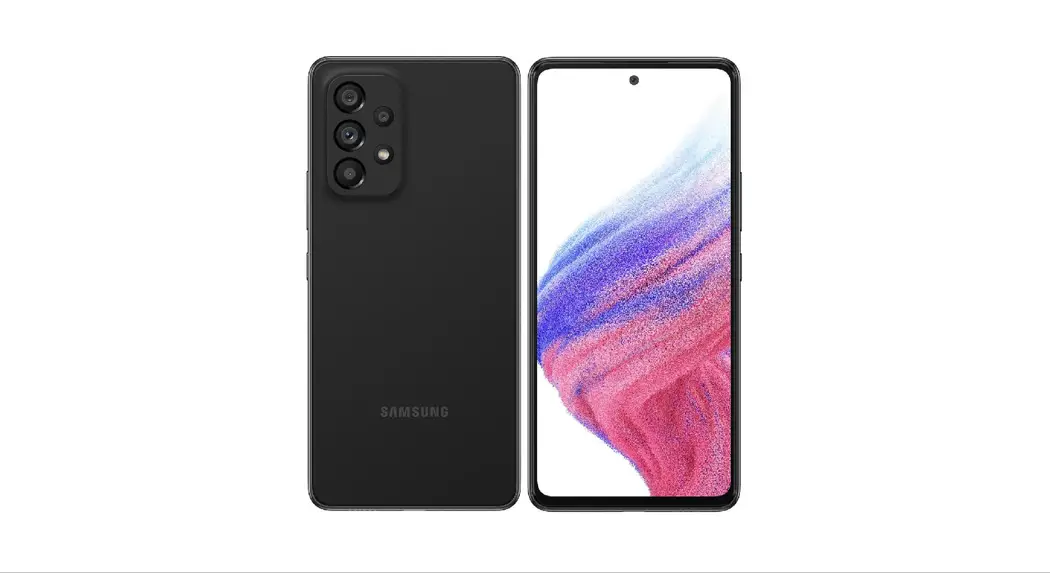

SAMSUNG A536U Galaxy A53 5G Smartphone User Guide
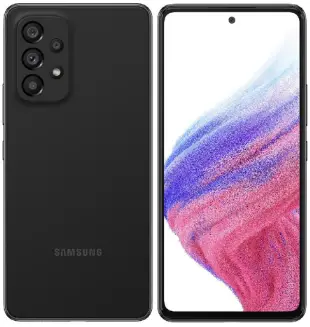
SAMSUNG A536U Galaxy A53 5G Smartphone User Guide
What’s in the box
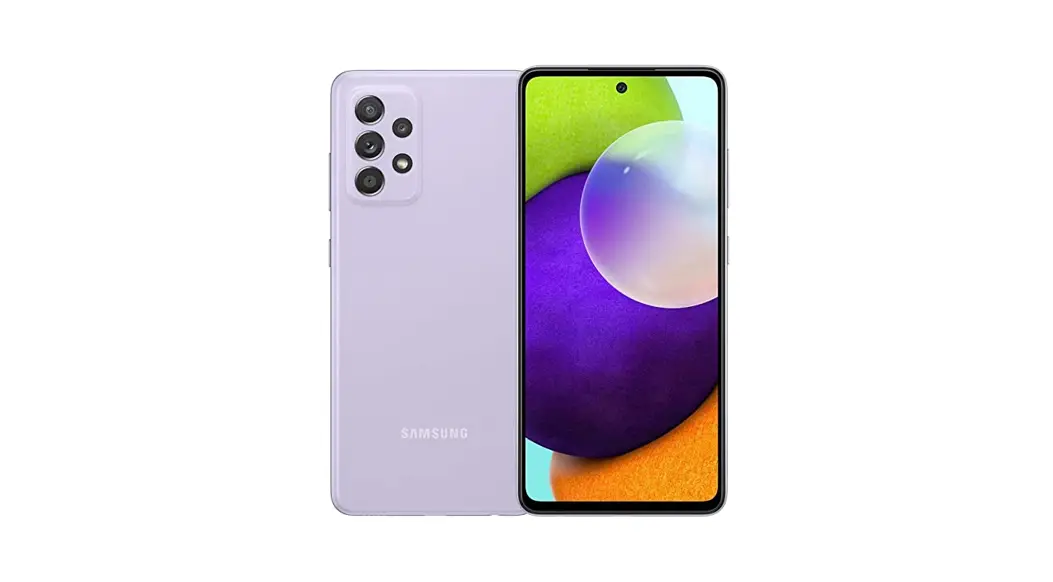
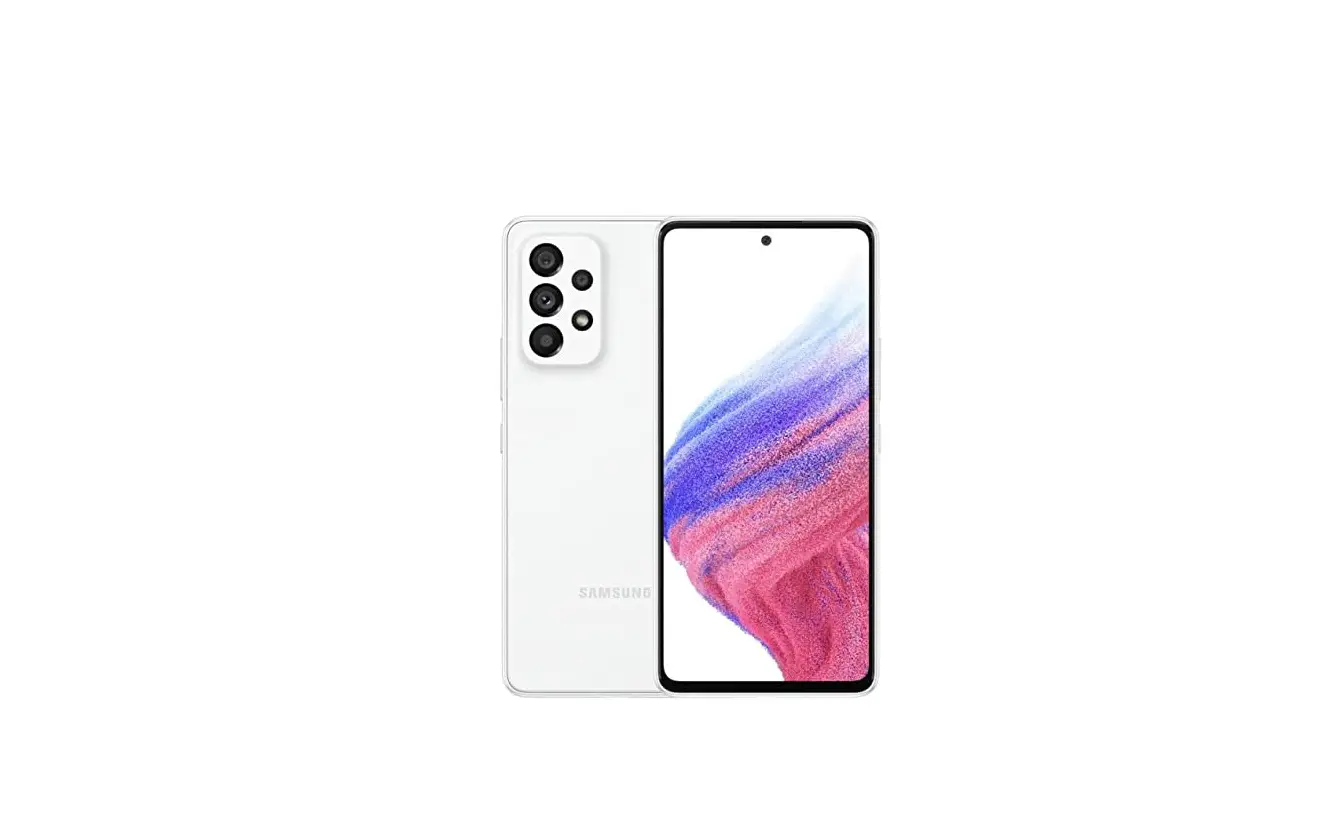
- Samsung Galaxy A53 5G
- SIM card
- SIM Ejector Pin
- USB-C to USB-C Cable
- Quick Start Guide
- Terms and Conditions
 Useful apps* myAT&T
Manage your account, track your usage, review and pay your bill, and update your data plan service. AT&T ProTech
Have a question, call or chat with a live AT&T ProTech support expert.
 AT&T Smart Wi-Fi
Find and auto-connect to available hotspots.
 AT&T Call Protect
Tired of nuisance calls? Take more control with automatic fraud blocking and suspected spam warnings.
 Device Help
Get easy to understand solutions and device-troubleshooting help
*Compatible device and subscription may be required data and messaging rates may apply. Restrictions and limitations may apply. For more app information, go to https://att.com/shop/apps.
Find more information
Manage your account with myAT&T
- On your phone: Swipe up for Apps, and then tap the AT&T folder > myAT&T.
- On the web: att.com/myATT

Compatible device and online account required. Data and messaging rates may apply for download and app usage.
Need more help?
- On your phone: Swipe up for Apps, and then tap the AT&T folder > Device Help.
- On the web: att.com/DeviceHowTo
Give us a call
- 611 from any AT&T wireless phone
- 800.331.0500 or prepaid 800.901.9878
Device Protection
Remember to protect your device against loss, theft and damage. Learn more at att.com/protectyourdevice.
Samsung Care
- To access user manuals, tips, videos, and more, visit samsung.com/us/support.
- For hardware or software support, call 800.726.7864 or visit samsung.com/us/ support/contact.
- To find a repair center, visit support-us. samsung.com/cyber/locator/asc_locator.jsp.
Your new phone
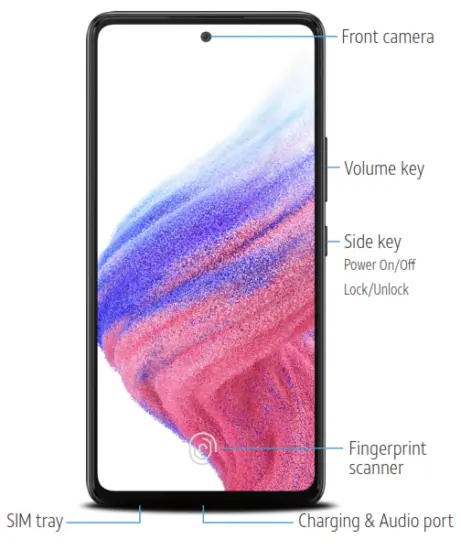 Need more help?
Swipe up for Apps > AT&T folder > Device Help
Rear cover and battery are not removable.
Do not attempt to remove.
Easily adjust settings
Settings menu
From the home screen, swipe up for Apps, and then tap Settings
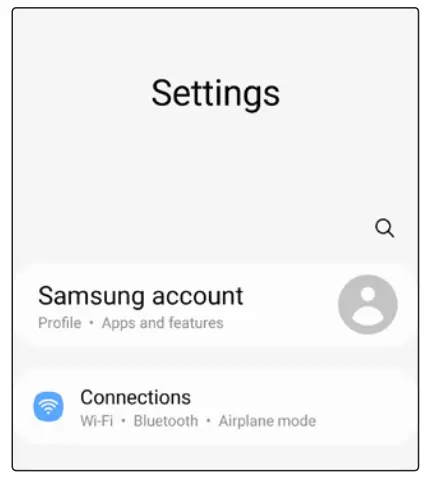
Quick settings
Drag the Status bar down to display the Notification panel.
In addition to notifications, the Notification panel also provides quick access to device functions such as Settings, Search and Wi-Fi.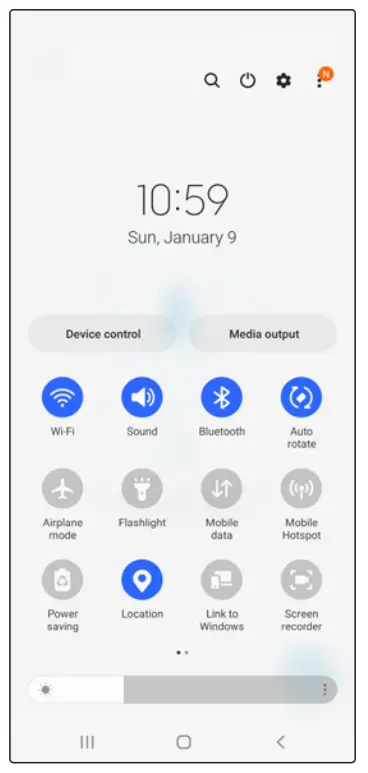
Capture life’s moments
Take a picture
From the home screen, tap Camera  >
>
PHOTO.
- Pinch the display to zoom in or out.
- Tap 0 to take a photo.
- Tap
 to take selfies.
 - Swipe left and select MORE for shooting modes.
 to take selfies.
Record a video
From the home screen, tap Camera > VIDEO.
- Tap
 to start recording.
 - Tap
 to capture a picture while recording.
 - Tap
 to pause recording.
 - Tap
 to end recording.
 to start recording.
 to capture a picture while recording.
 to pause recording.
 to end recording.
Share a picture or video
- After taking the picture, tap the image viewer at the bottom left of the screen.
- Select the photo you want to share and then tap Share
 .
. - Select the desired option to share your photo and follow the prompts.
 .
.How to replace the SIM
Remove SIM/microSD tray
- Use the tool to open the SIM/microSD ™ card tray.
Insert SIM/microSD card
- Place the SIM card and optional microSD card (sold separately) into the tray with the gold contacts facing up.
Turn on your new phone
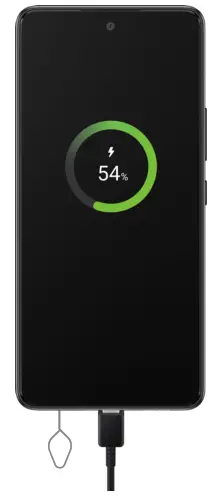
- Press and hold the Side key until the device turns on.
Call family & friends
Make a call
- From the home screen, tap Phone
 .
. - Place a call using one of the following:
• Keypad: Displays the keypad, and enters a phone number.
• Recents: Select from call history.
• Contacts: Select from the address book. - Tap to make a voice call or
 to make a video call.
 .
. to make a video call.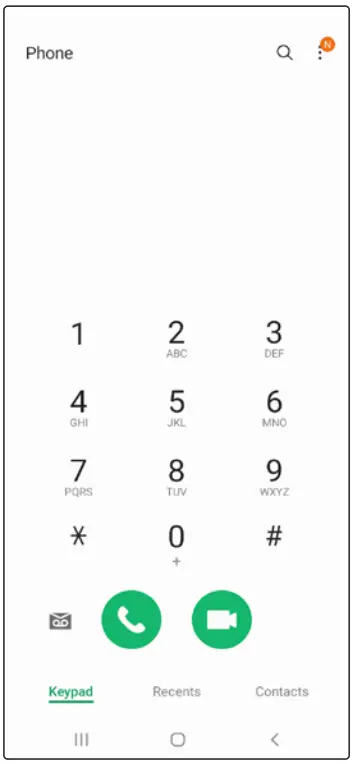
Check Voicemail
- From the home screen, tap Phone.
- Press and hold 1.
Visual Voicemail
- From the home screen, swipe up for Apps, and then tap Visual Voicemail
 .
. - Select a message to play.
 .
.Surf & stream in no time
Connect to Wi-Fi
- From the home screen, swipe up for Apps, and then tap Settings
 > Connections
 > Wi-Fi.
 - Tap the Wi-Fi slider to turn it on.
- Tap a network, enter a password if required, then tap Connect.
 > Wi-Fi.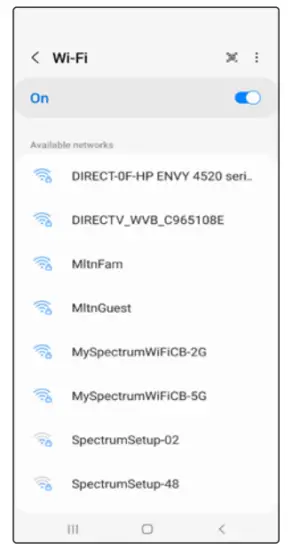
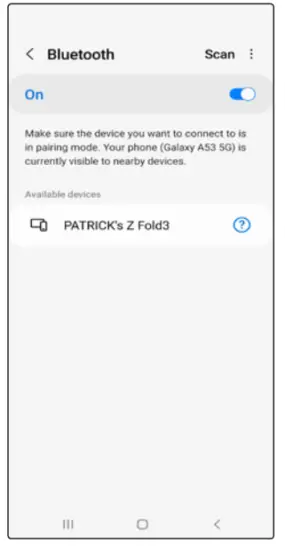
Use Bluetooth
- From the home screen, swipe up for Apps, and then tap Settings > Connections > Bluetooth.
- Tap the Bluetooth slider to turn it on.
- Tap a device from the list to initiate pairing.
Optimize the battery
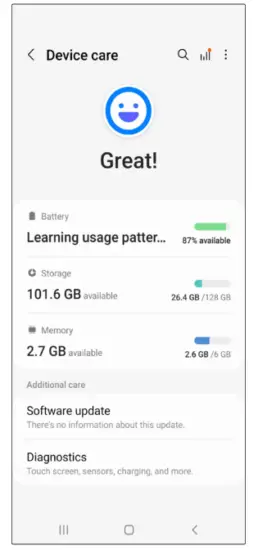
From the home screen, swipe up for Apps, and then tap Settings > Battery and device care .
. 

AT&T 5-Star
Eco-Rating 2.0
att.com/ecospace
AT&T Eco-Rating 2.0 only applies to Samsung Galaxy A53 5G. For limited factors evaluated visit att.com/ EcoSpace. Wireless Emergency Alerts is a registered
Trademark and Service Mark of CTIA.
© 2022 Samsung Electronics America, Inc. Samsung & Samsung Galaxy are registered trademarks of Samsung Electronics Co., Ltd. AT&T 5G requires compatible plan. 5G not available everywhere. Go to att.com/5Gforyou for details. Contains Lithium-ion battery – recycle or dispose of properly. © 2022 AT&T Intellectual Property. All rights reserved. AT&T, the AT&T logo and all other AT&T marks contained herein are trademarks of AT&T Intellectual Property. All other marks are the property of their respective
owners. Screen images simulated. Appearance of device may vary. Images shown are for reference only. If you use a screen protector, make sure it allows for use of touch-screen features
GH68-54243A Printed in USA
FAQS
The SAR value of this device is 0.49 W/kg.
The IMEI number of this device is 35485020431847.
The MEID number of this device is 35485020431847.
The software version and build date of this device are as follows: Software Version : G950USQU2CRB9 Build Date : 02-02-2019.
Absolutely
A53 comes with Samsung’s own version of a number of standard Google apps included on Android, (i.e. calendar, contacts, etc.), so you have two of each. Absolutely useless. Samsung looked at Google’s user data harvesting and said, “We could do that too”.
Yes, this is the US version of the A53. It supports both LTE band 71 and 5g band n71. Anyone who claims that this phone does not support band 71 is probably thinking about the international version… or is just plain wrong.
The speaker in itself is loud and clear but even better, for me, the Bluetooth connected easily to my hearing aids.
Yes. You will have to purchase a sim card from Verizon, unless you already have one from another phone!
6 GB
yes it supports wifi calling
Yes they are!
Yes
US version is, even listed on Fi websites

References
 AT&T Official Site - Unlimited Data Plans, Internet Service, & TV
-
AT&T Official Site - Unlimited Data Plans, Internet Service, & TV
-
att.com/DeviceHowTo
-
EcoSpace 2.0 – AT&T
-
AT&T
-
Phone Insurance - AT&T Device Protection
 Samsung US | Mobile | TV | Home Electronics | Home Appliances | Samsung US
-
Support Home | Official Samsung Support US
-
Apps and Services - AT&T Wireless
 AT&T Official Site - Unlimited Data Plans, Internet Service, & TV
 Samsung US | Mobile | TV | Home Electronics | Home Appliances | Samsung US