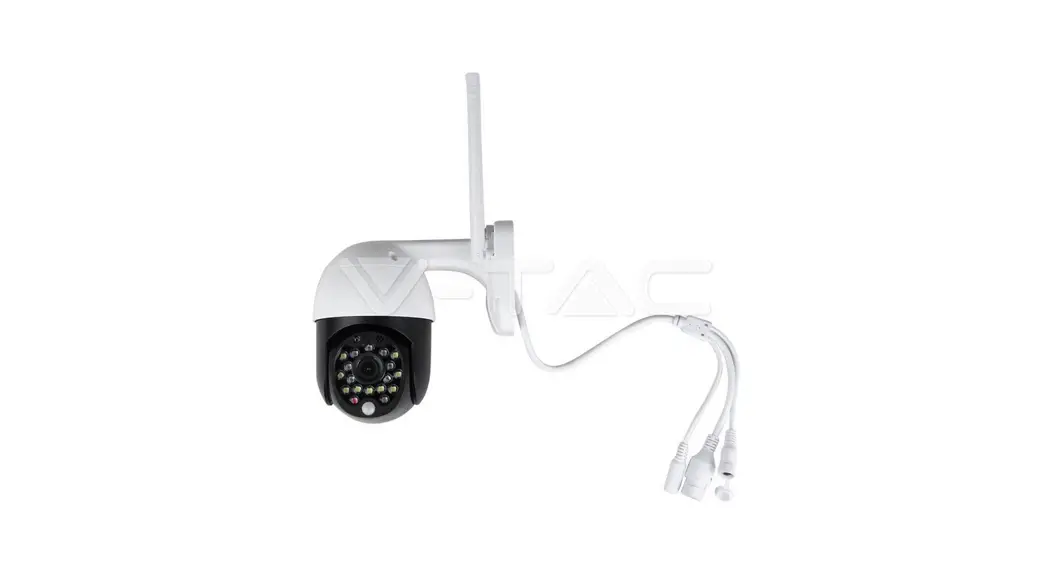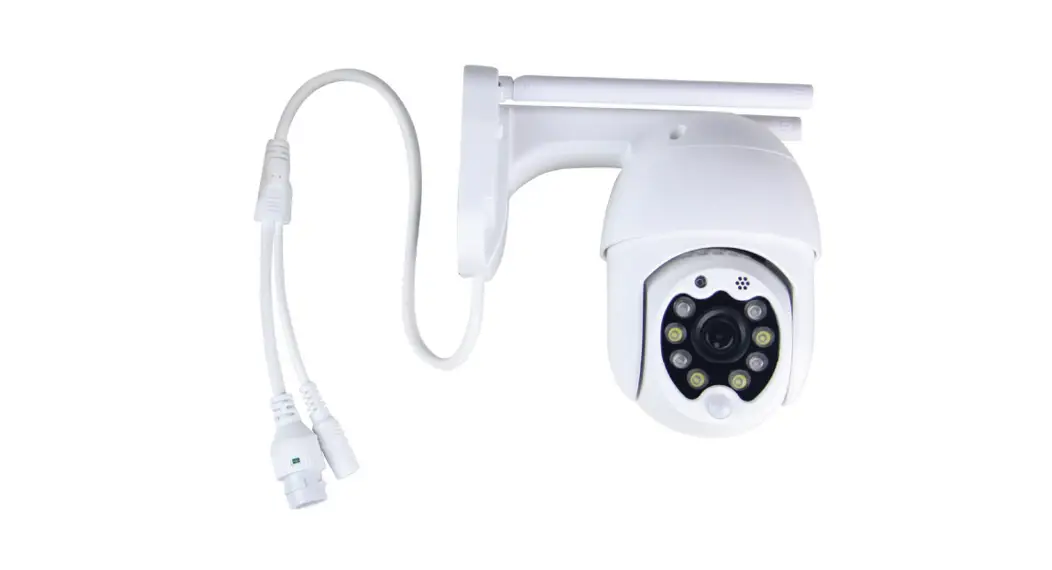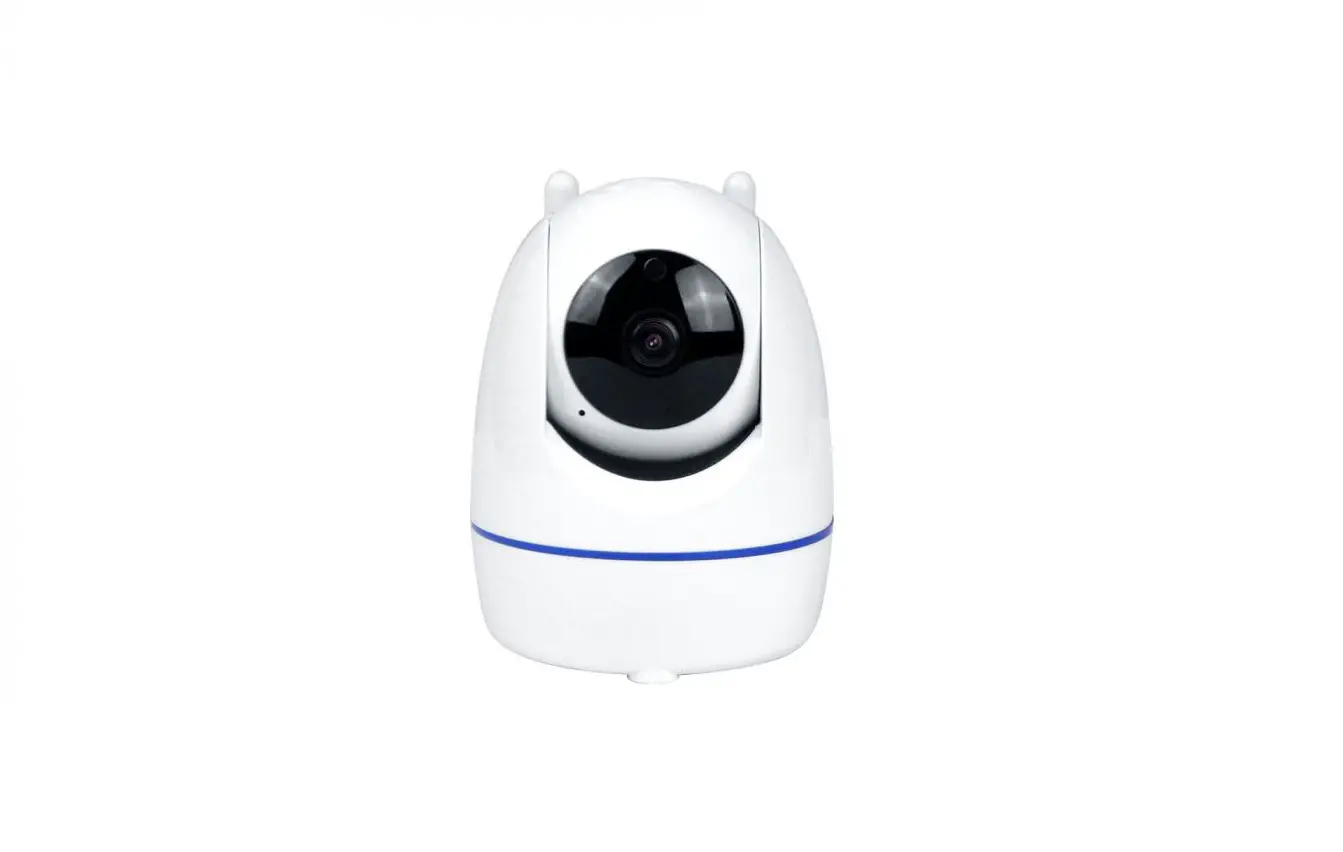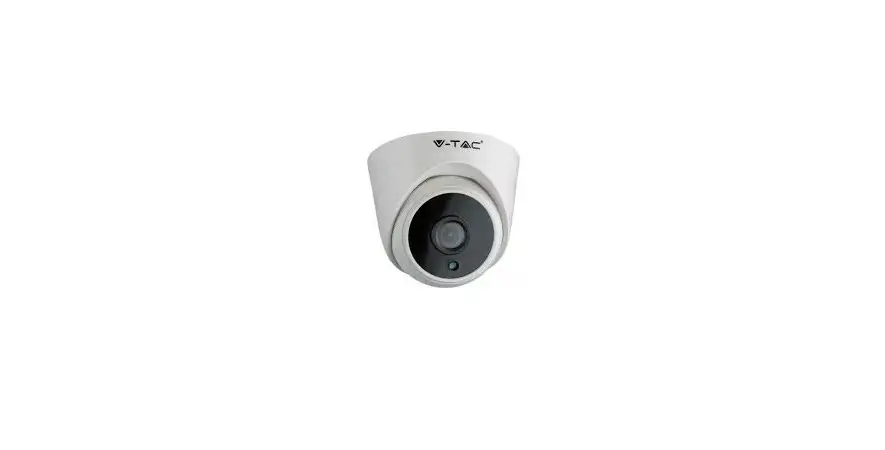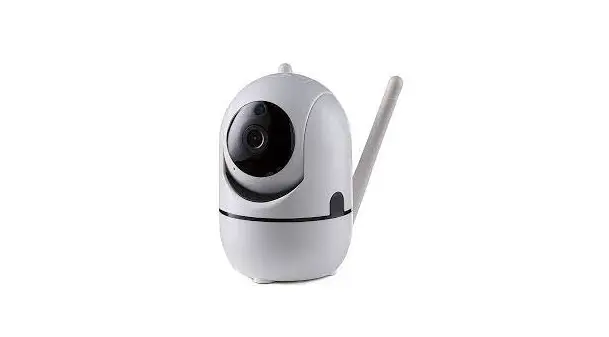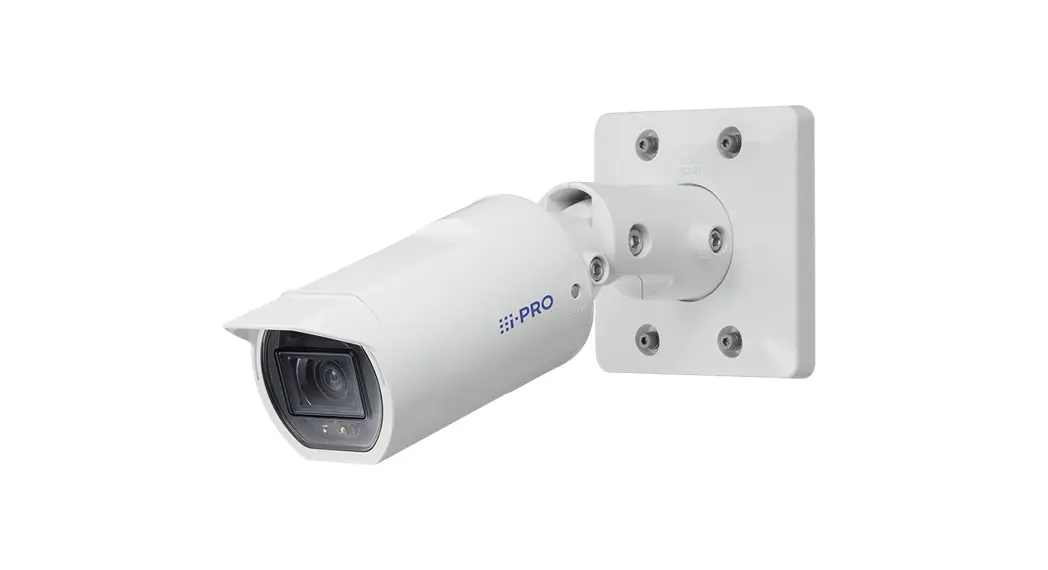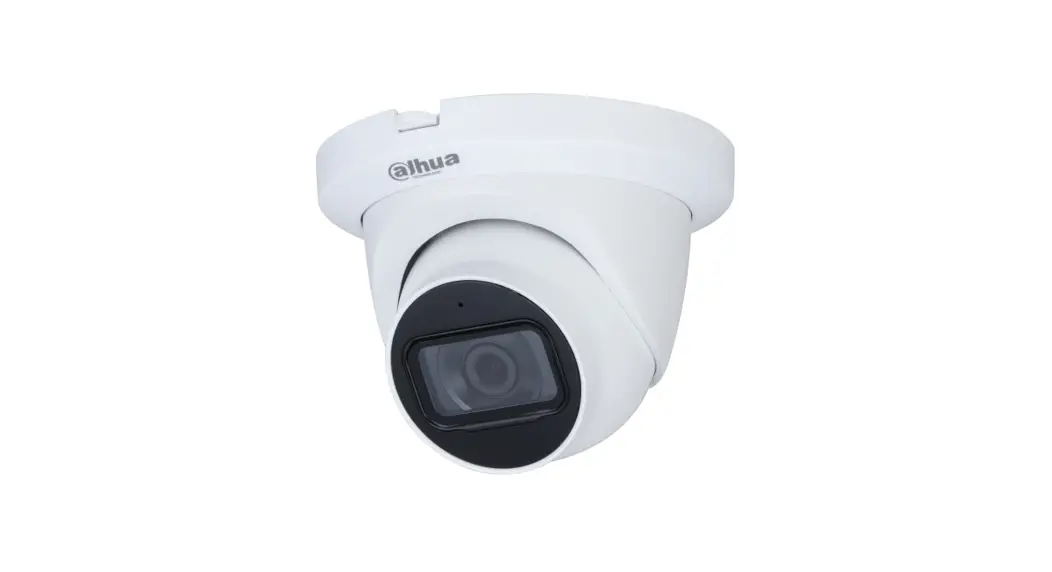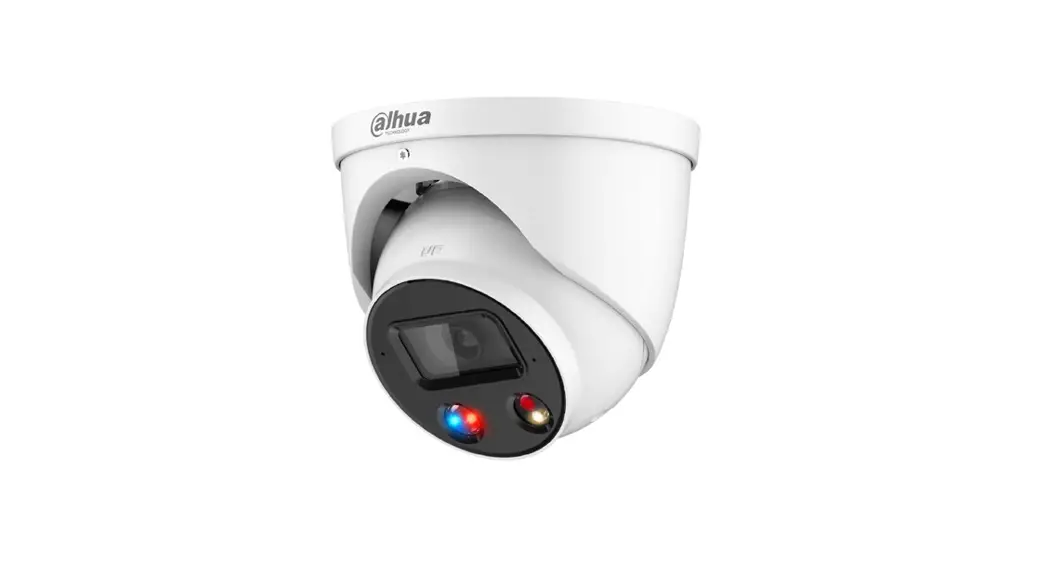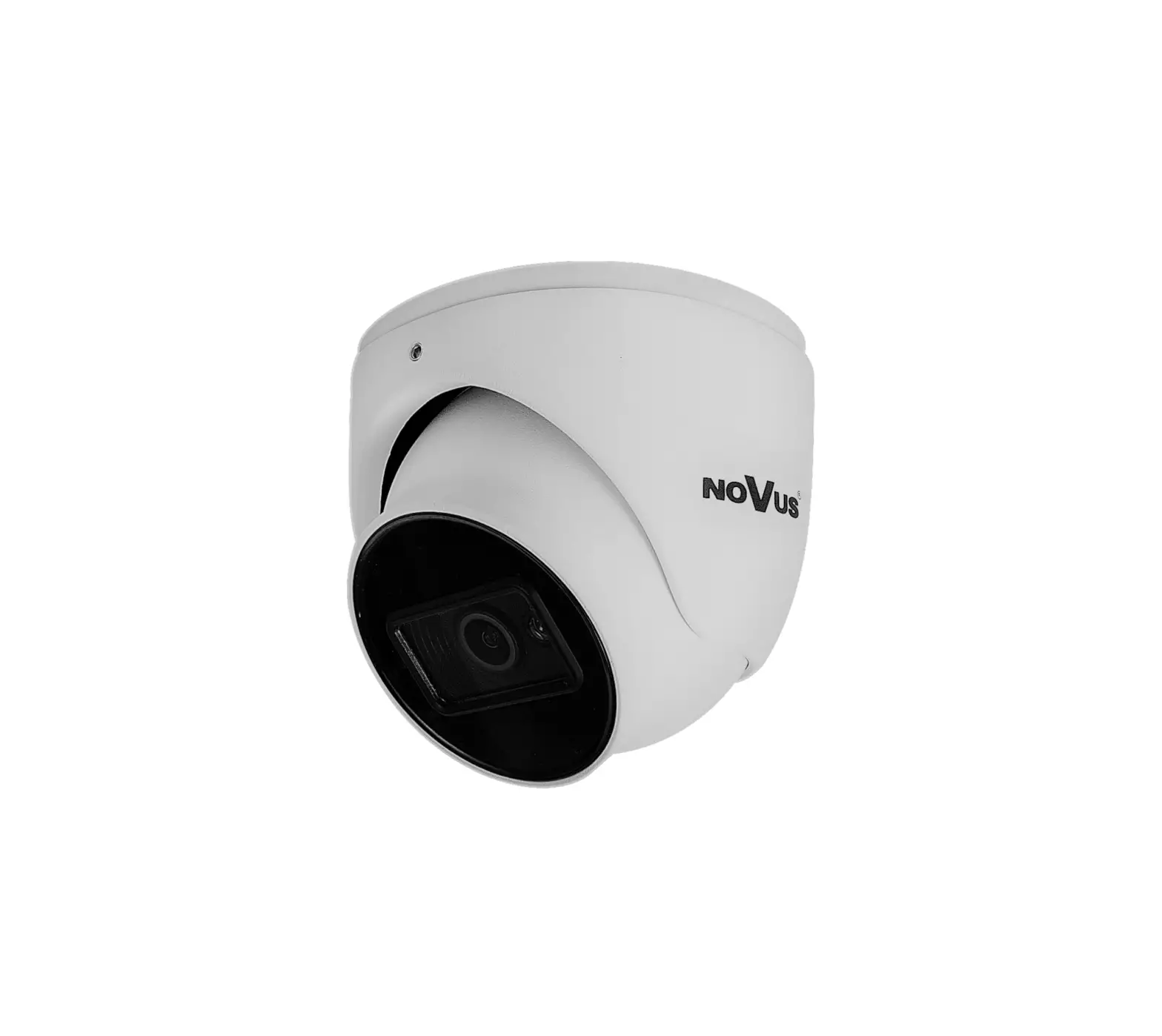
V-TAC VT-5135 1080p IP Security Camera Instruction Manual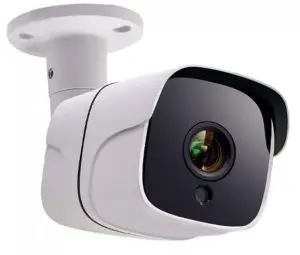
INSTALLATION INSTRUCTION
INTRODUCTION
Thank you for selecting and buying V-TAC product. V-TAC will serve you the best. Please read these instructions carefully before starting the installation and keep this manual handy for future reference. If you have any another query, please contact our dealer or local vendor from whom you have purchased the product. They are trained and ready to serve you at the best.
Multi-Language Manual QR CODE
Please scan the QR code to access the manual
in multiple languages
PACKAGING INCLUDED
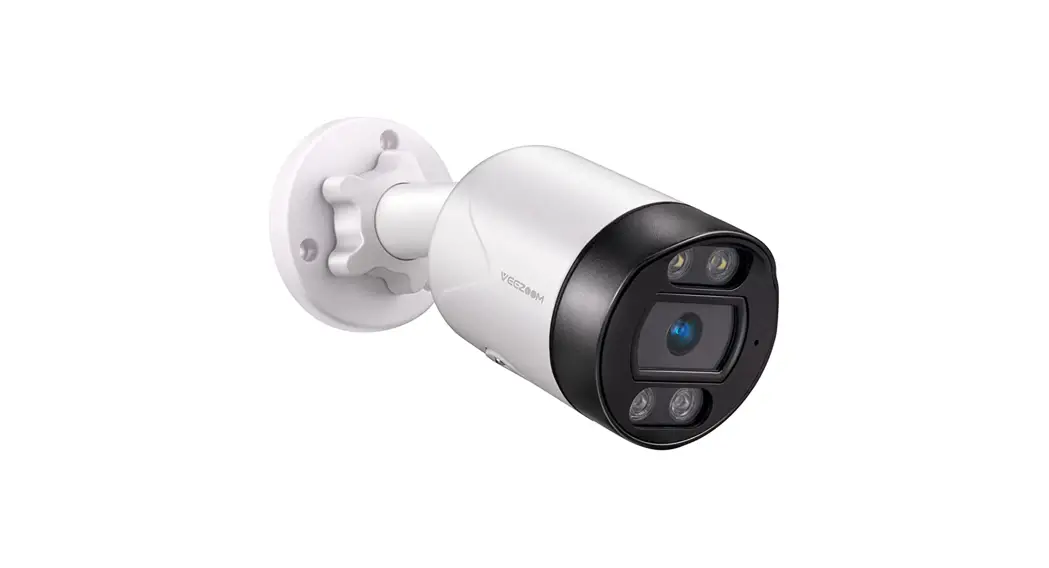
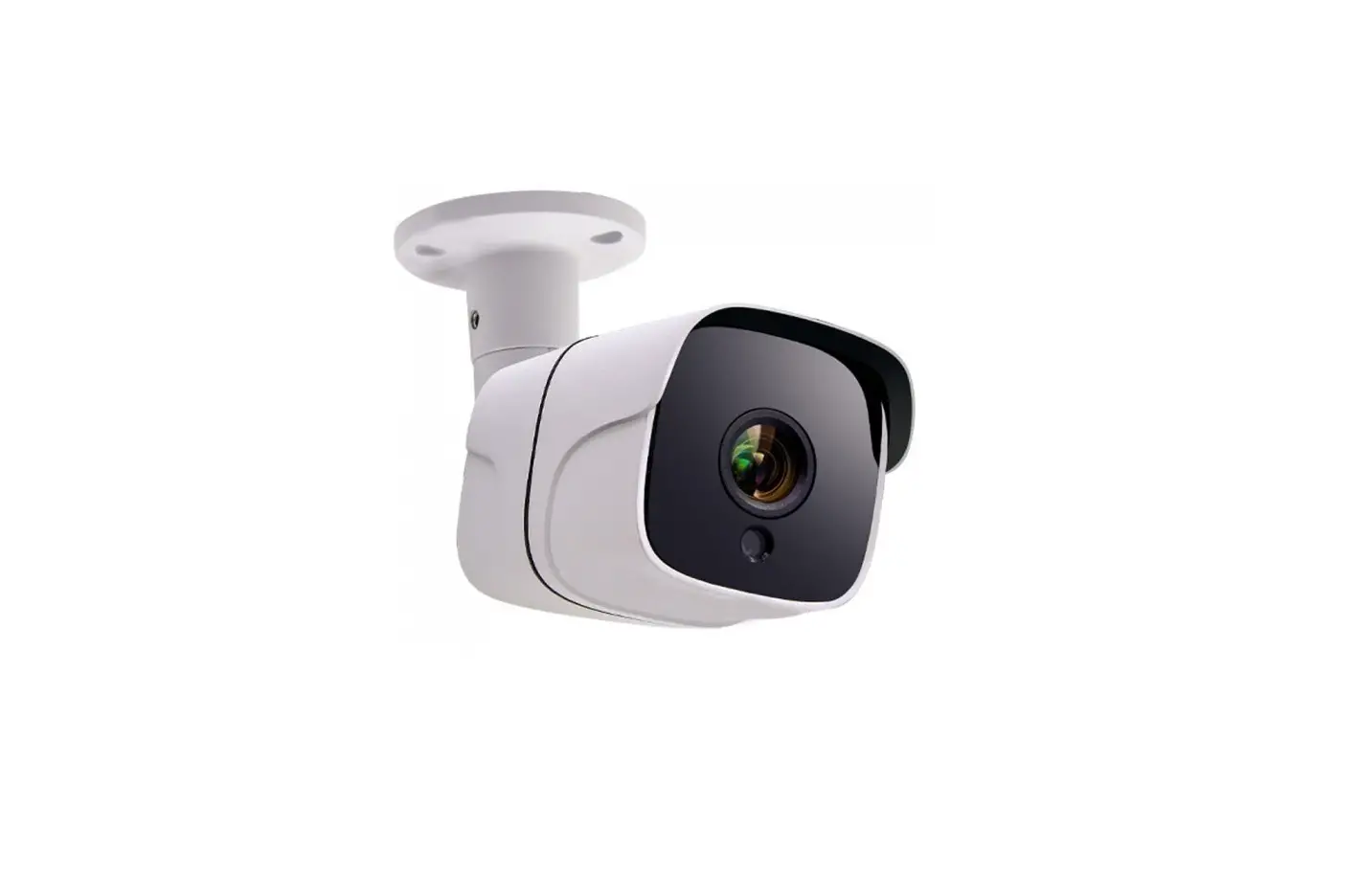
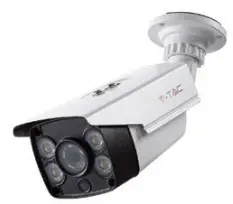
- CAMERA (VT-5135)

- CONNECTOR

- SCREW NUTS (4PCS)

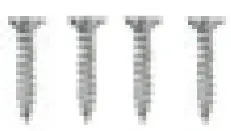
- SCREWS (4PCS)

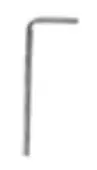
- HEX KEY (1PC)

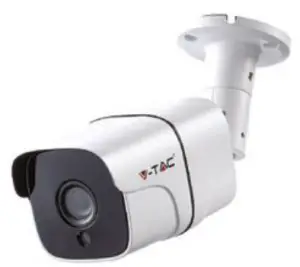
- CAMERA (VT-5136)

- CONNECTOR

- SCREW NUTS (3PCS)

- SCREWS (3PCS

- HEX KEY (1PC)






ADDITIONAL ACCESSORIES REQUIRED (NOT INCLUDED)
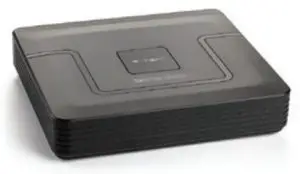
- DVR RECORDER SKU: 8476

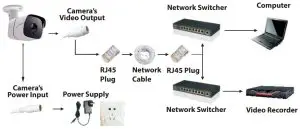
- NETWORK CABLE

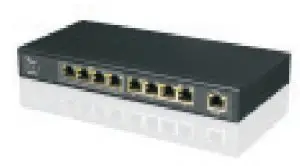
- NETWORK SWITCHER

- POWER SUPPLY

CONNECTION OF IPC SYSTEM WITHOUT POE
TIPS
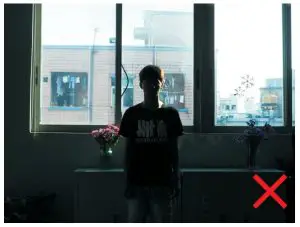
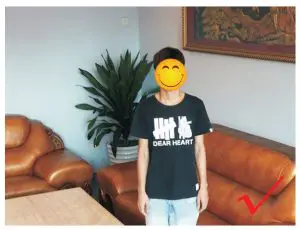
When installing the camera, please don’t make the camera lens face towards strong light, mirror-type objects, or extremely light-coloured objects i.e. glasses, water surface, lamps. Front-Lighting Installation is recommended for camera placement.
- BACK-LIGHTING VIEW

- FRONT-LIGHTING VIEW

DOWNLOAD THE APP
- Google Play Store – Search “XMEYE”
- IOS (Apple Store) – Search “XMEYE”
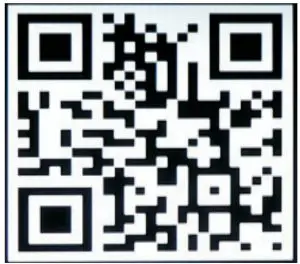
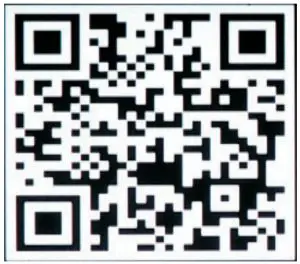
- Android phones and IOS (Iphone) can download by scanning the following QR codes.

ANDROID APP
IOS APP
REGISTER NEW ACCOUNT
- Tap on “Register” to sign up with your email address as user ID and tap on “Next” to get confirmation Code.
- The APP will send a confirmation code to your email ID. Please confirm the code to complete the registarion process. Enter new user ID and password.

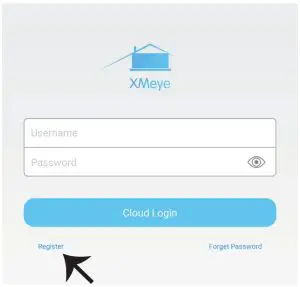
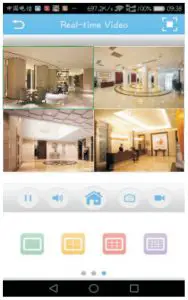
After successfully logging in, click the ‘+’ icon on the top right corner to add device 1) automatically by the XMEYE QR Code or 2) manually by entering the device name, username (arbitrary), and the password (default password is empty). Click the device name, and choose your preferred channel.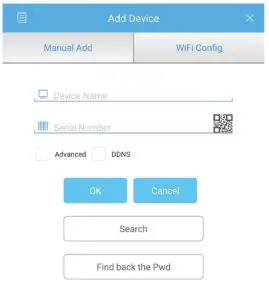
GUIDE TO MANAGING CMS ON YOUR COMPUTER
Insert the CD installer, download, and install CMS for Windows. Login (default admin + password is empty) and go to System Setting >Monitoring Point Management > Add Area. Select an area then click ‘Add Device’, then ‘Add Settings’. Now, you can see a preview in the software for equipment management. Note: Remote Viewing can only be activated by logging on to the cloud (http://www.xmeye.net-main) and entering the serial number.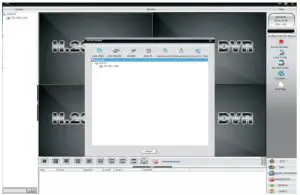
IE VIEWING METHOD
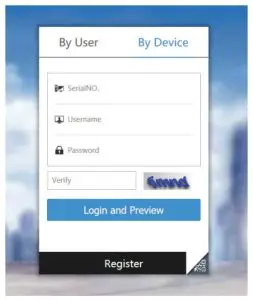
- Access www.xmeye.net on IE browser. Go to ‘Device Login’. Enter your serial number. Now you can access remote viewing with playback operation and more.
- Click ‘Main Stream’ or ‘Deputy Stream’ on the interface to see the live feed on IE browser.

REMINDER:
When remote viewing has failed, click the main menu on your left-hand side. Go to System Information > Version Information to check equipment status. If it is searching DNS, please check if your network connection is normal or not and remove the ‘Automatically Obtain IPAddress’ option. Manually change the IP address of LAN and match the gateway with the routing gateway.
OTHER FUNCTIONS OR REMOTE MONITORING
- MULTI-CONTROLLING

- PLAYBACK REMOVE VIDEO ON MOBILE

- STORE REMOTE VIDEO TO LOCAL DEVICES

- PTZ THROUGH MOBILE
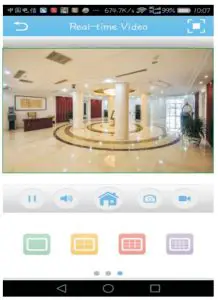
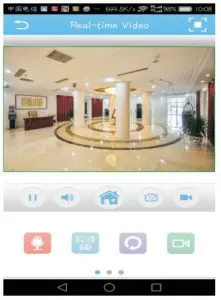
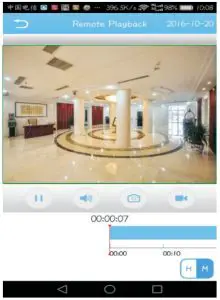
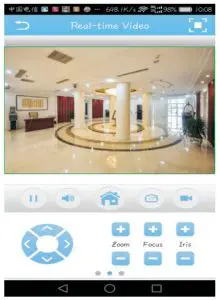
Key Features | VT-5135 |
Sensor Type | 1/2.8″ Low Illumination CMOS Sensor |
Minimum illumination | Color-0.01Lux @(F1.2,AGC ON); 0 Lux with IR |
| Black and white | 0.001 Lux @ (F1.2, AGC ON), 0 Lux with IR |
Shutter | 1/50 (1/60) seconds to 1/10,000 seconds |
Lens | |
| Lens type | M12 |
Day and night conversion mode | Support IR-CUT |
| Maximum Pixel | 1920*1080 |
Frame rate | 1080P@20fps |
| Image settings | Saturation, brightness, contrast adjustable through the client or browser |
Compression standard | H.264 |
Storage function | Network storage |
Support protocols | TCP/IP, HTTP, DHCP, DNS, DDNS, PPPoE, SMTP, NTP |
Communication interface | 1 10/100Mbps adaptive Ethernet port, RJ45 interface |
Audio I/0 | No |
Working temperature | -10°C-+60°C |
Working humidity | 10%-90% RH |
Power supply | DC12V±10% |
Infrared distance | 20-30 meters; |
Power consumption | MAX 7W |
Material | Aluminum |
Waterproof Index | IP65 |
Key Features: | VT-5136 |
Effective pixel | 2.0 Mega Pixel |
Sensor | 1/2.7” CMOS 0.001Lux/F1.2(colorful); |
Electronic shutter | 1/25—1/10000 Second |
Day and night conversion mode | Full Color |
Digital noise reduction | 3D DNR |
Video compression standard | H.265 |
H.265 encoding type | PROFILE_BASELINE |
Video compression rate | 32 Kbps~ 8Mbps |
Maximum image size | 1920*1080 |
Support image format | Main stream:1920*1080(1080P)、1280*960(960P)、1280*720(7 20P)、704*576(D1)、640*480(VGA) |
| Slave stream:640*480(VGA)、352*288(CIF)176*144(QVGA) | |
Main stream resolution and frame rate | 1080P; 25fps |
Area of interest | Support setting 8 ROI areas |
Masking settings | Support 4 sets of masking block settings |
Image settings | Brightness, contrast, saturation, gain, shutter, white balance |
Mirroring | supports horizontal, vertical, diagonal mirroring |
| Intelligent alarm | motion detection, occlusion alarm, video loss, network cable disconnection, IP address conflict |
Support Protocols | TCP/IP, DHCP, HTTP, DNS, RTP RTSP |
Docking Protocols | ONVIF,Hikvision, Dahua |
Platform docking | Built-in powerful P2P function for flexible remote monitoring |
Universal feature | One-click recovery, dual stream, heartbeat, mirroring, video masking, anonymous access |
Communication interface | 1 RJ45 10M / 100M adaptive Ethernet port |
Power supply | DC12V |
Power Consumption | 1.2W |
Waterproof Index | IP65 |
 tac.eu
 xmeye.net