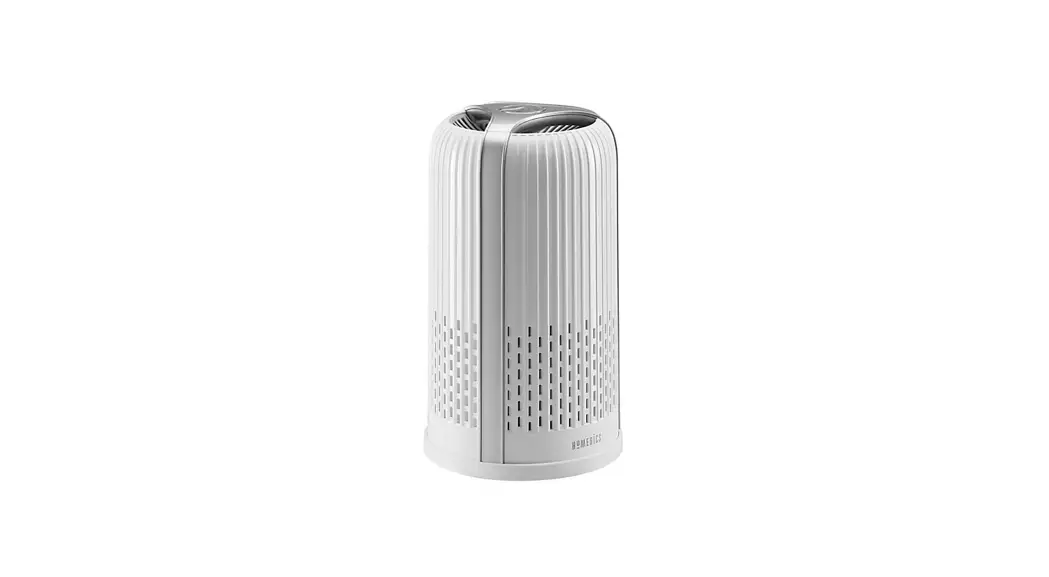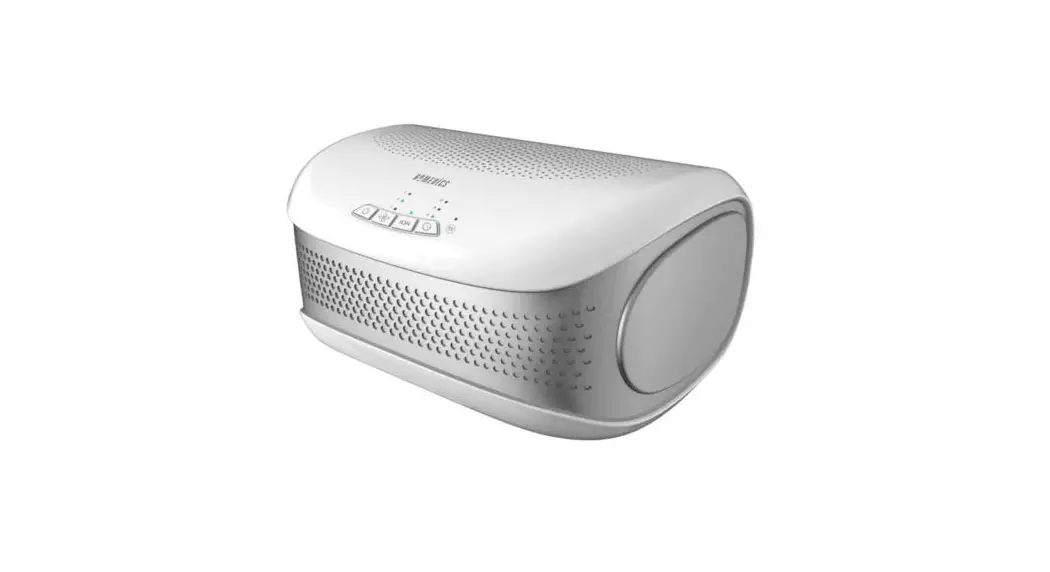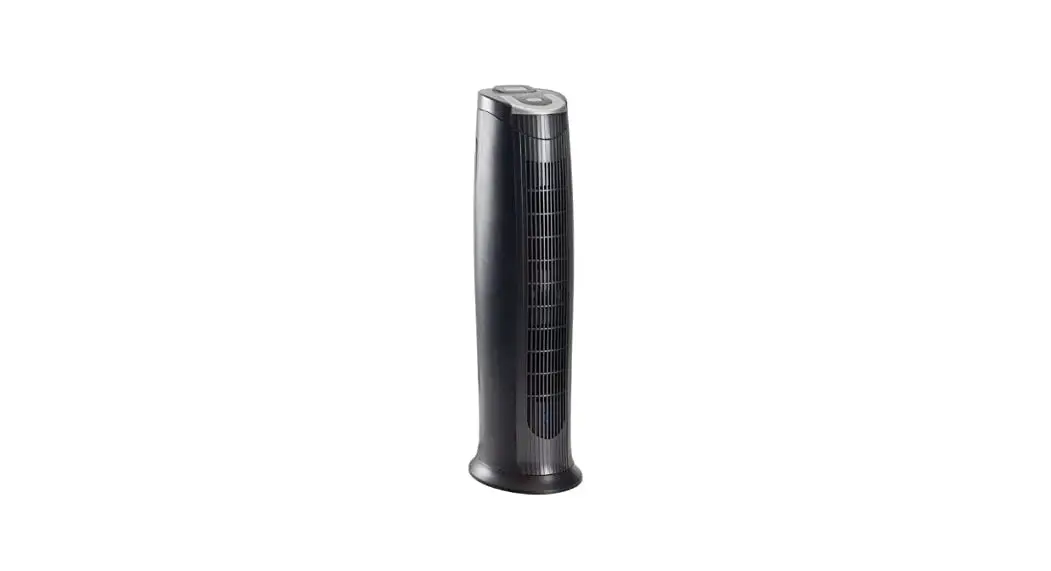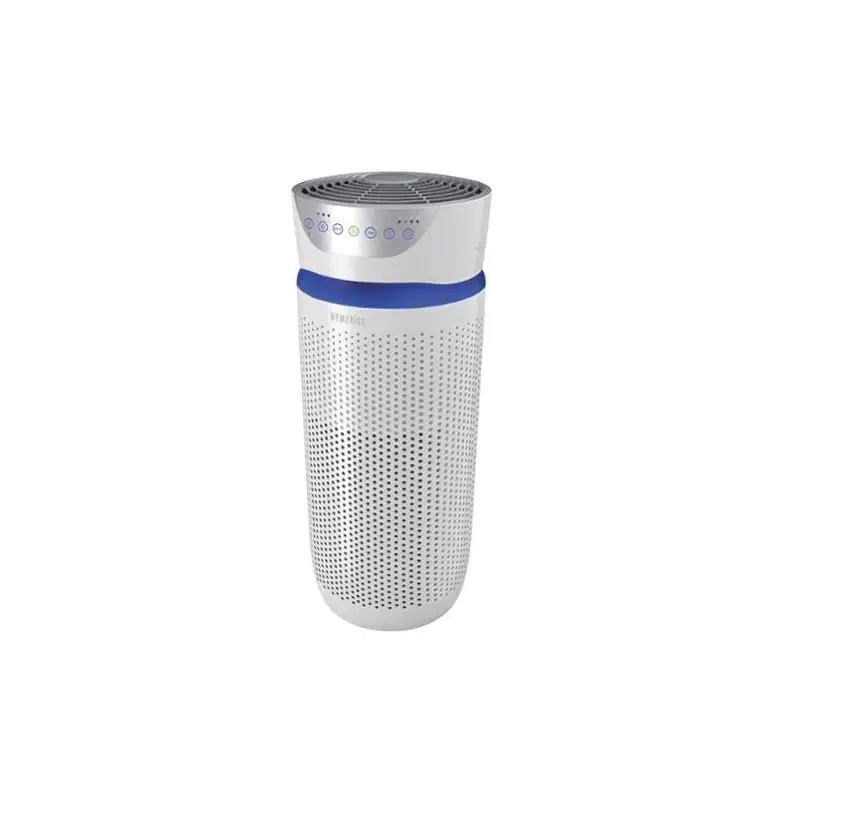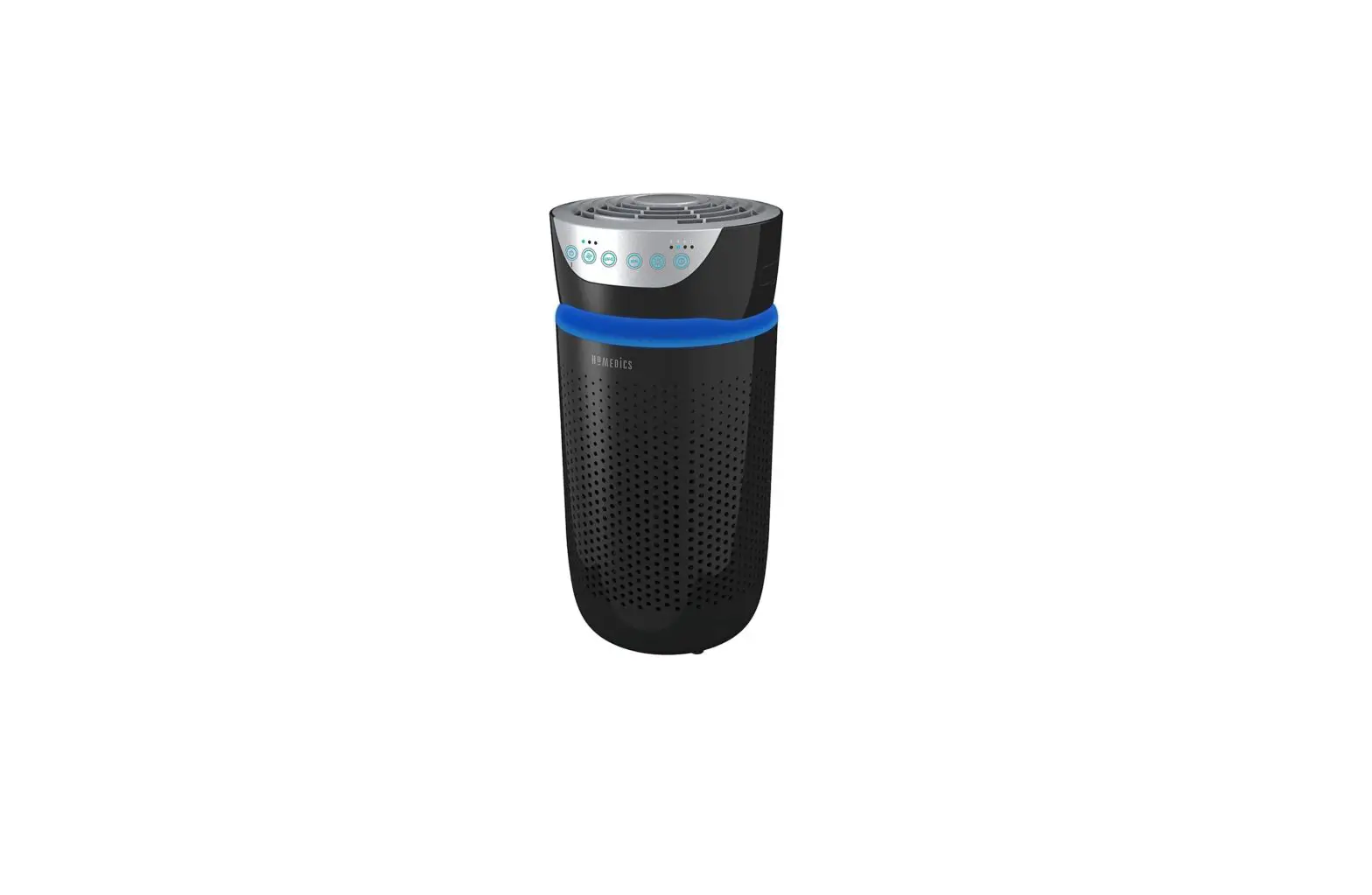
HoMEDICS AP-T20 TotalClean 5-in-1 Tower Air Purifier User Manual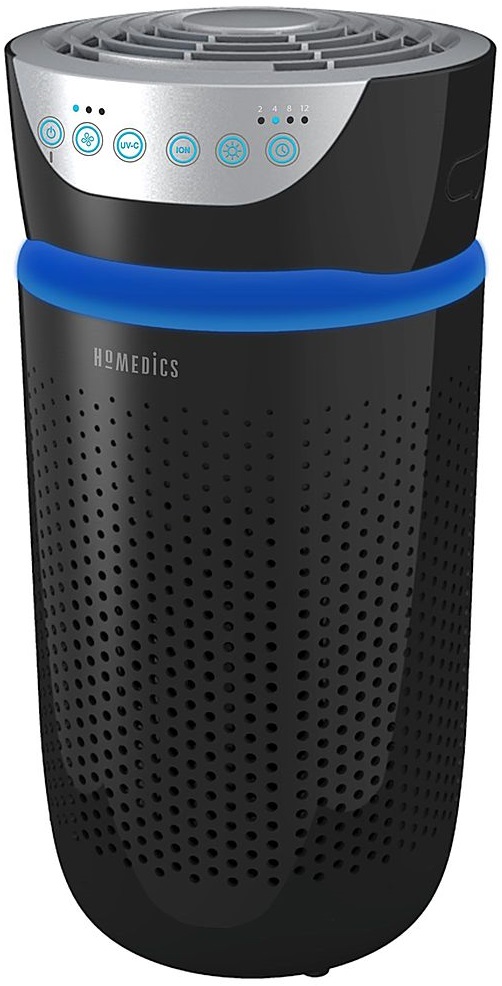
FILTER REPLACEMENT
REPLACE FILTER LIGHT
The replace filter light illuminates when it is time to replace the HEPA-type filter based on the air purifier’s hours of use.
REPLACING THE HEPA-TYPE FILTER
For optimal performance, replace every 12 months under normal usage conditions.
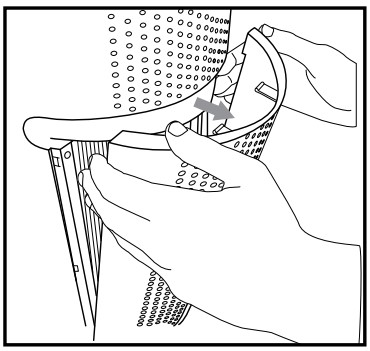
- Unplug the air purifier. Pull the indents on each side of the grille cover.

- Remove the grille cover and set aside.

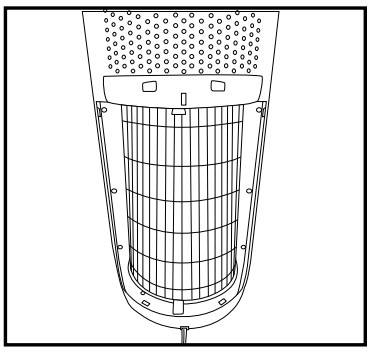
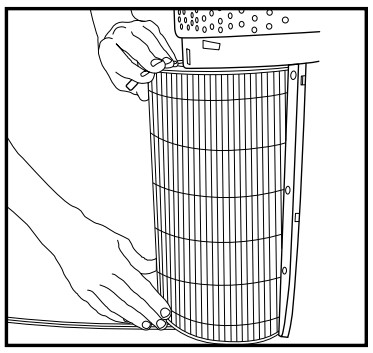
- Pull the tabs to remove the old filter.

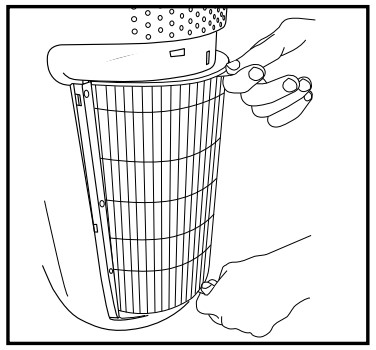
- With the filter tabs facing outward, slide the new HEPA-type filter into the filter cavity.

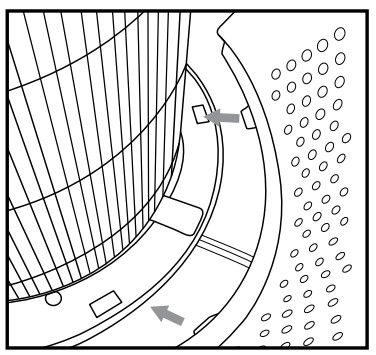
- Place the tabs at the bottom of the grille cover into the base of the air purifier. Gently push the grille cover until it snaps into place.

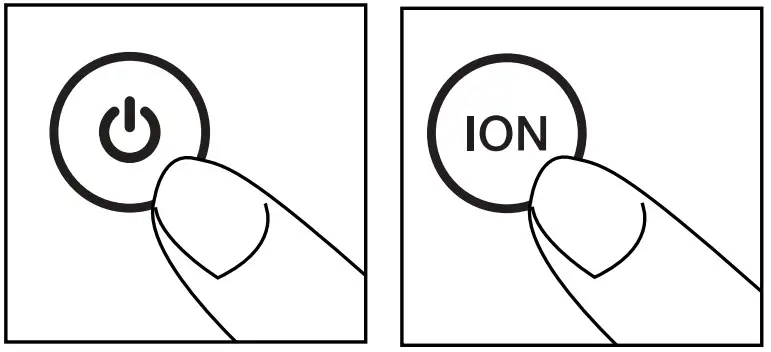
- Plug the power cord into a standard AC outlet. Turn the air purifier on. Press and hold the ionizer ION button for 3 seconds to reset the indicator.

 Homedics Official Site - Massage, Relaxation & Wellness Products
 Homedics Official Site - Massage, relaxation and wellness products - Homedics.com