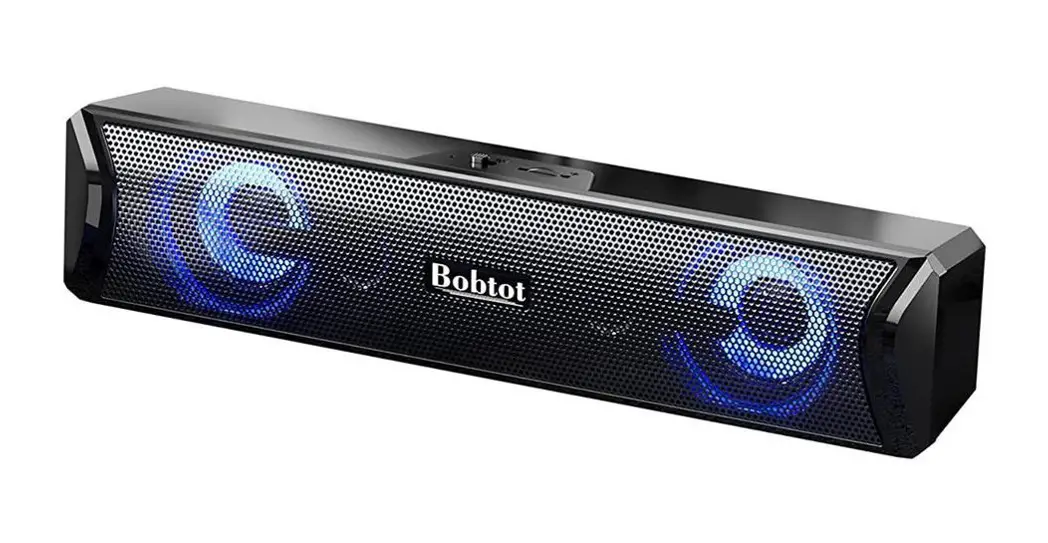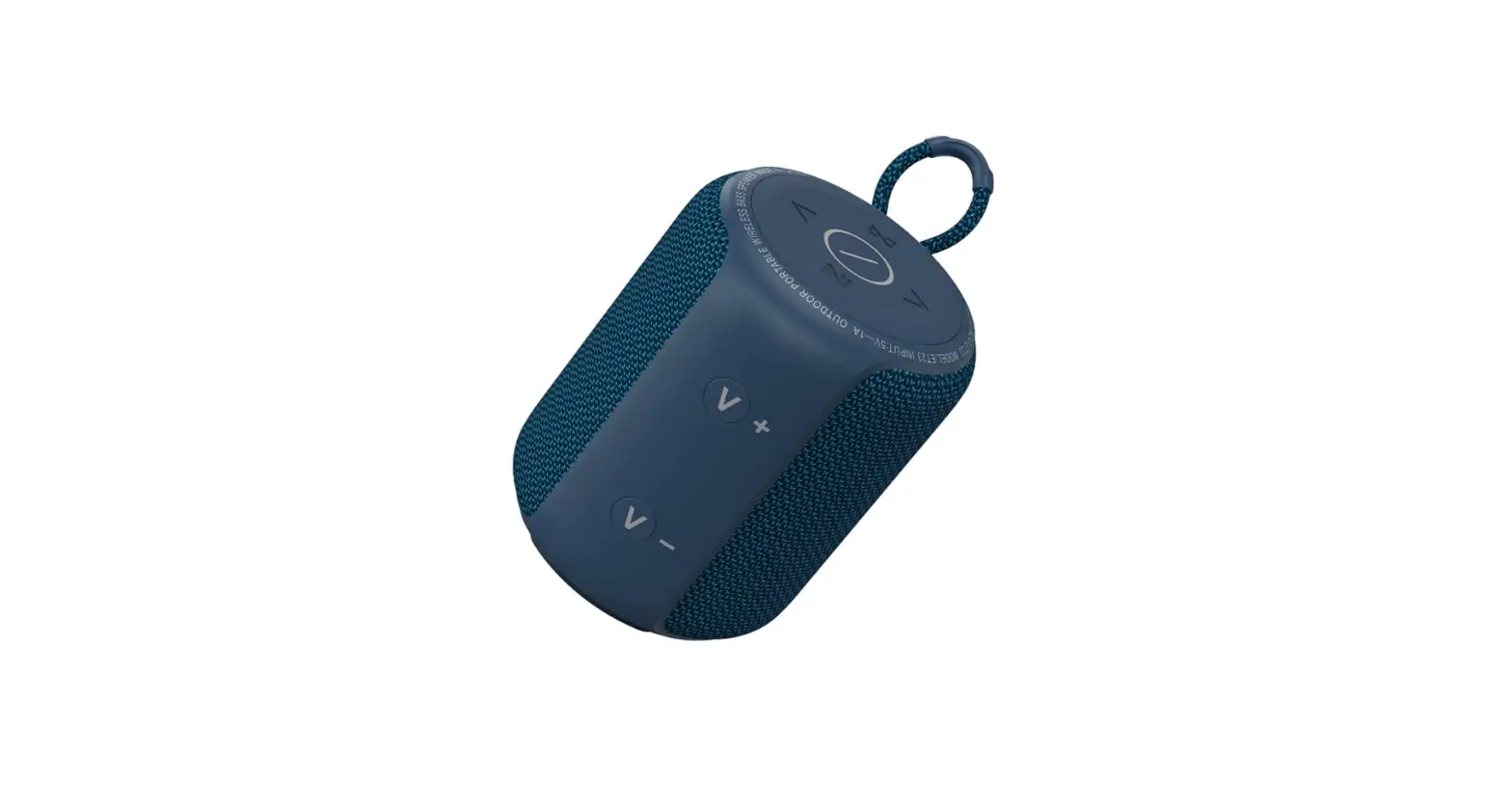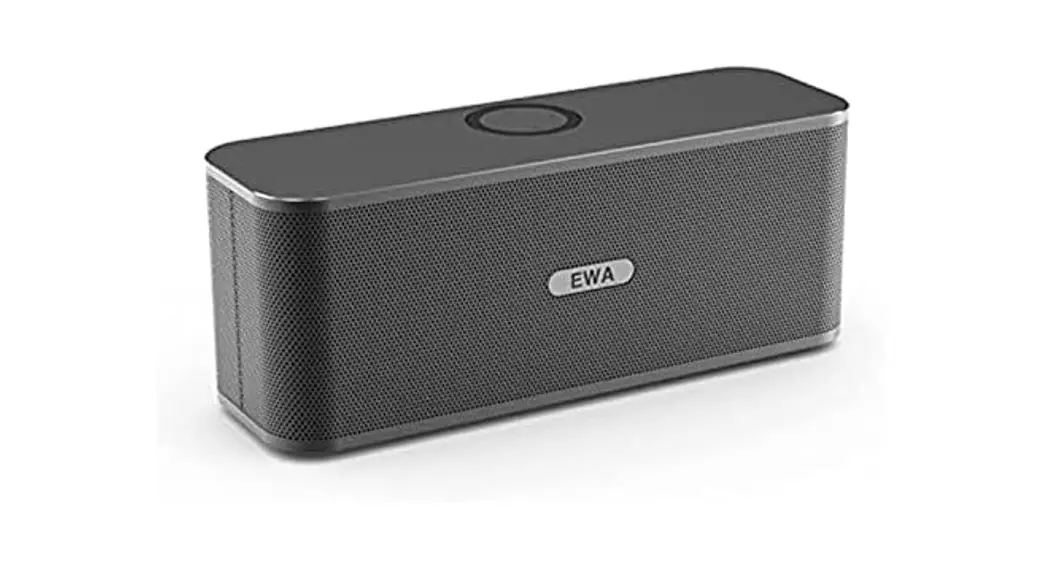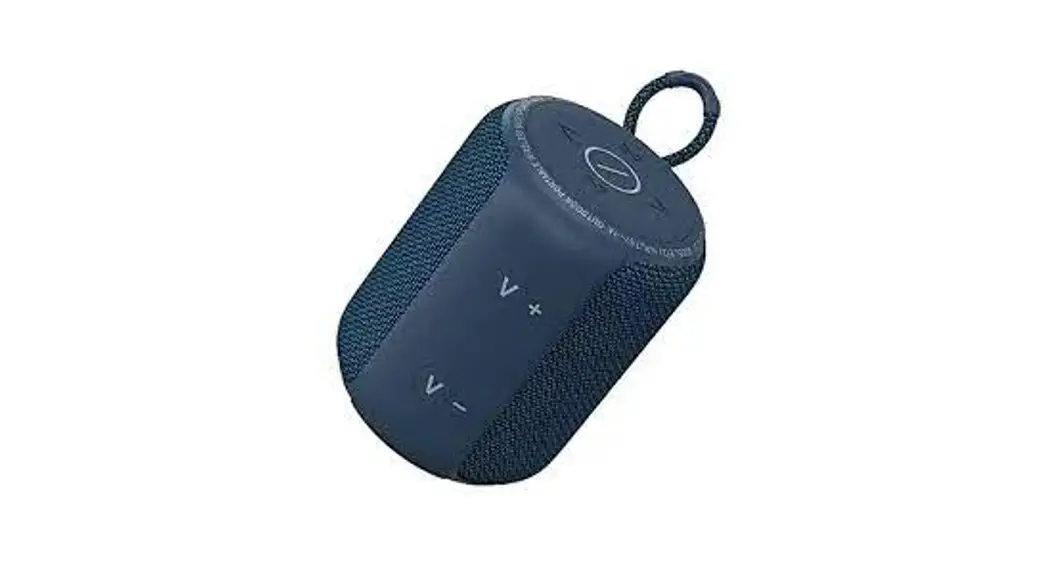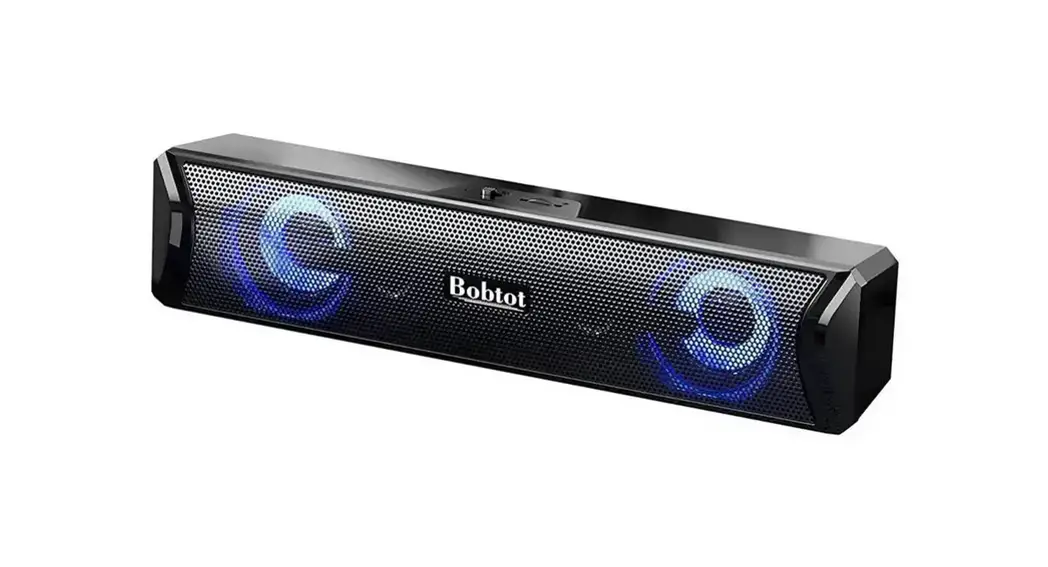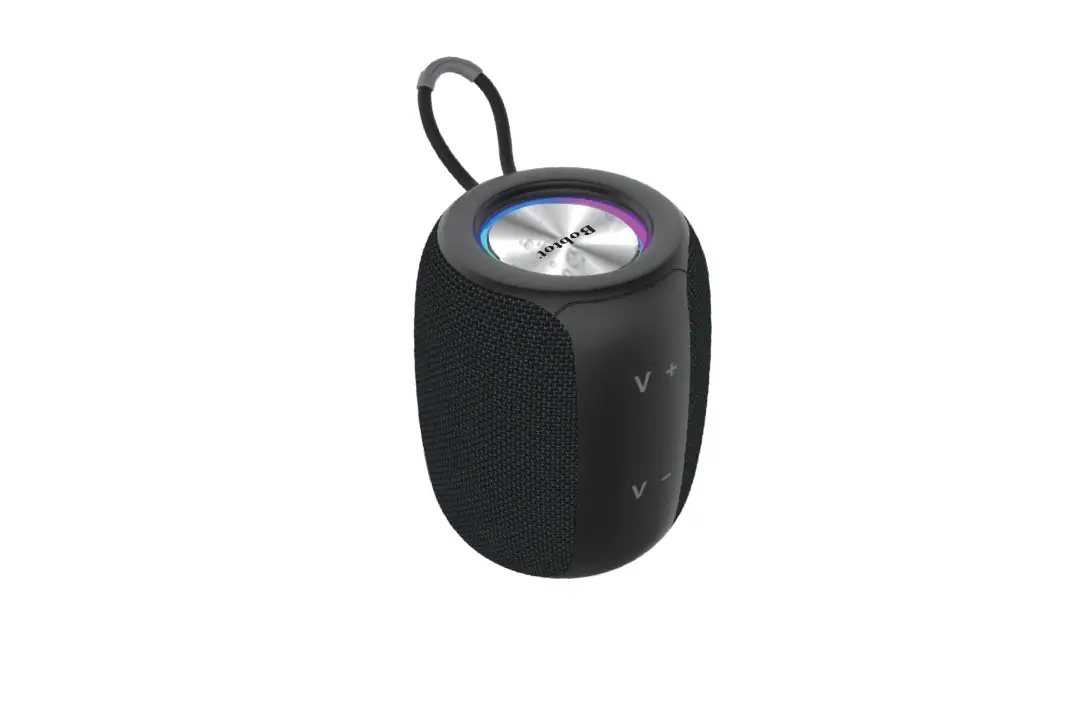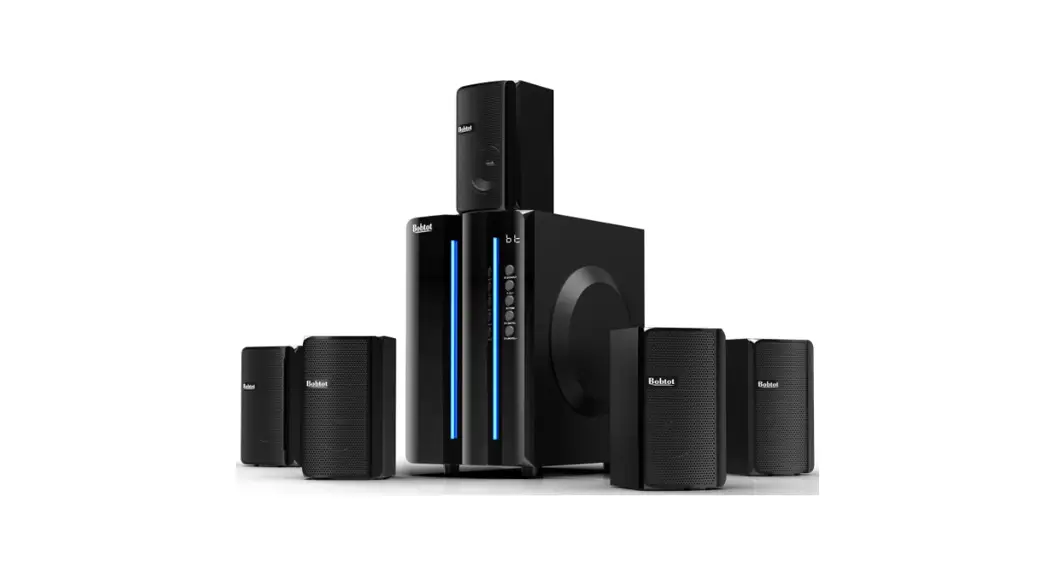
 Portable Speaker with Microphone
ET29
User Manual
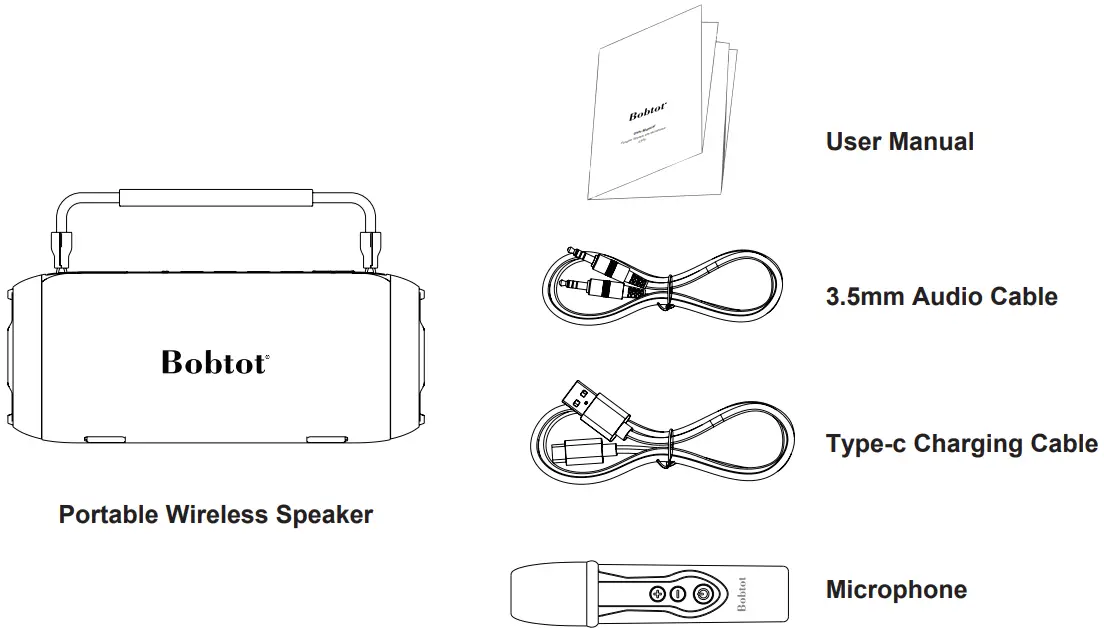
Packing List
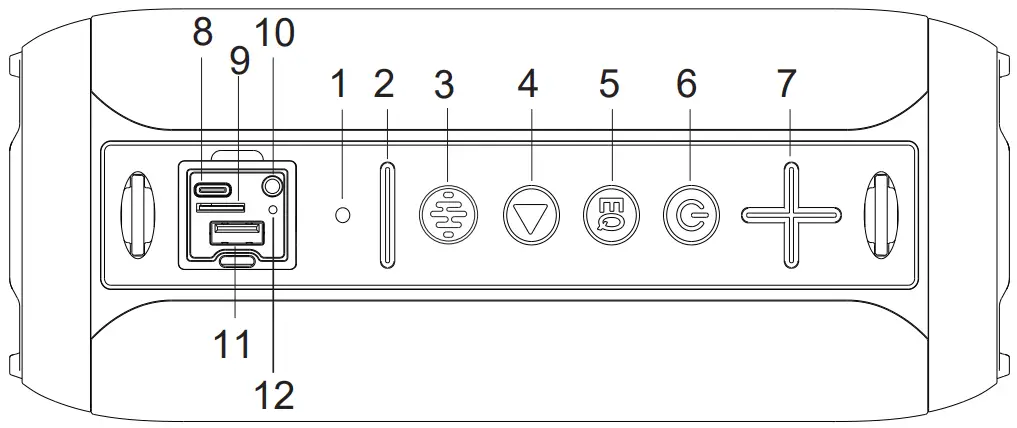
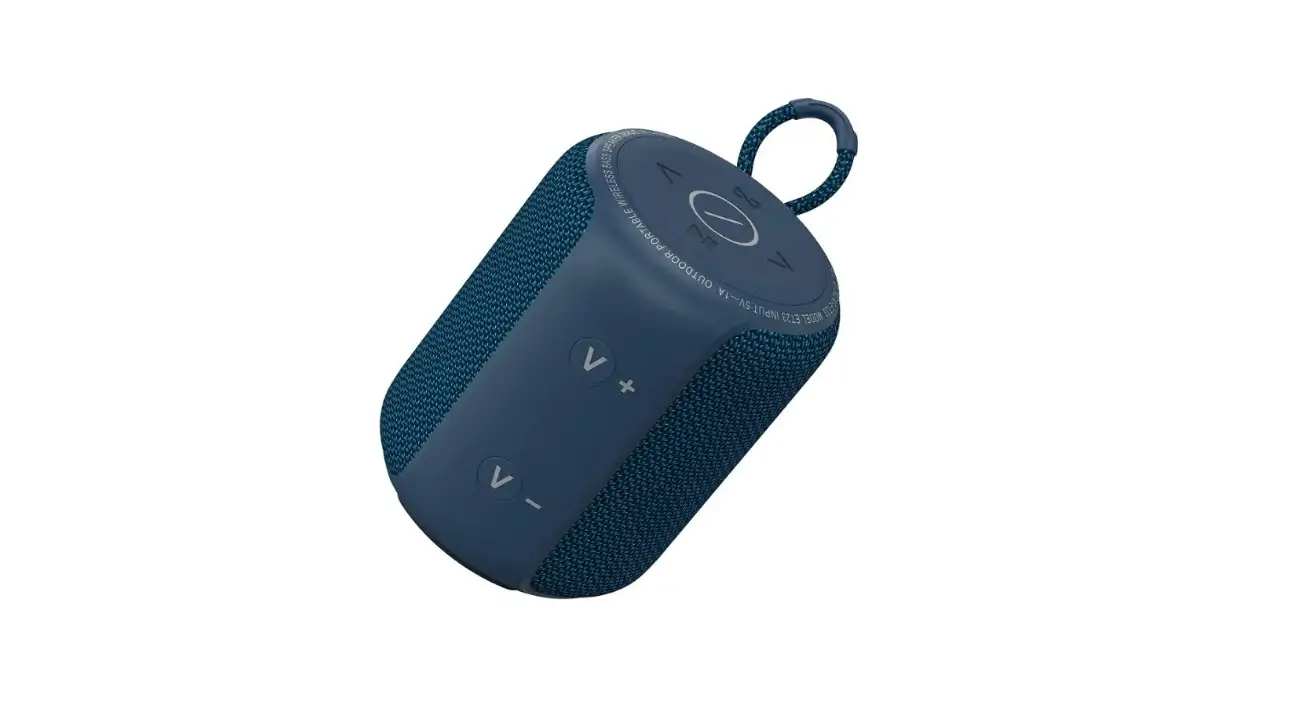
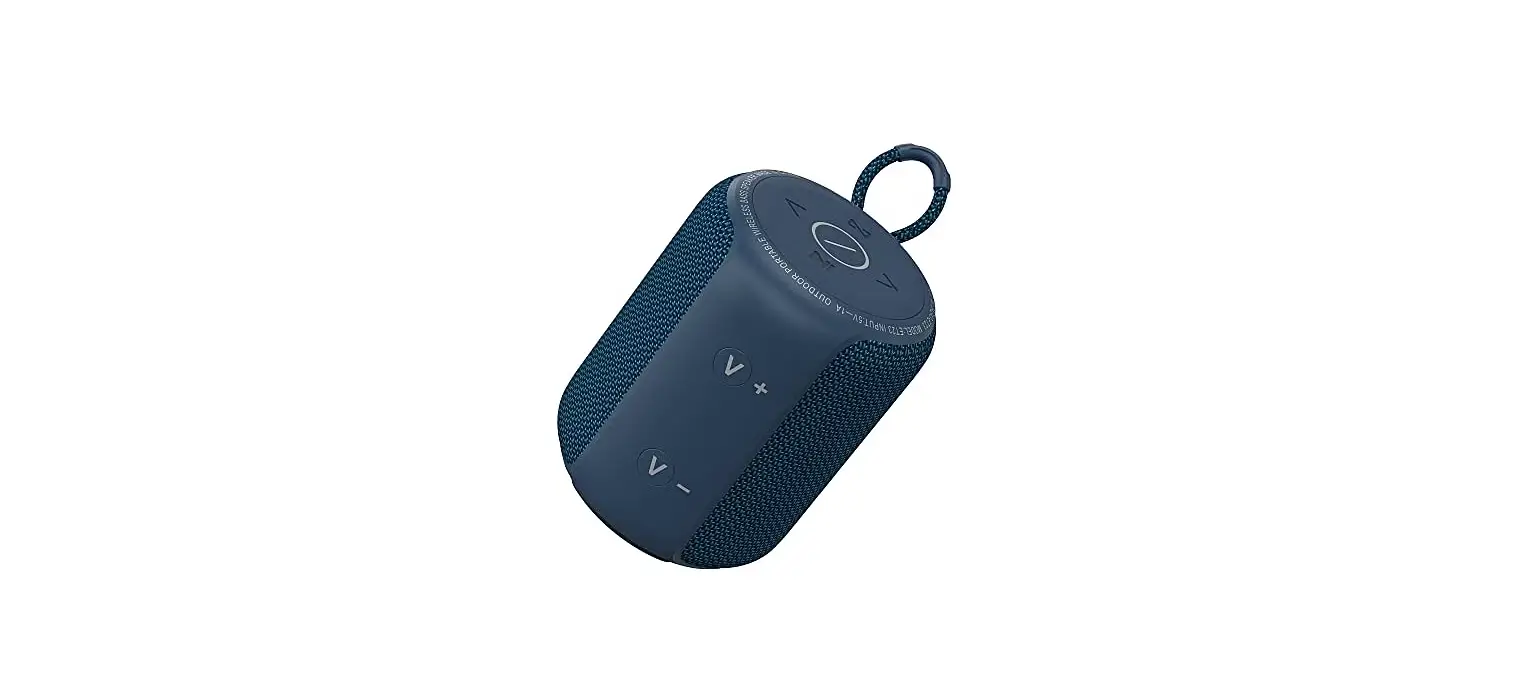
| 1. Power Indicator 2. Volume down / Previous song 3. Karaoke mode switch & Light on/off 4. Play/pause 5. EQ mode 6. Power | 7. Volume up / Next song 8. Type-c Slot (charge only) 9. TF card Slot 10. AUX Slot (3.5mm Audio jack) 11. USB Slot 12. RST (Reset Slot) |
Button Function description
| Button | Key Operation | Function Description |
 | Short press | Increase the volume |
| Long press | Next song | |
 | Short press | Short press to switch between BT/AUX/USB/TF card mode |
| Long press | Press and hold for 3 seconds to turn on/off | |
 | Short press | Short press to switch Indoor/Outdoor mode |
 | Short press | Play/Pause |
| Long press | Decrease the volume | |
 | Short press | Previous song |
| Long press | Disconnect BT | |
 | Short press | Karaoke mode/Vocal mode/KTV mode |
| Double click | Light on/off |
How To Use The Speaker
 Wireless BT connection
- Short press
 button, the speaker enters the BT mode, the blue light of the power button icon flashes quickly to enter the pairing state, and search for your BT device named”Bobtot ET29″ and tap to connect.
 - When switching to BT mode again, you can double-click the
 button to play the song.
TF card/U disk/Aux-in mode
Insert the TF card into the card slot or insert the U disk slot, the Bobtot ET29 portable speaker will automatically play music (The max capacity is 64Gb for TF card or U disk, it can be recognized by the speaker)
Connect any audio device with a 3.5mm cable for playing Charing (Type-C)
Insert one end of the charging cable into the USB interface, and connect the other end to the charging device to automatically enter the charging mode.
How to Use Microphone
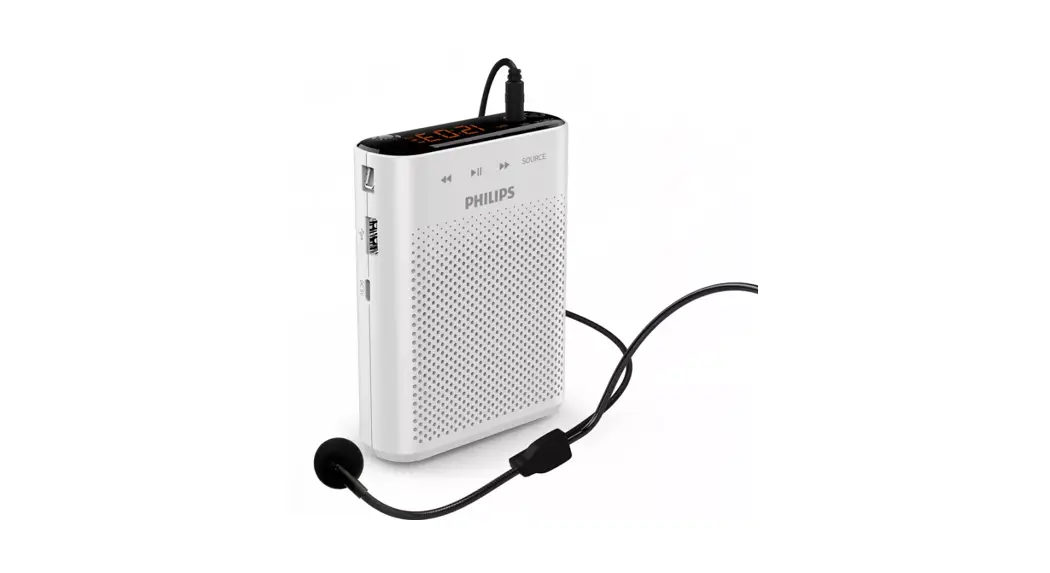
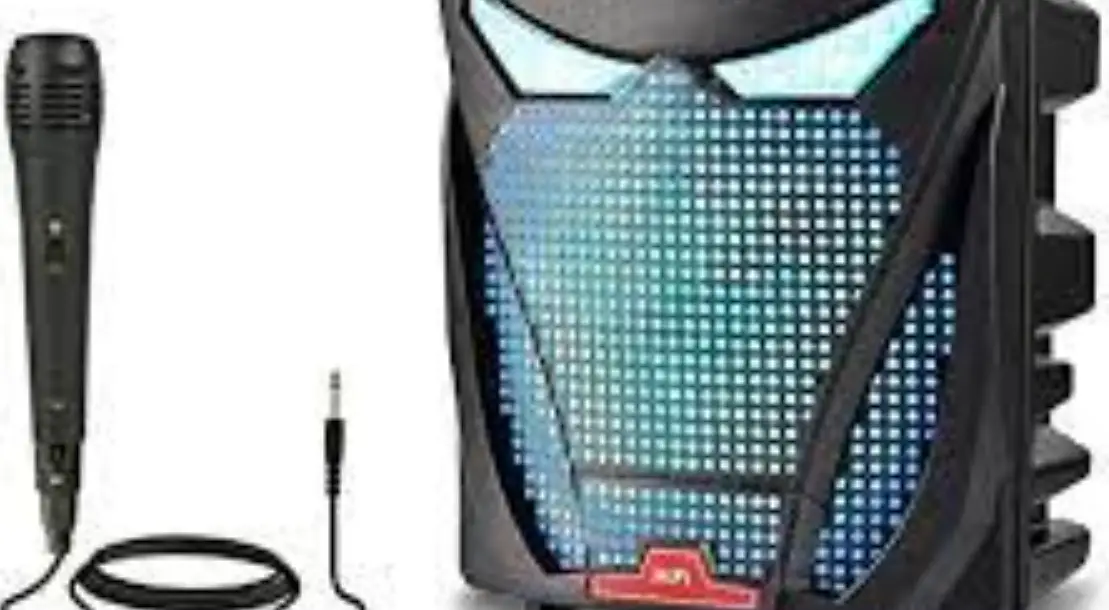
Turn On/OffWhen the ET29 speaker is on, press the button of the microphone for 2 seconds to turn on, the indicator light is green, which is automatically connected to the ET29 speaker, and you can sing the song now.
Press for 2 seconds to turn it off.
Volume Up/Down
Short press microphone – / + to reduce/increase the microphone volume.
Adjust the Mode
When you are singing the song, short press the button in the ET29 speaker, you can switch to karaoke mode, vocal mode, KTV mode to enjoy different scene sound effects.
Charging
Plug the USB Type-C into the charging port of the microphone, the indicator light is red.
When the microphone is fully charged the red light will be off.
Full charge the battery is about 1-2 hours.
Note: The ideal distance between the microphone and the ET29 speaker is ≥10 meters.
Specifications
| Describe | Specifications | Describe | Specifications |
| Model Name | Bobtot ET29 | Charging Voltage | 5V2A |
| Transmission Distance | ≥10m (Open Field) | Charging Time | 4-6H |
| Peak Power Output | 60W | Frequency Response | 60hz -18Khz |
| Local Decoding | Support MP3/FLAC/APE/WMA | Waterproof Level | IPX7 |
| Speaker Size | 2*66mm | BT Version | Wireless 5.1 |
| Product Size | 250*104*104mm |
Kindly reminder
- Please keep the microphone at least 20cm away from the speaker.
- Please check the charger specifications before charging, do not use fast charging or high voltage chargers to charge the speaker.
- For hearing health, please do not use it at maximum volume for a long time.
- Do not use it near a fire source or in a high temperature environment to avoid permanent damage to the speaker.
- Please use it strictly in accordance with the instructions, and do not modify or disassemble the productwithout permission.
- Do not drop, impact, knock, squeeze or other behaviors that seriously affect the product structure to avoid damage to the strength and reliability of the product.
- If you encounter high temperature, deformation, corrosion and other abnormalities during use, please stop using it immediately and contact the merchant for proper disposal.
FCC Requirement
Any changes or modifications not expressly approved by the party responsible for compliance could void the user’s authority to operate the equipment.
This device complies with Part 15 of the FCC Rules. Operation is subject to the following two conditions: (1) this device may not cause harmful interference, and (2) this device must accept any interference received, including interference that may cause undesired operation
Note: This equipment has been tested and found to comply with the limits for a Class B digital device, pursuant to Part 15 of the FCC Rules. These limits are designed to provide reasonable protection agains tharmful interference in a residential installation. This equipment generates, uses, and can radiate radio frequency energy, and if not installed and used in accordance with the instructions, may cause harmful interference to radio communications. However, there is no guarantee that interference will not occur in a particular installation. If this equipment does cause harmful interference to radio or television reception, which can be determined by turning the equipment off and on, the user is encouraged to try to correct the interference by one or more of the following measures:
- Reorient or relocate the receiving antenna.
- Increase the separation between the equipment and receiver.
- Connect the equipment into an outlet on a circuit different from that to which the receiver is connected.
- Consult the dealer or an experienced radio/TV technician for help.
The device has been evaluated to meet general RF exposure requirement. The device can be used in portable exposure condition without restriction.
Need help?
Customer Care Guide
At our company, we strive to provide exceptional customer care to every one of our clients. We believe that building strong relationships with our customers is essential to the success of our business. To help us achieve this goal, we have put together the following customer care guide.
Time
We understand that our customers’ time is valuable, so we will respond to any inquiries within 24 hours.
Feedback
We know that our customers are the heart of our business so we value your feedback. We encourage you to share your thoughts and ideas with us.
Solutions
If our customers encounter any issues, we will try our best to find a quick and efficient solution that meets your needs.
Here at Bobtot, we take customer care very seriously. Our customers are our first priority, and we are committed to providing the highest quality service. If you have any questions or concerns, please don’t hesitate to reach out to us.
We will be happy to assist you:
Call or Message: +1 888 572 1718
Email: [email protected]
bobtot.net
2023 BOBTOT//Features and specifications are subject to
change and or improvement without notice.