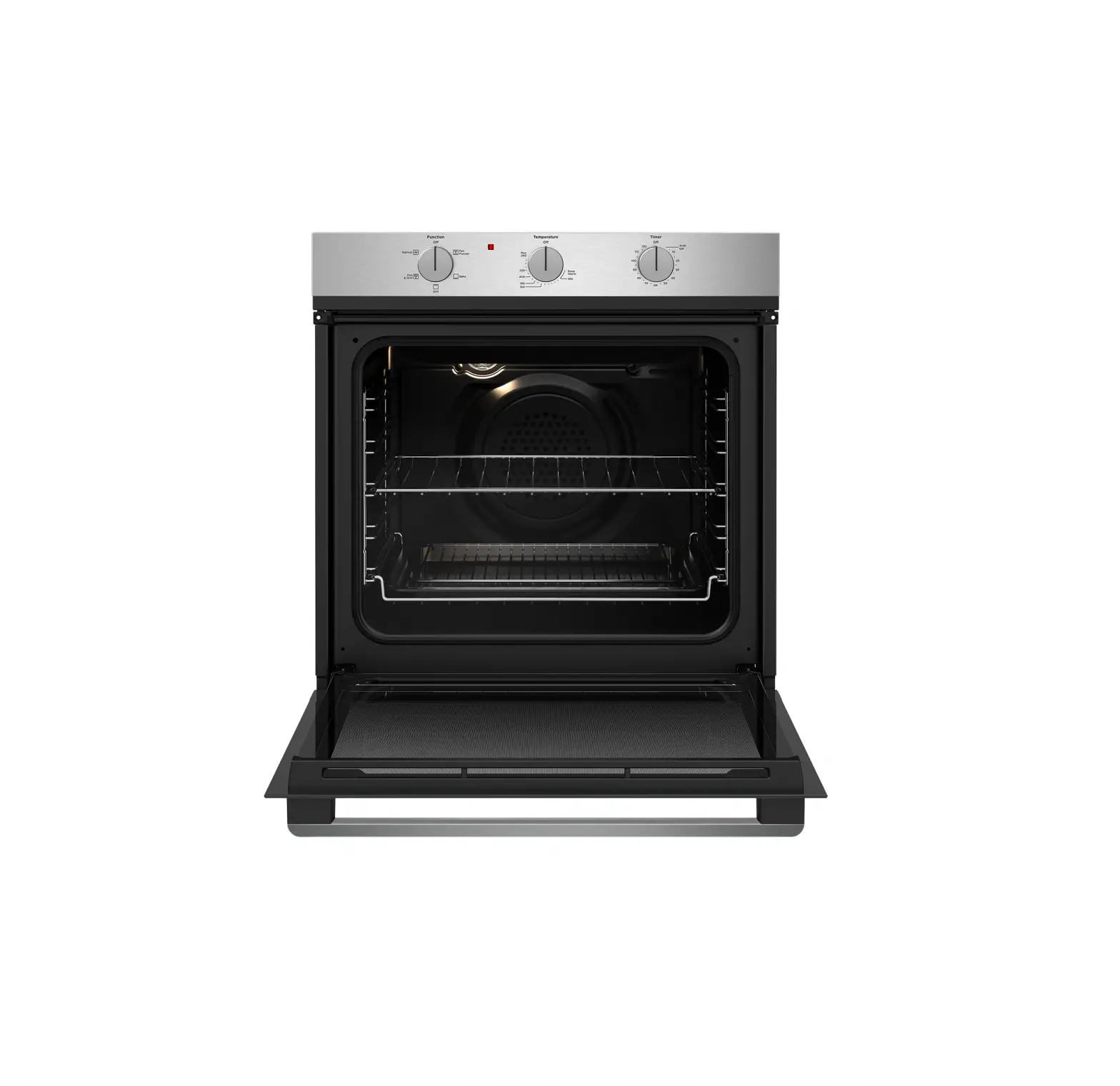
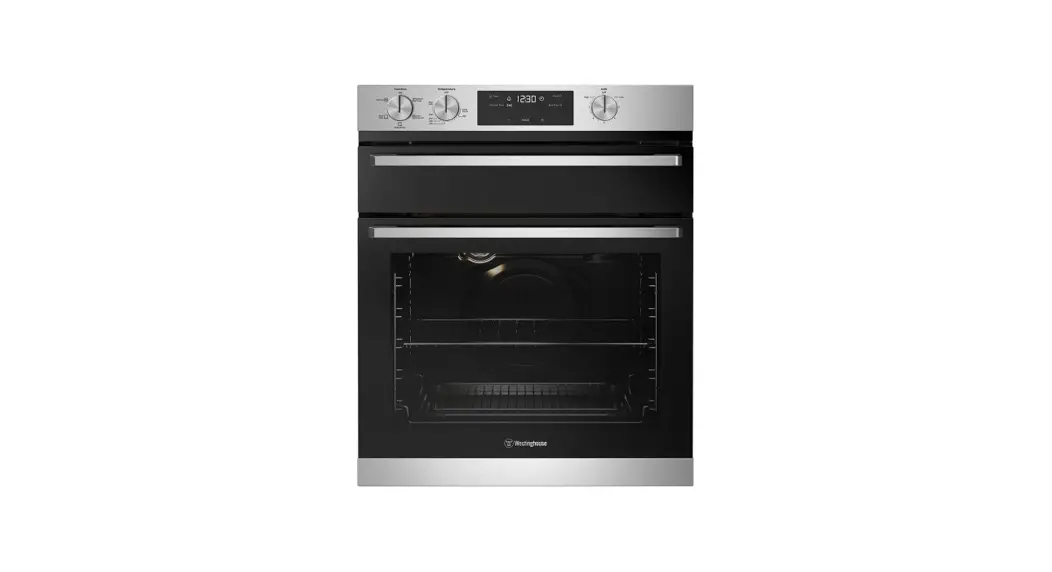
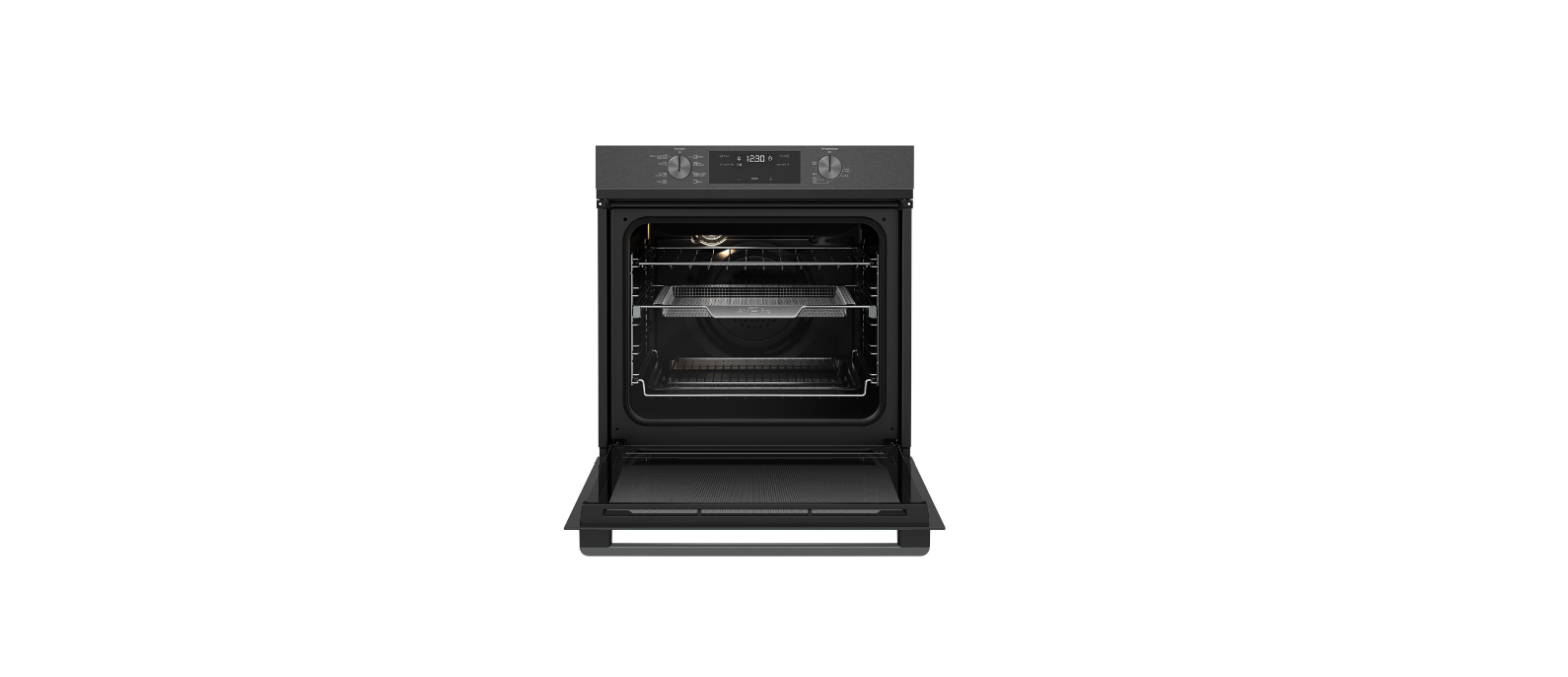
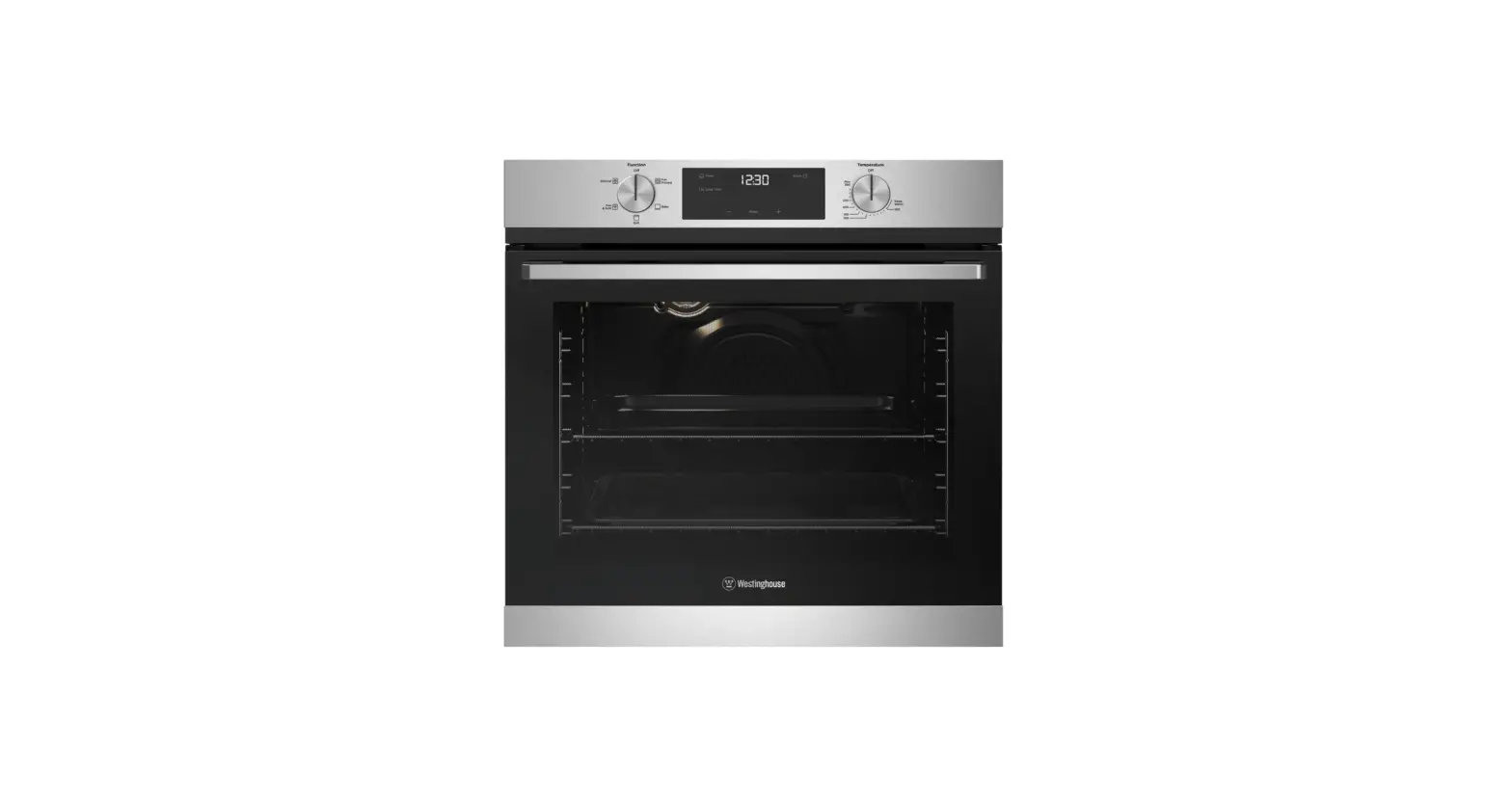
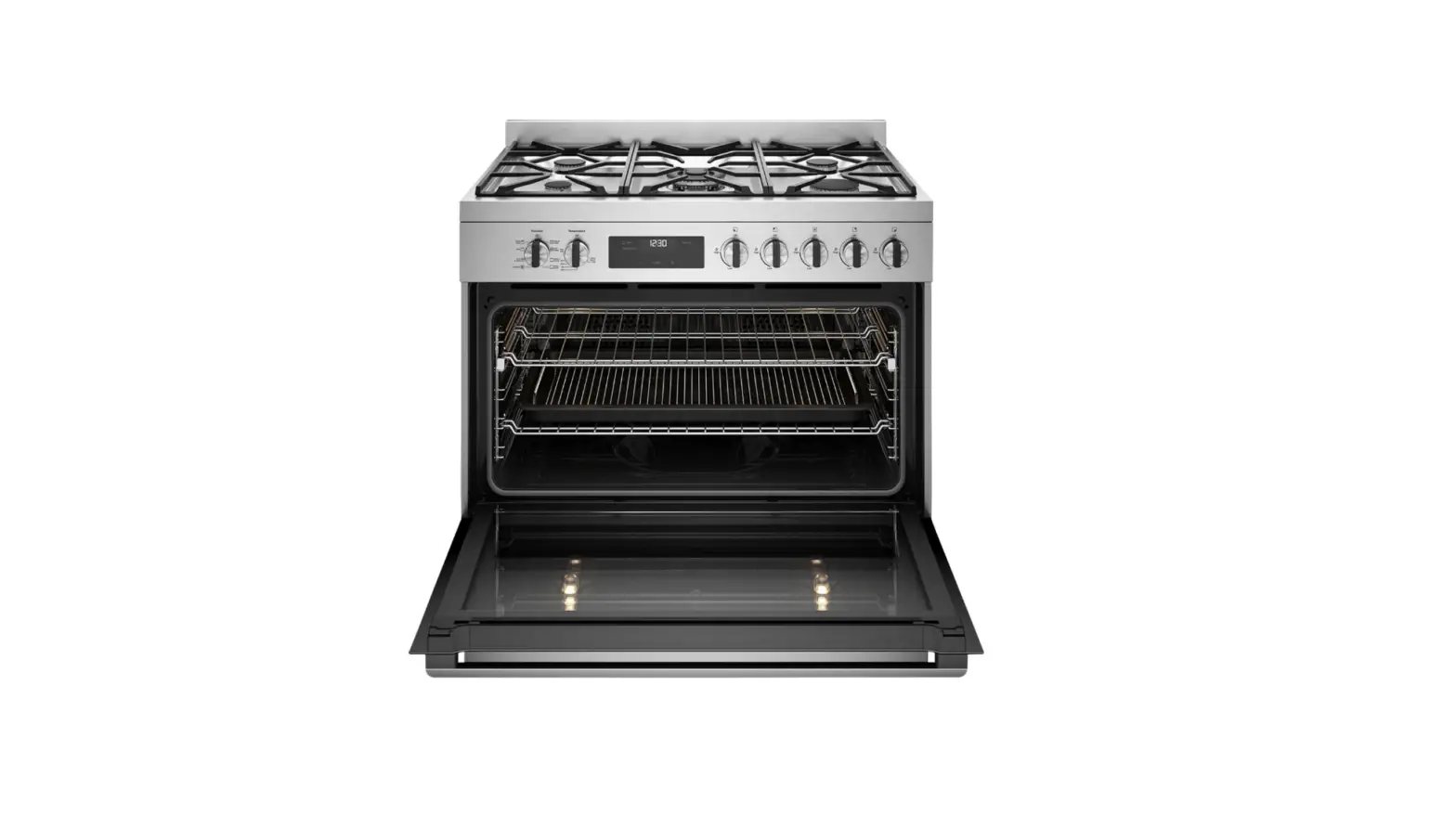
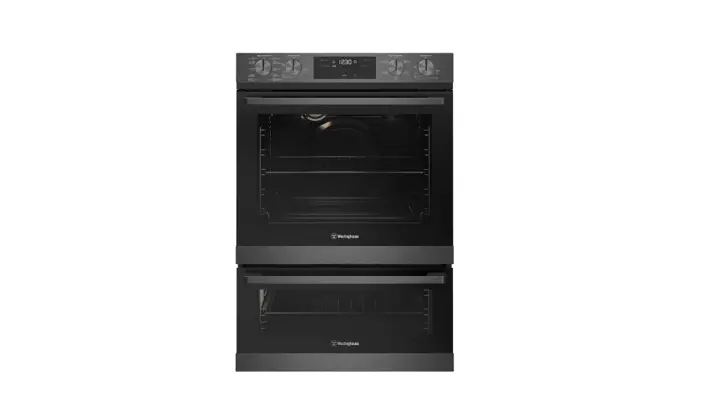
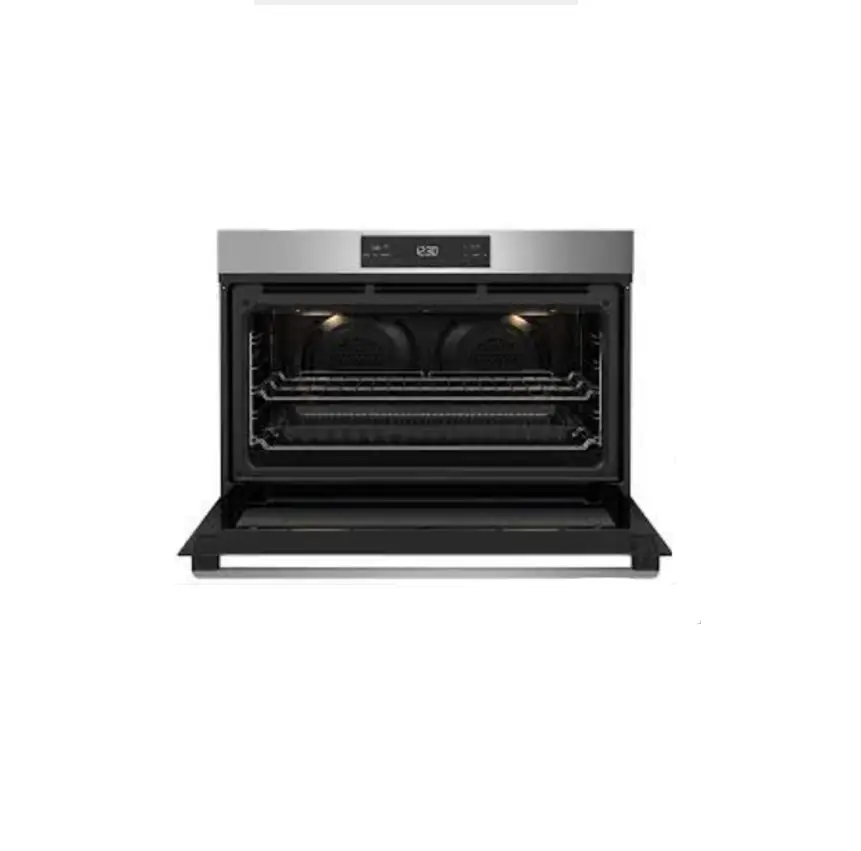
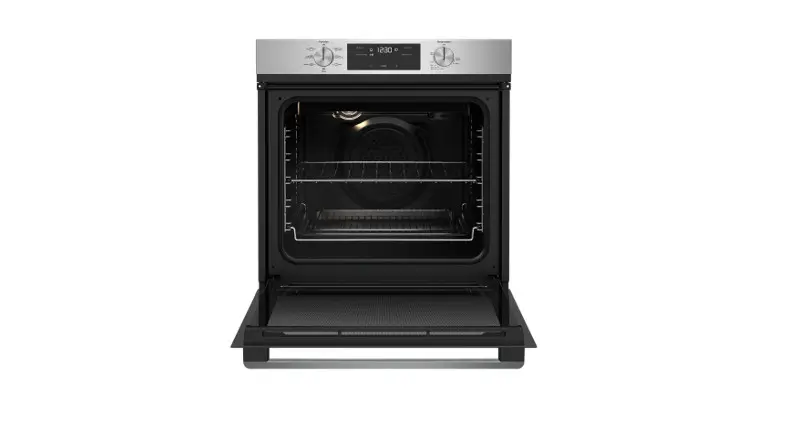
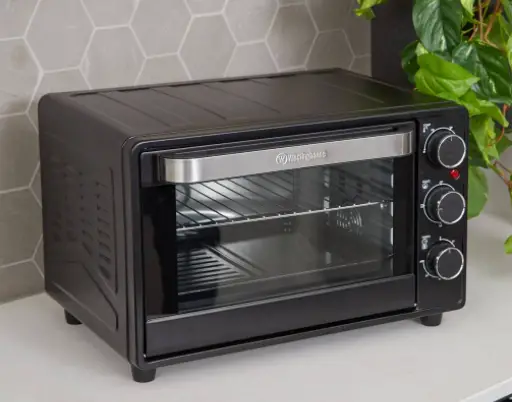
WVEP6727 Series Oven
Product Information: Westinghouse WVEP6727 Oven Series
Thank you for purchasing a Westinghouse oven. The WVEP6727 oven
series is known for its durability and reliability, making it a
popular choice for many families. This oven is designed to help you
make the most of your time at home, allowing you to focus on the
things you love.
Product Usage Instructions
Step 1: Installation
- Ensure that your oven has been correctly installed by a
qualified person. - Make sure your oven has power and is switched on.
- Remove all relevant packaging materials. Most of the packaging
materials can be recycled. Please dispose of them at your local
recycling center or in your own recycling bin.
Step 2: Getting to Know Your Oven Control
Panel
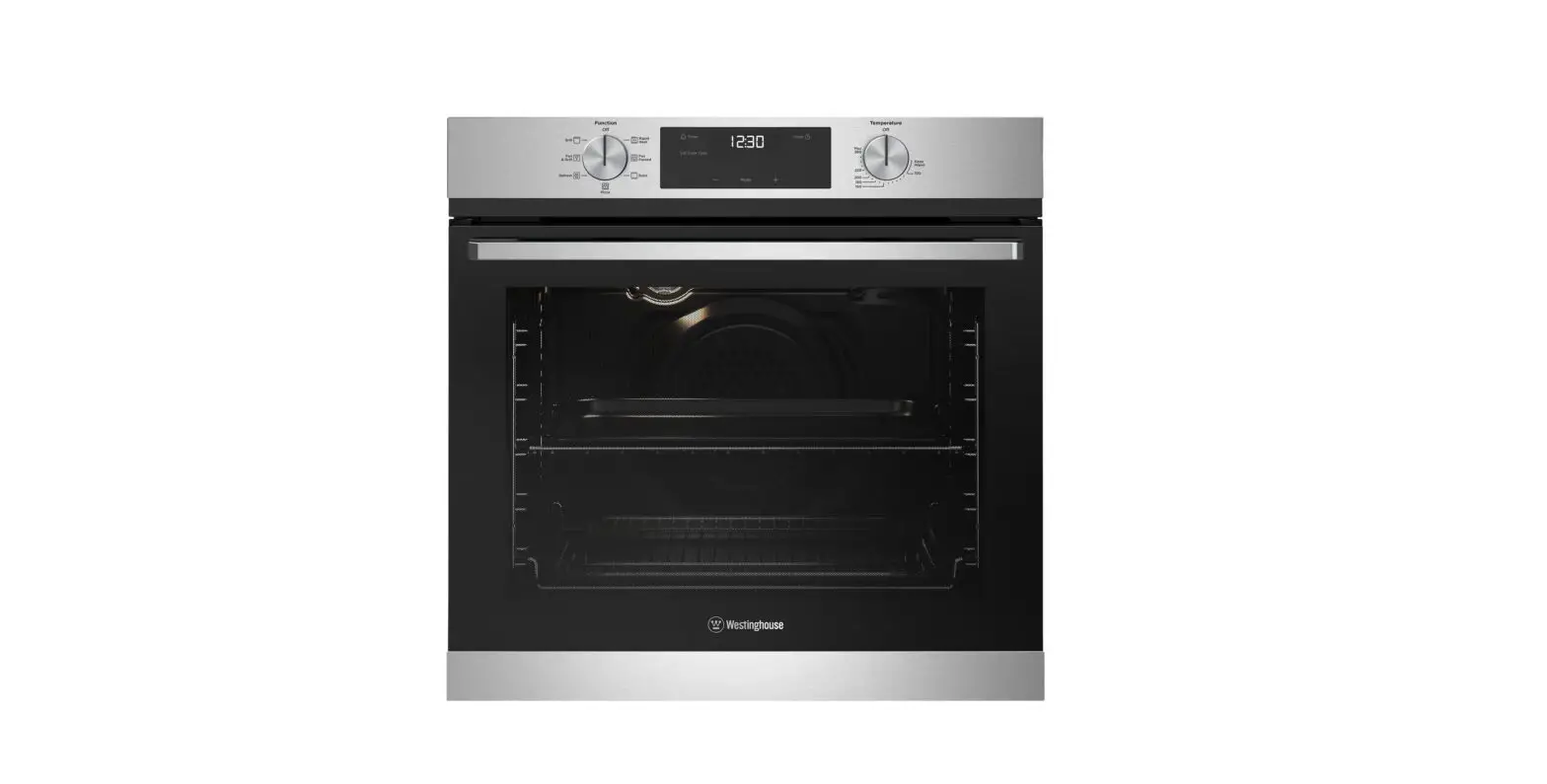
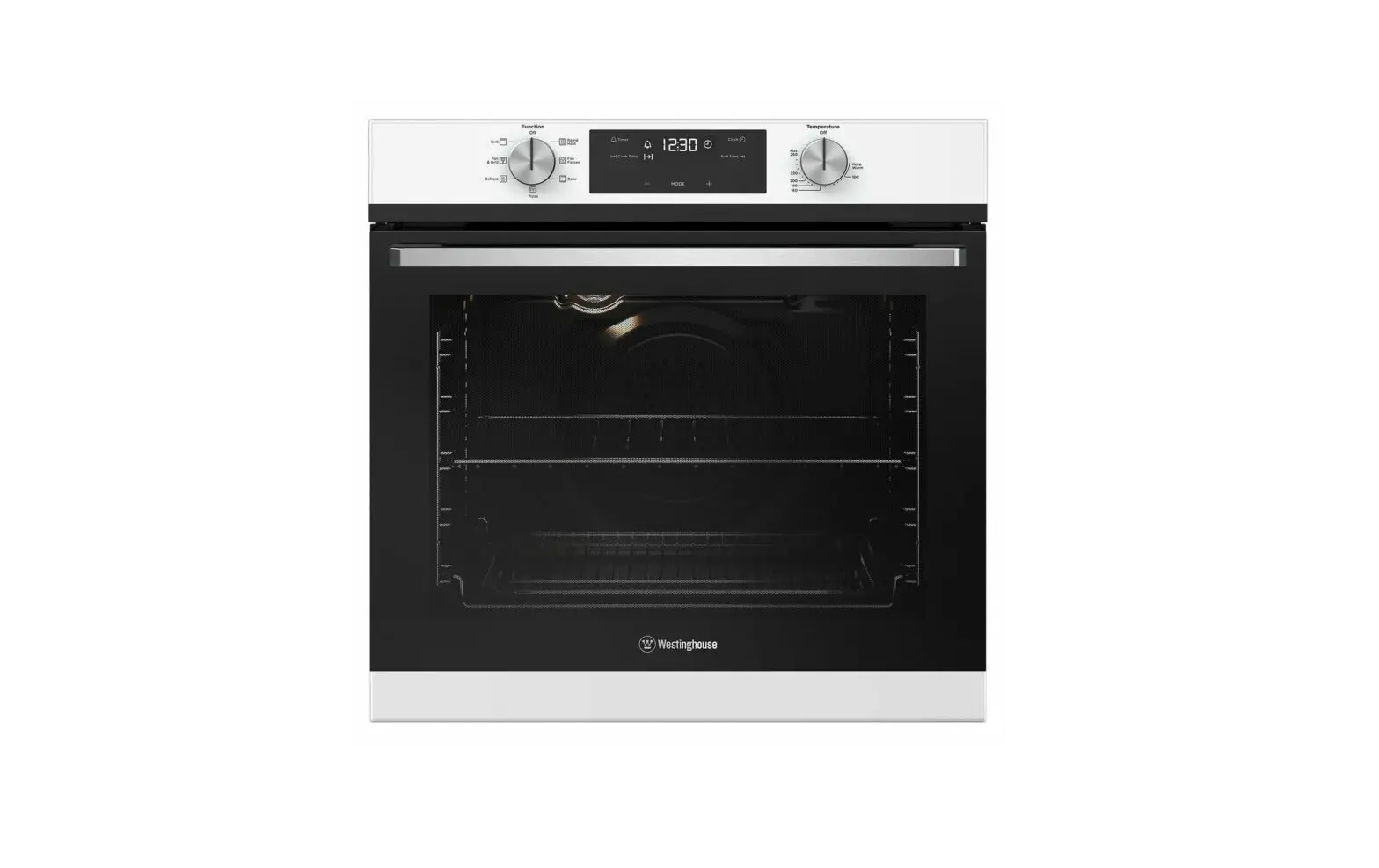
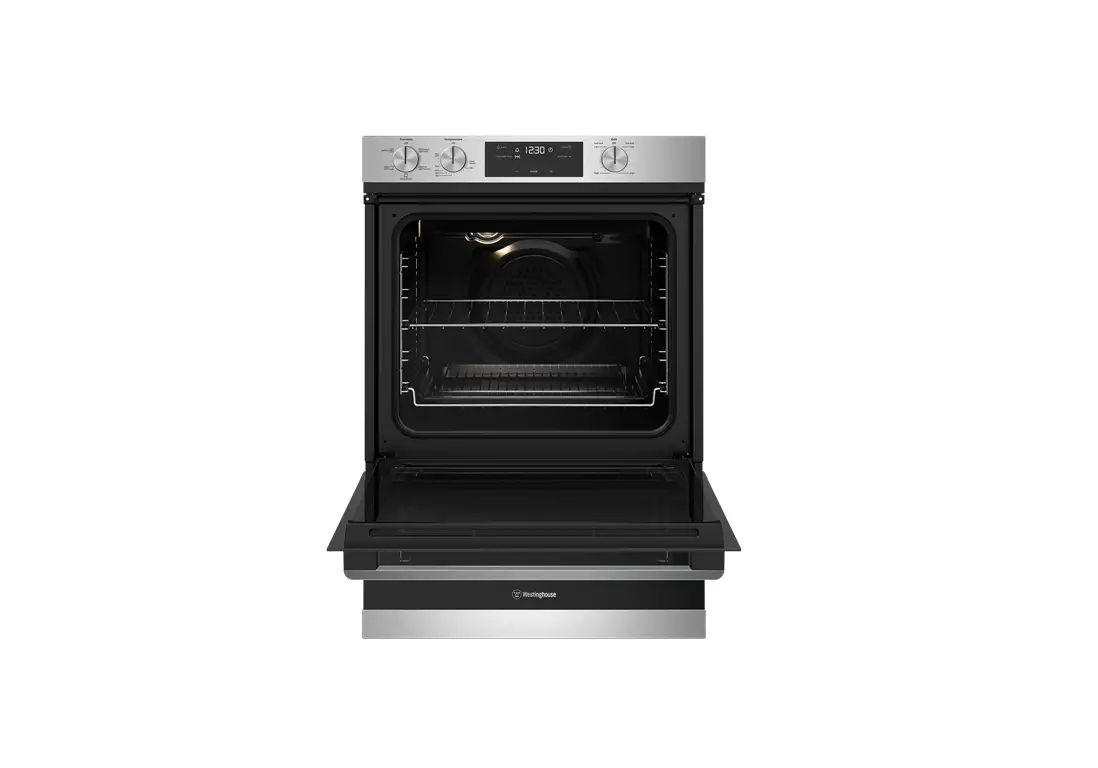
The oven control panel consists of the following elements:
- Upper function selector
- Adjust selector
- Lower function selector
- Lower temperature selector
- Lock
- Assisted cooking
- Cleaning
- Settings
- Timer
- Temp
- Light
- Lock
- OK
- Fast heat up
- Progress bar for temperature or time
- Steam cooking
- Minute minder
- Cooking time
- Time delay
- Uptimer
Step 3: Installing the Oven Accessories
- Install telescopic slides (where supplied) to the side racks.
Refer to the installation guide supplied with the oven slides. - To insert side racks:
- There is a left-hand and right-hand version of the side
rack. - Insert the rear peg into the rear access hole, ensuring that
the peg is fully inserted. - Locate the front peg into the front access hole and push in
firmly.
- Locate the rear edge of the shelf in between the guide rails of
the side rack. Ensure the same rail positions on both sides of the
oven are being engaged. - With the front edge raised, slide the shelf into the oven.
- Push the shelf or tray along the top of the slide until it hits
the back post. - Drop the front of the shelf or tray onto the slide ensuring it
sits behind the front post of the slide. - Once the detents have passed the front edge of the side rack,
the shelf can be pushed completely in. - When fully inserted, the shelf/tray should not interfere with
the closed oven door.
Step 4: Conditioning the Oven (to Burn Off Any
Residue)
New appliances can have oil or residue left from manufacturing.
You will need to heat your oven for 30 minutes before using it for
the first time. Follow these steps:
- Turn the function selector dial to “Fan forced”.
Step 5: Using Your Oven
Here are a few tips for using your new Westinghouse oven:
- Remember to pre-heat each time. For best cooking results,
pre-heat the oven. Pre-heating allows the oven to reach the
required temperature quickly and efficiently, as well as cook food
at the correct temperature for the entire cook time. Recommended
pre-heat time is 30 minutes for baking and 3 minutes for
grilling.
Quick Start Guide WVEP6727 oven series
Dear Customer,
Thank you for purchasing a Westinghouse oven. You have chosen a product that comes from a history of durable and reliable products loved by many families. We look to help you make the most of your time at home, so you can spend your time doing what you really love, with the ones you love.
Welcome to Westinghouse.
Ready
This is a Quick Start Guide. Please refer to user manual online for detailed information and installation
To access your detailed user manual online, simply scan the QR code on your smart phone.
For more detailed information and installation guide refer to user manuals at westinghouse.com.au/manuals
Before you start, please make sure:
Your oven has been correctly installed by a qualified person. Your oven has power and is switched on. You’ve removed all relevant packaging.
Most of the packaging materials can be recycled. Please dispose of them at your local recycling centre or in your own recycling bin.
Set…
Get to know your oven control panel:
Upper function selector
Adjust selector
1
5
Lower function Lower temperature
selector
selector
1 Lock 2 Assisted cooking 3 Cleaning 4 Settings
Timer Temp Light Lock
OK
8 9 10 11
PYROCLEAN
23467
5 Fast heat up 6 Progress bar for
temperature or time 7 Steam cooking
8 Minute minder 9 Cooking time 10 Time delay 11 Uptimer
Set…
Installing the oven accessories
1. Install telescopic slides (where supplied) to the side racks. Refer to installation guide supplied with oven slides.
2. Insert side racks
There is a left hand and right hand version (see image).
1. Insert the rear peg into the rear access hole, ensuring that the peg is fully inserted.
2. Then locate the front peg into the front access hole and push in firmly.
Left hand side rack
front peg
rear peg
3. To fit a shelf or tray to side racks:
1. Locate the rear edge of the shelf in between guide rails of the side rack. Ensure the same rail positions on both sides of the oven are being engaged.
2. With the front edge raised, slide the shelf into the oven.
4. Fit shelf/tray (where supplied) to telescopic slides
1. Push the shelf or tray along the top of the slide until it hits the back post.
Shelf Back post
3. Once the detents have passed the front edge of the side rack, the shelf can be pushed completely in.
2. Drop the front of the shelf or tray onto the slide ensuring it sits behind the front post of the slide.
Front post Shelf
Detent
Set the time
Before you can start using the oven, set up the clock. · After the oven has been electrically
connected, `00:00′ will be displayed and the hour minute digits will flash. · Turn the adjust selector (Left or Right +) to set the time of the day. · Press OK to complete the clock setting.
3. When fully inserted the shelf/ tray should not interfere with the closed oven door.
Condition the oven (to burn off any residue)
New appliances can have oil or residue left from manufacturing. You will need to heat your oven for 30 minutes before using it for the first time.
1. Turn the function selector dial to Fan forced
2. Using the temperature selector, set the oven at 180°C for approximately 30 minutes. Please ensure that the room is well ventilated during this process.
Timer Temp Light Lock
OK
PYROCLEAN
Go!
You’re ready to use your new Westinghouse appliance. A few tips from us:
Remember to pre-heat each time. For best cooking results pre-heat the oven. Pre-heating allows the oven to reach the required temperature quickly and efficiently as well as cook food at the correct temperature for the entire cook time. Recommended pre-heat time is 30 mins for baking and 3 minutes for grilling.
Choose the right program for the best result:
FAN FORCED
This setting is best used when cooking on multiple shelves at once or reheating complete meals for your family.
FAN & GRILL
GRILL
AIRFRY
When cooking large cuts of meat, this setting gives you result that is similar to `rotisserie’ cooked meat. When using `Fan Grill’ it is not necessary to turn food over during the cooking cycle. Set temperature to 180°C and cook with the oven door closed.
When it comes to cooking tender cuts of meat, steak, chops, sausages, fish, cheese toasties and other quick cooking foods the grill setting will get you the best results. By preheating your grill for 3 minutes this will help in sealing in the natural juices for a better flavour. Grill with the oven door closed.
AirFry for that perfect, healthy crunch. When a food craving hits, make healthier and delicious food right in your oven. Deliver all the flavour and none of the guilt. AirFry allows you to make healthier tasty meals for the entire family right in your oven.
EASY BAKE + STEAM
Steam helps you get a better rise, crispier crust, a fluffier centre and tastier textures for all your bread, pastries, cakes, scones and puddings at home.
Refer to your full user manual for more details on oven functions.
Set your temperature Upper cavity Turn the adjust selector (left or right ) as required to set the desired cooking temperature in °C. Note: the temperature can be adjusted at any time throughout the cooking time.
Lower cavity To set the temperature, turn the temperature selector in a clockwise direction to the desired setting.
Once the food is cooked, turn the temperature selector back in an anti-clockwise direction. Note: The desired cooking function must be selected before the oven will turn on.
Quick Start Guide WVEP6727 oven series
Enjoy peace of mind. Register your appliance today.
Stay updated on better living services, safety notices and shop for accessories. 1. Open the camera app on your smartphone and point at the QR code to scan
Product Registration QR code is located on the front of your appliance or inside the door rim*.
2. Tap the notification or link to open the registration form 3. Complete your details and enjoy peace of mind
*Exact location of QR code may vary depending on oven model
Need more help? To access your detailed user manual online, simply scan the QR code on your smart phone. If you prefer a printed manual, please contact our Customer Care Centre using details below.
Customer Care Centre
Contact us if you need more help
Electrolux Home Products Australia
telephone: email: web:
13 13 49 [email protected] electrolux.com.au
Electrolux Home Products New Zealand
telephone: email: web:
0800 436 245 [email protected] electrolux.co.nz
and WESTINGHOUSE are trademarks of Westinghouse Electric Corporation. Used under license by Electrolux Home Products Pty Ltd. All Rights Reserved. © 2023 Electrolux Home Products Pty Ltd. ABN 51 004 762 341 W_QSG_WVEP6727_A4_Feb23 ANC A26699801 RevB (Assy ANC A26721301 RevB)
 Welcome to Electrolux
 Electrolux Australia | Home & Kitchen Appliances