
2 Inch HD Steaming
Media 4K Dash Camera
USER MANUAL 
CAUTIONS:
- Please format the card first after inserting the card, otherwise, there will be a video error and a stuck condition when playing back the video.
- This product’s power cable comes with power-off protection, and the car’s flame-extinguishing machine is in the ignition-off state to enter the time-lapses video and keep recording. When the voltage is low, the machine will stop recording automatically to avoid the car engine can’t start properly because of low voltage.
- In the Wi-Fi interface, when the mobile phone is connected to the machine by Wi-Fi, the video will display on mobile phone only, won’t display on the machine. If Wi-Fi is disconnected, the video will display on the machine automatically.
- After the machine accidentally crashes, long-press [@l” key to turn it off, and short press to start up again.
- If you use OBD power, when you turn off the car, the recorder screen will remain on for about 3 minutes before turning off.
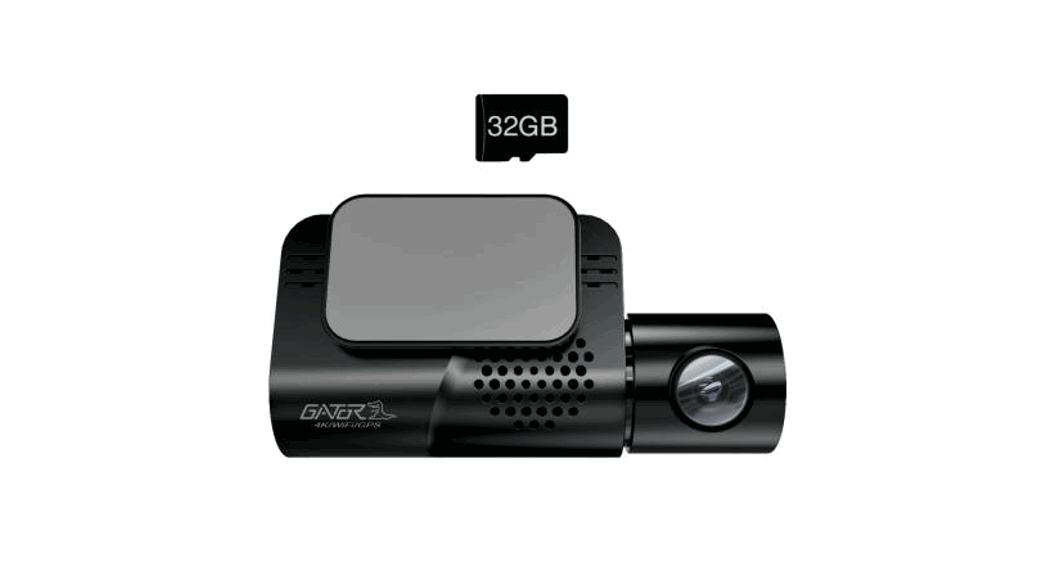
- For the best performance and durability of video recording, we recommend using C10 U1 a level TF card, or better.
 This manual is only for your reference, please check the actual product as the standard!
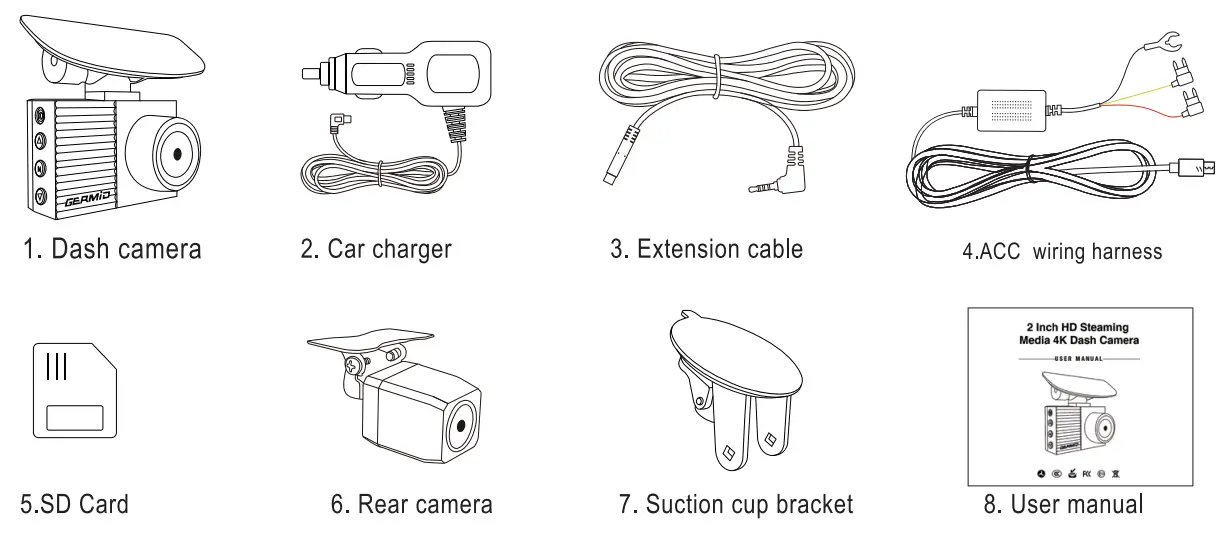
PACKAGE  FEATURES
 FEATURES
| • 2-inch display • Front 4K • Rear FHD 1080P | • Wi-Fi connect • F1 .8 Large Aperture • Easy installation | • parking monitor • Supercapacitor • Loop Recording | • Super Night Vision • Time-lapse Video • G-sensor |
GENERAL INTRODUCTION
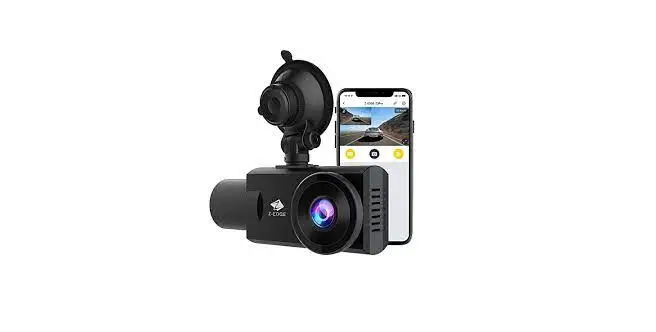
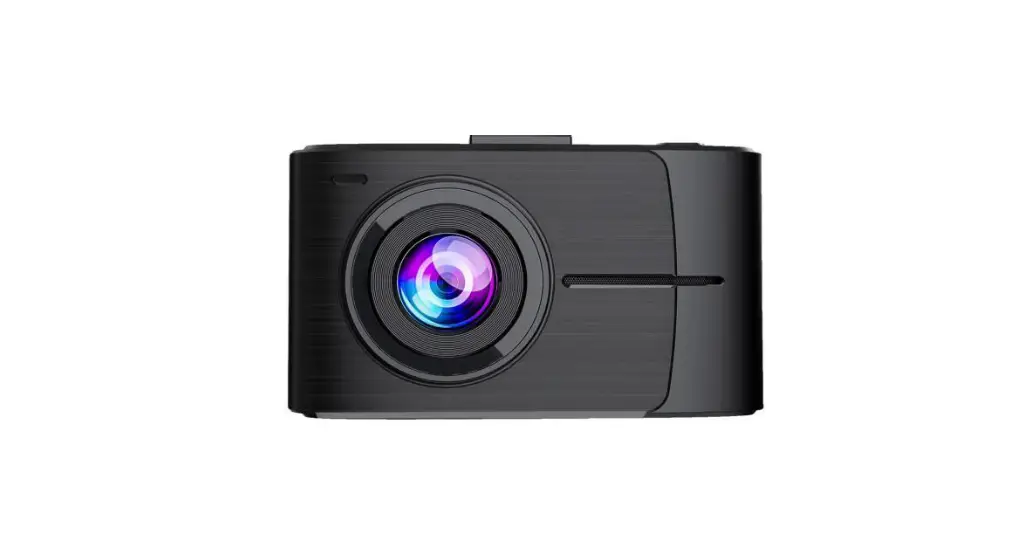
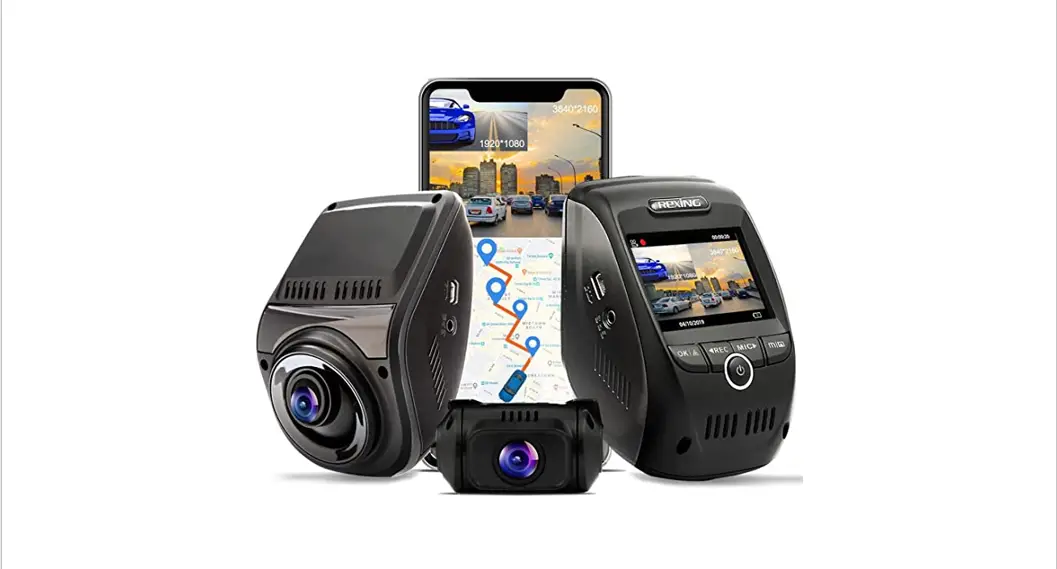
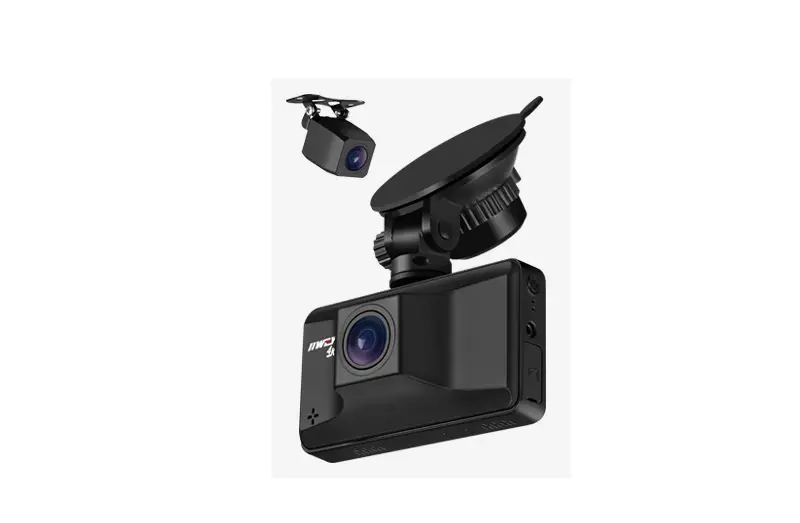
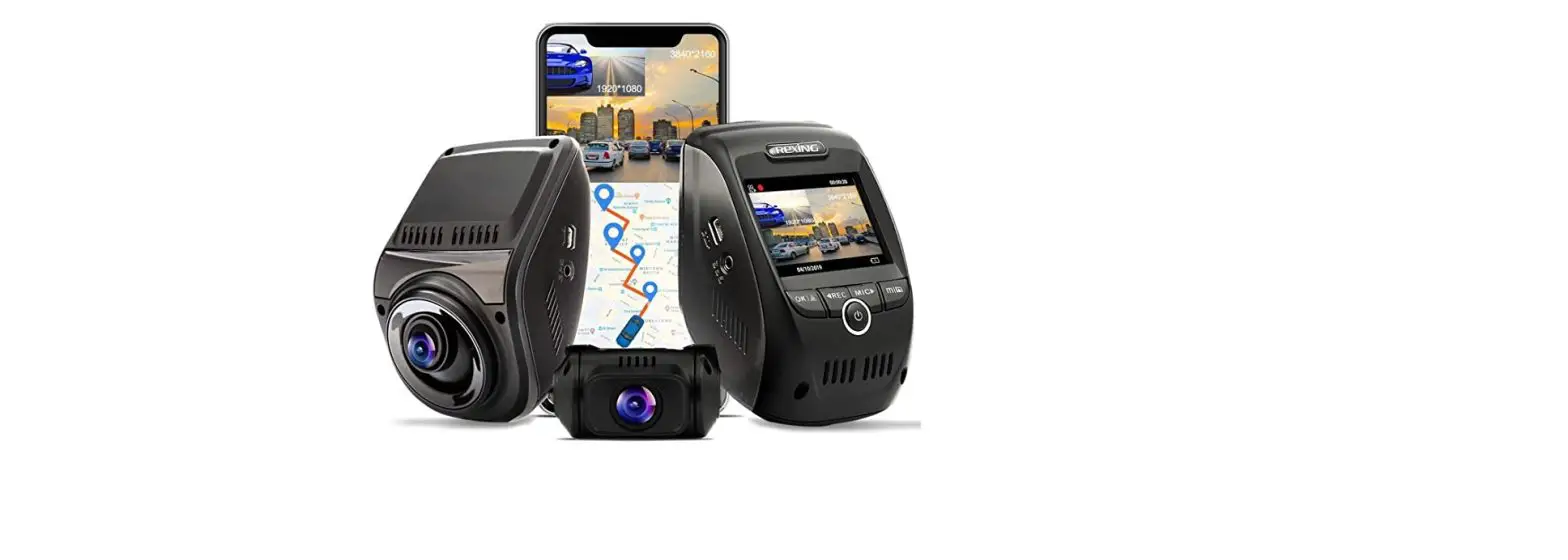
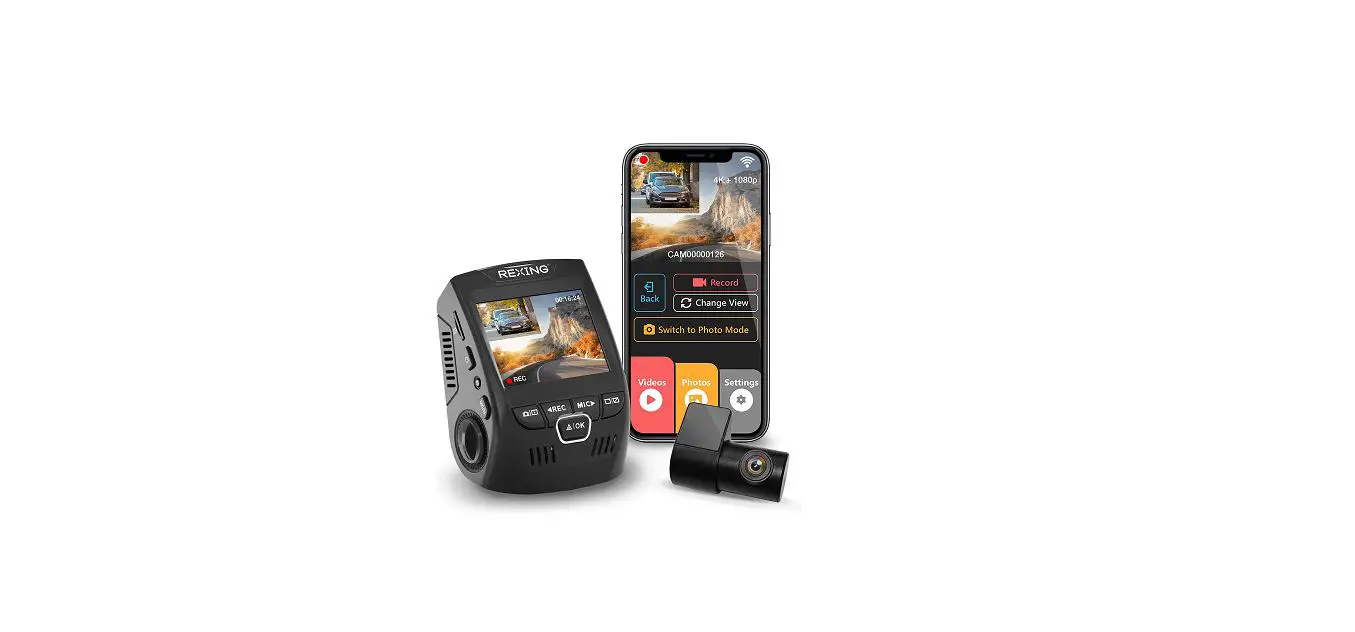
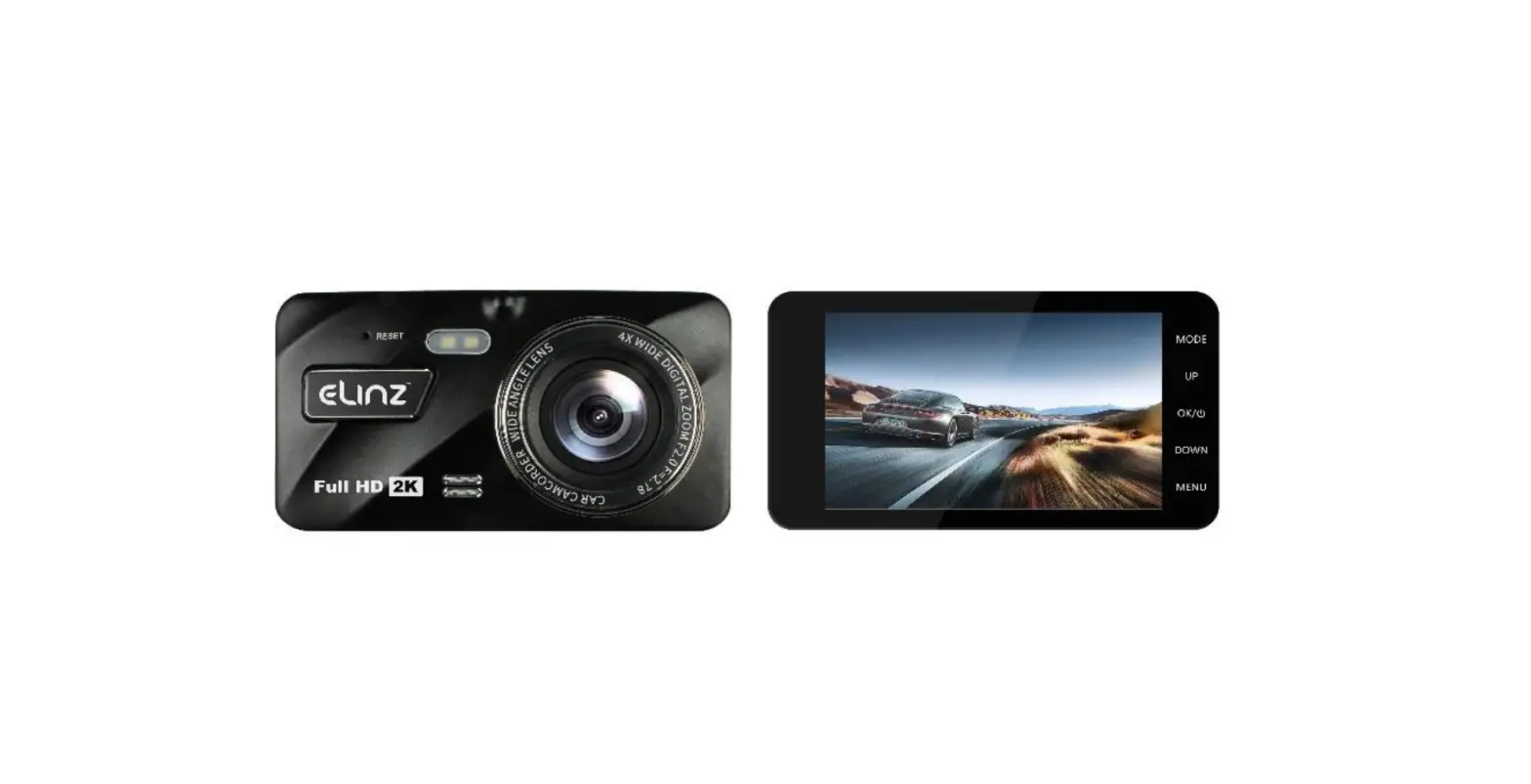
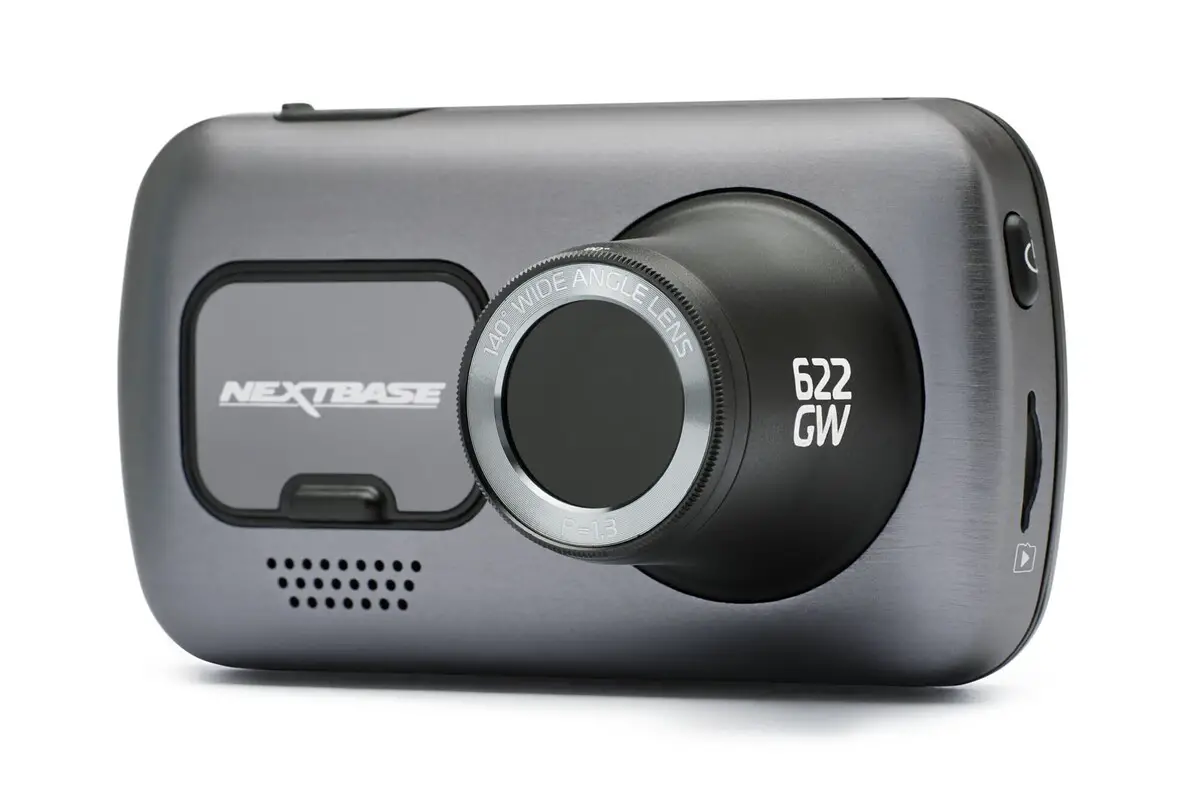
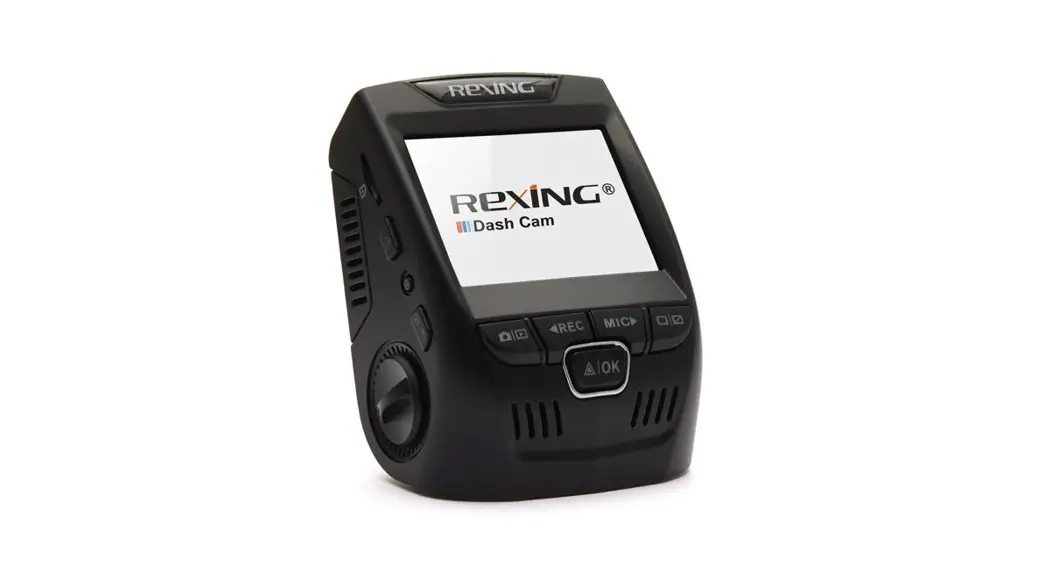
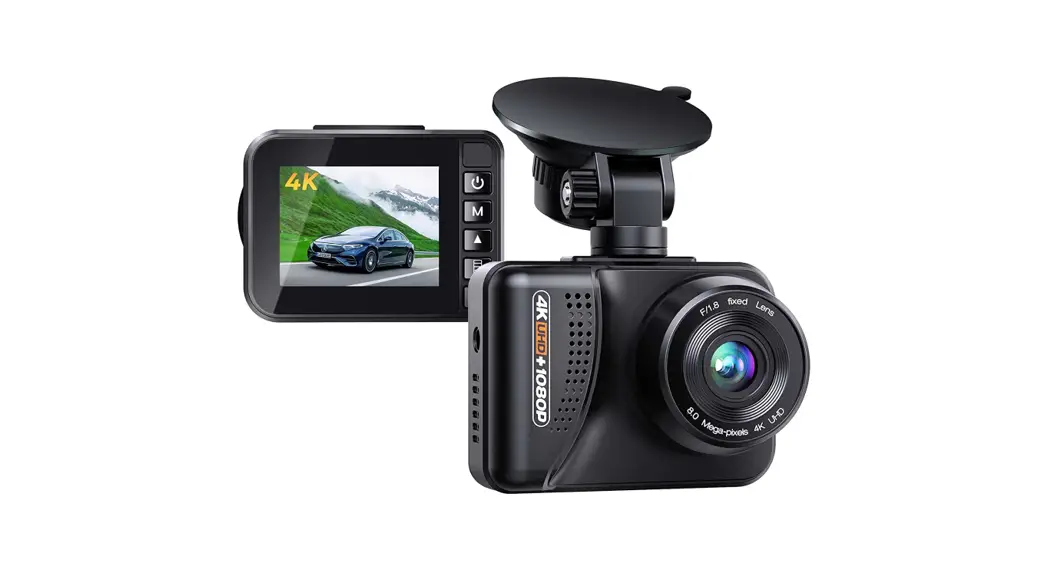
The machine uses a 2-inch display, the front lens adopts the SONY-IMX415 standard, can achieve 4K ultra-high-definition recording, supports up to 128GB memory card, and built-in 2.4G WI-Fl module. You can connect to the mobile app to watch videos at any time.
PRODUCT SPECIFICATION
| Front camera: IMX415 | Front lens resolution: 3840x2160P 4K |
| Storage: MAX 128GB, SD card | Rear lens resolution: 1920*1080P |
| Display screen: 2 inch, 240*320 | Video compression: H.265 / H.264 |
| G-sensor: Support | Video format: MP4 |
| powered by: Car charger | Power supply: USB 5V 2A |
| Wi-Fi: support | recording angle: front 170°, rear 120° |
| Backup camera display: support | Working current: DC13V=500±20MA |
| Parking monitor: support | Operating Voltage: 12V-24V |
| Capacitance: 1.5F | Operating temperature: -20 9C-+65C |
PRODUCT INTRODUCTION
EQUIPMENT INSTRUCTIONS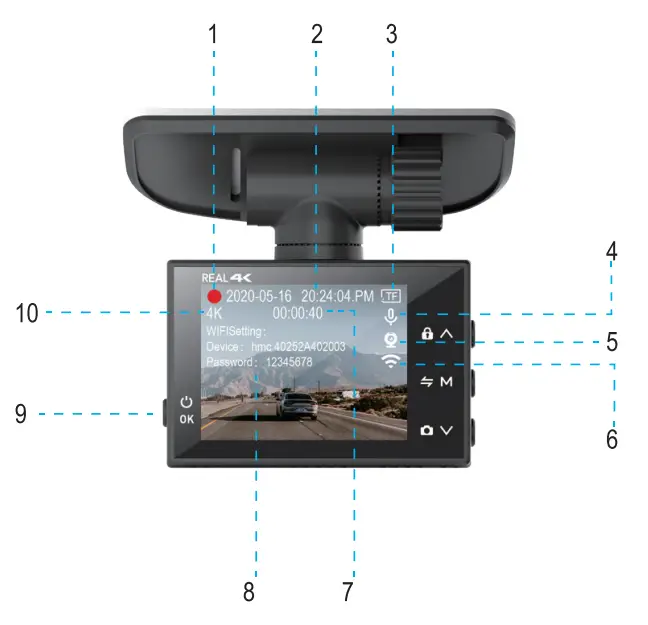
- The red light flashing indicates the device is recording. The blinking yellow light indicates that the current video is being locked.
- Date and time display.
- Memory card identification.
- Recording sound or not.
- Is the rear camera connected or not.
- Wi-Fi status display.
- Recording time.
- WIFI name and password of the machine.
- Video interface: Short press to switch the screen backlight; Menu interface: short press to confirm OK Long press. function: switch machine.
- Recording resolution display of front lens.

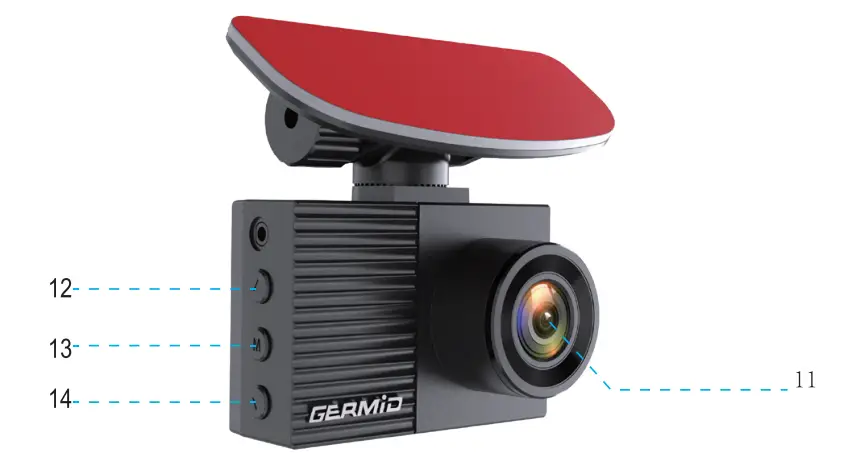
- Front HD lens
- Video interface: short press to lock the video, long press to turn on/off WIFI Enter the menu: short press to scroll up
- Video interface: short press to enter the menu/long press to switch the display screen Enter the menu interface: short press to return to the previous level/exit the menu
- Video interface: short press to take a photo; long press to turn off voice recording Enter the menu: short press to scroll
HOW TO WIRE
Car charger connection
‘Note: If you want to realize the parking monitoring function, you need to replace the ACC wire, and you cannot use the cigarette lighter to connect!
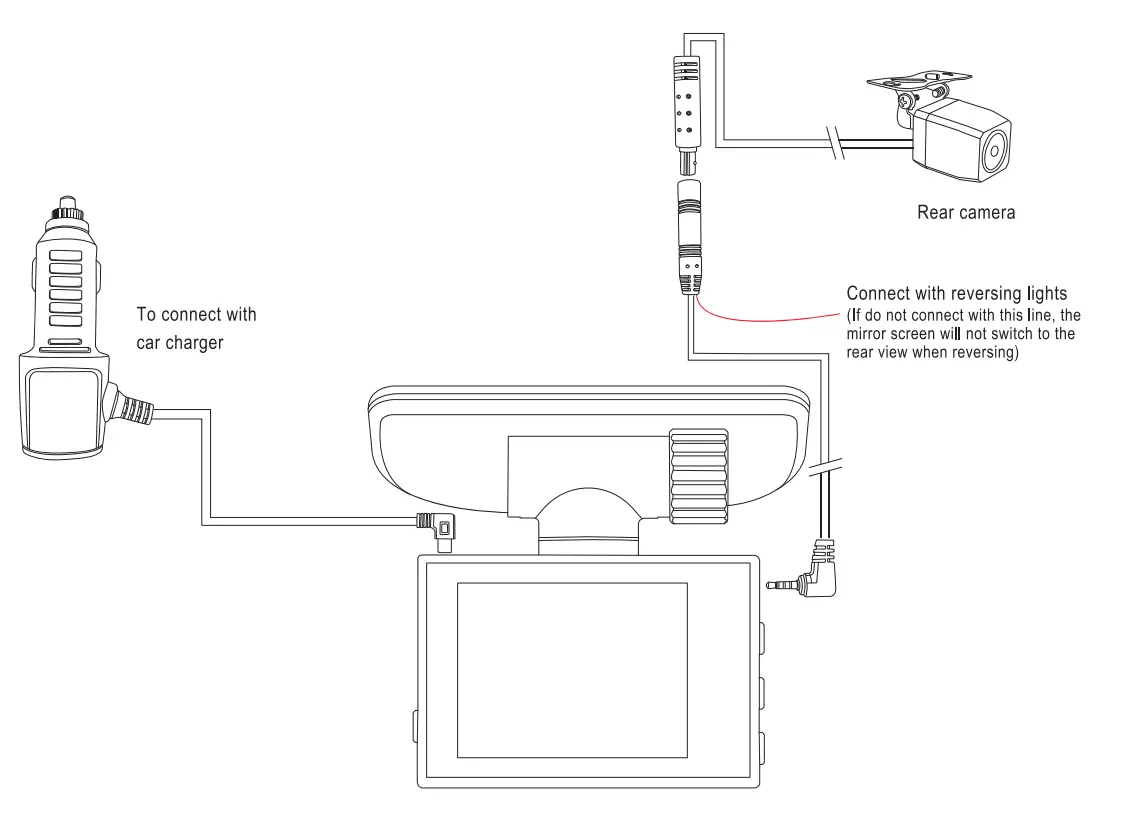
Parking monitoring needs to connect ACC power control line
‘Note: If you want to realize the parking monitoring function, you need to replace the ACC wire, and you cannot use the cigarette lighter to connect! 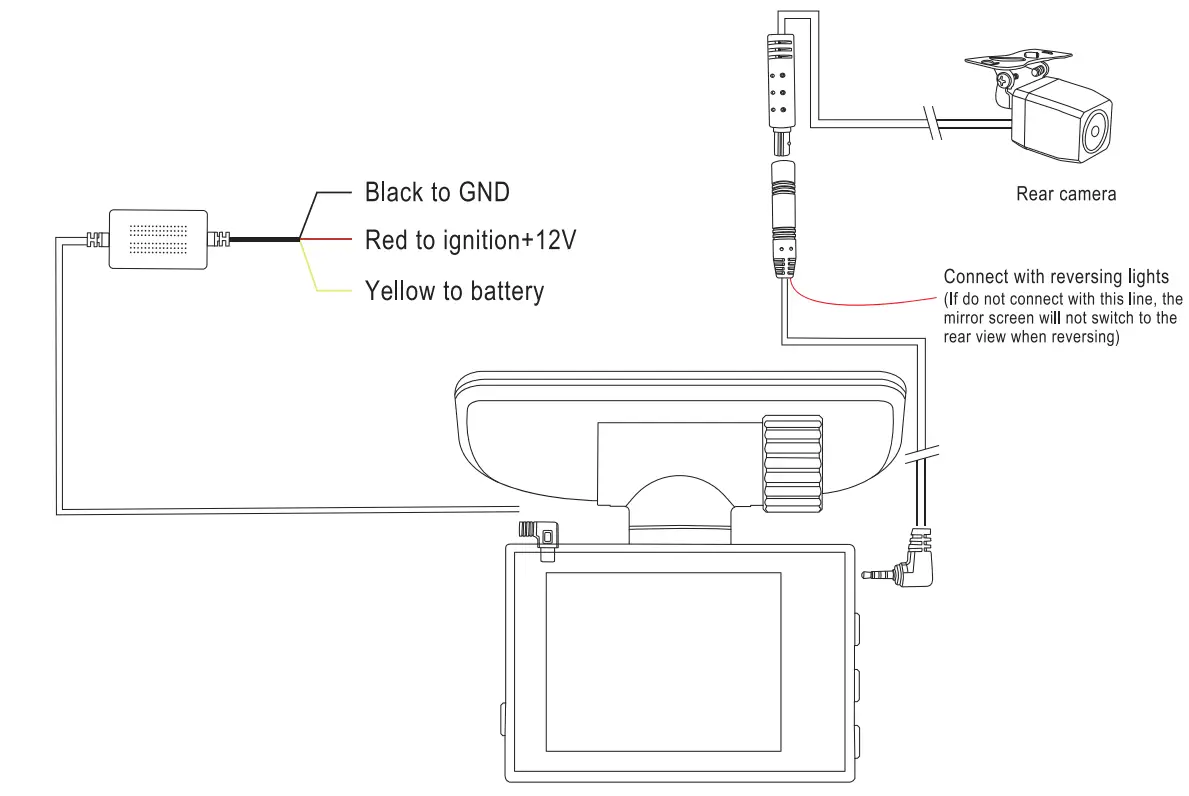
REPLACE BRACKET
This dashcam has two optional brackets that can be replaced
Remove the rotating rod 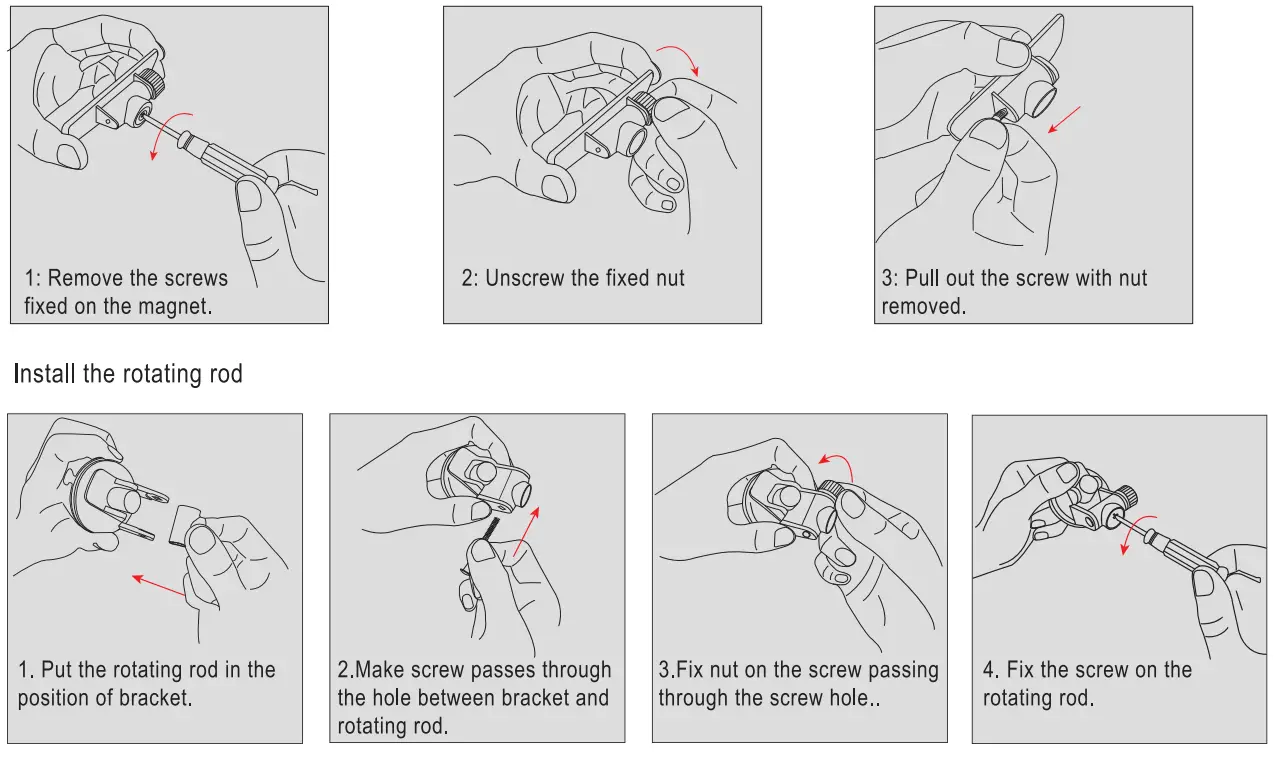
Short press the side of the machine, short press the M button to enter the system menu setting interface. 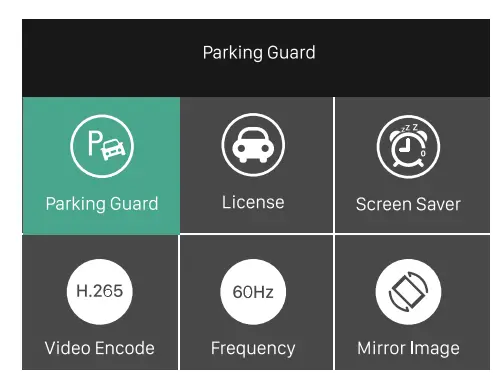
File playback: Normal file”, “Event file”and”Picture file” are optional. After entering the playback page, press the ” OK button to switch to view the front/ middle/ rear channel video.
Resolution: 4K + 1080P or 2K + 1080P.
Loop Record: 1 minute / 3 minutes/ 5 minutes.
Time-lapse: “Otr’ “1S” “2S” “3S”.
When “OFF” is selected, the device will shut down automatically
when the ACC is disconnected.
Select “1S, “2S, and “3S”: When ACC is disconnected, the device will automatically enter the time-lapse monitoring state and record as “1S frame”, “2S frame”, and “3S frame”.
After the ACC is powered, the device exits the time-lapse monitoring and starts normal recording. (This function can only be used when the wire is hard-line, and this function
cannot be used when power by cigarette lighter)
Record Audio: On/ off can be set; when set to “Off’, there will be no sound in the recording video.
G-Sensor: Off/ High / Medium / Low can be set; when the gravity sensor is turned on, the machine is subjected to collision during normal recording. When the collision acceleration value reaches the value set by G-Sensor (trigger sensitivity can be set as required), then the system will Lock the currently recorded video, and the locked video will not be covered by the loop system. 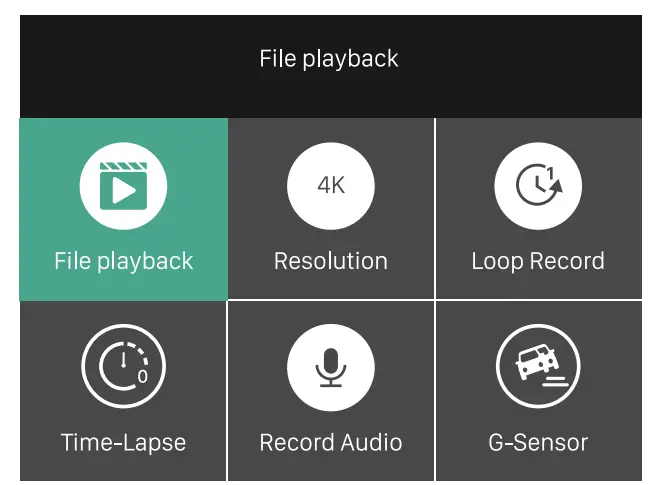
Parking Monitor: Off/ High / Medium / Low can be set; when the dashcam is off if it detects vibration of the car (trigger sensitivity can be set as required), then the recorder will automatically start recording for 20 seconds and then shut down.
License: You can set your license plate number and then display it on the recording interface and the recorded video.
Screen Saver: Off/ 1 minute / 3 minutes.
Video Encode: H.264 / H.265 can be set.
Frequency: 50Hz / 60Hz.
Mirror Image: ON / OFF 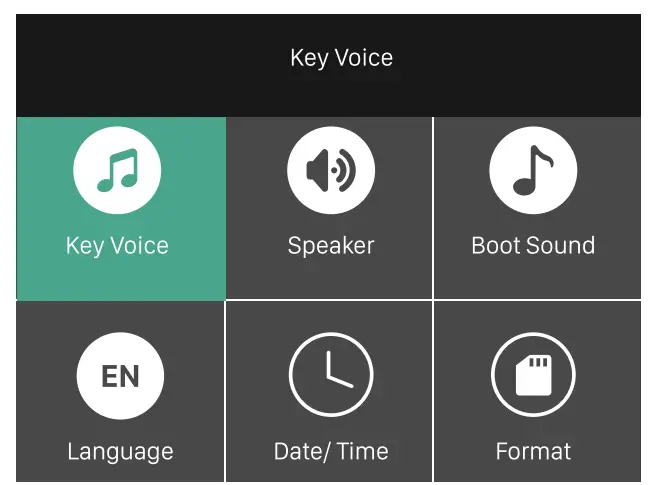
Key Sound: On / off can be set.
Speaker: Off/ low/ medium / high.
Boot sound: On / off can be set.
Language: 8 languages optional.
Date/Time: the time I date I time format/ date format can be set.
Format: If the files in the SD card are not important, the user can clear all the files in the SD card with one click. 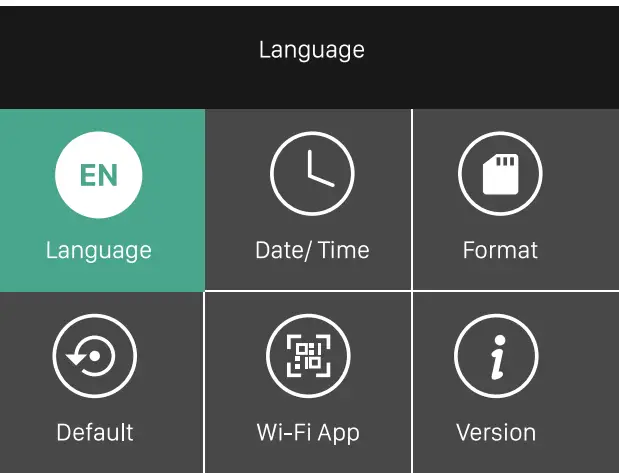
Default: After multiple custom settings, users can use this option to restore the recorder to the original factory setting.
Wi-Fi App: Scan the QR code to download the APP, and realize the wireless connection between the mobile phone and the device through Wi-Fi.
Version: Check the device version number.
WI-Fl CONNECTION
Built-in Wi-Fi module, this machine can be connected to a mobile phone through Android or IOS APP, please follow the instructions below.
- Search “RoadCam” in the App Store (Apple) or App Store (Android), or scan the QR code below to quickly install the APP.

- http://139.224.70.115/app/roadcam/roadcam.html
Turn on the Wi-Fi of the mobile phone, and connect the Wi-Fi ID (the default name is himc_apxxxxxxxxxx _ *), enter the initial password: 12345678.
- Click the icon to connect the phone and dashcam
 After connecting successfully, on the bottom right corner of the dashcam will display “Please operate in the App!” Users can view the video being recorded or make other settings on the mobile phone.

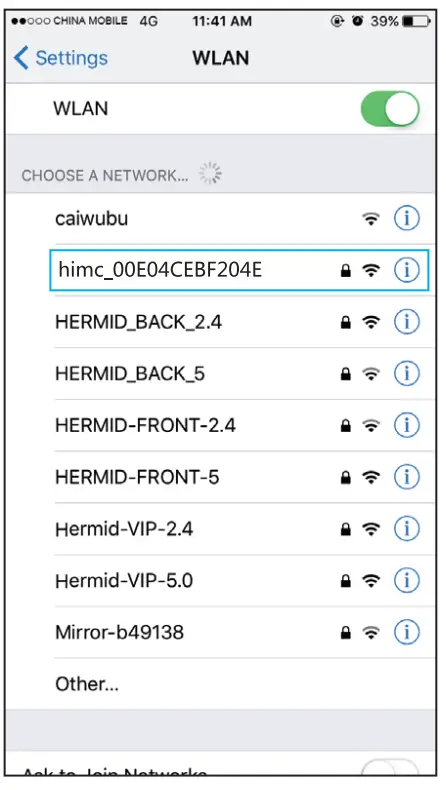
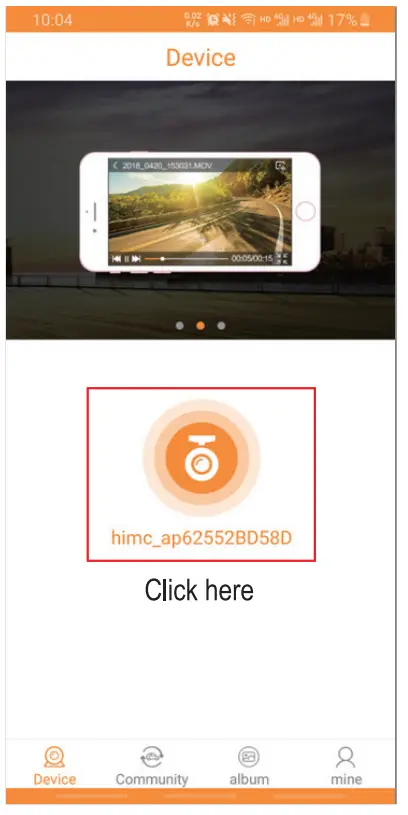 After connecting successfully, on the bottom right corner of the dashcam will display “Please operate in the App!” Users can view the video being recorded or make other settings on the mobile phone.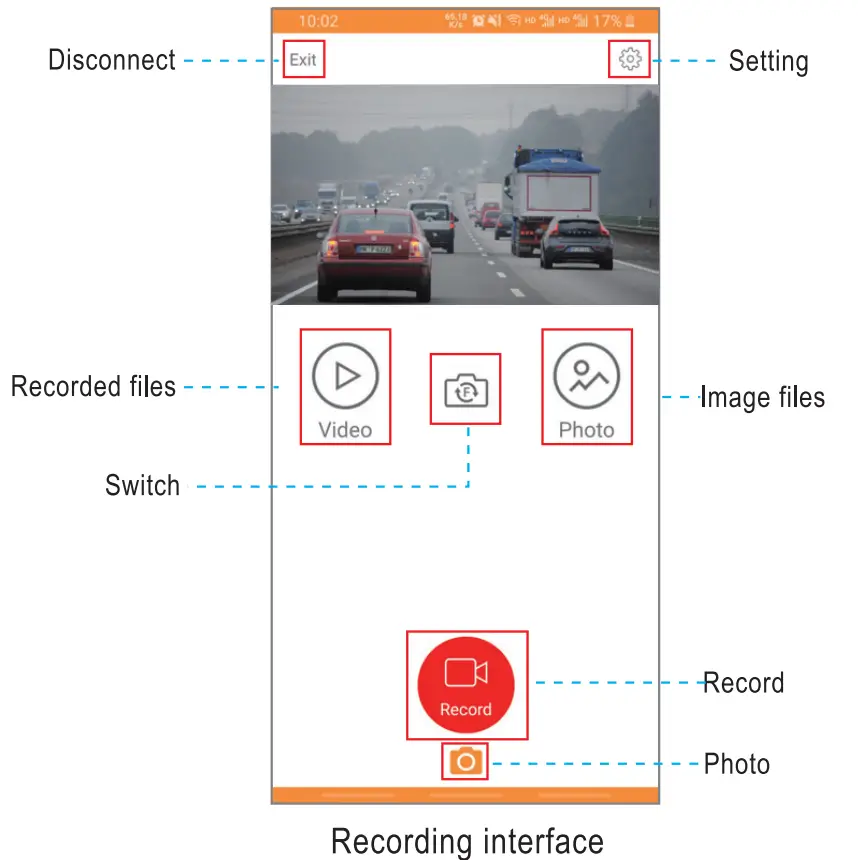
5. Click  to enter the recorded video interface, you can perform individual, batch deletion, or download to the local on the recorded video.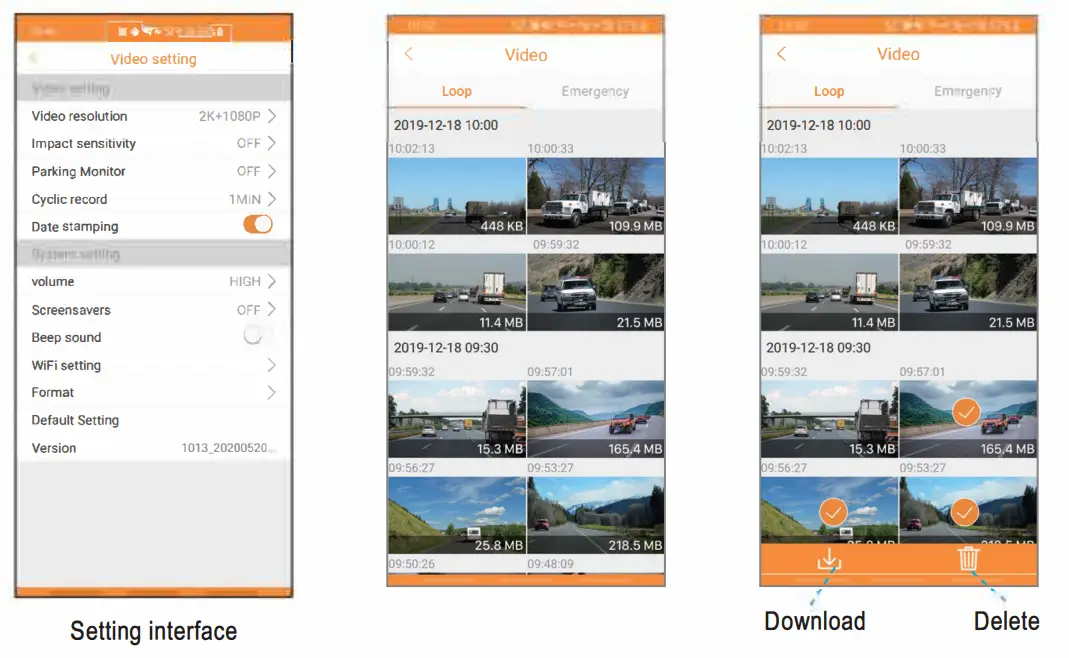
FCC STATEMENT
Changes or modifications not expressly approved by the party responsible for compliance could void the user’s authority to operate the equipment.
This equipment has been tested and found to comply with the limits for a Class B digital device, pursuant to Part 15 of the FCC Rules. These limits are designed to provide reasonable protection against harmful interference in a residential installation. This equipment generates uses and can radiate radio frequency energy and, if not installed and used in accordance with the instructions, may cause harmful interference to radio communications. However, there is no guarantee that interference will not occur in a particular installation. If this equipment does cause harmful interference to radio or television reception, which can be determined by turning the equipment off and on, the user is encouraged to try to cone the interference by one or more of the following measures:
- Reorient or relocate the receiving antenna.
- Increase the separation between the equipment and receiver.
- Connect the equipment into an outlet on a circuit different from that to which the receiver is connected.
- Consult the dealer or an experienced radio/TV technician for help
This device complies with part 15 of the FCC rules. Operation is subject to the following two conditions (1)this device may not cause harmful interference, and (2) this device must accept any interference received, including interference that may cause undesired operation.
This equipment complies with FCC radiation exposure limits set forth for an uncontrolled environment. This equipment should be installed and operated with a minimum distance of 20cm between the radiator & your body.